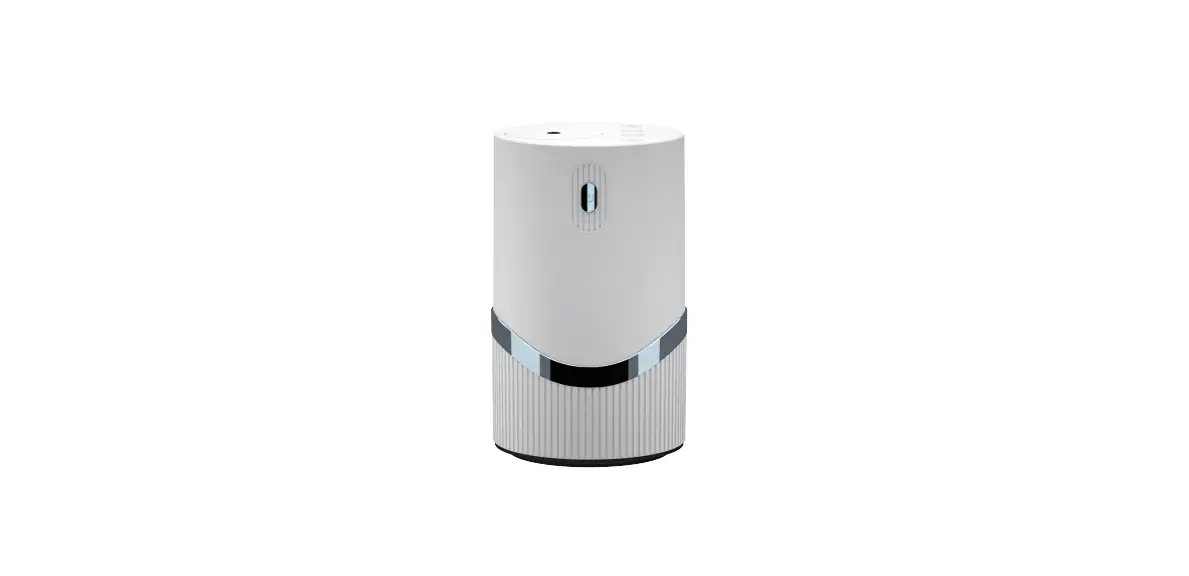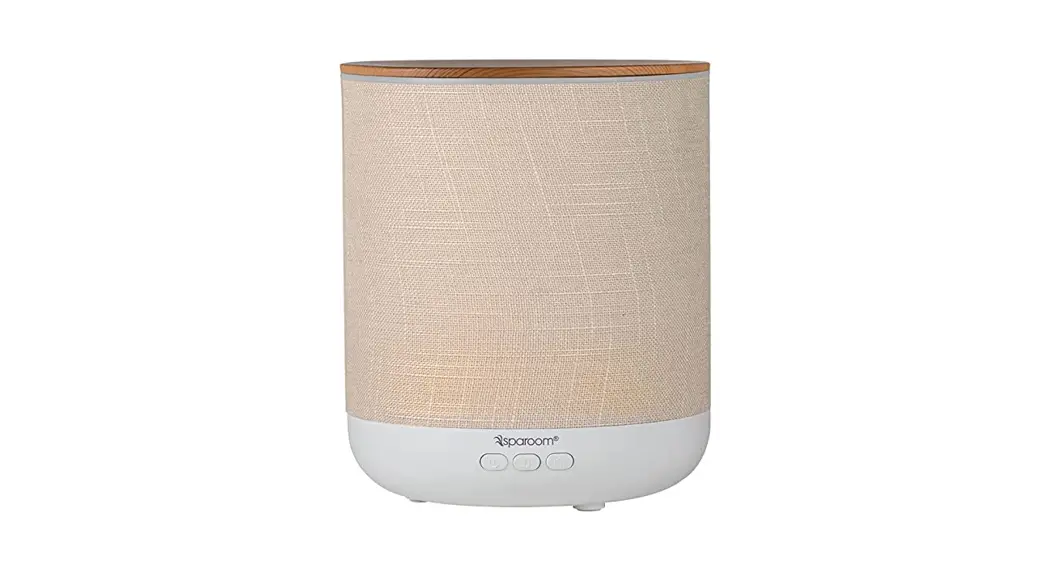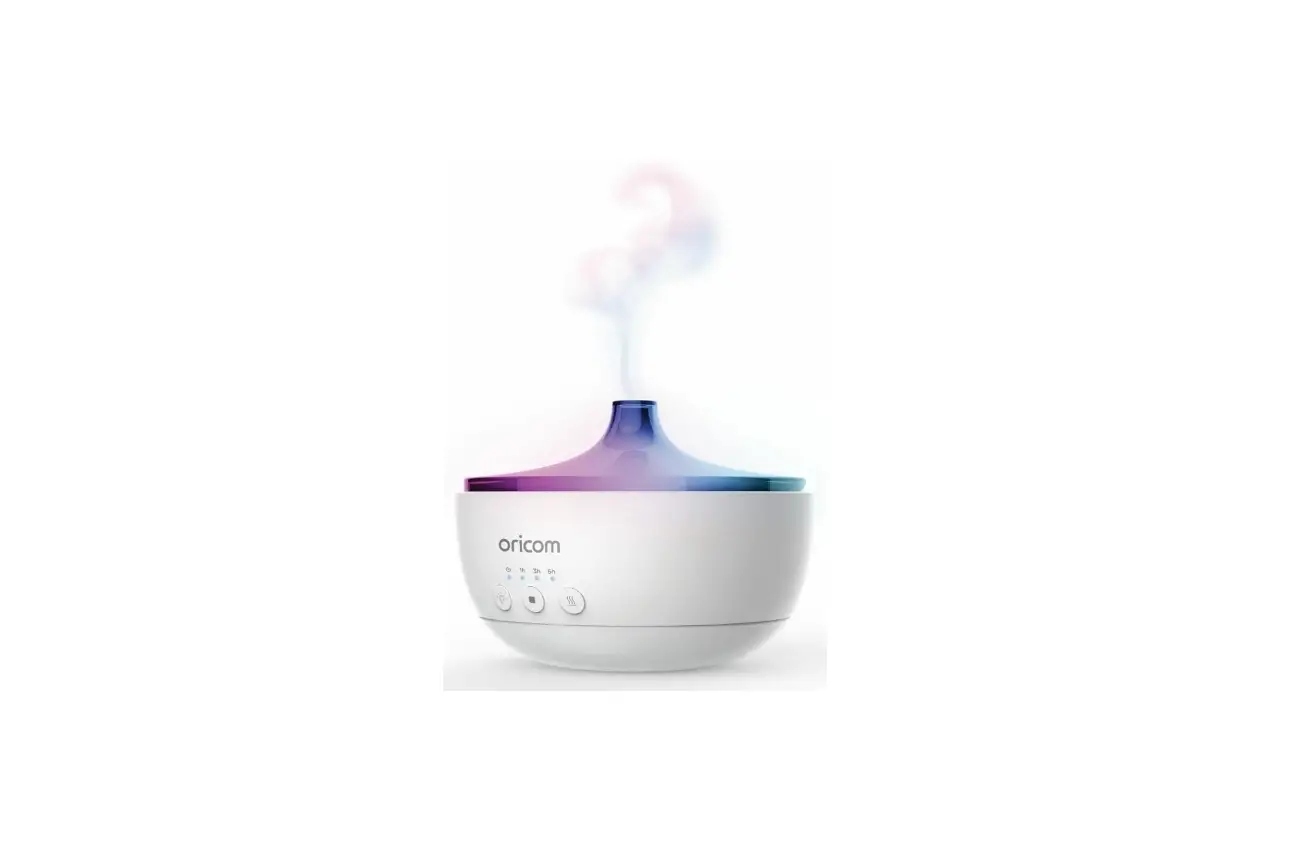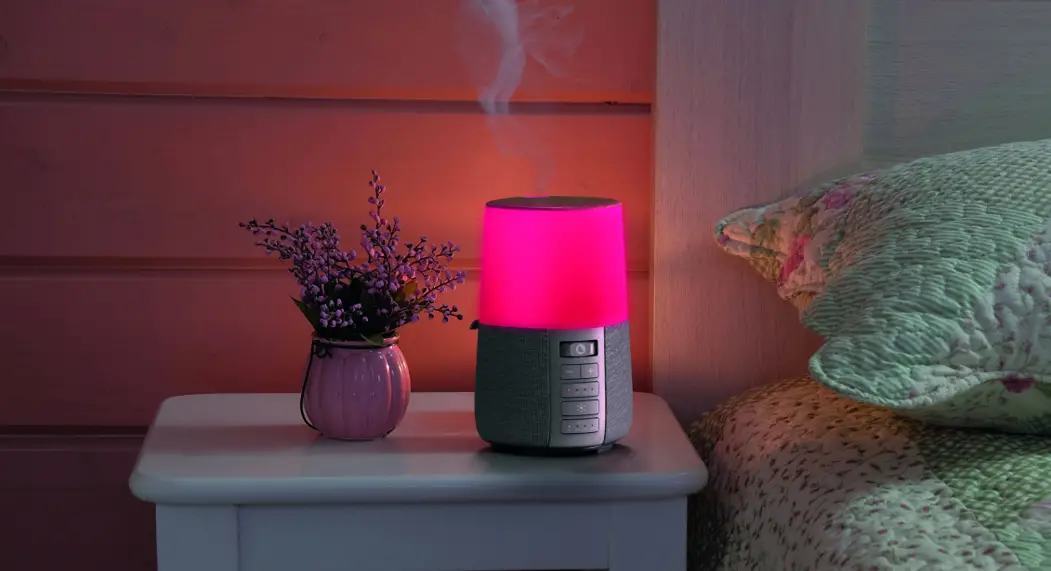

i-box Essence
Aroma Diffuser with Ambient Sounds
Introduction
Essential oil diffuser with RGB light and relaxing natural soundtracks
User Guide
 Caring for your Essence aroma diffuser
Important – Please read these instructions fully before installing or operating your diffuser. Keep away from flame sources such as lighted candles.
The diffuser should not be exposed to direct sunlight, very high or low temperature, vibrations, strong magnetic fields, high frequencies, and dusty environments.
Make sure ventilation is not impeded by covering the ventilation openings with items, such as newspapers, tablecloths, curtains, etc.
Never attempt to insert wires, pins, or other such objects into the vents or openings of the unit.
Do not disassemble or modify the unit, there are no user-serviceable parts.
If the unit is damaged in any way or malfunctions do not use it. Consult a qualified service engineer.
Do not use abrasives, benzene, thinner, or other solvents to clean the surface of the unit. To clean, wipe with a clean soft cloth and a mild detergent solution..
Electrical and electronics should not be disposed of with household waste. at the end of its life cycle; hand it over to a collection center for the recycling of electrical and electronic appliances. Please check with your Local Authority for recycling advice.

Box Contents
1x Aroma diffuser, 1x 24V0.5A AC/DC Power adaptor, 1x User guide
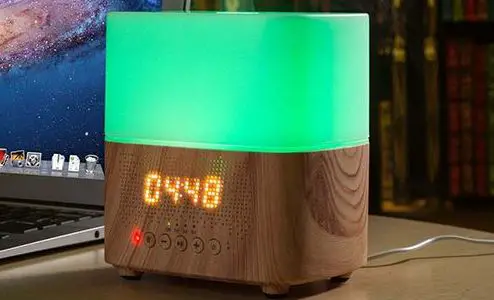
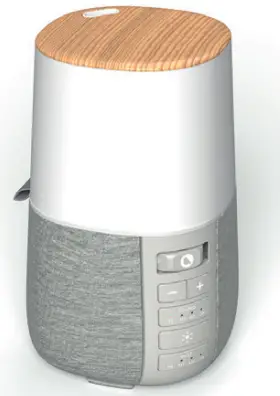
Features and controls
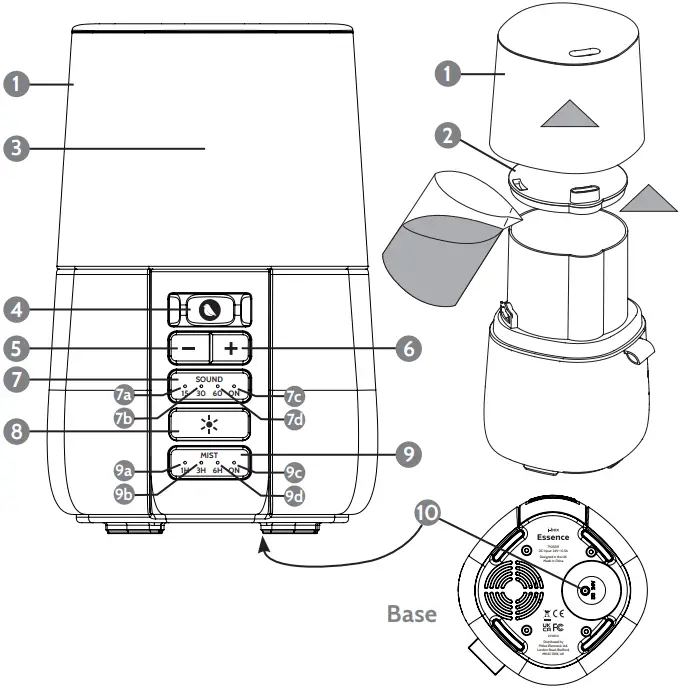
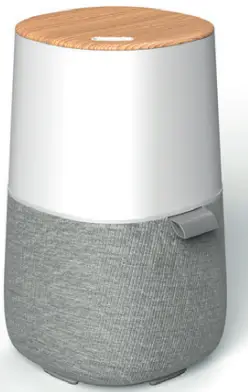
- Water tank cover
- Water tank lid
- Water tank/Ambient light
- Soundtrack selector switch
- Volume – button
- Volume + button
- Sound Timer/On/Off button
a) 15min LED indicator
b) 30min LED indicator
c) 60min LED indicator
d) On LED indicator - RGB Mood light control button
- Mist Timer/On/Off button
a) Mist 1H LED indicator
b) Mist 3H LED indicator
c) Mist 6H LED indicator
d) Mist On LED indicator - DC Power in socket
Powering your diffuser
To power, your i-box Essence connects the power adapter supplied to an electrical outlet and the DC power in socket 10 on the base of the diffuser.
Diffuser filling and operation
Before use ensure your i-box Essence is placed on a stable, horizontal surface where it is safe from being knocked over accidentally.
To Fill:
- Remove the top cover
1 - Liftoff the lid of the water tank
2 - Fill the tank with up to 250ml of tap water (within 1cm of the top approx.)
- Add 3-5 drops of essential oil
- Replace the tank lid
To operate the diffuser:
Press the MIST button repeatedly to select the amount of time the diffuser operates for (1, 3, or 6 hours) or On/Off. The MIST LEDs will indicate the setting selected. If On is
selected the diffuser will operate until the tank is empty
Playing the soundtracks
- Press the SOUND Timer/On/Off button repeatedly to select the playback duration time (15, 30, or 60 minutes) or On/Off. If On is selected the track will
play continuously until switched Off manually. - Rotate the soundtrack selector switch (4) to choose one of the 6 soundtracks:

- Press the Volume + / Volume- button to adjust the volume.

RGB Ambient light operation
The Essence is fitted with an LED light which illuminates the top half of the unit with a soft glow. You can select a constant light in one of the six available colors or set
the lamp to cycle slowly through the available colors.
- Short press the Ambient light button
8to turn on the LED light (1). - Short Press the Ambient light button
8repeatedly to scroll through the different colors options available: Red > Orange > Yellow > Green > Blue > Purple and the seventh option in which the LED slowly cycles through all the colors. - Long Press the Ambient light button
8to switch the Ambient light OFF.
Specifications | |
| Essence Power Input | 24V0.5A |
| Power Adaptor Input | 100-240V~50/60Hz, 0.?A |
| Tank Capacity | 250ml |
| Sound Timer Options | 15/30/60 minutes |
| Diffuser Timer Options | 1/3/6 hours |
Technical support
For further help, advice, information, or live chat visit www.iboxstyle.com
ErP/EuP directive No. (EU) 2019(1782)
Power Supply
| Manufacturer/Address | Philex Electronic Ltd. Kingfisher Wharf, London Road, Bedford, United Kingdom. Registration No. 339123 |
| Model identifier / Modellkennung | YNQX12T240050UL |
| Input voltage | 100-240V |
| Input AC frequency | 50/60Hz |
| Output voltage | 24VDC |
| Output current | 0.5A |
| Output power | 12W |
| Average active efficiency | 83.59% |
| Efficiency at low load (10 %) | – |
| No-load power consumption | 0.0792W |
Disclaimer
Updates to Firmware and/or hardware components are made regularly. Therefore some of the instructions, specifications, and pictures in this documentation may differ slightly from your particular situation. No legal rights or entitlements may be obtained from the description made in this manual.
© Philex Electronic Ltd 2020. v1.1
Kingfisher Wharf, London Road,
Bedford, MK42 0NX UK
Made in China.