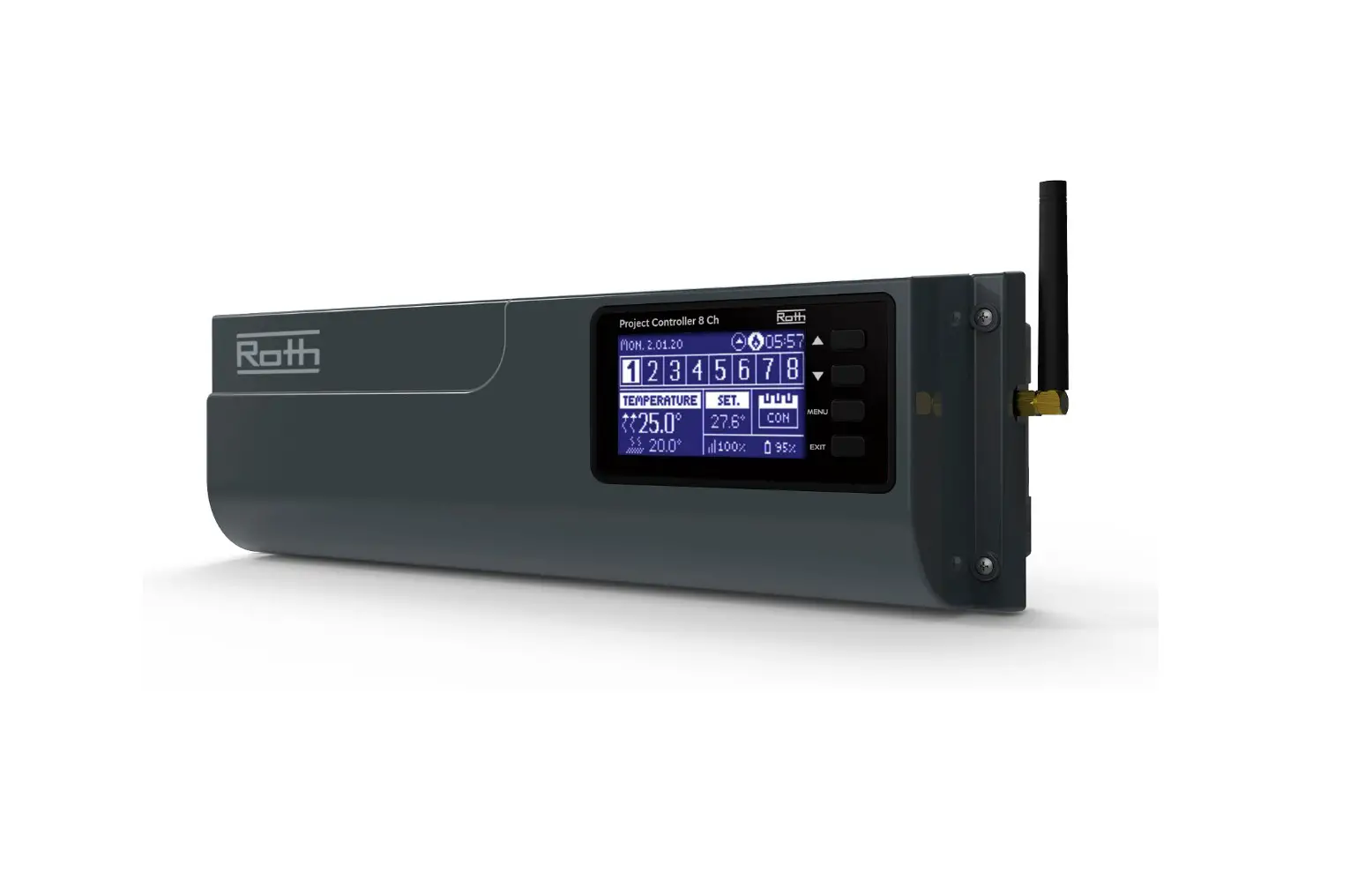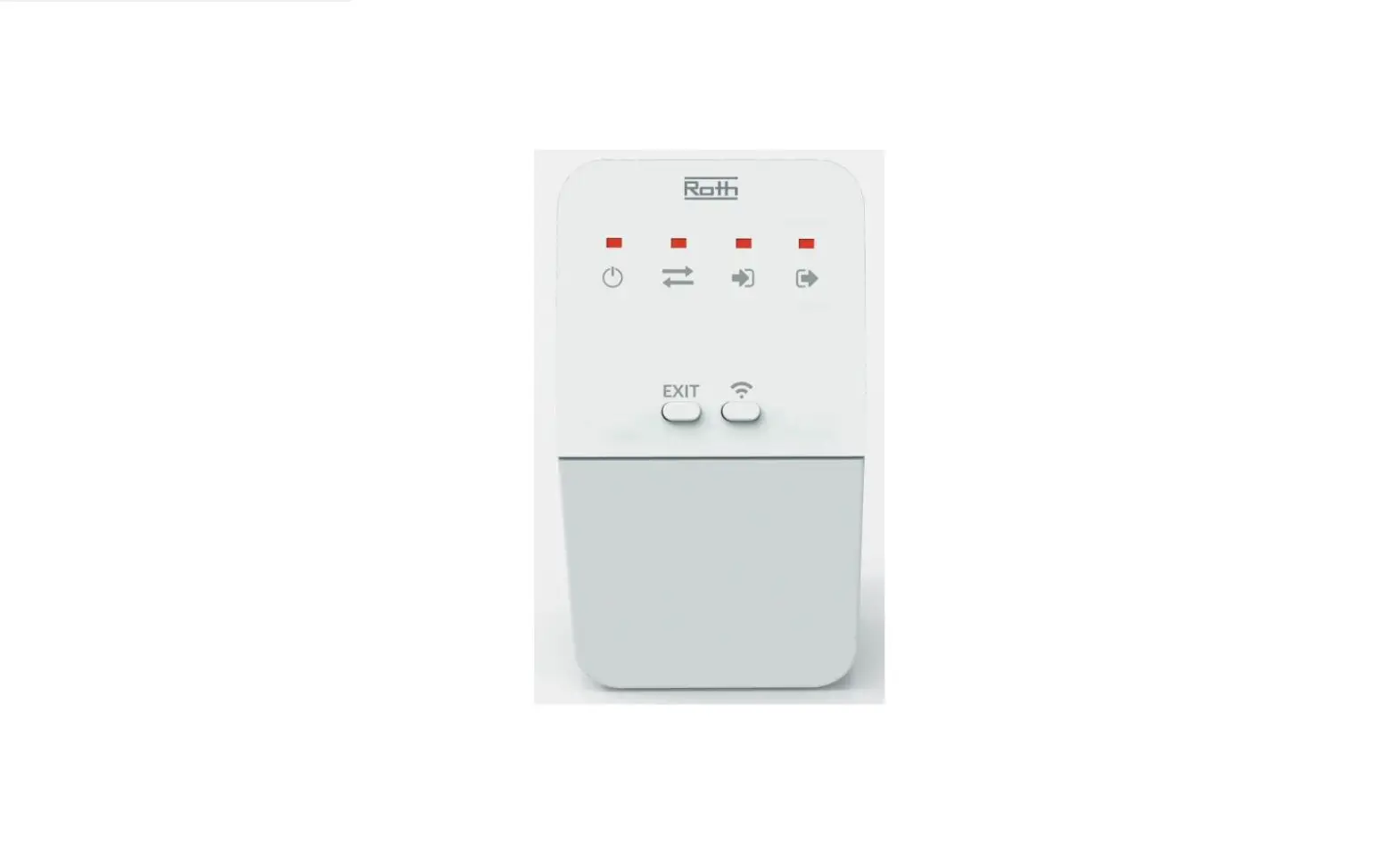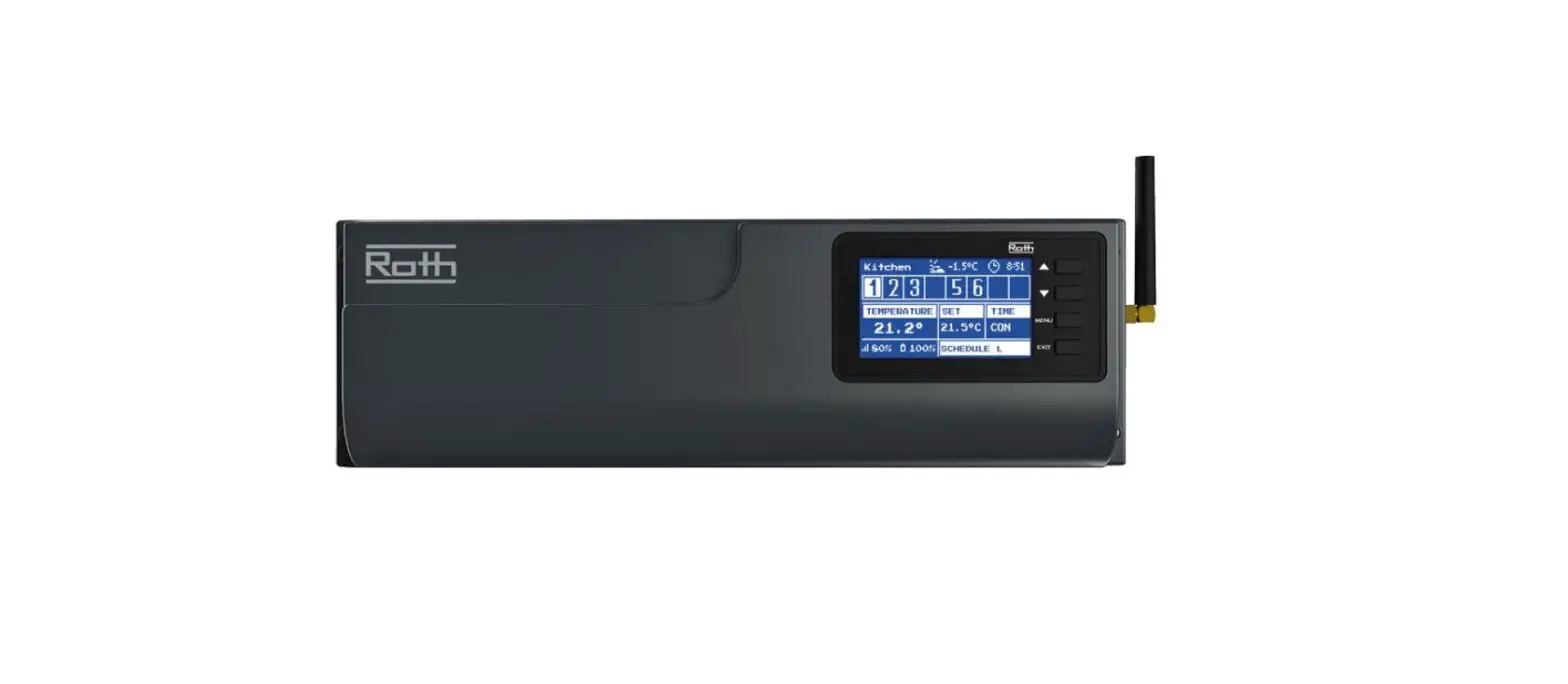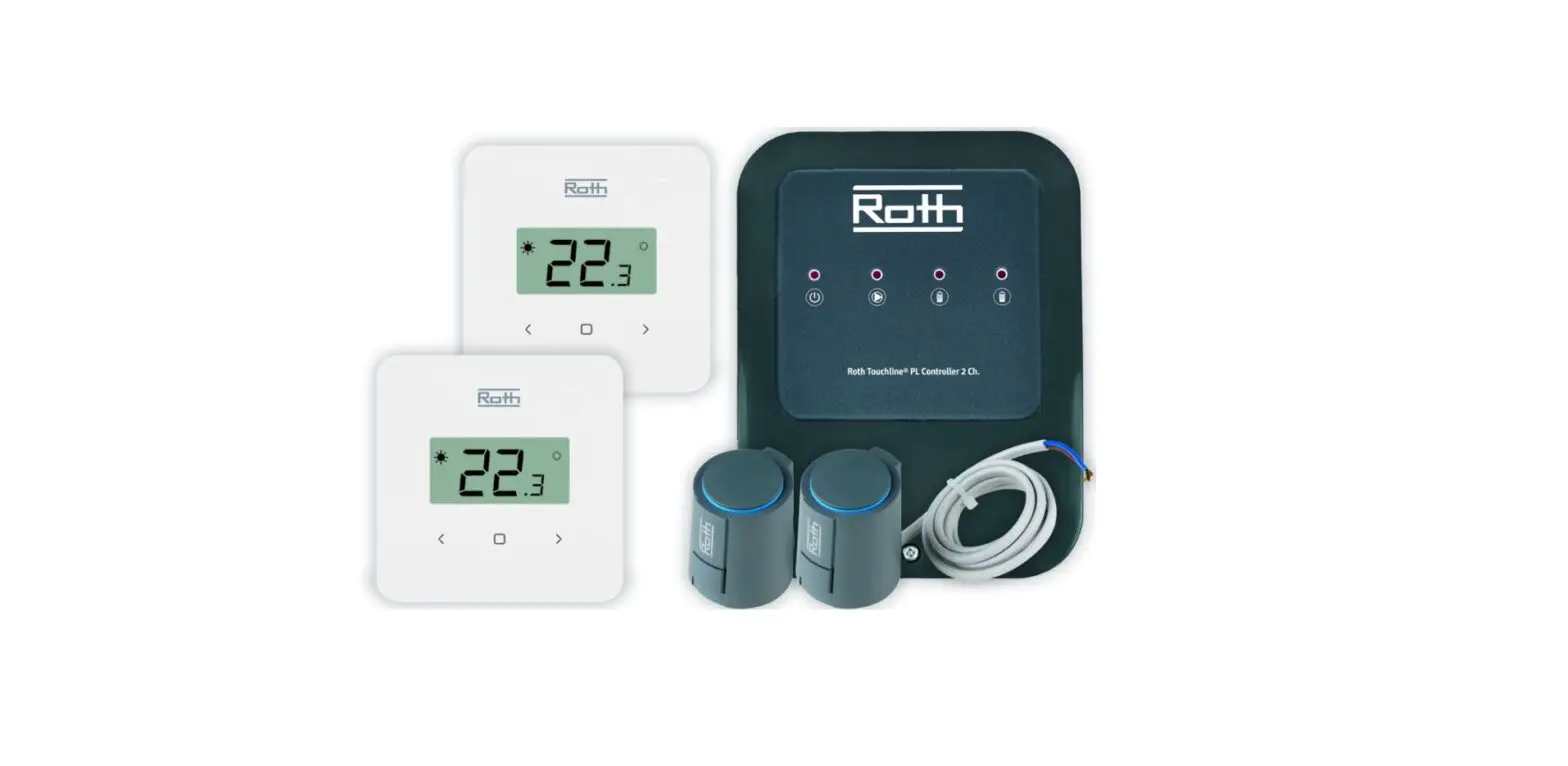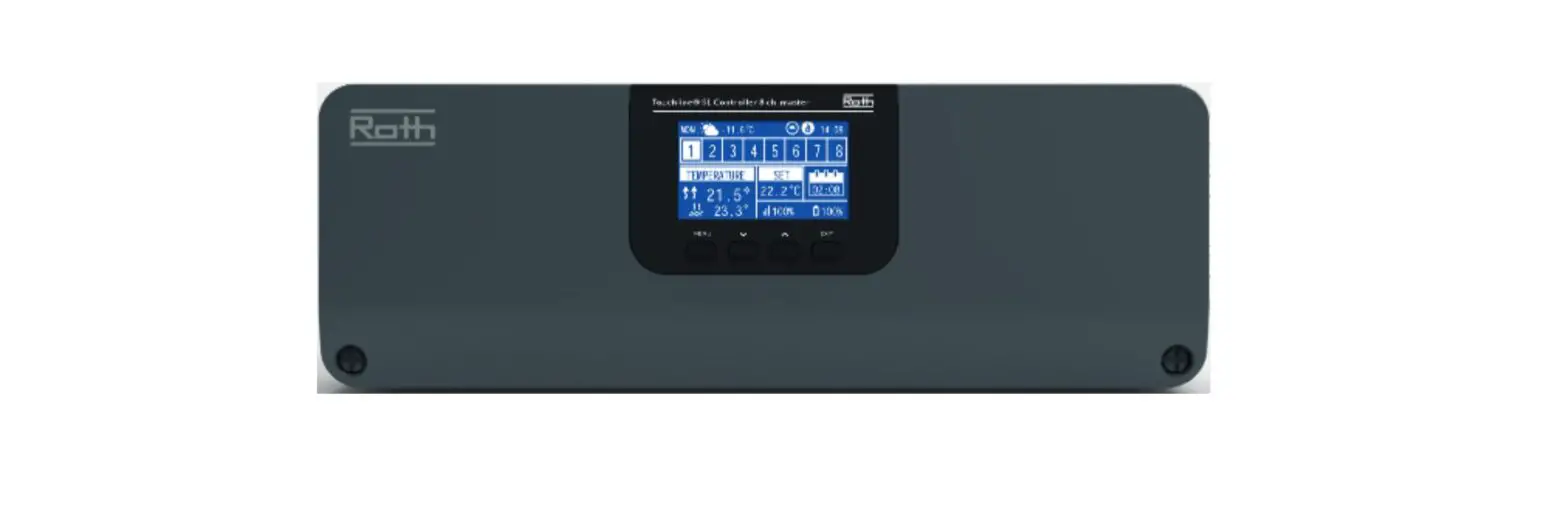
Roth Touchline SL Control Unit 8 Channels Master 230V Installation Guide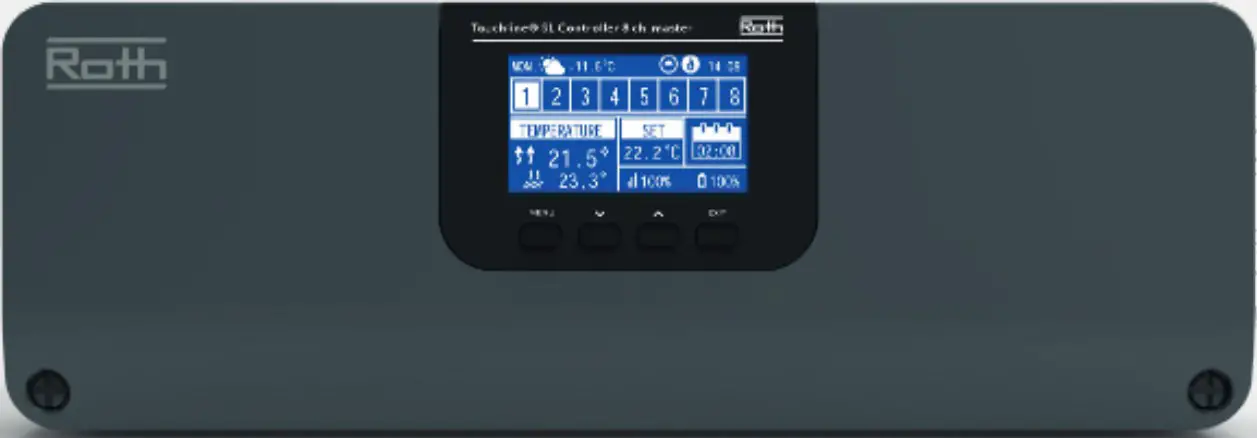
 WARNING
Risk of fatal electric shock from touching live connections. Before working on the controller always switch off the 230V power supply and prevent it from being accidentally switched on.
Mouting Instructions
Roth Touchline® SL Controller 8 ch, master HVAC no. 7466397028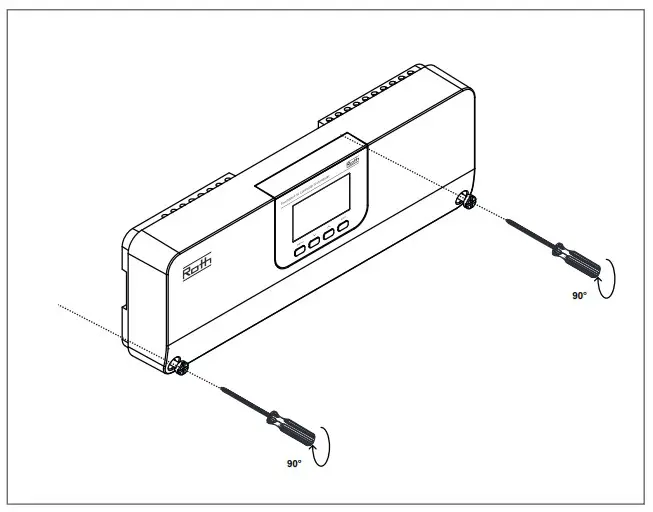
Must be mounted on a flat surface or using a DIN rail (not incl.), screws max. Ø 4 mm.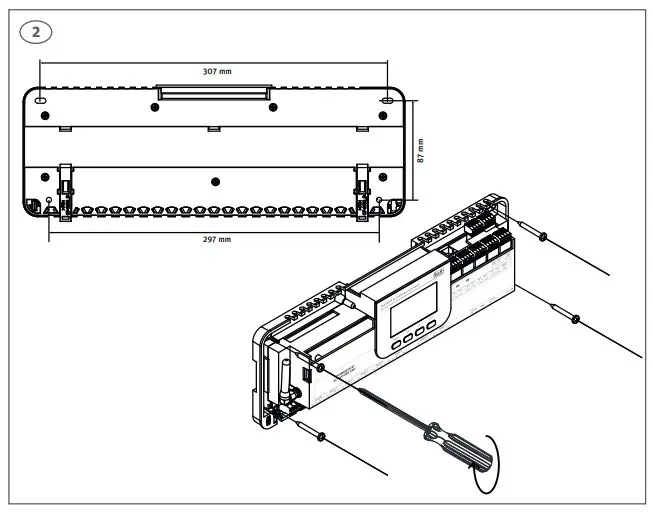
Connecting
If required up to 4 actuator can be connected to the same output/ zone (32 actuators in total on the controller) Meaning: An output with 2, 3 or 4 terminals can all be connected with up to 4 actuators.
Use Roth Touchline® actuator 230V 1 watt, HVAC no. 7466275433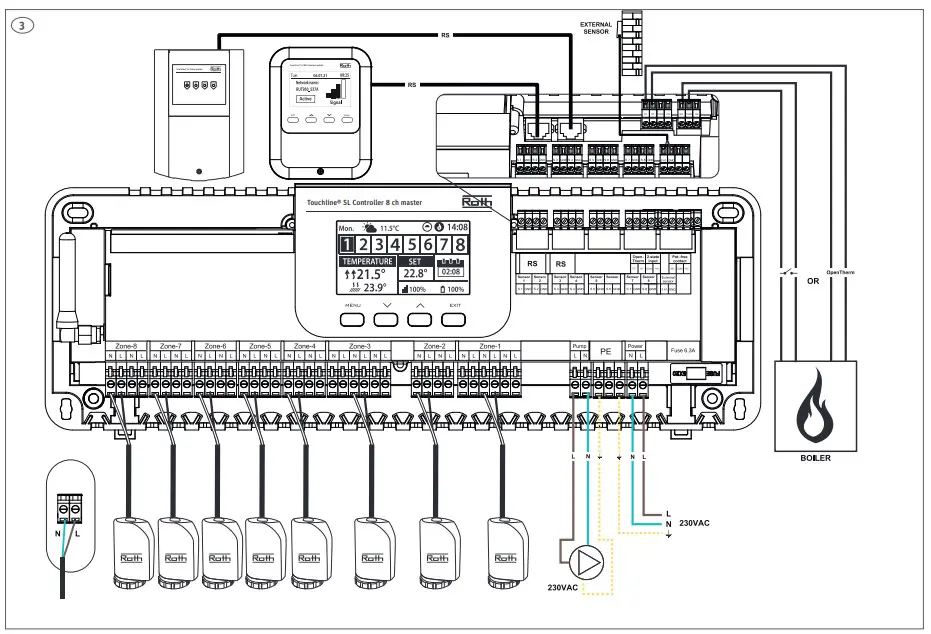
230V pump output, max. load 0,5A. Cables must be secured.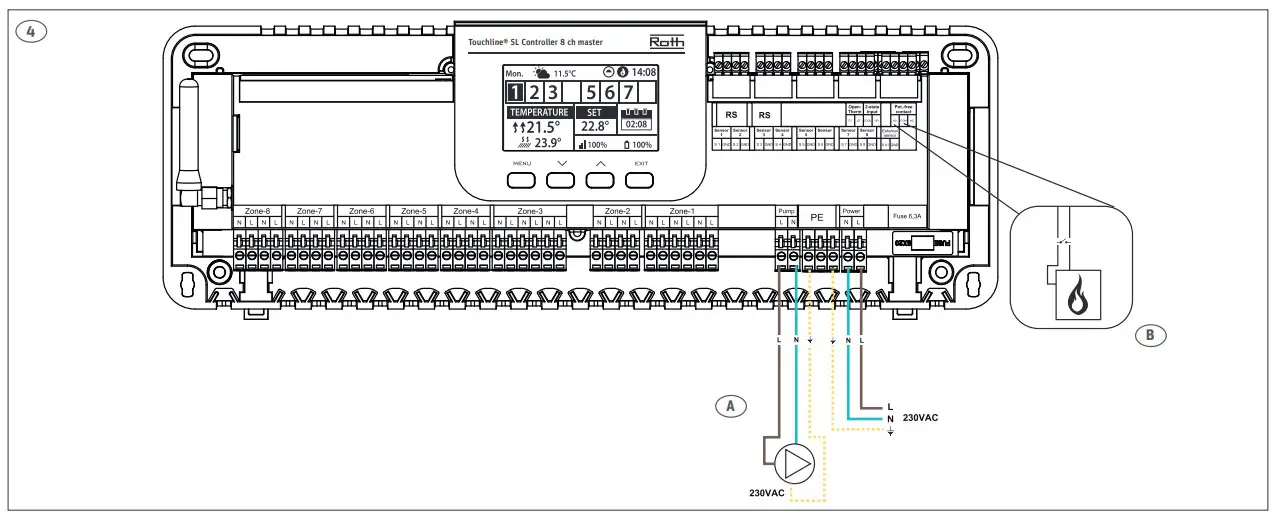
Connect to 230V power, Controller is ready for pairing of sensors. Please see thermostat/sensor operation manual.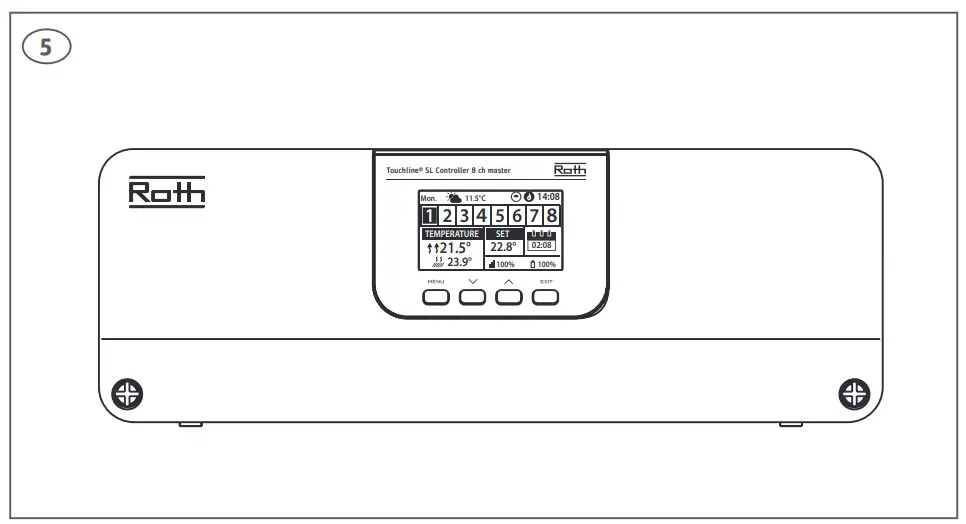
Glass fuse WT 6.3A (5 x 20 mm). Turn off 230V power before changing.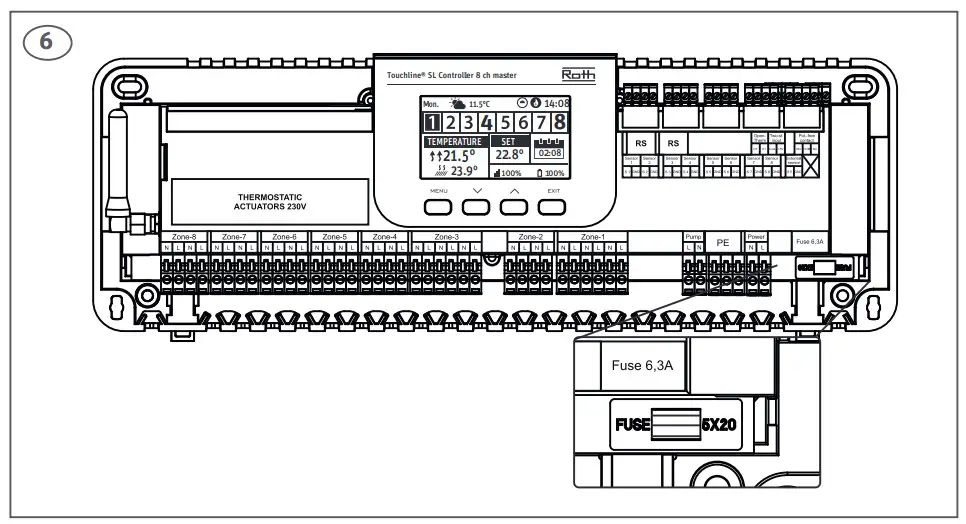
Connecting
One Roth Touchline® SL Controller, master can be connected wireless with up to 4 Roth Touchline® SL Controllers, extension, meaning up to 40 channels in one system.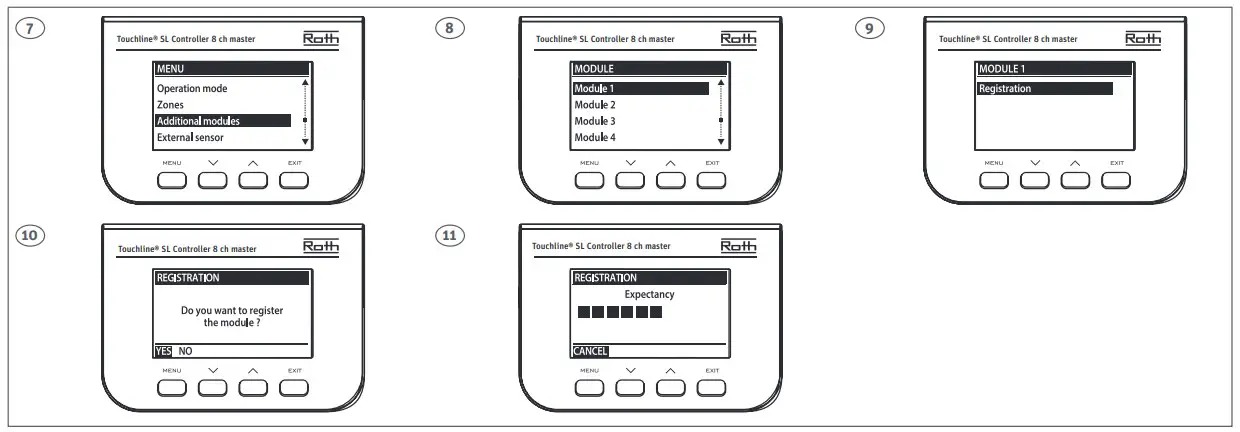
Now press the MENU button on the Extension Controller and follow the screens. Roth Touchline® SL Extension Controller 1 will show the channels 9-16. Controller 2 channels 17-24 etc.
When the devices have registered the connection, “OK” is displayed. Finish by pressing “Menu”.
After registering the Roth Touchline® SL Controller, extension to the Roth Touchline® SL Controller, master this will be shown on the display. It is now possible to see all channels on both the Master and Extension Controller on the Master display. All channels kan be operated from the Roth Touchline® SL Controller, master or via the Roth Touchline® SL app if the Master Controller is connected to the internet via a Roth Touchline® SL WiFi Internet module.
Setting up pump stop
If the pump output is to be used to control the global pump connected to the control unit – master, the signal must be transmitted from the control unit – extension to the master control unit. Follow the steps on the screens for setting og the the control unit – extension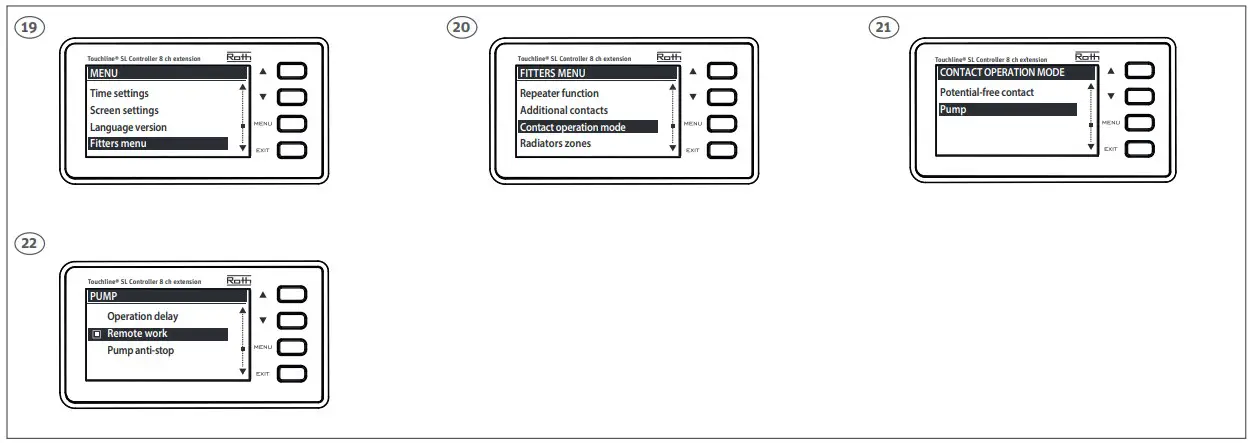
Finish the setup on controller – master, follow the steps on the screens.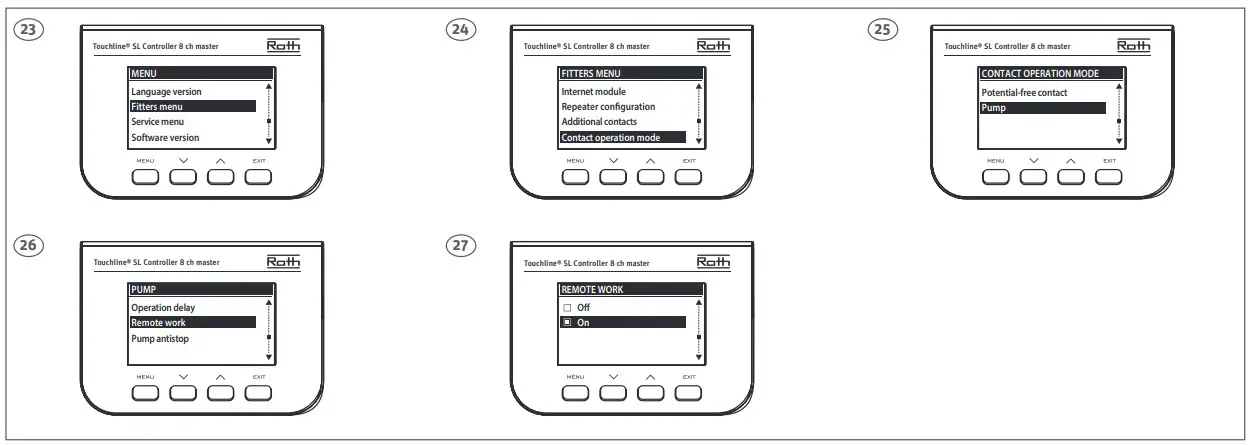
Roth Touchline® SL QR
ROTH UK Ltd
1a Berkeley Business Park
Wainwright Road
Worcester WR4 9FA
Phone +44 (0) 1905 453424
E-Mail [email protected]
[email protected]
[email protected]
[email protected]
roth-uk.com

 Hej! Welcome to Sweden | sweden.se – the official website of Sweden