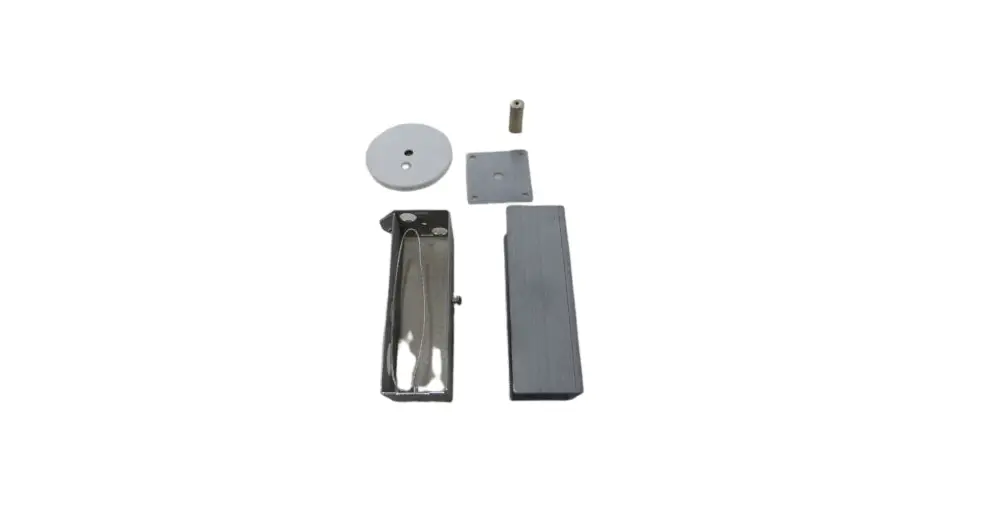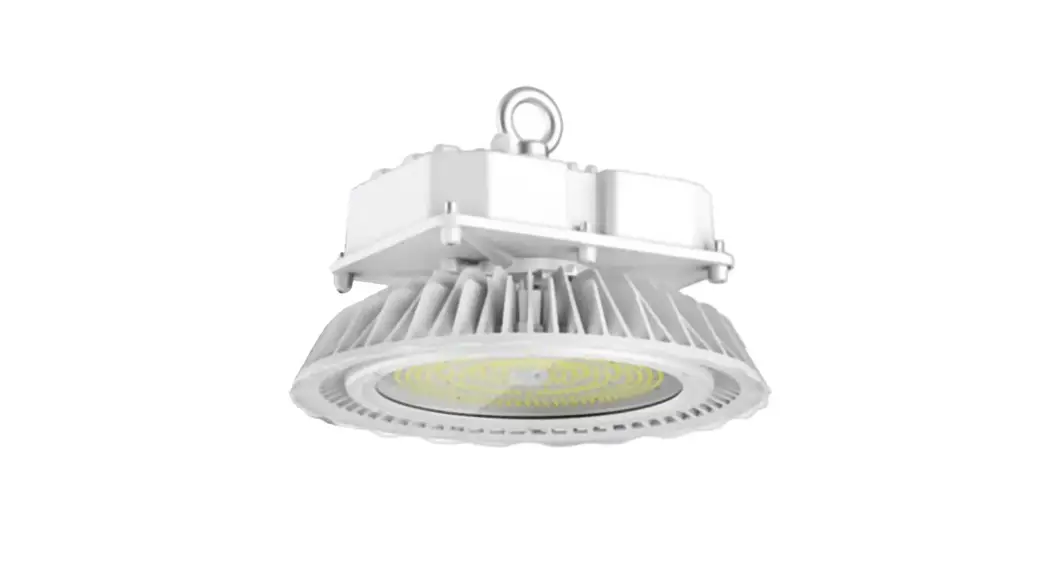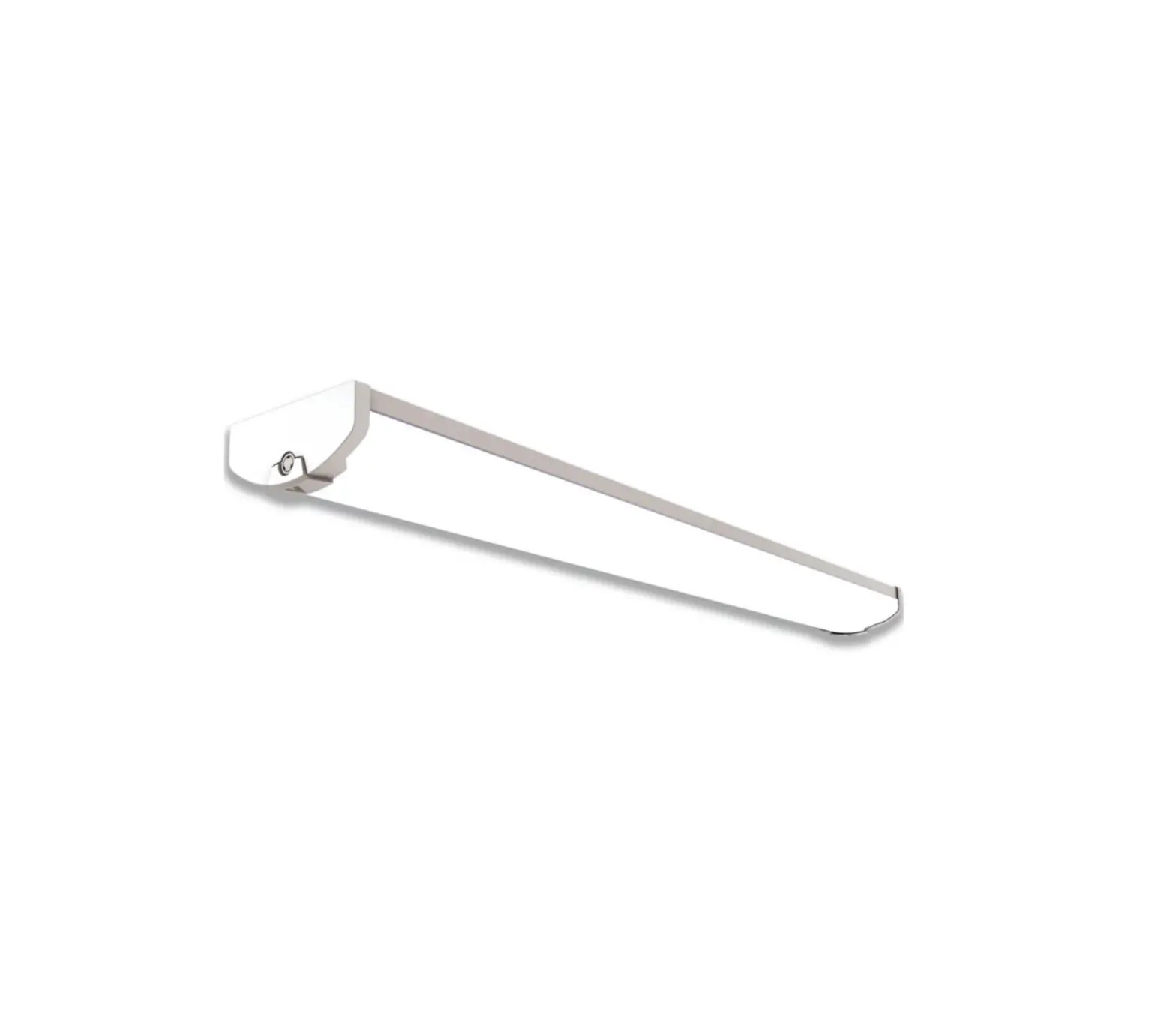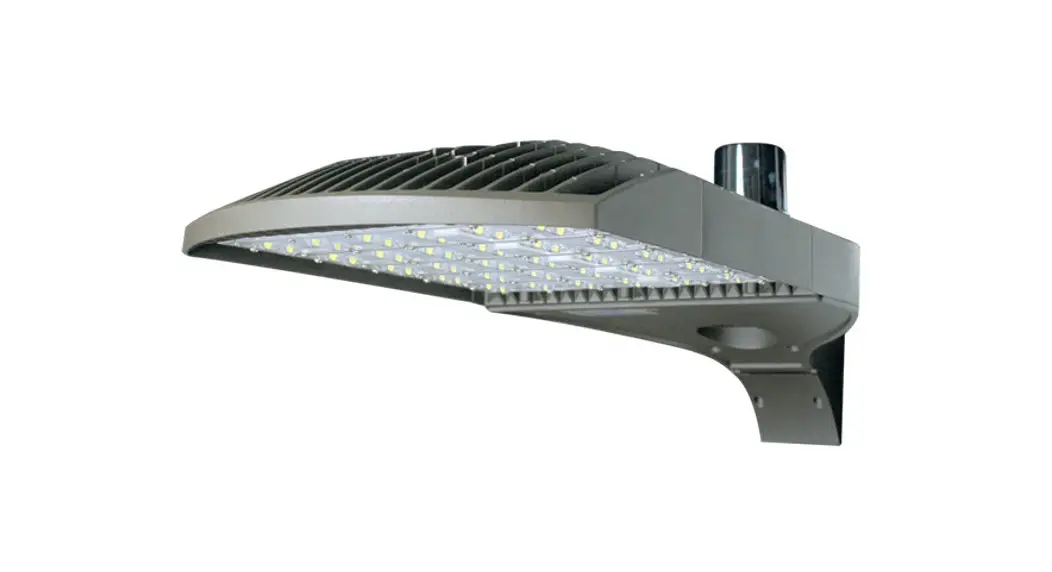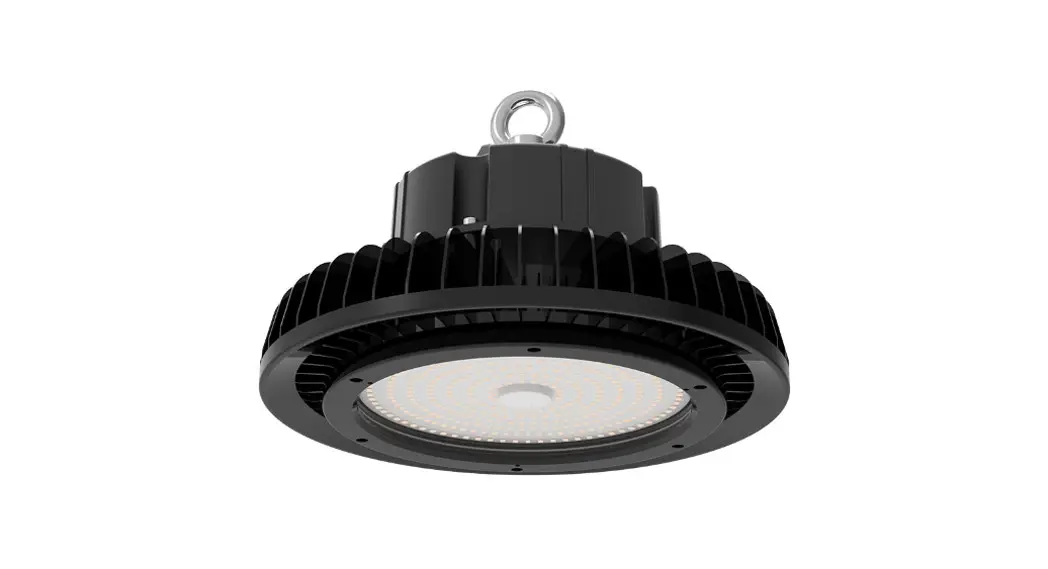
 BO0003 LED Sensor Mounting Kit
Instruction Manual
BO0003 LED Sensor Mounting Kit

Before You Begin
Read These Instructions Completely and Carefully
Motion Sensor Installation Instructions
(VSolution Fixture with or without Reflector)
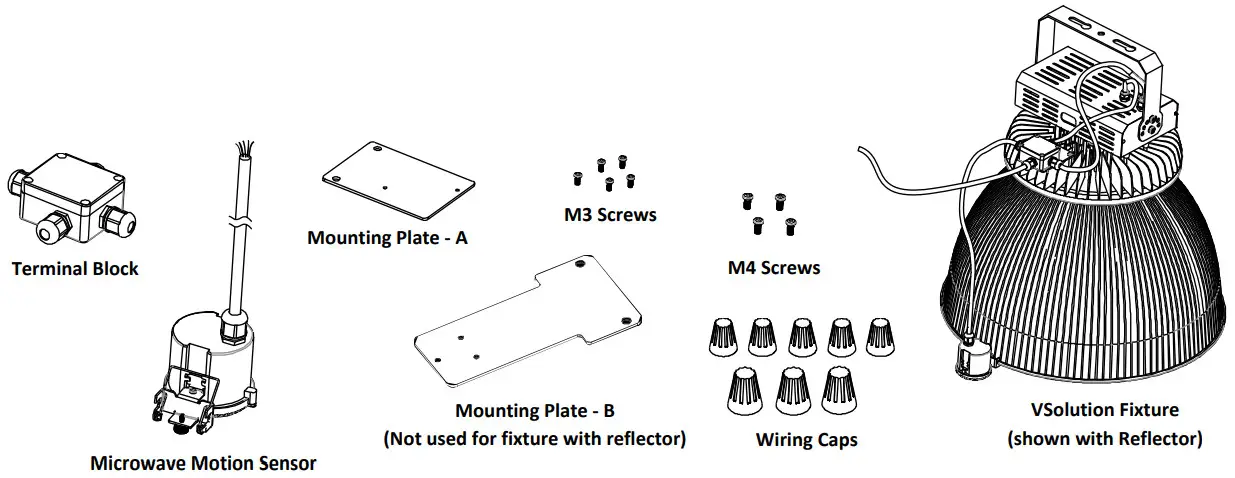
STEP 1: Remove terminal block cover and attach block base to mounting plate A with two M3 screws.
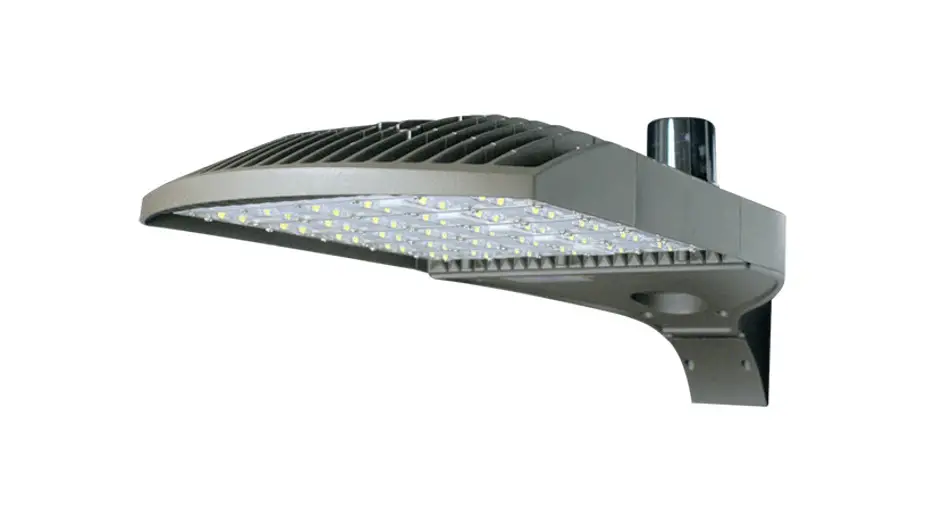
STEP 2: Attach mounting plate/terminal block assembly to fixture with two M4 screws.
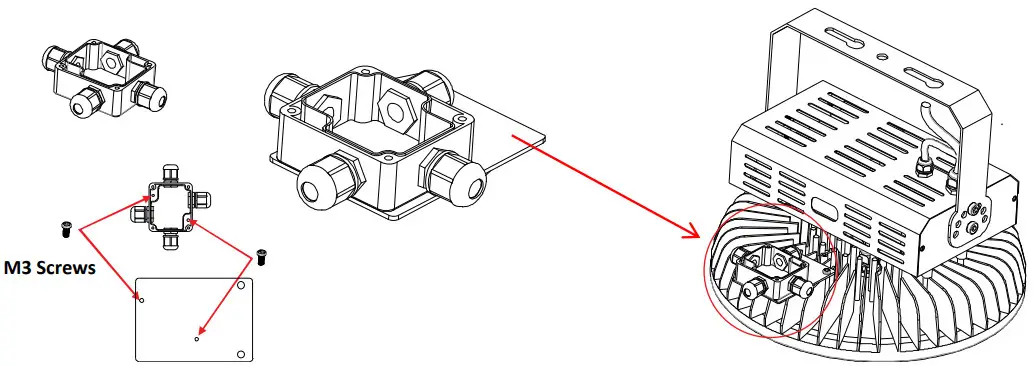 Figure 1: Attach terminal block to fixture
STEP 3: Attach sensor to fixture or reflector.
For Fixtures without Reflector:
A) Attach sensor to mounting plate B (M3 screws).
B) Attach mounting plate B to fixture (M4 screws).
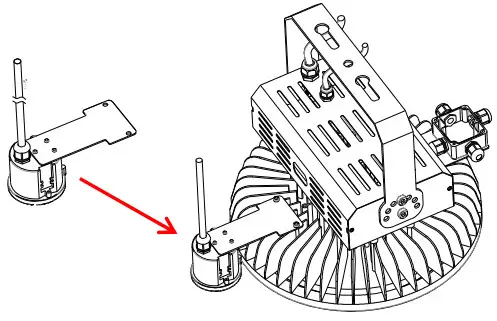 Figure 2: Attach sensor to fixture
(fixture without reflector)
For Fixtures with Reflector:
A) Unscrew thumbscrew enough to clear reflector lip.
B) Firmly pry open lever spring and place sensor on reflector. Slowly release spring against inside of reflector to secure sensor.
C) Tighten thumbscrew to further secure sensor to reflector lip. 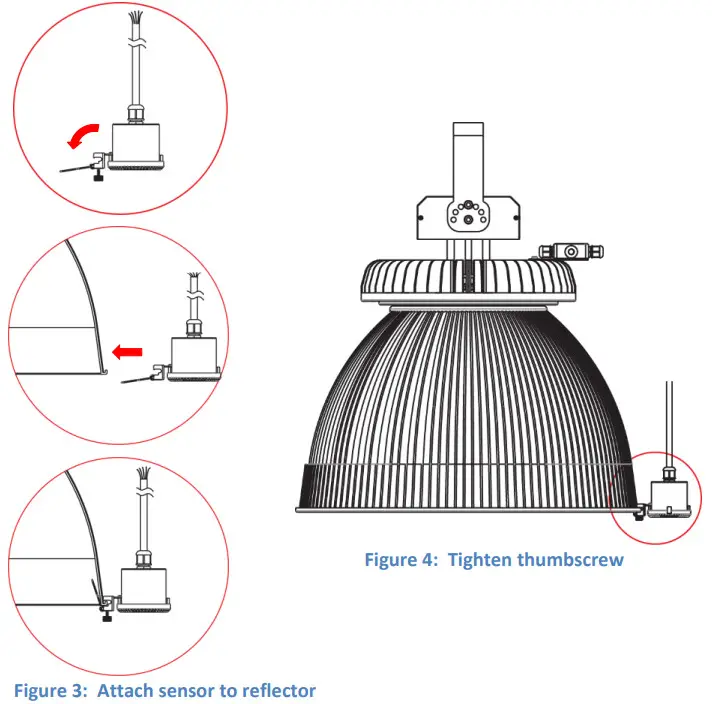
STEP 4: Route wires into terminal block though cord reliefs. Complete wiring inside terminal block as shown in diagram below using provided wiring caps. 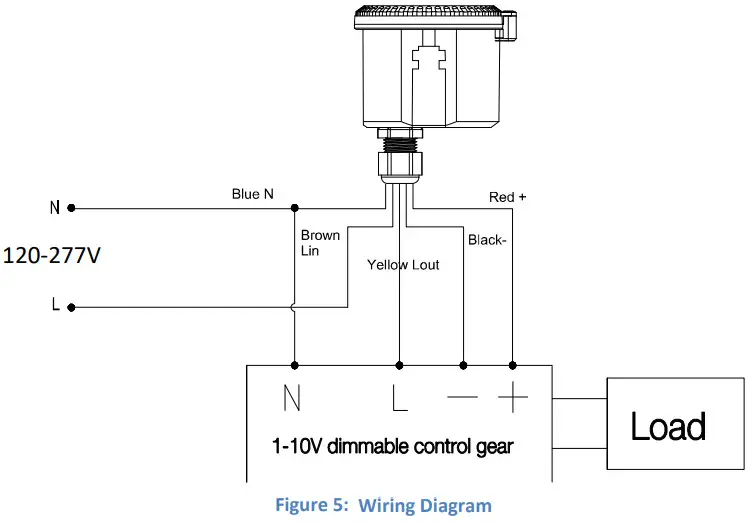
STEP 5: Attach terminal block cover. Program sensor according to instructions included with sensor.
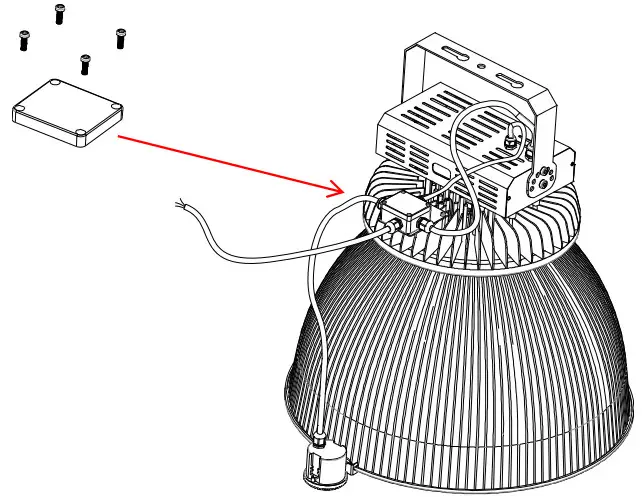 Figure 6: Attach cover to terminal block
(fixture shown with reflector)
(800) 451-2606
6675 Parkland Blvd., Suite 100
Solon, Ohio 44139 USA
E-mail: [email protected]
VentureLighting.com http://www.venturelighting.com/
© 2022 Venture Lighting Internationa
Venture Lighting is a registered trademark of Venture Lighting International.BO0003-B
 LED Lighting Products