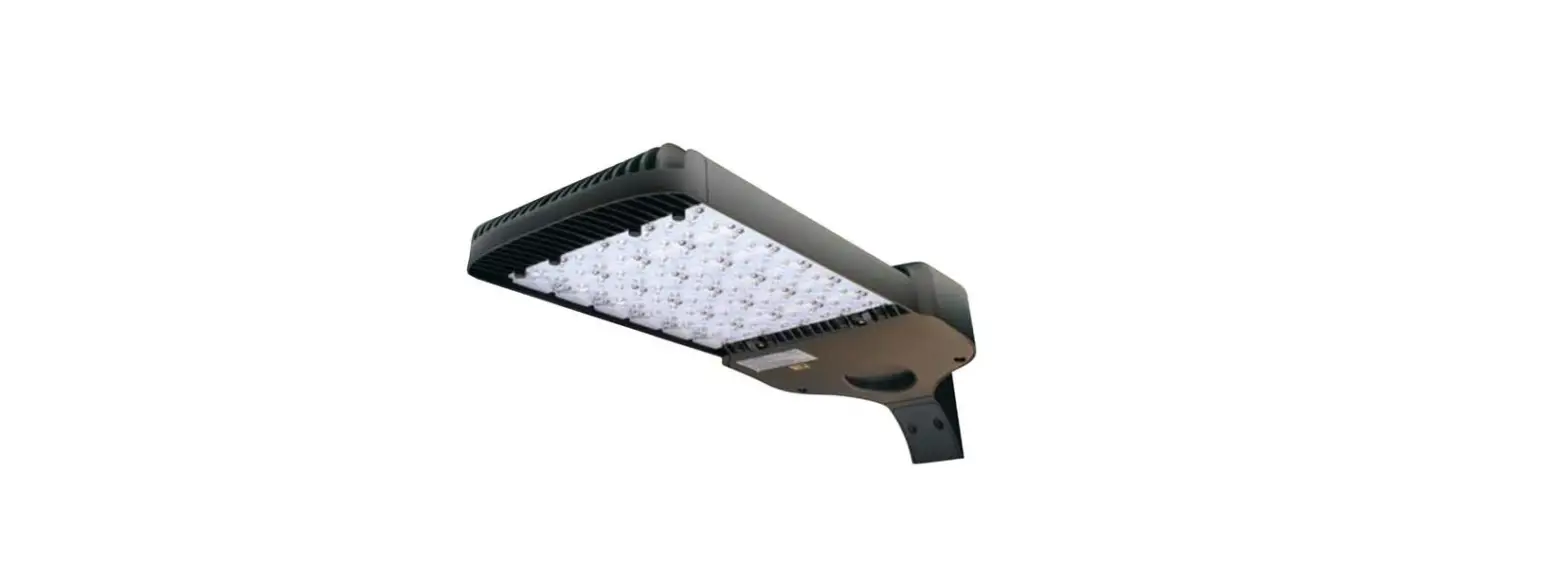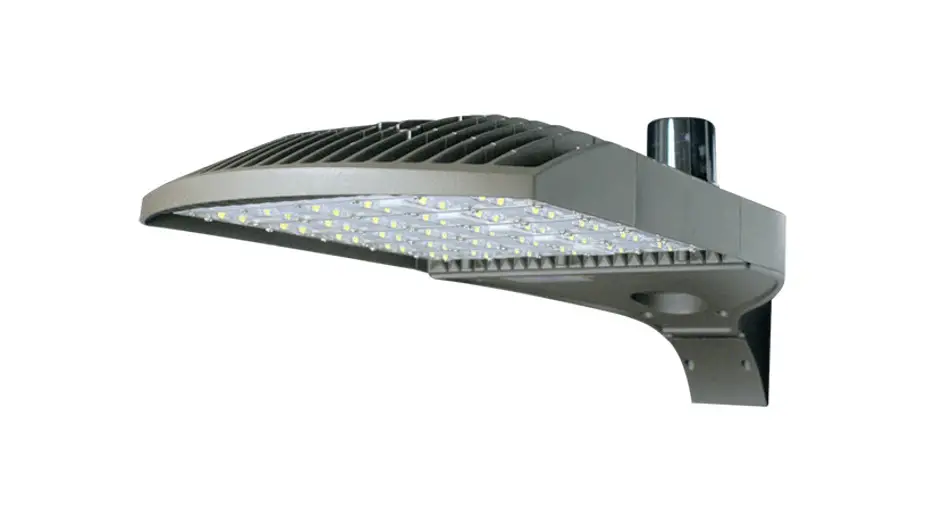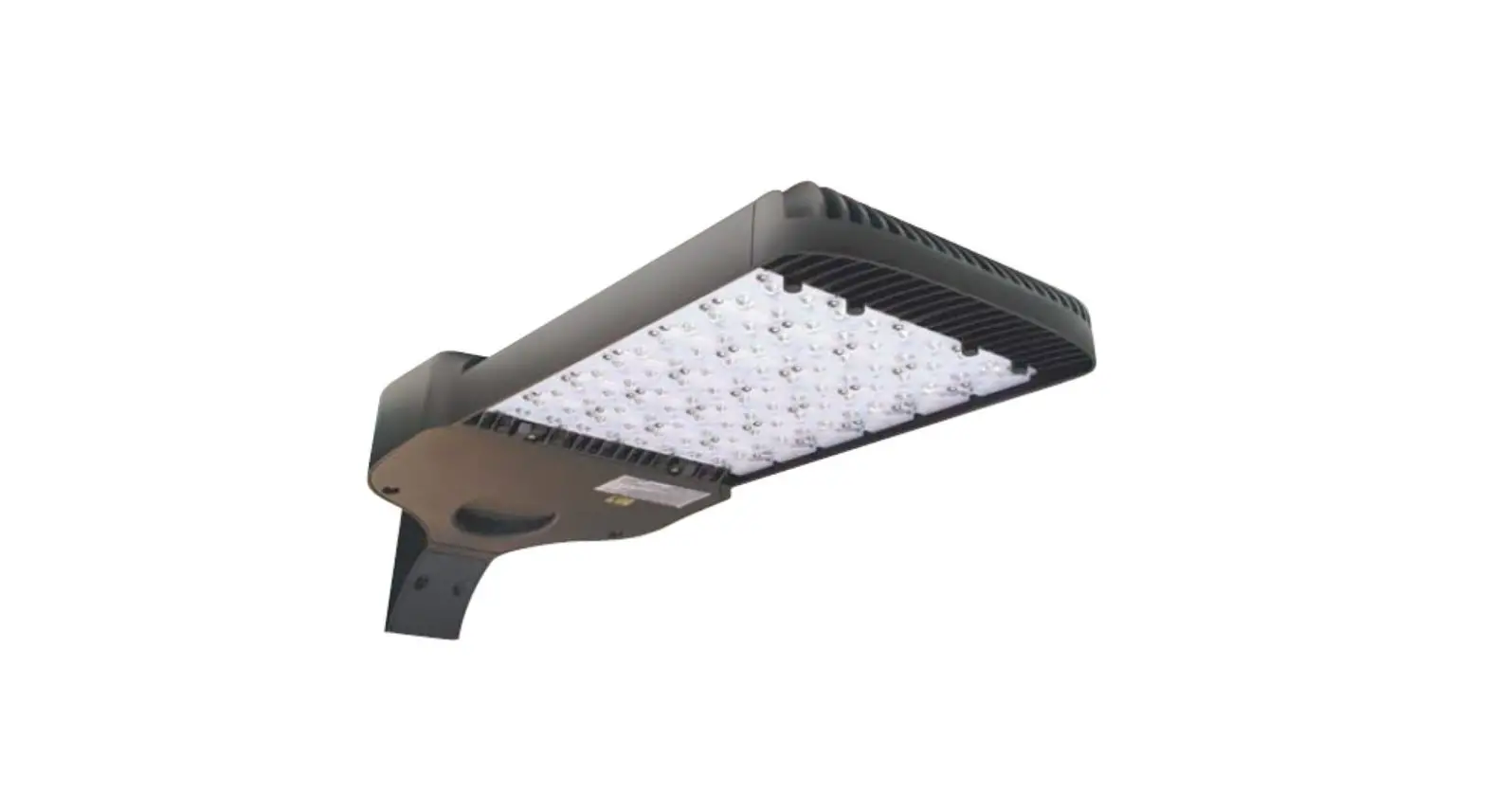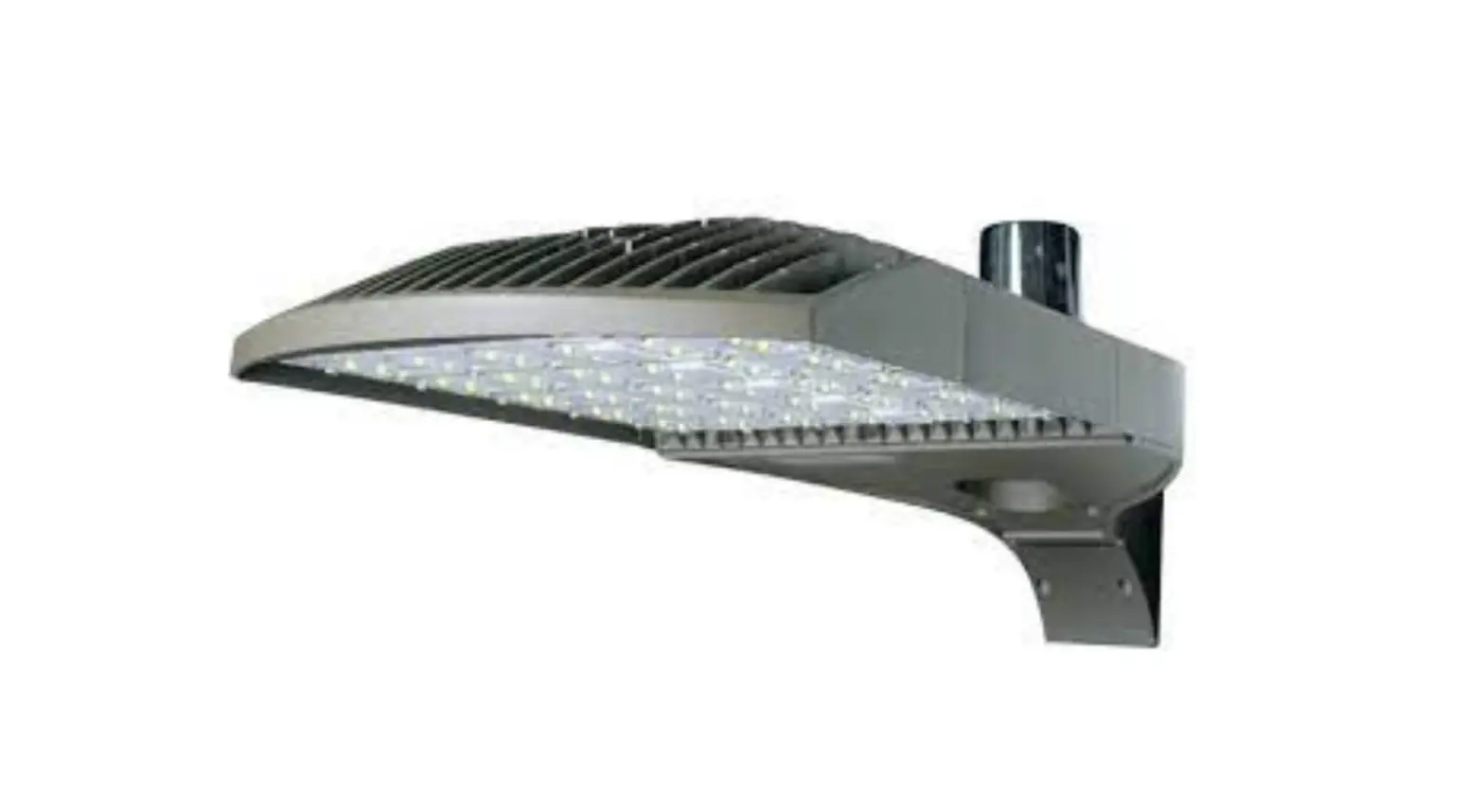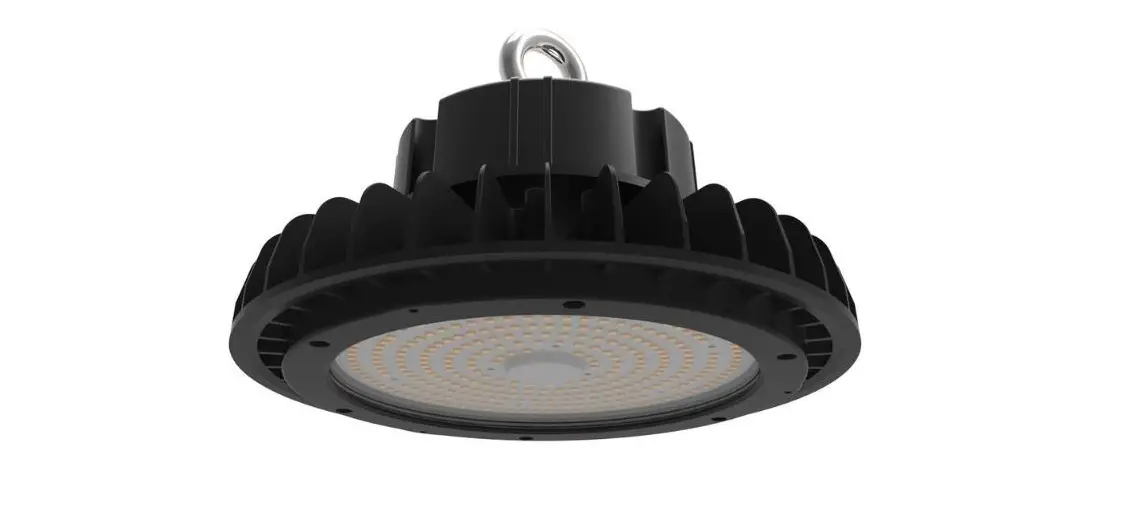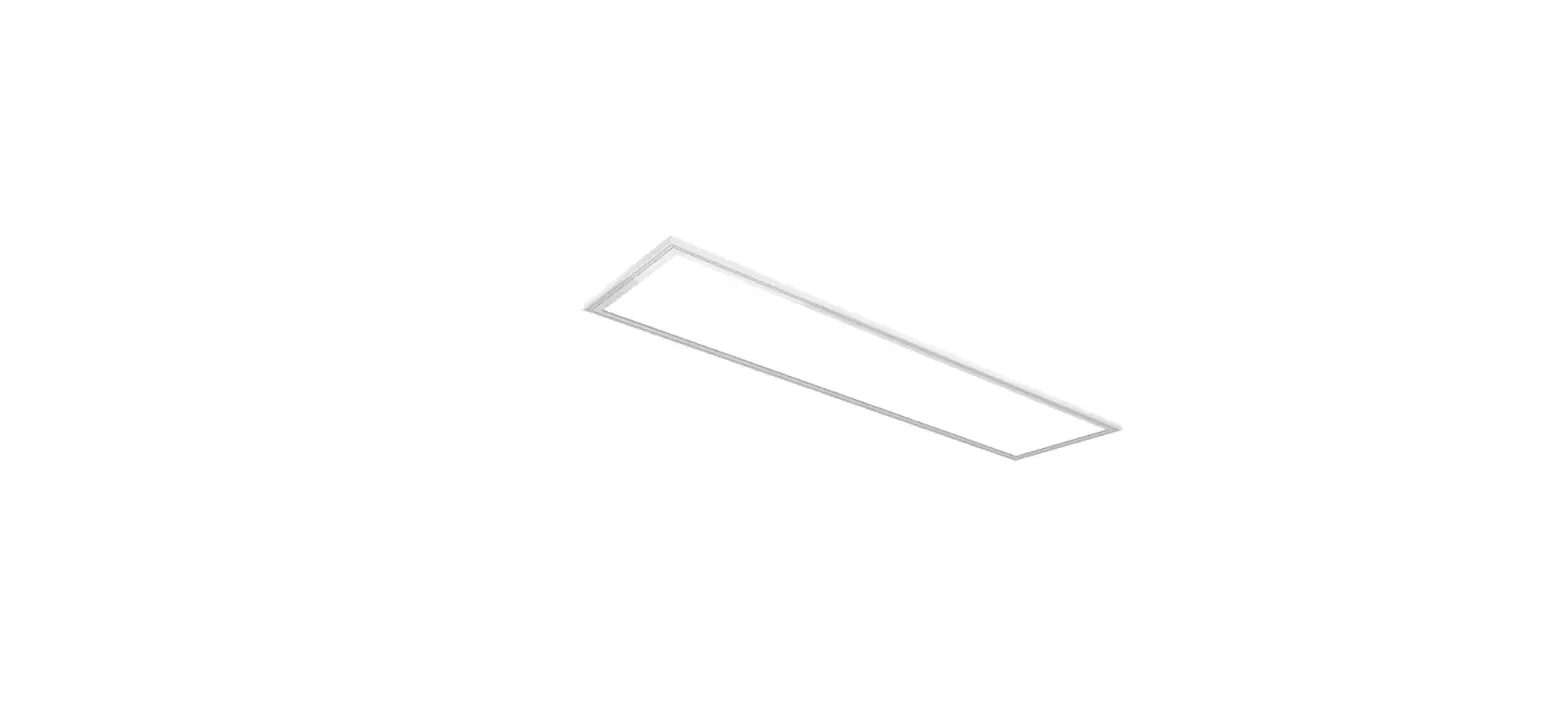

VENTURE LIGHTING AG0005 LED Panel Fixtures
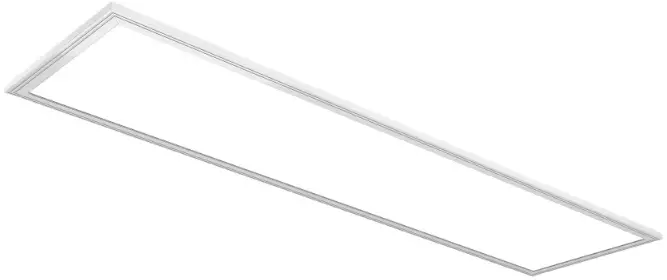
Before You Begin
Read These Instructions Completely and Carefully
UNPACKING
- Unpack and carefully examine the product.
- Report any damages and save all packing materials if any part(s) were damaged during shipping.
- Do not attempt to use this apparatus if it is damaged.
INCLUDED IN THIS BOX
- LED Panel Fixture with Junction Box
- Installation Instructions
CAUTION: Risk of Electric Shock
IMPORTANT SAFETY INFORMATION
- Suitable for damp and dry locations. Access above ceiling required. Do not install insulation within 3 inches of any part of the luminaire. Suitable for suspended ceilings.
- Maximum ambient temperature is 40°C.
WARNING
Risk of fire and electric shock
- Disconnect power from the luminaire and follow proper lockout/tagout procedures before beginning installation or maintenance. Contact a qualified electrician for installation.
- Venture Lighting’s LED Panel fixture installation requires knowledge of luminaire electrical systems. If not qualified, do not attempt installation. Contact a qualified electrician.
- To prevent wiring damage or abrasion, do not expose wiring to edges of sheet metal or other sharp objects.
- The product should be installed and operated by a qualified electrician or technician in accordance with relevant local codes.
- Check to make sure that all fixture connections have been properly made and the fixture is grounded to avoid potential electrical shocks.
- Do not handle energized fixture when hands are wet, when standing on wet or damp surfaces, or in water.
- These panel lights are normally set to work at extra low voltage below DC42V and constant current conditions to ensure safety to human body.
- Designed for use with 100V-277V 50/60 Hz OR 200-347V 50/60 Hz input. It is the responsibility of the installer to confirm the proper input voltage is available.
- Suitable for use in damp and dry locations only.
Upgrade Instructions
- STEP 1: Disconnect power from the existing luminaire and follow proper lockout/tagout procedures before beginning installation or maintenance.
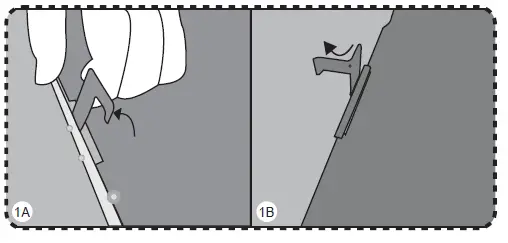
- STEP 2: Bend each of the support brackets on the back of the fixture by 90 degrees, making it vertical to the rear cover of panel fixture (Figure 1A). Bend a portion of the support bracket top by 90 degrees (Figure 1B).

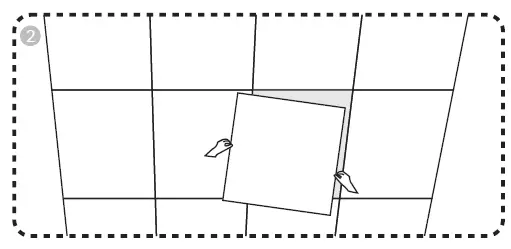
- STEP 3: Remove the ceiling panel. (Figure 2)

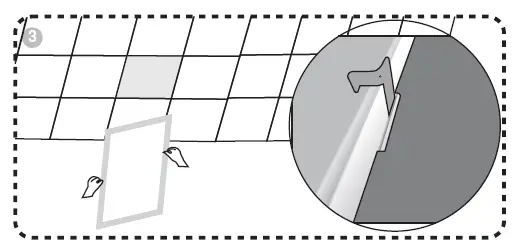
- STEP 4: Place the fixture onto the opening. Ensure the support brackets are positioned over the T-bar support. (Figure 3)

- STEP 5: Remove the junction box cover.
- STEP 6: Remove knock-out(s) and connect conduit to the junction box with proper connector(s).
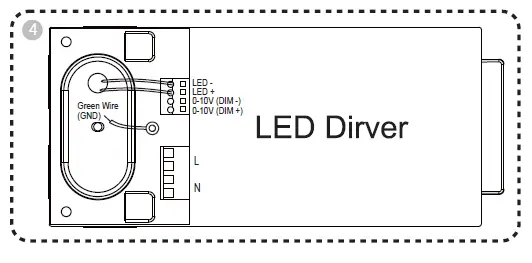
- STEP 7: Connect the main input wires to L (Black) and N (White) input
ports of the LED driver. Connect the fixture ground wire to the incoming main ground wire. (Figure 4)
Ensure the LED Driver output connections are secure. (Figure 4)
Connect the LED Driver Dim+ to the Dimmer D+ wire (Purple). (Figure 4)
Connect the LED Driver Dim- to the Dimmer D- wire (Gray). (Figure 4) - NOTE: The polarity of these dimming connections is important to ensure the fixture performs as desired.
- NOTE: If not using dimming functionality, the DIM+ and DIMports remain open (no connection). DO NOT connect the Driver Dim+ to the Driver Dim-. The fixture will not operate as desired.
- STEP 8: Replace the junction box cover.
- STEP 9: Switch on the power.
(800) 451-2606
6675 Parkland Blvd., Suite 100
Solon, OH 44139 USA
E-mail: [email protected] VentureLighting.com

© 2022 Venture Lighting International • Venture Lighting is a registered trademarks of Venture Lighting International.
 LED Lighting Products