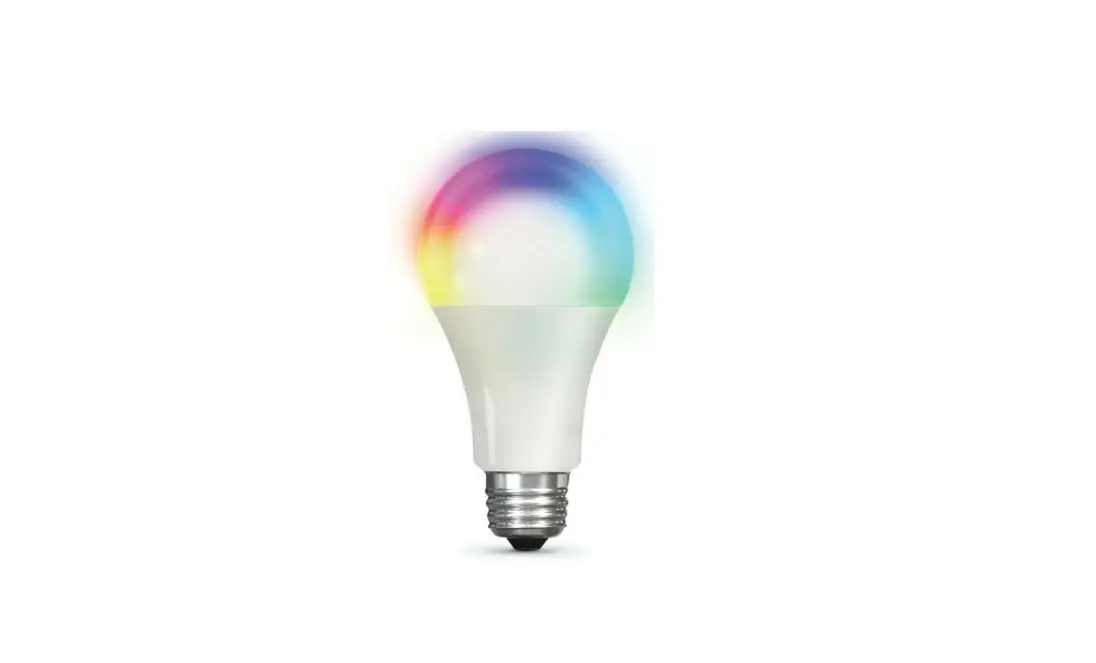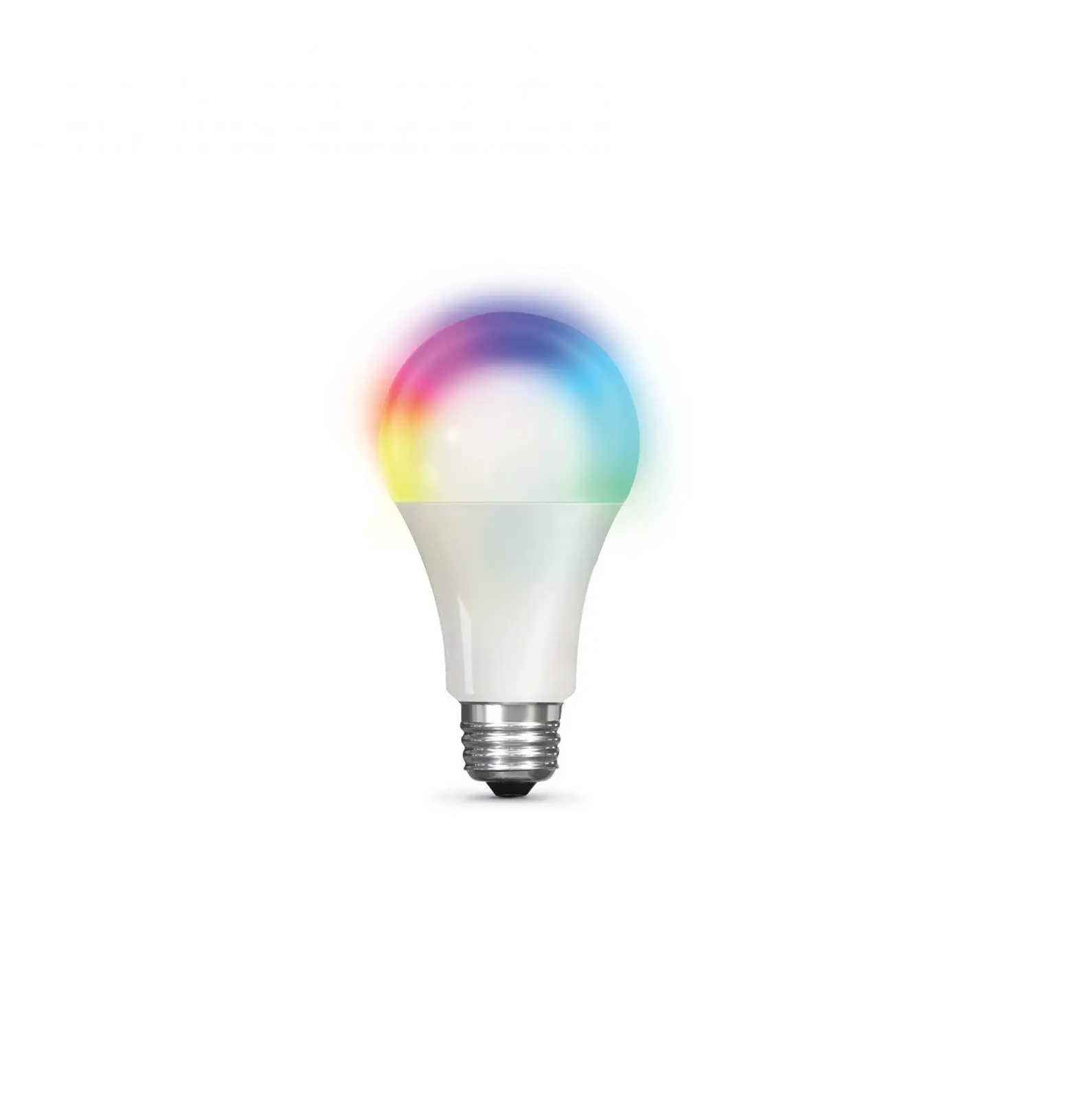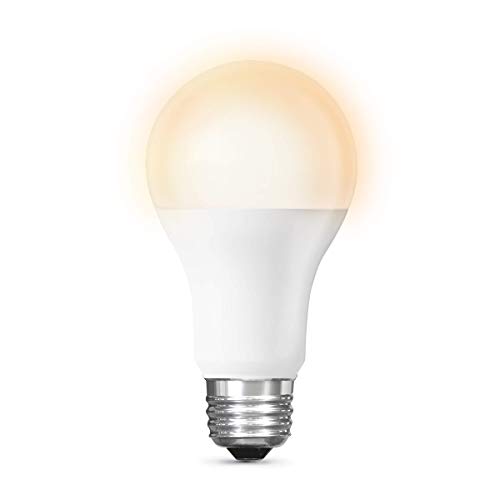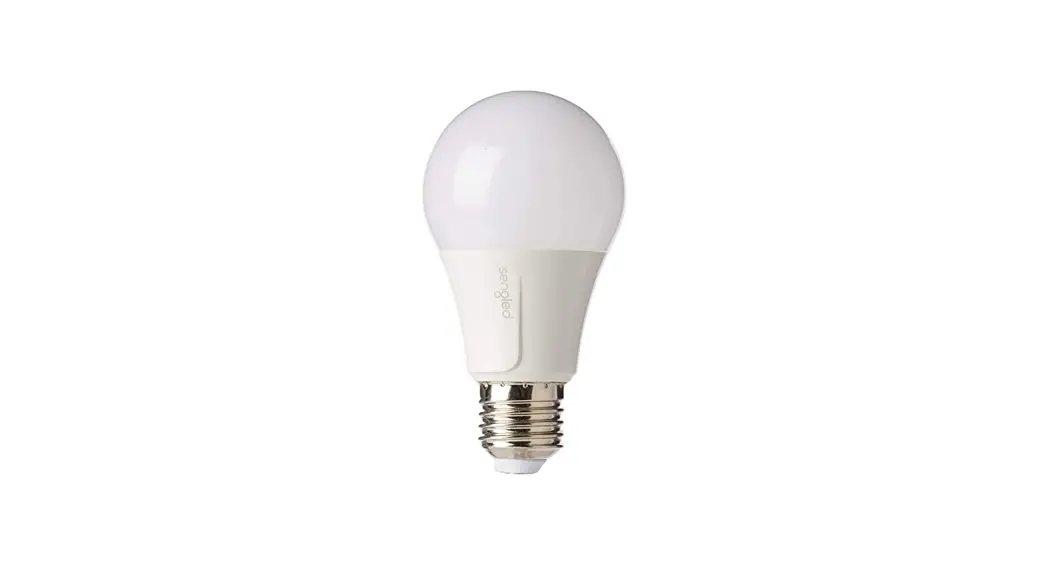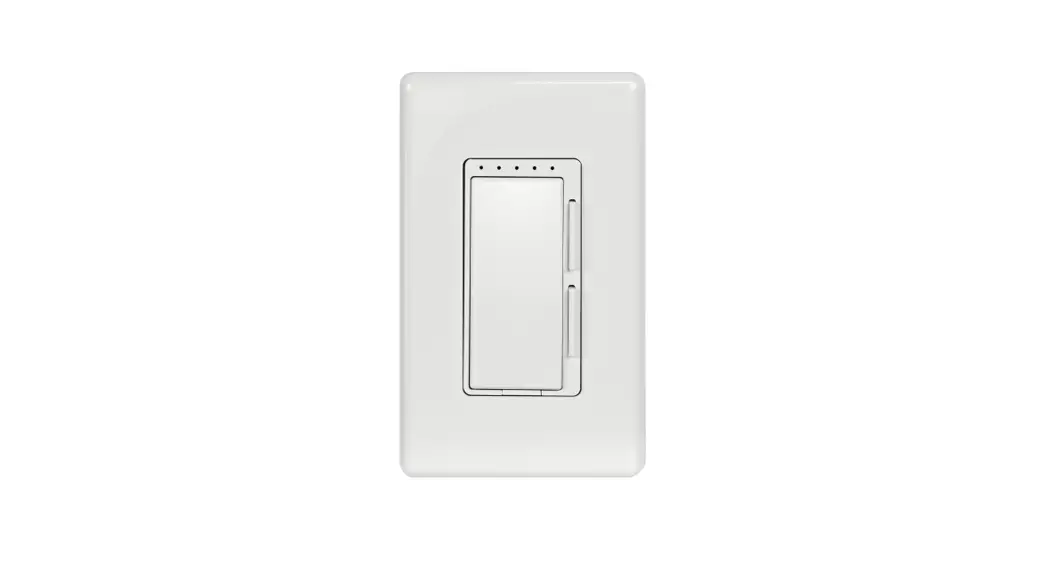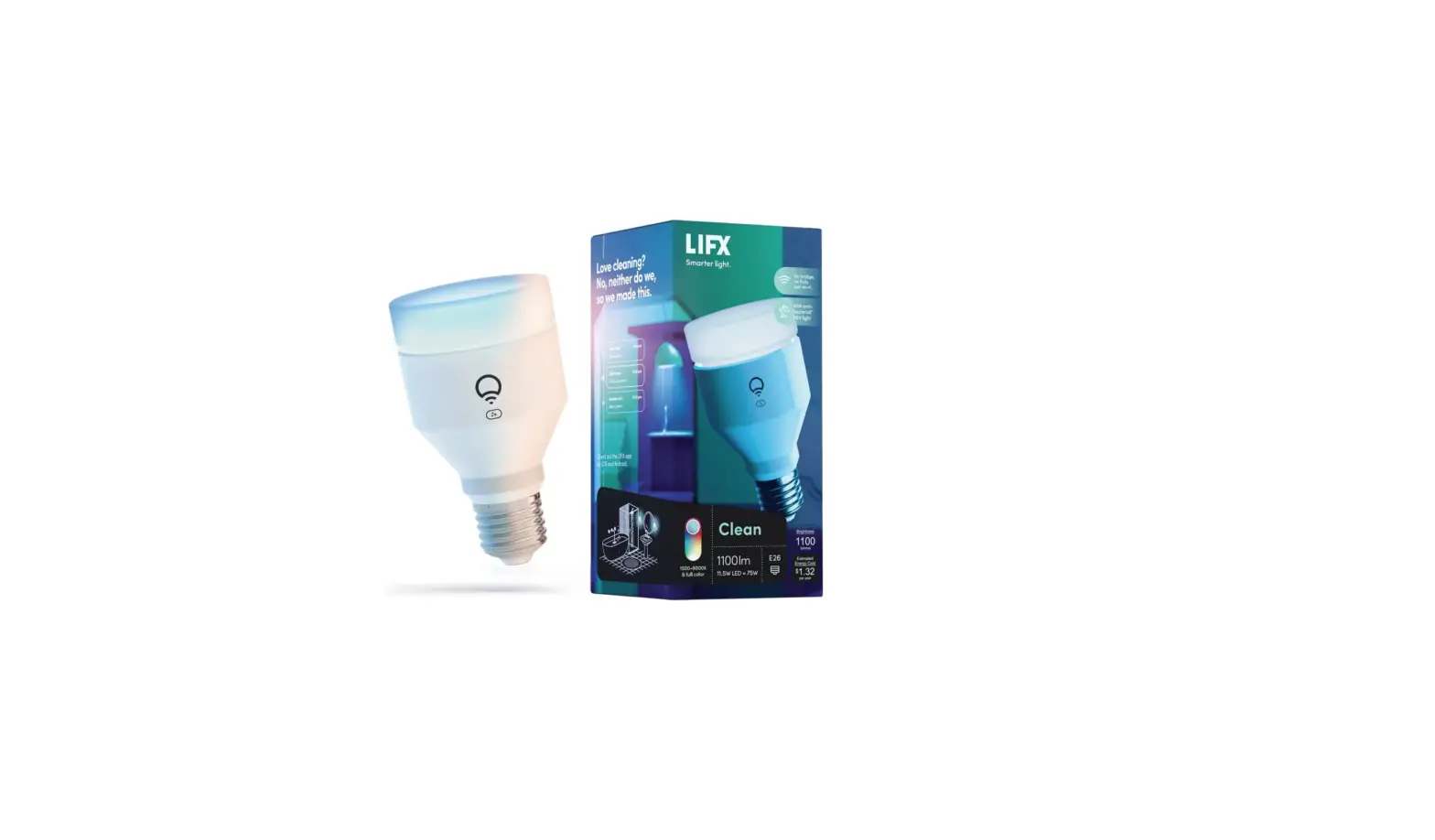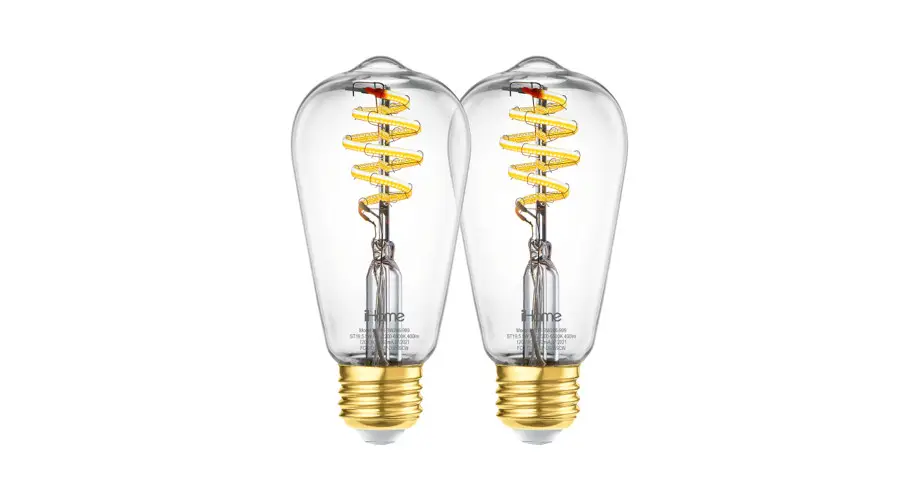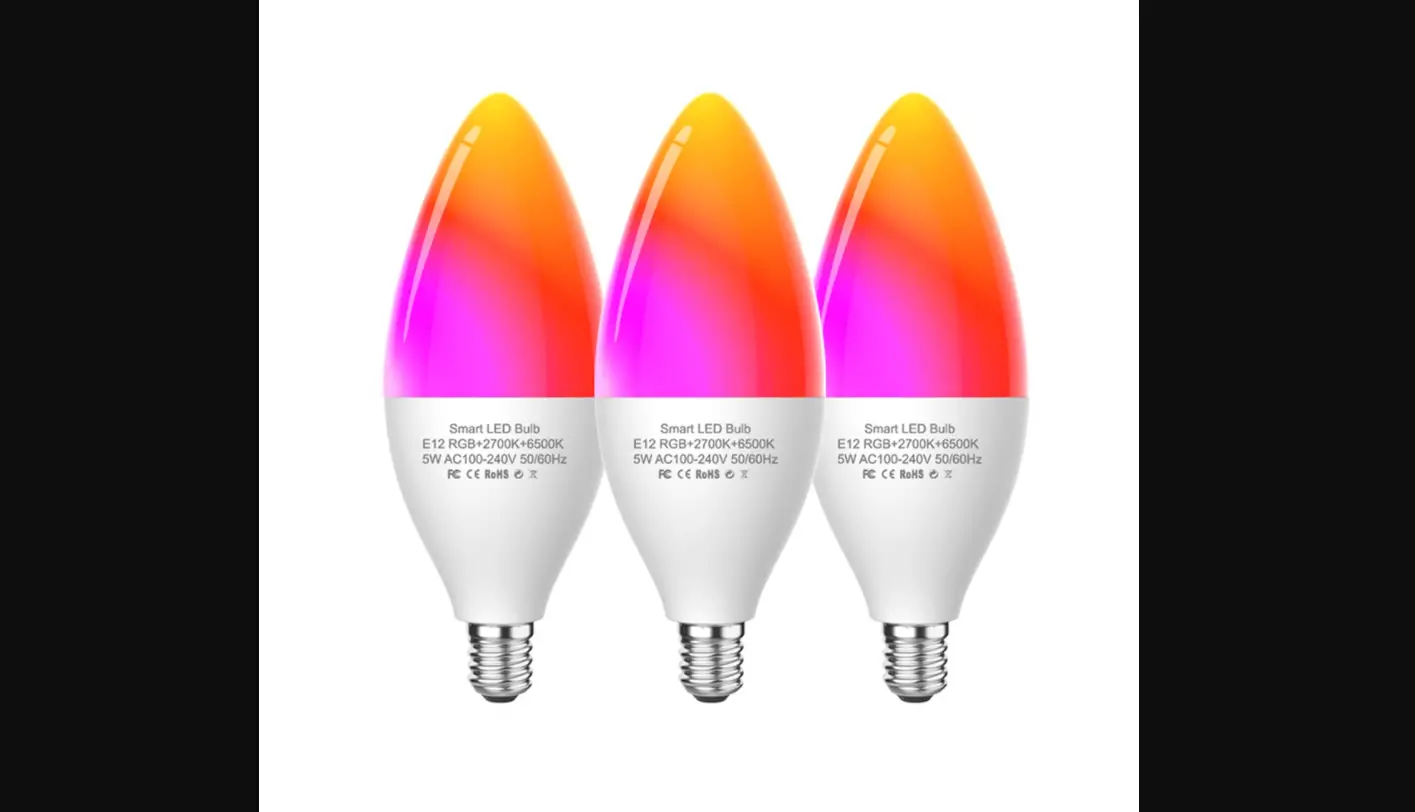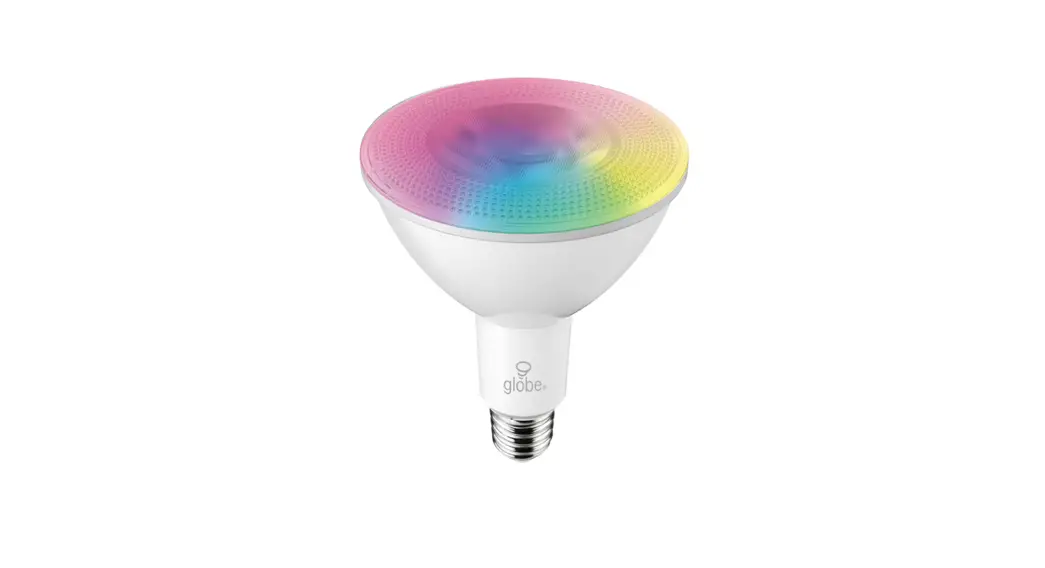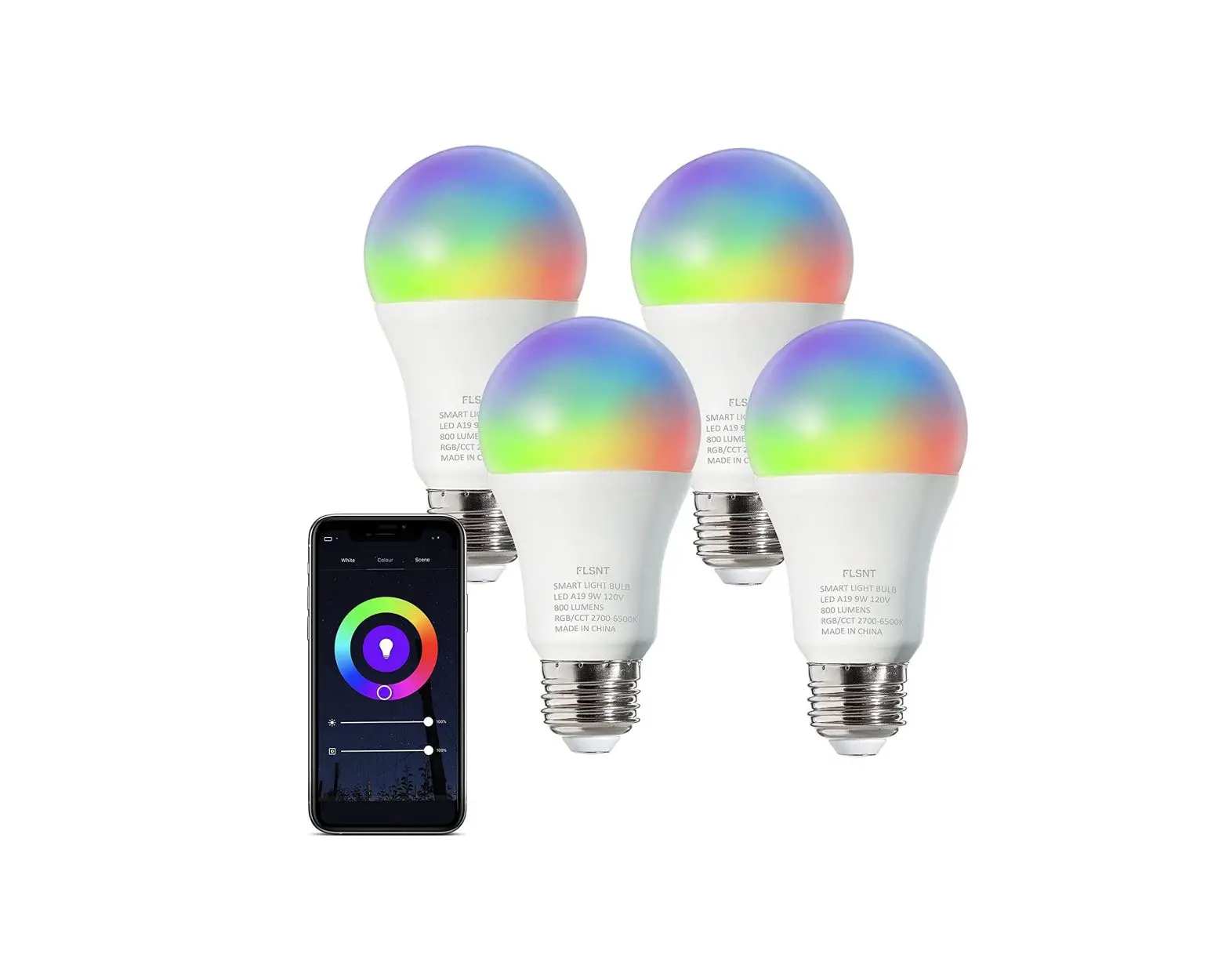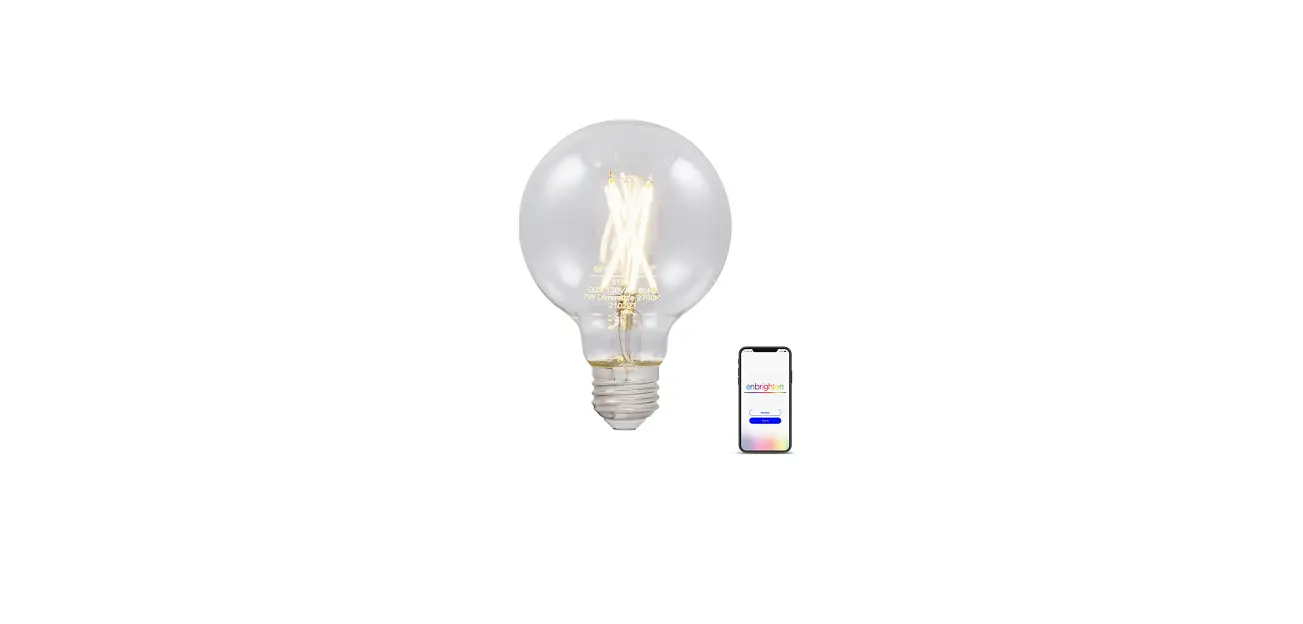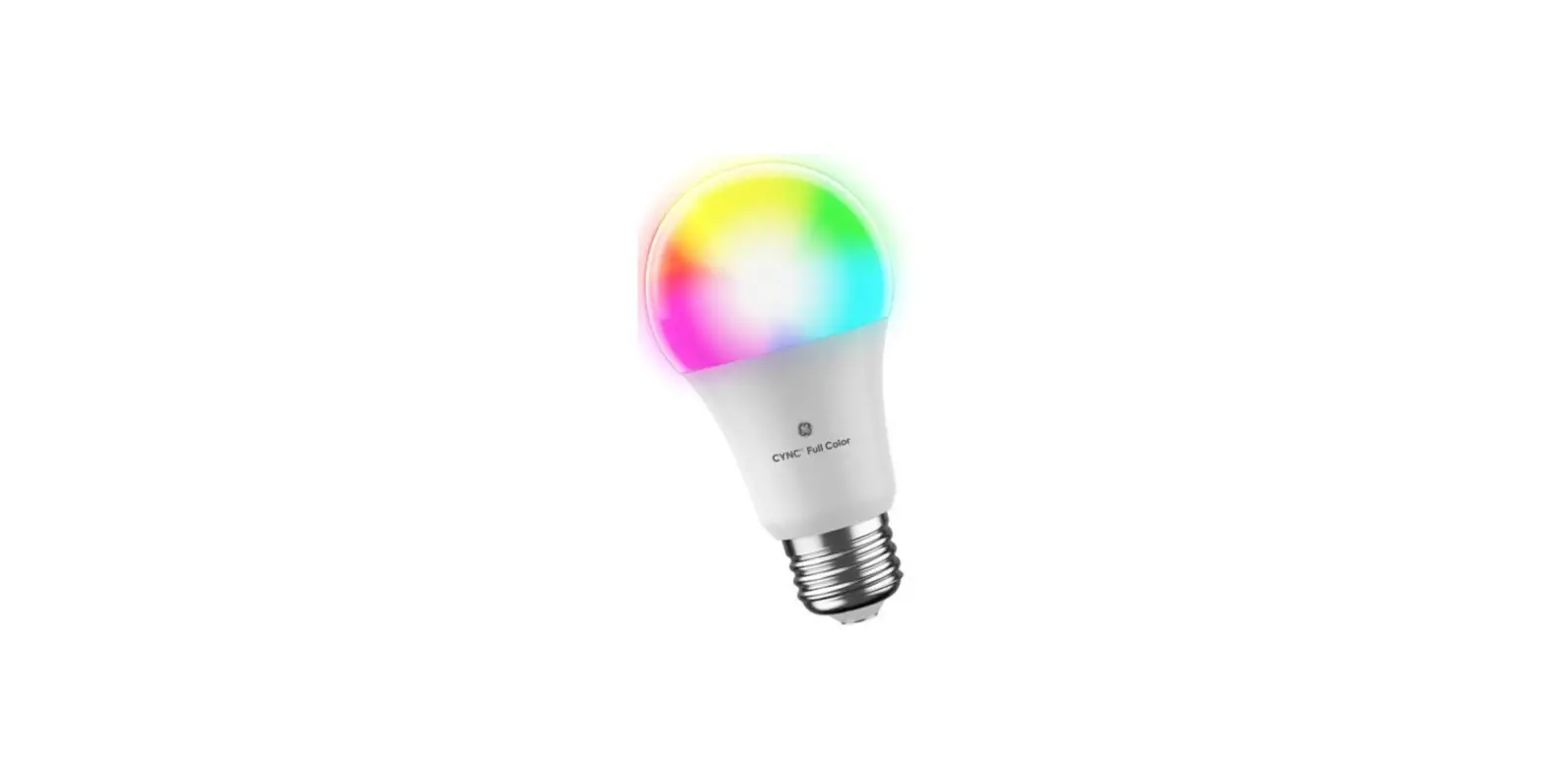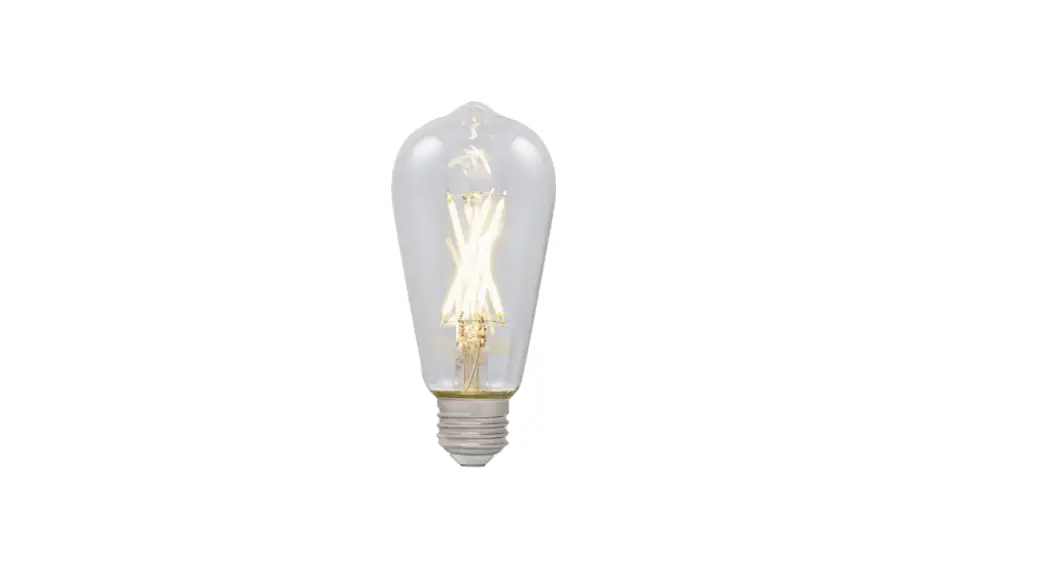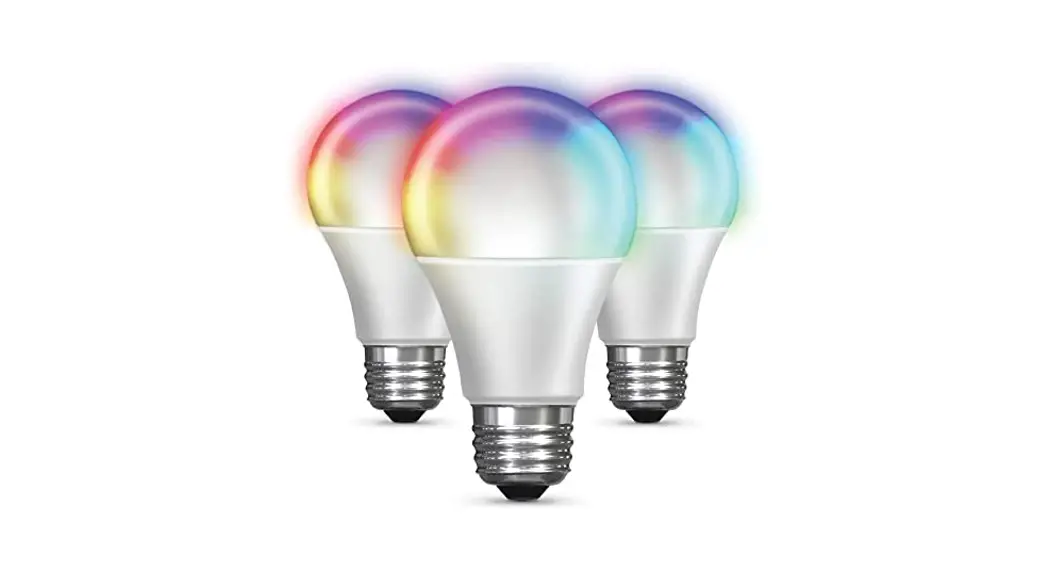

Smart WiFi 60-Watt EQ A19 Daylight Dimmable Smart LED Light Bulb
Installation Guide
Smart Wi-Fi Product
Installation Guide
DOWNLOAD AND INSTALL THE FEIT ELECTRIC APP
- Search for the Feit Electric app in the App Store or Google Play Store.
 Download and install the Feit Electric app on your smart device.
- Set up an account or log in to your existing account.
 Download and install the Feit Electric app on your smart device.
INSTALL YOUR Wi-Fi PRODUCT 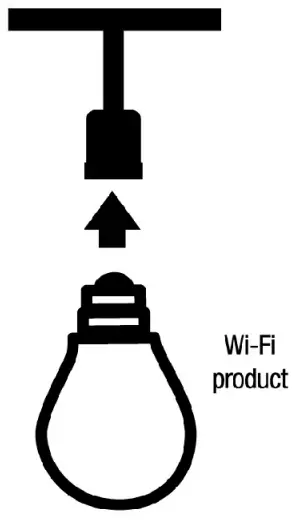 Screw into an E26 medium base socket.
NOTE: Constant power to the Wi-Fl product is required at all times.
OPEN THE FEIT ELECTRIC APP TO COMPLETE SETUP
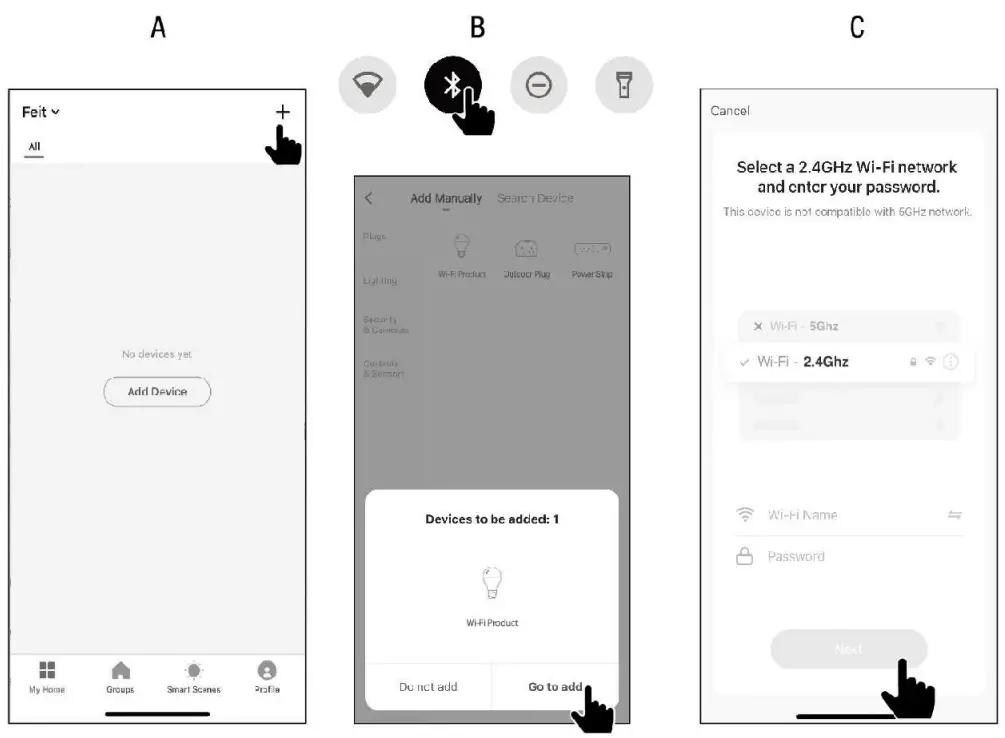
- Enable Bluetooth on your mobile device.
- Tap the plus (+) sign in the upper-right corner.
- The Wi-Fi product name(s) will pop up on the Feit Electric app. Tap on Go to add, then select the product to add.
- You will be prompted to enter your Wi-Fi network name and password.
- Only one Wi-Fi product may be added at a time using Bluetooth set up. Repeat Step 3 to add additional products. An alternative setup options and help instructions are available in the Feit Electric app.
NOTE Be sure to connect to a 2.4GHz Wi-Fi network that covers your installation location. NOTE If the Wi-A product is not blinking, turn the product Off then On 3 times to enable pairing mode.
 NOTE If the Wi-A product is not blinking, turn the product Off then On 3 times to enable pairing mode.
STATUS WINDOW
The Adding device status window will appear. Wait until the connection is complete.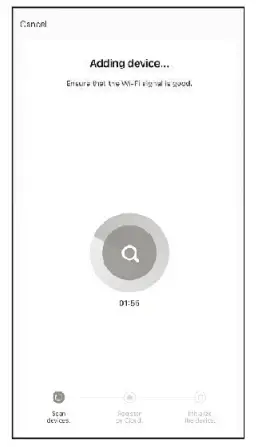 NOTE: If unsuccessful, the “Failed to Add” window will appear. Start over and try again or select an alternative pairing method in the Feit Electric App.
ADDED SUCCESSFULLY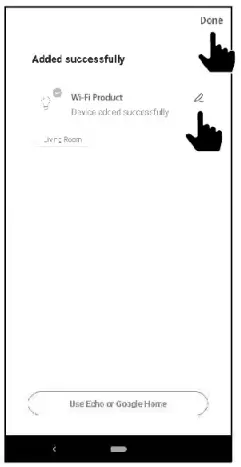
To rename the Wi-A product(s), tap the Pen icon. Enter a new name and tap Save.
- Tap Done in the upper-right corner.
- The Wi-Fi product(s) are now ready to be controlled with the Feit Electric App.
(OPTIONAL) CONNECT TO GOOGLE ASSISTANT OR ALEXA USING THE IN-APP GUIDE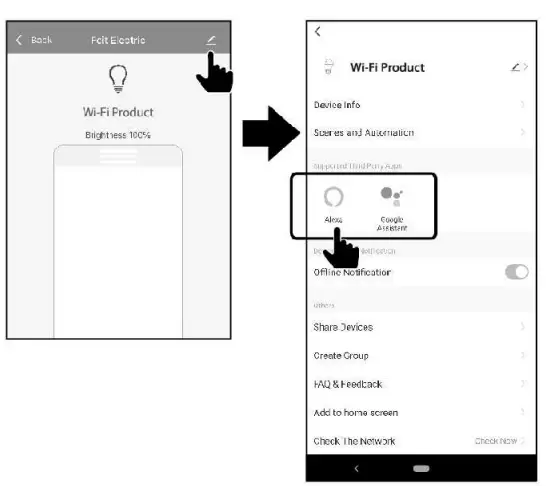
- Tap on the Pen icon.
- Choose Alexa or Google Assistant.
- Follow the on-screen instructions to complete the setup.
For more information on how to use the Wi-Fi product or find more setup instructions, please go to feit.com/help.
Need Help?
Thank you for your purchase Questions, comments or feedback? We’d love to hear from you. For more information about our Smart Wi-Fi Products and to access our user guides please visit: www.feit.com/help
Connect with Us
 Alexa and all related logos are trademarks of Arnazon.com, Inc. or its affiliates.
Google, Android, and Google Play are trademarks of Google LLC.
Apple. the Apple logo, Siri, and the Sid logo are trademarks of Apple Inc., registered in the U.S. and other countries. App Store is a service mark of Apple Inc.