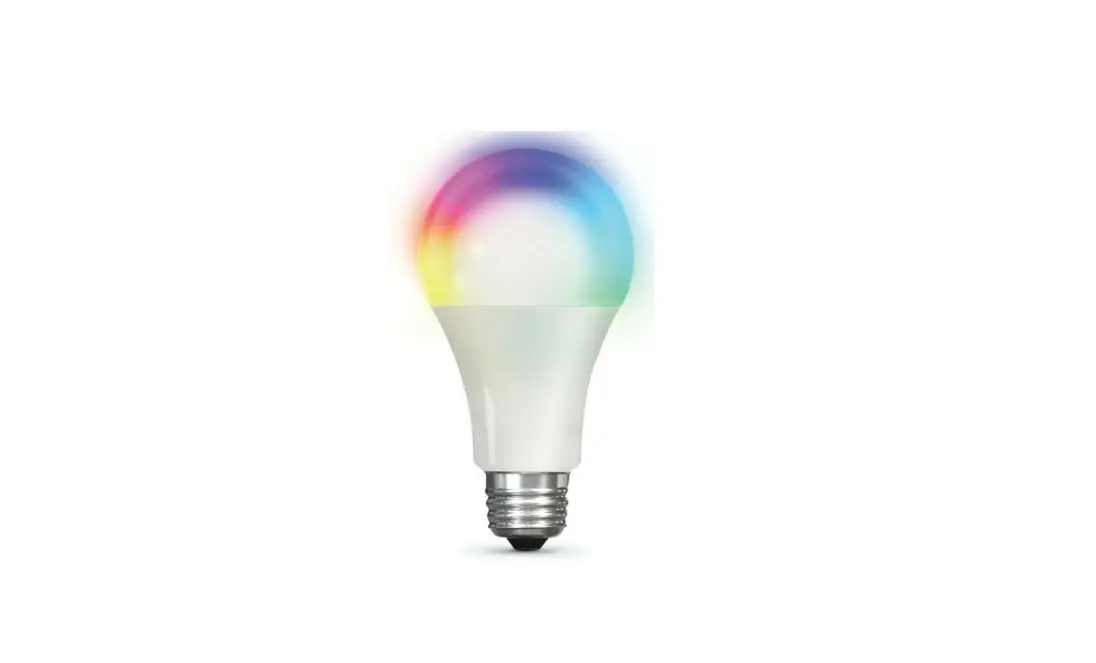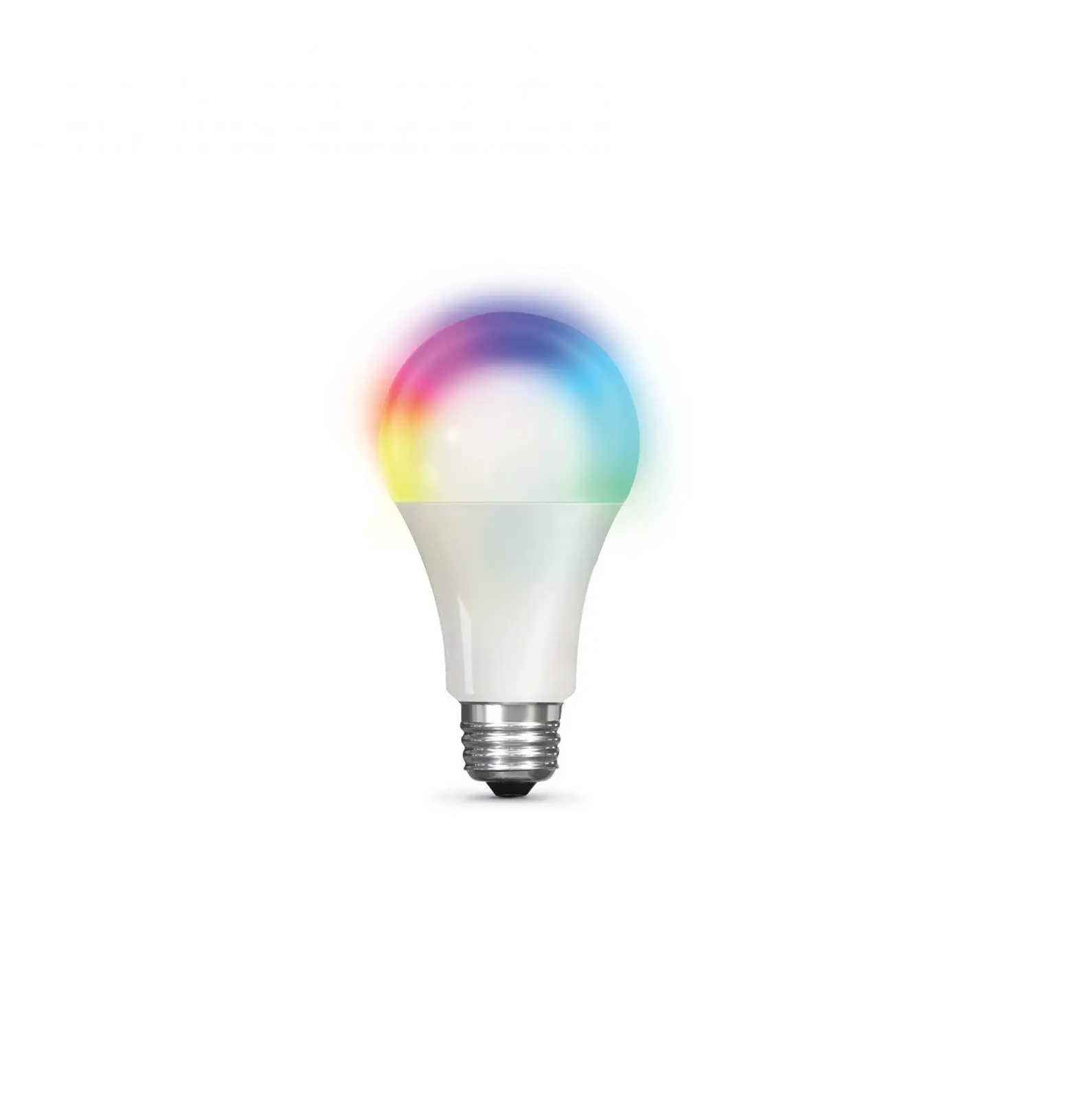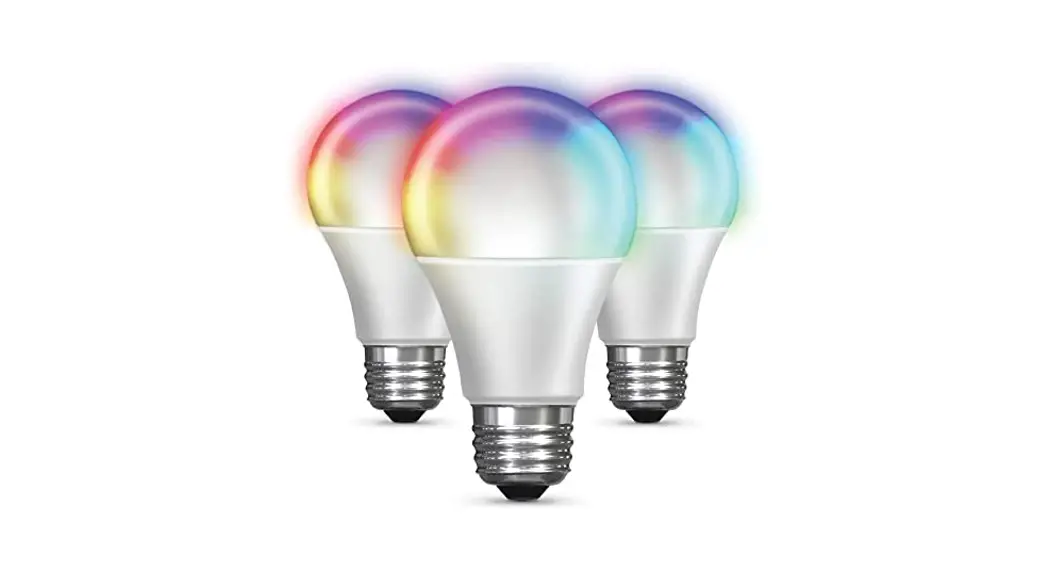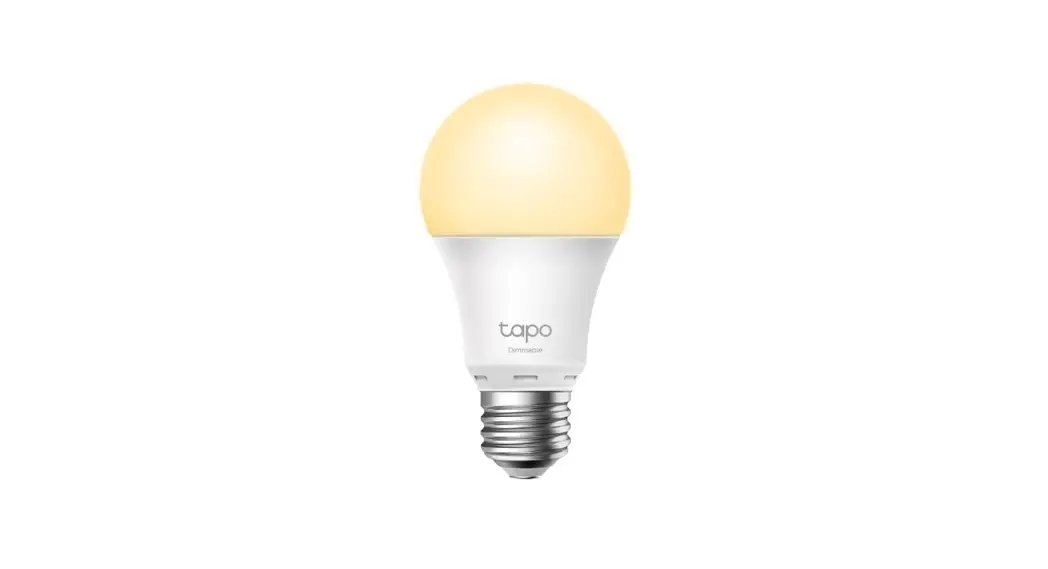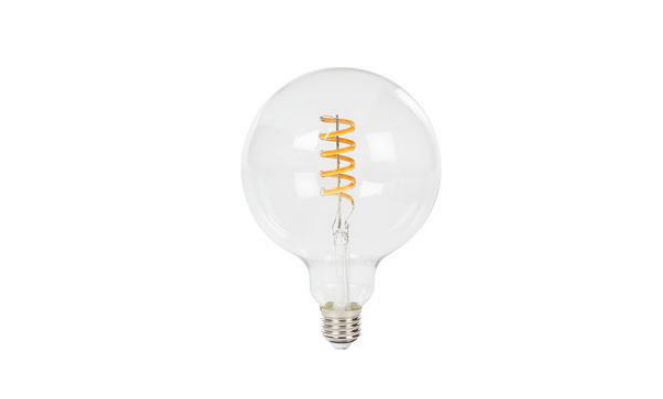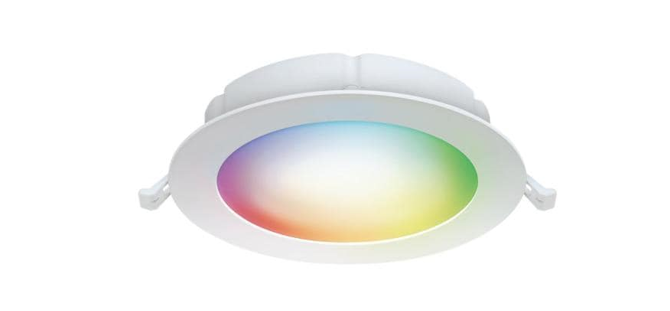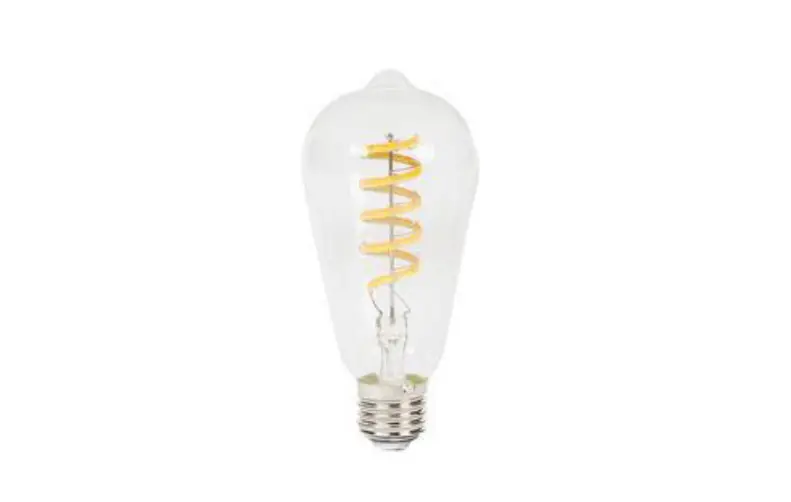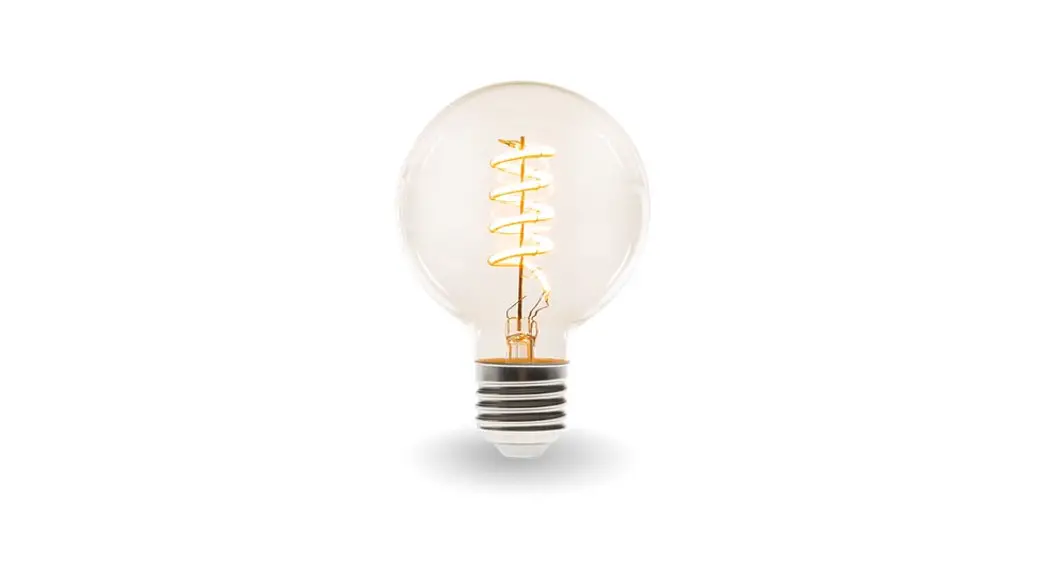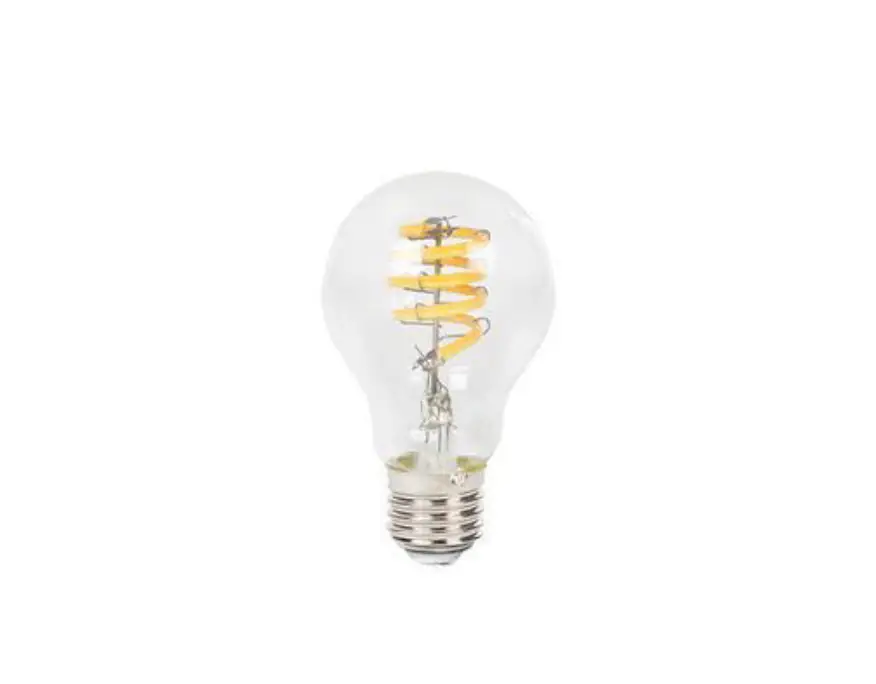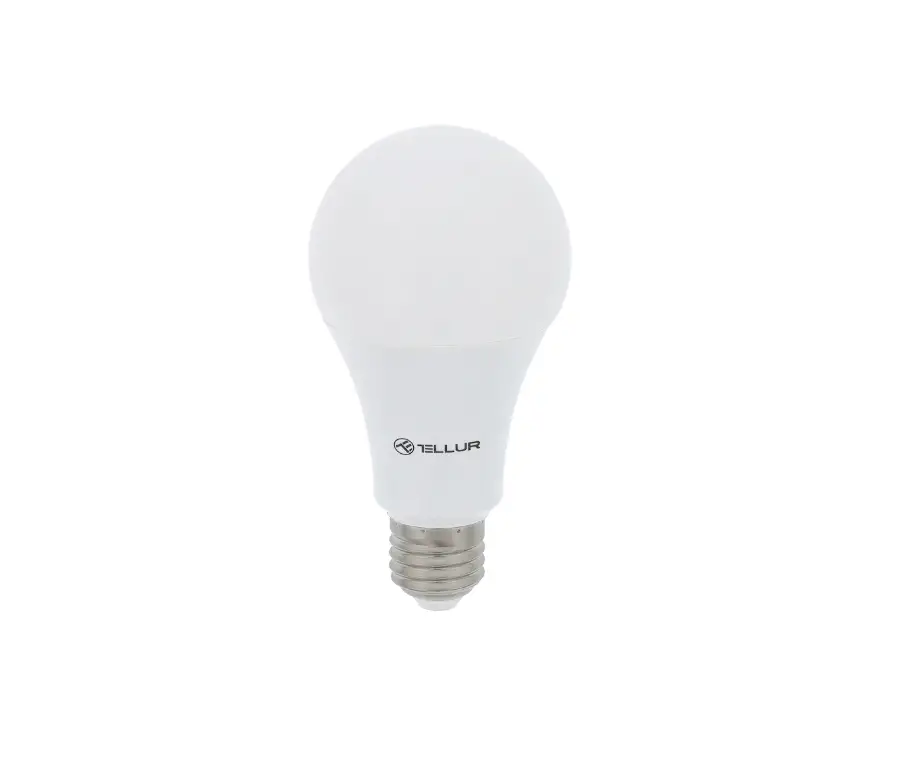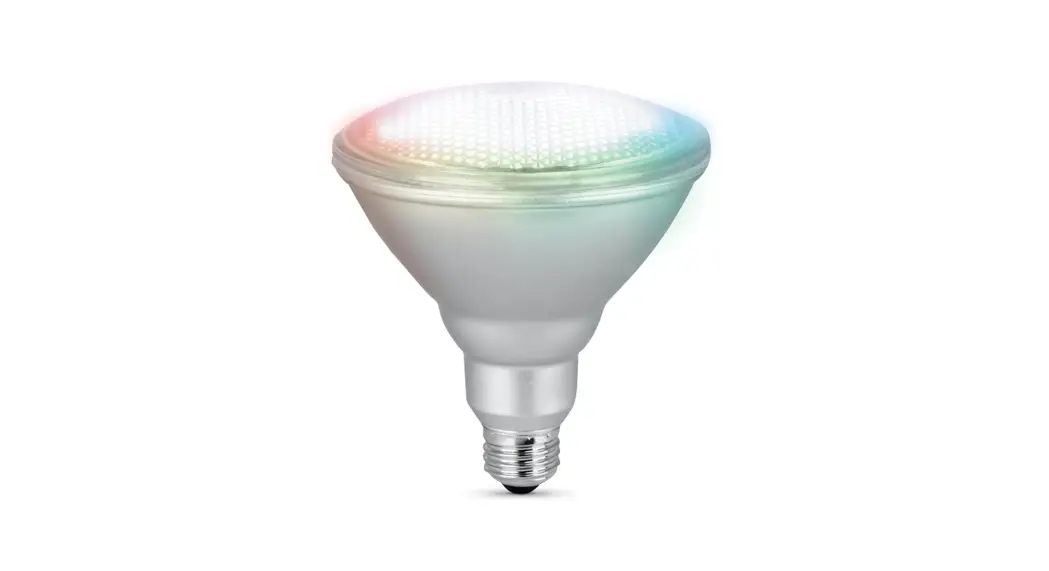
 Smart WiFi Bulb
VER009
Installation Guide
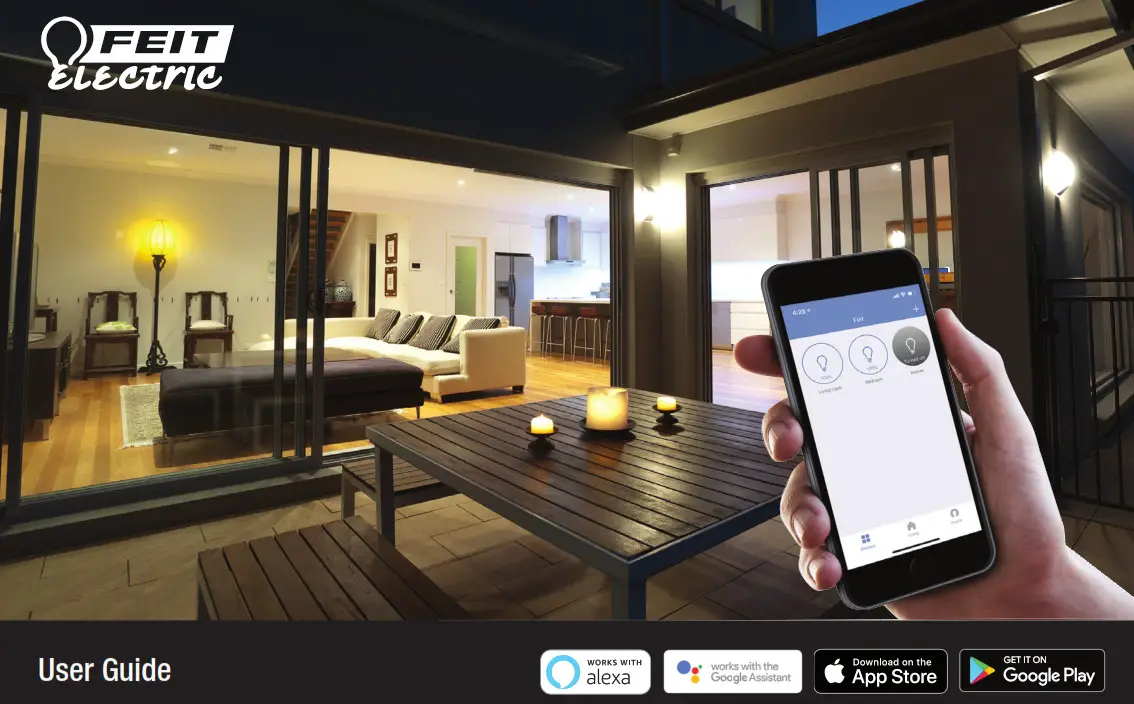
DOWNLOAD AND INSTALL THE FEIT ELECTRIC APP
- Search for the Feit Electric App in the App Store or Google Play Store.
- Download and install the Feit Electric App on your smart device.
- Setup an account or login to your existing account
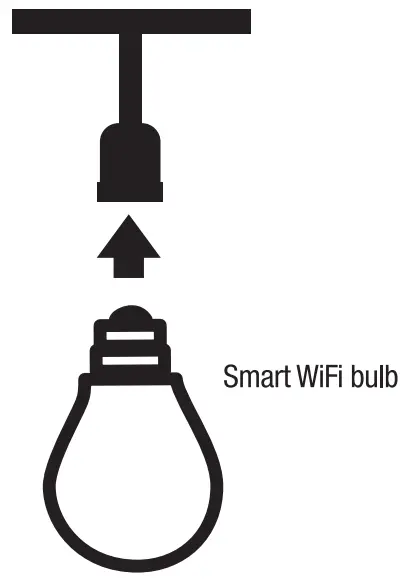
INSTALL YOUR LIGHT BULB
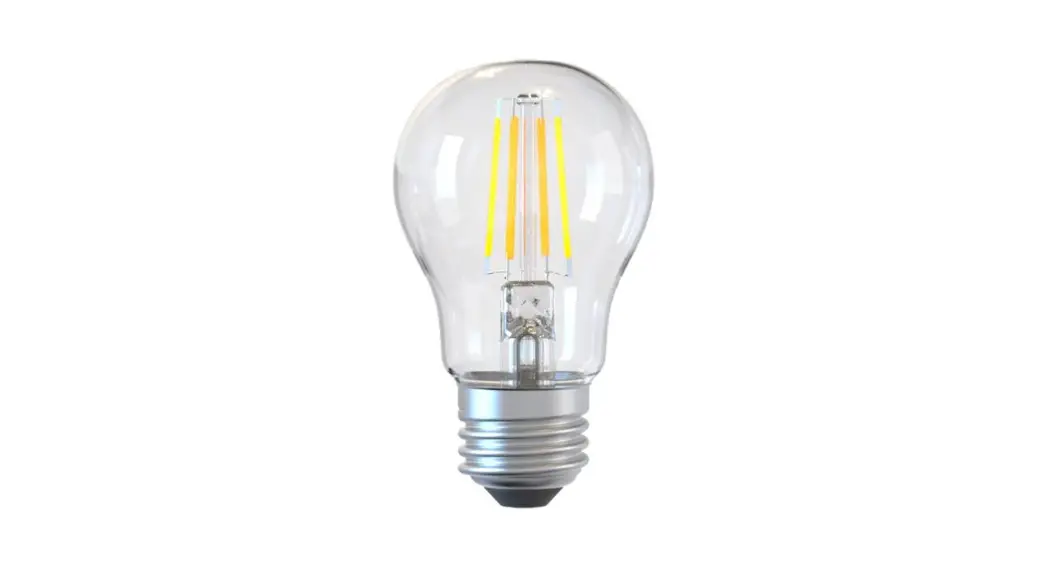
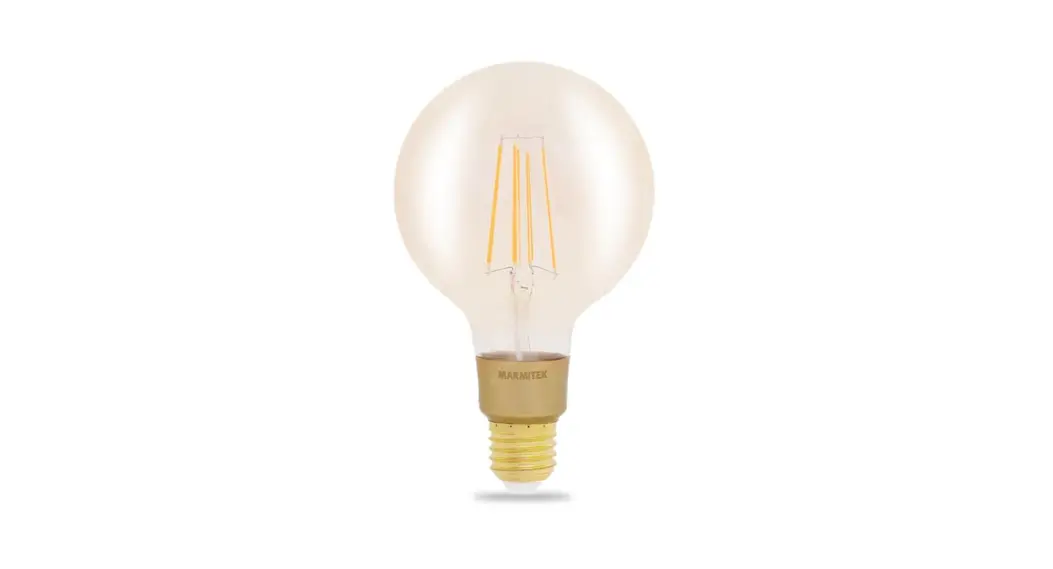
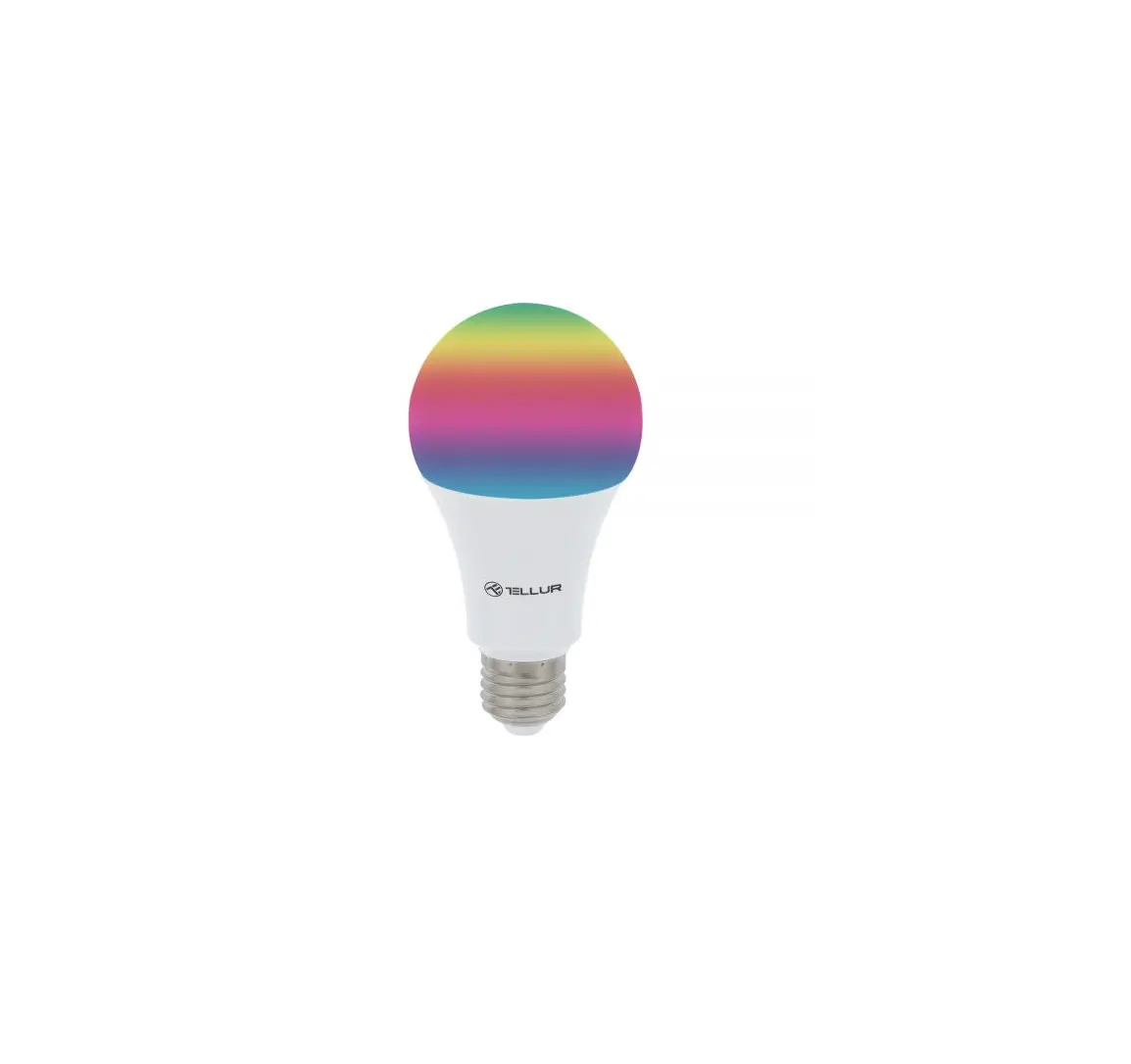
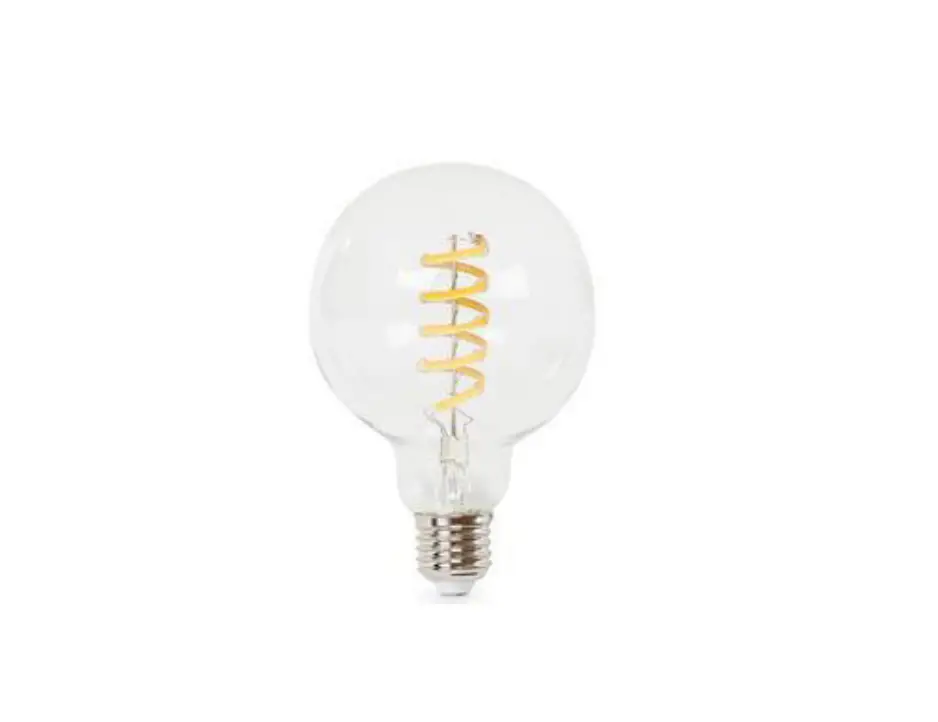
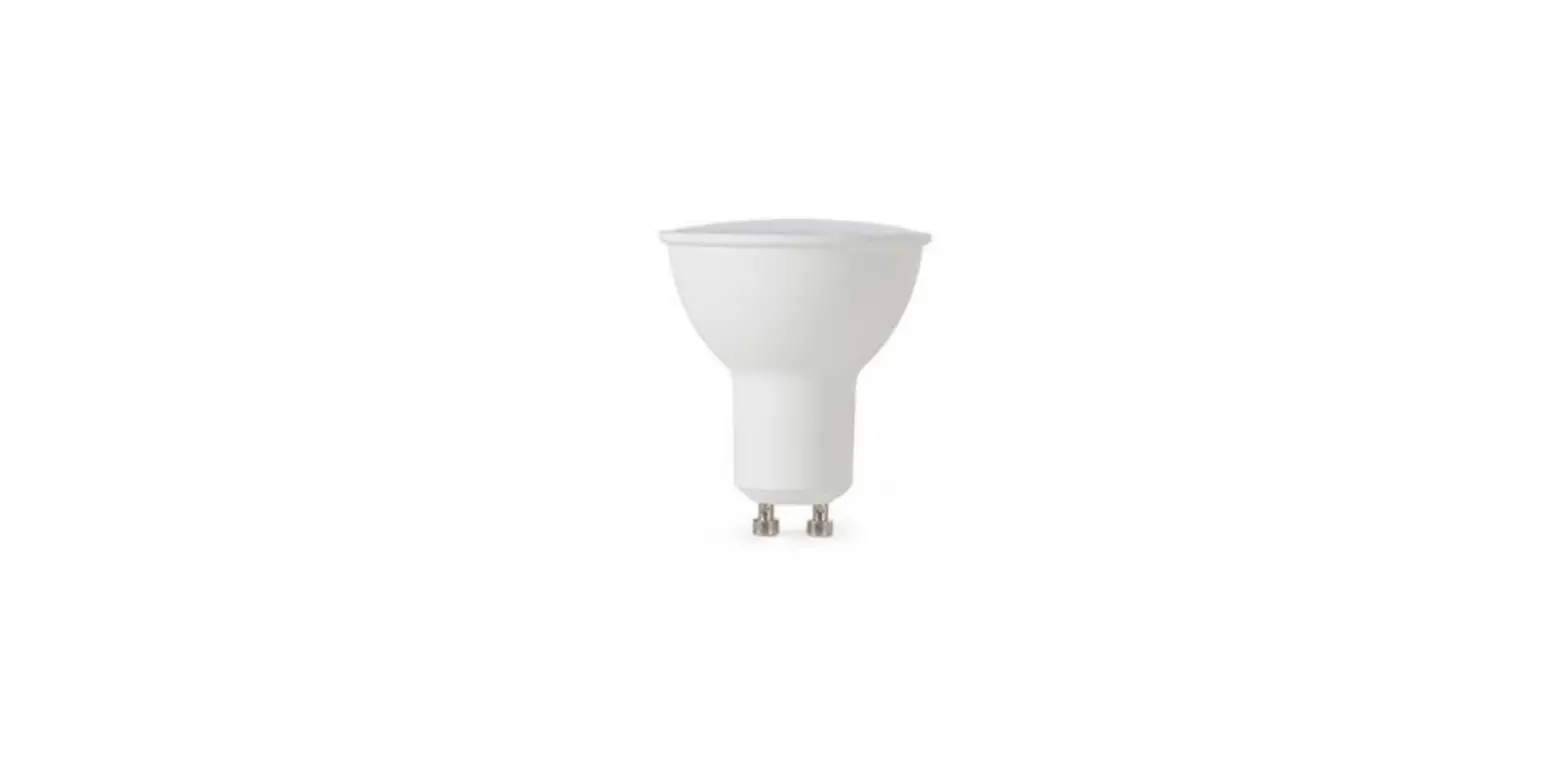
- Install your light bulb(s) into a socket
NOTE: Constant power to the bulb(s) is required at all times
ADDING YOUR SMART WI-FI BULB USING THE FEIT ELECTRIC APP
- Tap + in the upper right corner.
Note: if this is the first device you are setting up you can also select Add Device (A). - Tap Lighting and select Lighting device (B).
- Power On the bulb(s) and confirm the bulb(s) is blinking. Then tap Confirm (C).
- You will be prompted to confirm your WiFi network and enter password. Then tap Confirm (D).
Be sure to connect to a 2.4 GHz WiFi network that covers your installation location.
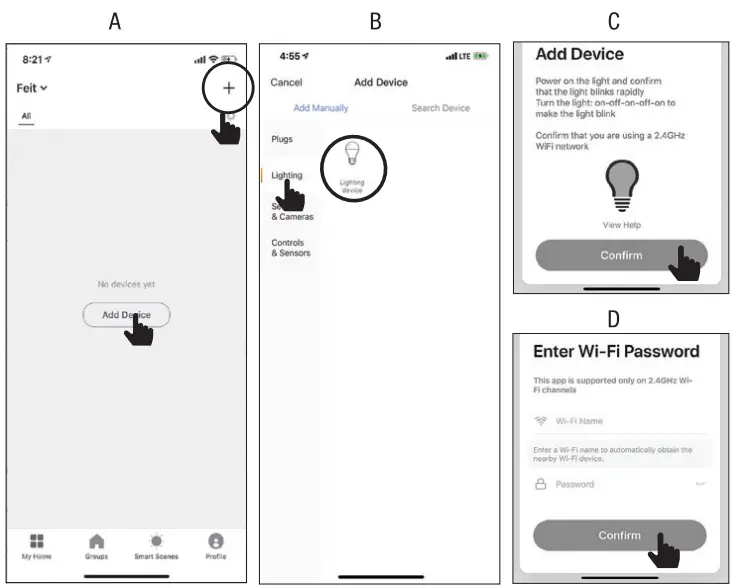
NOTE: If the bulb(s) is not blinking, turn the bulb(s) ON-OFF-ON-OFF-ON.
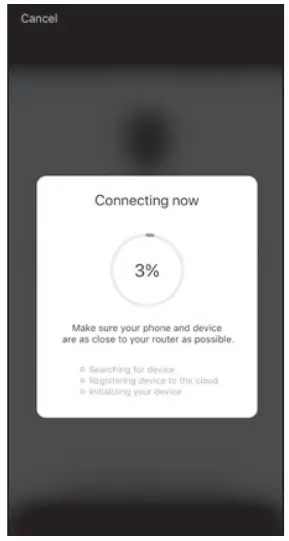
- The status menu will appear. Wait until it’s completed.
NOTE: If unsuccessful, the “Failed to Add” screen will appear. Close the app and repeat the previous steps. If successful, continue to step 5.
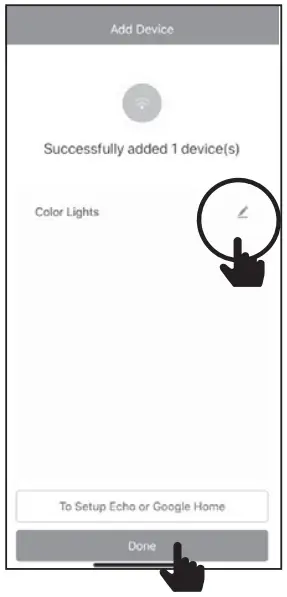
NAMING DEVICES
- To name the bulb(s) tap the Pen icon, enter the new name and tap Done. The bulb(s) is now ready to be controlled with the Feit Electric App.
For full user guide and setup instructions, please visit www.feit.com
FCC Caution:
Any Changes or modifications not expressly approved by the party responsible for compliance could void the user’s authority to operate the equipment.
This device complies with part 15 of the FCC Rules. Operation is subject to the following two conditions: (1) This device may not cause harmful interference, and (2) this device must accept any interference received, including interference that may cause undesired operation.
IMPORTANT NOTE:
Note: This equipment has been tested and found to comply with the limits for a Class B digital device, pursuant to part 15 of the FCC Rules. These limits are designed to provide reasonable protection against harmful interference in a residential installation. This equipment generates, uses and can radiate radio frequency energy and, if not installed and used in accordance with the instructions, may cause harmful interference to radio communications. However, there is no guarantee that interference will not occur in a particular installation. If this equipment does cause harmful interference to radio or television reception, which can be determined by turning the equipment off and on, the user is encouraged to try to correct the interference by one or more of the following measures:
—Reorient or relocate the receiving antenna.
—Increase the separation between the equipment and receiver.
—Connect the equipment into an outlet on a circuit different from that to which the receiver is connected.
—Consult the dealer or an experienced radio/TV technician for help.
FCC Radiation Exposure Statement: This equipment complies with FCC radiation exposure limits set forth for an uncontrolled environment.This equipment should be installed and operated with minimum distance 20cm between the radiator& your body.
For more information about our Smart WiFi Light Bulbs and to access our user guides please visit:
feit.com/smartwifibulb Alexa and all related logos are trademarks of Amazon.com, Inc. or its affiliates. Google, Android and Google Play are trademarks of Google LLC.
Apple, the Apple logo, Siri and the Siri logo are trademarks of Apple Inc., registered in the U.S. and other countries. App Store is a service mark of Apple Inc. Need Help?
Thank you for your purchase. Questions, comments or feedback? We’d love to hear from you.
Visit feit.com/help for support or connect with us: @FeitElectric
 @FeitElectricInc
 feitelectriclighting