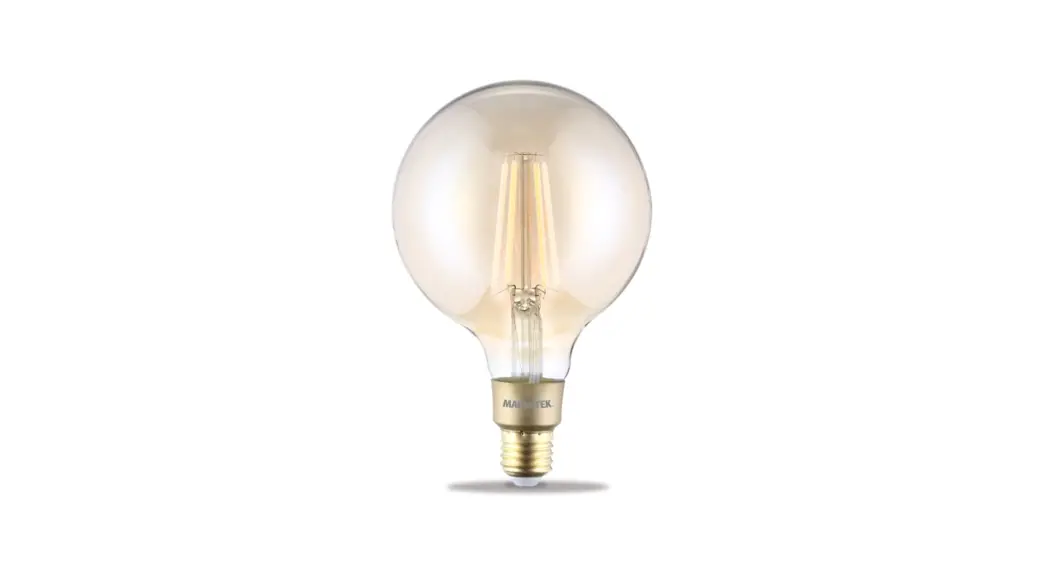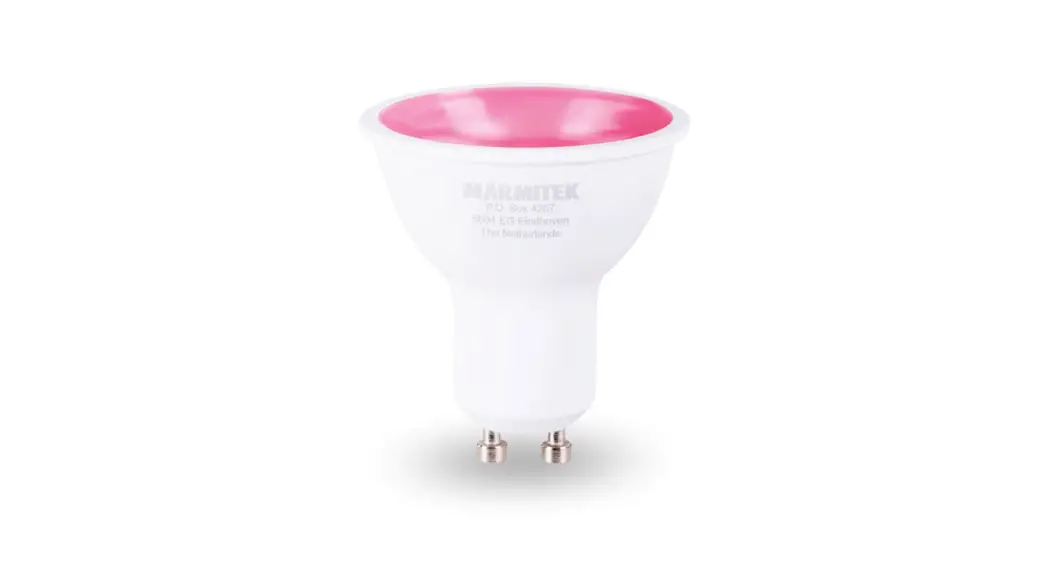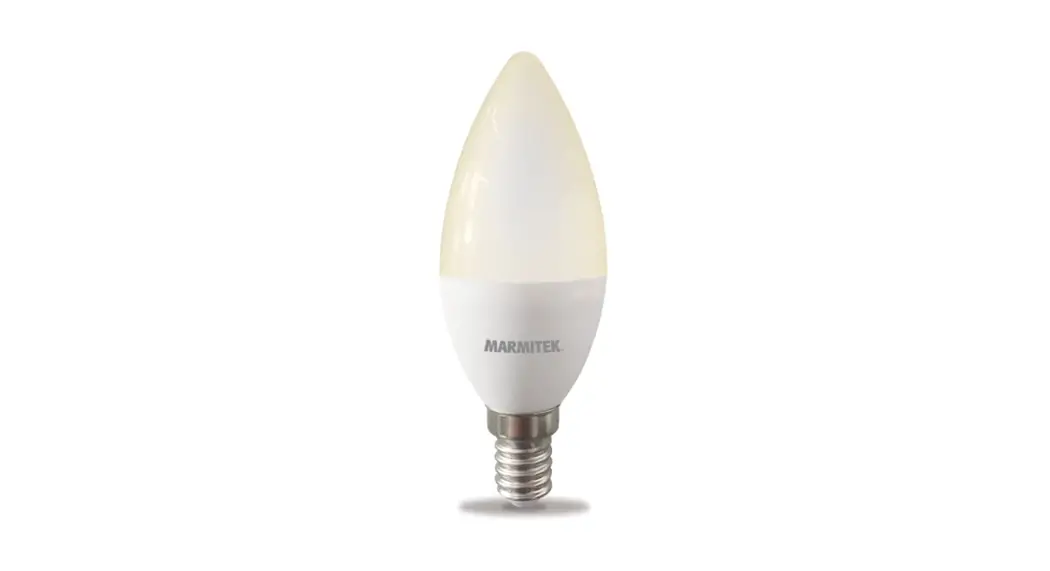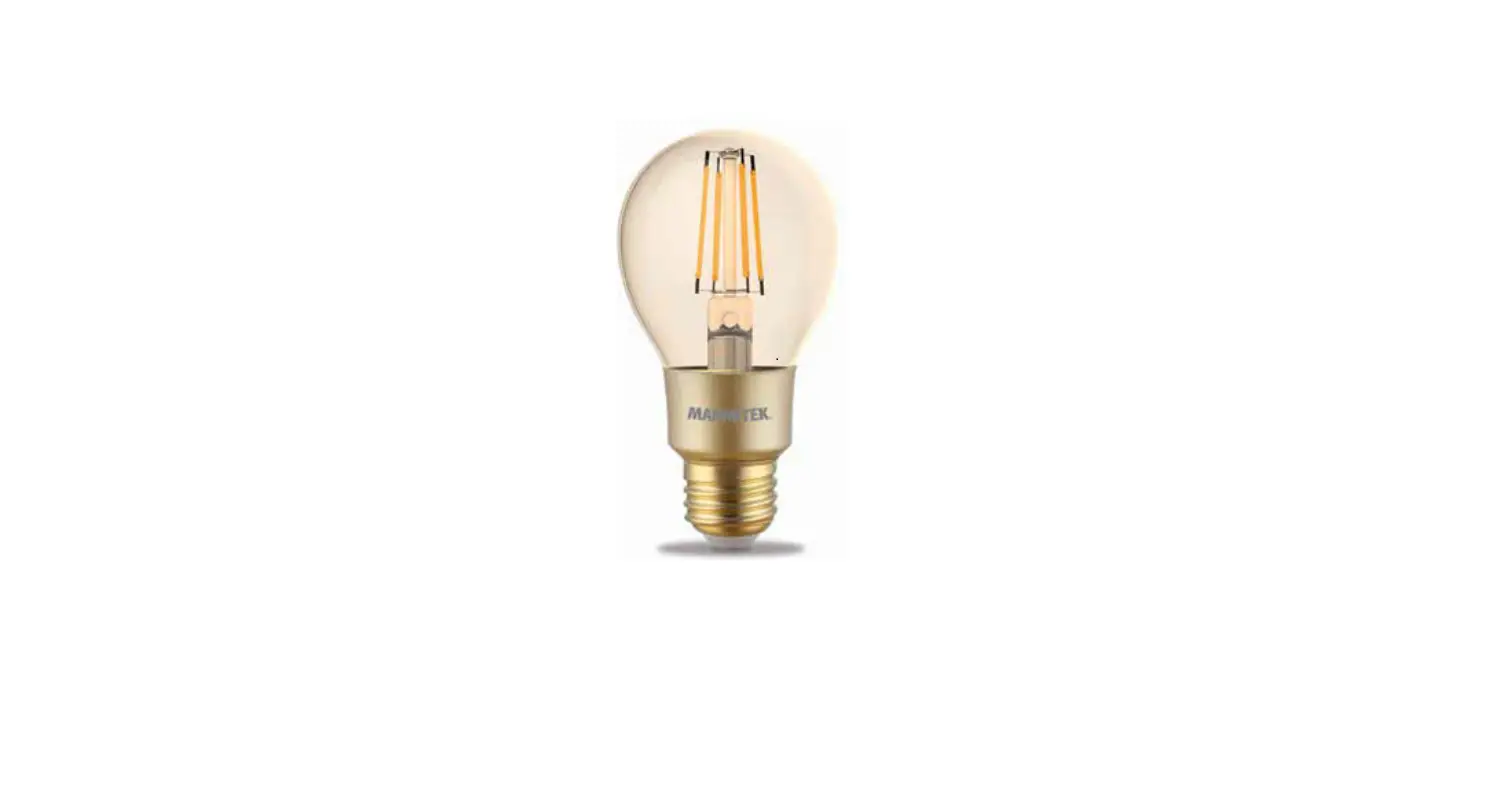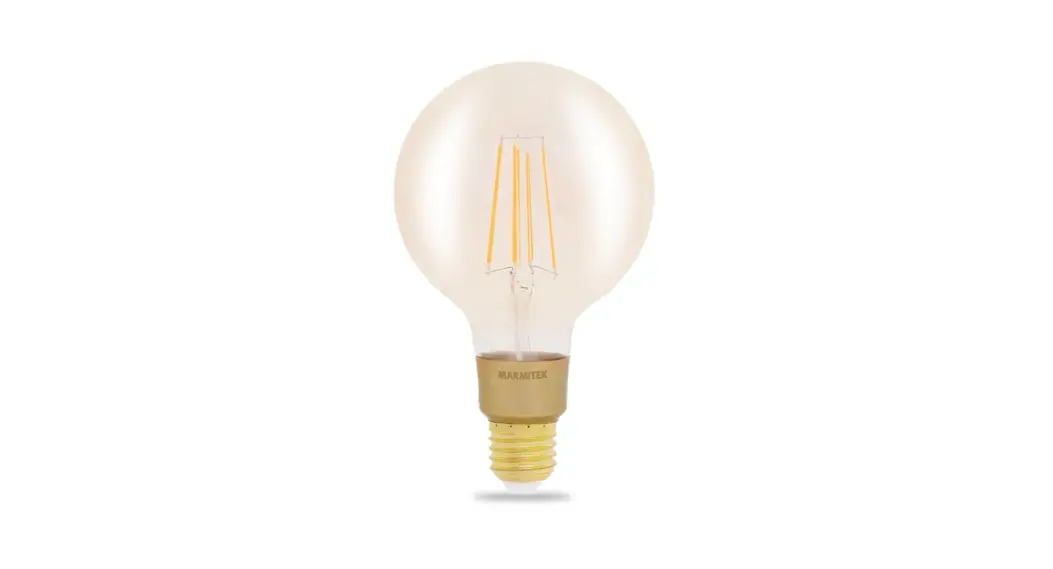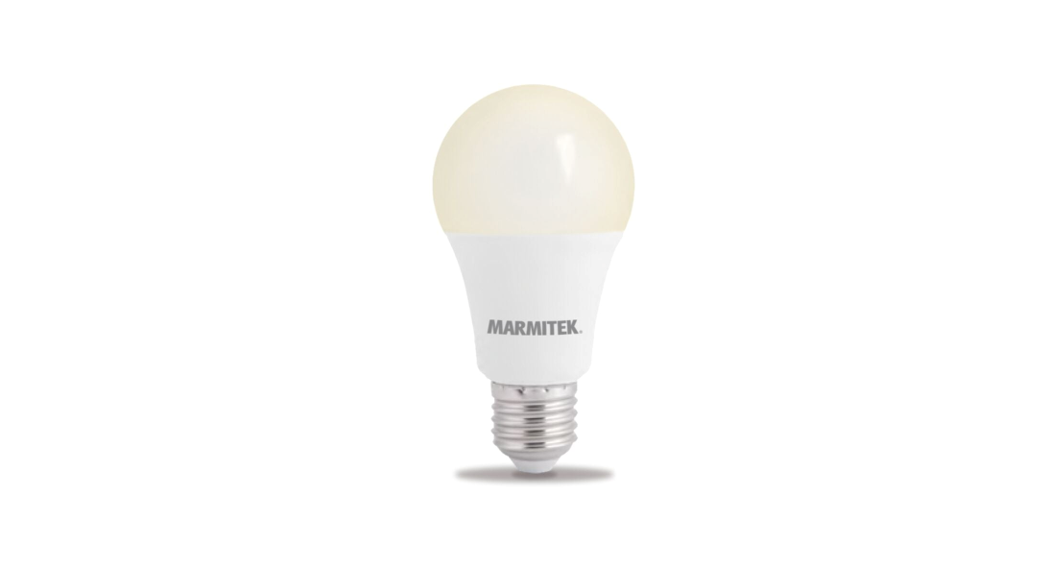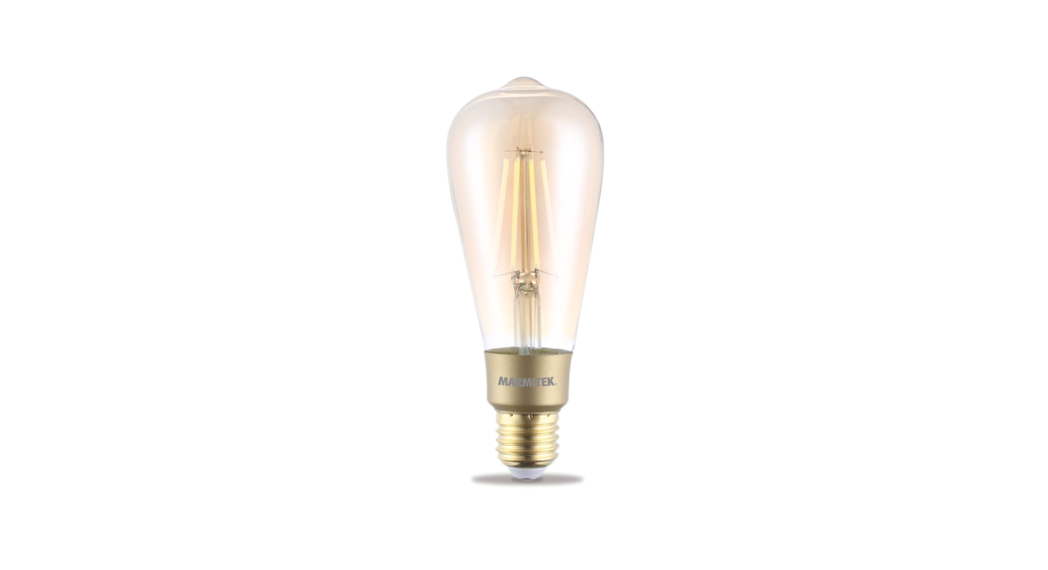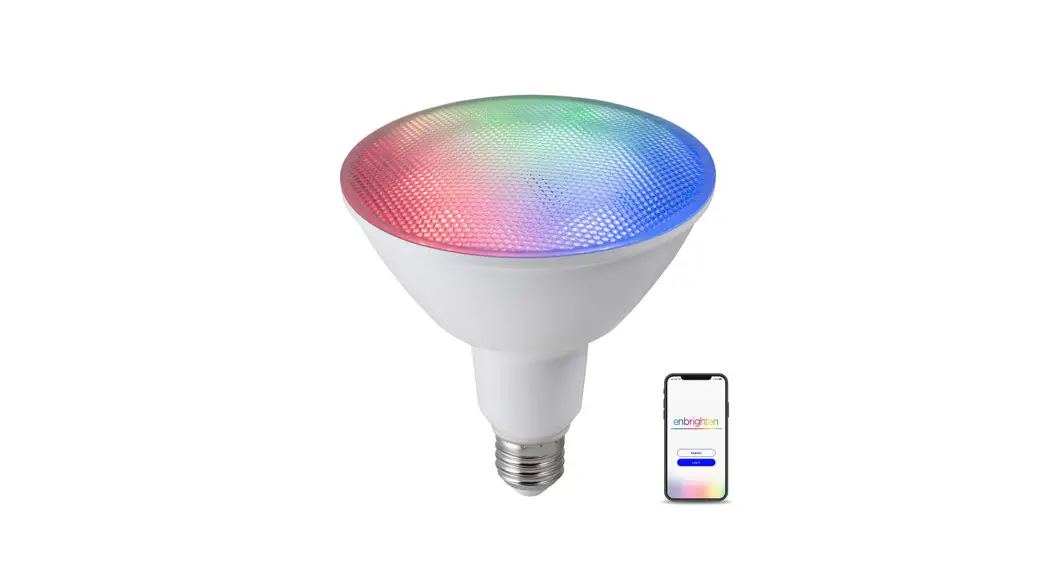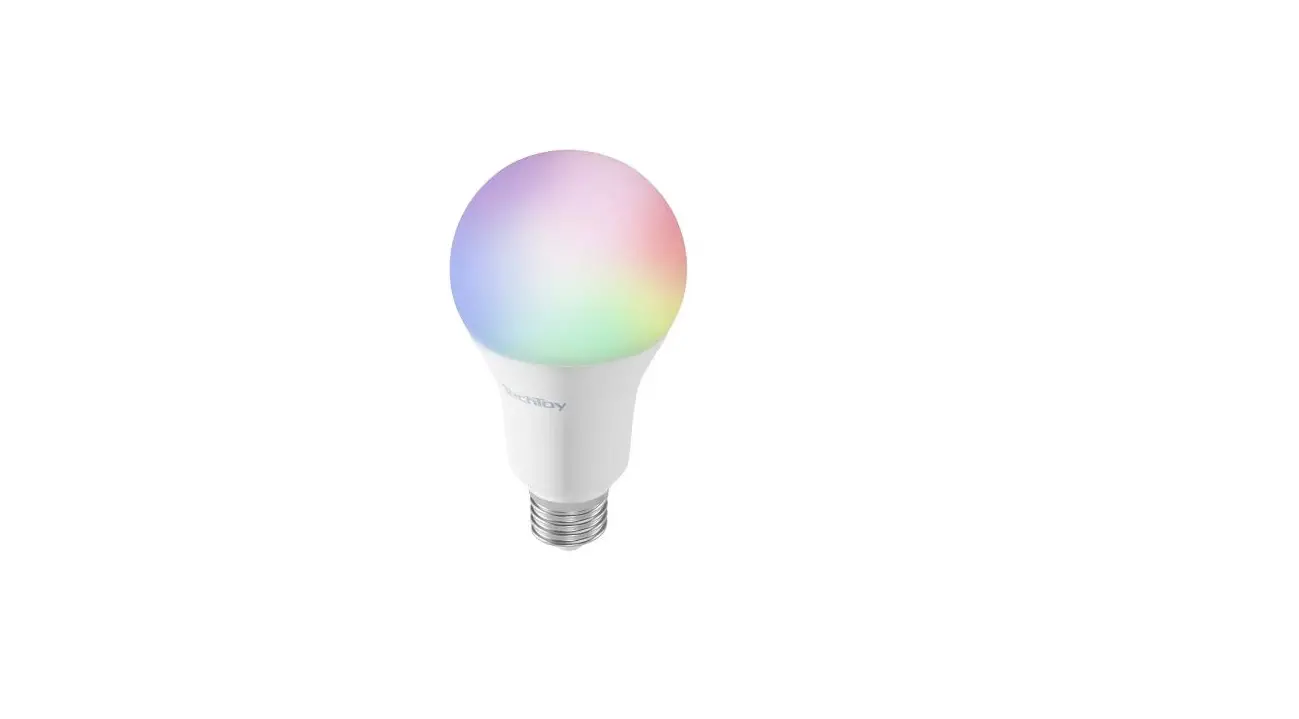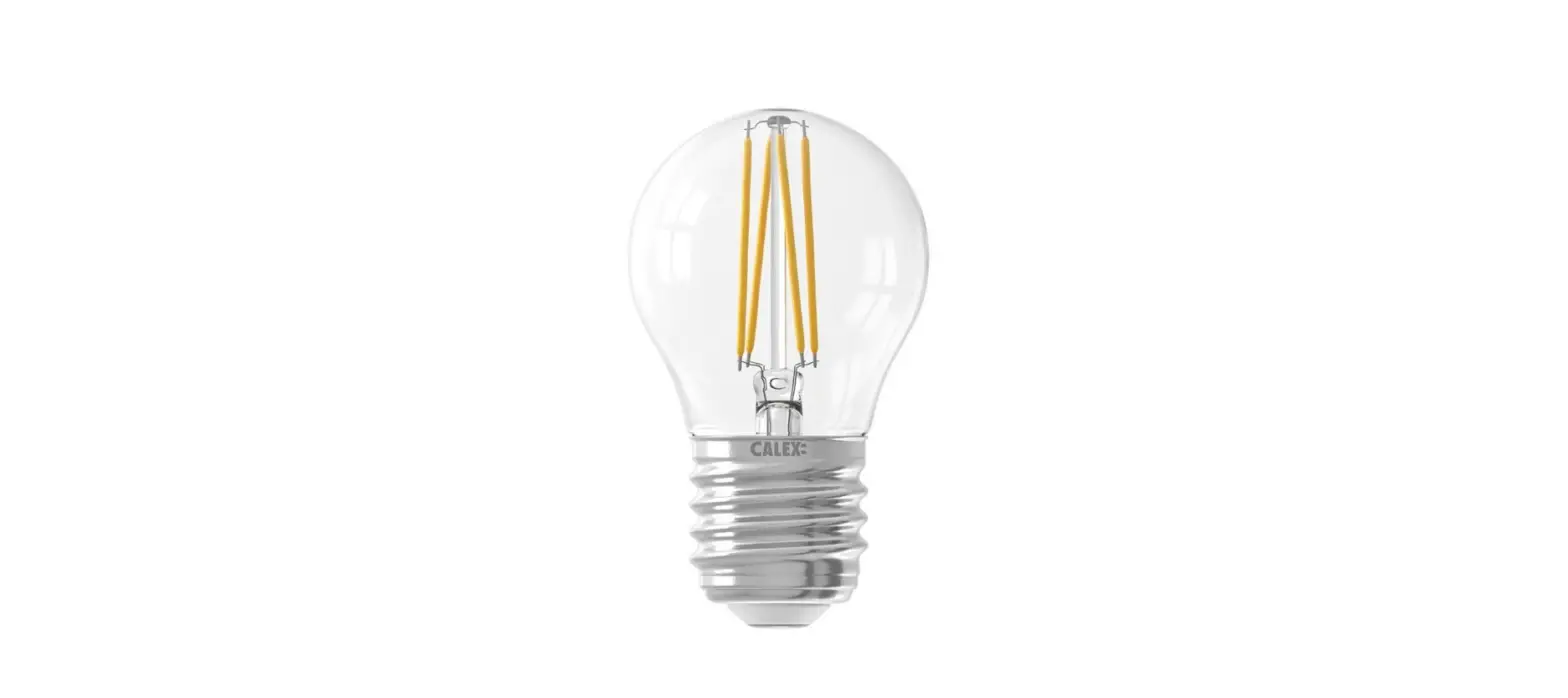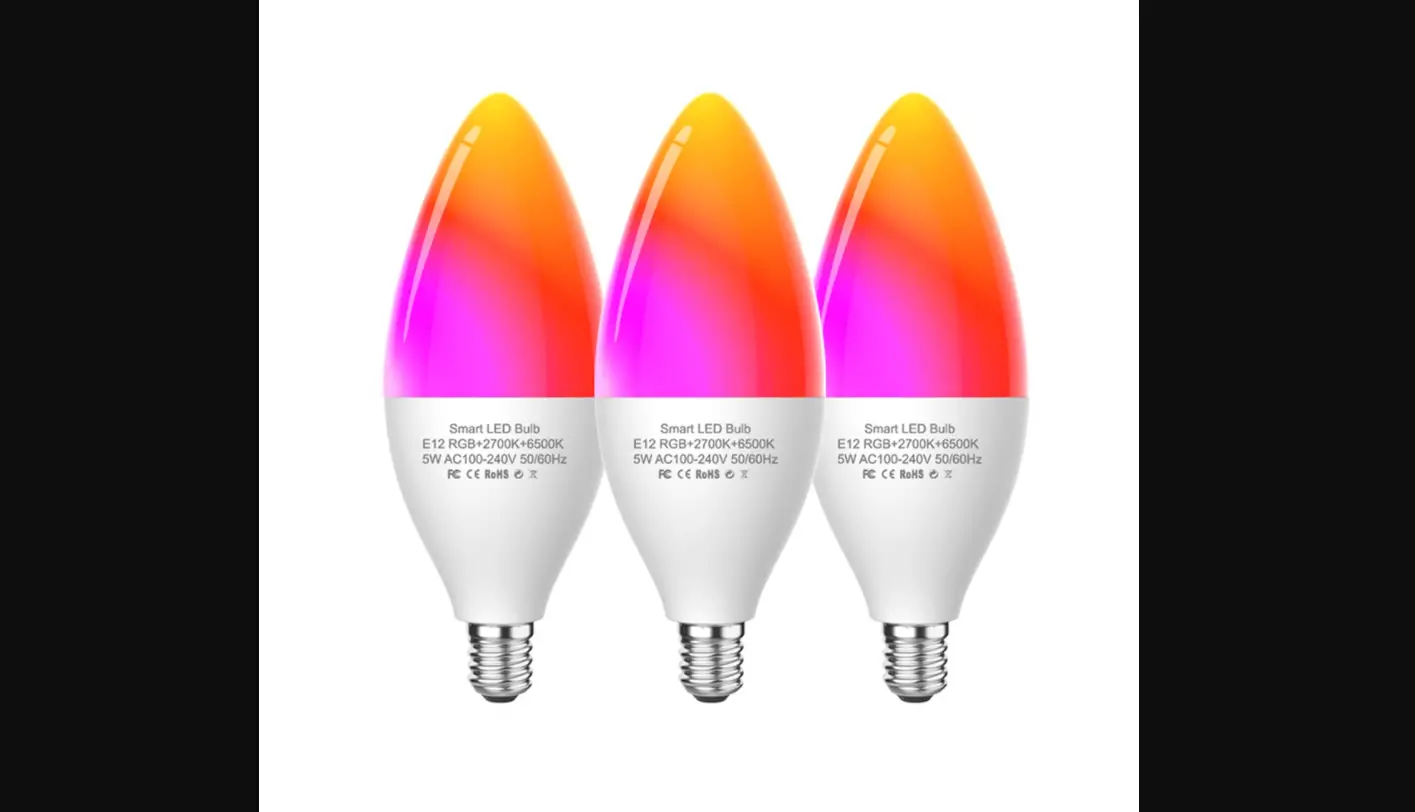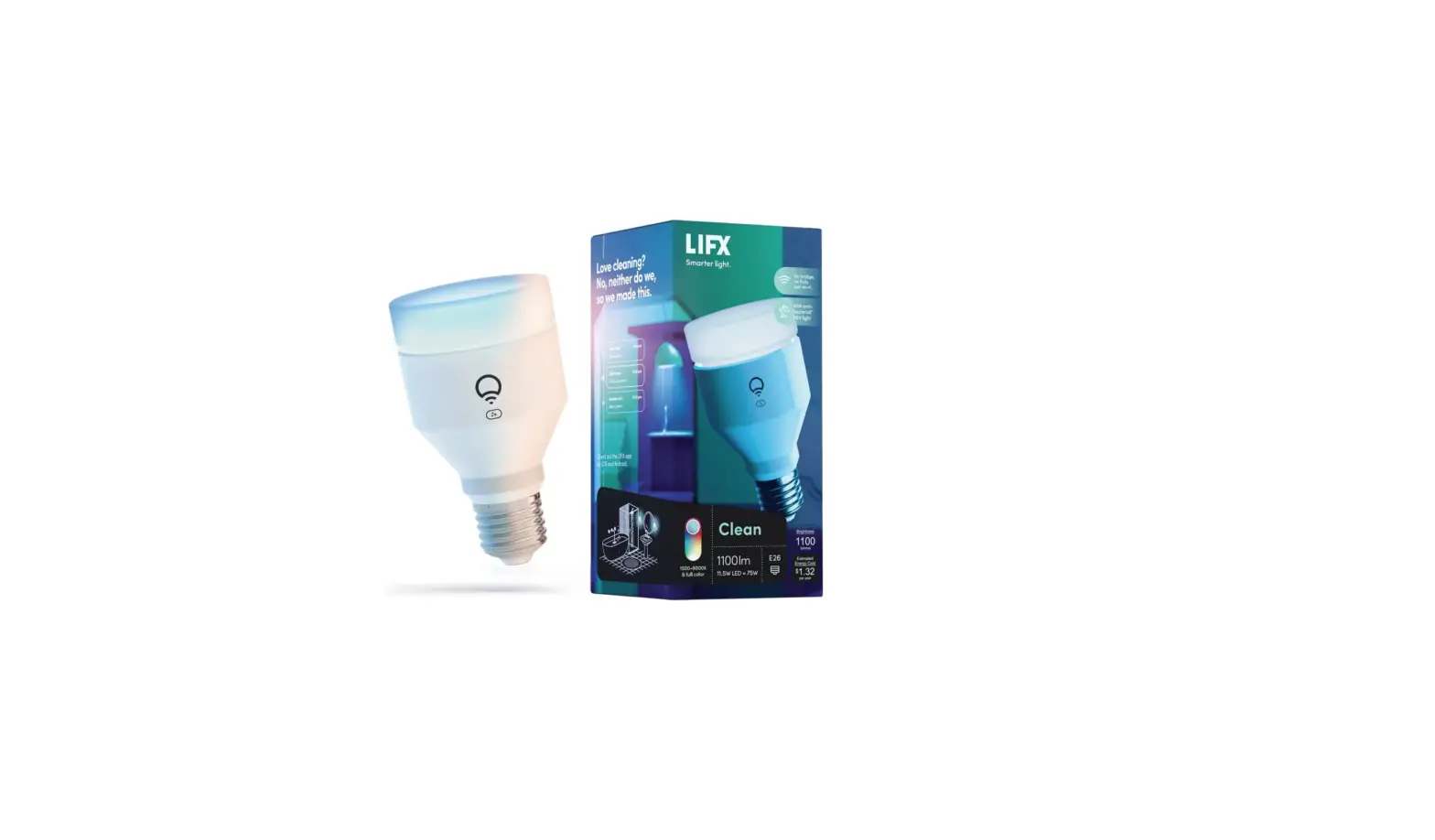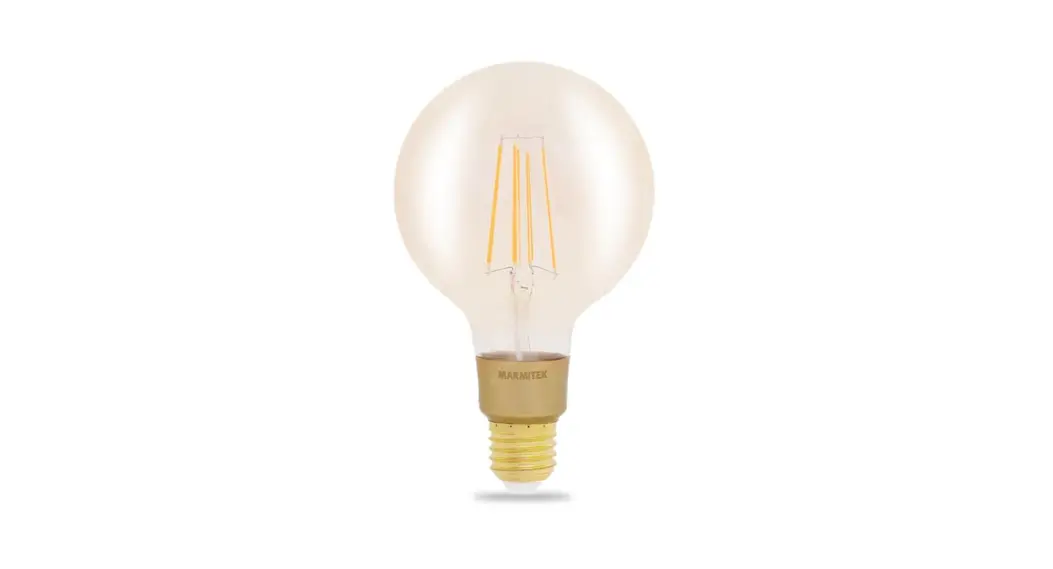
 Glow MO
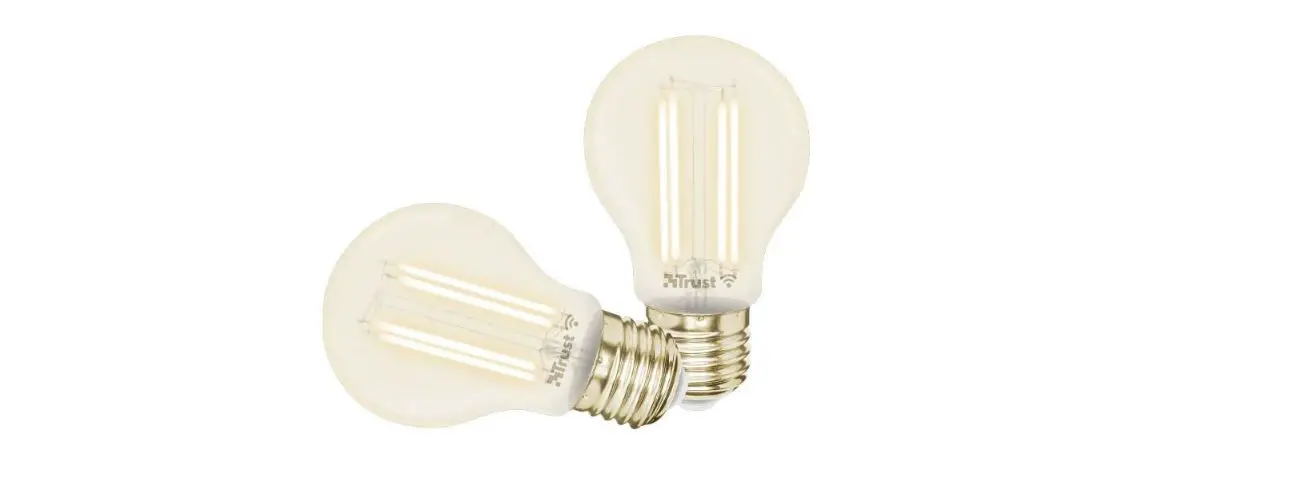
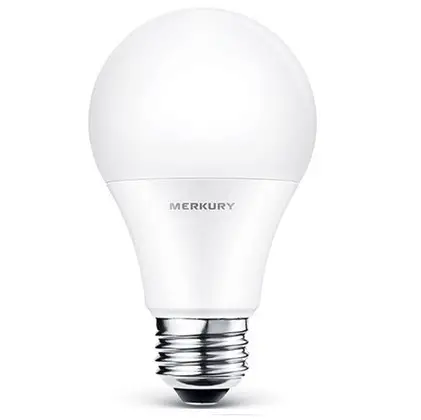
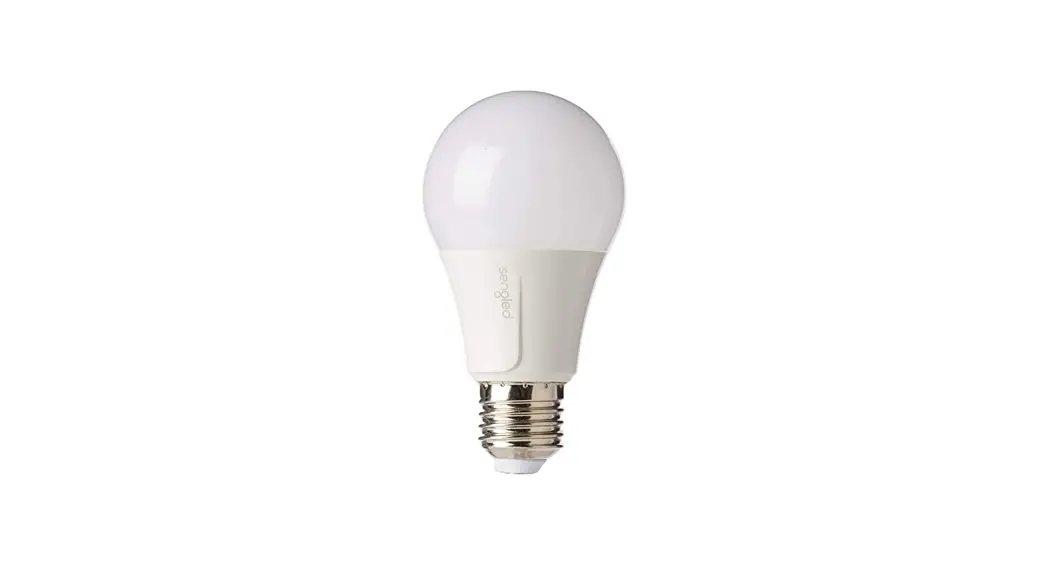
Smart Wi-Fi LED bulb
E27 | 806 lumen | 9 W = 60 W
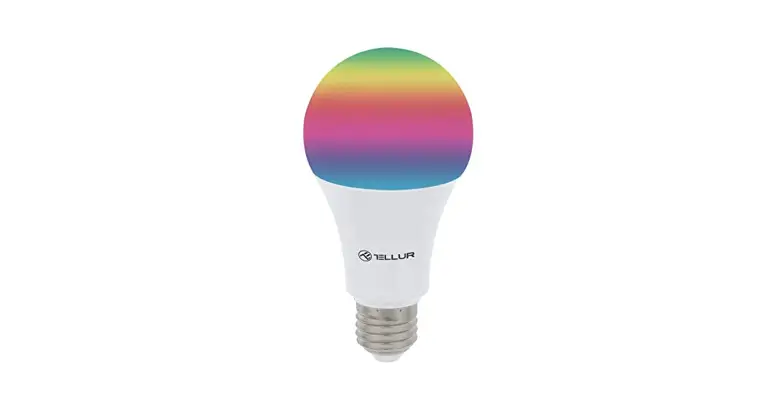
 16 million colors & warm to cool white
Package content
1 x Glow MO bulb
1 x Quick install guide
 Marmitek Smart me app
http://www.marmitek.com/media/qr/Smart_me_ug_store_aa_01.html Multi language user guide
http://www.marmitek.com/media/qr/gmo_ug_ma_aa_01.html
Safety Instructions
Please read these instructions thoroughly before you use the device and keep them for future reference.
Only for indoor use.
- Do not expose the product to extremely high or low temperatures, strong light sources or direct sunlight.
- This product is not a toy. Keep out of reach of children.
- Never open the product: the device may contain parts with deadly voltage.
- Repairs or service should only be performed by qualified personnel.
- Using damaged or inappropriate lights or fittings carries the risk of electric shocks.
- Before installation, turn off the mains power and let lamps cool down before replacement.
Requirements
This light bulb is not suitable for use with conventional dimmers.
This product requires a stable working Wi-Fi network (username/ password) connected to the internet.
Installation of the Smart me app
Download and install the Marmitek Smart me app from the Apple app store or the Google Play store.
Launch the Smart me app after installation is completed.Follow the instructions and register for a new account.
Installation of the Glow MO
- Ensure the mains power to the lamp fixture is switched OFF by using your conventional light switch
- Install the Smart Glow light bulb into fixture and switch the light back ON.
- The light bulb should start flashing quickly (2 times per second).
- Launch the Smart me app from your smart phone or tablet.
- Click on the + (upper right corner) to add a new device, confirm if the light bulb flashes quickly and follow the instructions.
- Press Help button during installation for more information or when installation fails.
Notes for using the product
- After the installation is completed you can control and configure the light bulb using the app.
- When the light bulb is switched of by the conventional light switch, it cannot be operated anymore by app, timers or preprogramed smart scenarios.
- Check our website www.marmitek.com for more details and how to use the Smart me products.
Technical specifications
| Lamp type | A60 |
| Base type | E27 |
| Light color | color + white adjustable (CCT) |
| Color temperature | RGB + 2700-6500K |
| Wattage | 9 W |
| Wattage | 9 kWh/1000h |
| Equal to | 60 Watt |
| Light output | 806 lumen |
| Beam angle | 220 degrees |
| Life time hours/clicks | 25.000/15.000 |
| Wireless technology | Wi-Fi 2.4GHz |
| Power | 220-240 VAC 50/60 Hz |
| Standby power | < 0.5 Watt |
| Dimensions | 60x110mm |
Declaration of Conformity
 Hereby, Marmitek BV, declares that the Glow MO is in compliance with the essential requirements of the 2014/53/EU Directives.
Full Declaration of Conformity is available at www.marmitek.com/en/declarations-of-conformity/
More detailed user guide and instructions are available on our website at www.marmitek.com

smart-me
20707/20191104 | Glow MO™
all rights reserved © MARMITEK
stay connected
marmitek.com