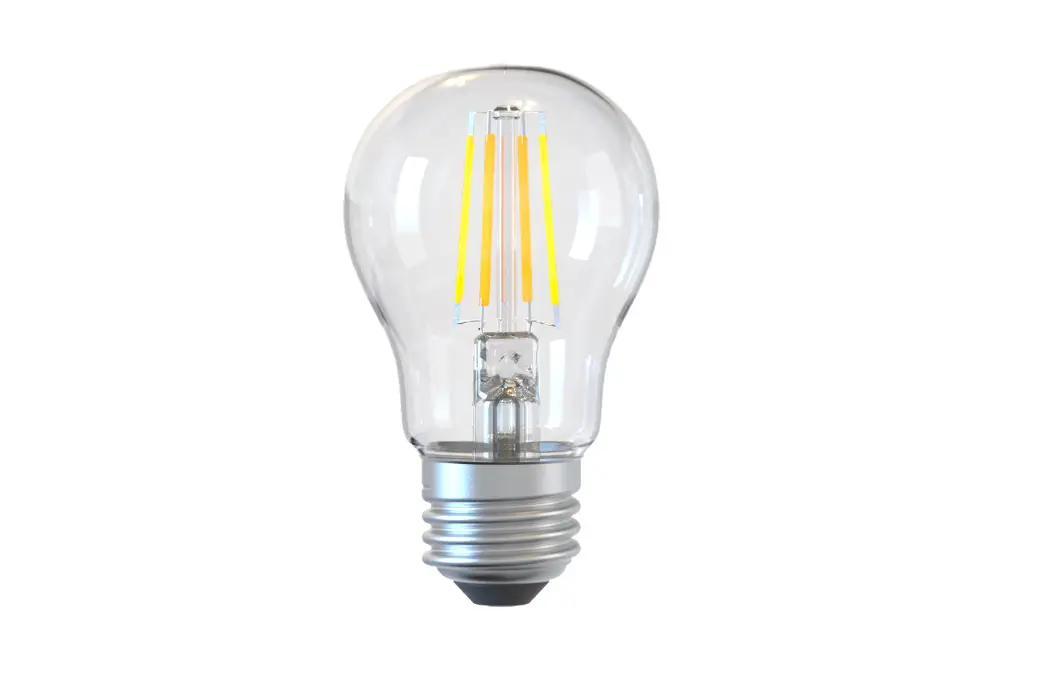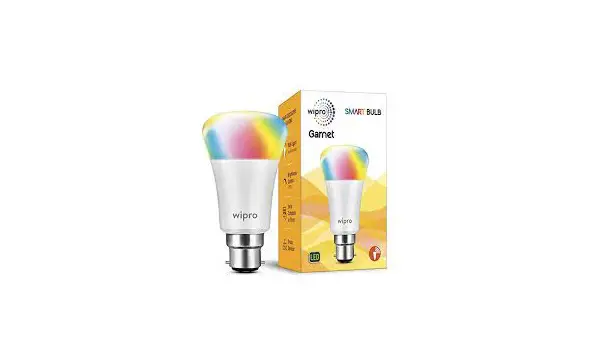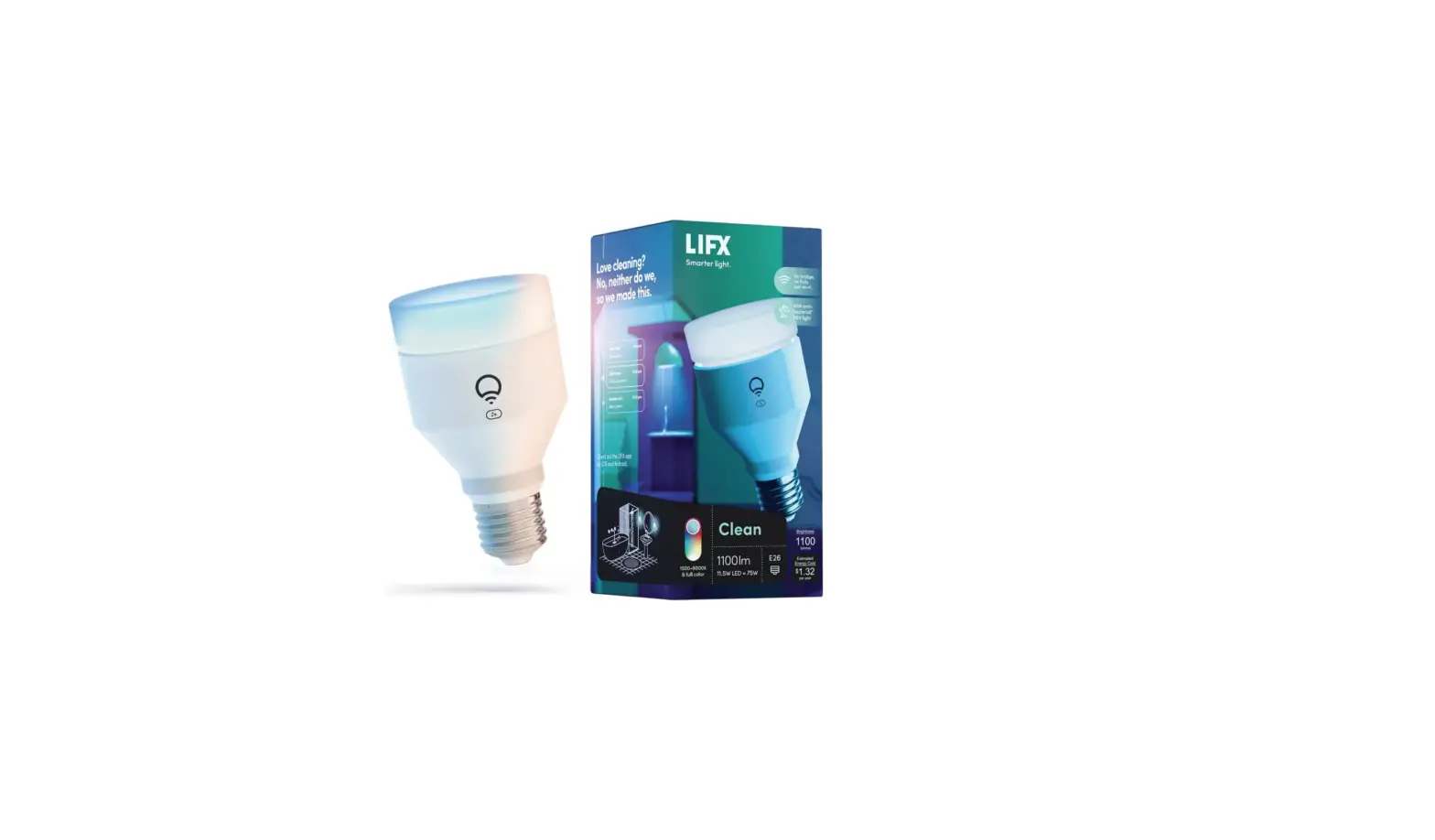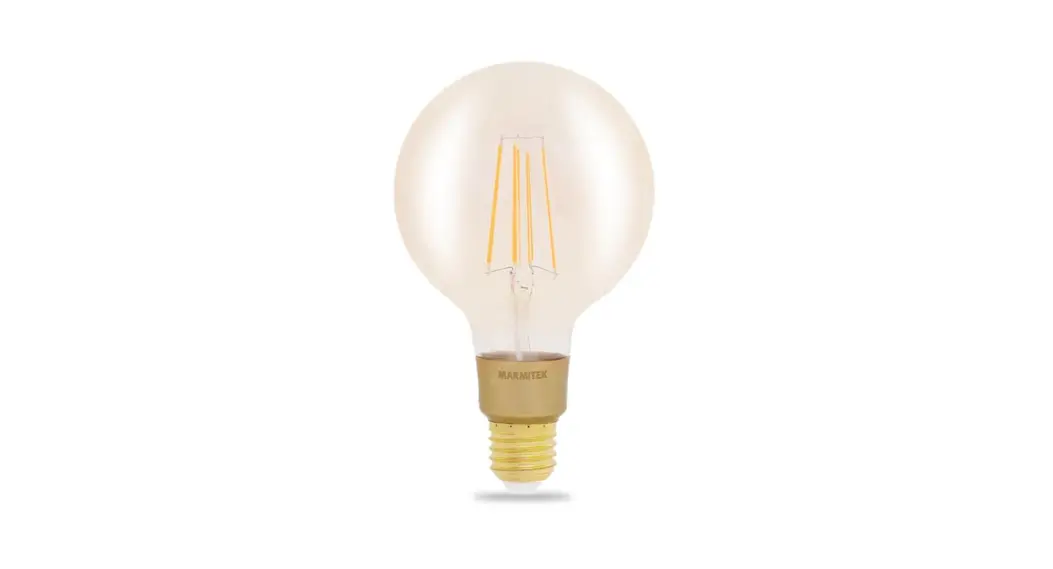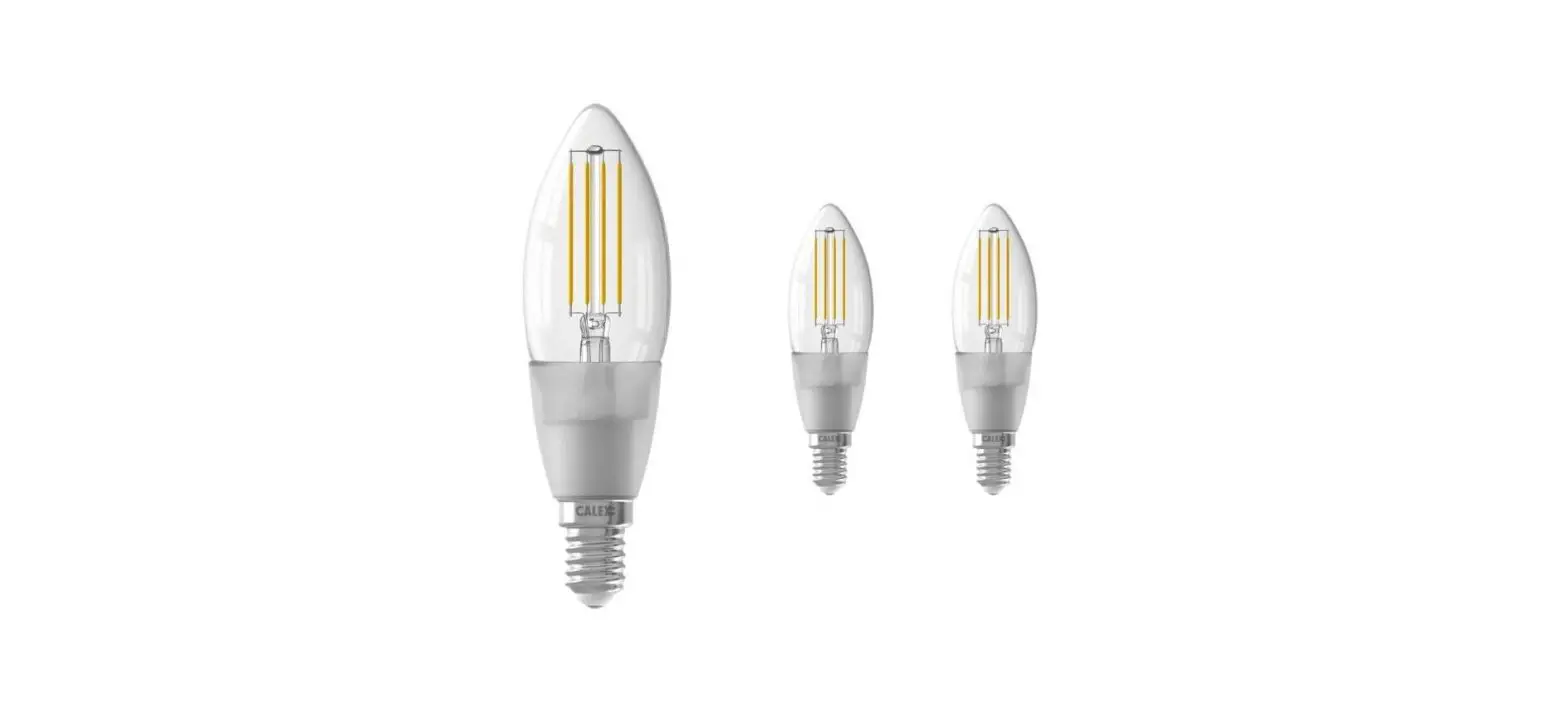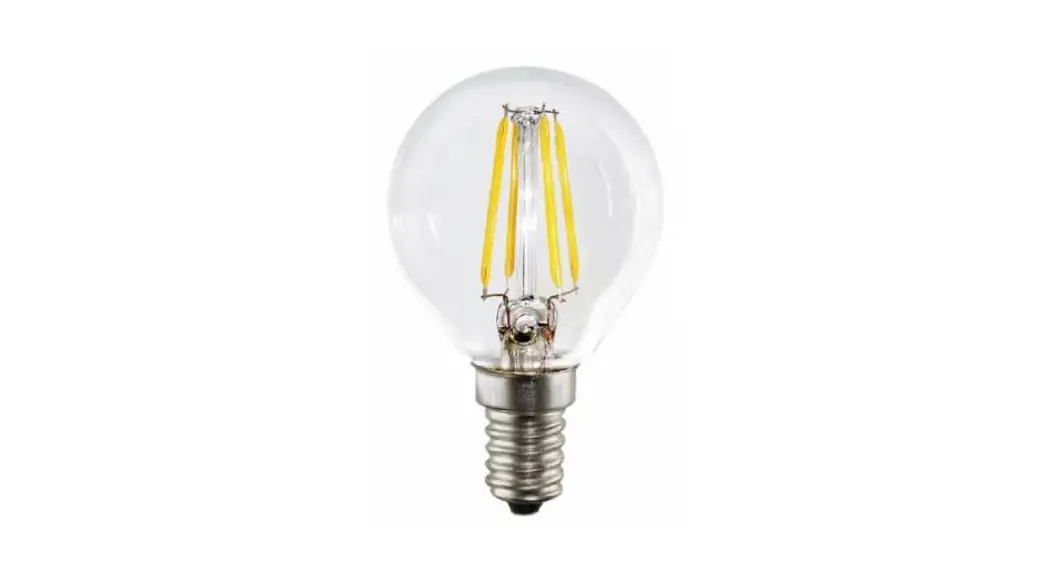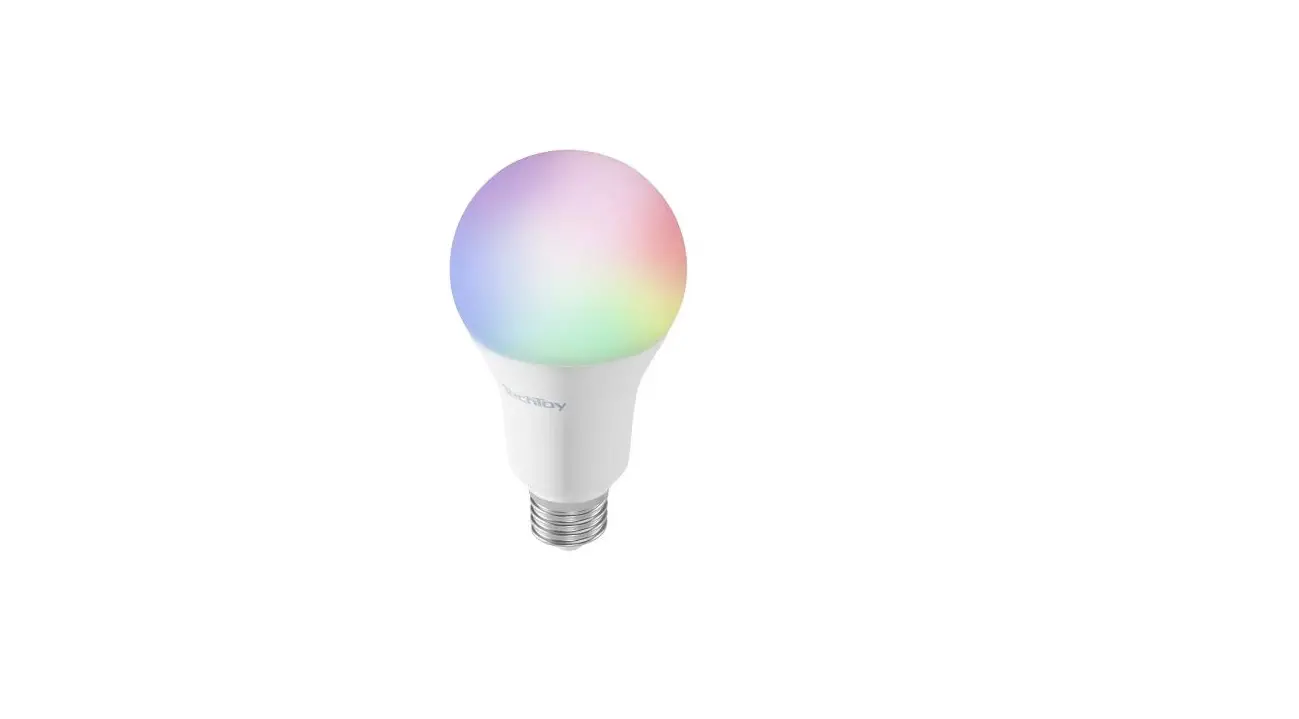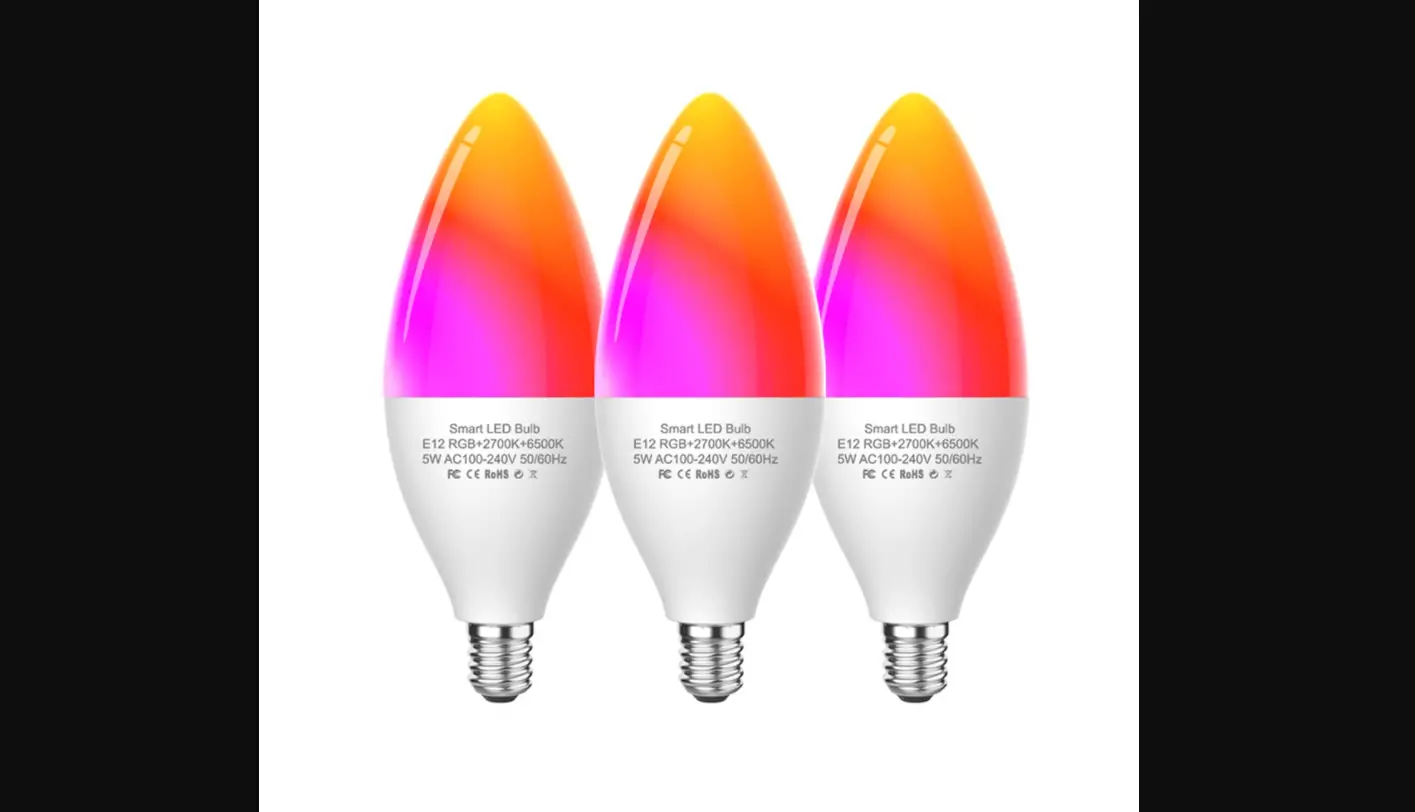

Luntak E12 WiFi Smart LED Light Bulbs
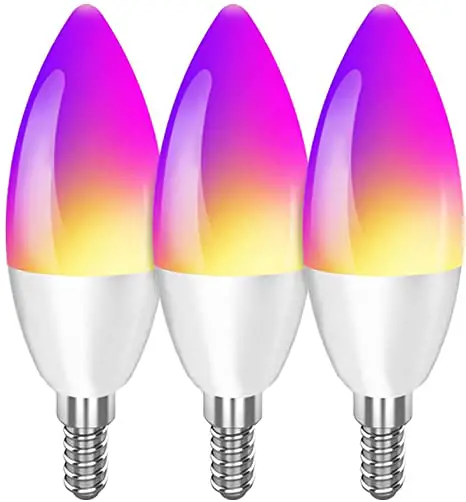
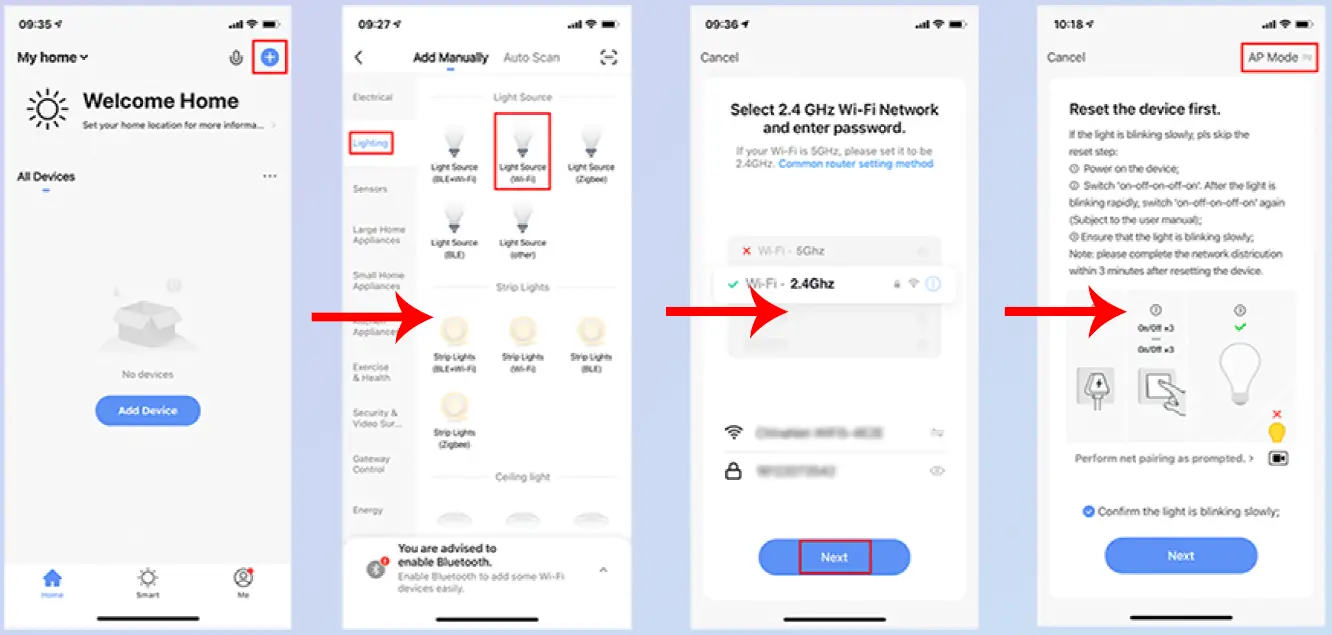
- Switch on the light
- Wait until the light blinks rapidly. (twice a second)
- If the bulb does not flash rapidly, power it off and on 3 times
- Note: The bulb can flash fast and slow to connect, power it off and on 3 times will reset the bulb and change the flashing speed.
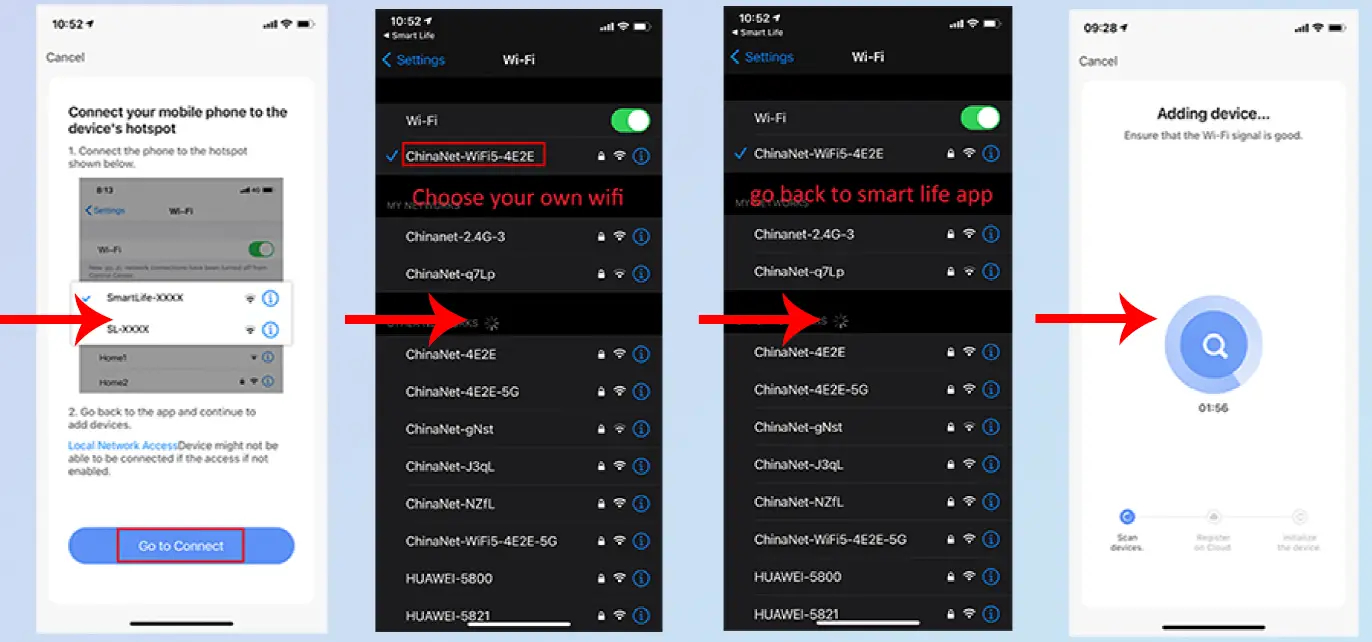
How to connect Luntak WIFI smart bulb with Smart Life app?
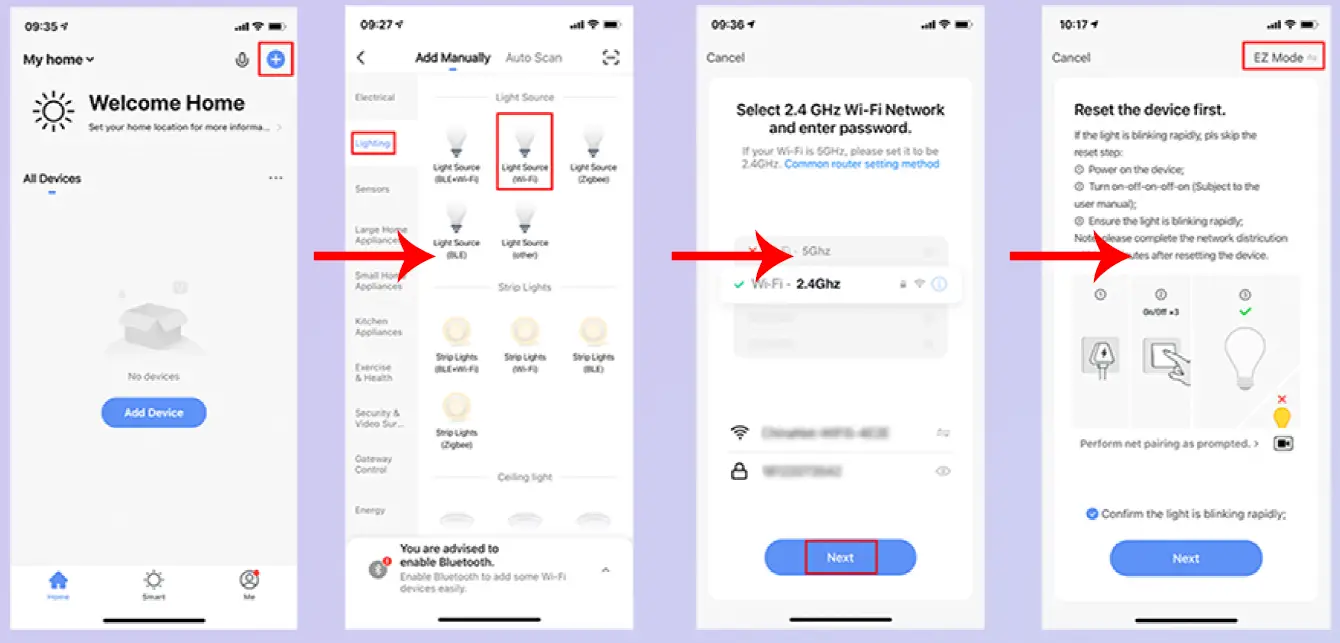
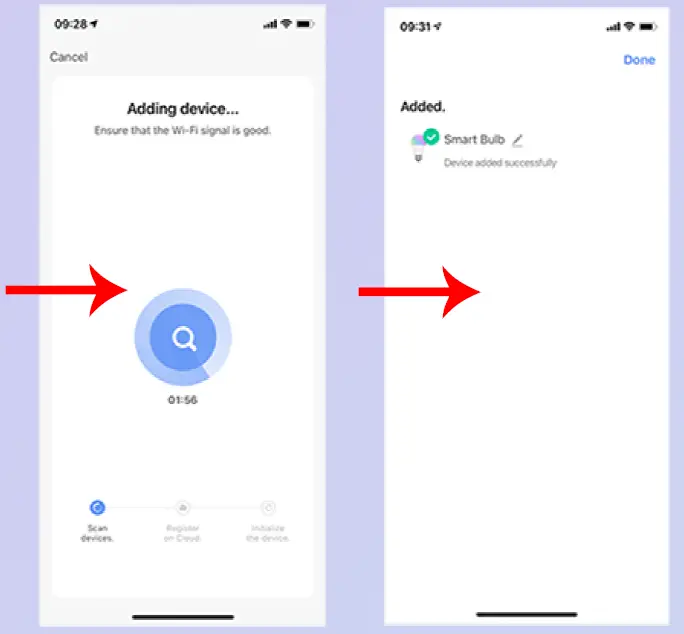
If it fails, follow this step using AP mode
(With the bulb flashes once in 2 seconds) .