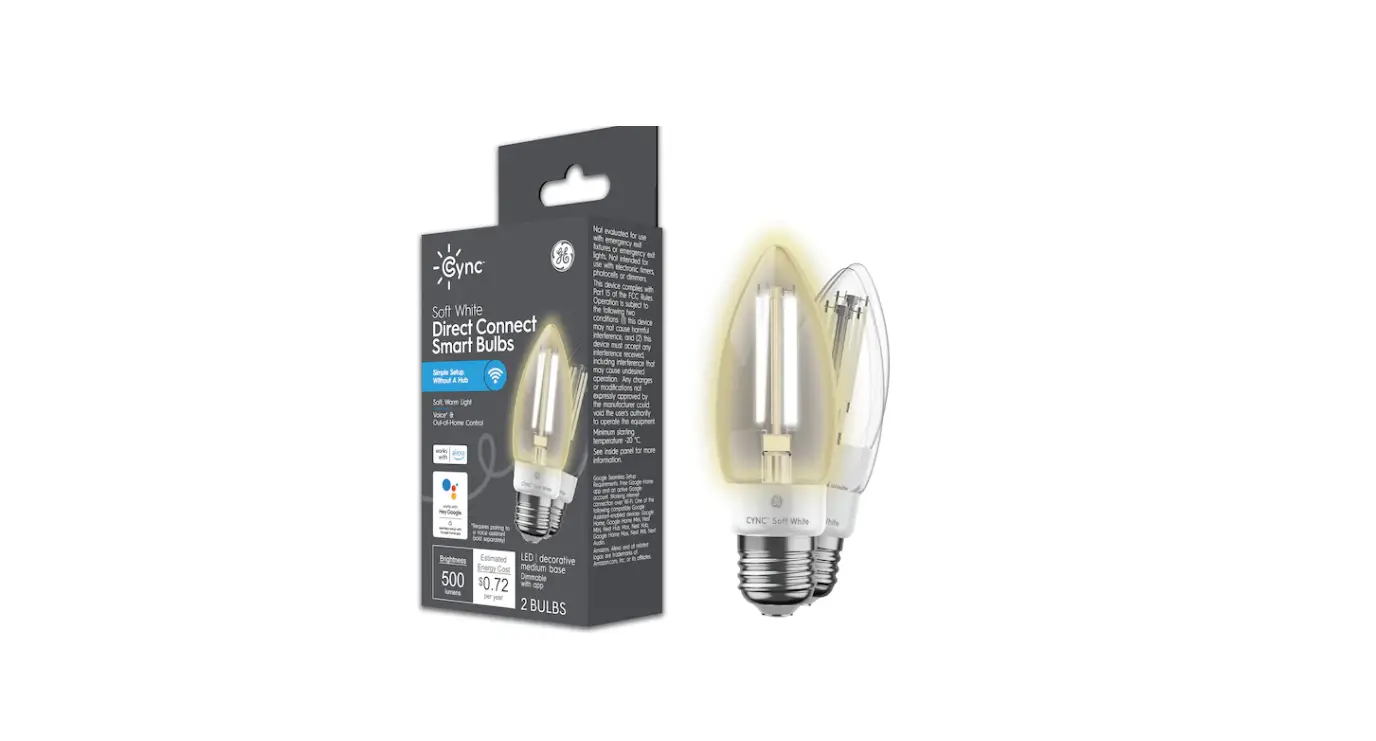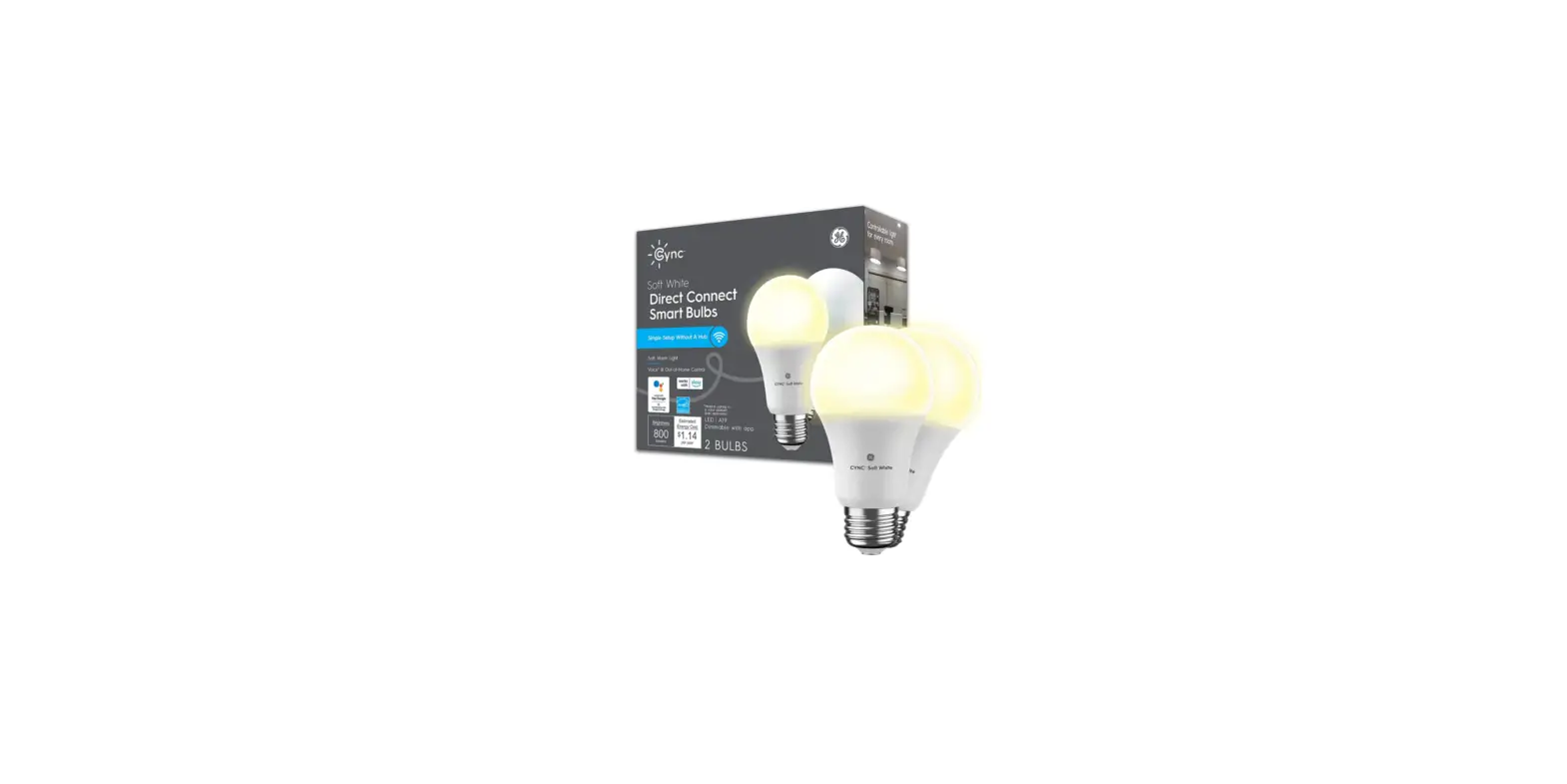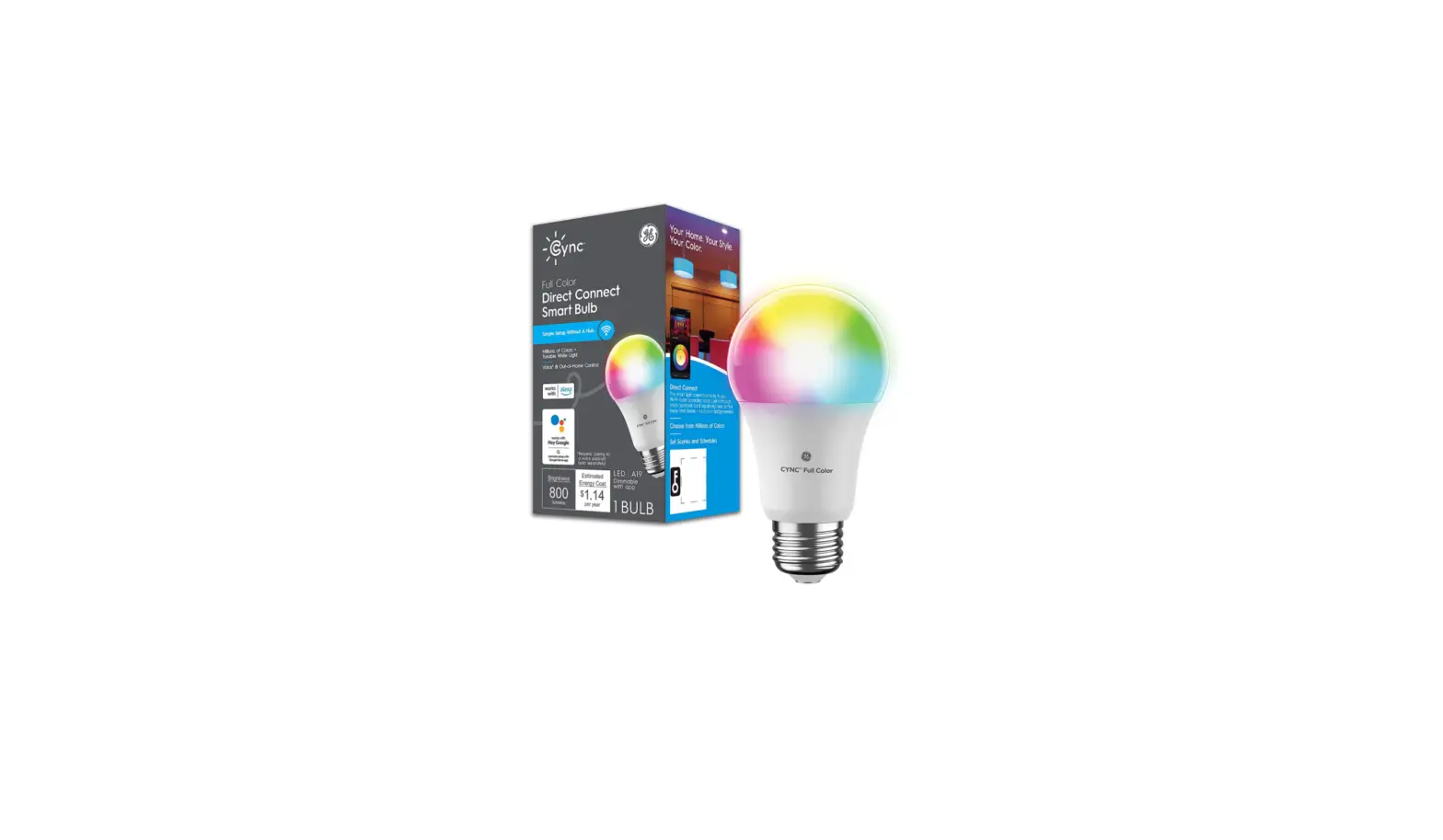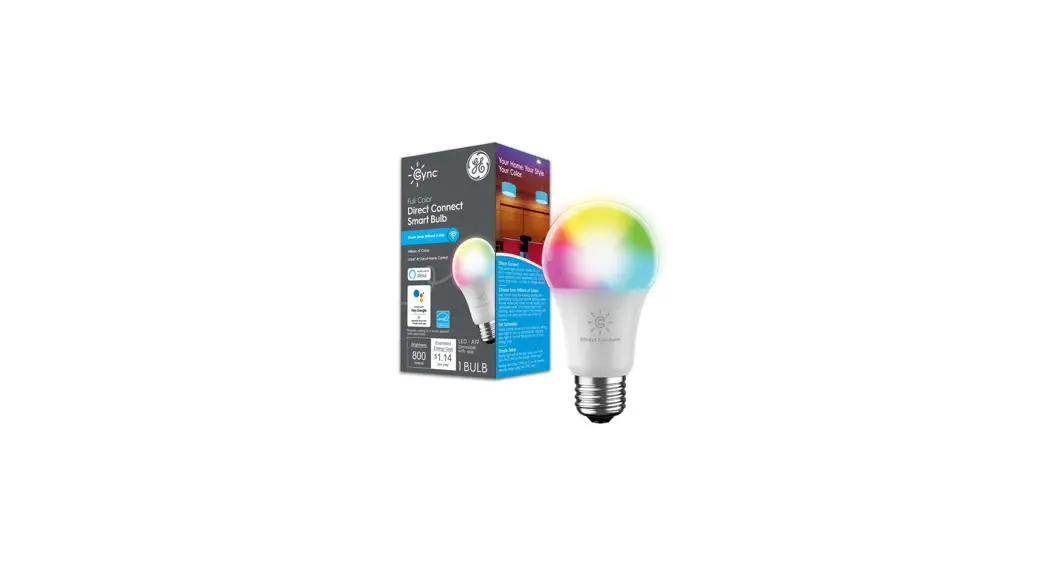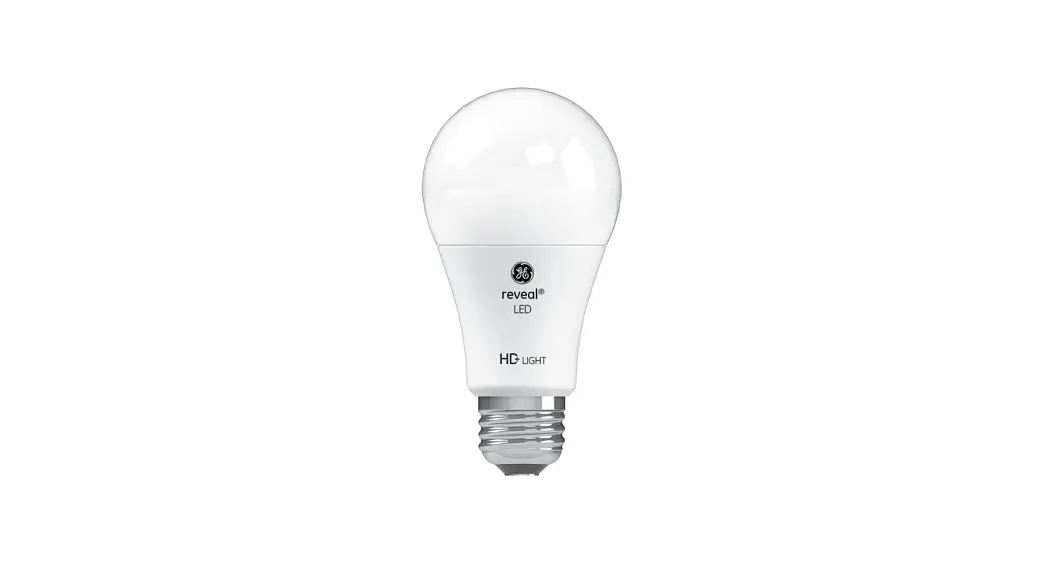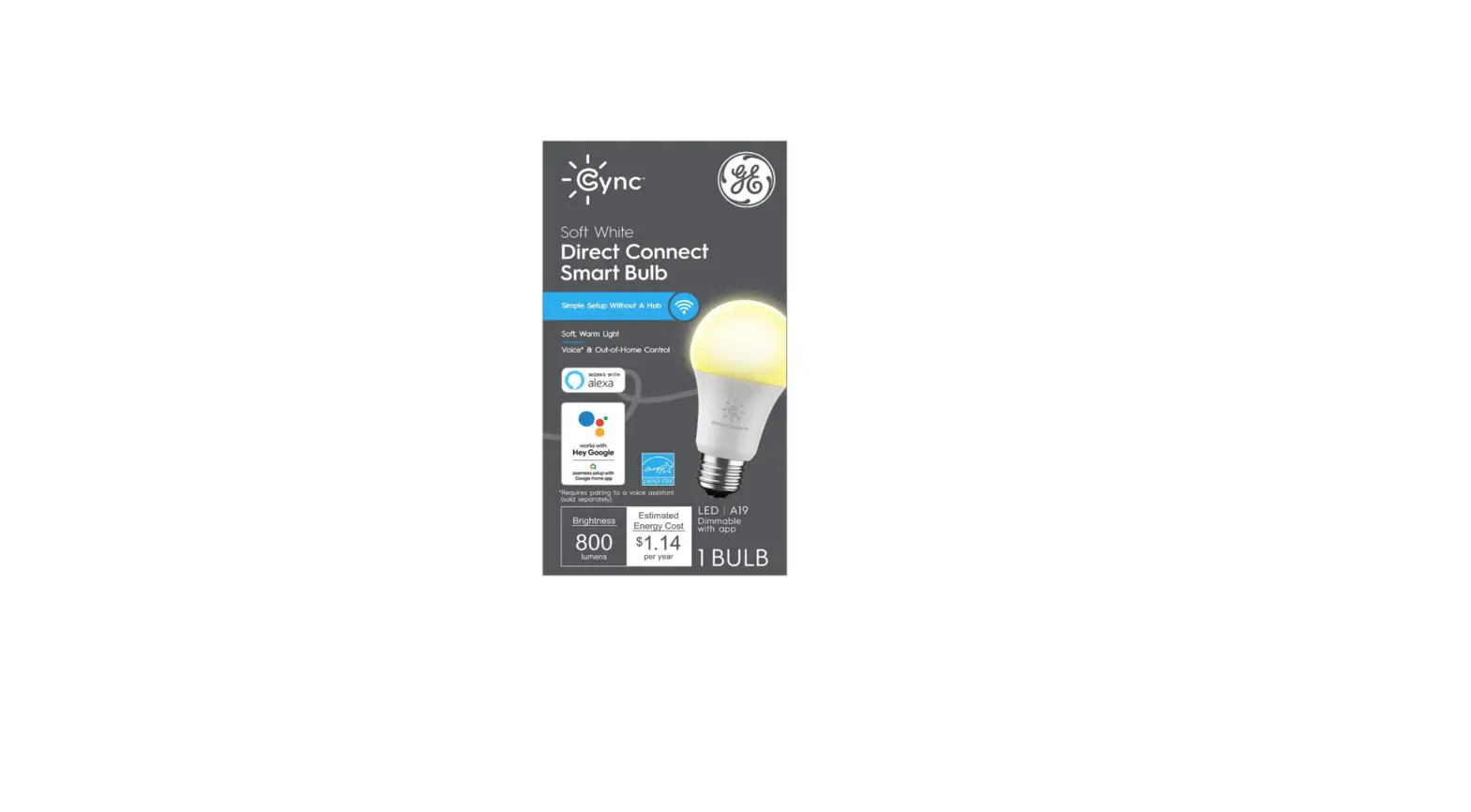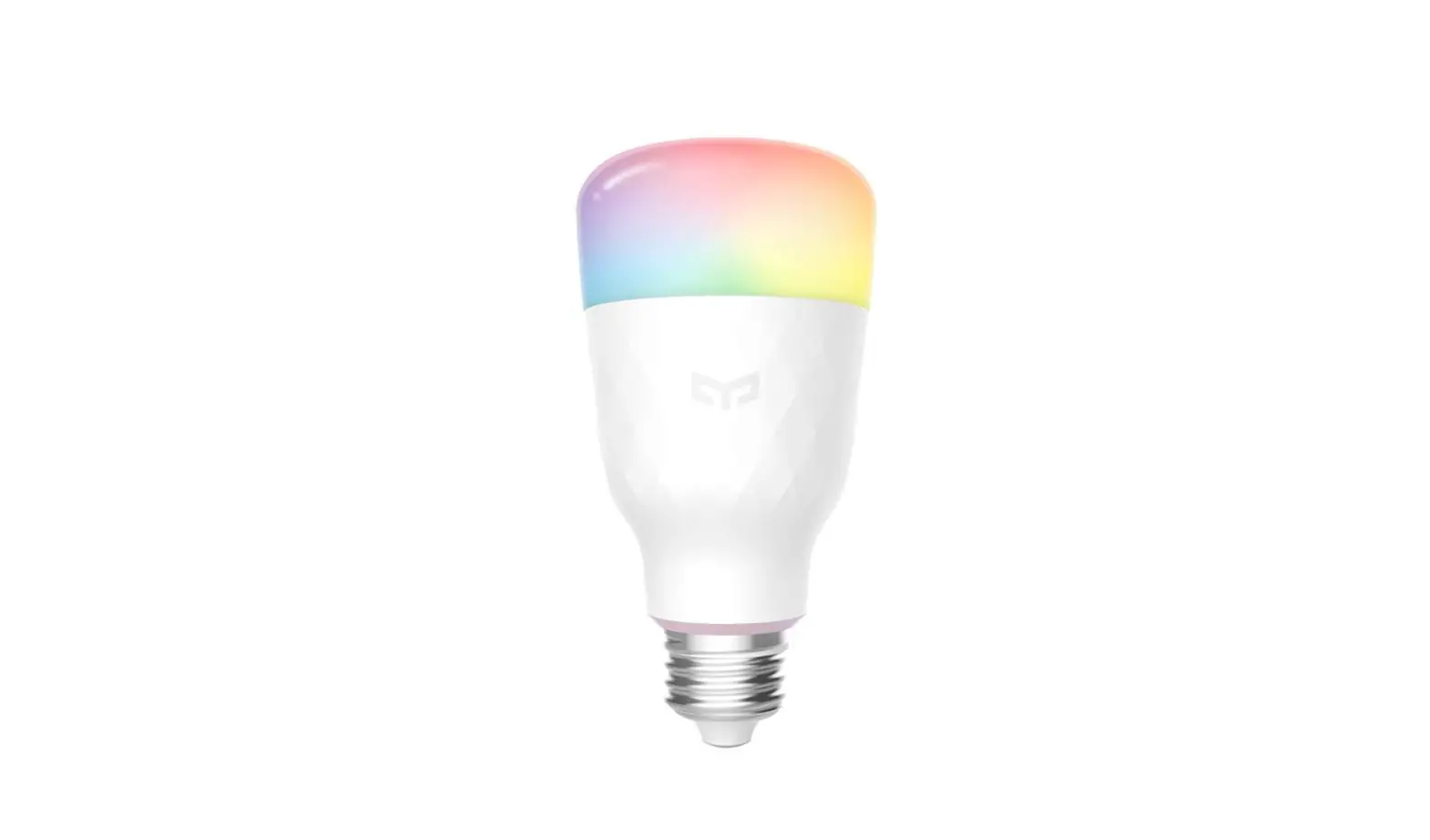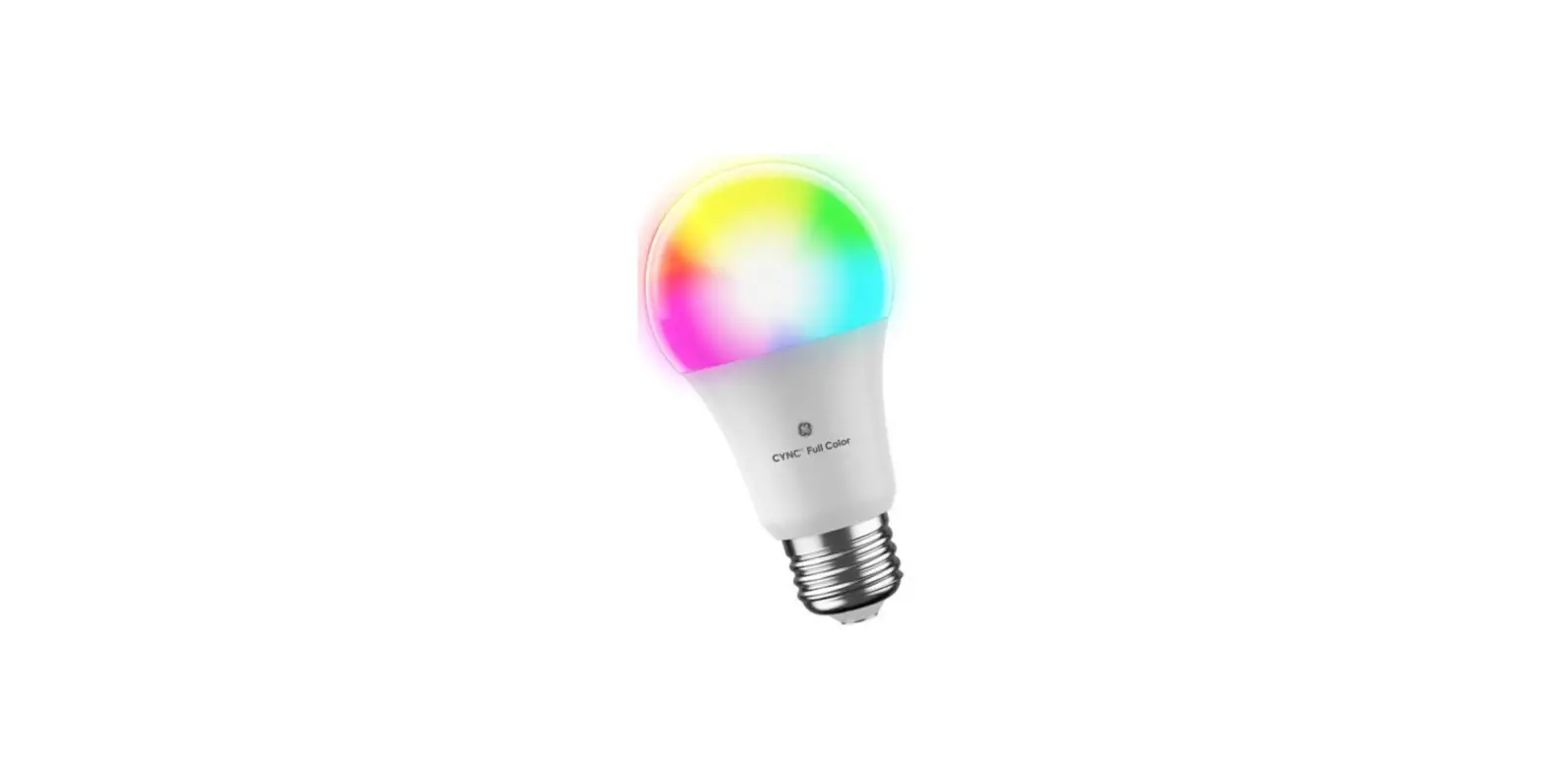

GE 93129845 60-Watt EQ A19 Full Color Dimmable Smart LED Light Bulb
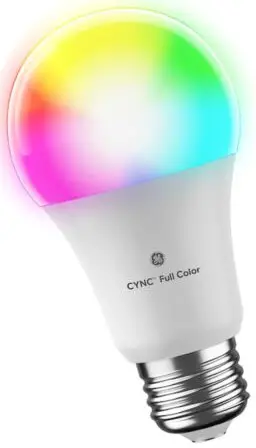
Installation & set up
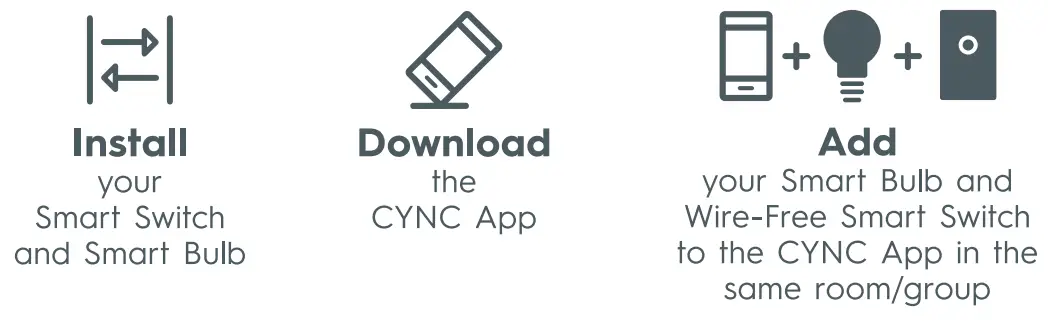
Sef up your Wire-Free Smart Switch and Smart Bulb in the CYNC App and add to the same room or group
- See Wire-Free Smart Switch Installation Guide for more defails.
- For help and fraining videos, Visit Supportgelighting.com or call 1-844-302-2943
Let’s illuminate what your Wire-Free Smart Switch+ Smart Bulb can do together
- Turn on all the lights in a room with one touch.
Go to the CYNC APp. Add the Smart Bulb and Wire-Free Smart Switch to the same room. Toggle the room on/off with the app. - Schedule your lights to turn on when you come home.
Go to the CYNC App. Create a scene with your smart light turned on. Enable the schedule to activate the scene at specific days and times. - Set the mood for movie night.
Go to the CYNC App. Build a new Scene with the Smart Bulb customized to create the perfect lighting mood.