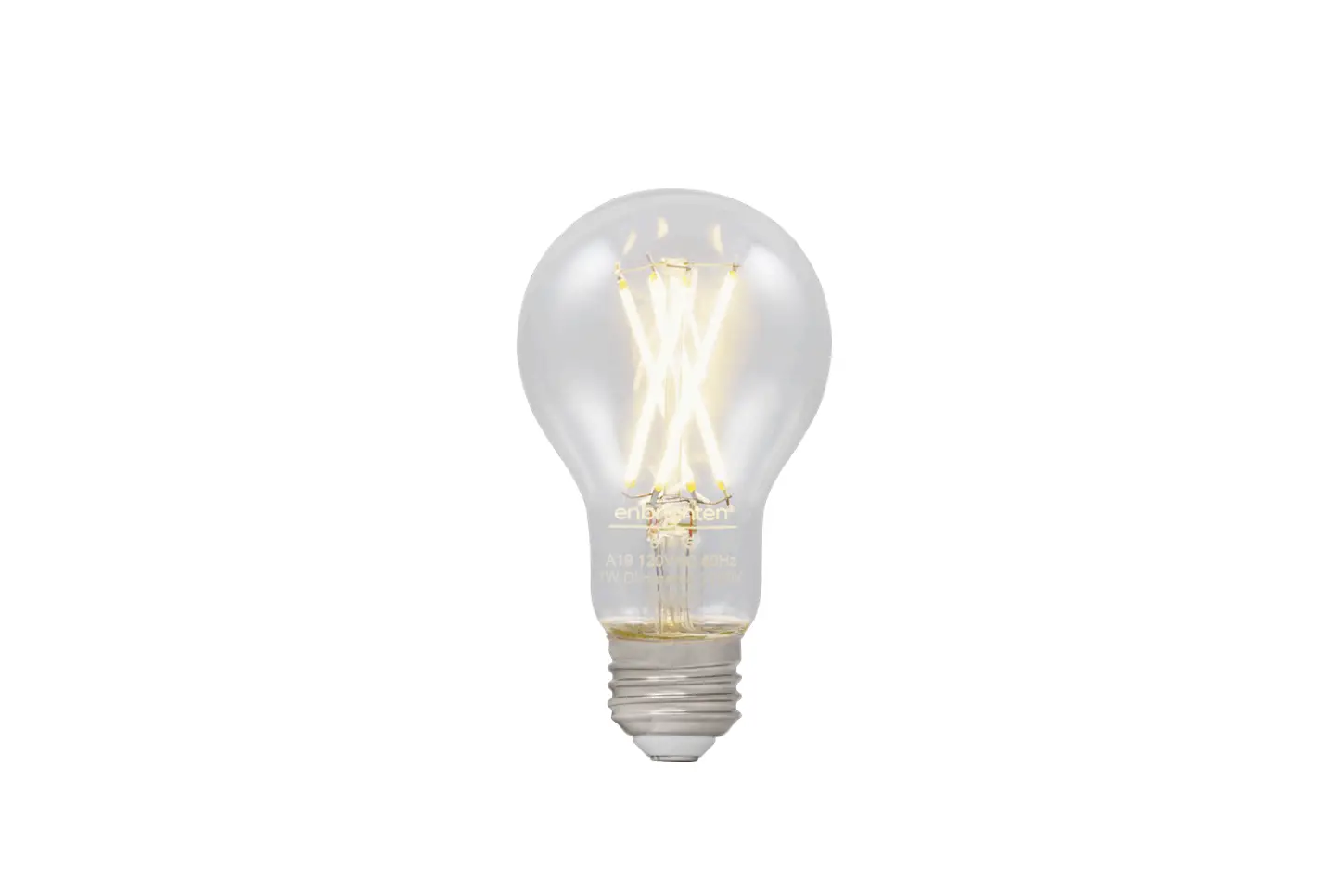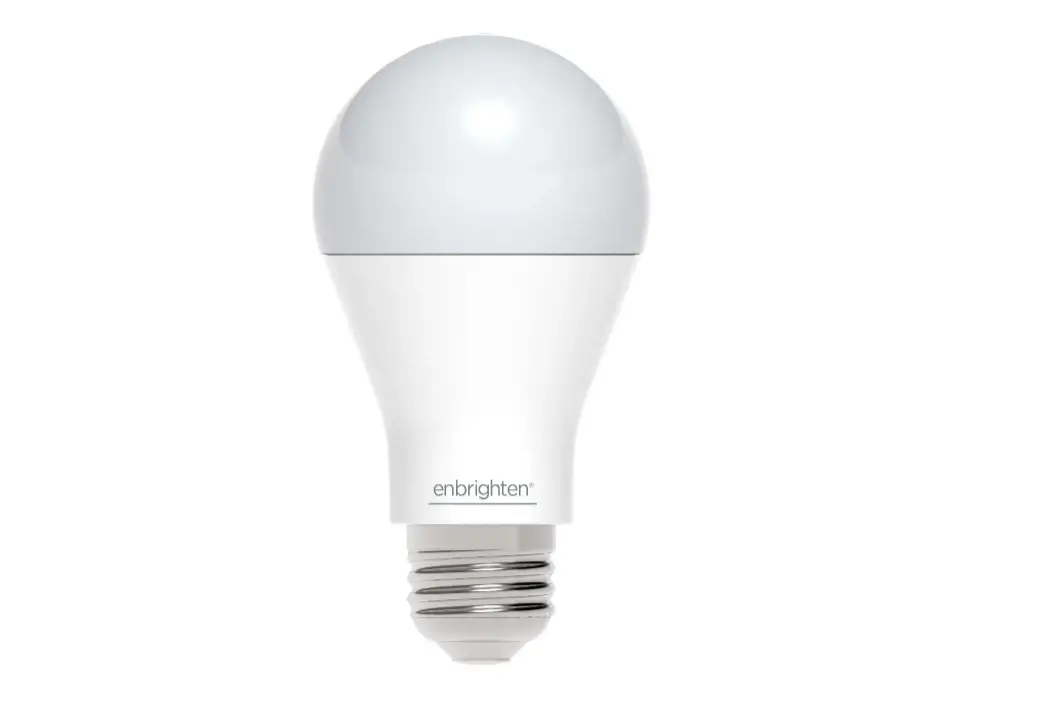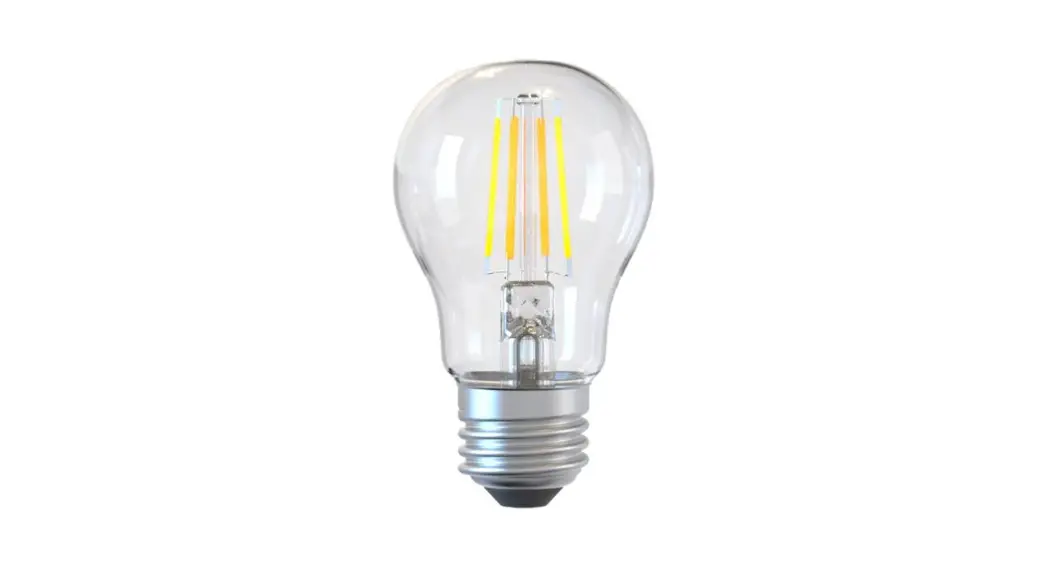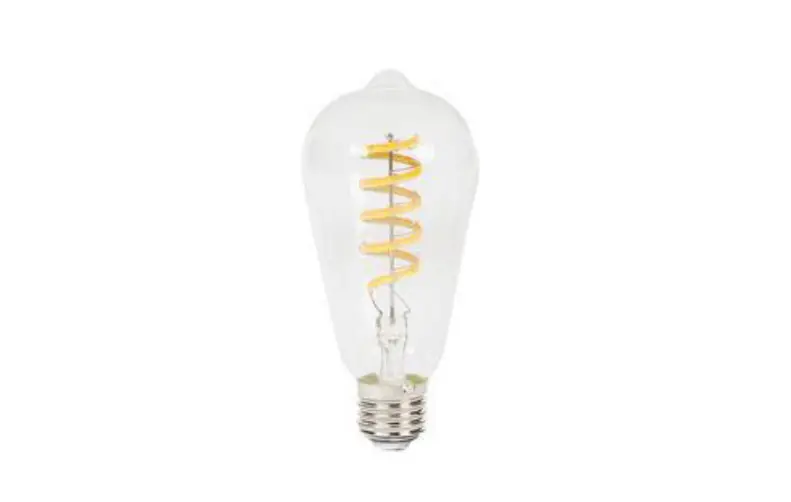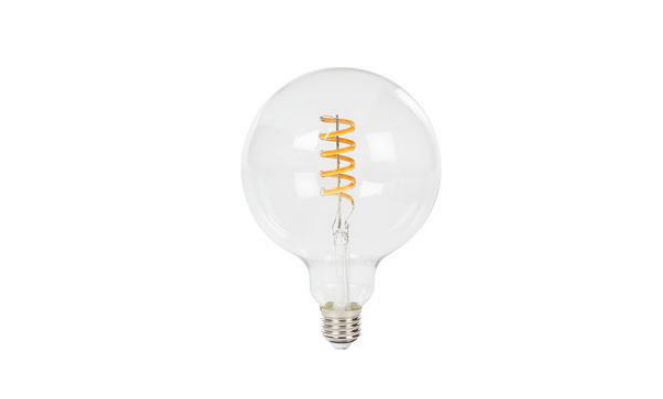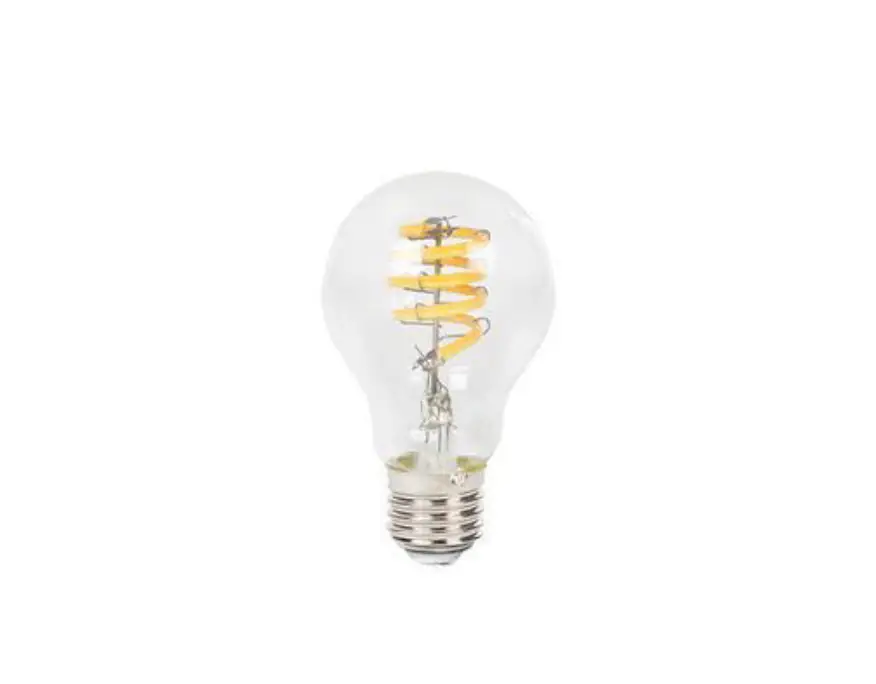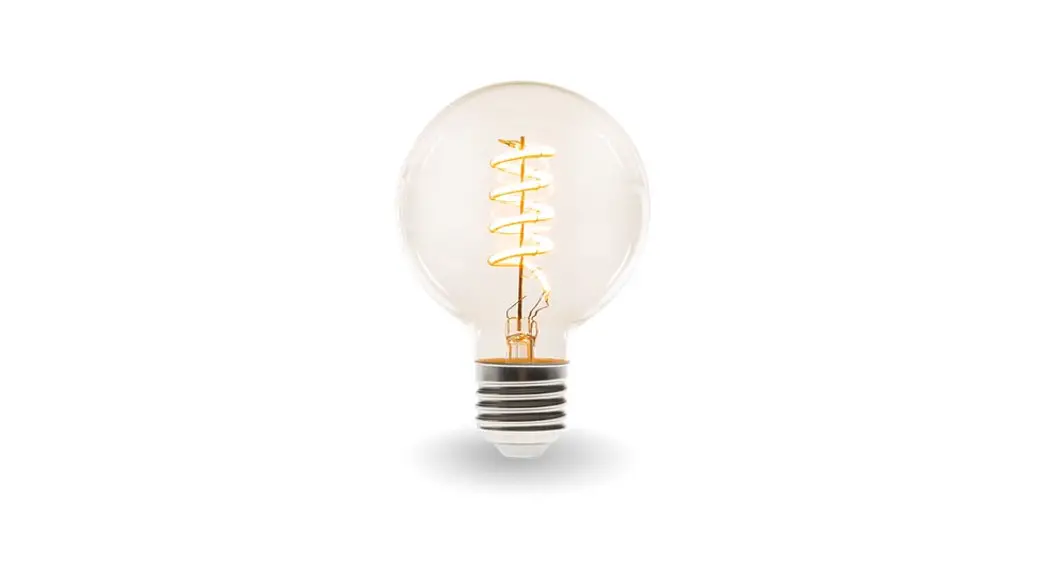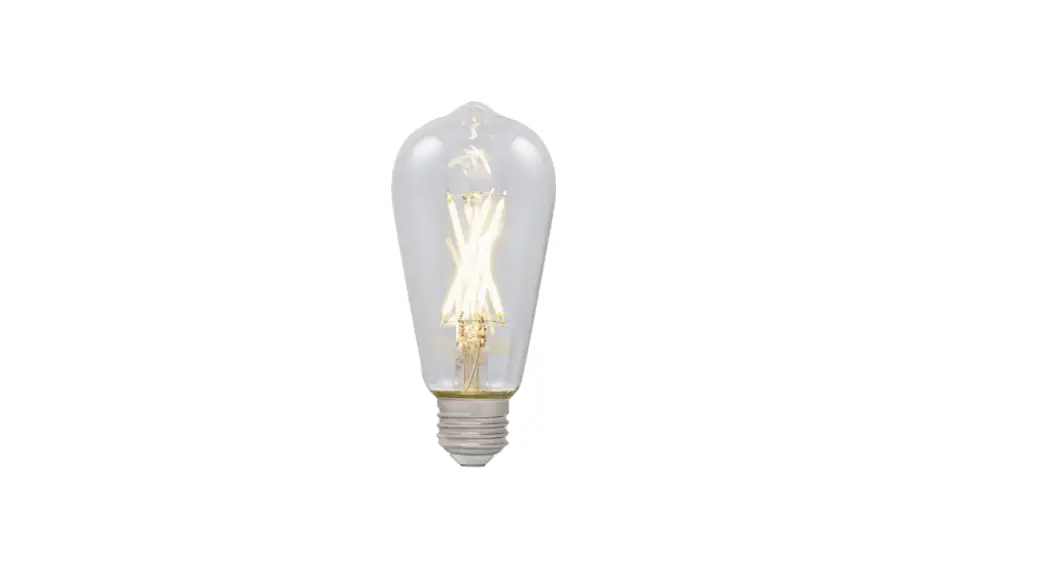

51345i Wi-Fi Smart LED Filament Bulb
Instruction Manual
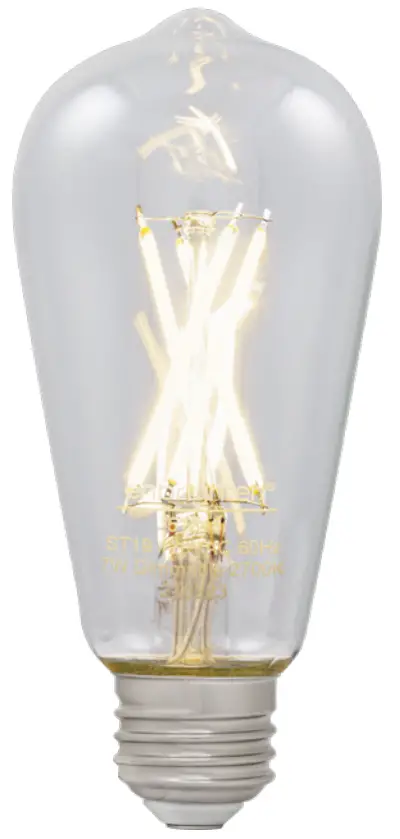 Model – 51345
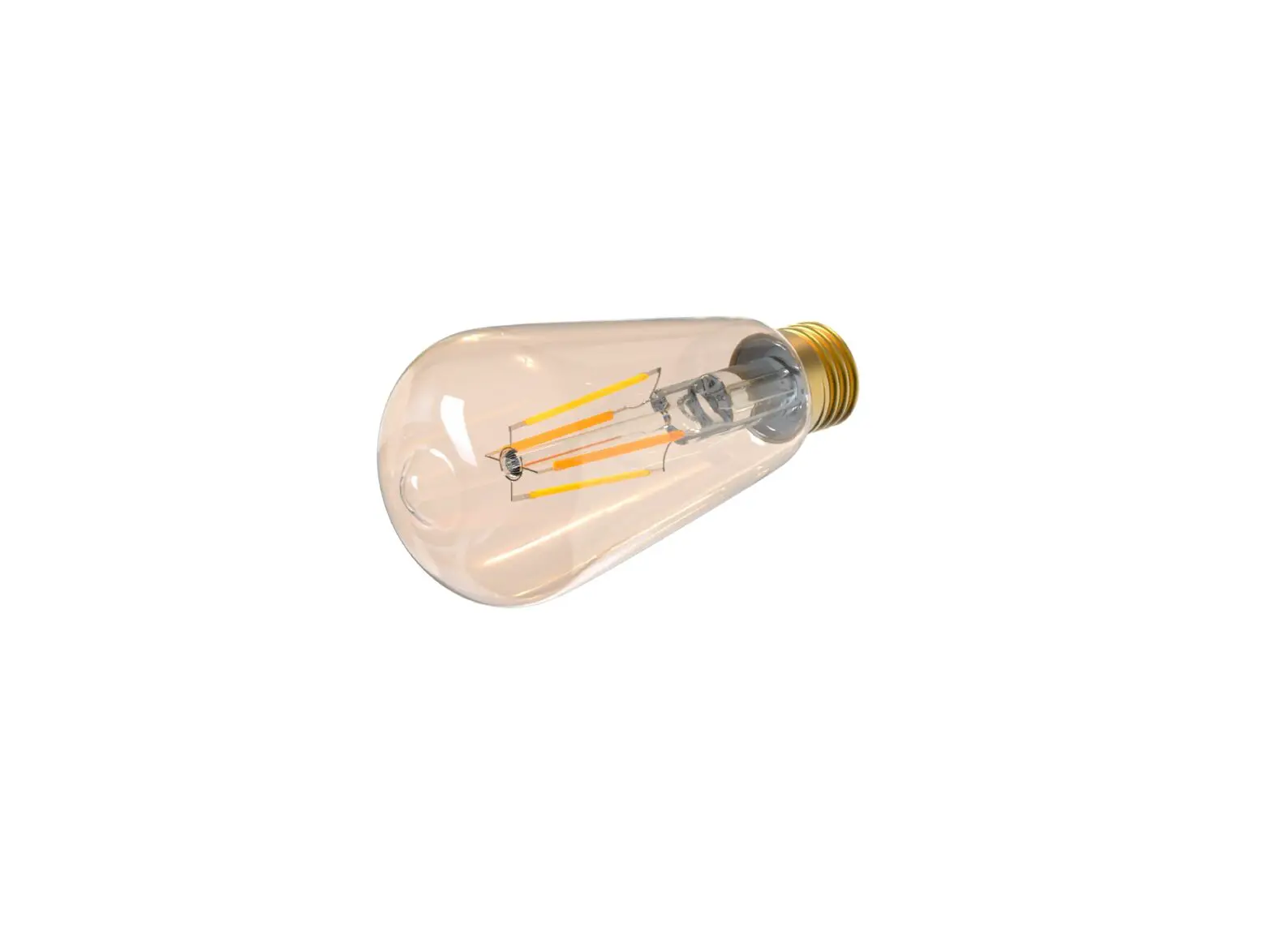
Wi-Fi Smart LED Filament Bulb
Standard E26 base
51345i Wi-Fi Smart LED Filament Bulb
Light pairing modes
- Flashing quickly – auto pairing
- Flashing slowly – manual pairing
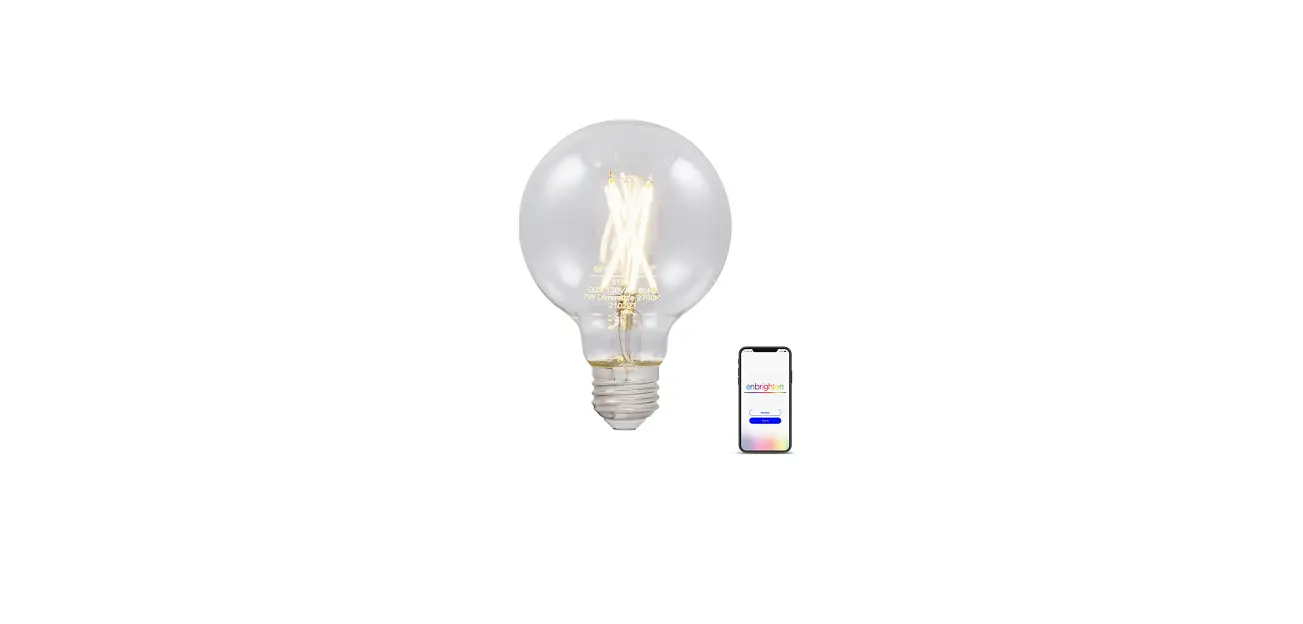
Remotely operate your smart bulb with the easy-to-use Unfrighten app. Follow the available instructions and resources to set up your smart device.
Download the app
https://byjasco.com/enbrightenapp
Scan the QR code above or search Unfrighten on the Apple App Store or on Google Play
Set up account
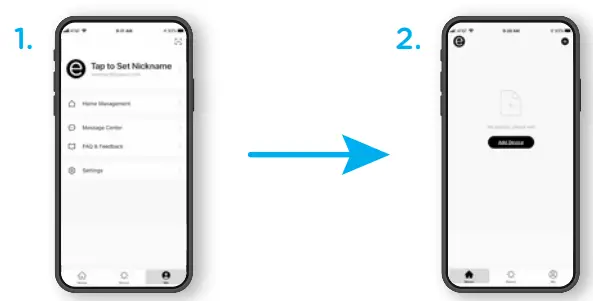
Create an account in the Unfrighten app
Add devices, control the smart bulb from anywhere and create schedules
Install the smart device
Turn OFF power at the switch before installation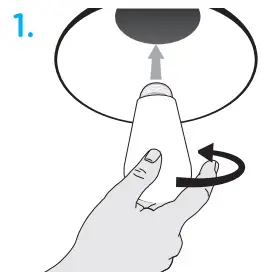
Screw in the smart bulb to a standard indoor light fixture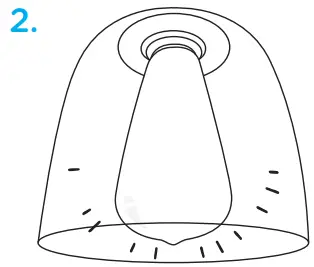
Power switch for the lamp or light fixture must be ON
Voice control
Compatible with Amazon Alexa and Google Assistant
Follow the steps in the Amazon Alexa or Google Home app to connect the Unfrighten app or select “Support” in the Unfrighten app.
Thank you for your purchase!
Instructions made easy
Read instructions or watch easy-to-follow video.
Scan code or visit byjasco.com/51345i
Exclusive deals
For deals, to register your purchase and to tell us how we’re doing, simply scan the code or visit byjasco.com/deals
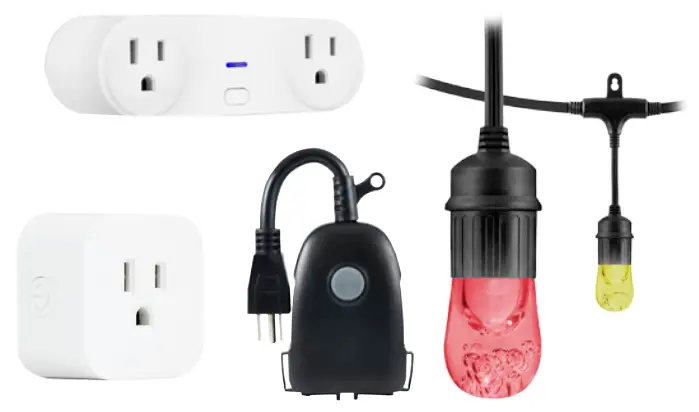
Home automation is in your palm with Wi-Fi smart devices and accessories at www.enbrightenwifi.com
Like our product? Leave a review on your favorite retailer website or amazon.com
Having problems? Let us know how we can help. Call 1-800-654-8483 between 7AM-8PM, M-F, Central Time.
 WARNING
- NOT FOR EMERGENCY LIGHTING
- RISK OF ELECTRIC SHOCK. DO NOT USE IF OUTER LAMP ENVELOPE IS BROKEN OR DAMAGED
- RISK OF FIRE
- RISK OF BURNS
- DO NOT USE WHERE DIRECTLY EXPOSED TO WATER
- DO NOT USE WITH STANDARD DIMMERS
- THIS LAMP WILL NOT OPERATE PROPERLY WHEN CONNECTED TO A STANDARD (INCANDESCENT) DIMMER OR DIMMING CONTROL
- NOT FOR USE IN TOTALLY ENCLOSED LUMINARIES
- DO NOT USE WITH MEDICAL AND LIFE-SUPPORT INSTRUMENTS
02/11/2022 v2
FCC Declaration of Conformity is available on the support page in the Unfrighten app.
App Store is a service mark of Apple Inc. Google, Google Home and Google Play are trademarks of Google LLC.
Amazon, Alexa and all related logos are trademarks of Amazon.com, Inc. or its affiliates.
MADE IN CHINA Distributed by Jasco Products Company LLC,
10 E. Memorial Rd., Oklahoma City, OK 73114.
This Jasco product comes with a 5-year limited warranty.
Visit www.byjasco.com for warranty details.
Questions? Contact our U.S.-based Consumer Care at
1-800-654-8483 between 7AM-8PM, M-F, Central Time. 
 Amazon.com. Spend less. Smile more.
 YouTube
 Jasco
Jasco