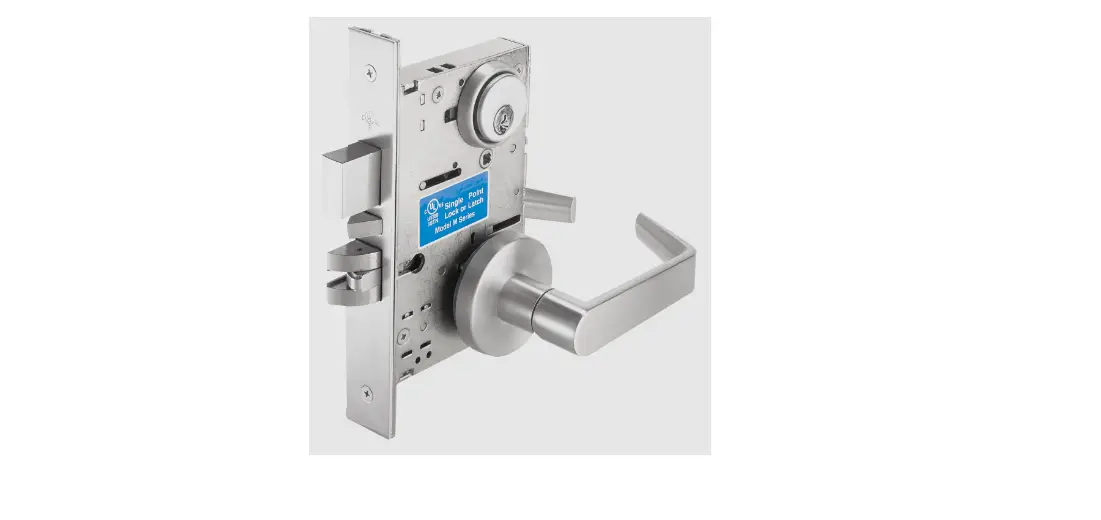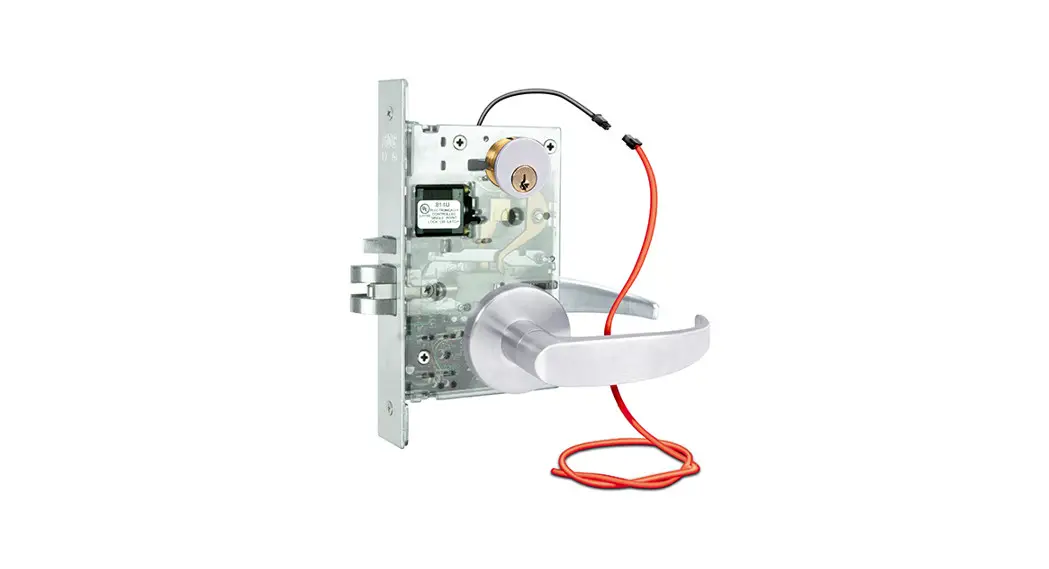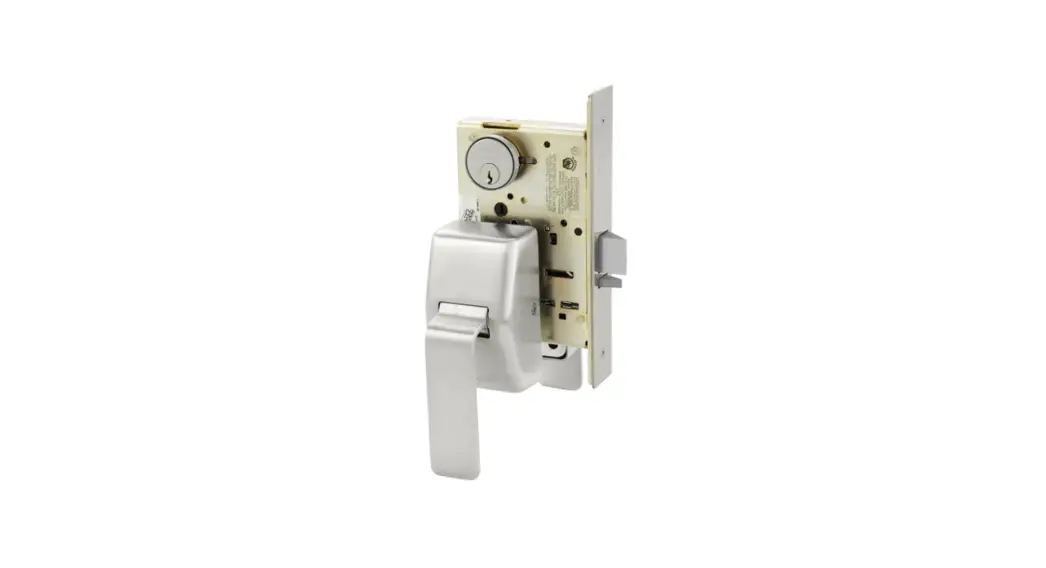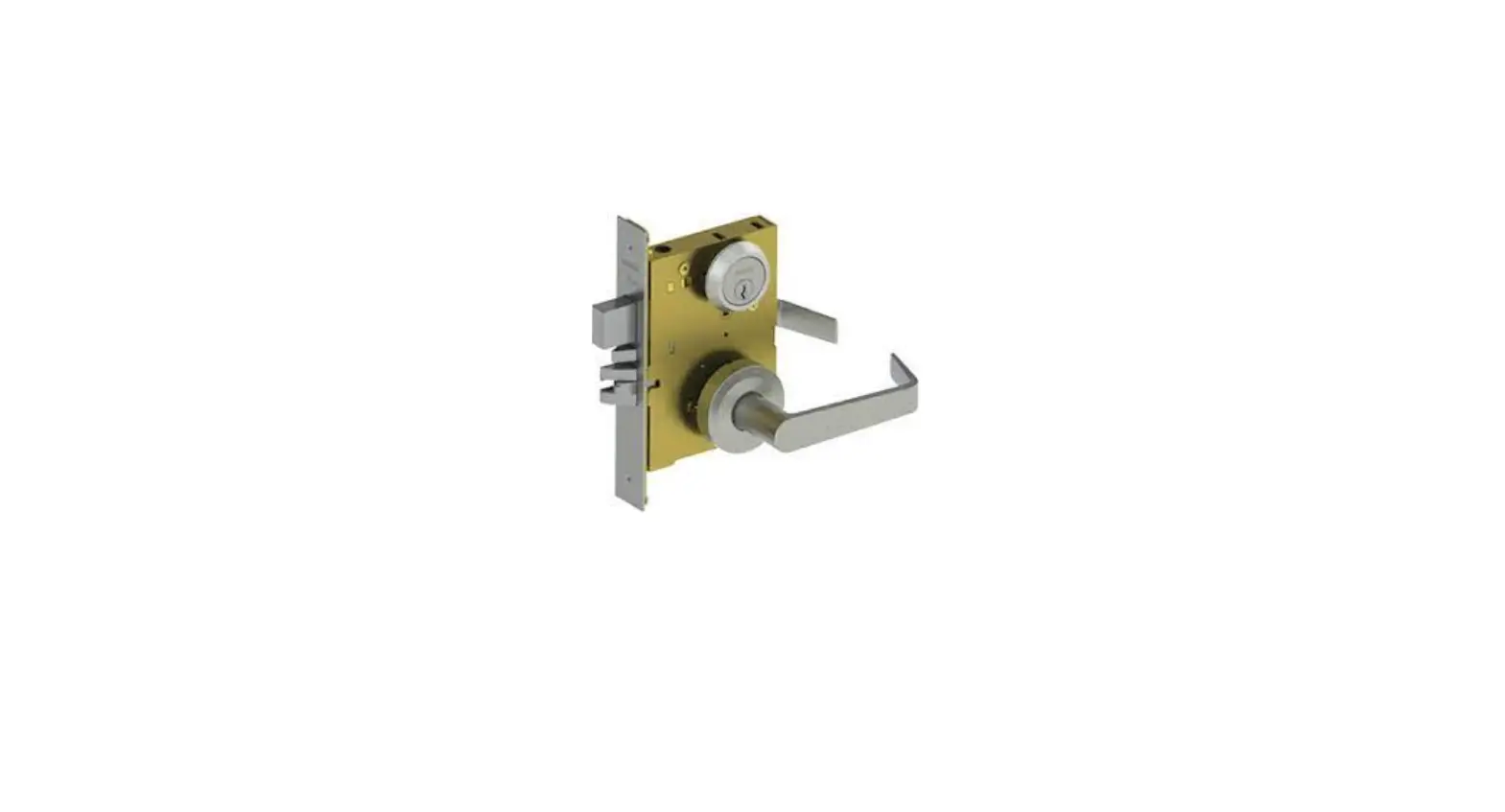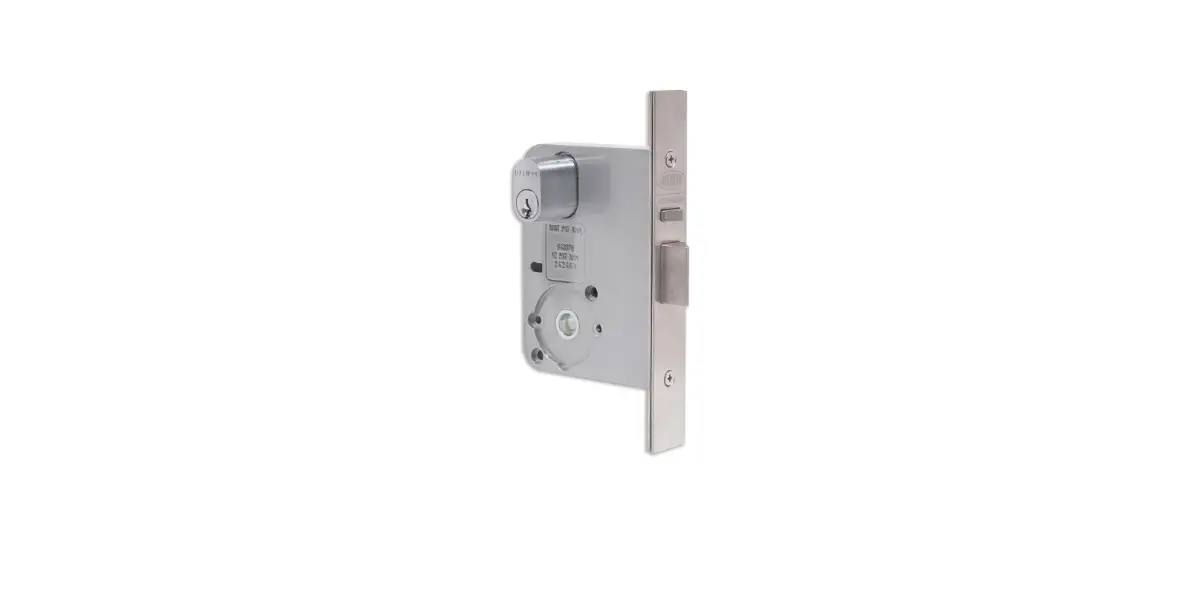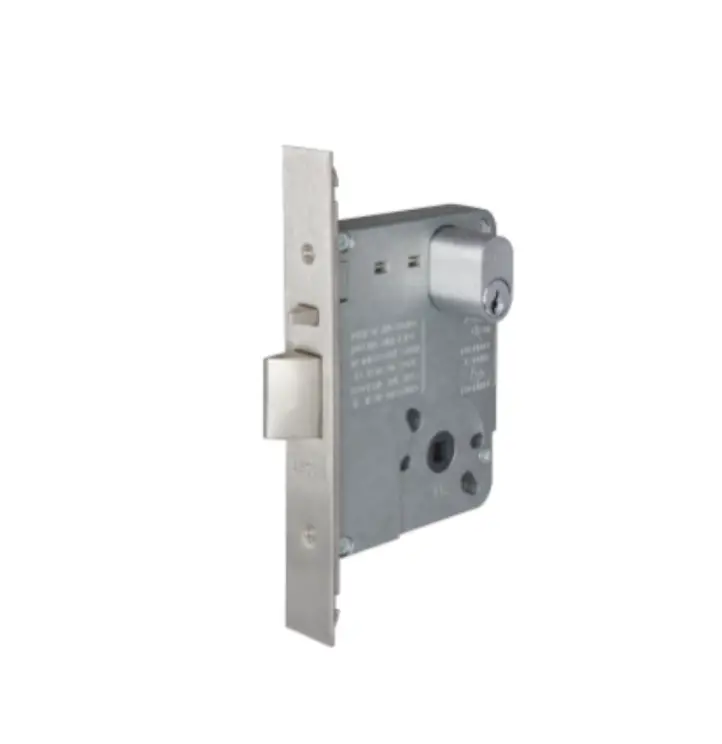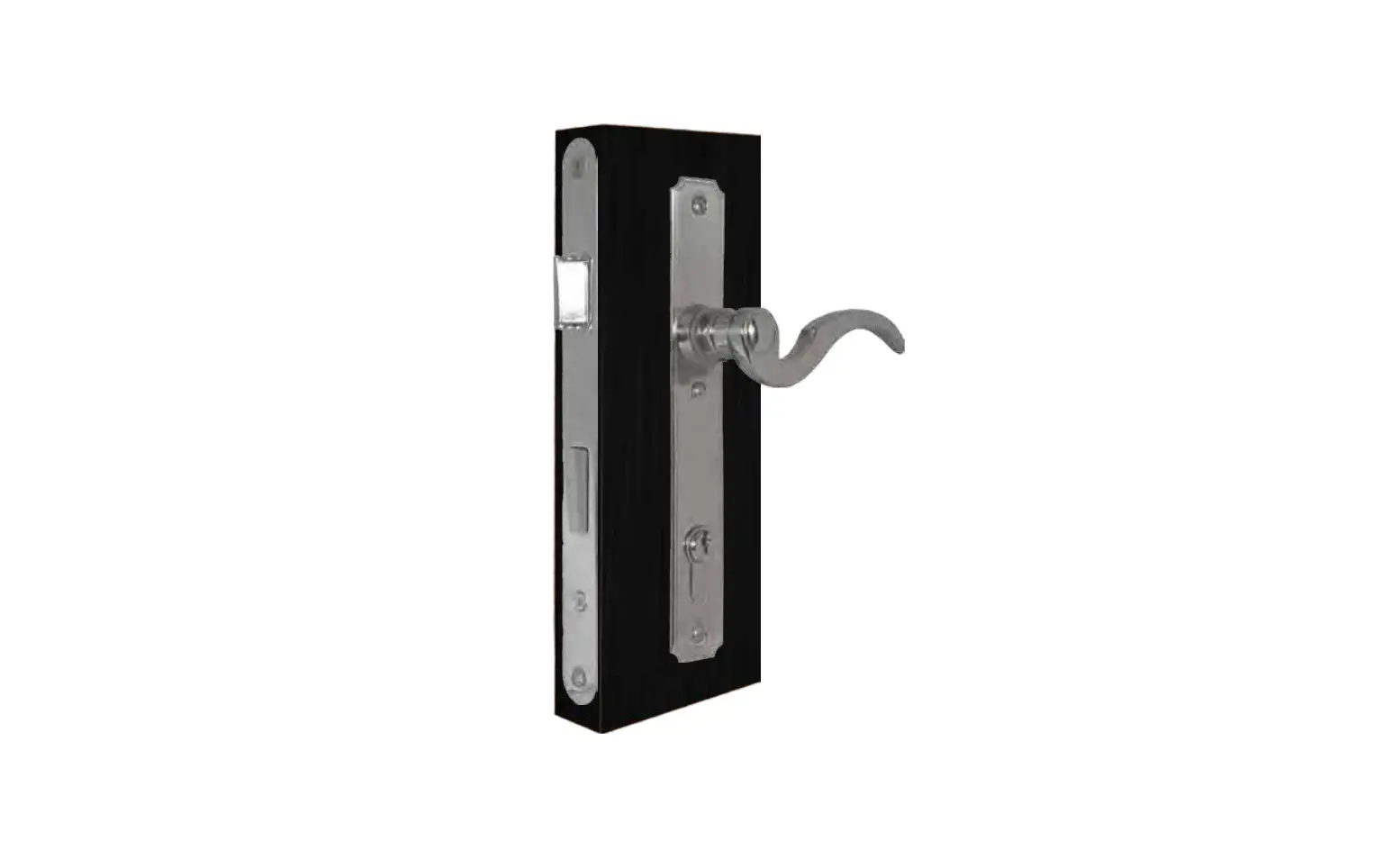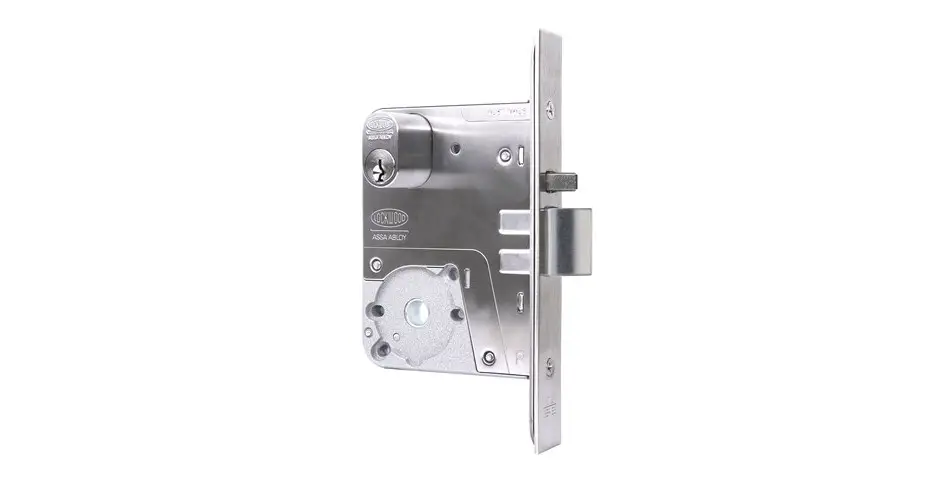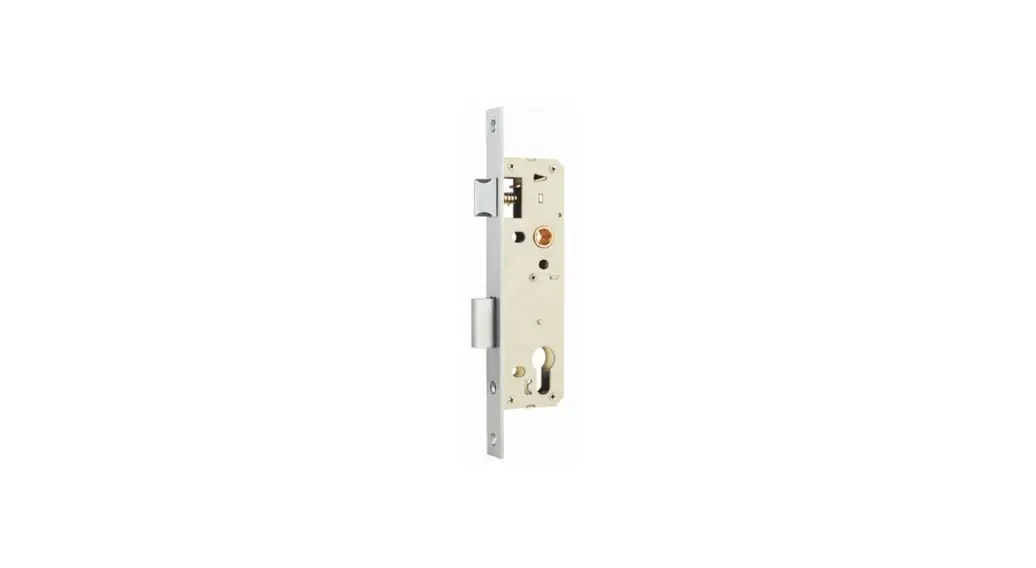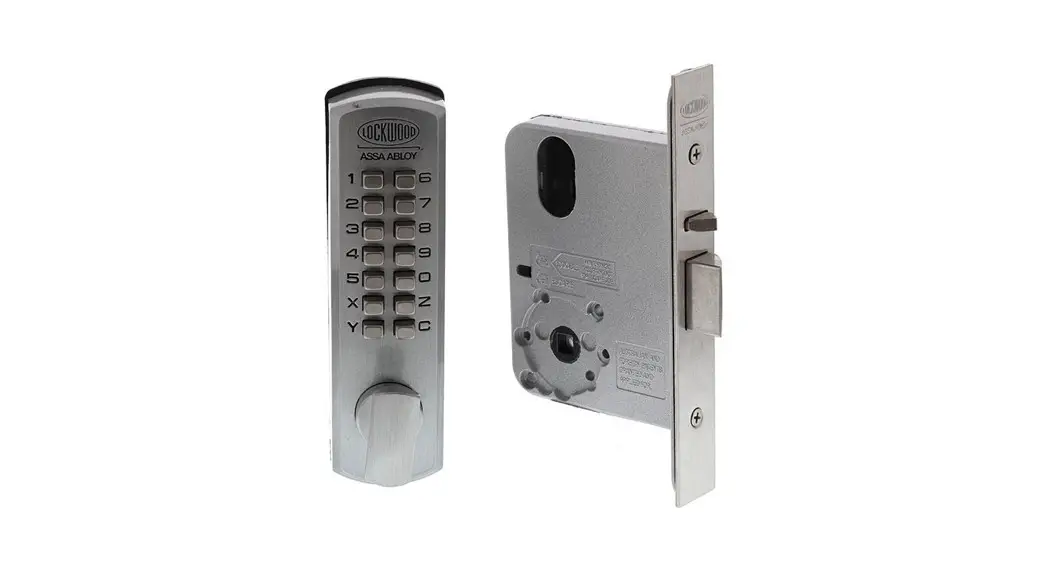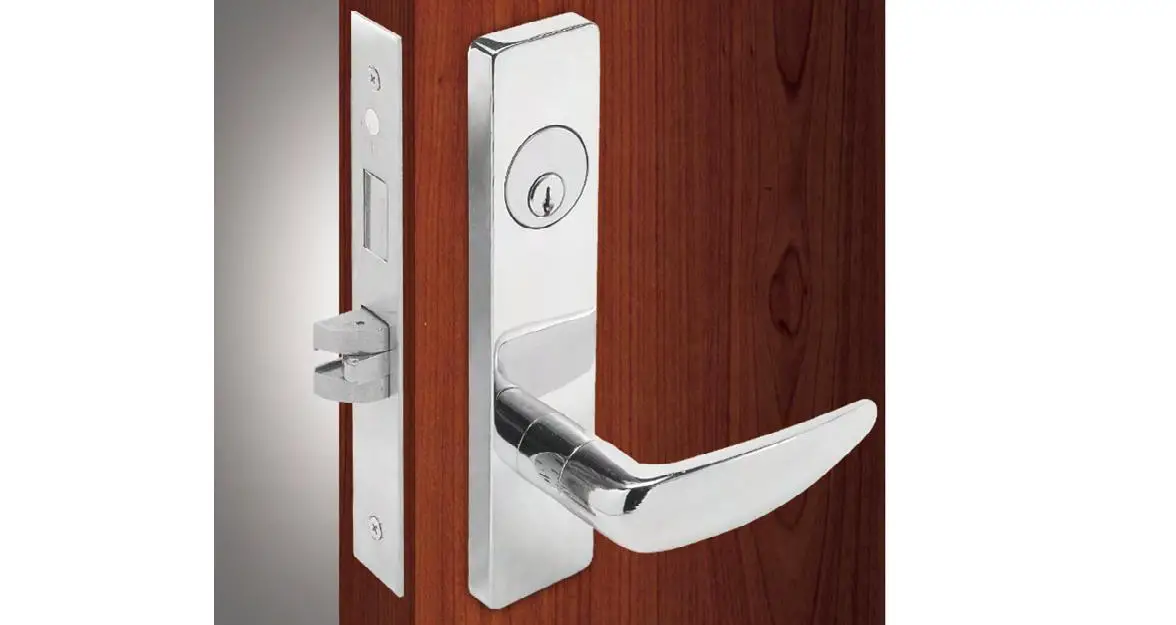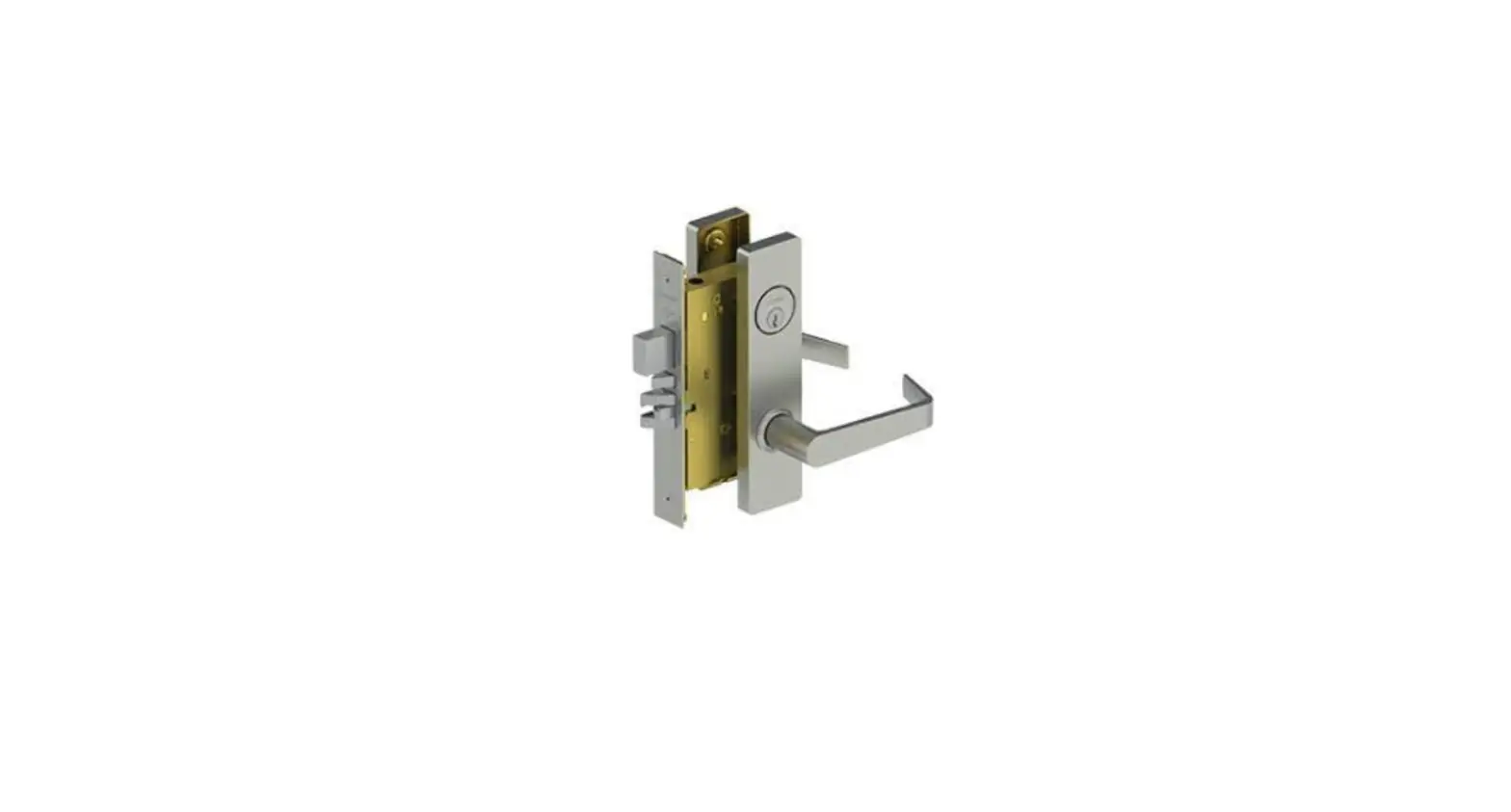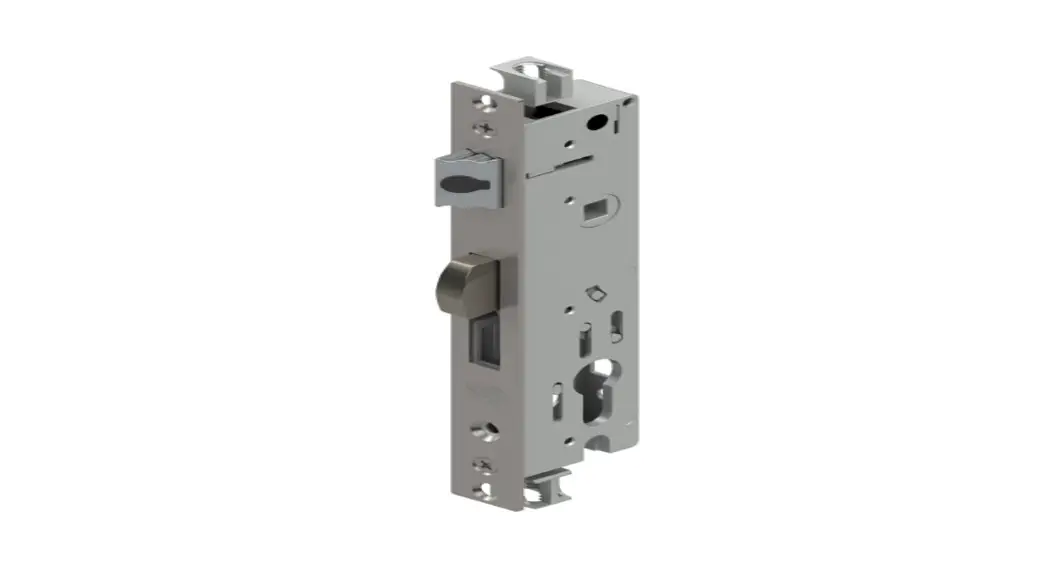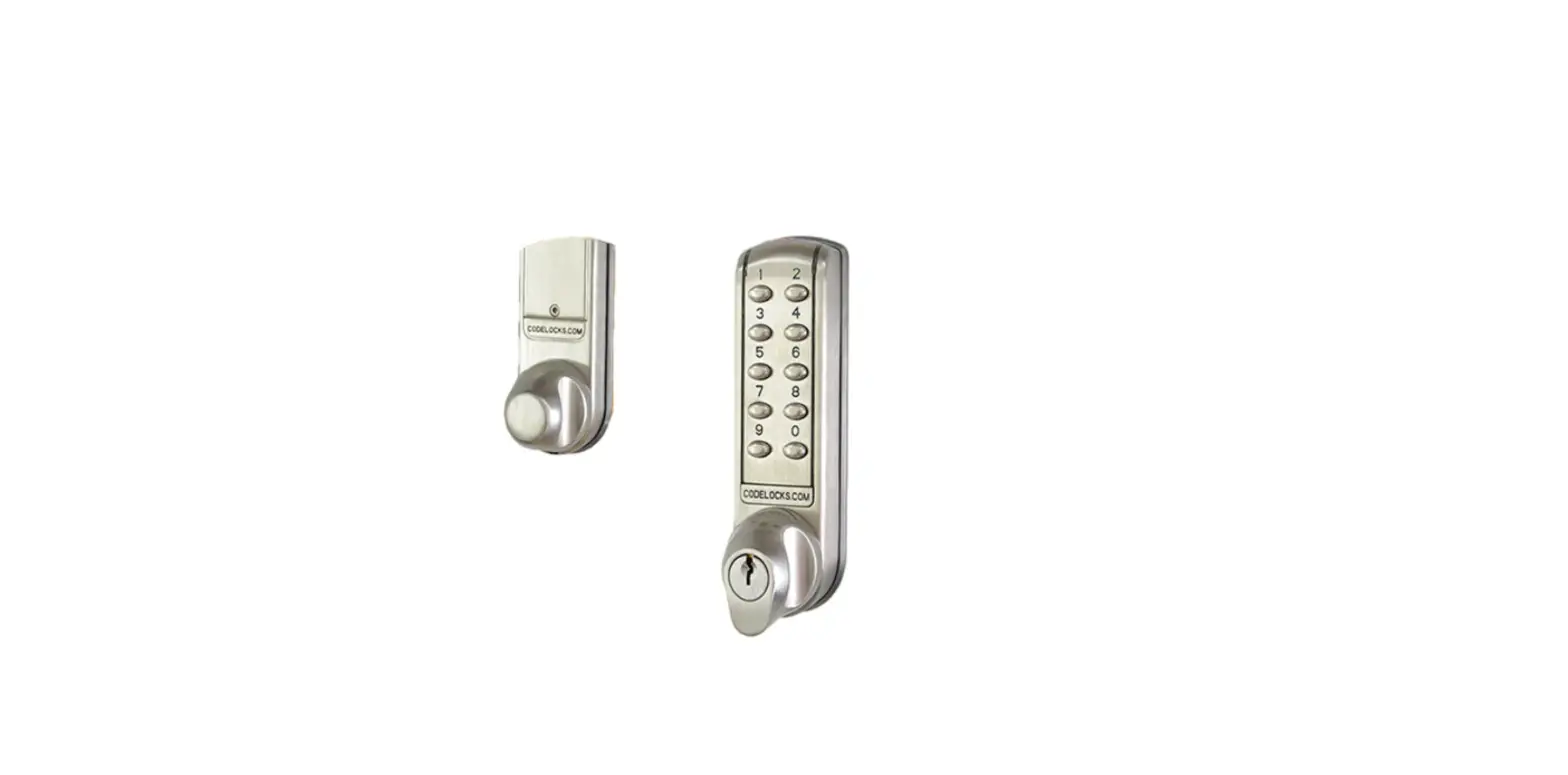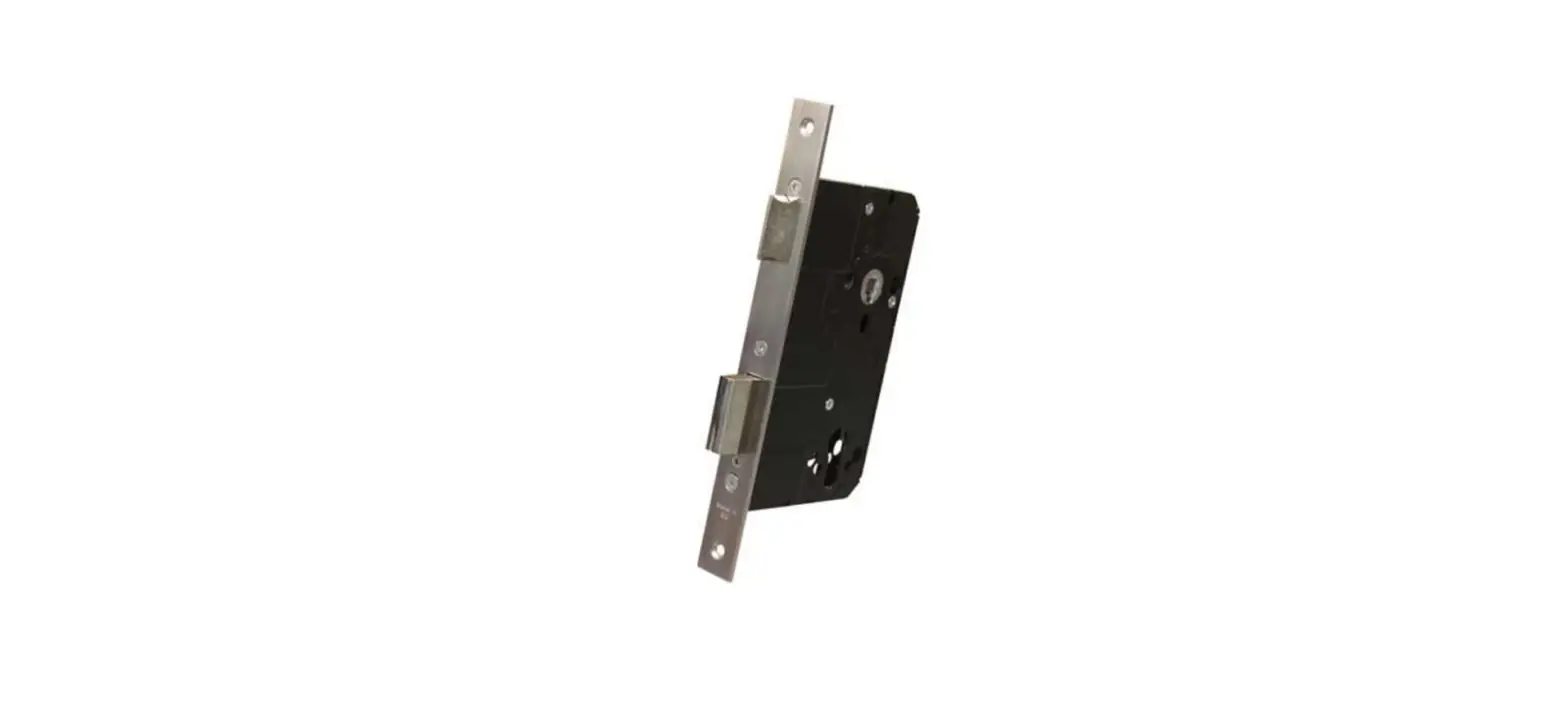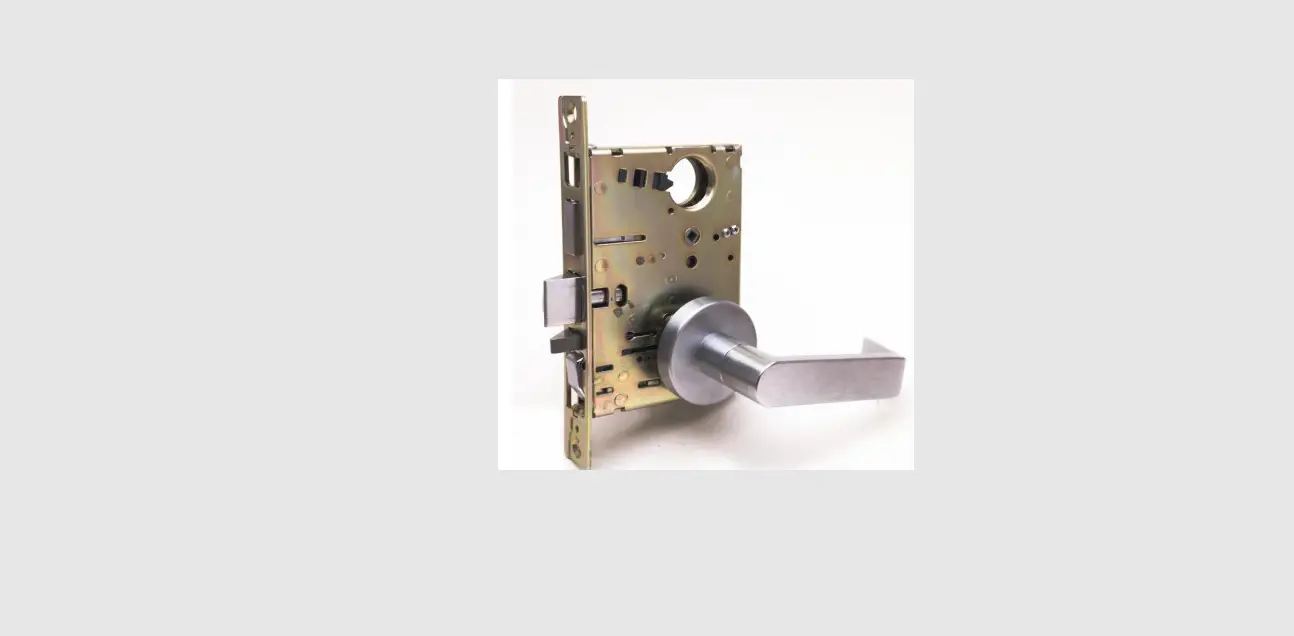

CAL-ROYAL NM Series NM8040-SS Extra Heavy Duty Mortise Locks
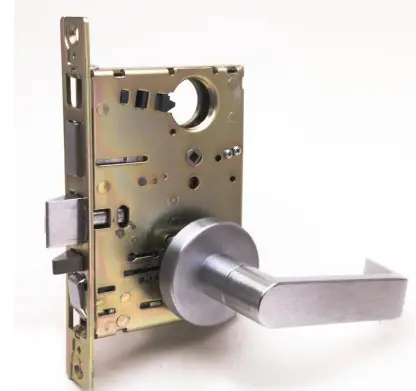
Instruction
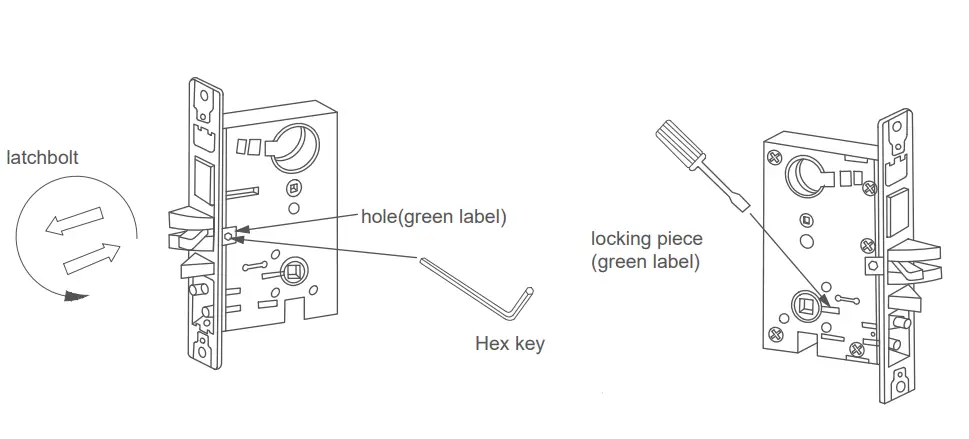
If it is necessary to change handing, the instruction is as follows.
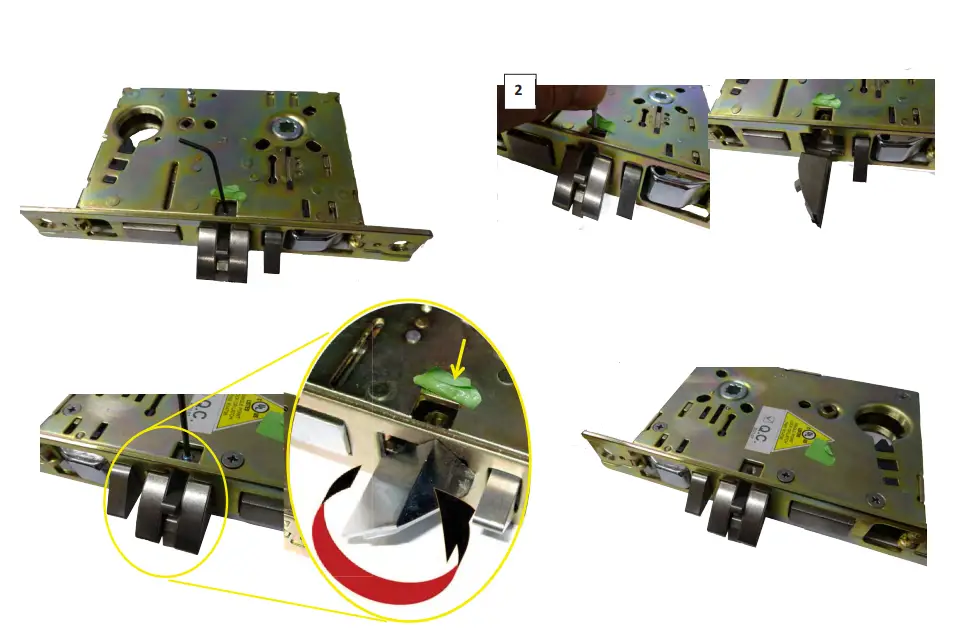
- Use Hex Key to unfasten the screw in the hole behind the latch bolt (green label).
- Pull the latch bolt out until it is entirely away from the lock case.
- Rotate latch bolt to adjust handing.(see page 3)
- Fasten the screw tightly into the hole and glue it with Threadlocker (Loctite 242).
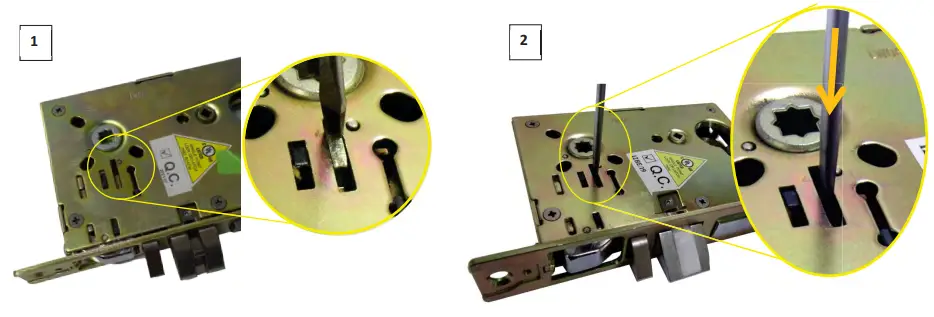
- Use a screwdriver flat head that fits on the locking piece (green label) Push to Front Side.(See illustration on page 2)
- Handing is completely reversed.

Warning
Please read the instruction in the installation guide about the correct position of the spring cage.
INSTALLATION
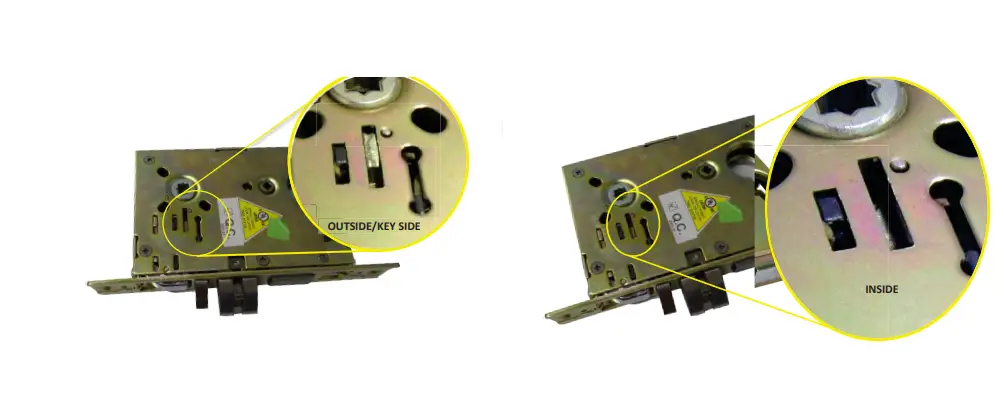
HOW TO REVERSE LOCKING PIECE FROM FLUSHED SIDE TO HOLLOW SIDE: Use a tool, preferably a flathead screwdriver that will fit into the l o king pie c e slot (FIGURE 1 ). P u sh the lo cking pie c e d o wn (FIG UR E 2 ).