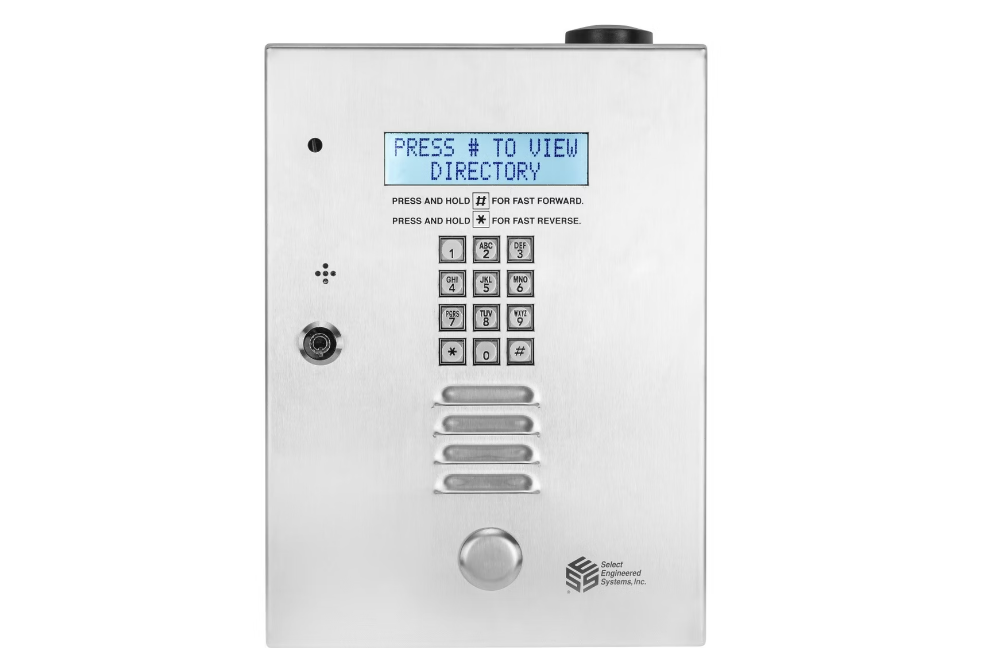

Select Entry Systems TEC1ACL Telephone Entry System 
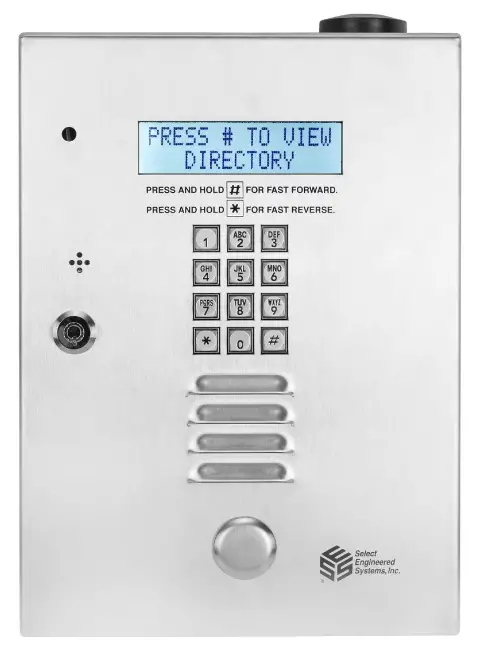
Introduction – TEC1ACL Visitor Access Using the Keypad
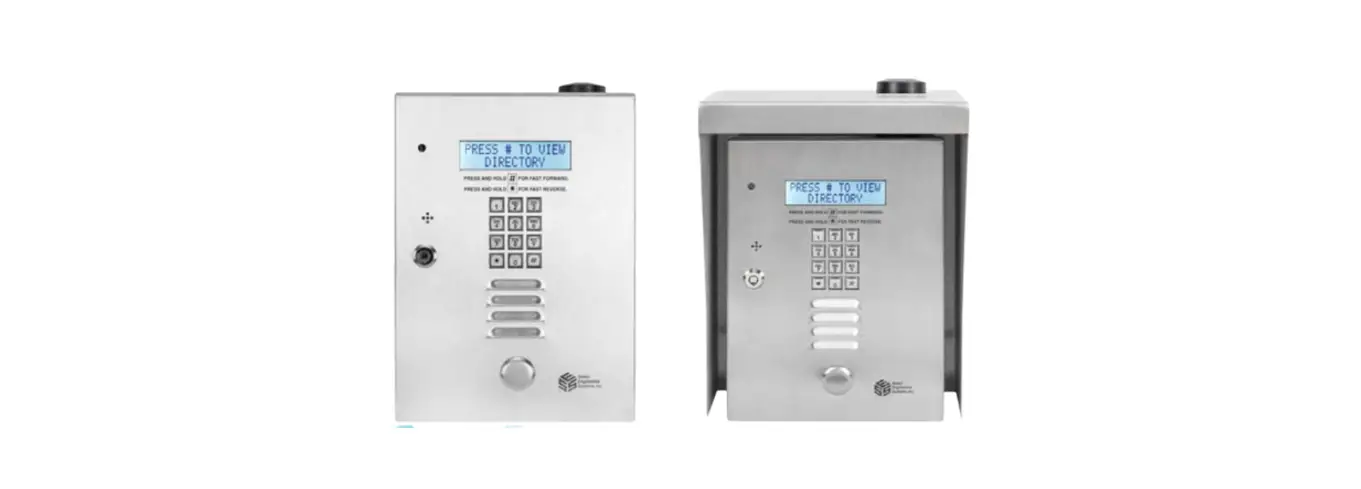
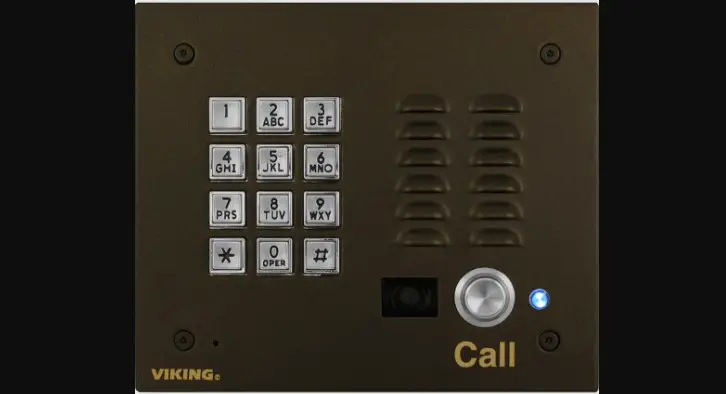
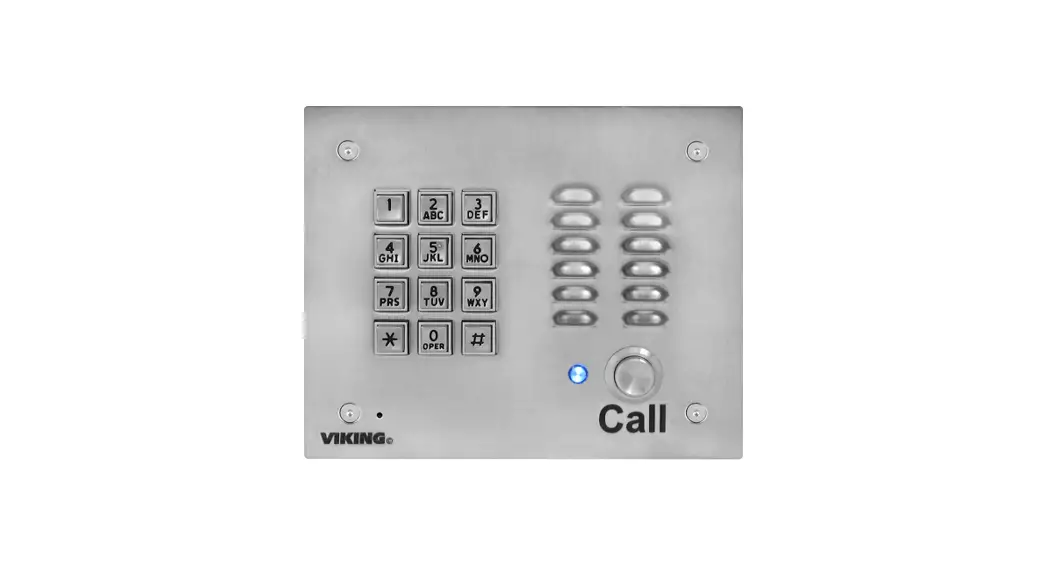
TEC1ACL 2L/4L (“TEC1ACL series”) panels are electronic telephone dialers that include a viewable directory: a list of “residents” with a unique “dialing code” for each.
The keypad on the TEC1ACL series can be used by a visitor in two ways:
- For finding a resident using the internal Directory
- Gaining entry directly using a PIN (Personal Identification Number)
Entry by Directory This entry mode is used when a visitor without a PIN is visiting a listed resident. The visitor first finds the resident in the Directory, and then enters that resident’s “dialing code” into the keypad. This then causes the TEC1ACL to dial a phone number internally associated with the resident (but not visible to the visitor). On answering the call, the resident and visitor can then converse through the TEC1ACL microphone and speaker, allowing the resident to determine whether to allow the visitor to enter.
Entry by PIN Residents can use the keypad to enter a PIN (Personal Identification Number) to gain entry. Certain conditions e.g. time and may restrict entry into authorized areas and within permissible times.
TEC1ACL User Interface
The TEC1ACL has the following user interface: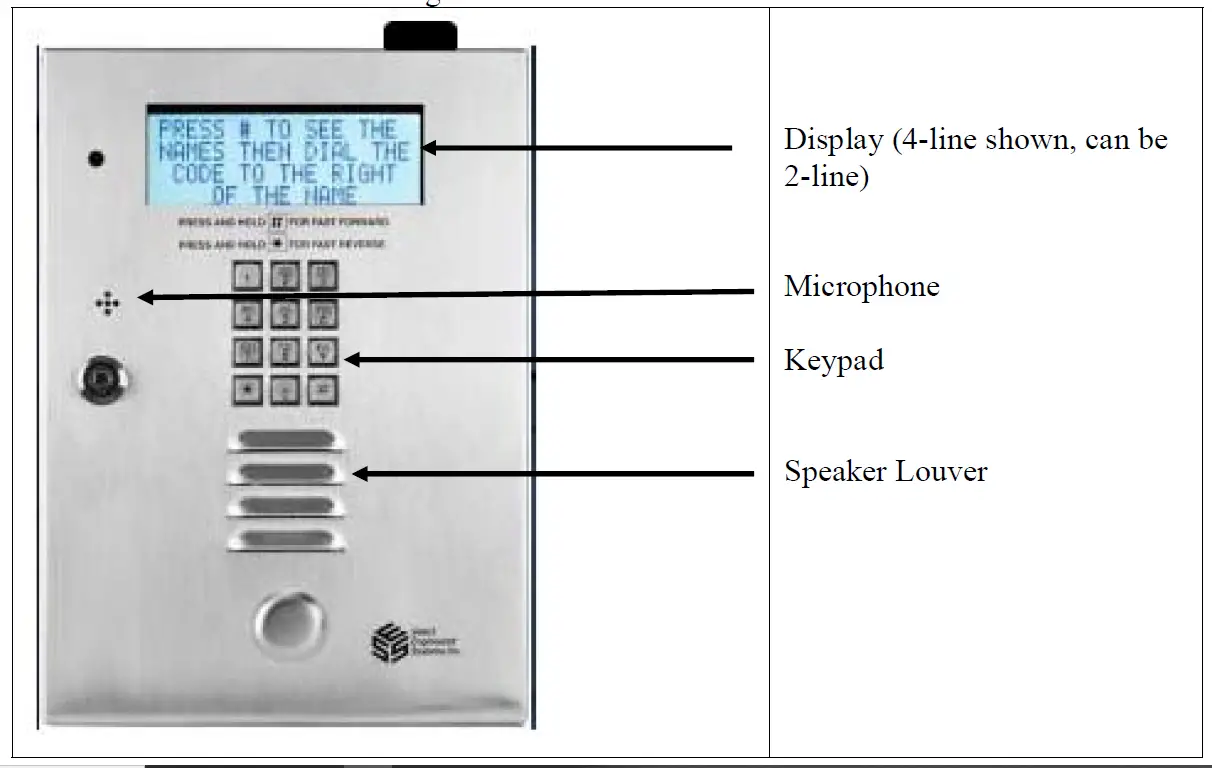
TEC1ACL Keypad Usage, Actions, and Results
| TEC1ACL Keypad Usage, Actions and Results | ||
| Desired Use | Keypad Action | Result |
| View names in Directory to find Dialing Code | Press # on keypad | Shows first name and code in directory |
| Press # again | Shows alphabetical next name in code in directly | |
| Hold down # key | Names scroll down quickly to help find desired name | |
| Go back because scroll went past name | Press * key | Displays previous name and code |
| Call a directory resident | Enter the displayed dialing code for that resident on the keypad e.g. “123” | You hear the dialed number ringing. Display shows “CALLING 123” “HIT # TO HANG UP” |
| Hang up or stop call e.g. because wrong number was entered | Press # to stop call | Unit stops call and clears the current code being dialed |
| Entering a PIN | Press * followed by the PIN | On pressing *, the unit will display “ENTER PIN” Once a valid PIN is entered, , the unit will display “ACCESS GRANTED” |
| Entered wrong partial PIN number | Press # to stop entry | Units stops entry and clears any part of the PIN code entered so far |
| Entered an invalid PIN | – | On determining that the PIN is invalid for some reason, the display will show “INVALID PIN” After a short period it will display “TRY AGAIN” |