 830BUCLOOOOOOOO
QUICK START CARD
KEYLESS ENTRY SYSTEM
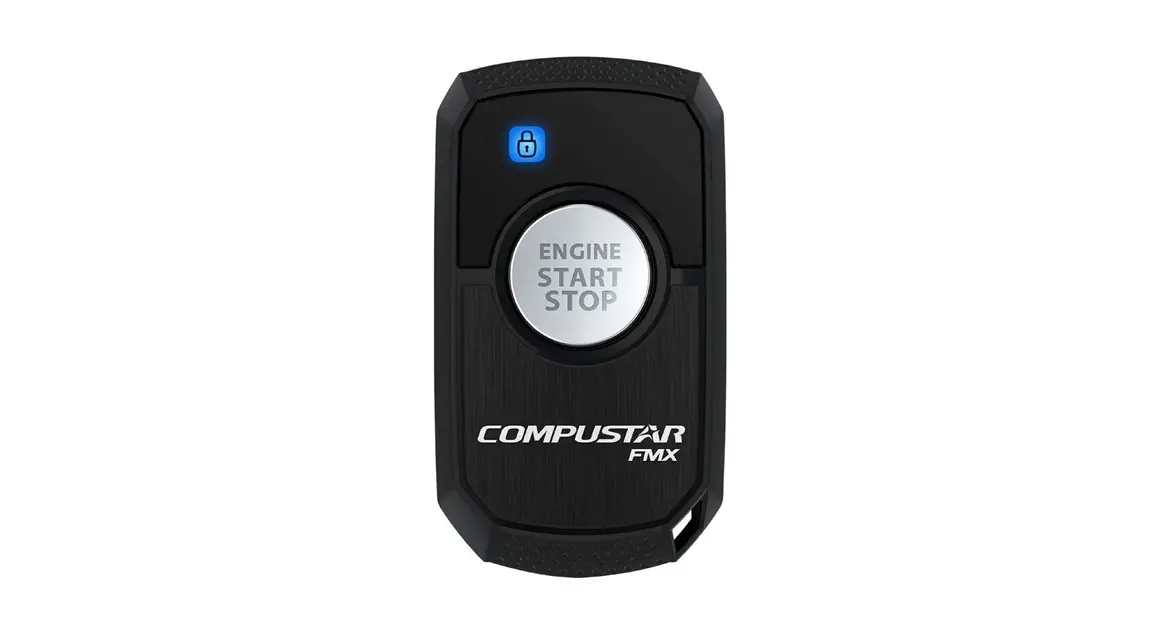
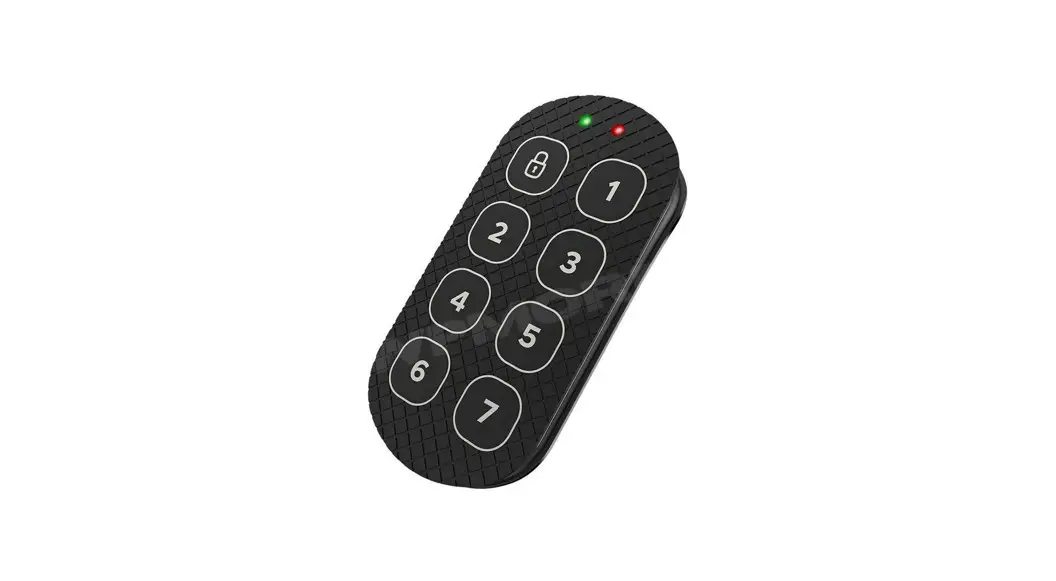
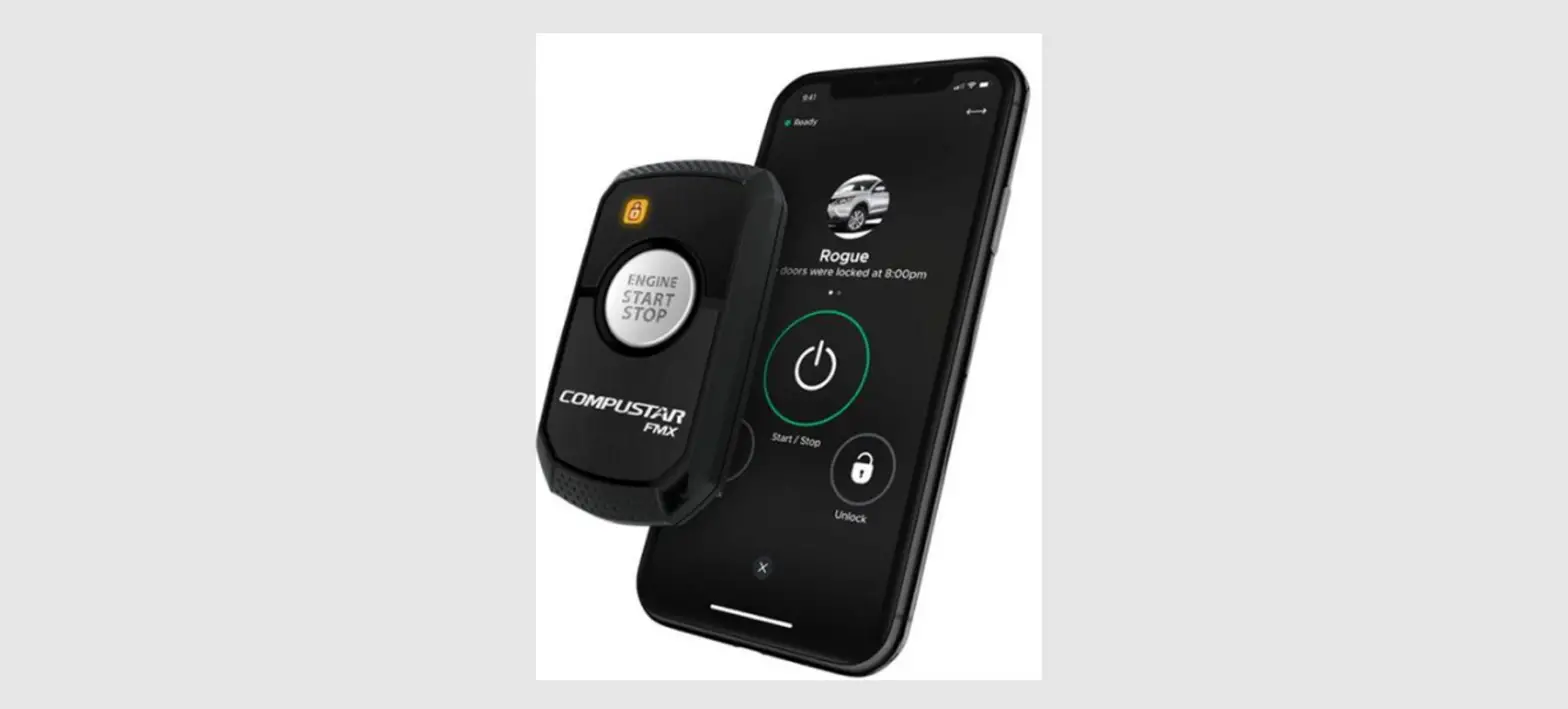
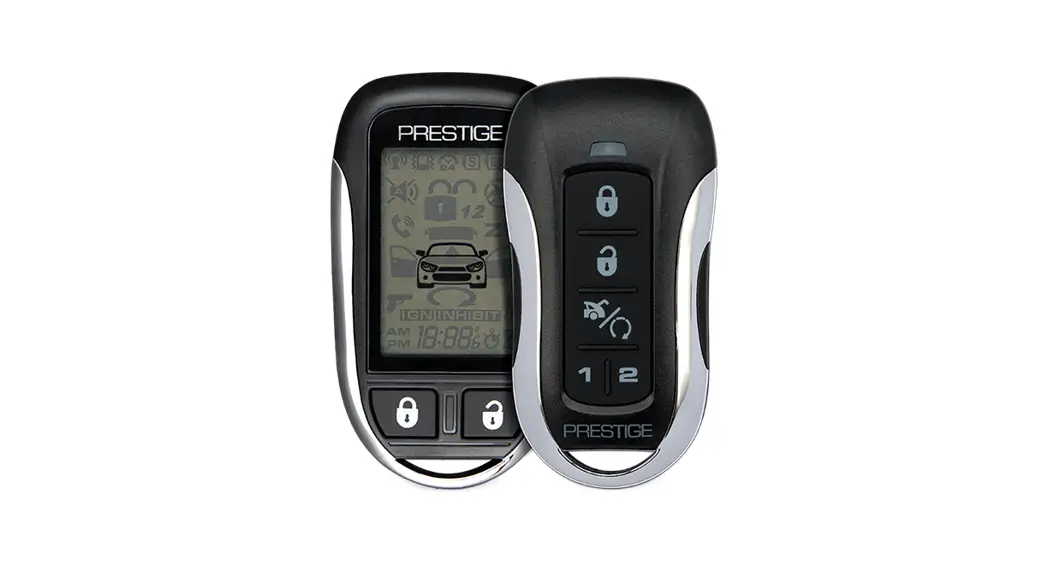
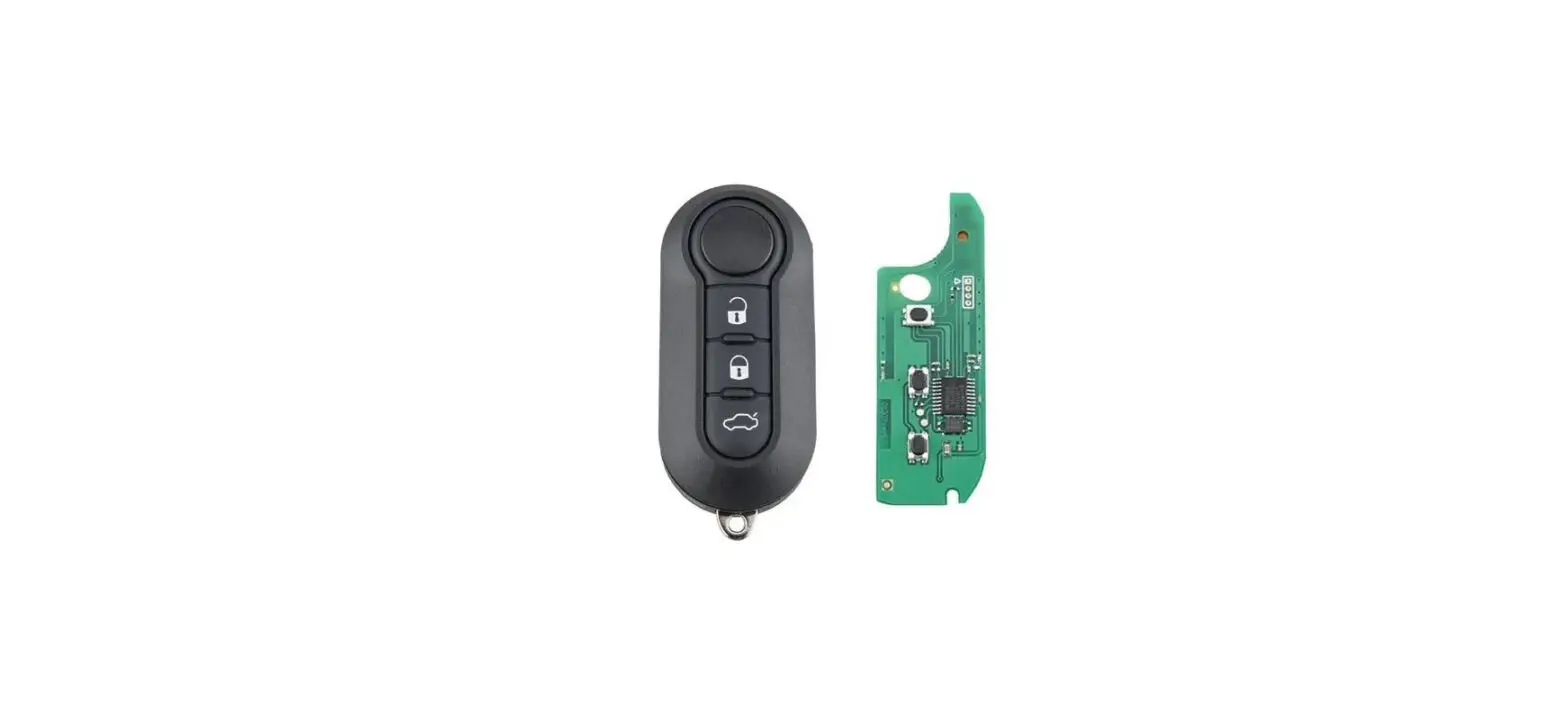
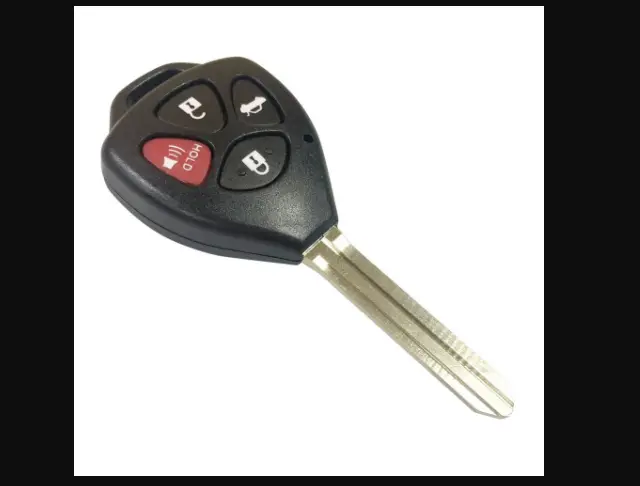
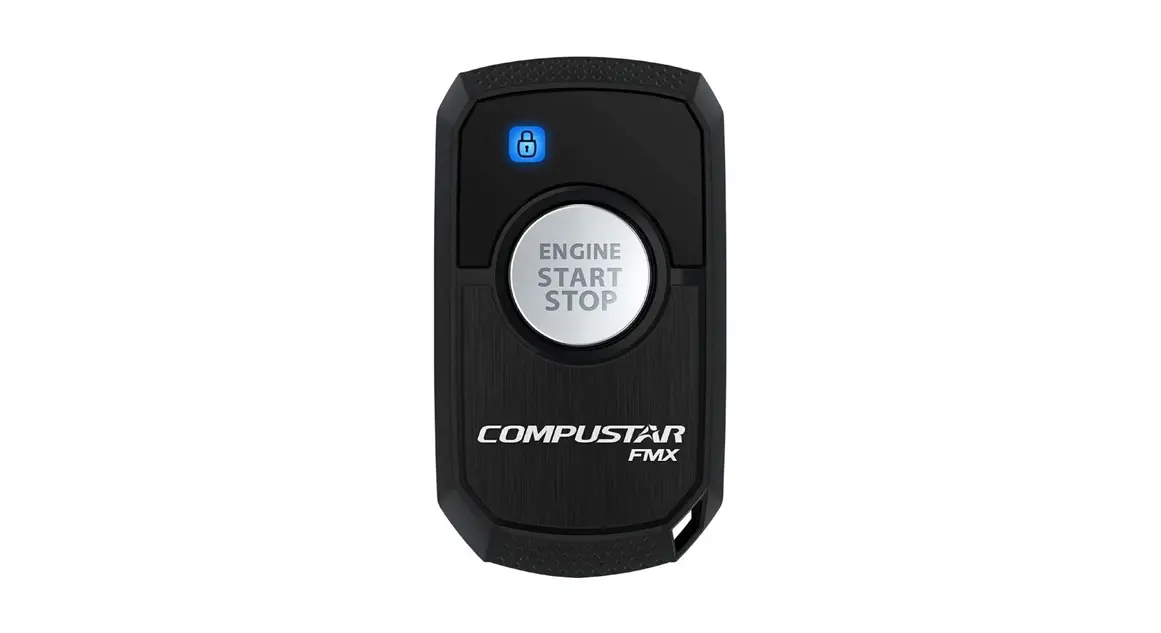
2 WAY 1 BUTTON REMOTES
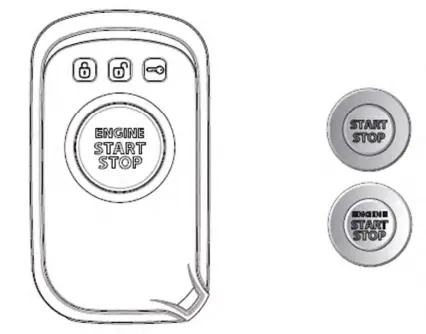
To reprogram your remote first cycle the key in the ignition 5 times within 7 seconds. Parking lights will flash. After that top the Lock button on your remote. Repeat for any additional remotes. If you receive two parking light flashes, your system has exited remote programming mode and you must retry.
Top this button for l second to lock your doors and/or arm your vehicle.
Upon confirmation, the Lock LED will flash and the remote will chirp once.
Top this button twice within l second to unlock your doors and/or disarm your
vehicle. Upon confirmation, the Unlock LED will flash and the remote will chirp twice.
Hold this button for 3 seconds to start your vehicle. Your vehicle’s parking lights will flash once and/or siren will chirp once for confirmation. Upon confirmation, the Start LED will flash and remote chirp once. It will then chirp three times to confirm your vehicle has started. Repeat and your vehicle will shut off.
Valet Mode: If your remote start is not working, you may be in Valet Mode. Your parking lights will also not flash. Your doors will still lock and unlock. To exit Valet Mode, turn the vehicle’s ignition On and then top this button 5 times, waiting a second between each top. Your vehicle will flash the parking lights twice and exit Valet Mode. You can also exit Valet Mode by turning the ignition On and then topping the foot brake l O times or reprogramming your remote(s).
LEDs
| EVENT | LEADS | LED COLOR | LED DURATION | REMOTE CHIRPS |
| Runtime Remaining: l 00% |  | Red | Once Every 5 Seconds | 3 Times |
| Runtime Remaining: 50% |  | Red | ||
| Runtime Remaining: 25% |  | Red | ||
| Runtime Remaining: 60 Sec | 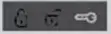 | Red | Once Every 2 Seconds | |
| Lock Confirmation | 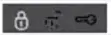 | Blue | 1x | 1x |
| Unlock Confirmation |  | Blue | 2x | 2x |
| Start/Stop Confirmation | | Blue | Once On/Twice Off | Once On/Twice Off |
| All Error Confirmations |  | Red | 3 Times | 3 Times |
| Arming/Locking While Trigger is Open |  | Red | ||
| Low Battery Warning | 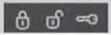 | Blue | Fade |
Questions/comments?
Contact us at 888-820-3690 from 8 AM to 5 PM PST. Also please visit www.compustor.com for a complete user’s manual.
START ERROR CODES
| PARKING LIGHT FLASHES | REMOTE START ERROR |
| 3 then l | l: Motor running |
| 3 them 2 | 2: Key in ignition on position |
| 3 then 3 | 3: Door open (manual transmission only) |
| 3 then 4 | 4: Trunk open |
| 3 then 5 | 5: Foot brake on |
| 3 #hen 6 | 6: Hood open |
| 3 then 7 | 7. Reservation off (manual transmission only) |
| 3 #hen 8 | 8: Tach or voltage sensing failure |
| 3 then 9 | 9. FT.DAS sensor shutdown |
| 3 #hen 10 | 10: System is in Valet Mode |
Register online at www.compustar.com within l 0 days of purchase to activate your new remote’s warranty.
FCC
This device complies with part 15 of the FCC Rules. Operation is subject to the following two conditions:
(1) This device may not cause harmful interference, and
(2) this device must accept any interference received, including interference that may cause undesired operation.
CAUTION: Changes or modifications not expressly approved by the party responsible for compliance could void the user’s authority to operate this device.
IC
This device complies with Industry Canada licence-exempt RSS standard(s). Operation is subject to the following two conditions:
(1) this device may not cause interference, and
(2) this device must accept any interference, including interference that may cause undesired operation of the device.
830BUCLOOOOOOOO