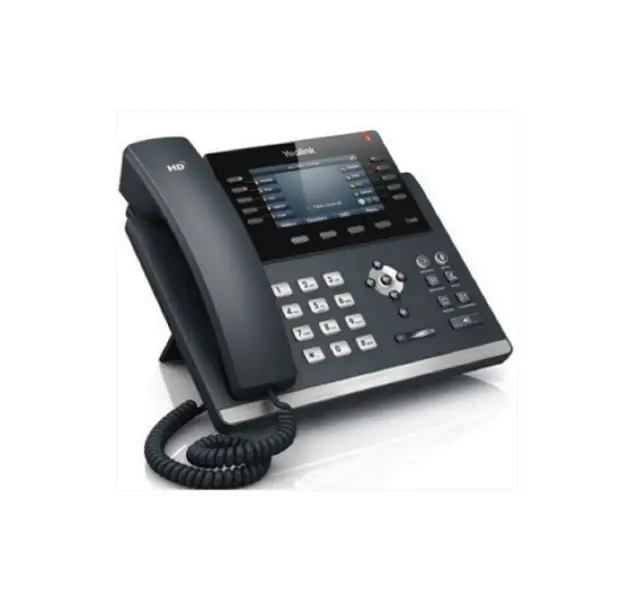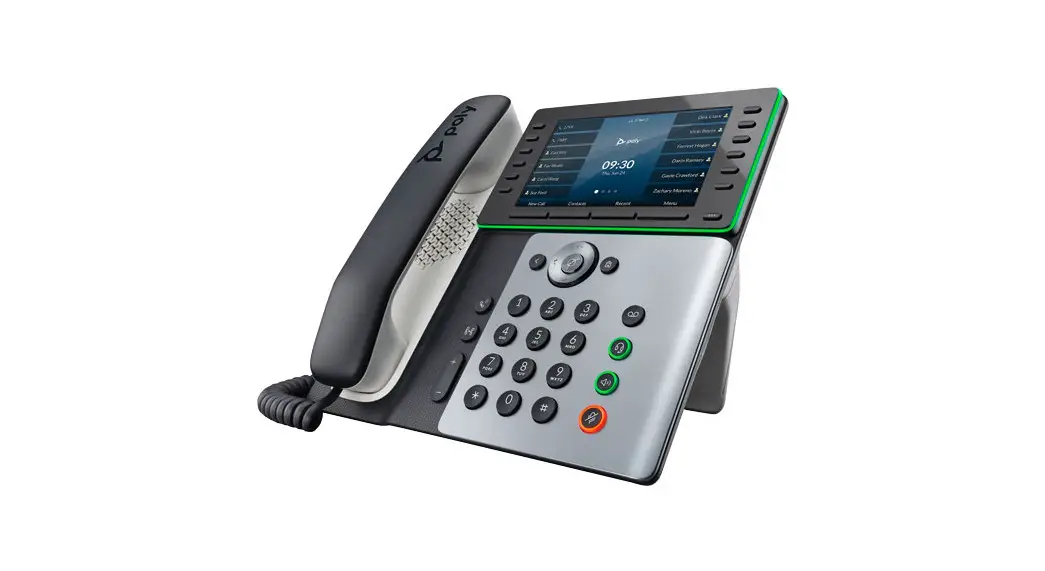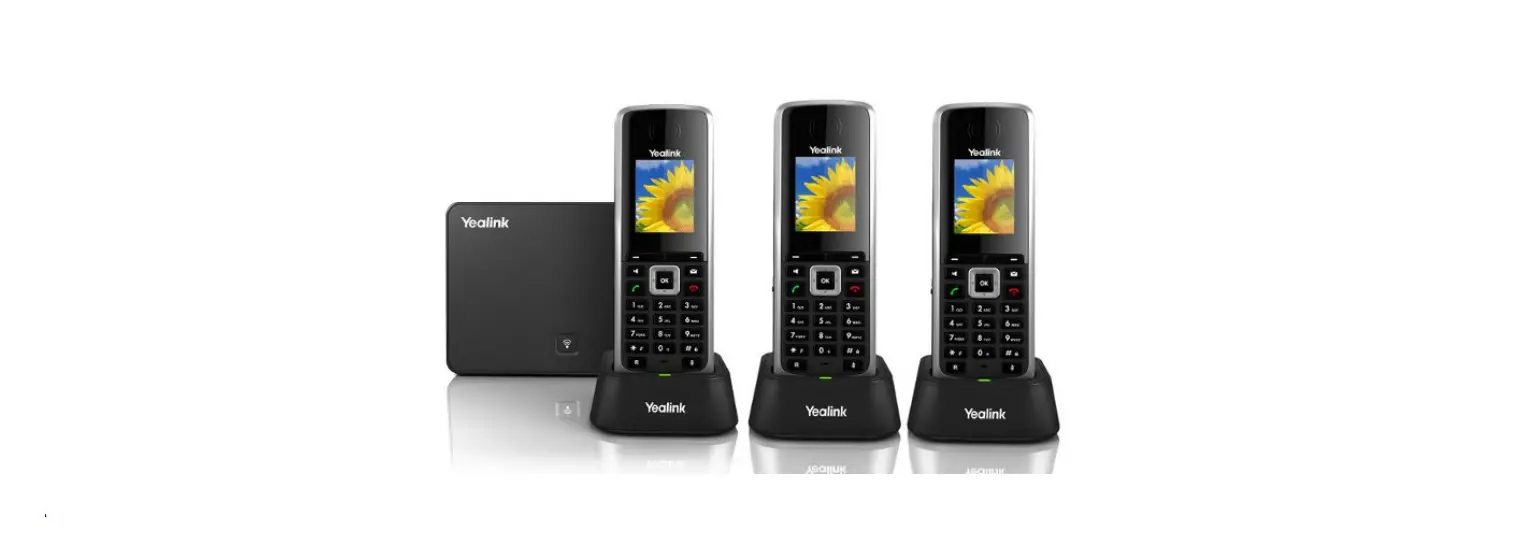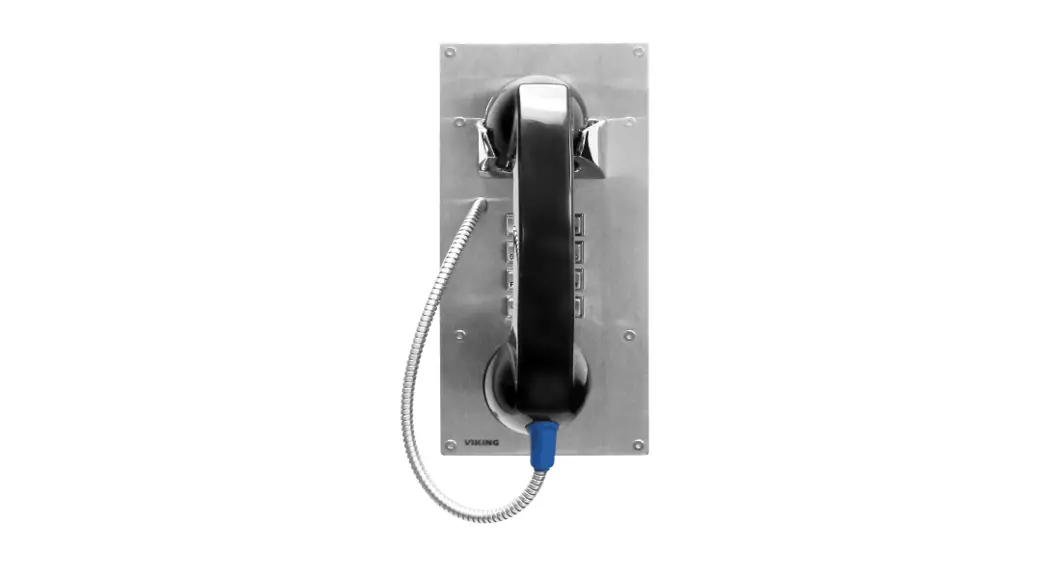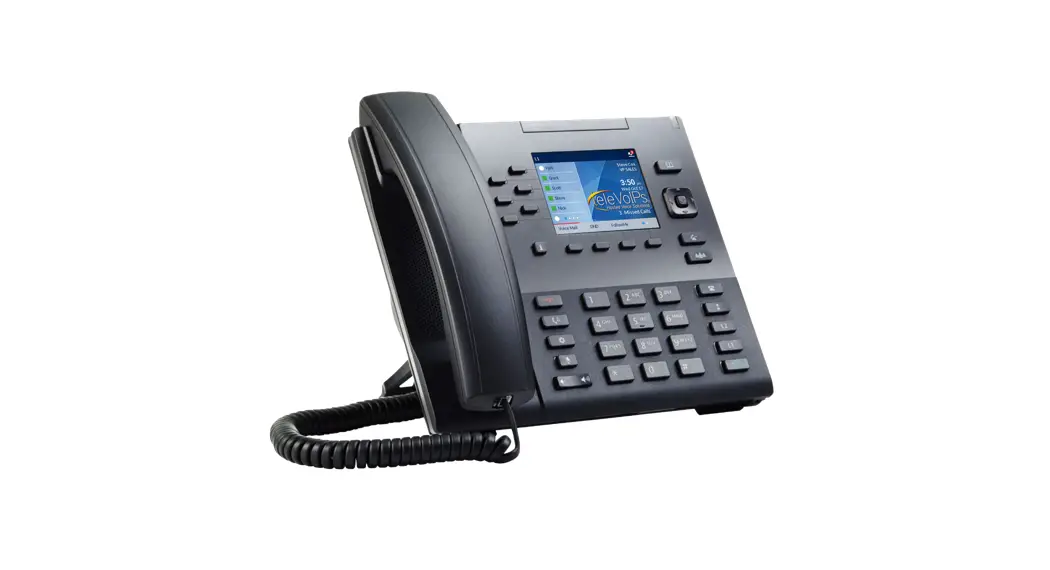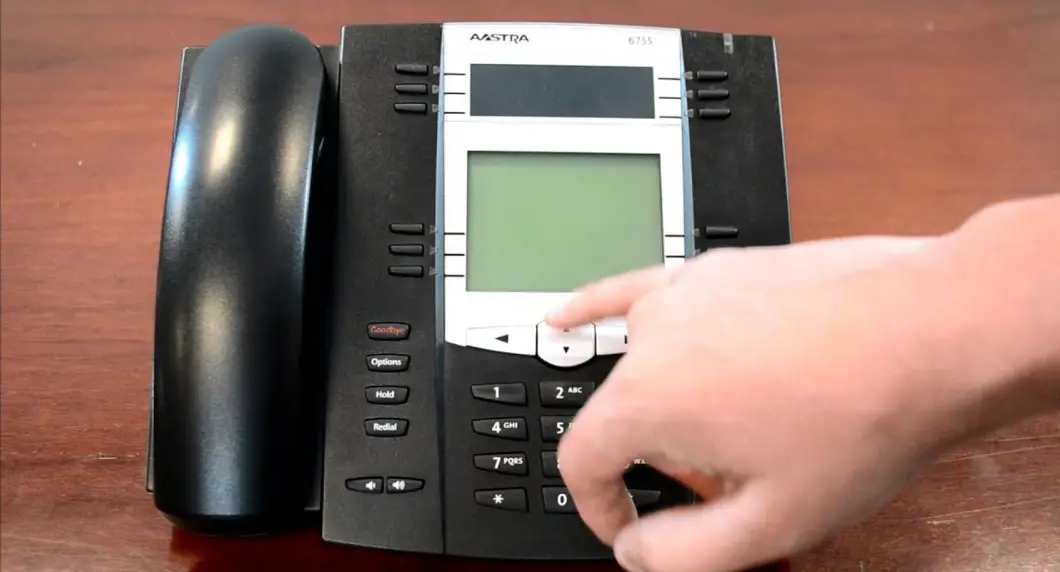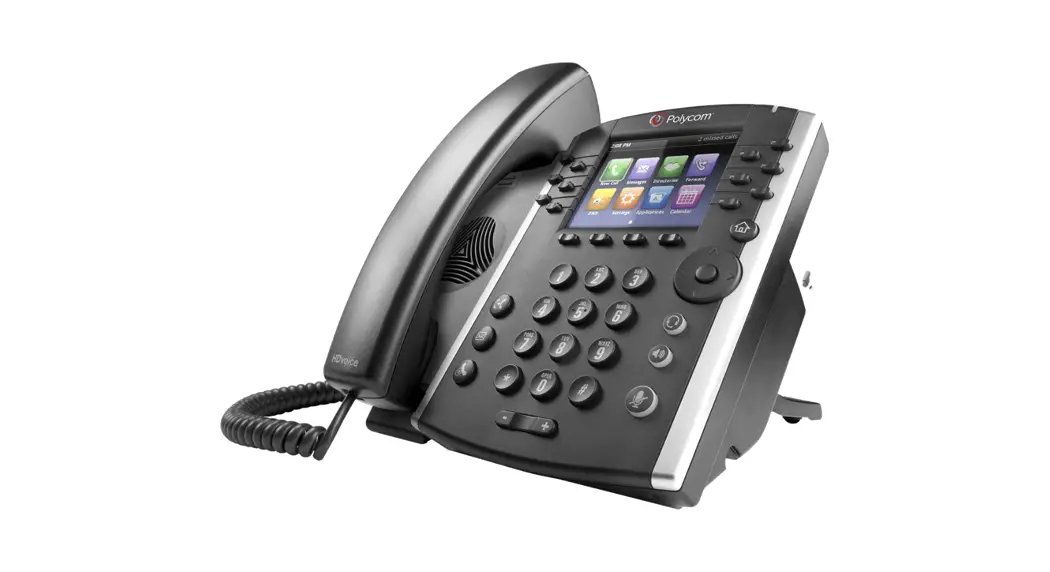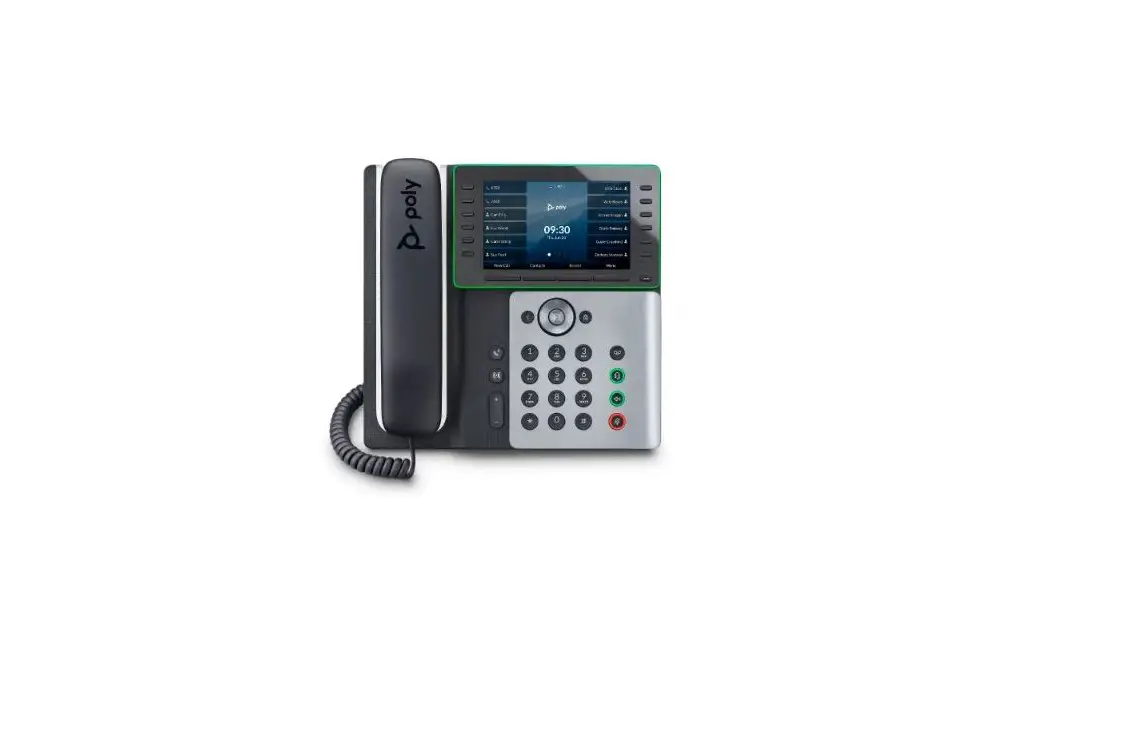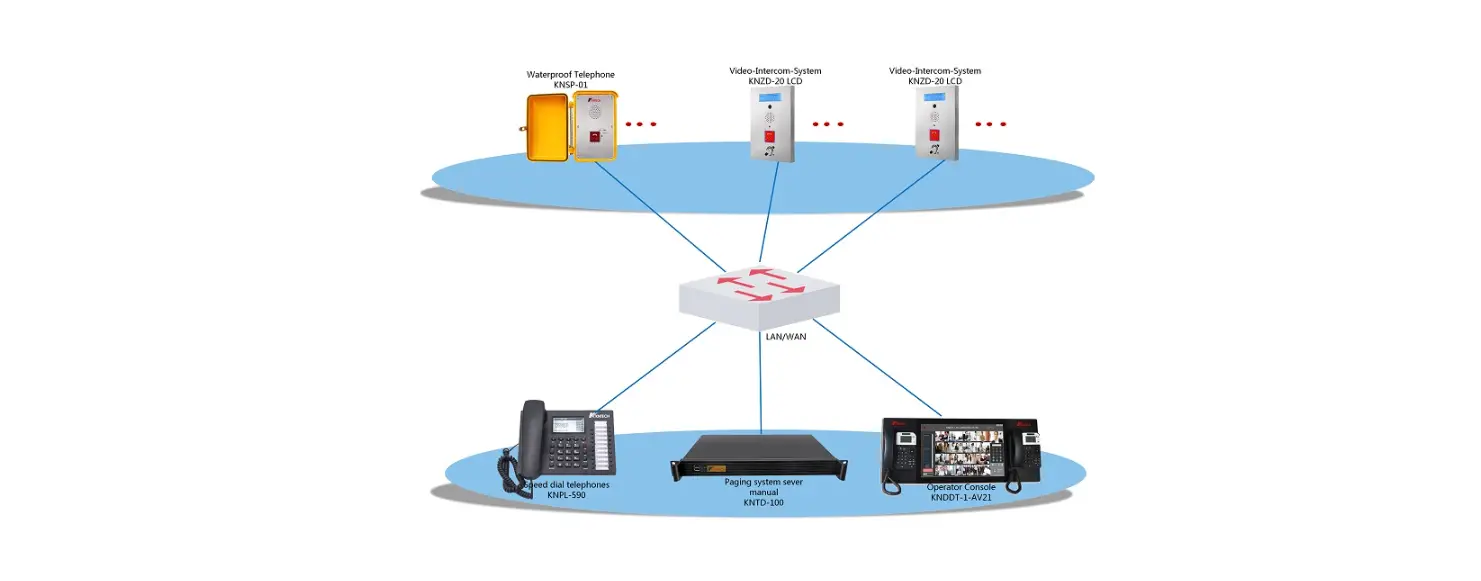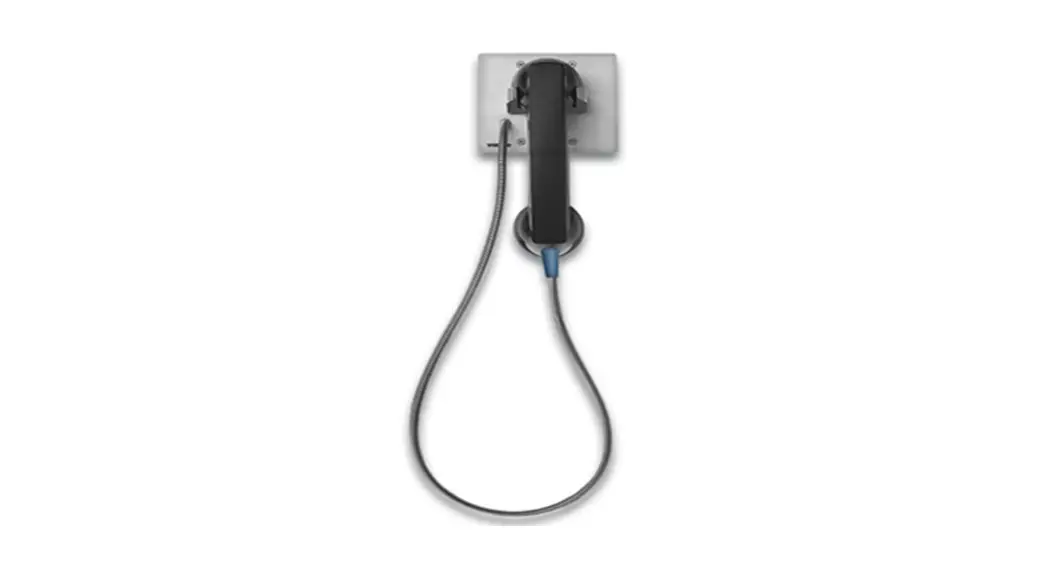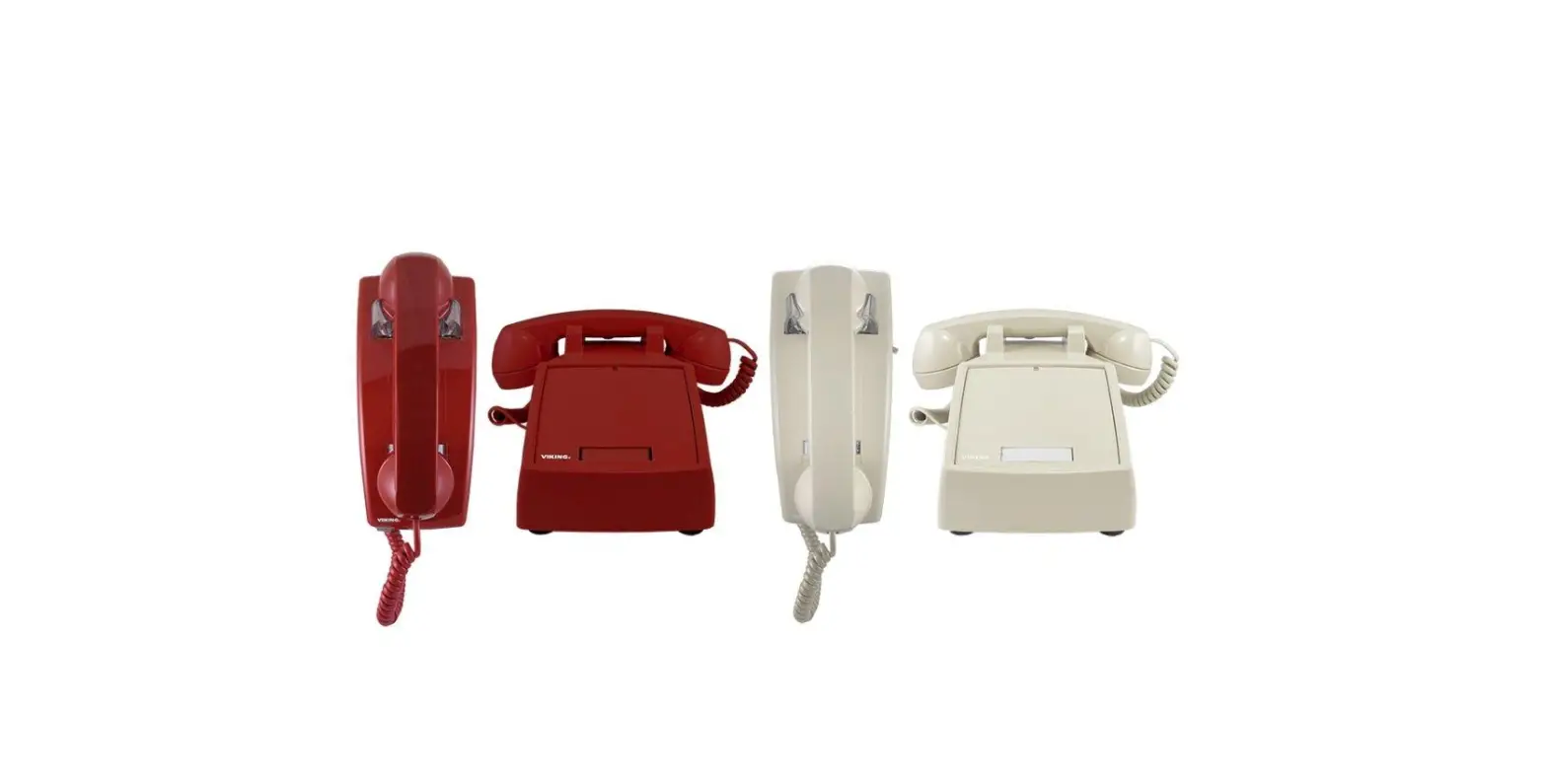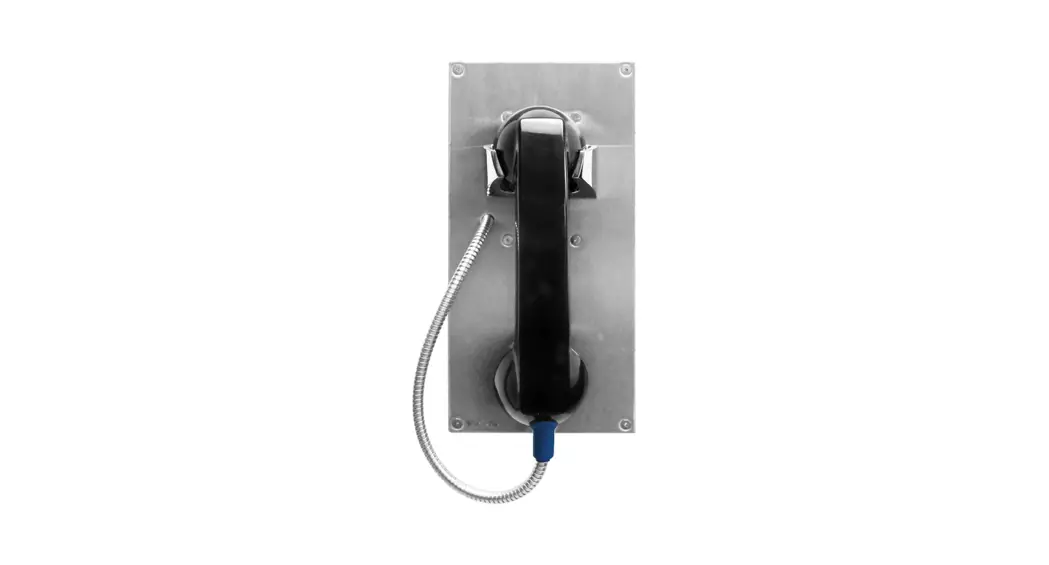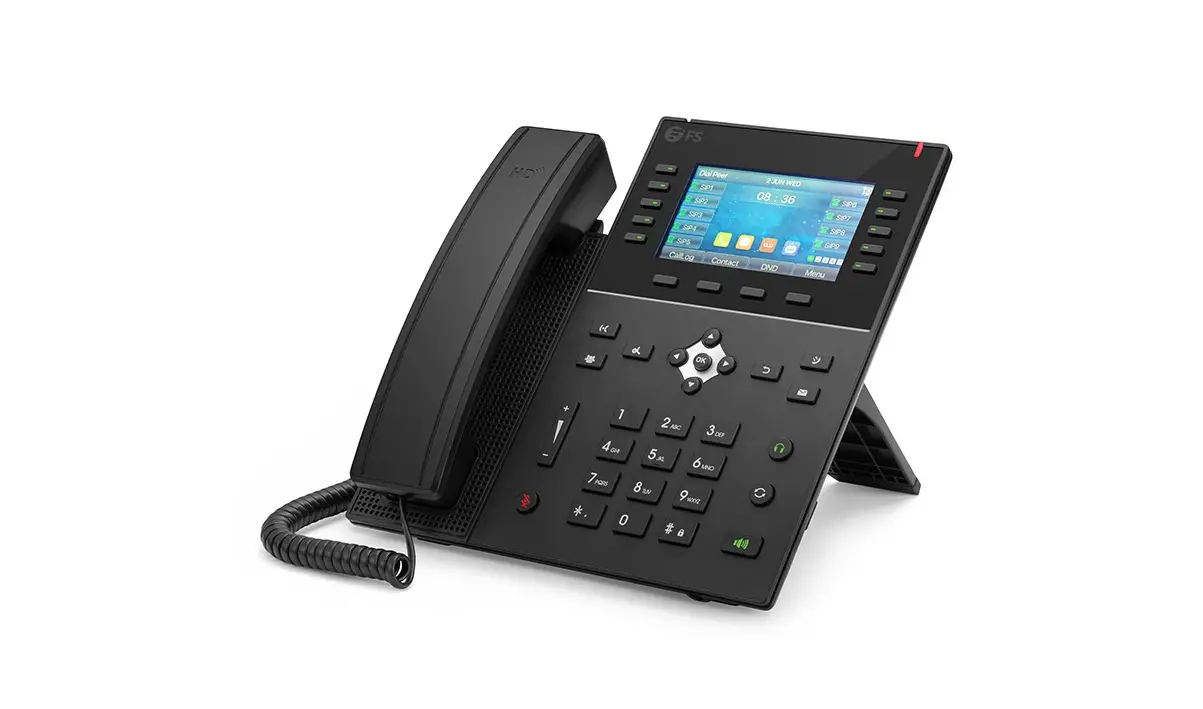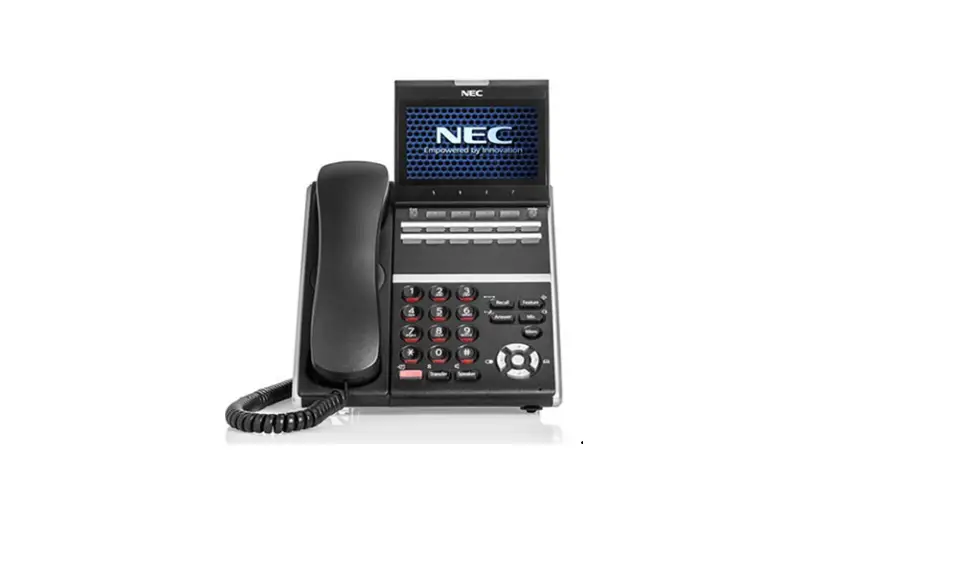

Telesystem Standard VoIP Desk Phones
INSTALLATION
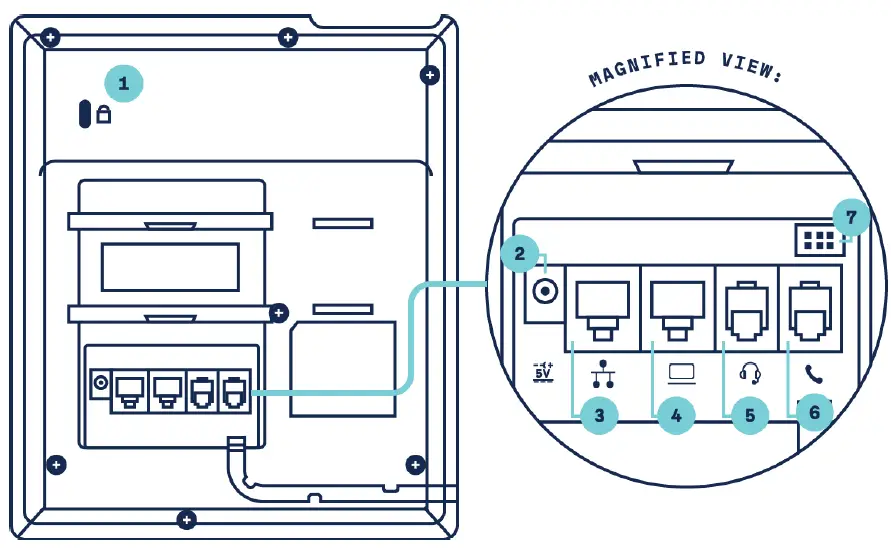
- Security Slot: Attach a universal security cable lock to fix your phone to a desktop
- AC Power Connection: For power adapter, if Power over Ethernet (PoE) is unavailable
- Ethernet Port: For wired Internet connection and PoE. May be labeled as an “Internet” port.
- Ethernet LAN Connection: Passthrough connectivity to your computer using this ethernet port. May be labeled as “PC” port.
- RJ-9 Port: Most standard, wired headsets will connect using this port
- Handset Port: Your handset will connect to the receiver base
- EHS Port: Electronic hook-switch headsets will connect here
Note that the layout of the phones may vary slightly by make and model.
| 1.888.808.6111 | www.telesystem.us
 Home
Home