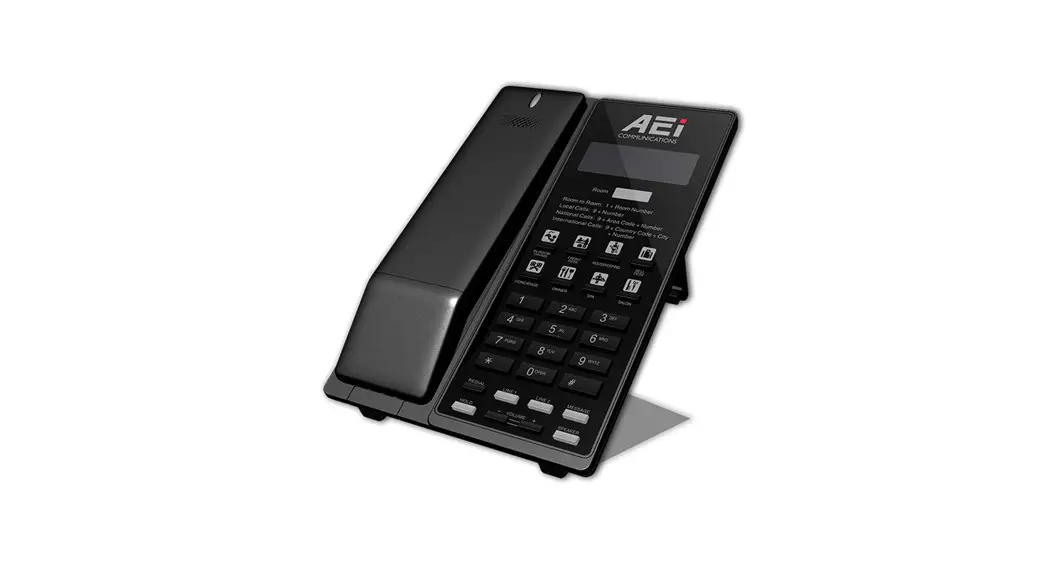
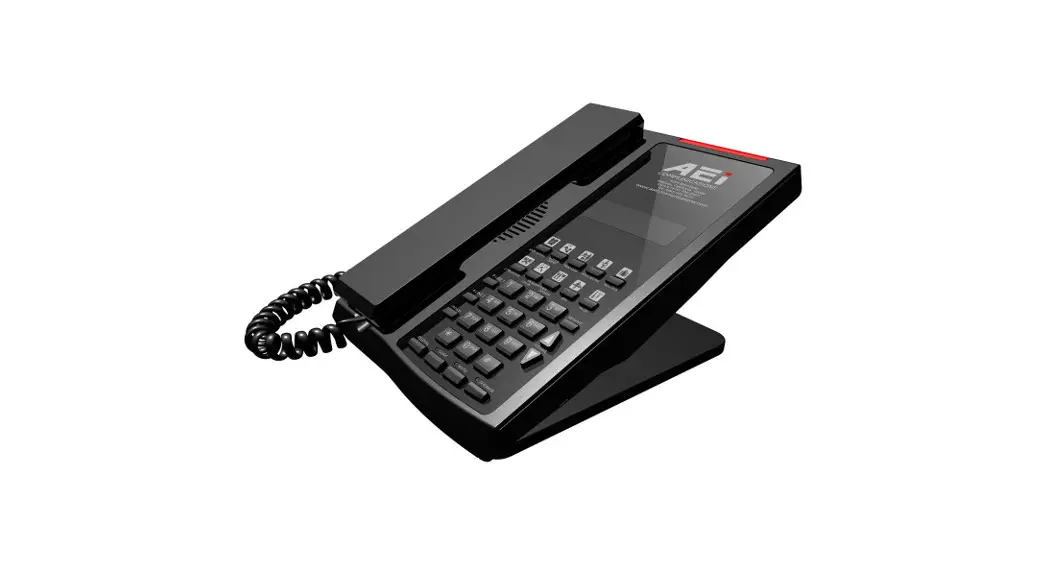
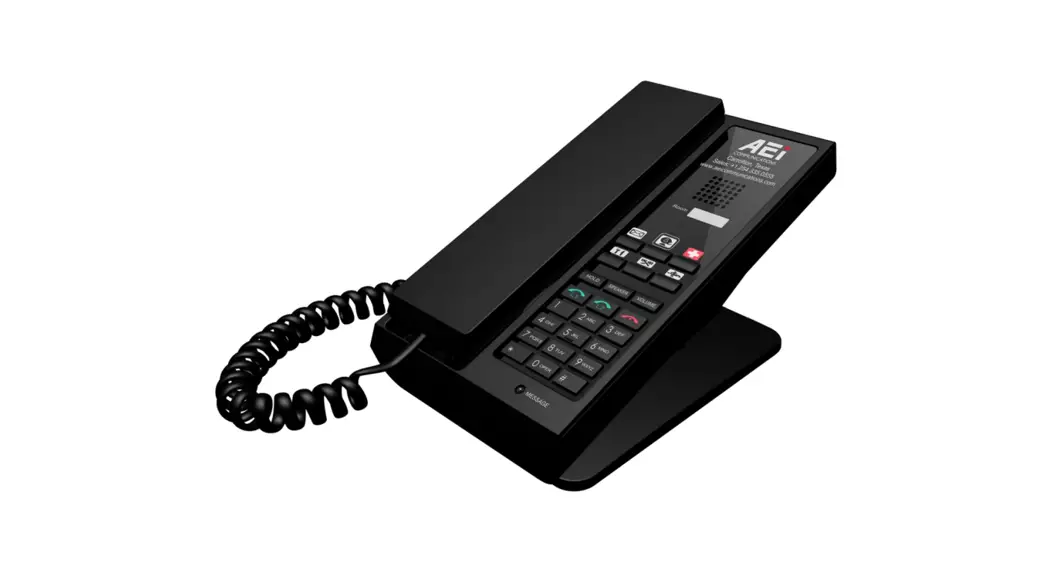
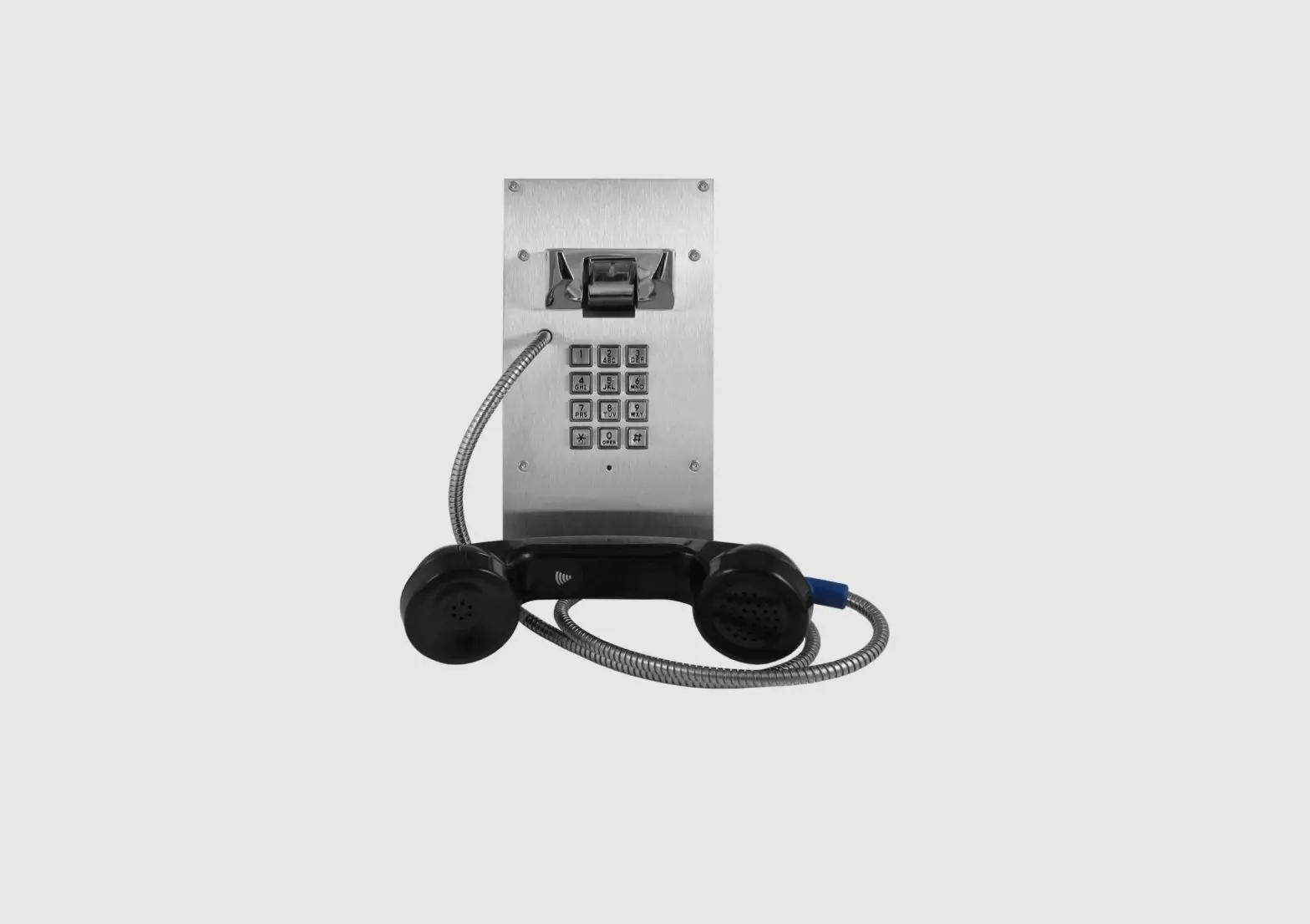
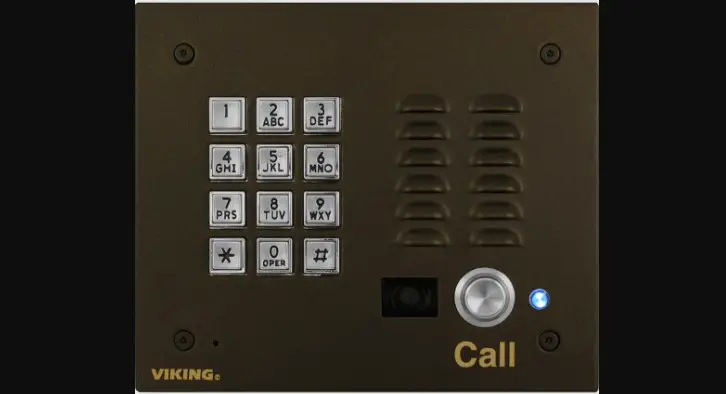
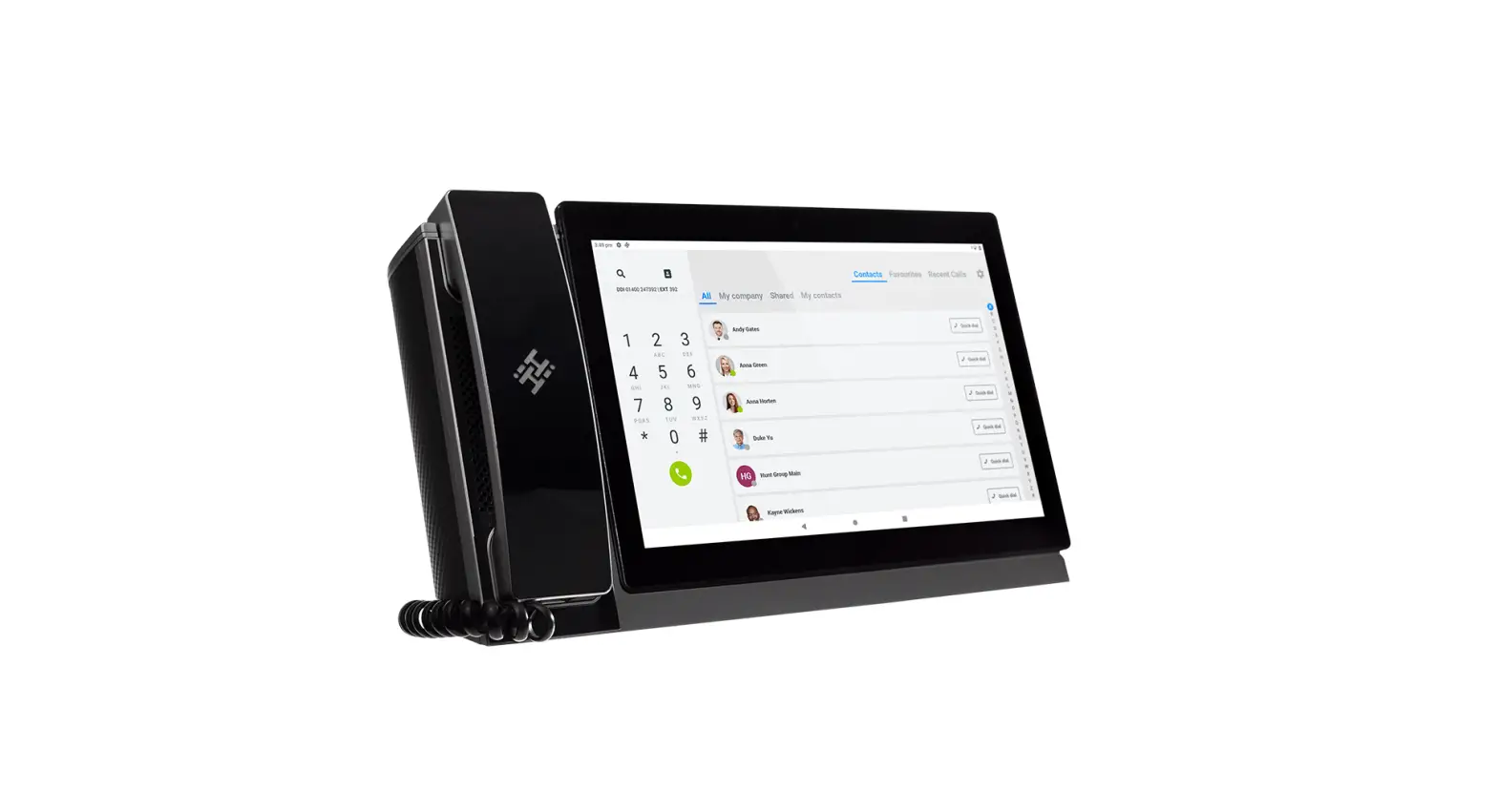
VH-9208-SU(S) VoIP Phone
Product Information
The VoIP Phone is a full-feature telephone that provides voice
communication. It is equipped with various features to enhance
communication experience.
Package Contents
- Base Unit
- Handset
- AC Adaptor
- RJ-45 Cable
- Quick Installation Guide (This document)
Product Description
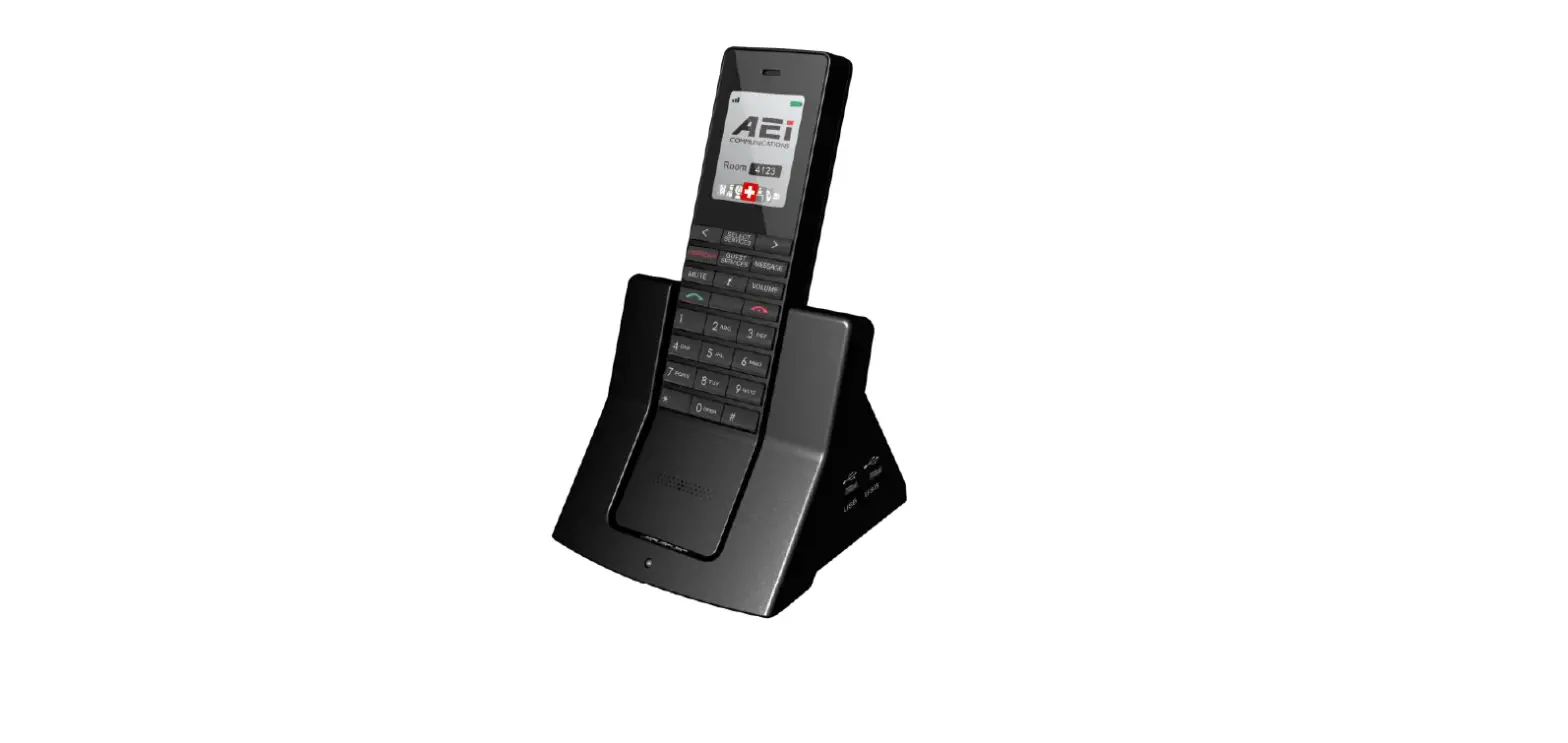
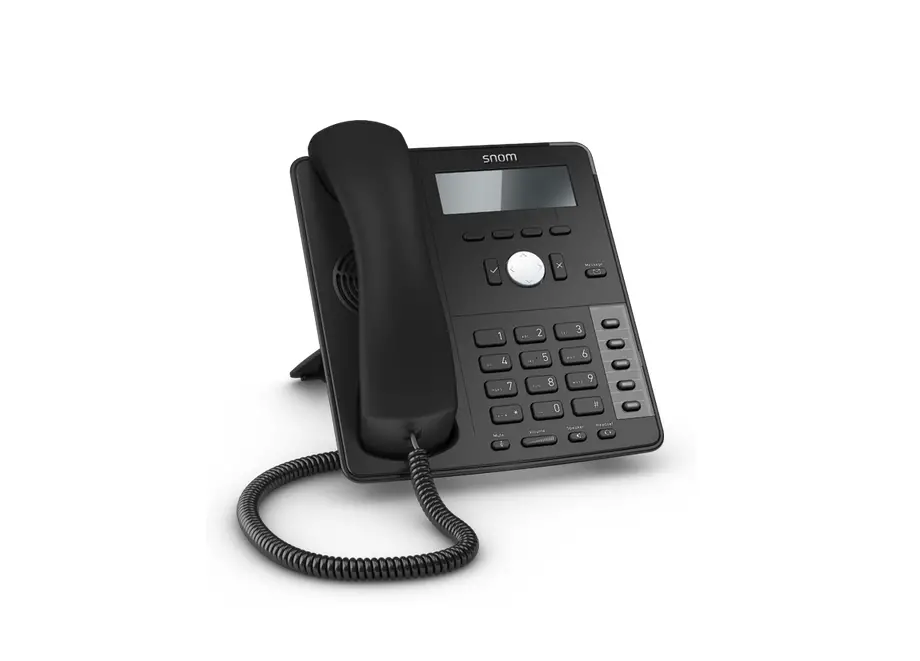
The VoIP phone has the following key components:
- Name: Ring Indicator
- Description: A red light indicator that
signals incoming calls. - Name: Dialing Pad
- Description: Buttons to dial phone numbers or
enter alphabetical characters. - Name: Speed dial Service Keys
- Description: Keys for speed dialing preset
contact numbers. - Name: Function keys (Redial, Hold, LINE 1 /
LINE 2) - Description: Redial the last number dialed,
put an active call on hold, and switch between LINE 1 and LINE
2. - Name: Volume control keys
- Description: Increase or decrease the volume
for voice receiver and ringer. - Name: MESSAGE
- Description: Retrieve voice messages.
- Name: SPEAKER
- Description: Activate the speakerphone for
hands-free conversations. - Name: LAN port
- Description: Connects to HUB, ADSL, or
Switch(PSE). - Name: DC 5V Power jack
- Description: Connects to AC power adapter
(Optional, if base unit is not powered via a PSE). - Name: Handset jack
- Description: Connects to the handset.
- Name: USB Charger port
- Description: Connects to a mobile equipment
charging cable.
Product Usage Instructions
Answering a Call
An incoming call is indicated by a ringing tone and a flashing
indicator on both the handset and base units. To answer the call,
pick up the handset.
Making a Call
To make a call using the keypad:
- Enter the telephone number using the alphanumeric keypad.
- Press the “#” key to force dialing or wait for 3 seconds for
the number to be dialed automatically.
Call Options
During an ongoing call, the following options are available:
- Using the Speaker Phone: Press the SPEAKER key
on the phone while talking to enable the speakerphone function.
Press the Speaker key again to terminate the call. - Putting a Call on Hold: Press the HOLD key on
the phone to put the call on hold. When receiving a second call,
press the next available LINE key to attend to the new call, and
the first call will be put on hold automatically.
Support
For technological support, please email [email protected].
VoIP Phone
VH-9208-SU(S) / VH-9108-SU(S)
QIG V 1.02
1 Over view
This phone is a full-feature telephone that provides voice communication. Read this QIG carefully to learn how to operate this product and take advantage of its features.
Package Contents
When unpacking the VoIP phone, ensure all the following items are present and undamaged. If anything appears to be missing or broken, contact your dealer for a replacement.
1. Base Unit 2. Handset 3. AC Adaptor 4. RJ-45 Cable 5. Quick Installation Guide (This document)
2 Product Description
This chapter contains important information to help you familiarize yourself with the functions of the VoIP phone.
Front View
4 2
Name
1
Ring Indicator
2
Dialing Pad
3
Speed dial Service
Keys
4
Function keys
Redial
Hold
LINE 1 / LINE 2
1
3
Description
A red light indicator means that you have incoming calls.
Press the buttons to dial a phone number or enter alphabetical characters.
Press any of the keys to speed dial the preset contact number.
Press to call the last number dialed. Press to put an active call on hold. There are two LINEs bottom in this IP Phone.
Back View
Name Volume control keys
MESSAGE SPEAKER
Description
Increases or decrease the volume for the currently active voice receiver for handset. The volume button also controls the ringer volume when on-hook.
Press to retrieve voice messages.
Press to activate the speakerphone for hands free conversations.
NO. Name
Description
1
LAN port
Connects to HUB, ADSL, or Switch(PSE)
2
DC 5V Power jack Connects to AC power adapter. (Optional. While base
unit is not powered via a PSE)
3
Handset jack
Connects to handset.
Name USB Charger port
Description Connects to mobile equipment charging cable.
3 Operation
Answering a Call
An incoming call is indicated by a ringing tone and a flashing indicator at the top of both handset and base units. You can answer the call by doing one of the followings: Pick up the handset to answer the call.
Making a Call
Dialing with the Keypad Enter the telephone number with the alphanumerical keypad. After entering the number you want to call, press the # key to force dialing or wait for 3 seconds before the number
3
is dialed automatically.
Call Options
While a call is in progress, a number of additional options are available.
Using the Speaker Phone
For hands free operation, you can use the built-in speaker to talk on the phone. To use the speakerphone, follow the steps below: While talking on the phone, press the SPEAKER key on the phone to enable the Speakerphone function. Press Speaker key again to terminate the call.
Putting a Call on Hold
You may want to put a call on hold temporarily while doing some work or attending to a second incoming or outgoing call. To put a call on hold, do one of the following: Press the HOLD key on the phone to put the call on hold. When you receive a second call, press the next available LINE key to attend to the new call, and the first call will be
put on hold automatically.
4 Support
To configure through the web browser, do the following: Ensure the phone is powered up and connected to a DCHP network. Press HOLD/MUTE *112*113# (HOLD for 2-Line / MUTE for 1-Line), the IP address is displayed on the LCD screen. Open your browser (such as Internet Explorer, Firefox, etc.) and type in the web address of the phone. For example, if the IP address you obtain in step 4 above is 192.168.1.2, enter the web address: http:// 192.168.1.2:8000. When the Web login front page is displayed. Enter the user name and the password and click Login. The administrator’s user name and password are “admin” and “1234” respectively.
For technological support, please email to [email protected].