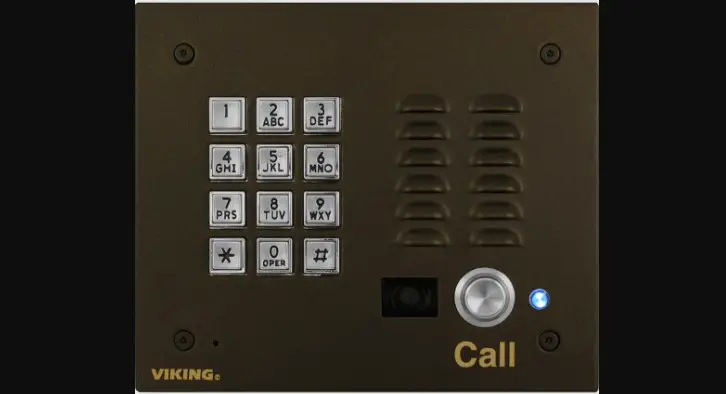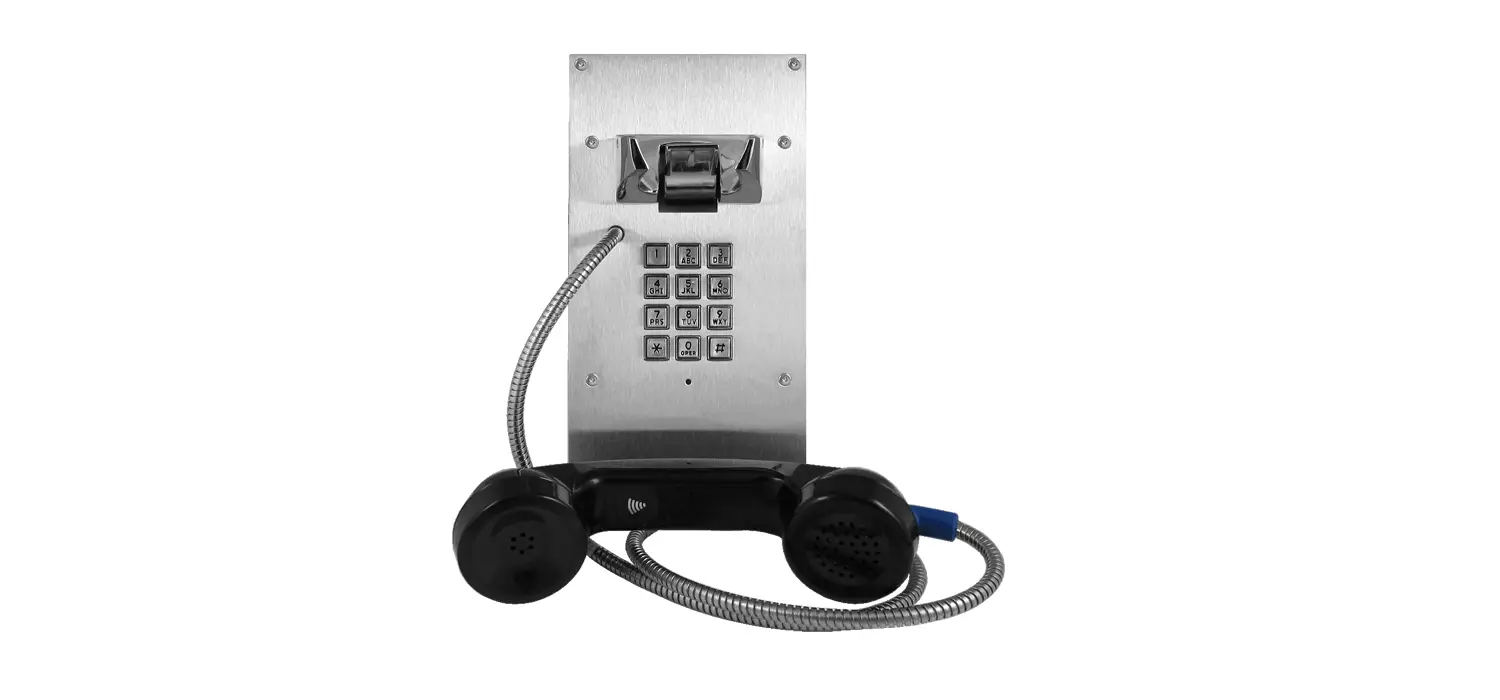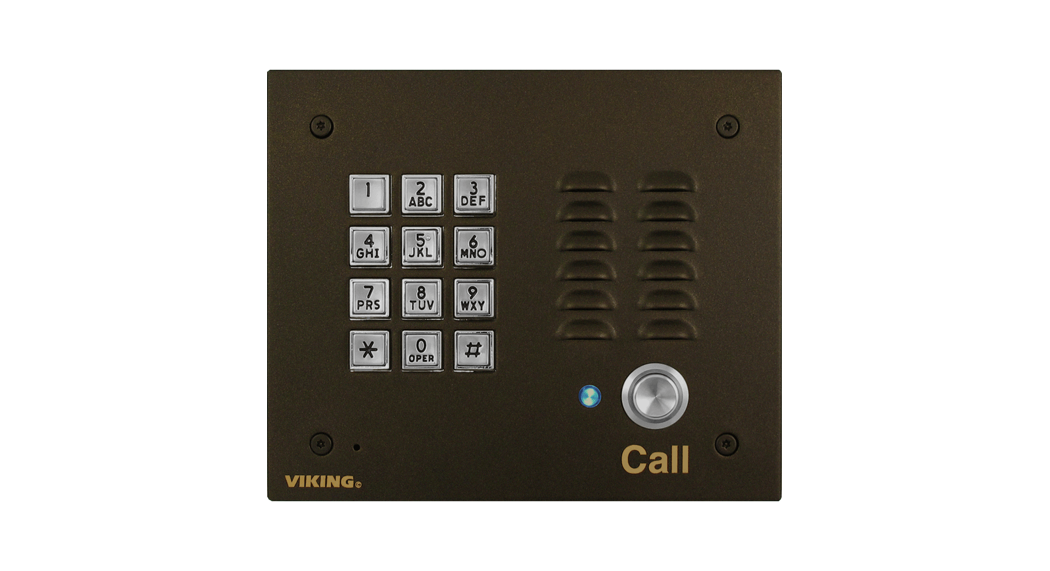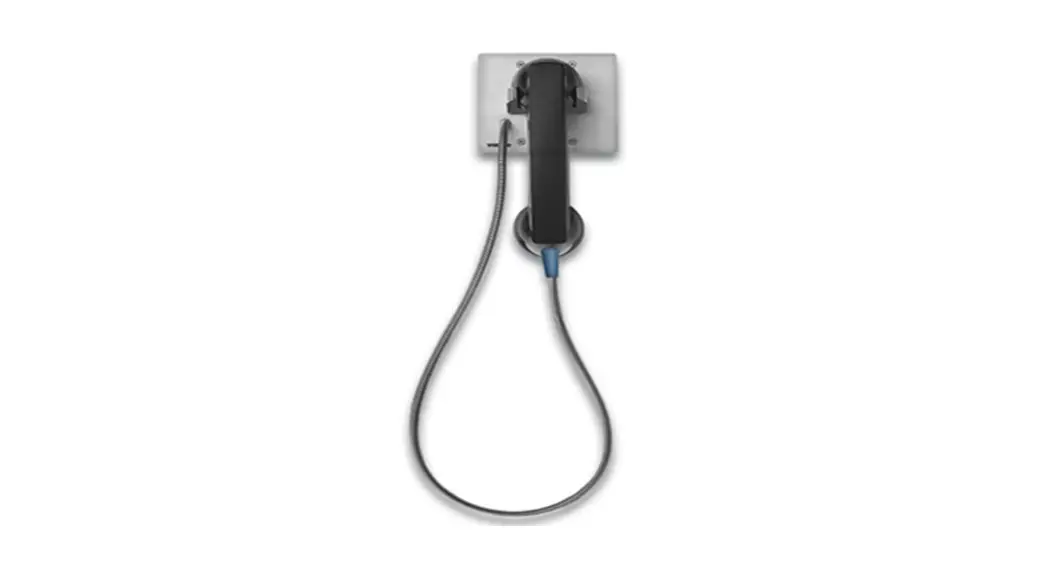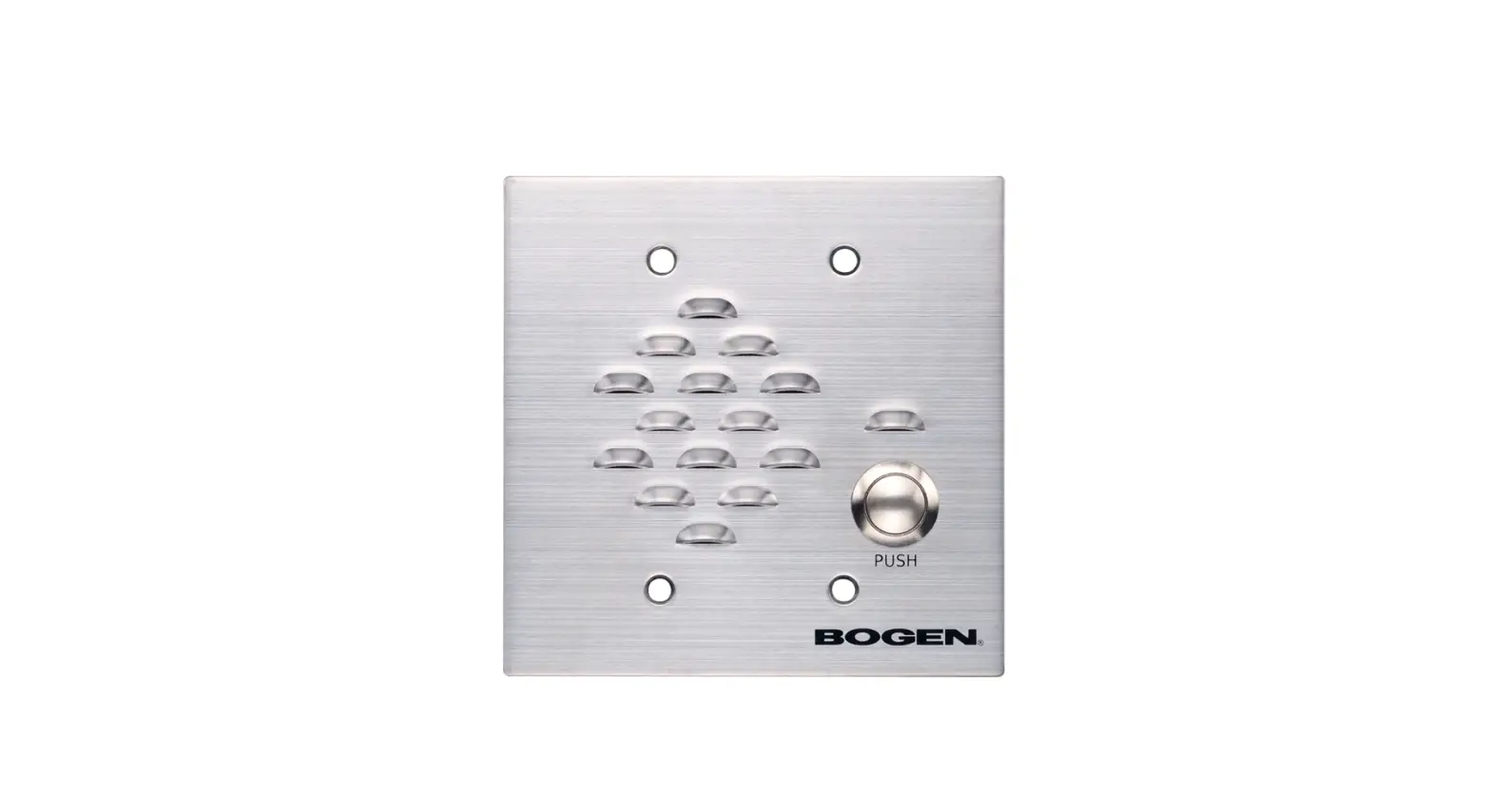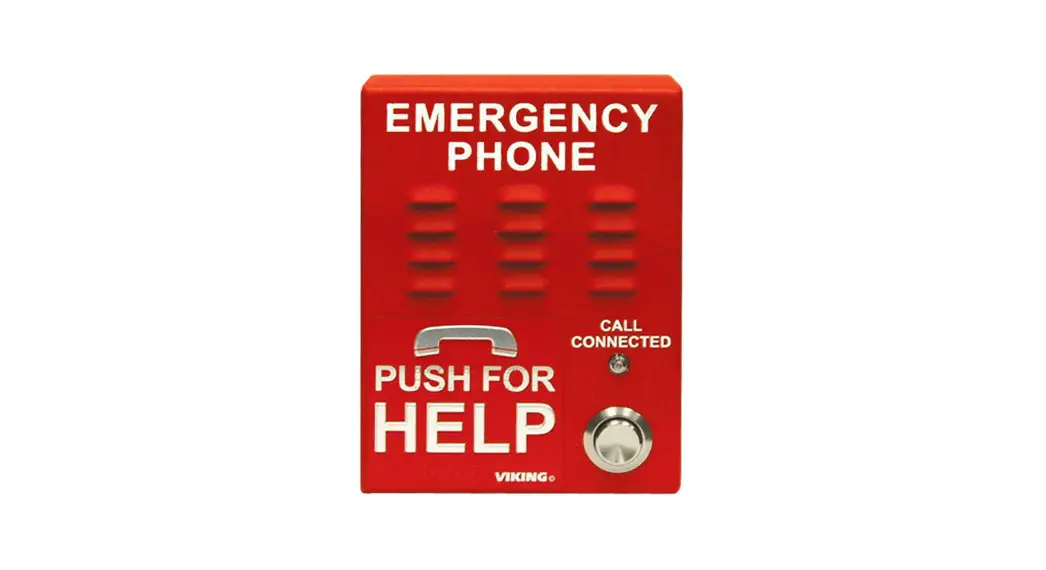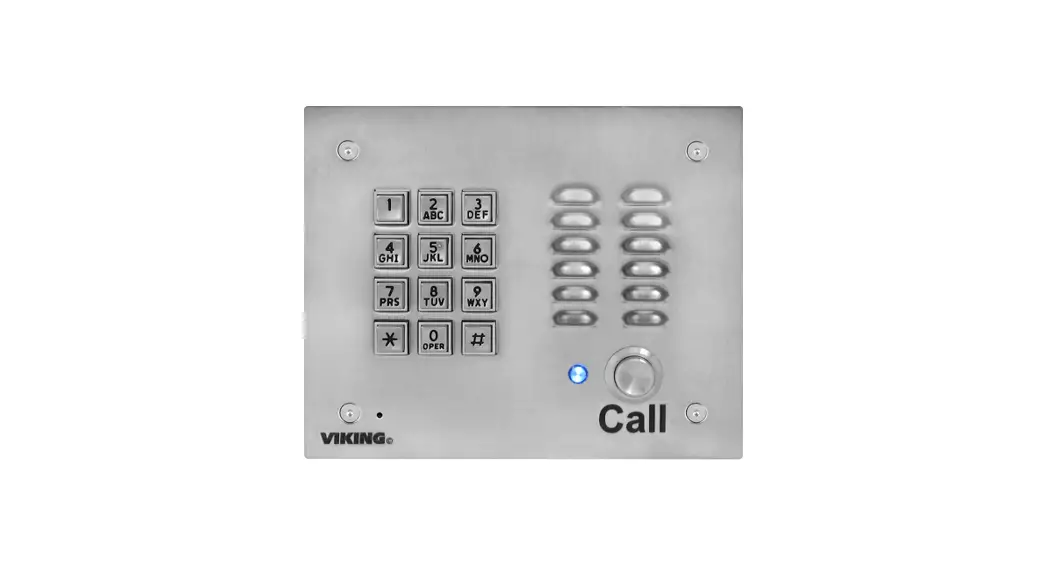
 VoIP Door Entry Phone
User Guide
QUICK START GUIDE
E-10-IP or
E-10-IP-EWP
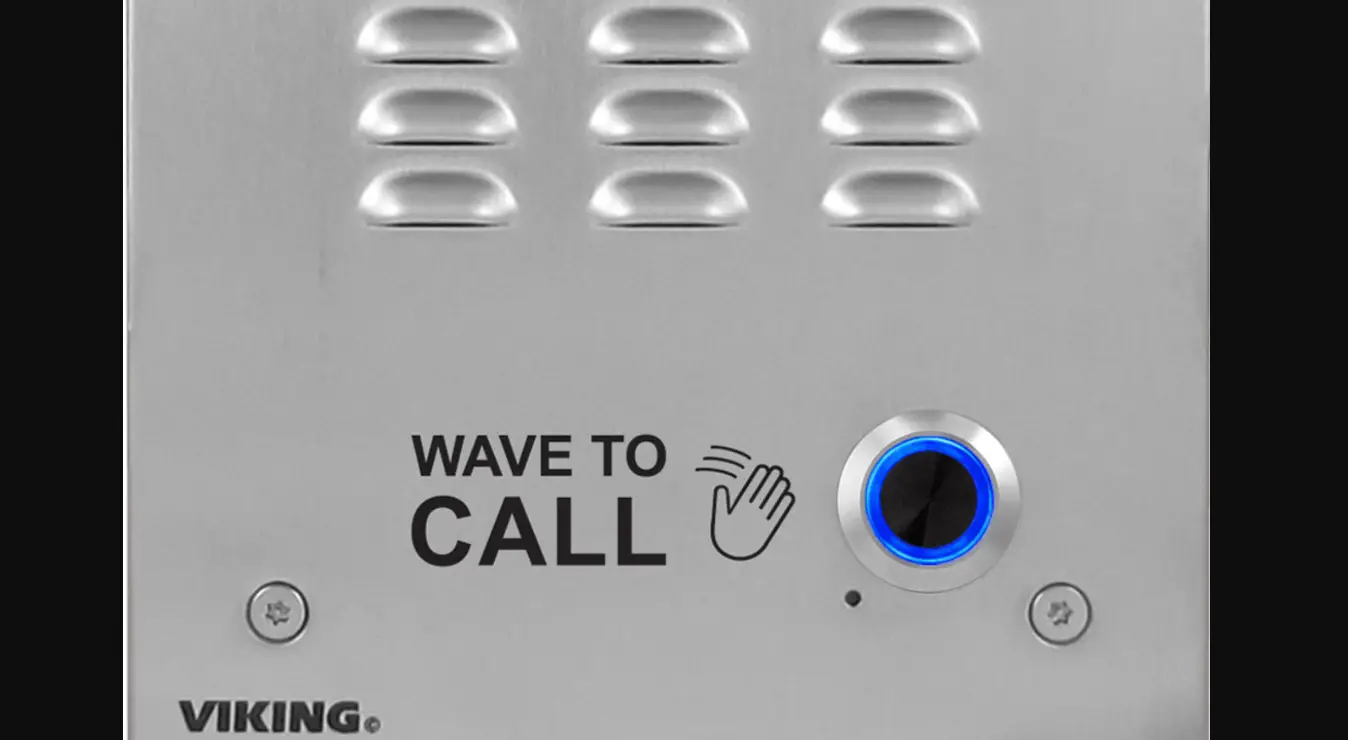
VoIP Entry Phone
February 11, 2021
 See Product Manual for complete installation and programming instructions.
Out-of-Box
Verify that you have received all of the parts listed
 | X 1 | E-10-IP or E-10-IP-EWP |
 | X 1 | Torx T-10 Security Bit |
 | X 5 | Gel-Filled Butt Connectors |
 | X 1 | Faceplate Gasket |
 | X 4 | 6-32 x 3/4” Flat Head Torx |
 | X 1 | Flush Mount Back Box |
 | X 1 | Wire Nut |
Download the product manual
scan the QR code to pen and download the product manual
– OR –
 https://www.vikingelectronics.com/wp-content/uploads/documents/product_manual/E-10-20-30-32-IP.pdf
- Go to www.vikingelectronics.com and enter E-10-IP in the search box
- Click E-10-IP in the search results
- Click Product Manual to open and download the PDF
Download and install the programming software
- Go to www.vikingelectronics.com and enter E-10-IP in the search box
- Click E-10-IP in the search results
- Scroll down the page to Downloads, click IP Programming Software
- Install the programming software by saving or opening the file and then clicking on setup Viking IP Programming.exe
- Follow the prompts on your screen to complete the software installation
Power Source
Select PoE Switch or PoE Injector that meets the following requirements:
- IEEE 802.3af / 802.3at / 802.3bt compliant
- Capable of providing at least 4 Watts (class 1)
Note: CAT5e (or higher) cable recommended
Network Port Settings
- Make sure the port is not in trunk mode
- Make sure the port is capable of 100mbps full-duplex
- If Spanning Tree Protocol (STP) is enabled, enable Portfast and BDPU Guard Globally
Features Overview
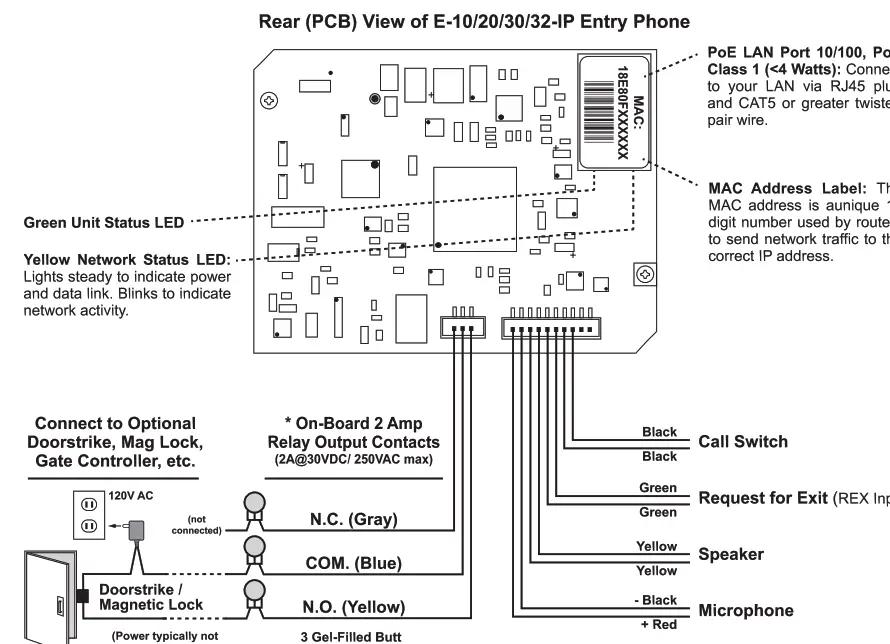
Note: The gel-filled (water-tight) butt connectors are designed for insulation displacement on 19-26 gauge wire with maximum insulation of 0.082 inches. Cut off stripped wire ends before terminating.
*Note: The front panel of the E-10-IP is mounted using security Torx screws to help prevent intruders from removing the panel and accessing the onboard door strike/gate control relays. For applications requiring additional security, a Viking model RC-4A remote relay controller can be used. The relay controller is mounted securely inside the building and connected to the same LAN as the E-10-IP. For more information on the RC-4A Secure Relay Controller, see DOD 582.
See the Product Manual for complete installation and programming instructions.
Questions? Call Viking Product Support: 715-386-8666
Due to the dynamic nature of the product design, the information contained in this document is subject to change without notice. Viking Electronics, its affiliates, and/or subsidiaries assume no responsibility for errors and omissions contained in this information. Revisions of this document or new editions of it may be issued to incorporate such changes.
E-10-IP Quick Start Guide
ZF303591 REV B
 Security & Communication Systems - Access Control | Viking Electronics, Inc