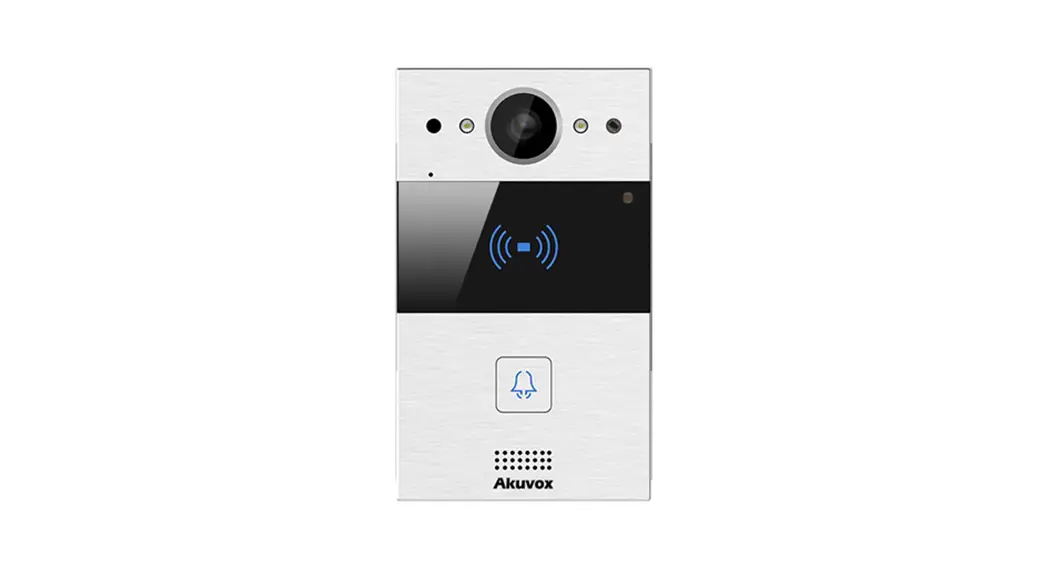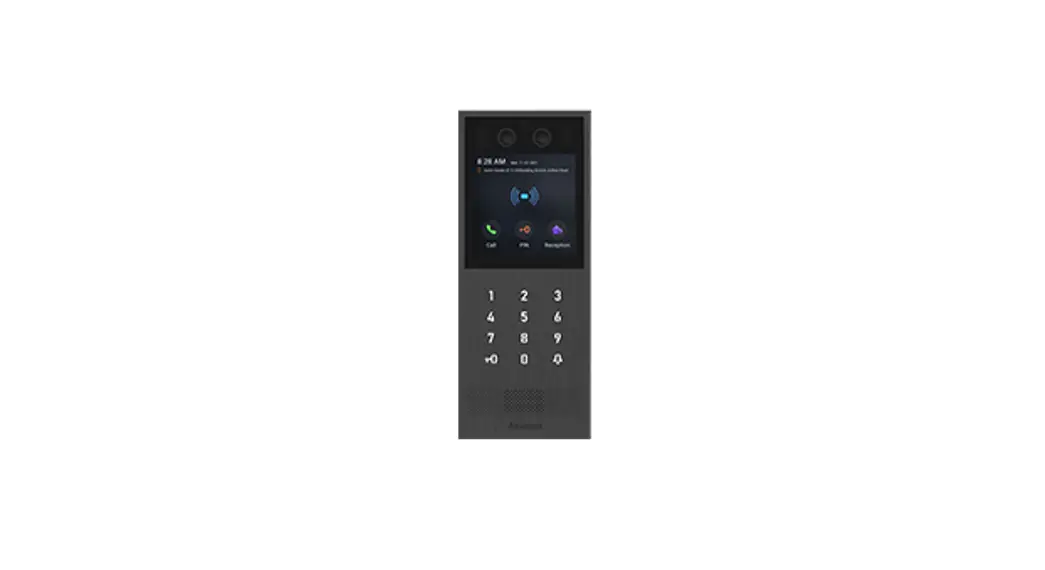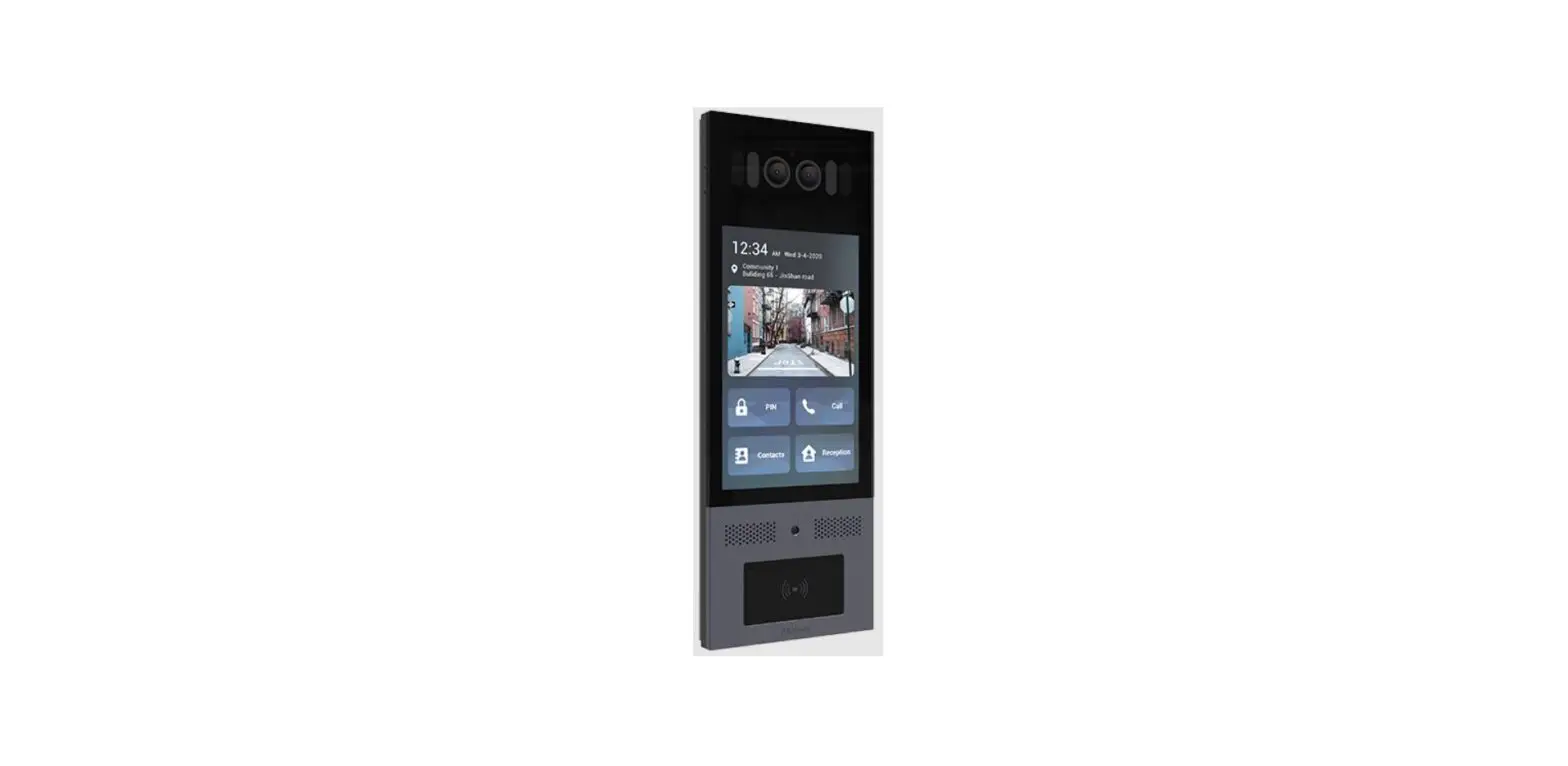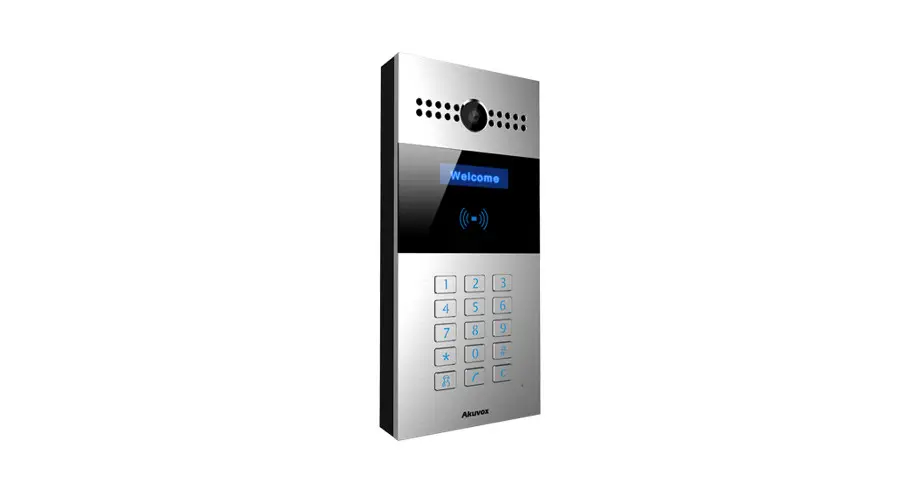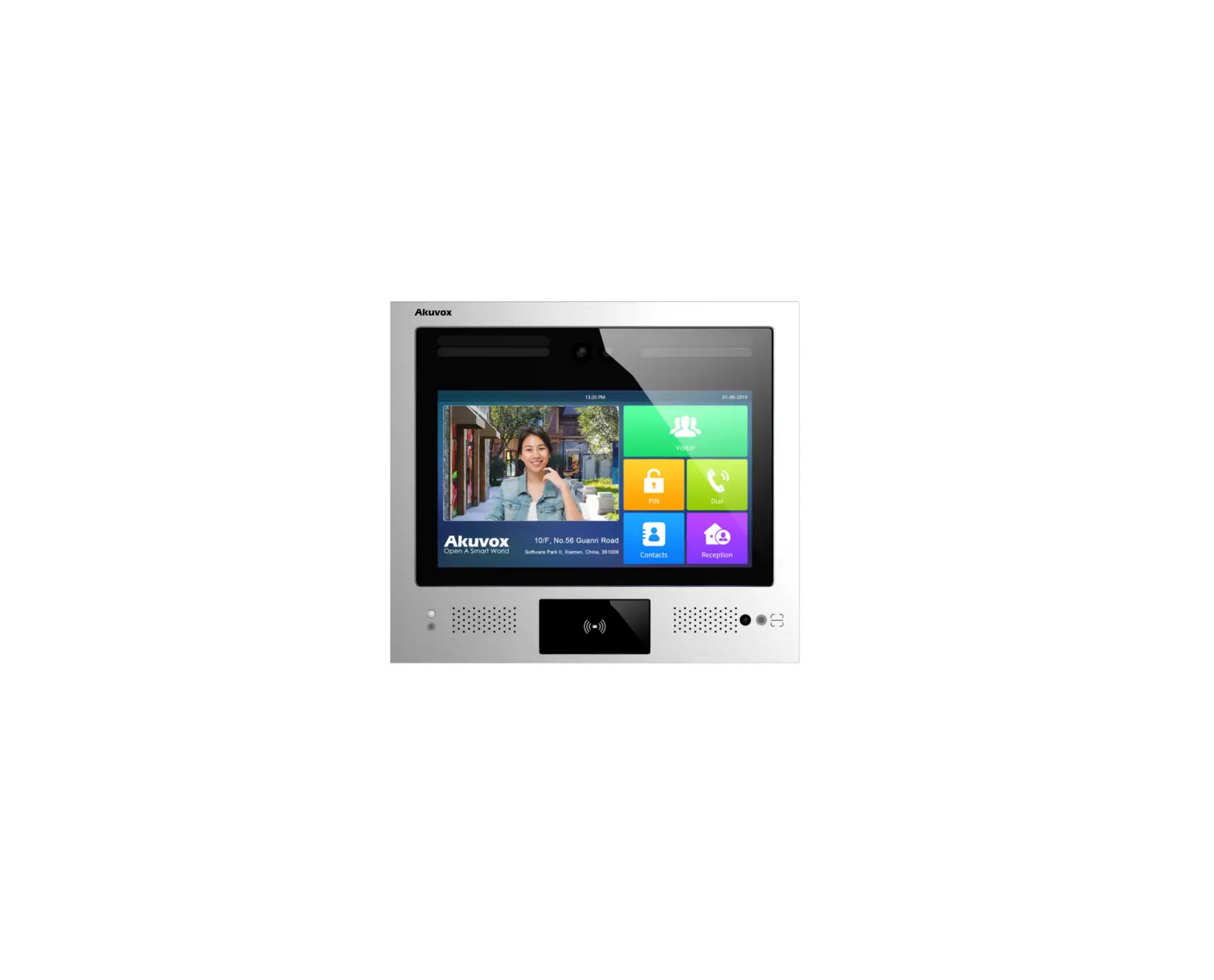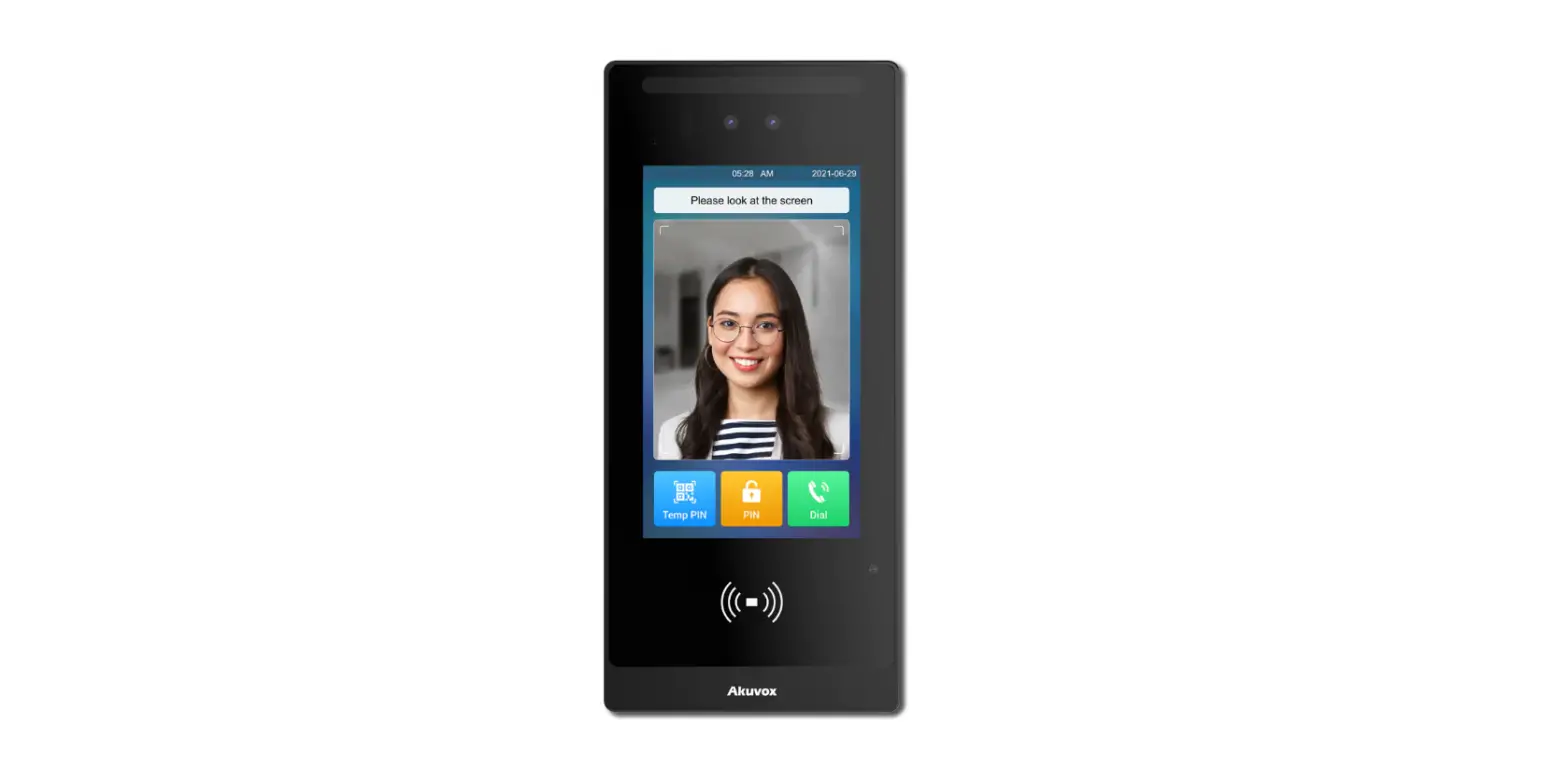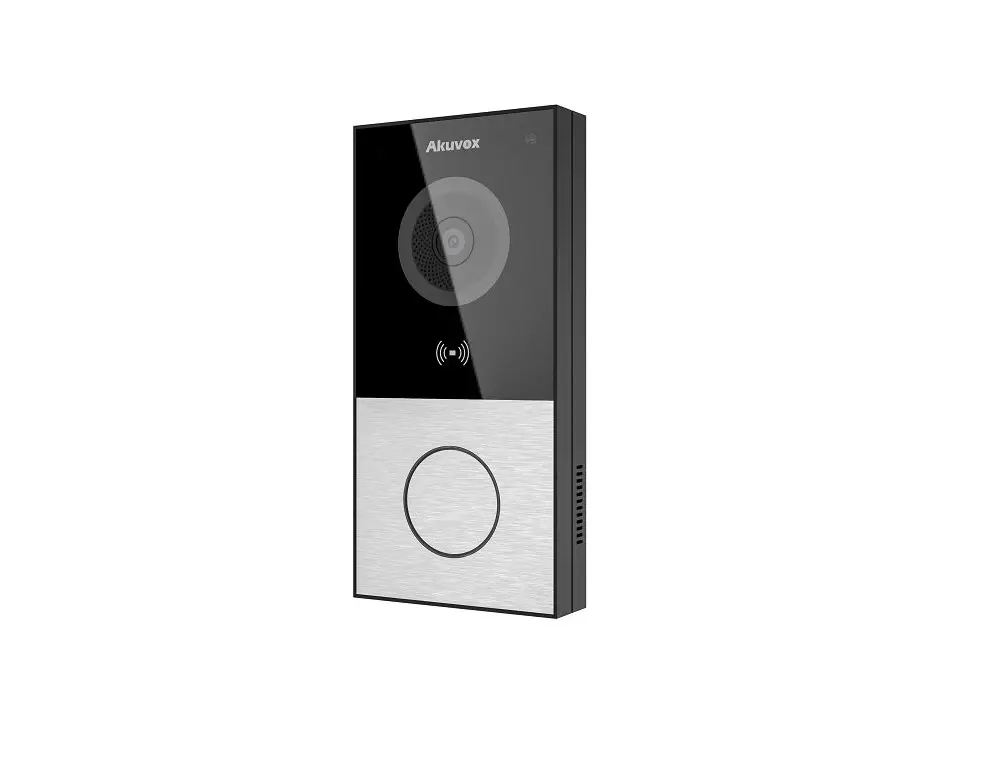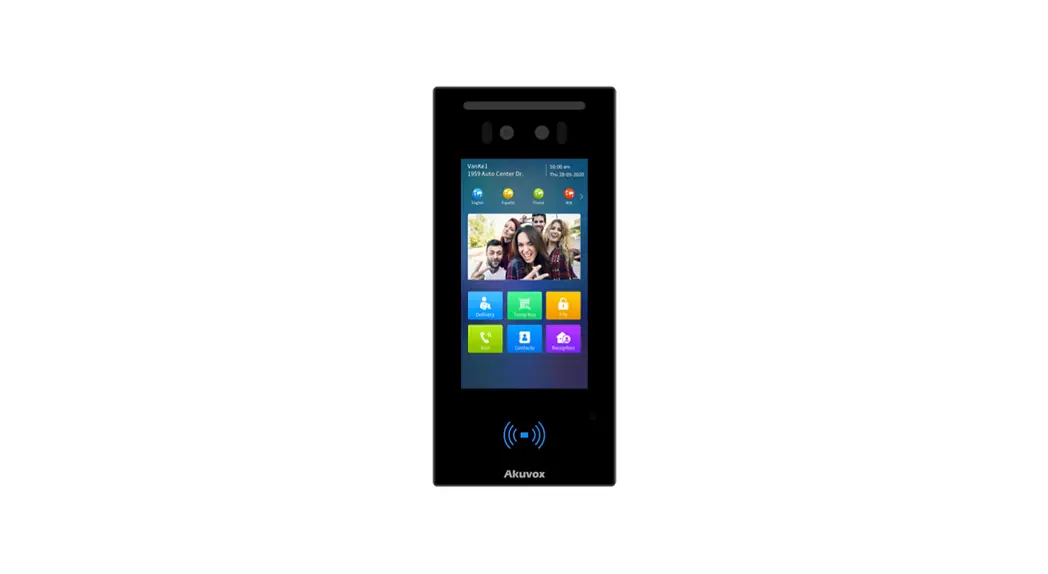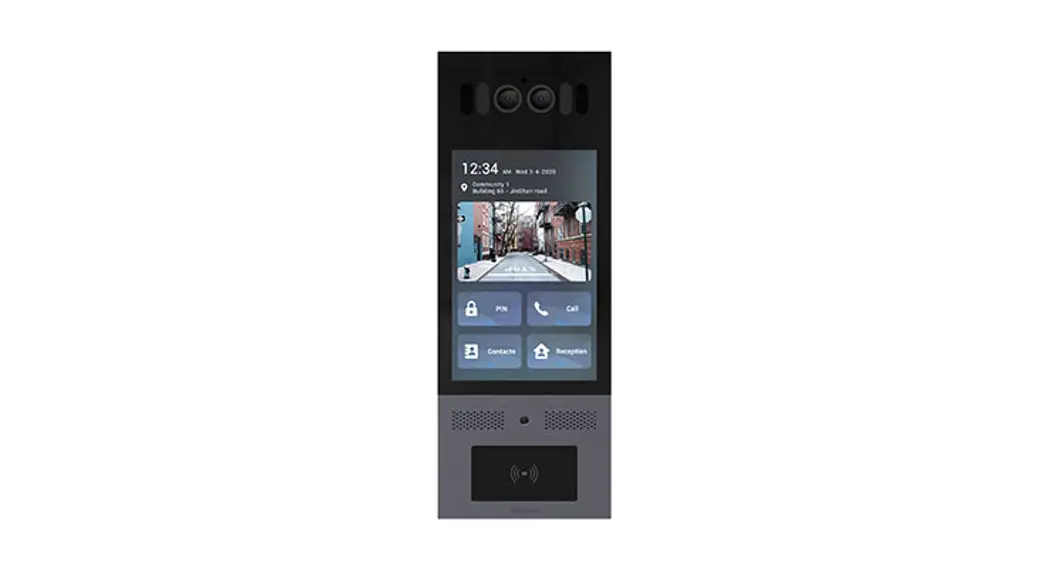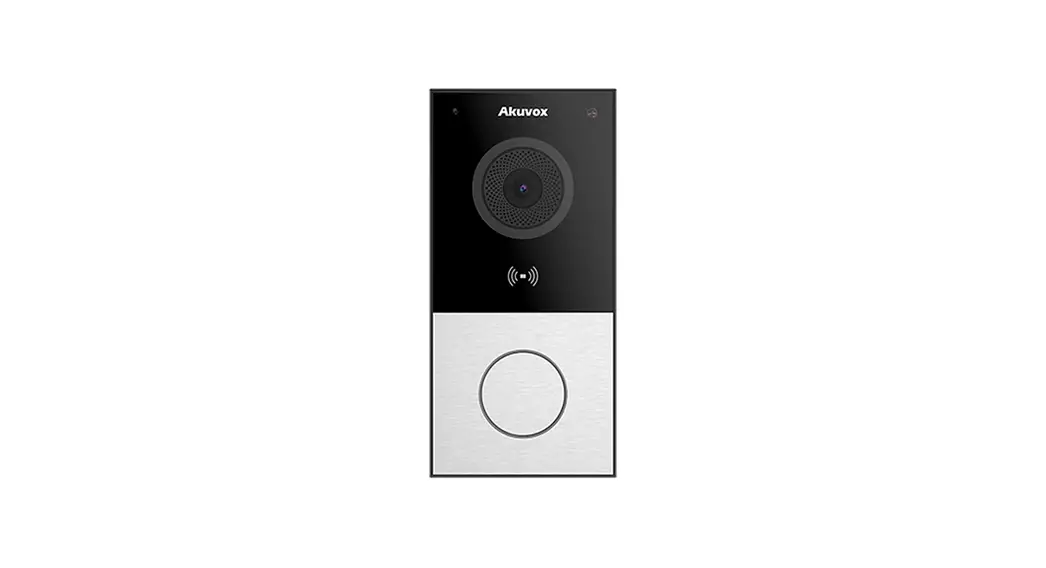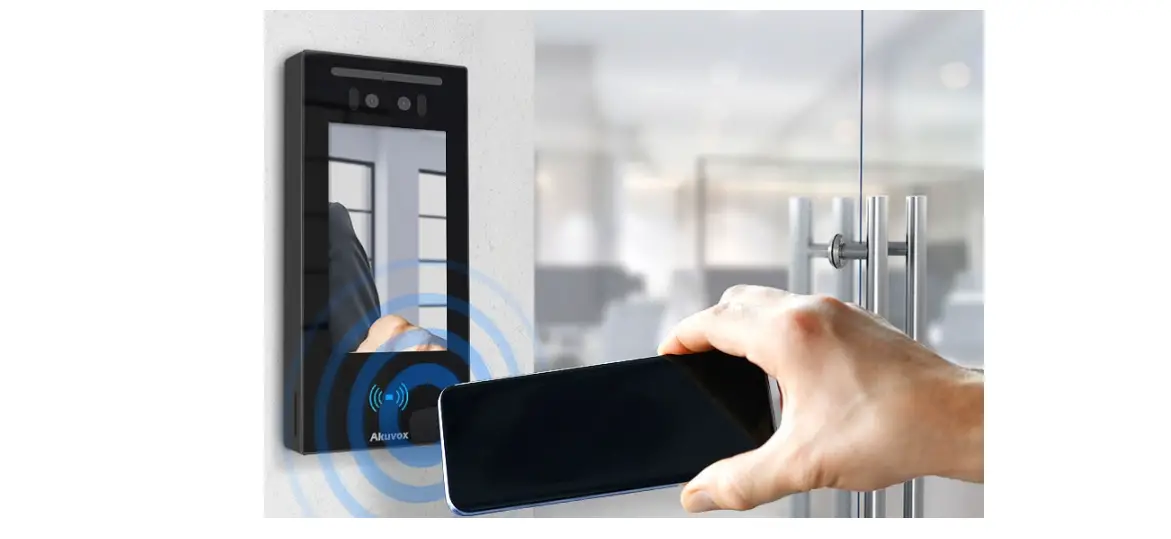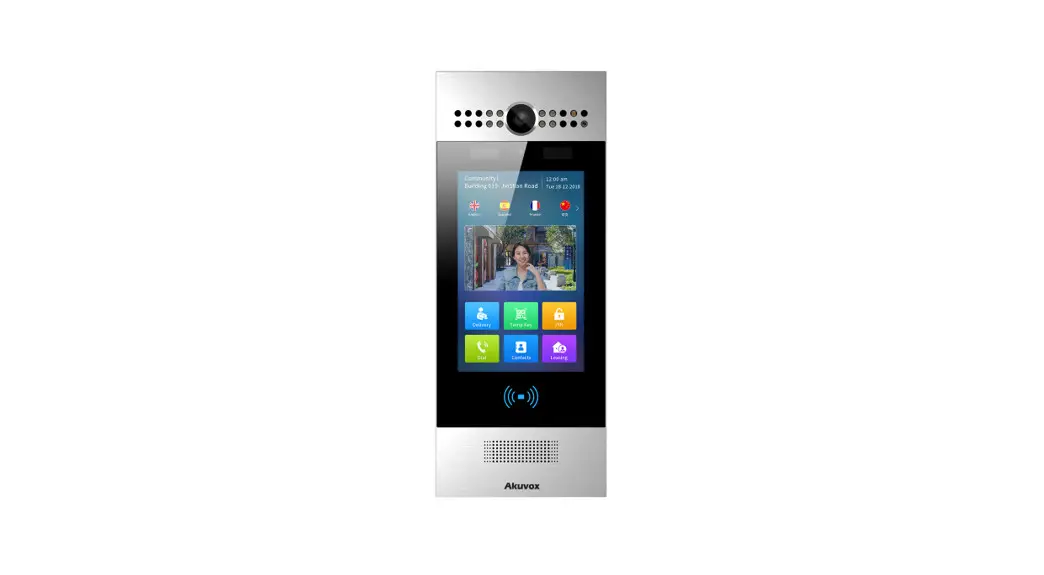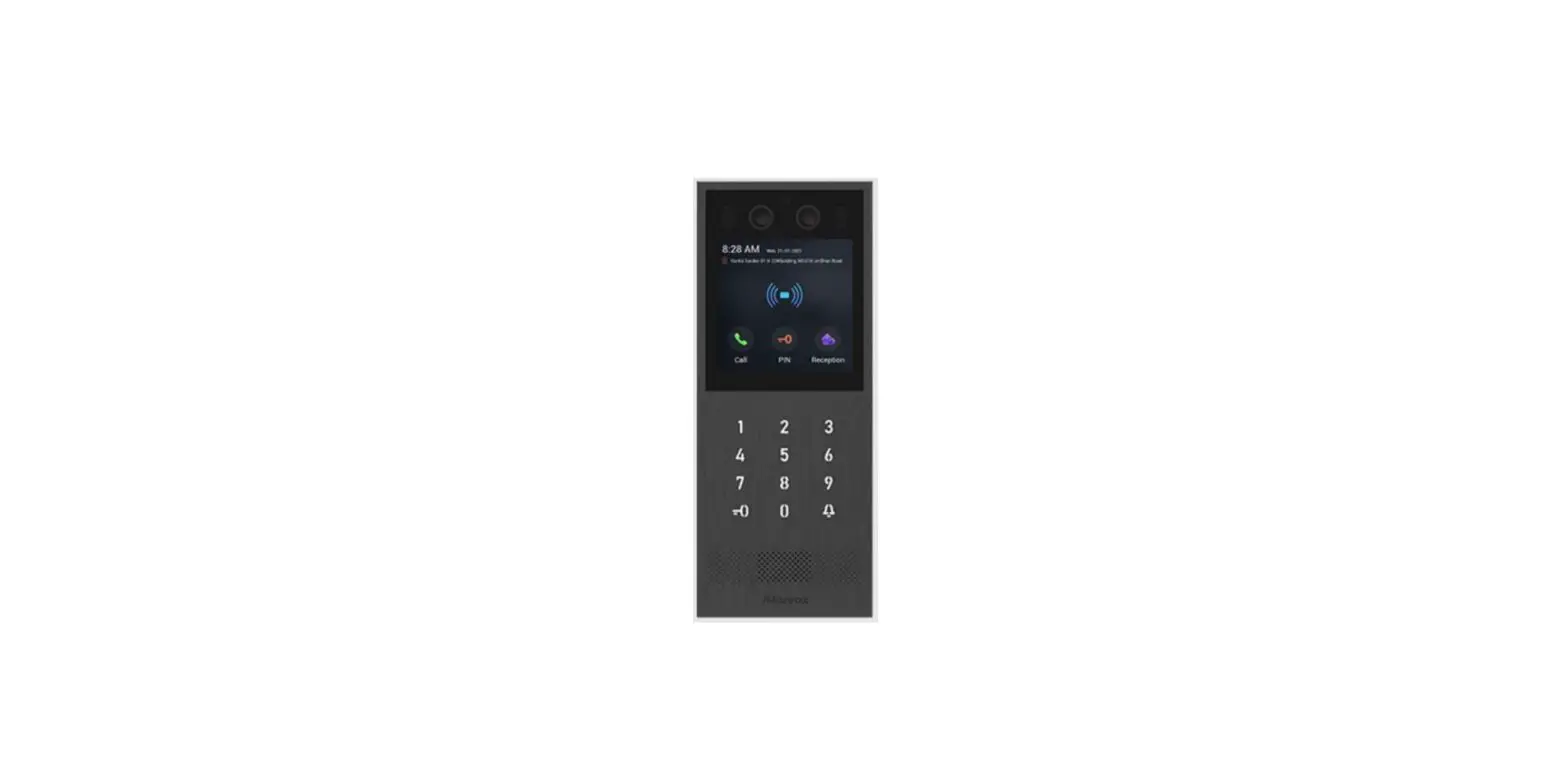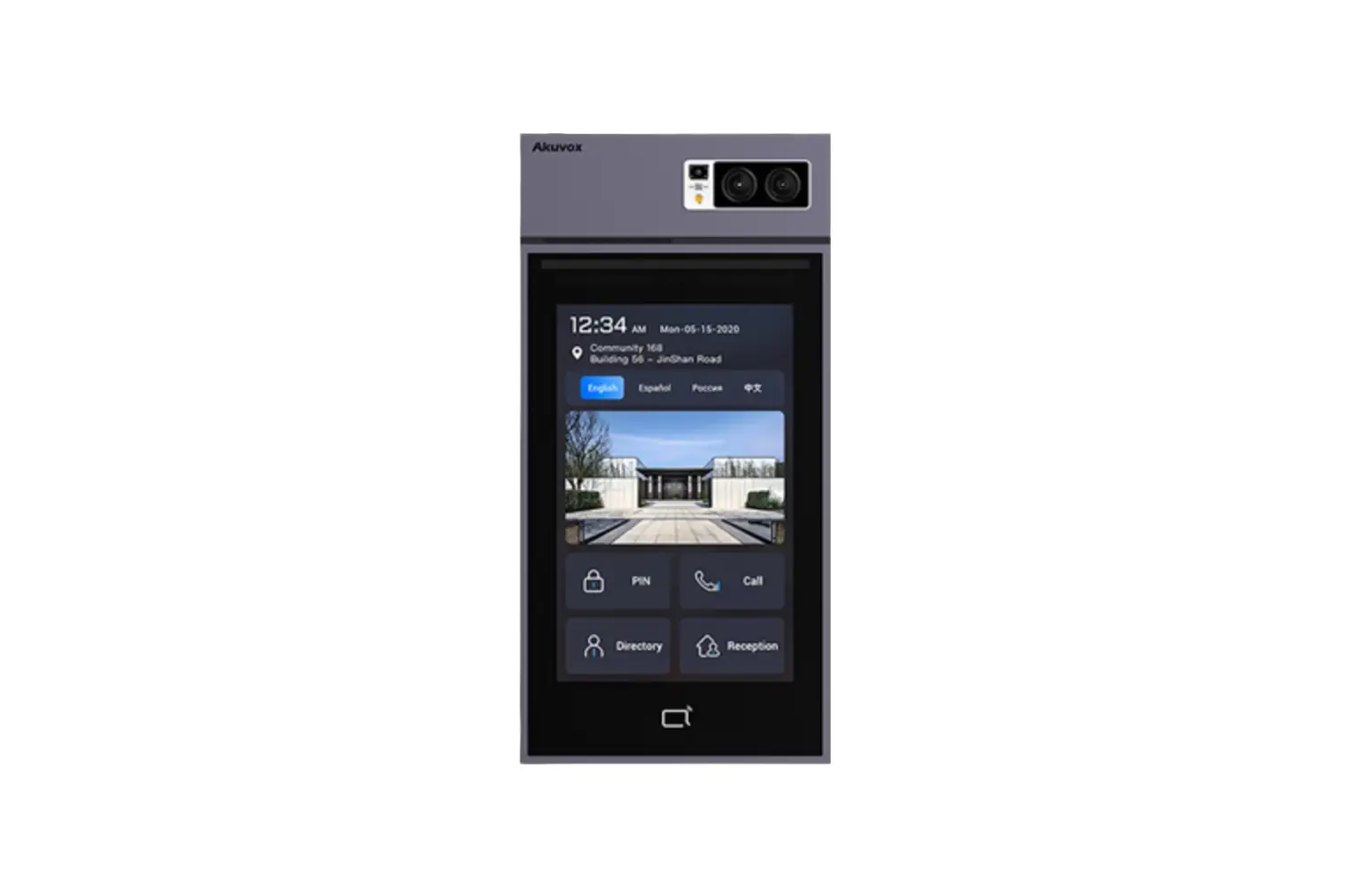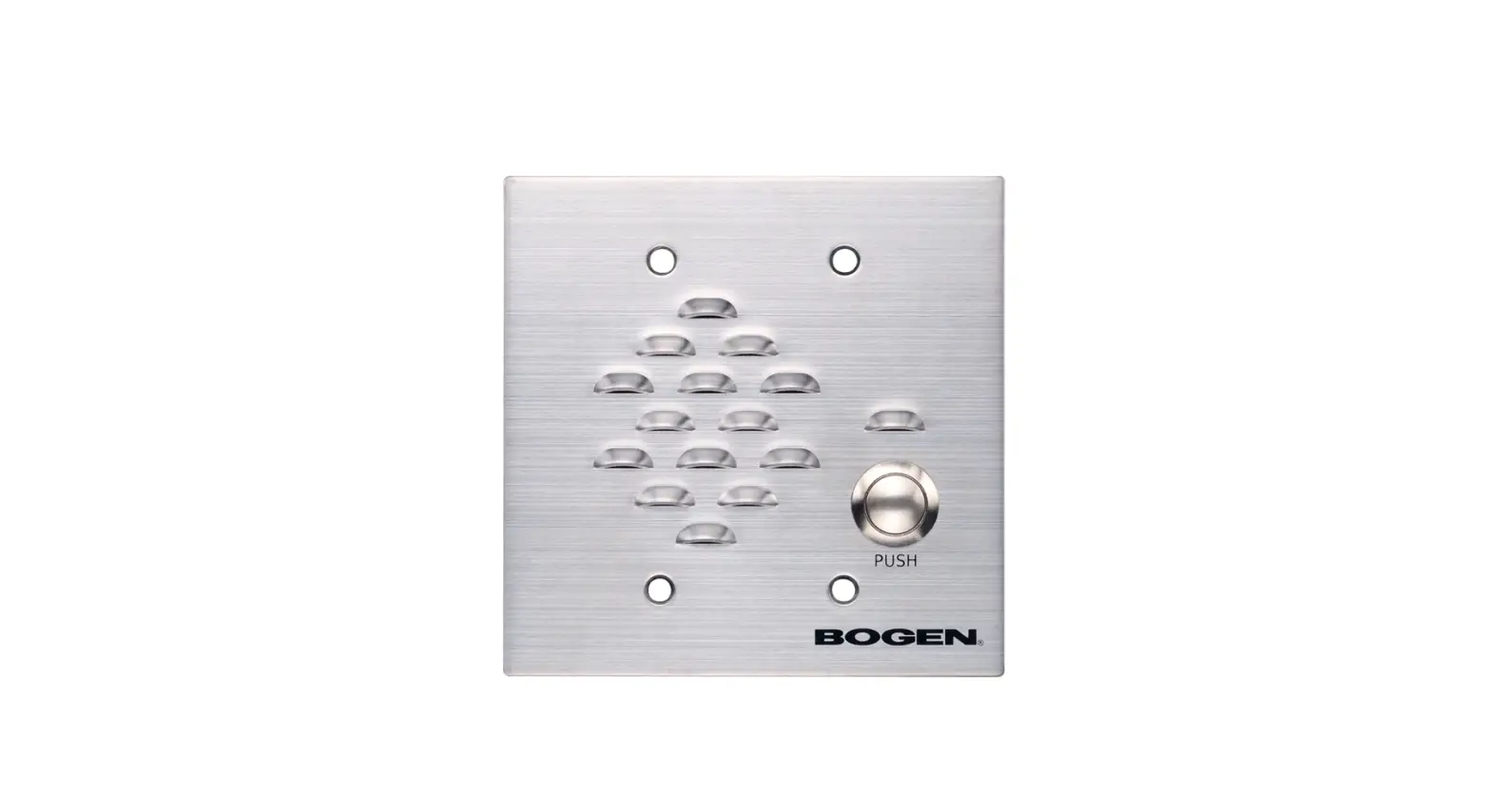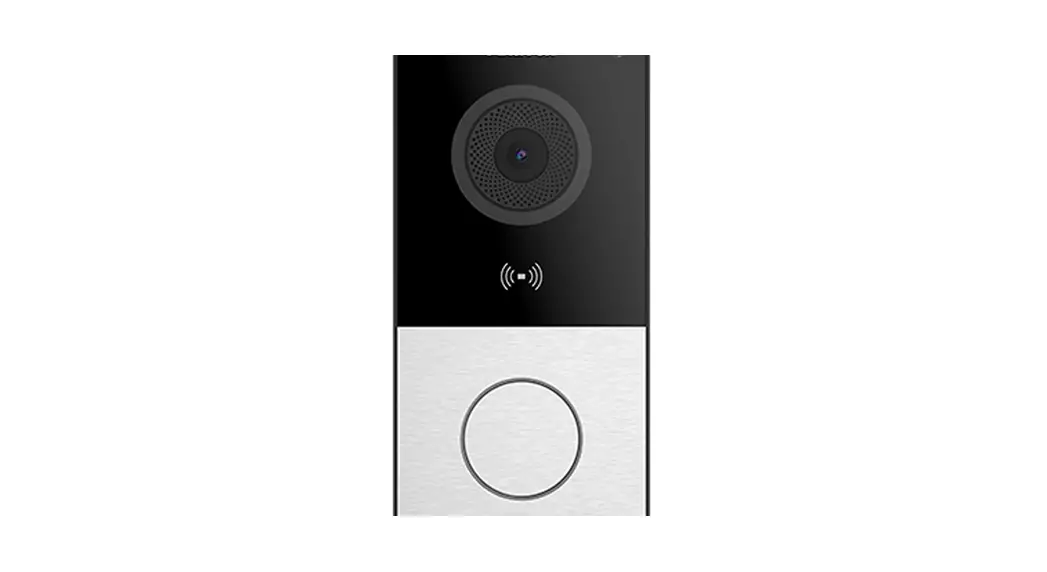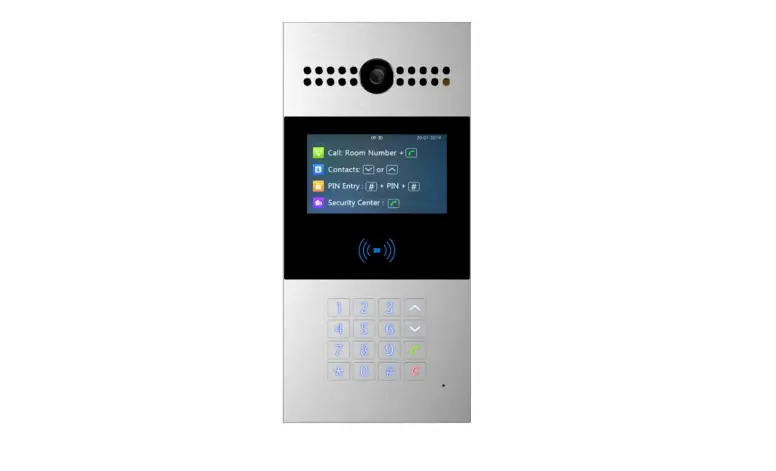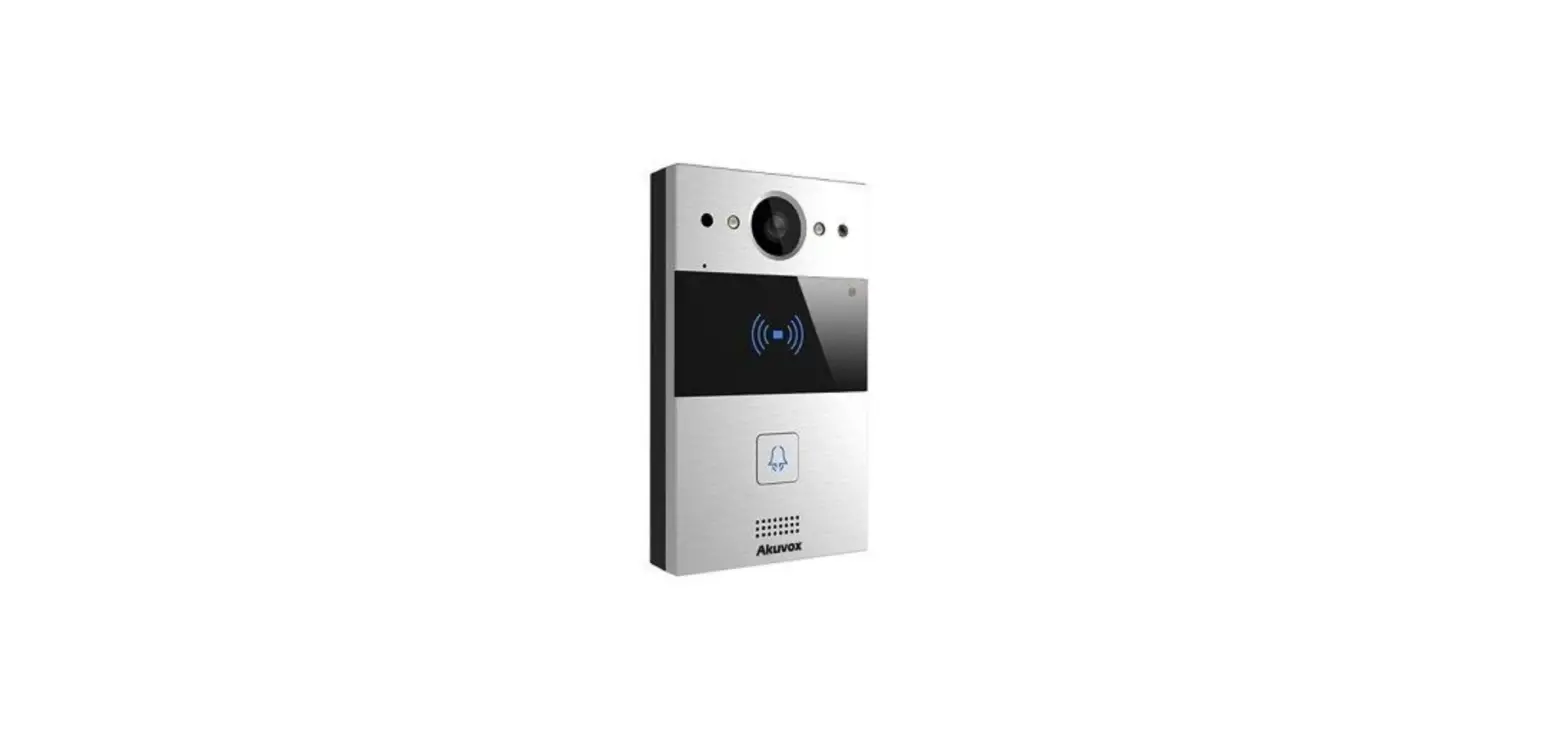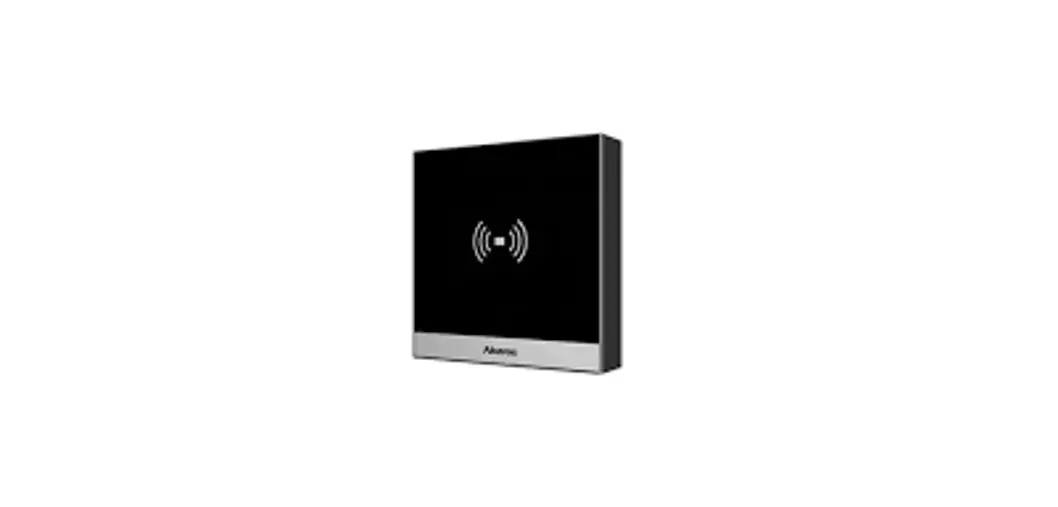
 A01X IP Door Phone
User Guide
Unpacking
Before you begin using the device, please check the version you got and ensure that the following items are included in the shipped box:
Universal Accessories:
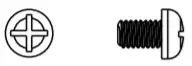 | M2.5X4 Screw x 4 |
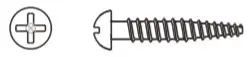 | ST4X20 screw x 4 |
 | M4X30 screw x 2 |
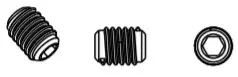 | M3X4 Set screw x 1 |
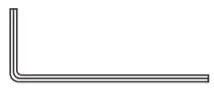 | Allen wrench x 1 |
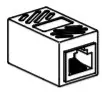 | RJ45 Coupler Ethernet Extension Connector x 1 |
 | Embedded Junction Box Mounting Bracket x 1 |
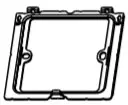 | Cable Locking Plate x 1 |
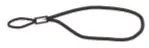 | Rope x 1 |
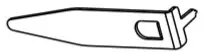 | Pry tool x 1 |
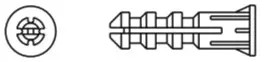 | Plastic wall anchor x 4 |
 | Silicone Foam Seal Strip x 1 |
 | RJ45 Ethernet Patch Cable x 1 |
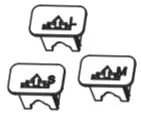 | Rubber Plug(S,M,L) x 3 |
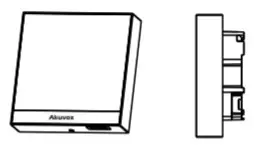 | A01/A02 x 1 |
Product Overview
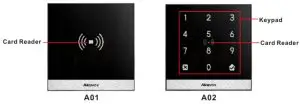
Installation Warning
The 86 junction box is a standard purchased item for the installation and is not included in the packing list, please prepare it before the installation.
Installaon
Step1: Bracket Installaon
Wall-mounng Installaon
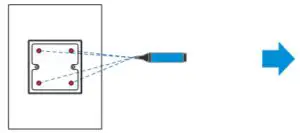 | 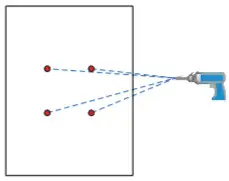 |
| Mark the positions of the four holes of the Junction box at the hole center. Note: The junction box shall be at least 50 mm in height. | Drill the four marked holes using a 5mm drill bit hand drill. The drilled hole depth should be 30mm. |
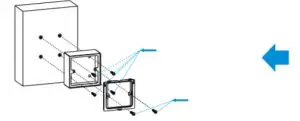 | 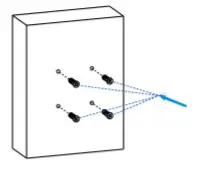 |
| Fix the junction box onto the wall using 4 ST4x20 screws, then fix the junction box component onto the junction box using 2 M4x30 screws. | Insert the plastic wall anchors into the drilled holes. |
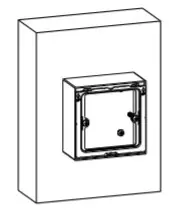 | |
| Junction box installation is completed |
Flush Mounting Installation
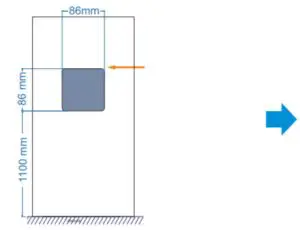 | 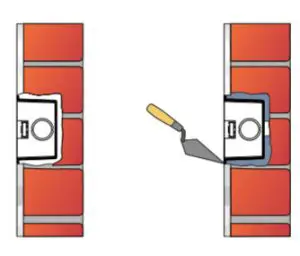 |
| Cut out a square hole with the dimension (height*width*depth = 86*86*50mm). And lead a cable from the square hole into the junction box . Note: Skip this step if the junction box is already embedded in the wall . | Fill in the gap between the square hole and the junction box with cement or another non-corrosive construction adhesive. Wait until the cement or the adhesive becomes hardened before proceeding to the next step. Note: Skip this step if the junction box is already embedded in the wall. |
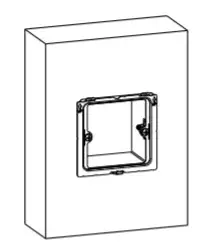 | 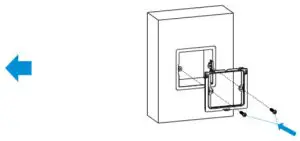 |
| The junction box installation is completed. | Fix the junction box component onto the junction box using 2 M4x30 Screws. |
Step2:Back Cover Installation
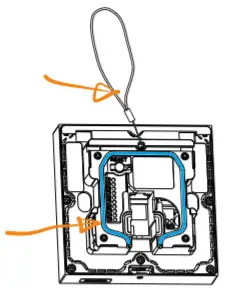 | 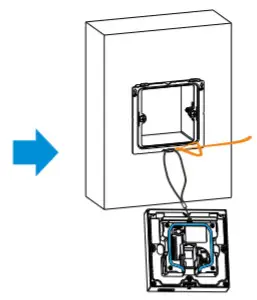 |
| For the convenience of the installation, it is advised that you lead the rope we provided through the rope hole at the back of the device, then fill in the grove using the silicone foam strip. | Hang the rope onto the hook hanger on the junction box. |
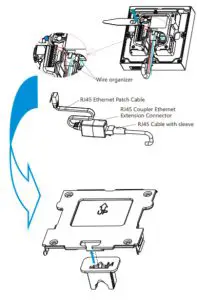 Insert RJ45 cable (with no sleeve attached) and press down the terminal slot using the pry tool to secure all the signal wires in their corresponding slot.
Note:
- Make sure that all the connection wires are organized under the wire organizer.
- If the RJ45 extension cable is with a sleeve, then you should insert the RJ45 Ethernet patch cable instead and connect it to the RJ45 coupler Ethernet connector before connecting the RJ45 cable (with sleeve) to the connector otherwise it can not be properly sealed against the water.
Plug the rubber plug into the corresponding plug opening in the direction as indicated.
Note: When there is only one Ethernet cable, you should select small size rubber plug if the signal wire is less than 6 in quantity. Select medium size rubber plug if the signal wire is 7-10 in quantity. Select a large rubber plug, if the signal wire is 11 or more in quantity.
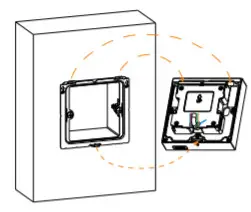 | 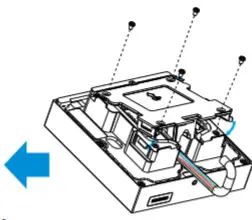 |
| Make all cables go through the groove of the cable locking plate, then hang the device onto the junction box mounting bracket while pushing it down against the corresponding hook hanger. | Insert the cable locking plate and tighten it using 4 M2.5×4 screws. |
Step3: Device Mounng
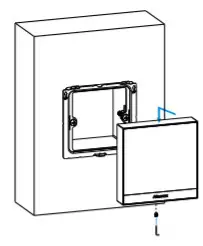 | 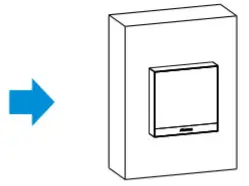 |
| Push the device against the hook hanger and tighten the device with an M3x4 screw sing Allen wrench as indicated in the drawing. | Installation completed. |
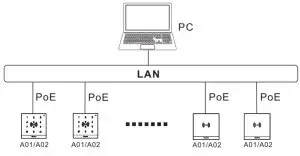
Application Network Topology
Configuraon
- Obtain IP address: While A01/A02 starts up normally, click the Search key in the IP Scanner tool to Search the IP address.(Please consult Akuvox Technical Team for IP Scanner tool).
- Access the Web UI: Enter the device’s IP address and press Enter, then enter the username and login password. The default user name and password are all “ admin”.
- Add User: Navigate to Directly > User on the web interface, where you enter the user’s information and click Submit for the confirmation.
Operation
Unlock by RF Card
Place the predefined RF Card in the RF reader area to open the door.
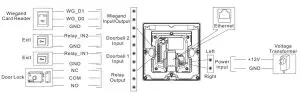
Device Wiring
 Notice Information
Information contained in this document is believed to be accurate and reliable at the time of printing. This document is subject to change without notice, any update to this document can be viewed on Akuvox’s website: http://www.akuvox.com©Copyright 2021 Akuvox Ltd. All rights reserved.
http://www.akuvox.com/
AKUVOX (XIAMEN) NETWORKS CO., LTD.
ADD: 10/F, NO.56 GUANRI ROAD, SOFTWARE PARK II, XIAMEN 361009, CHINA
www.akuvox.com