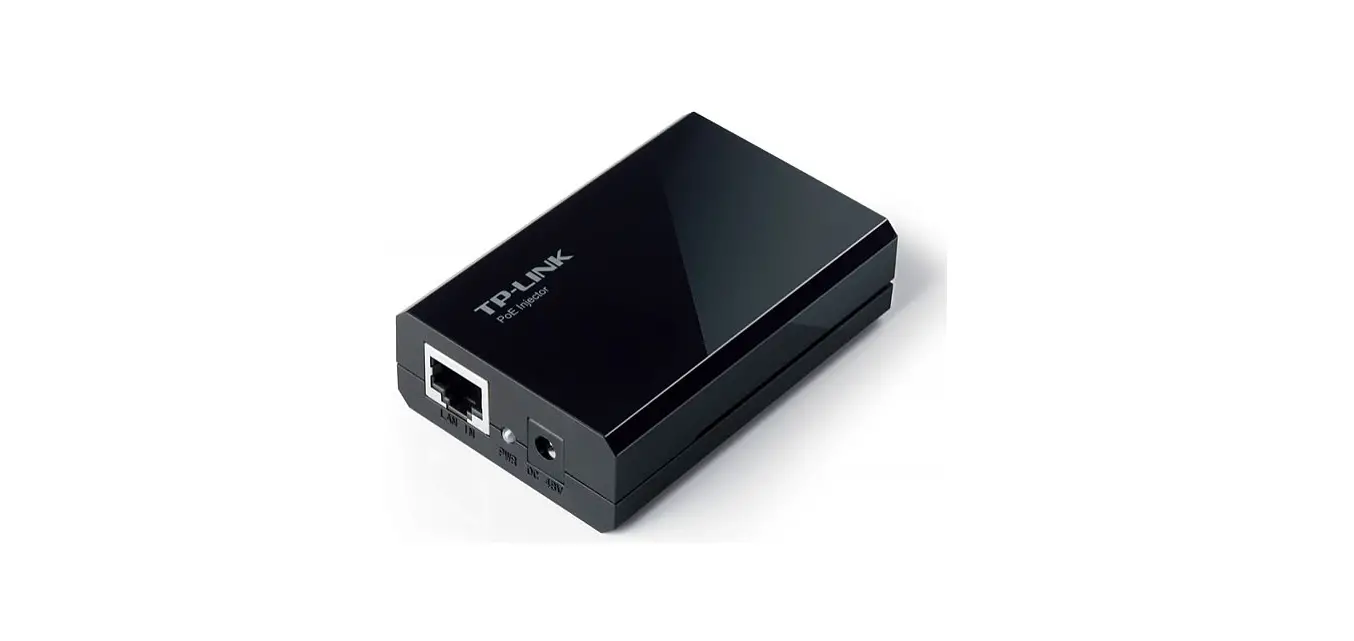
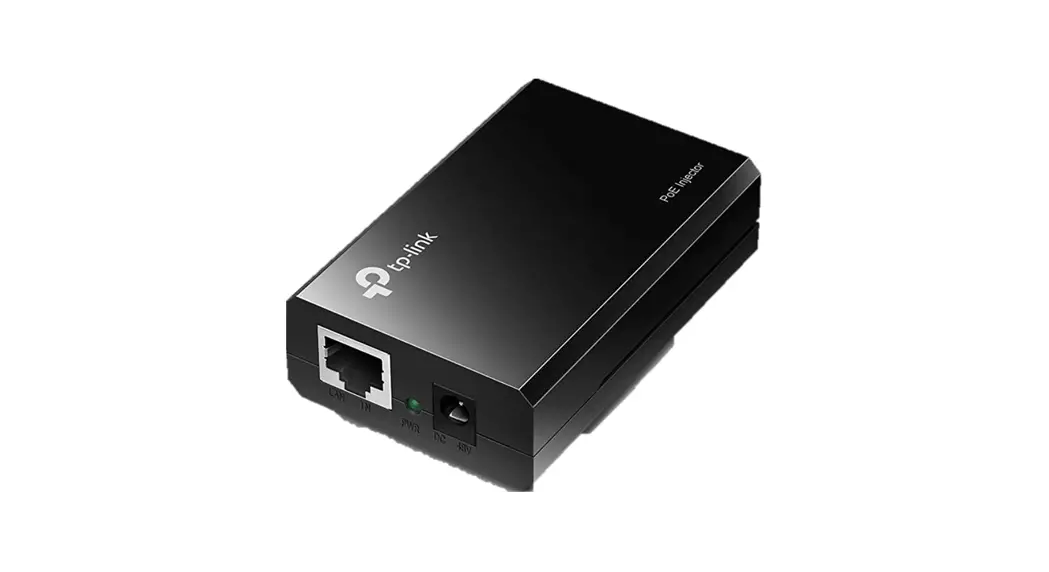
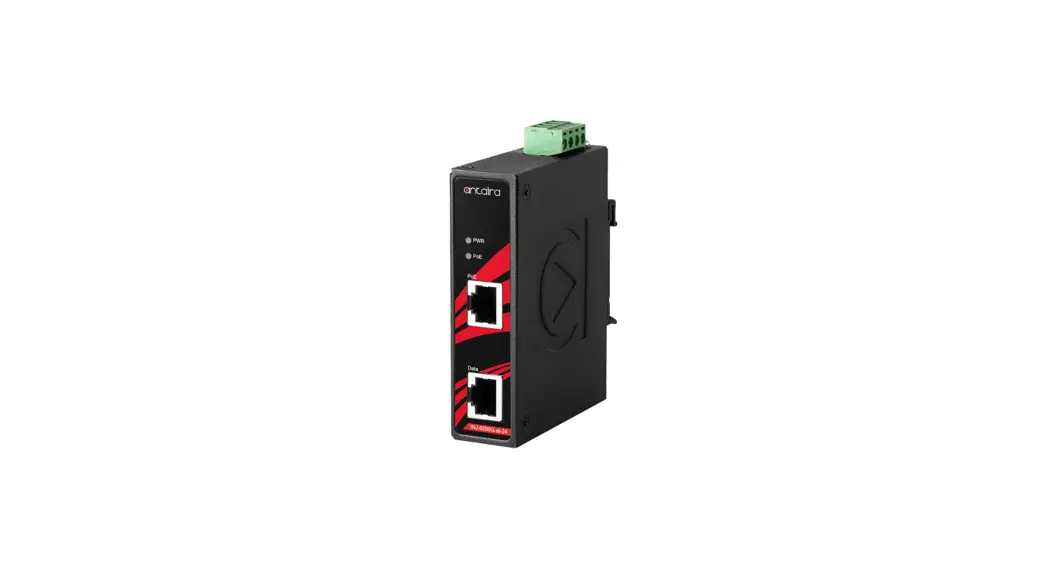
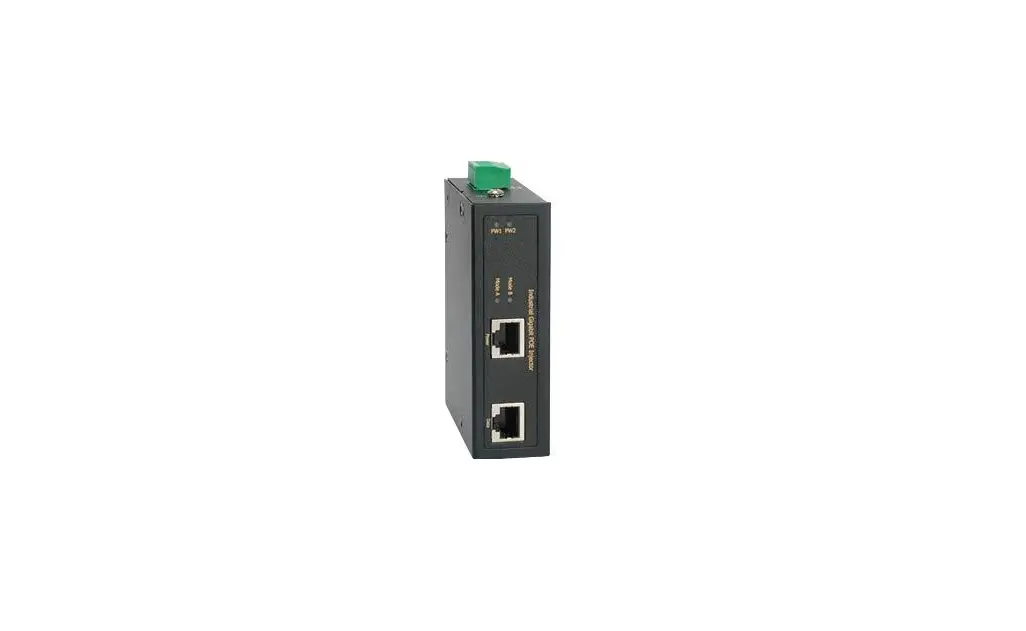
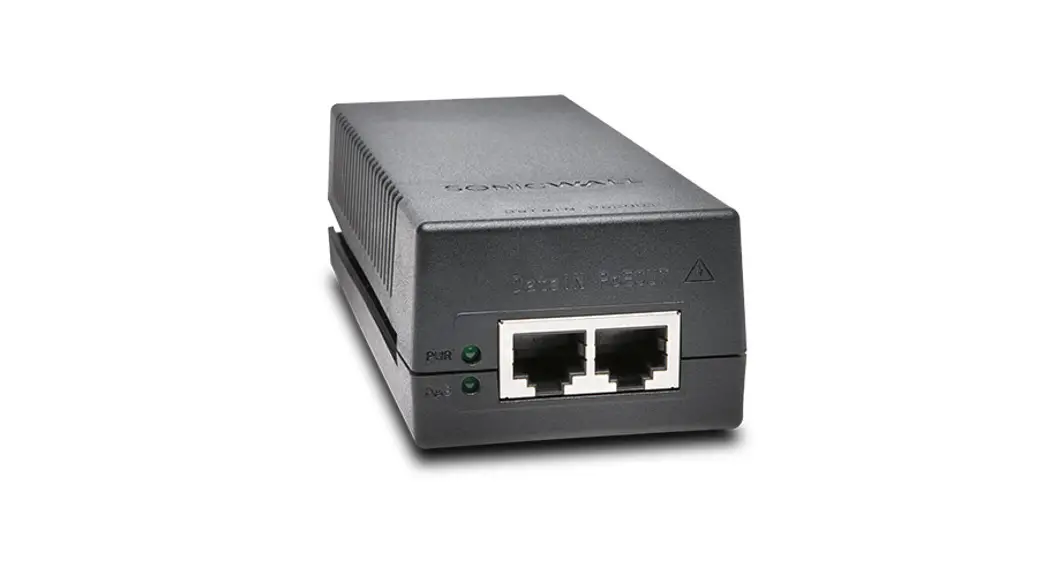
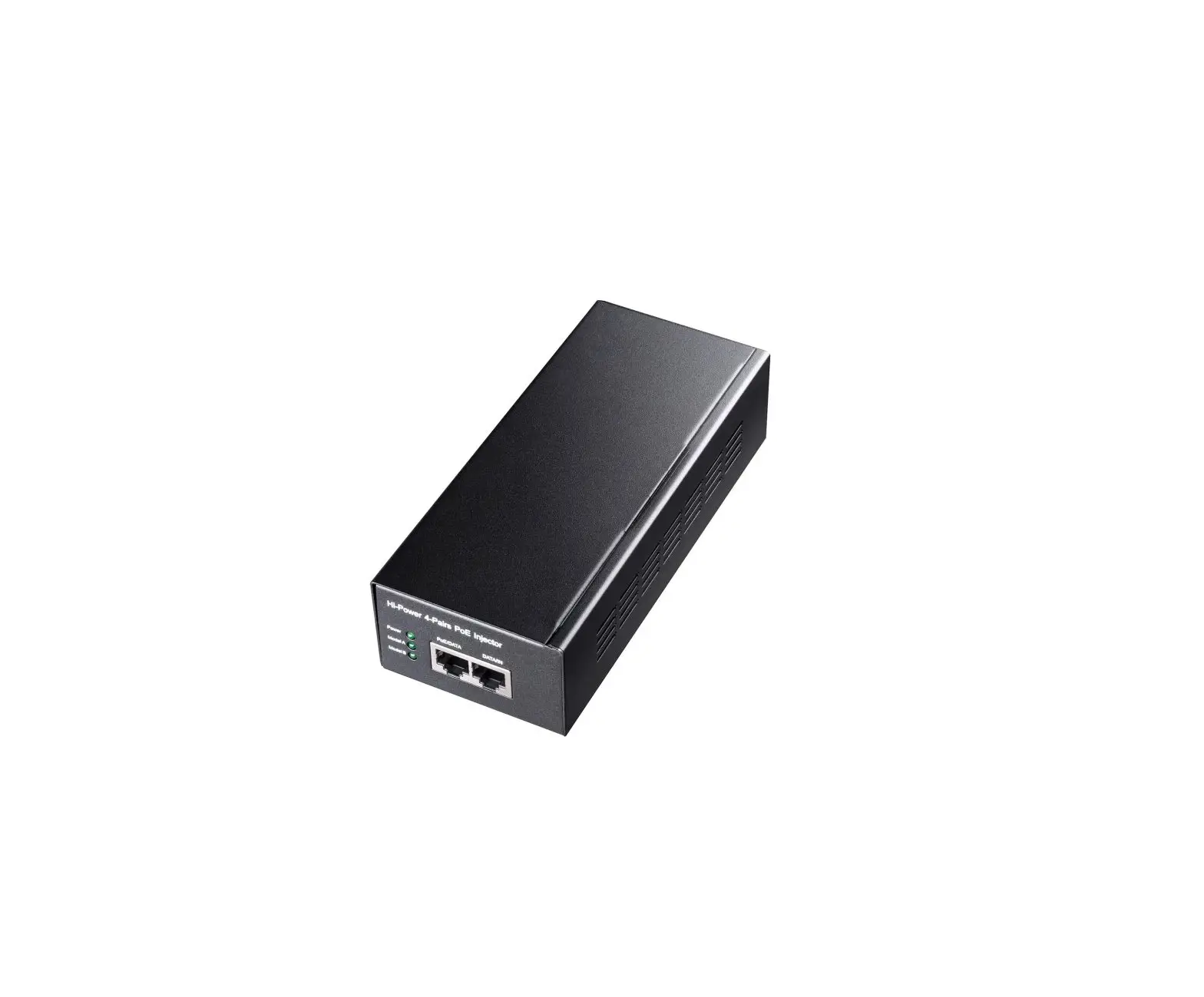
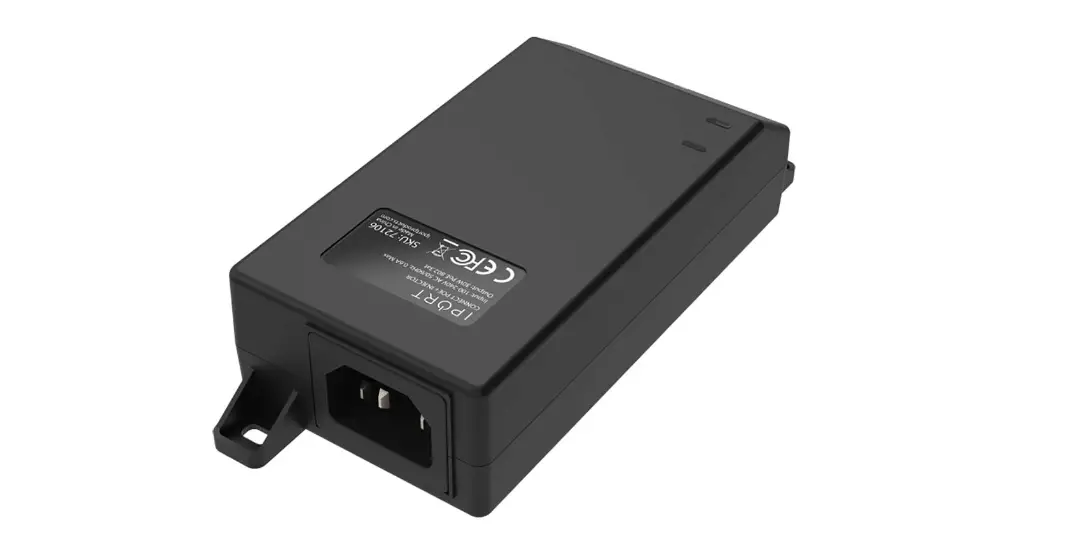
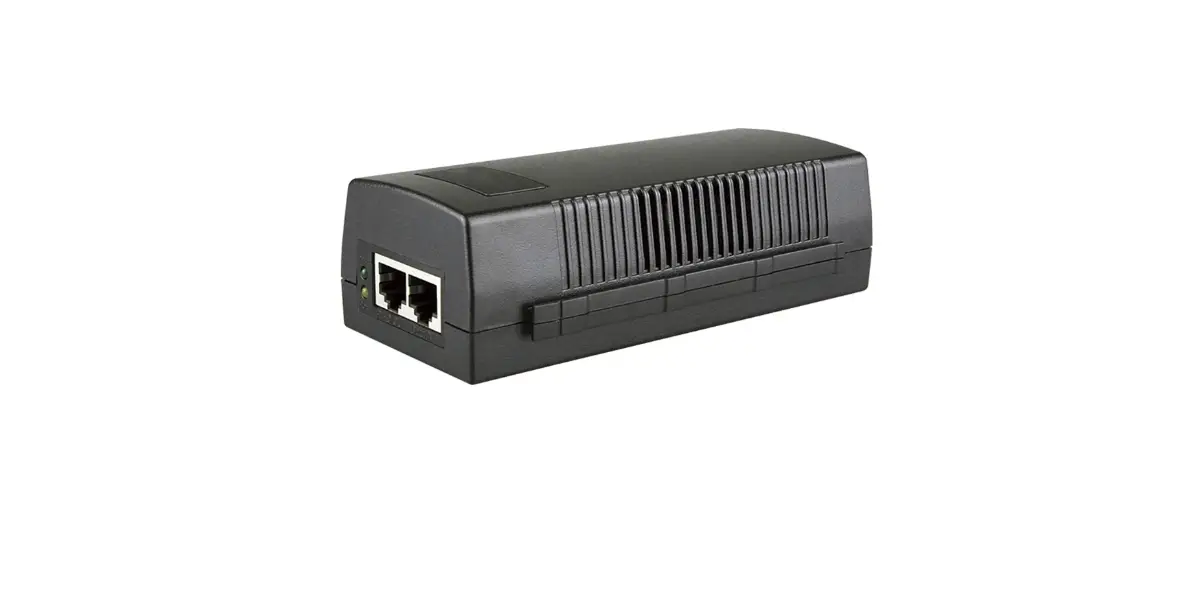
POI-5003 Gigabit PoE Injector
Product Information:
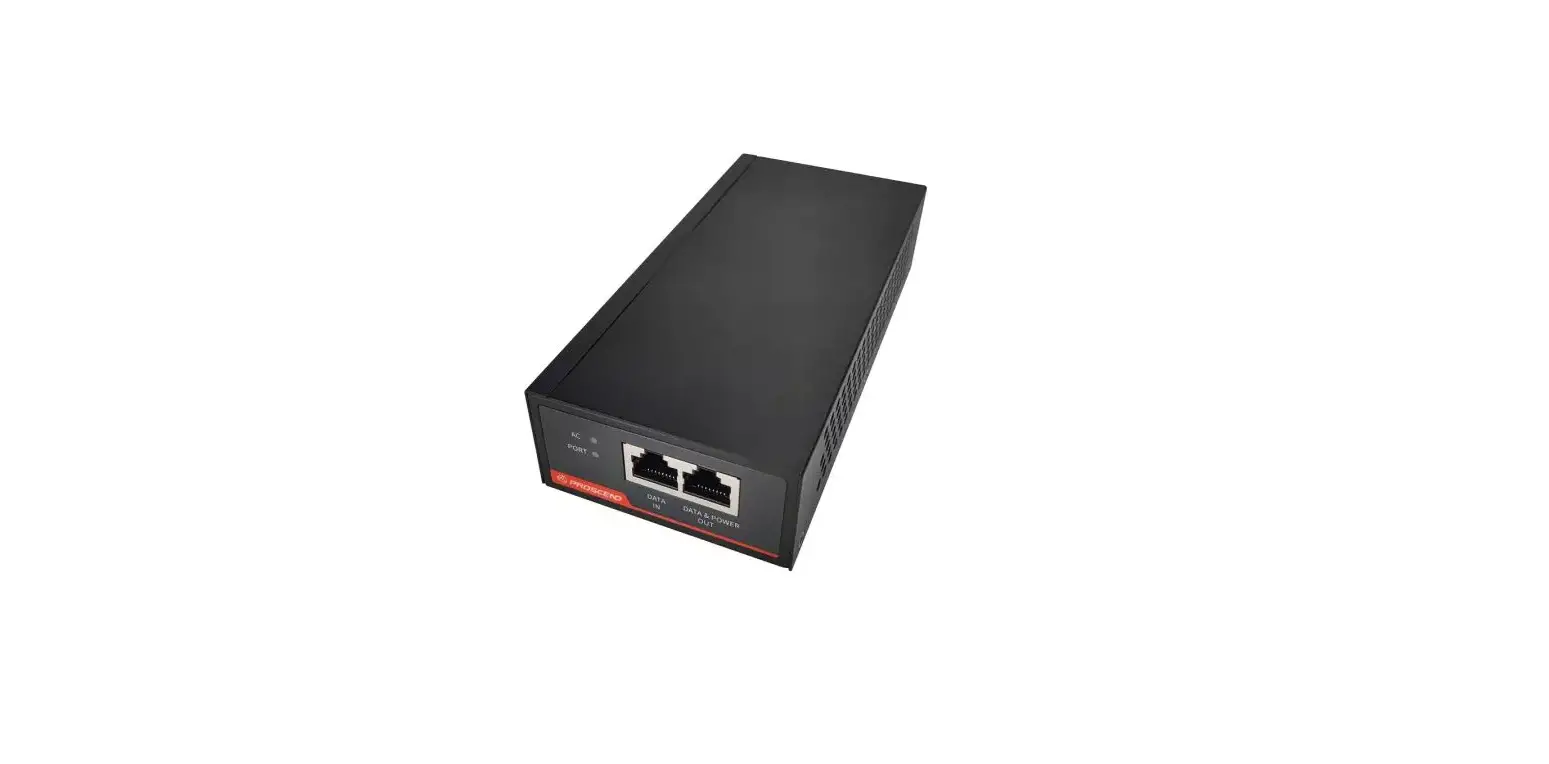
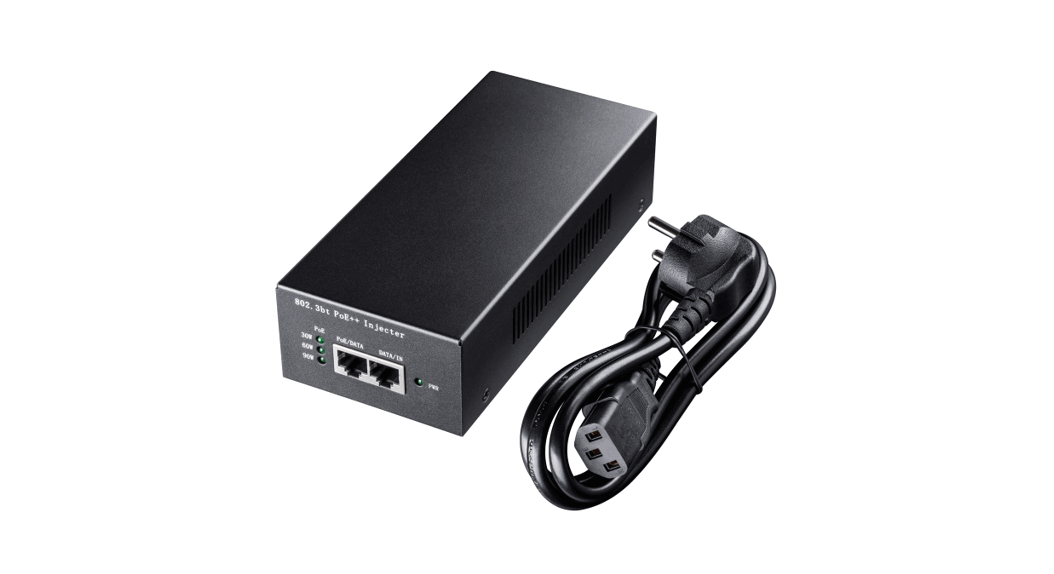
The PoE injector and splitter is a device that allows you to
transmit power and data over a single Ethernet cable. It includes a
Gigabit PoE injector that connects to an AC power source and a LAN
switch via an Ethernet cable. The injector also has a PoE LED that
indicates when it is transmitting power over the Ethernet cable.
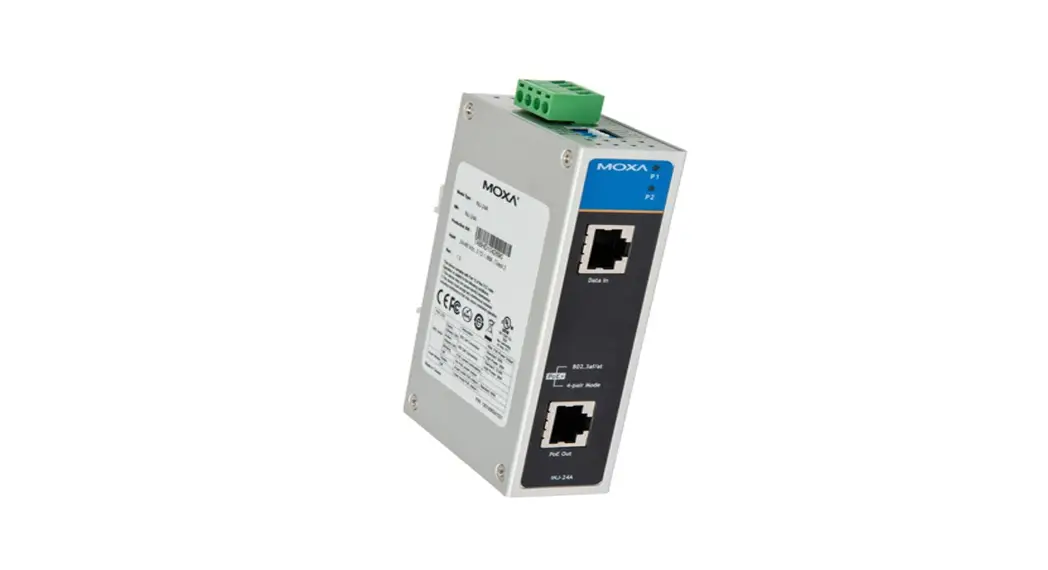
Additionally, the device includes a PoE splitter that connects to
the remote networking device with either a PoE PD embedded or a PoE
splitter. The splitter also has a PoE LED that indicates when it is
receiving power over the Ethernet cable.
Product Usage Instructions:
- Connect the AC power cord to the PoE injector. The Power LED
should turn on. - Connect the Data/In port of the injector to the LAN switch
using an Ethernet cable. - Connect another Ethernet cable from the injector to the LAN
port of the remote networking device with either a PoE PD embedded
or a PoE splitter as shown in the diagram. The PoE LED should light
up on both the injector and the splitter.
PoE Injector and Splitter Appliction
Gigabit PoE Injector
Installation Steps EN
1. Connect AC Power cord to PoE injector, and “Power” LED will be on. 2. Connect Data/In port of Injector to LAN switch via Ethernet cable. 3. Other Ethernet cable connects the injector with the LAN port of the remote networking device which
is with PoE PD embedded or PoE splitter as diagram below. “PoE” LED will be lit.
Installationsschritte DE
1. Netzkabel mit PoE-Injektor verbinden, POWER-LED leuchtet auf. 2. Dateneingang des Injektors per Ethernet-Kabel mit LAN-Switch verbinden. 3. Anderes Ethernet-Kabel verbindet den Injektor mit dem LAN-Port des externen Netzwerkgerätes,
das wie nachstehend abgebildet mit PoE-PD integrierte oder ein PoE-Splitter ist. Die ,,PoE”-LED leuchtet.
Étapes d’installation FR
1. Branchez le cordon d’alimentation secteur sur l’injecteur PoE et le voyant « Power » s’allume. 2. Connectez le port Data/In de l’injecteur au switch LAN via un câble Ethernet. 3. Un autre câble Ethernet relie l’injecteur au port LAN du périphérique réseau distant doté d’un PD
PoE intégré ou d’un séparateur PoE, comme illustré ci-dessous. La LED « PoE » est allumée.
Pasos para la instalación ES
1. Conecte el cable de alimentación de CA al inyector PoE; el LED “Alimentación” se encenderá. 2. Conecte el puerto Datos/Entrada del inyector al conmutador LAN a través del cable Ethernet. 3. El otro cable Ethernet conecta el inyector con el puerto LAN del dispositivo de red remoto, que está
con PD PoE integrado o el divisor PoE como se muestra en el diagrama siguiente. El LED “PoE” se iluminará.
Passos para a instalação PT
1. Ligue o cabo de alimentação AC ao injetor PoE. O LED de “Energia” irá acender. 2. Ligue a porta de entrada/dados do injetor ao comutador LAN através do cabo Ethernet. 3. Ligue outro cabo Ethernet do injetor à porta LAN do dispositivo remoto PoE PD ou derivador PoE,
como ilustrado abaixo. O LED “PoE” irá acender.
Procedure di installazione IT
1. Collegare il cavo di alimentazione CA all’iniettore PoE per accendere il LED “alimentazione”. 2. Collegare la porta Data/In dell’iniettore allo switch LAN tramite cavo Ethernet. 3. Un altro cavo Ethernet collega l’iniettore alla porta LAN del dispositivo di rete remoto dotato di PD
PoE incorporato o di uno splitter PoE, come illustrato di seguito. Il LED “PoE” si illumina.