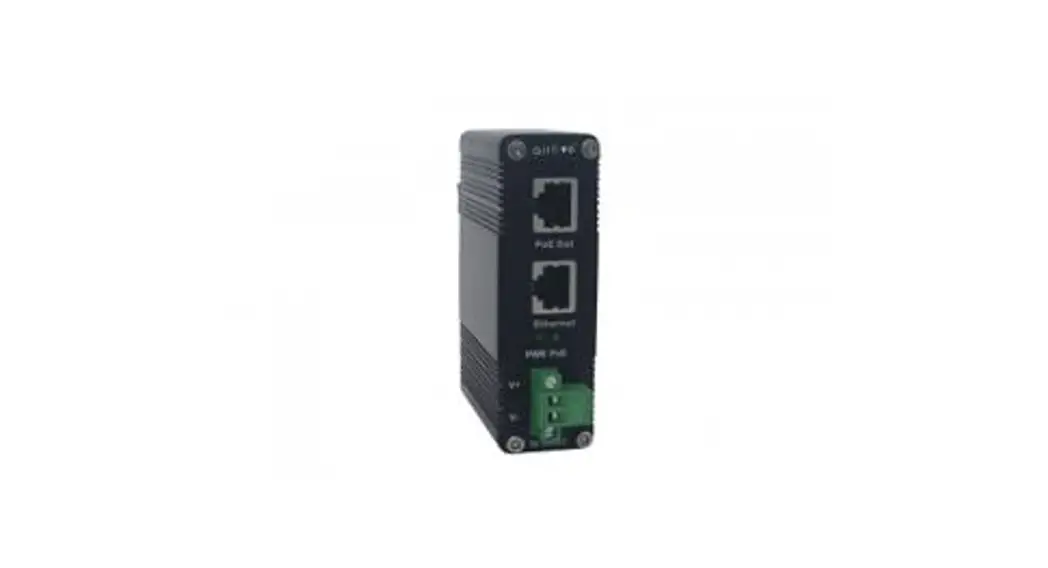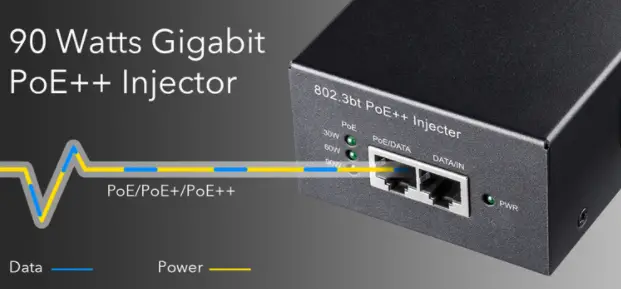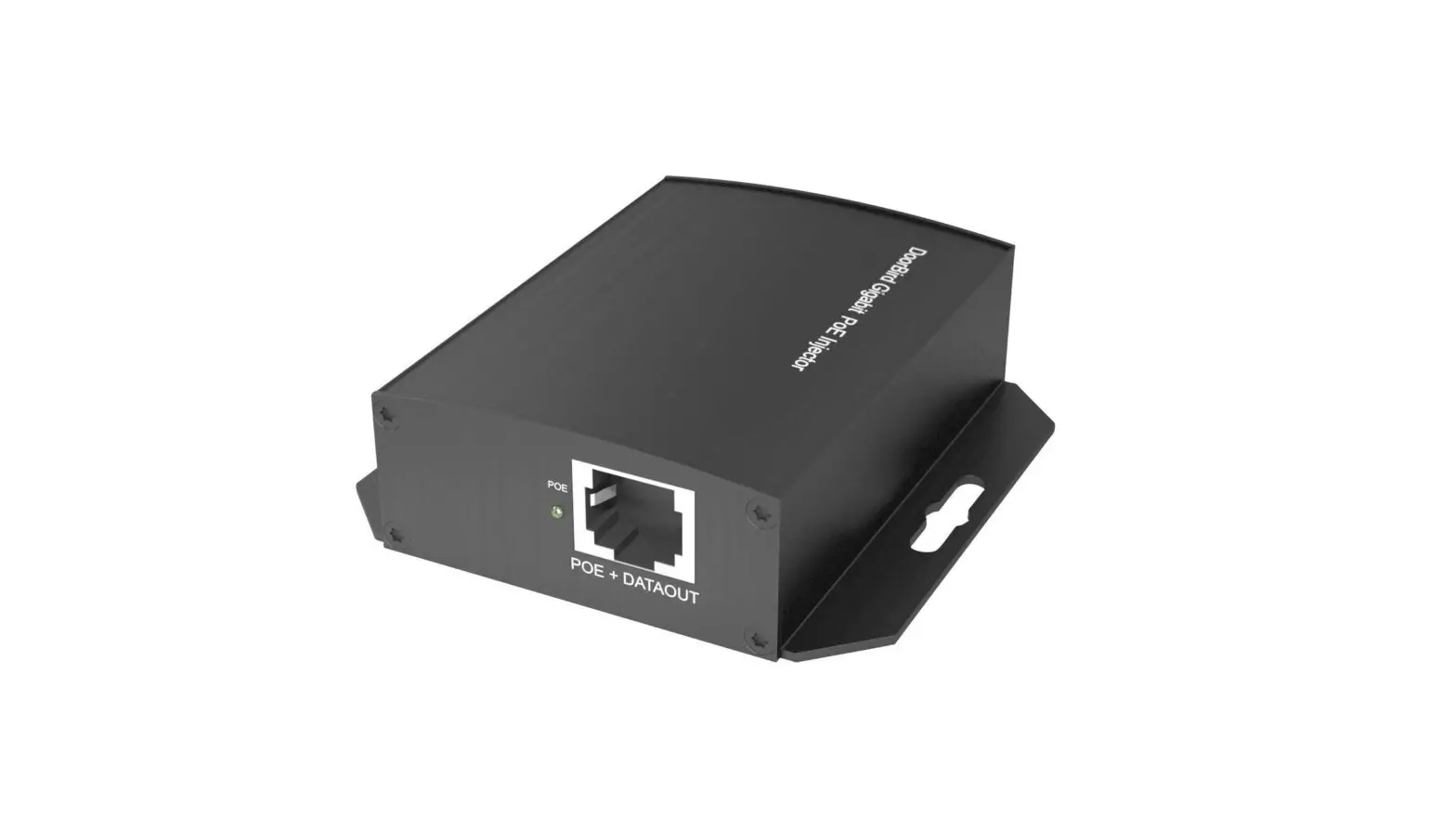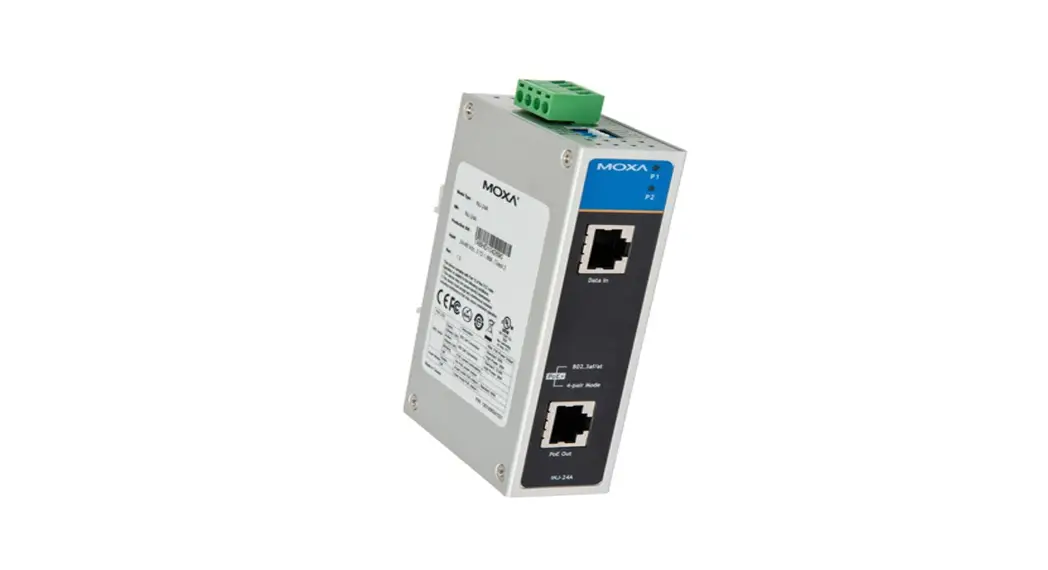

INJ-24A Series
Quick Installation Guide
Moxa High-Power PoE+ Injector
Version 4.2, January 2021
Technical Support Contact Information www.moxa.com/support
2021 Moxa Inc.
All rights reserved. P/N: 1802000240025 *1802000240025*
Overview
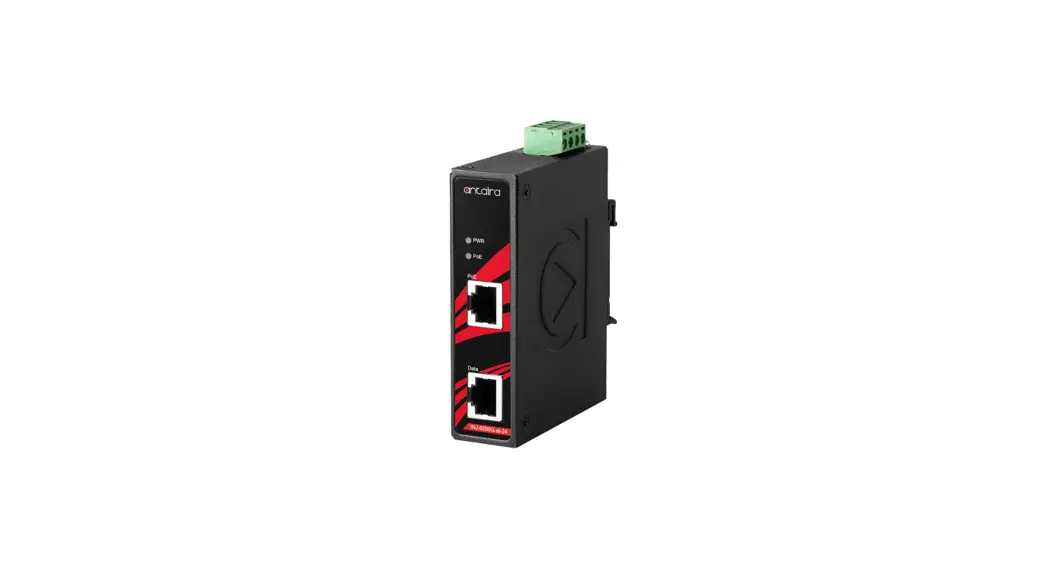
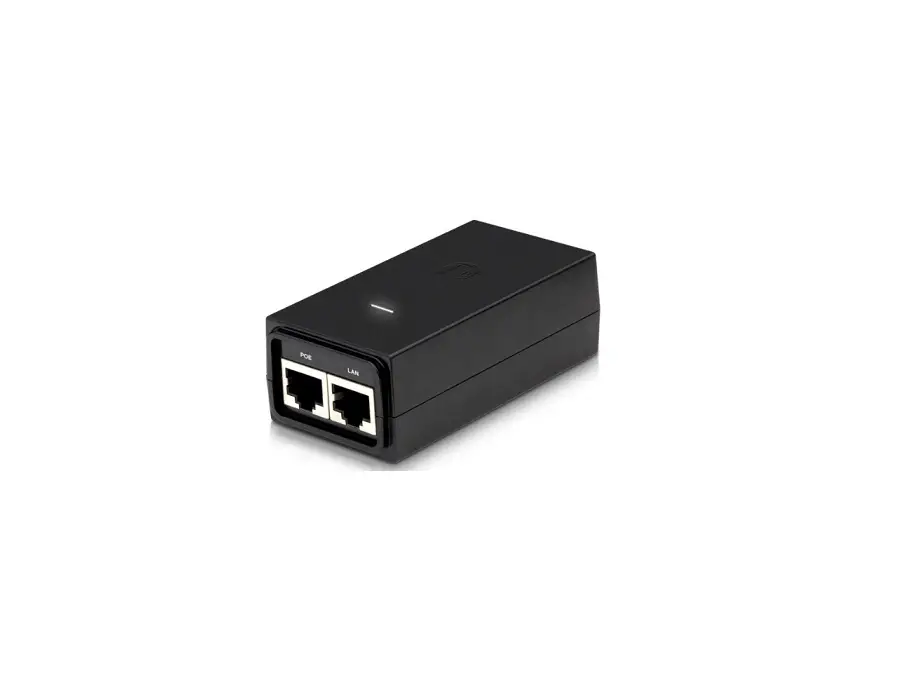
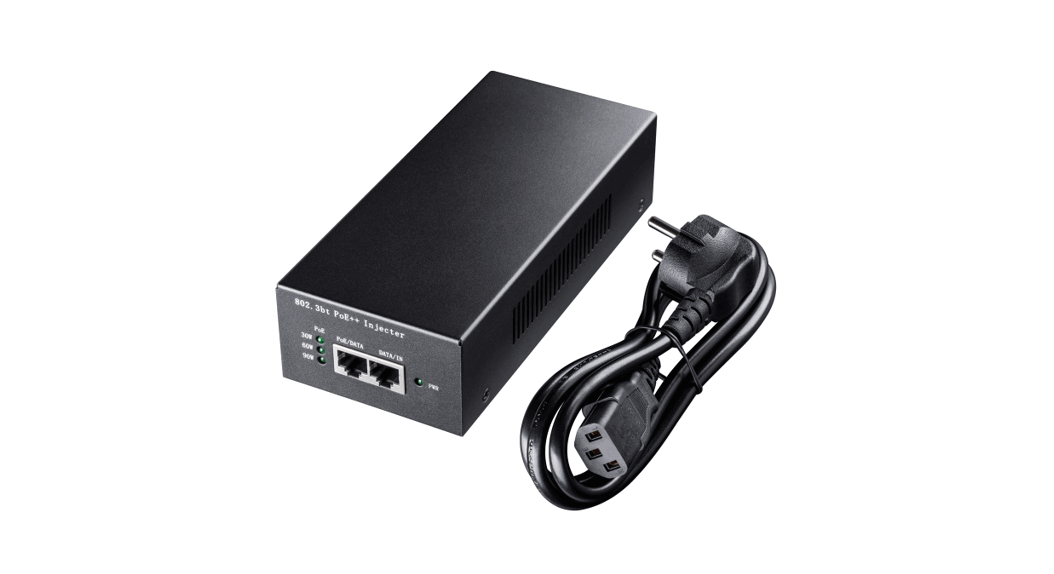
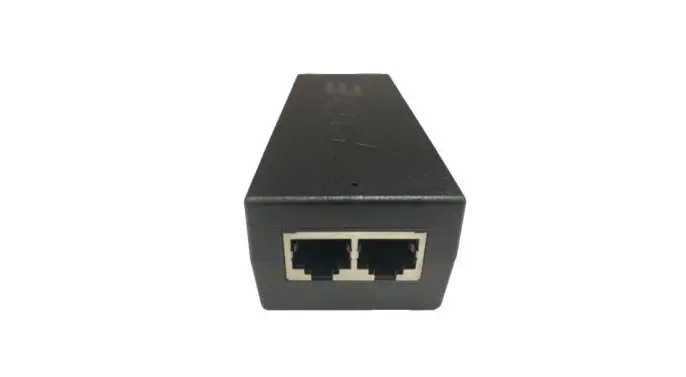
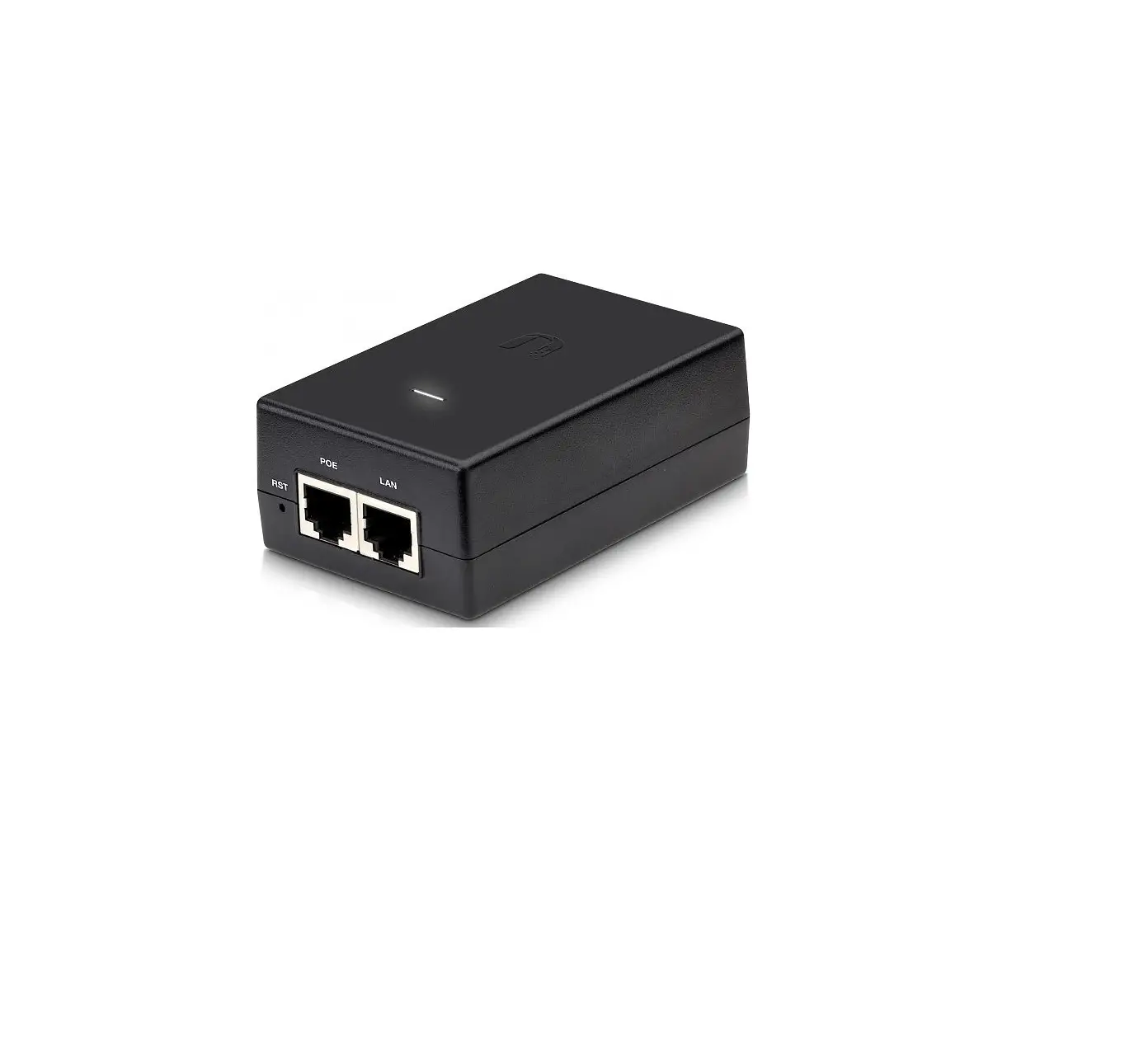
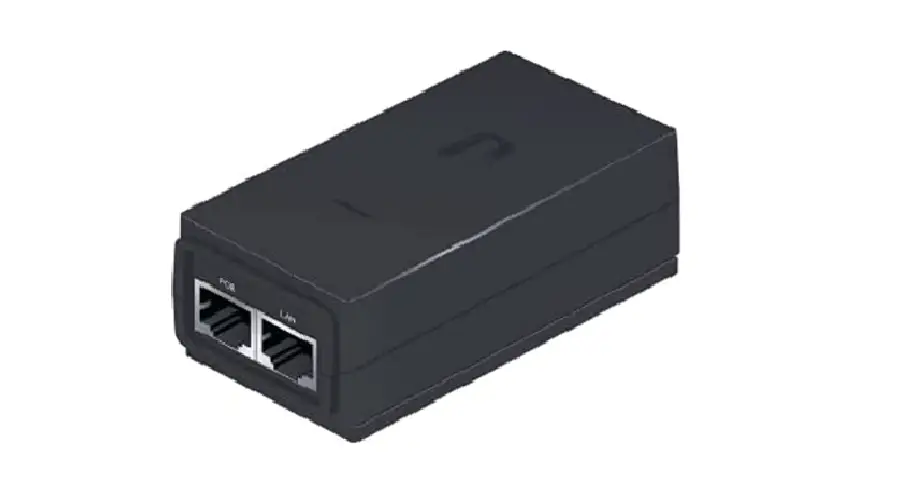
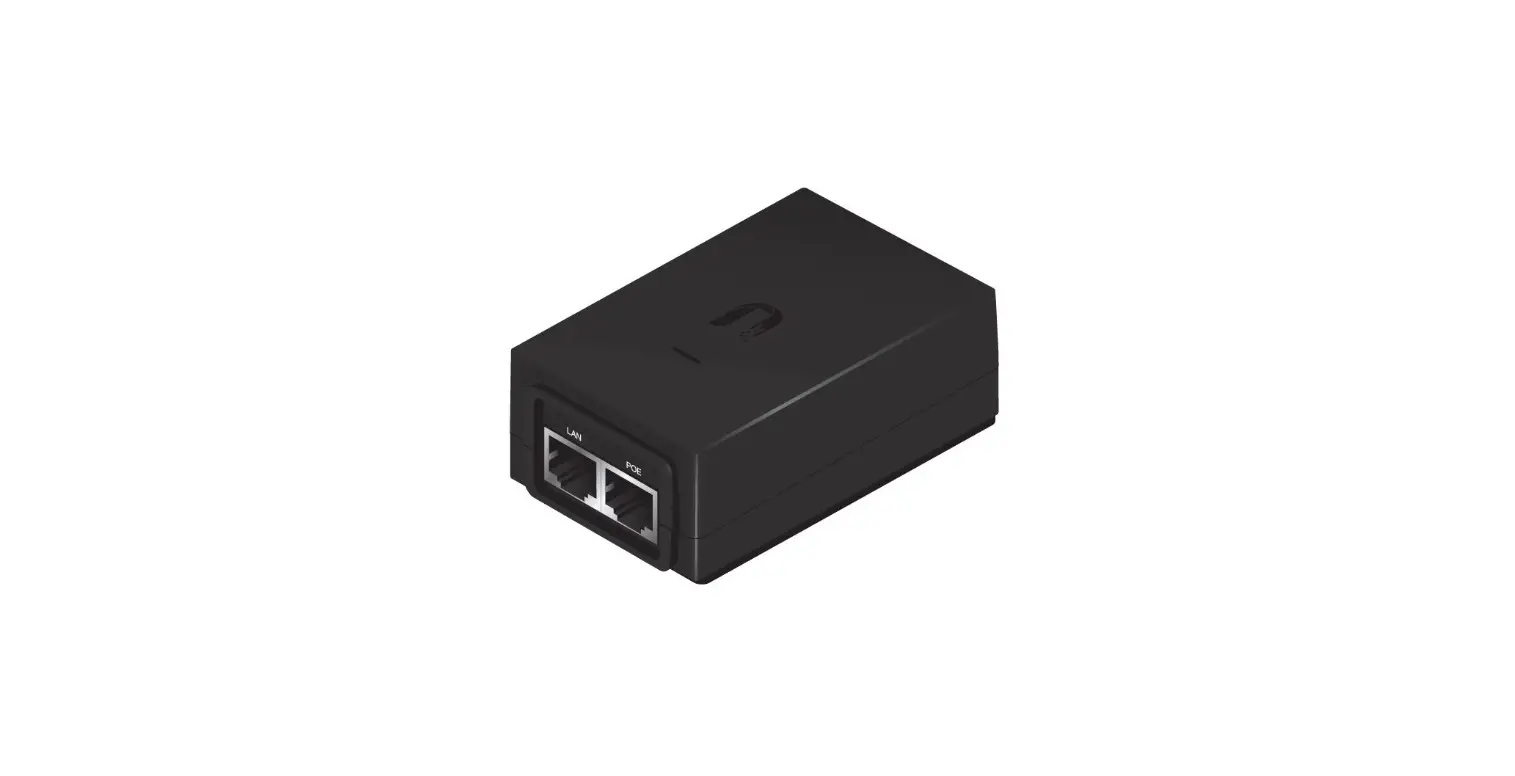
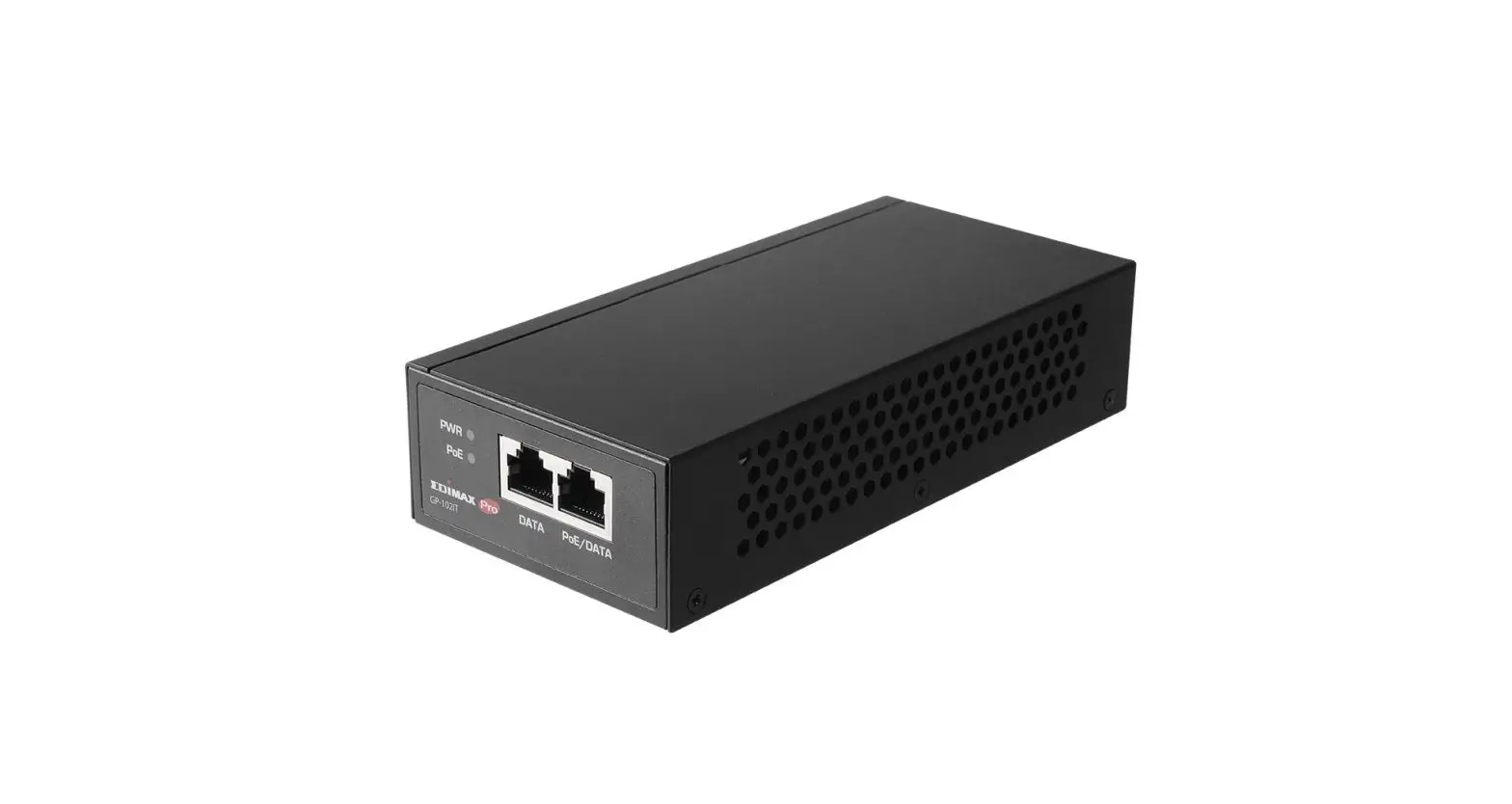
The Moxa INJ-24A Series high-power PoE+injector is a 1-port PoE+ injector that delivers both data and electrical power to Ethernet-enabled devices using a single Ethernet cable. The INJ-24A can supply up to 36 watts of power in 2-pair mode or 60 watts in 4-pair mode through the Ethernet port, and can power IEEE 802.3af/at compliant powered devices (PD), such as wireless access points or IP cameras, eliminating the need for additional wiring. The INJ-24A supports Gigabit communication, which is vital for high-speed and low-latency applications. The INJ-24A also offers a wide operating temperature range of -40 to 75°C and is designed to withstand a high degree of vibration and shock. An innovative hardware design enhances the INJ-24A with flexible options of Mode A and Mode B PoE powering modes. This makes the INJ-24A perfect for outdoor field installation of M12-connector wireless APs and IP cameras which only have 4 pins in the cable. In addition, the INJ-24A can resist 3KV surges from the PoE port, protect system operations in critical industrial environments, and complies with CE/FCC and UL standards for safety.
Wiring Requirements
 WARNING
Do not disconnect modules or wires unless the power supply has been switched off or the area is known to be non-hazardous. The devices may only be connected to the supply voltage shown on the type plate. The devices are designed for operation with a Safety Extra-Low Voltage. Thus, they may only be connected to the supply voltage connections and to the signal contact with the Safety Extra-Low Voltages (SELV) in compliance with IEC 60950-1/EN 60950-1. WARNING
The power for this product is intended to be supplied by a Listed Power Unit, with output marked LPS, and rated to deliver 24 DC at a maximum of 3.72 A. WARNING
This unit is a built-in type. When the unit is installed in another piece of equipment, the equipment enclosing the unit must comply with fire enclosure regulation IEC 60950-1/EN60950-1 (or similar regulation). WARNING
Safety First!
Be sure to disconnect the power cord before installing and/or wiring your Moxa PoE injector. Calculate the maximum possible current in each power wire and common wire. Observe all electrical codes dictating the maximum current allowable for each wire size. If the current goes above the maximum ratings, the wiring could overheat, causing serious damage to your equipment.
You should also pay attention to the following items:
- Use separate paths to route wiring for power and devices. If power wiring and device wiring paths must cross, make sure the wires are perpendicular at the intersection point. NOTE: Do not run signal or communications wiring and power wiring in the same wire conduit.
- To avoid interference, wires with different signal characteristics should be routed separately.
- You can use the type of signal transmitted through a wire to determine which wires should be kept separate. The rule of thumb is that wiring that shares similar electrical characteristics can be bundled together.
- Keep input wiring and output wiring separated.
- It is strongly advised that you label wiring to all devices in the system when necessary.
Package Checklist
The Moxa INJ-24A Series is shipped with the following items. If any of these items is missing or damaged, contact a Moxa customer service representative for assistance.
- Moxa INJ-24A High-Power PoE+ Injector
- Quick installation guide (printed)
- Warranty card
Features
High-Performance Technology
- 10/100/1000BaseT(X)
- Provides up to 36 watts (2-pair mode) or 60 watts (4-pair mode) per PoE port
- Built-in 24/48 VDC booster for PoE and PoE+
Innovative Easy Installation
- Selectable PoE Mode A and Mode B connection options
- SmartPost LED indication
Rugged Design
- Active PoE short-circuit and current-overloading protections
- Auto PoE device detection and classification
- 3 VK PoE surge resistance
- Redundant dual power inputs
- Operating temperature range from 0 to 60°C, or extended operating temperature from -40 to 75°C for “T” models
- IP30, rugged high-strength case
- DIN-Rail or panel mounting ability
Panel Layout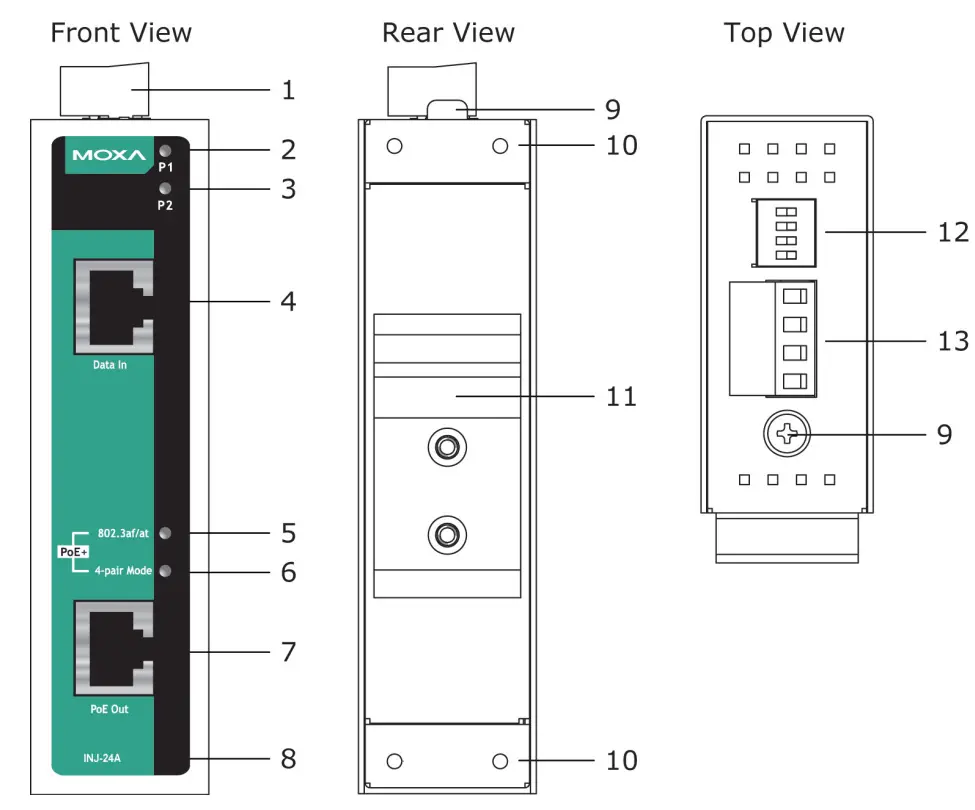
- Terminal block for P1/P2 power inputs
- Power input P1 LED
- Power input P2 LED
- 10/100/1000BaseT(X) data port
- SmartPoE LED indicator (PoE status)
- PoE power output mode LED
- 10/100/1000BaseT(X) PoE output port
- Model name
- Grounding screw
- Screw hole for wall mounting kit
- DIN rail mounting kit
- DIP switches
- Terminal block for P1/P2 power inputs
Mounting Dimensions (unit = mm)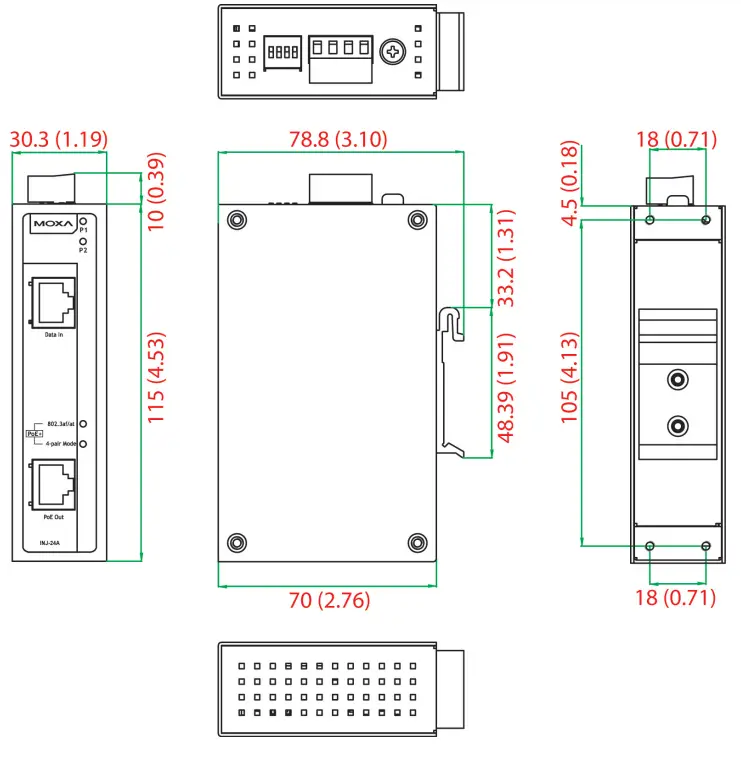
DIN-Rail Mounting
The DIN rail attachment plate should already be fixed to the back panel of INJ-24A when you take it out of the box. If you need to reattach the DIN-Rail attachment plate, make sure the stiff metal spring is situated towards the top, as shown in the figures below.
STEP 1: Insert the top of the DIN rail into the slot just below the stiff metal spring.
STEP 2: The DIN rail attachment unit will snap into place as shown below.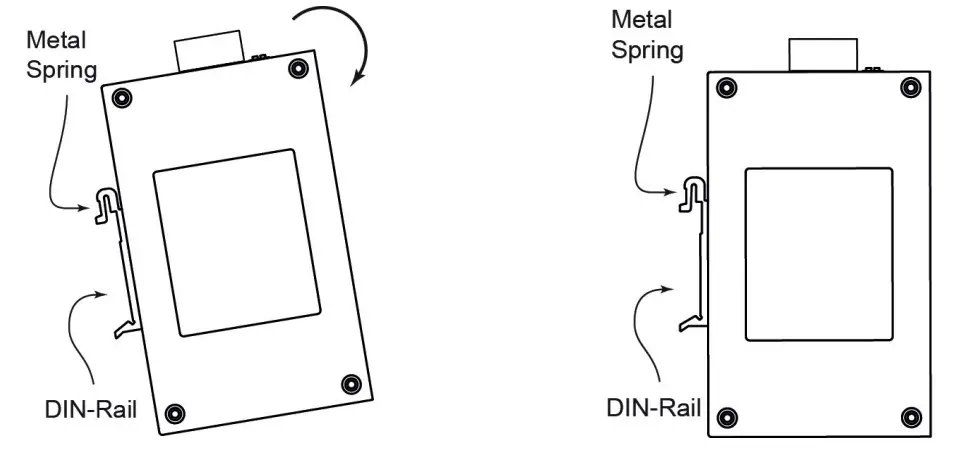 To remove the INJ-24A from the DIN rail, simply reverse steps 1 and 2 above
Wall Mounting (optional)
For some applications, you will find it convenient to mount the INJ-24A on the wall, as shown in the following figures.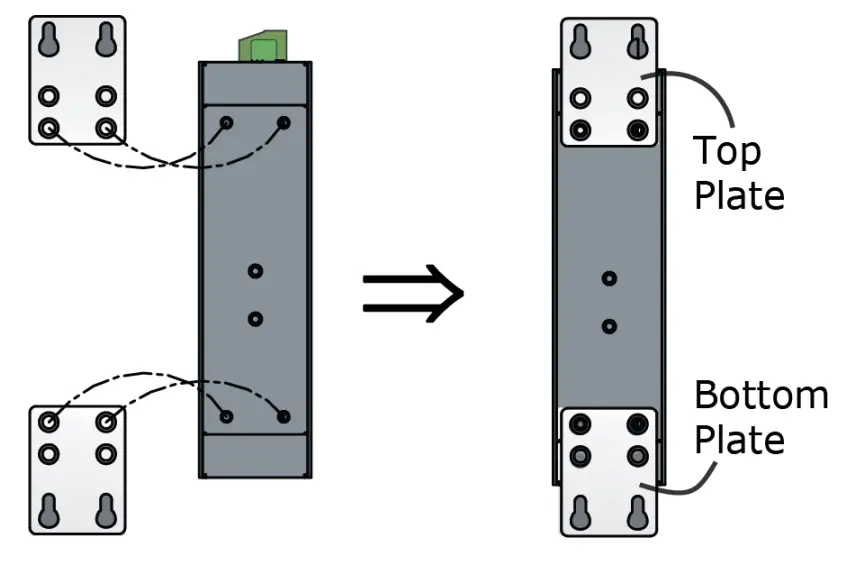 STEP 1: Remove the aluminum DIN rail attachment plate from the INJ-24A’s rear panel, and then attach the wall mount plates as shown in the diagram to the right.
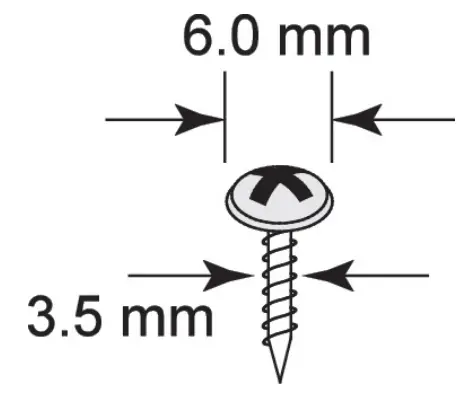 STEP 2: Mounting the INJ-24A on the wall requires 4 screws. Use the switch, with wall mount plates attached, as a guide to mark the correct locations of the 4 screws. The heads of the screws should be less than 6.0 mm in diameter, and the shafts should be less than 3.5 mm in diameter, as shown in the figure at the right.
NOTE
Before tightening the screws into the wall, make sure the screw head and shank size are suitable by inserting the screw into one of the keyhole-shaped apertures of the wall mounting plates. Do not tighten the screws completely–leave about 2 mm to allow room for sliding the wall mount panel between the wall and the screws.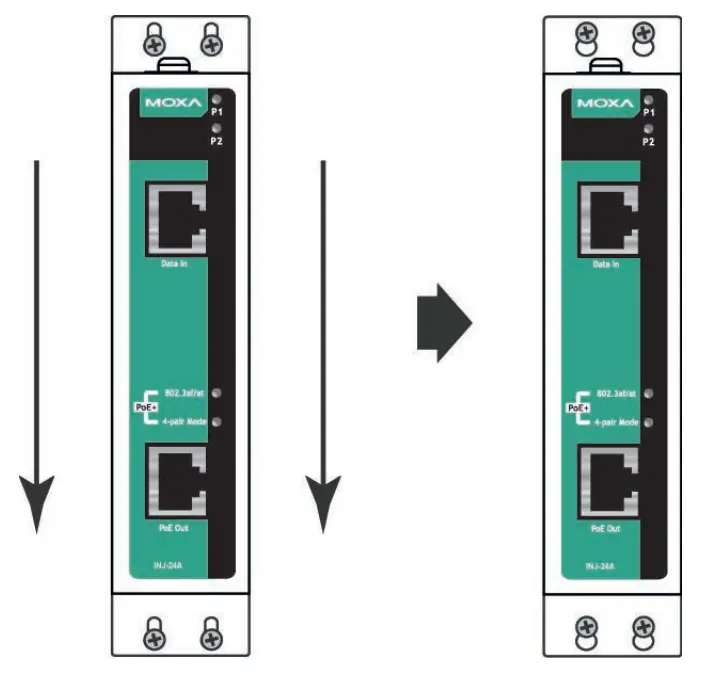 STEP 3: Once the screws are fixed on the wall, insert the four screw heads through the large parts of the keyhole-shaped apertures, and then slide the EDS downwards, as indicated. Tighten the four screws for added stability.
Grounding the INJ-24A
Grounding and wire routing help limit the effects of noise due to electromagnetic interference (EMI). Run the ground connection from the ground screw to the grounding surface prior to connecting devices. ATTENTION
This product is intended to be mounted to a well-grounded mounting surface, such as a metal panel.
Wiring the INJ-24A’s Power Outputs
The 4-contact terminal block connector on the INJ-24A’s top panel is used for dual 24/48 VDC power inputs. The top and front views of the terminal block connectors are shown here.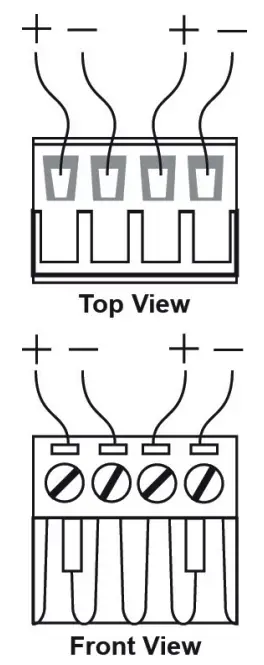 STEP 1: Insert the negative/positive DC wires into the V-/V+ terminals.
STEP 2: To keep the DC wires from pulling loose, use a small flat-blade screwdriver to tighten the wire-clamp screws on the front of the terminal block connector.
STEP 3: Insert the plastic terminal block connector prongs into the terminal block receptor, which is located on the INJ-24A’s top panel.
NOTE Both V1+ and V2+ are internally connected. Incorrect cabling may cause device damage.
DIP Switch Settings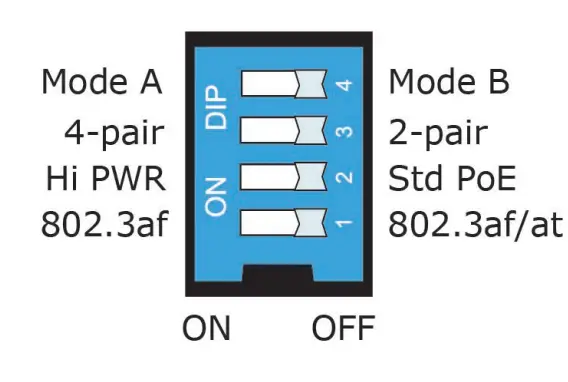 The default setting for each DIP switch is OFF. The following table explains the effect of setting the DIP switches to the ON positions.
| DIP Switch | Setting | Description | Max Output Power |
| 1 | 802.3af (ON) | The INJ-24A is forced to 802.3af mode and only accepts IEEE 802.3af standard devices. | 15.4 watts |
| 802.3af/at (OFF) | The INJ-24A automatically detects the standard, for both IEEE 802.3af and IEEE 802.3at standard devices. | Std PoE: 30 watts Hi PWR: 36 watts | |
| 2 | Hi PWR (ON) | The INJ-24A is set to support high power output. | 36 watts |
| Std. PoE (OFF) | The INJ-24A only provides standard PoE power output. | 802.3af: 15.4 watts 802.3af/at: 30 watts | |
| 3 | 4-pair (ON) | The INJ-24A provides power via both data pair (pin 1, 2, 3, and 6) and phantom pair (pin 4, 5, 7, and 8). | 60 watts |
| 2-pair (OFF) | The INJ-24A provides power via data pair or spare pair. | See DIP Switch 1 and 2 | |
| 4 | Mode A (ON) | The INJ-24A provides power via data pair (pins 1, 2, 3, and 6). | See DIP Switch 1 and 2 |
| Mode B (OFF) | The INJ-24A provides power via spare pair (pins 4, 5, 7, and 8). | See DIP Switch 1 and 2 |
NOTE 60-watt PoE is not a standardized application. Check with Moxa for product compatibility before using 60-watt PoE.
Smart PoE LED Indicators
Two SmartPoE LEDs indicate the current status between PSE and PD and the power output mode of the INJ-24A. The following table shows the details about these SmartPoE LEDs.
| LED | Color | State | Description |
| P1, P2 | Amber | ON | Power is being supplied to power input P1 /P2 |
| OFF | Power is not being supplied to the power input P1 / P2 | ||
| 802.3af/at (smartphone) | Green | ON | 802.3at connection |
| Blinking | PoE current overloading | ||
| OFF | No PoE power output | ||
| Amber | ON | 802.3af connection | |
| Blinking | PoE current overloading | ||
| OFF | No PoE power output | ||
| 4-pair mode | Green | ON | 4-pair mode PoE power output |
| OFF | 2-pair mode PoE power output |
NOTE If INJ-24A is in 4-pair mode but with a 2-pair mode PD, the 802.3af/at LED will always be green.
Specifications
| Technology | |
| Standards | IEEE 802.3, 802.3u, 802.3ab, 802.3af, 802.3at |
| Interface | |
| R345 Ports | 10/100/1000BaseT(X) speed |
| LED Indicators | P1, P2, 802.3af/at, 4-pair mode |
| PoE | |
| Total Power Budget | 60 W |
| PoE Output Voltage | 50V @ 24/48 VDC power input |
| PoE Output Power | 15.4W in 802.3af, 30W in 802.3at, 36W in high power mode, 60 watts in 4-pair mode |
| PoE Output Current | 350 mA in 802.3af, 600 mA in 802.3at, 720 mA in high power mode, 1.2A in 4-pair mode |
| Overload Current Protection at Port | Present |
| PoE Pinout | Mode A: Pair 1,2 (V+) ; Pair 3,6 (V-) Mode B: Pair 4,5 (V+) ; Pair 7,8 (V-) selectable by DIP switch |
| Power | |
| Input Voltage | 24/48 VDC (22 to 57 VDC), redundant dual inputs |
| Input Current | 2.71 A 024 VDC (with full 60 W PoE loading) 1.37 A 048 VDC (with full 60 W PoE loading) |
| Power Consumption | Max. 5.29 W (with full loading excluding PD’s consumption) |
| Inrush Current | 15.64 A 0 48 VDC (0.1-1ms) |
| Electrical Isolation | 2250 VDC to chassis for 60 s |
| Heat Dissipation | 18.05 BTU/h |
| Overload Current Protection at Input | Present |
| Reverse Polarity Protection | Present |
| Connection | 1 removable 4-contact terminal blocks |
| Mechanical | |
| Housing | IP30 protection, metal case |
| Dimensions | 115 x 30.3 x 78.8 mm (H x W x D) |
| Weight | 245 g |
| Installation | DIN-Rail, wall mounting |
| Environmental Limits | |
| Operating Temperature | Standard Models: 0 to 60°C (32 to 140°F) Wide Temp. Models: -40 to 75°C (-40 to 167°F) |
| Storage Temperature | -40 to 85°C (-40 to 185°F) |
| Ambient Relative Humidity | 5 to 95% (non-condensing) |
| Regulatory Approvals | |
| FCC Part 15, CISPR (EN 55032) class A | |
| EMS | EN 61000-4-2 (ESD), Level 3 EN 61000-4-3 (RS), Level 3 EN 61000-4-4 (EFT), Level 3 EN 61000-4-5 (Surge), Level 3 EN 61000-4-6 (CS), Level 3 EN 61000-4-8, Level 5 |
| Shock | IEC 60068-2-27 |
| Freefall | IEC 60068-2-32 |
| Vibration | IEC 60068-2-6 |
| Warranty | |
| Time Period | 5 years |
| Details | www.moxa.com/warranty |
Patent http://www.moxa.com/doc/operations/Moxa_Patent_Marking.pdf
 Moxa - Support