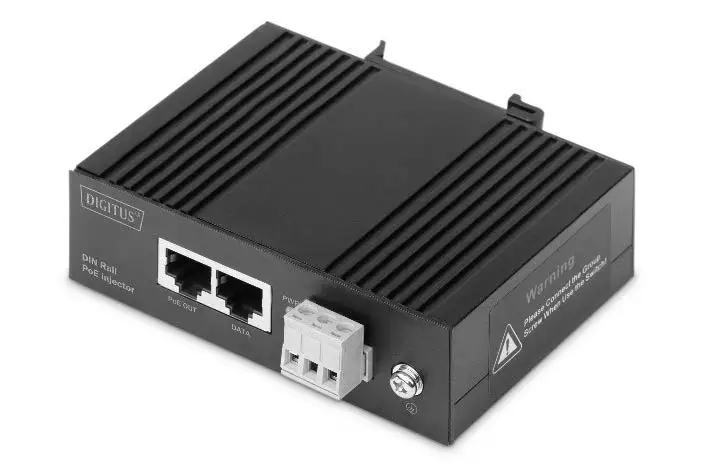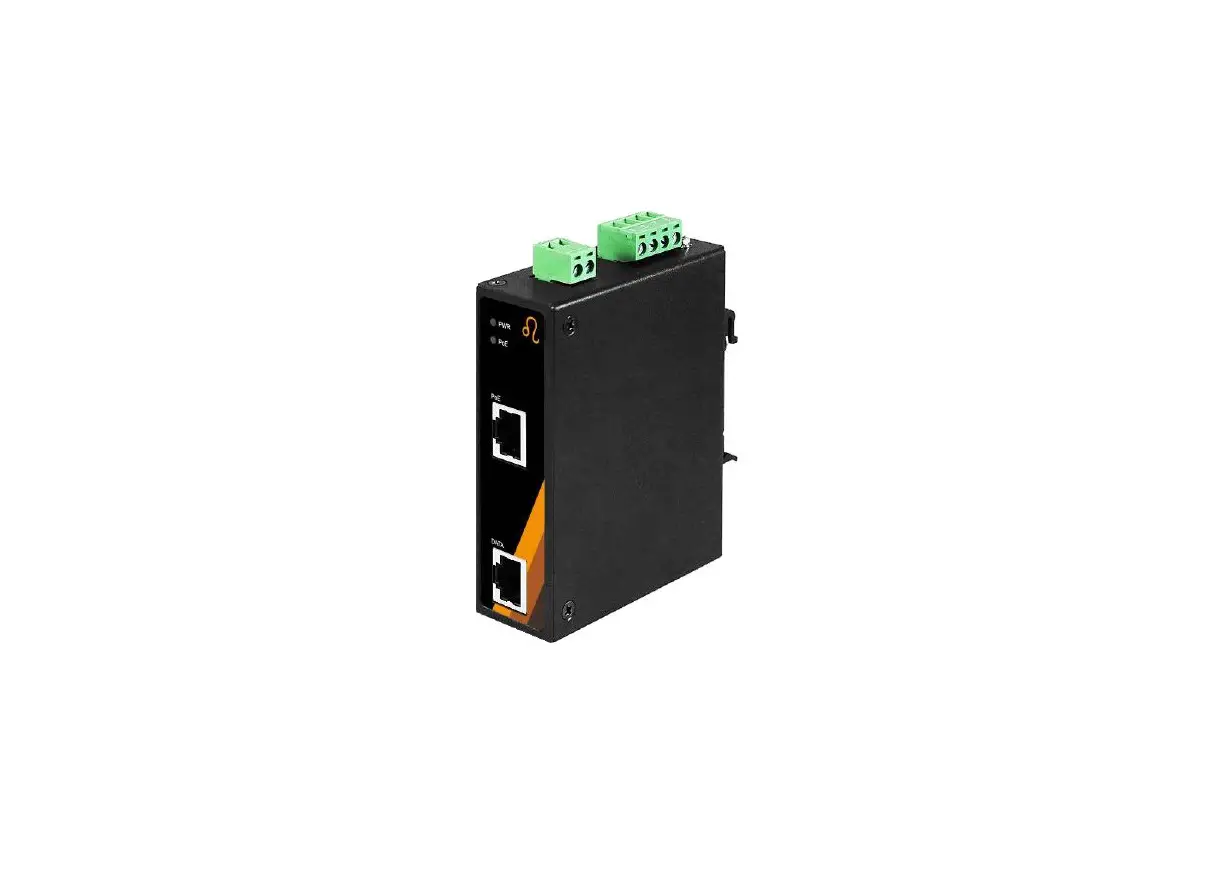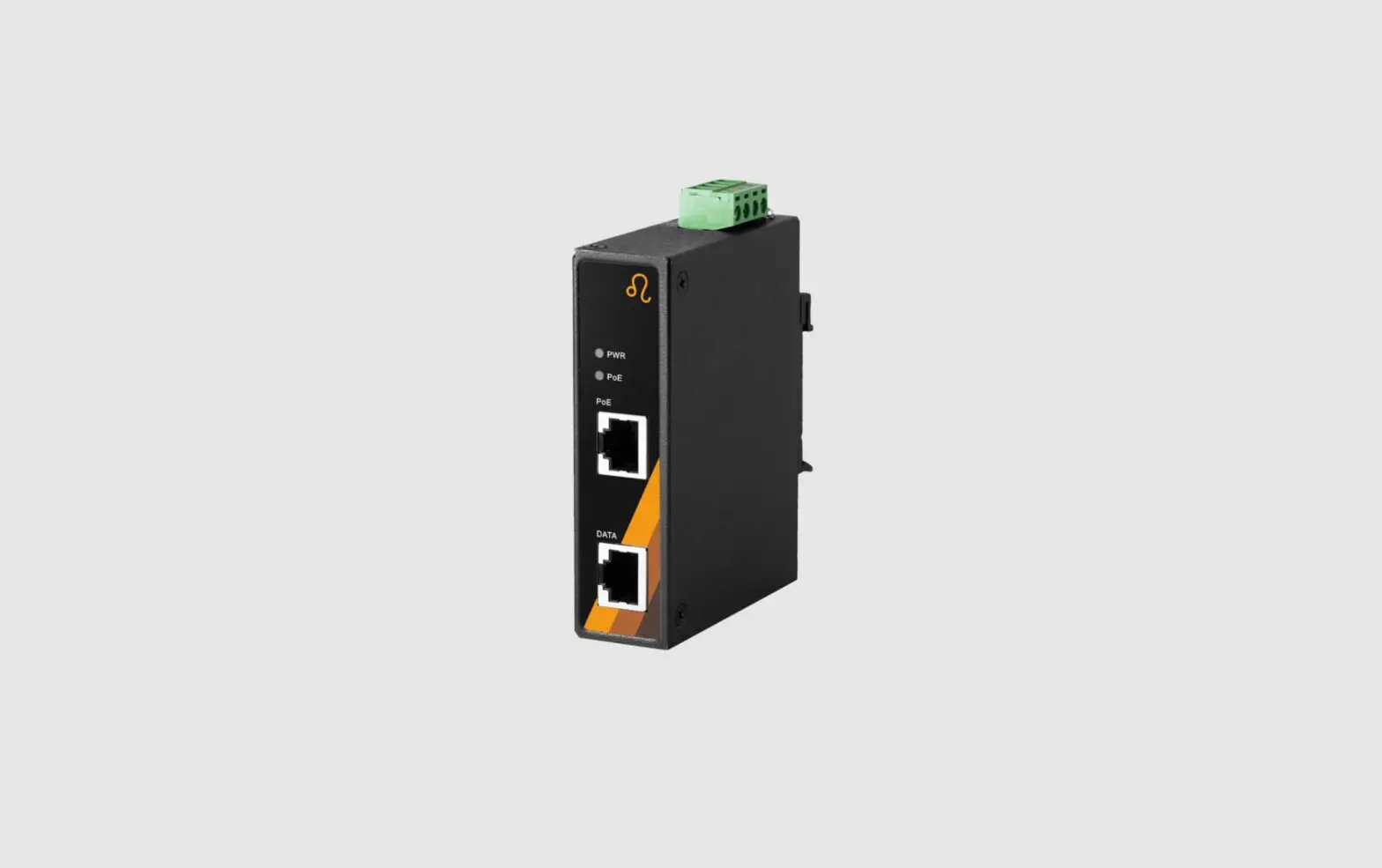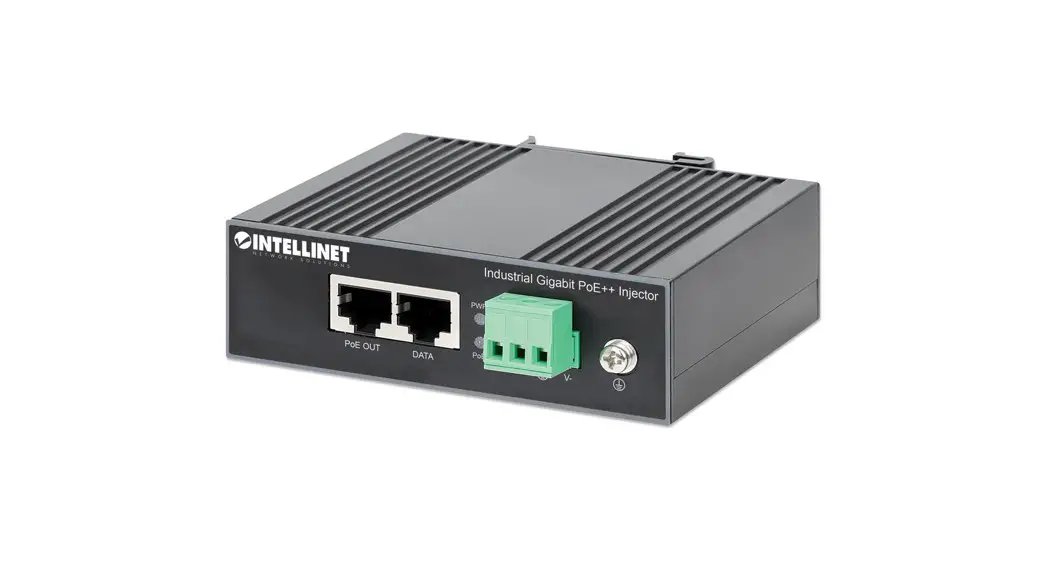
PoE Injector I69-100 Industrial Gigabit 95W User Manual

13.238.101.1862
Ver 1.0
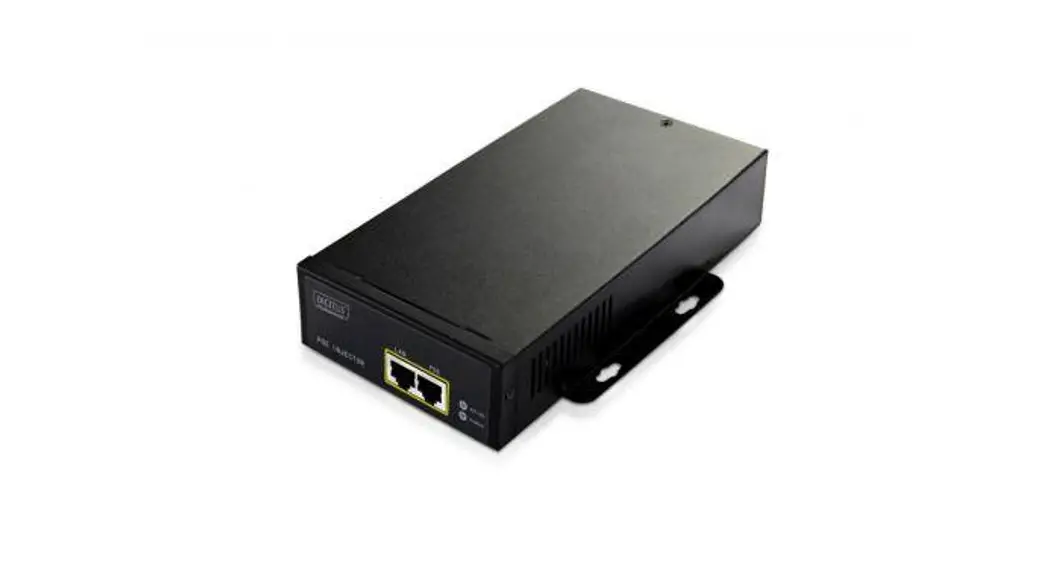
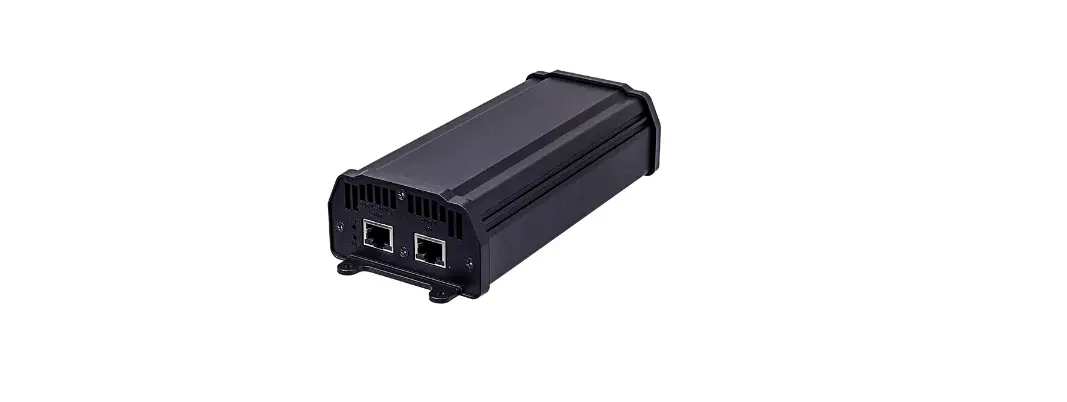
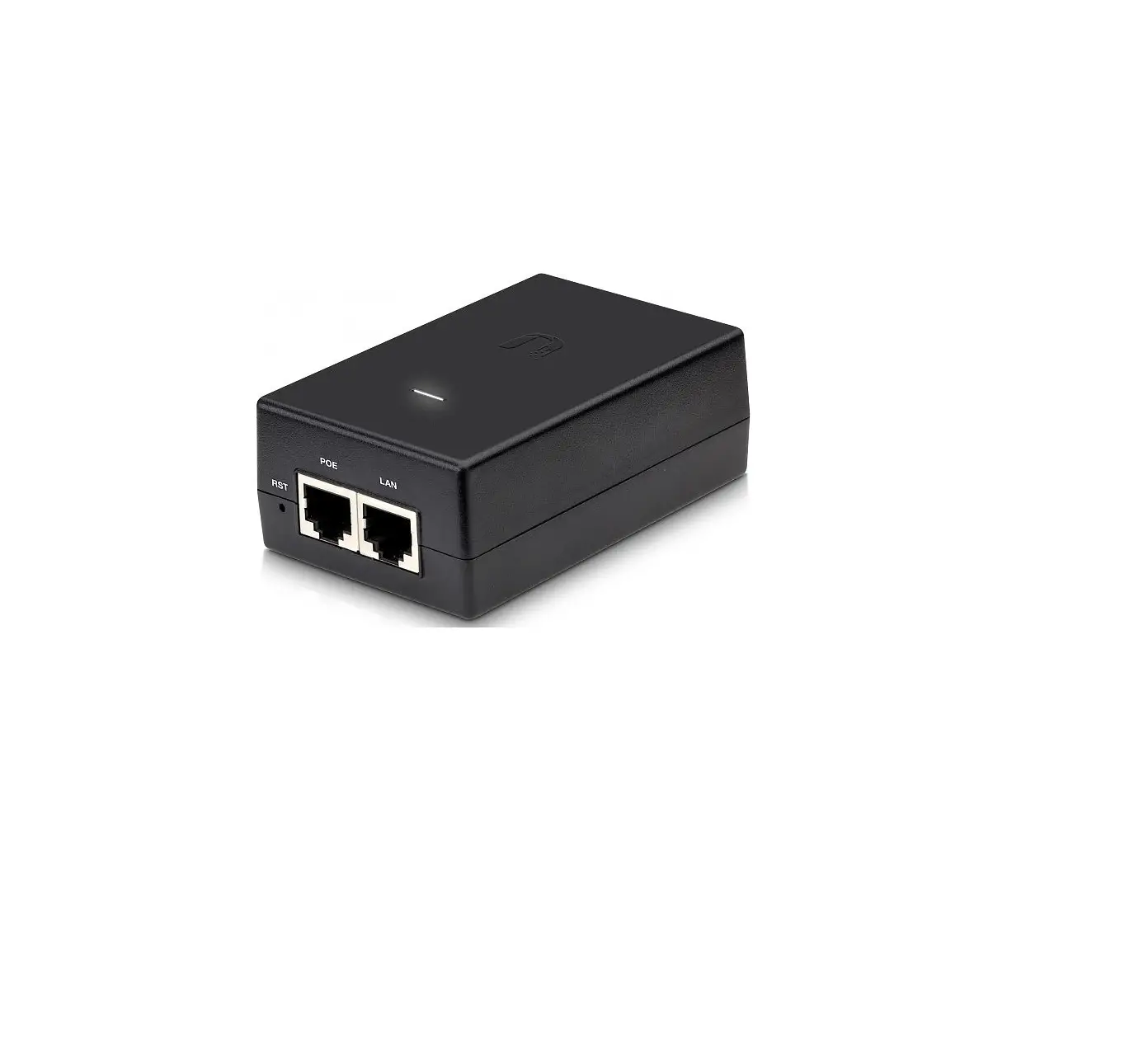
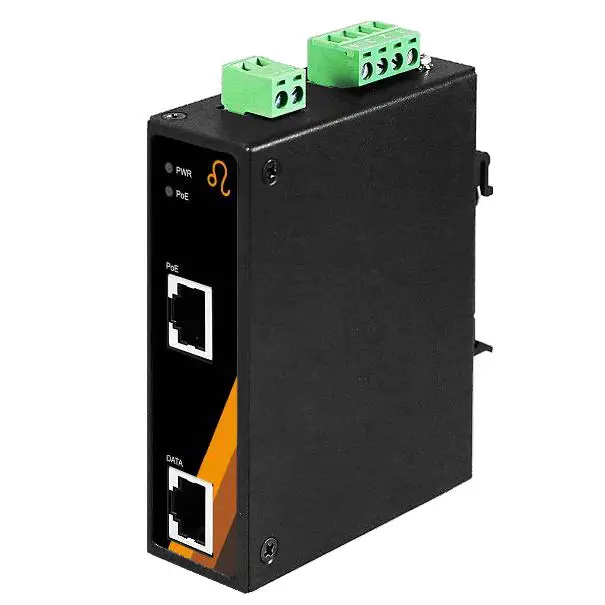
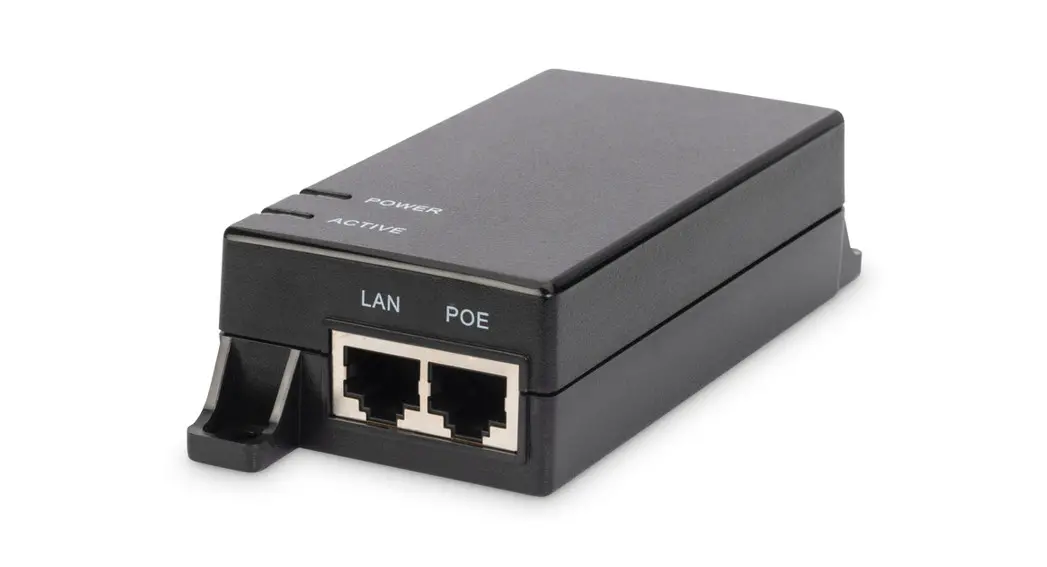
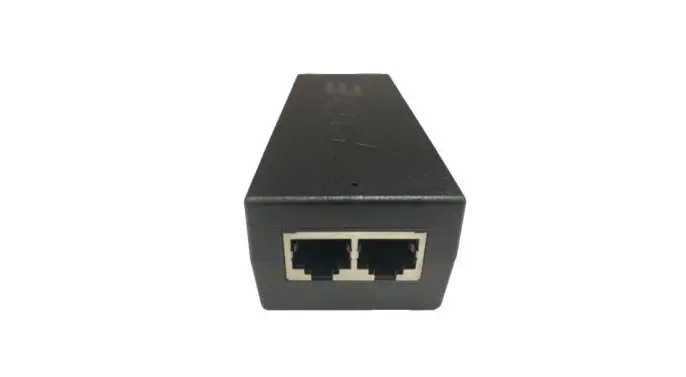
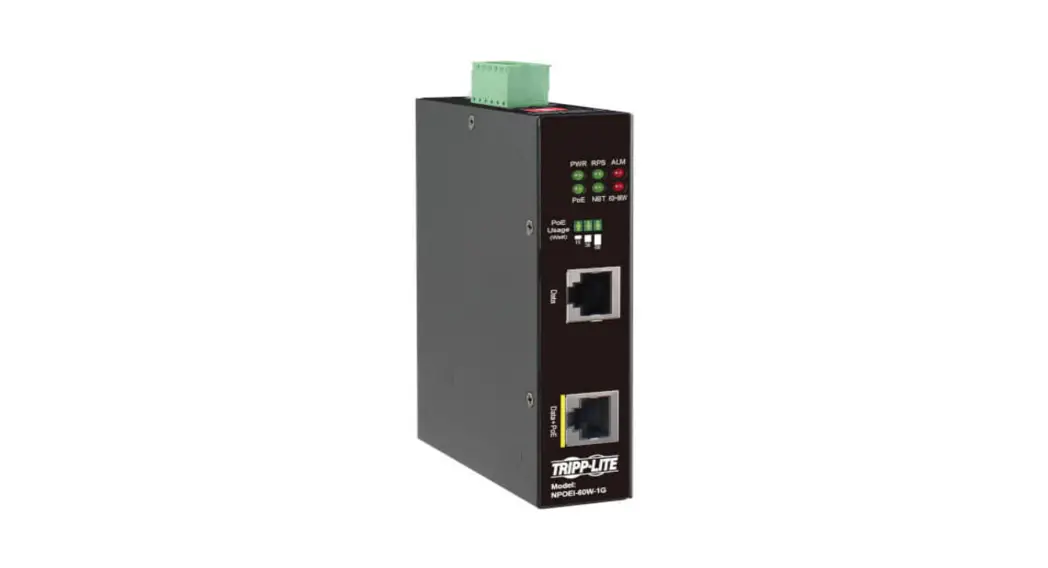
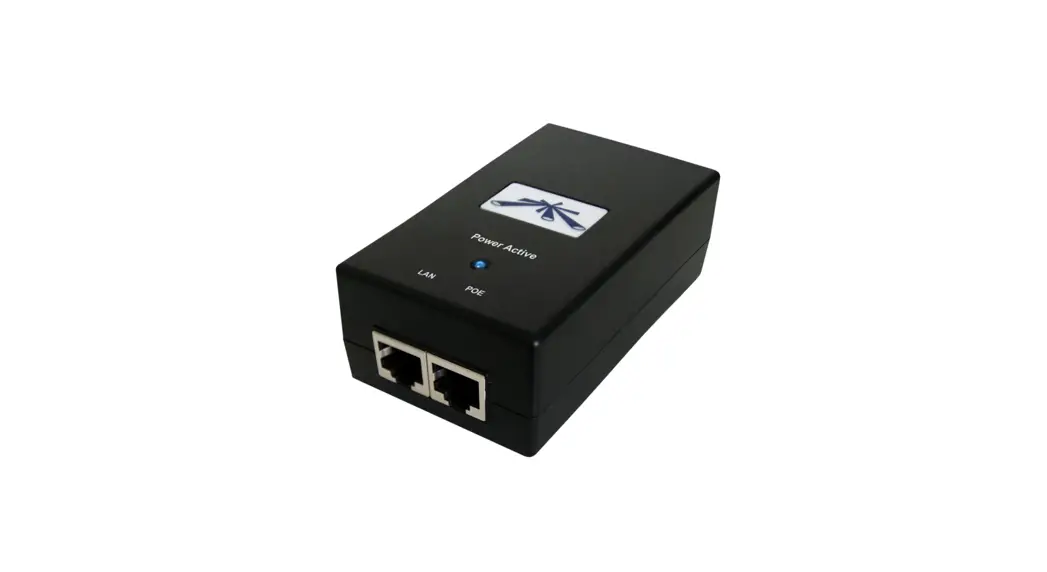
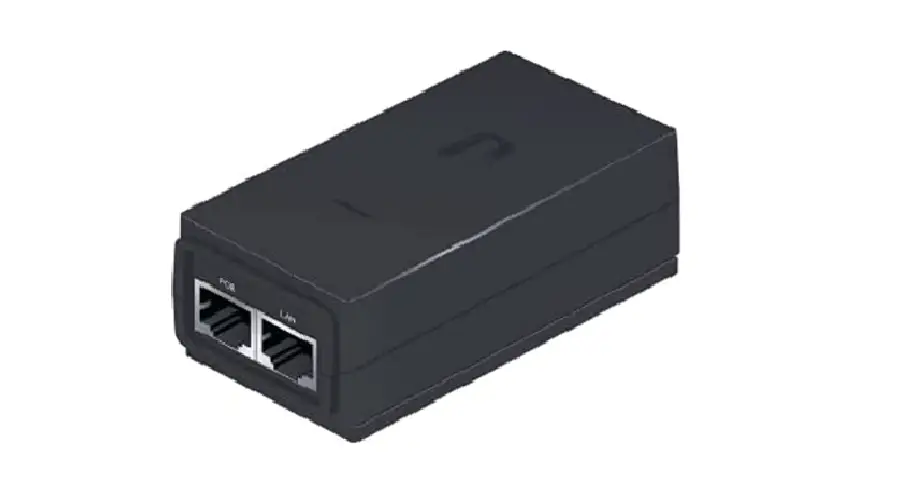
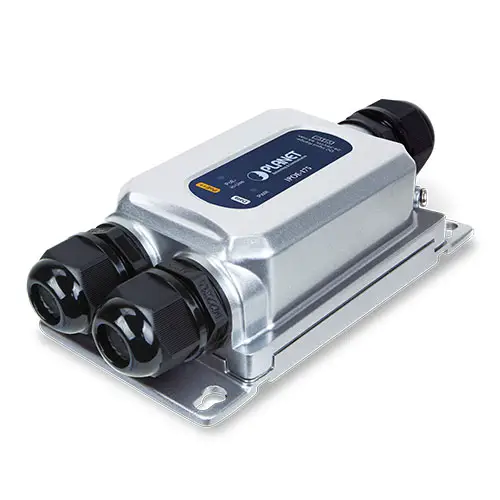
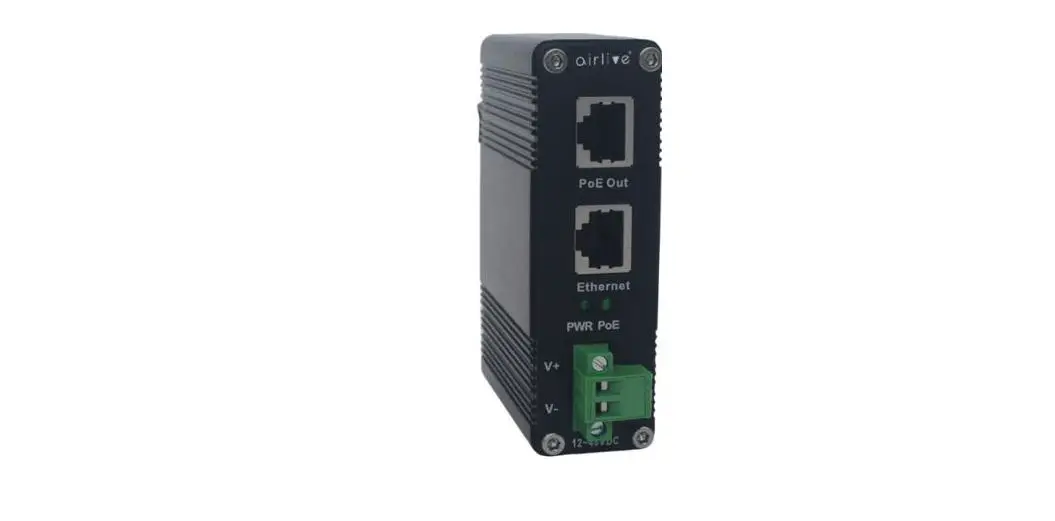
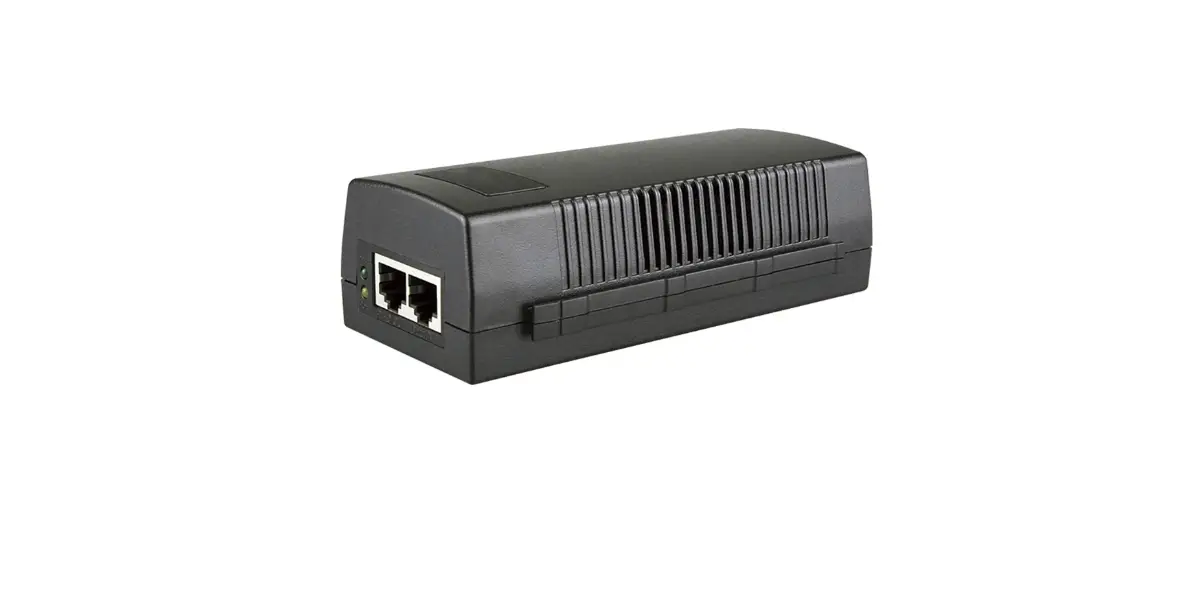
This is a single-port PoE injector with one Ethernet port, one PoE output port, and one AC power input port. It is compatible with mid-span and end-span PoE power method, the output power consumption can be up to 95W; It features:10/100/1000Mbps network port,100m transmission distance, 4KV lightning protection. it’s an excellent choice for power supply and network transmission on PTZ speed dome, 11ac wireless AP, digital display system.
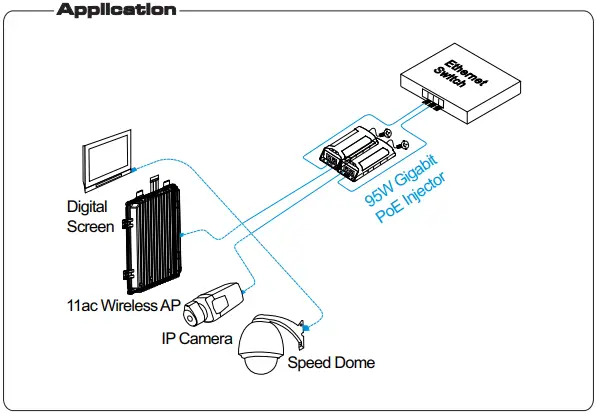
Features
- PoE+ + power supply standard; Output power consumption can be up to 95W;
- IEEE 802.3af/at/bt, IEEE 802.3 10Base-T/100Base-TX/IEEE802.3ab 1000Base-T;
- Working Temperature: -10℃~40℃;
- 4KV lightning protection; 8KV ESD protection;
- No fan, no noise, dust-proof;
 Notice
The transmission distance depends on the signal source and cable quality,standard Cat5e/6 cable is strongly suggested for reaching the maximum transmission distance!
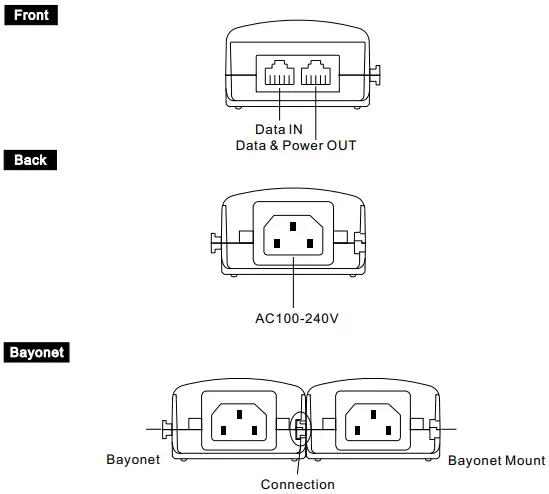
Board Diagram
Installation
Please check the following accessory, if you find the item lost, please contact our local dealer.
- PoE Injector 1pc
- AC Power Cable 1pc
- User Manual 1pc
Please follow installation steps as below
- Turn off the system’s power before the installation;
- The Data&Power Out port of this injector is connected with PoE powered devices;
- The Data Input of this injector is connected with switch of no PoE function;
- Please connect PoE Injector with AC cable;
- Please examine and power the system.
Specification
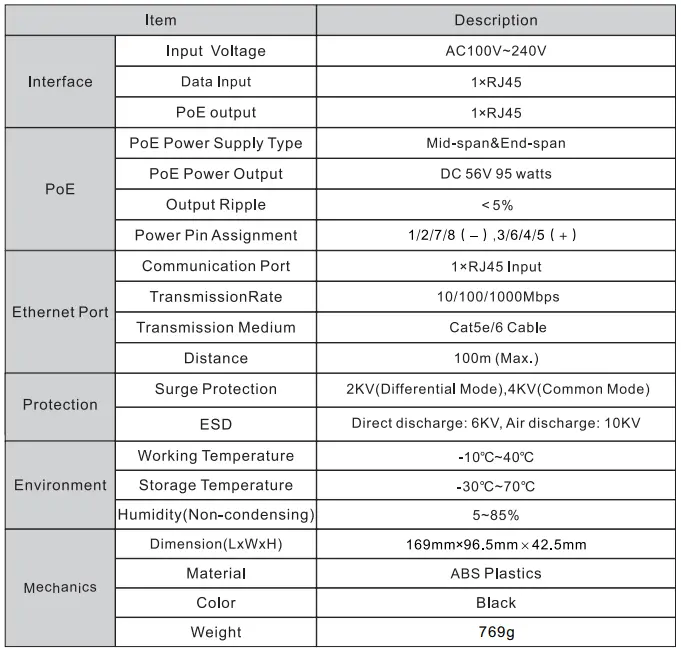
Product specifications subject to change without prior notice
Trouble Shooting
If any trouble in installation, please follow these steps
- Please make sure you have followed the instruction to install the device;
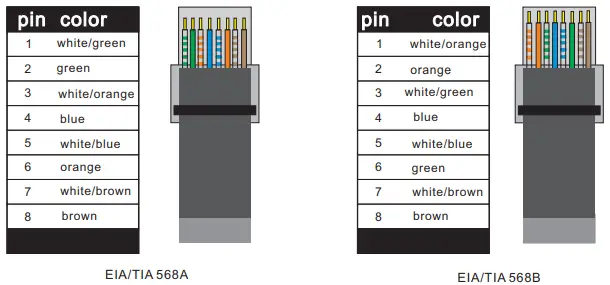
- Please confirm if the RJ45 cable order is in accordance with the EIA/TIA 568A or 568B industry standard;
- The power supply of PoE port is no more than 95W; please do not connect the network device whose power consumption is over 95W;
- Please replace a failure device with a proper one to check if the device is broken;
- If the problem still exist, please contact the local dealer.
RJ45 Making Method
Instruments to be used: wire crimper, network tester. Wire sequence of RJ45 plug should conform with EIA/TIA568A or 568B.
- Please remove 2cm long the insulating layer, and bar the 4 pairs UTP cable;
- Separate the 4 pairs UTP cable and straighten them;
- Line up the 8 pieces of cables per EIA/TIA 568A or 568B;
- Cut off the cables to leave 1.5cm bare wire;
- Plug 8 cables into RJ45 plug, make sure each cable is in each pin;
- Use the wire crimper to crimp it;
- Repeat above 5 steps to make the another end;
- Using network tester to test the cable whether is working.
Notice
- When choose RJ-45 make sure if one end is EIA/TIA568A,the other end should also be EIA/TIA568A.
- When choose RJ-45 make sure if one end is EIA/TIA568B,the other end should also be EIA/TIA568B.