
IPORT Connect Pro Gigabit 30W PoE Injector
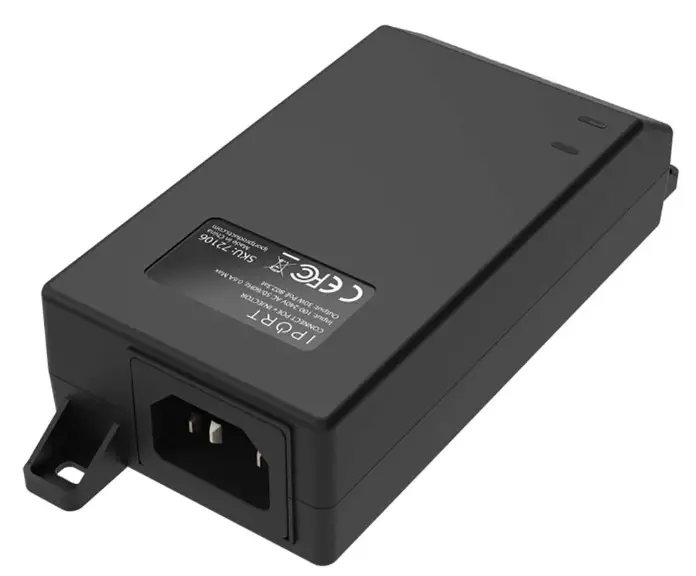
Package Contents
Check the following contents of your package:
- PoE Injector x 1
- User Guide x 1
- Power Cord x 1
The label is attached to the bottom of the switch
If any part is lost and damaged, please contact your local agent immediately.
Introduction
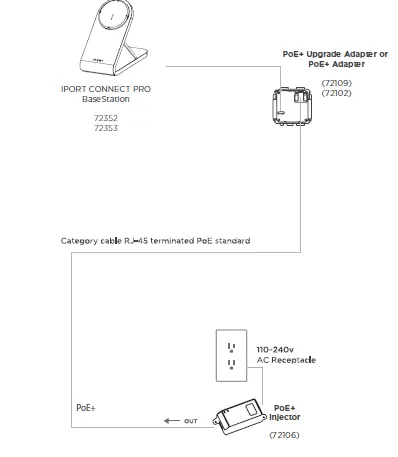
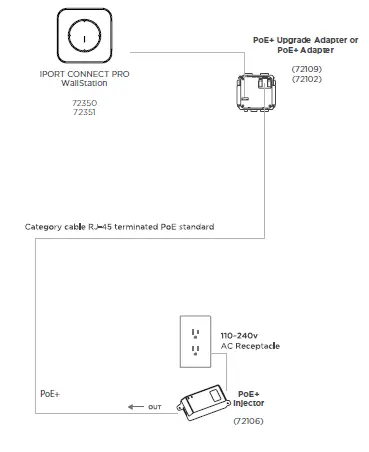
PoE Injector Provides fully complies with IEEE 802.3af/at standard, and can work with all IEEE 802.3af /at PoE compliant PDs (Powered Devices) or PoE Receiver Adapters or other equivalent product, to expand your network to where there are no power line or outlet, where you wish to fix device such as AP, IP Camera or IP Phone, etc.
Hardware Description
Front Panel
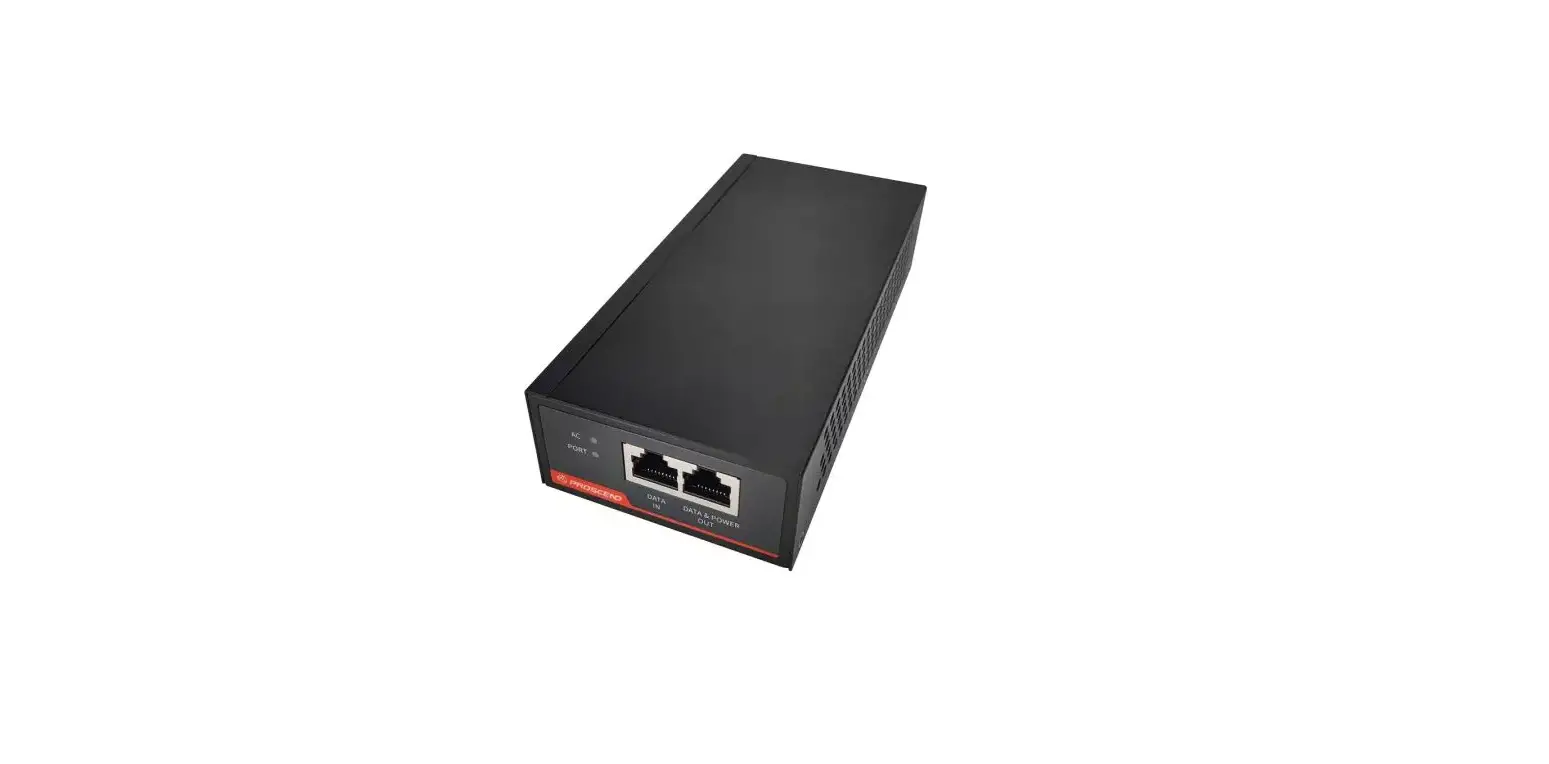
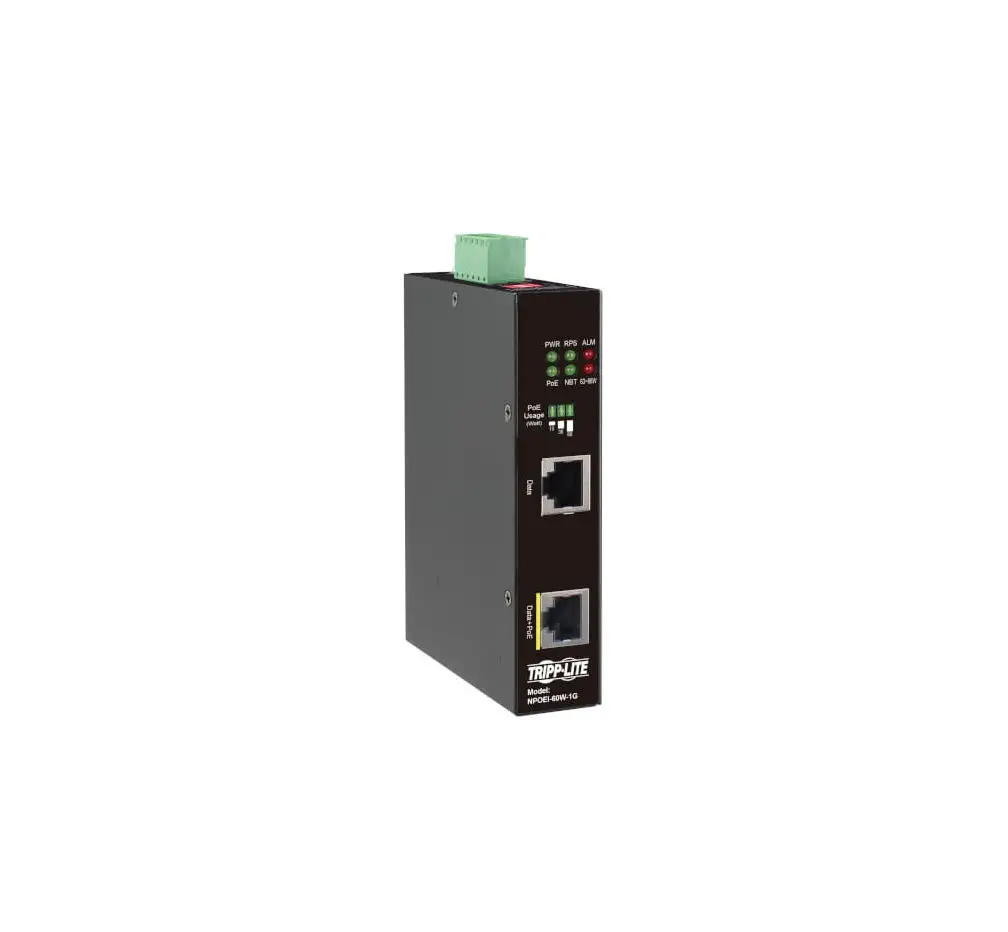
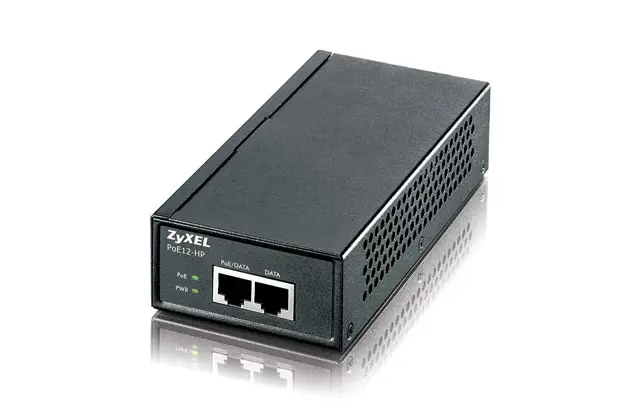
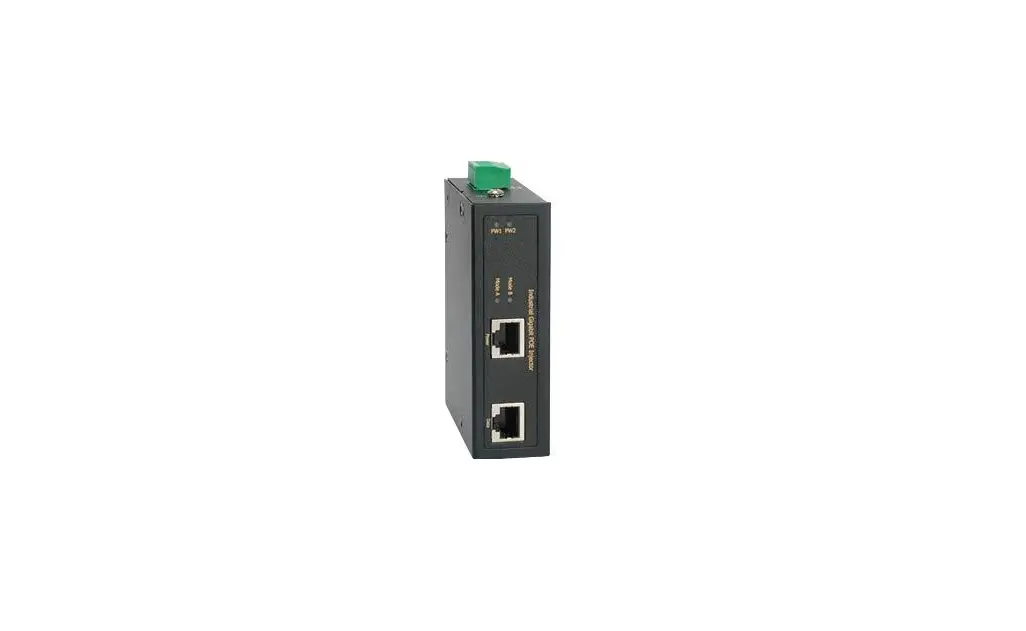
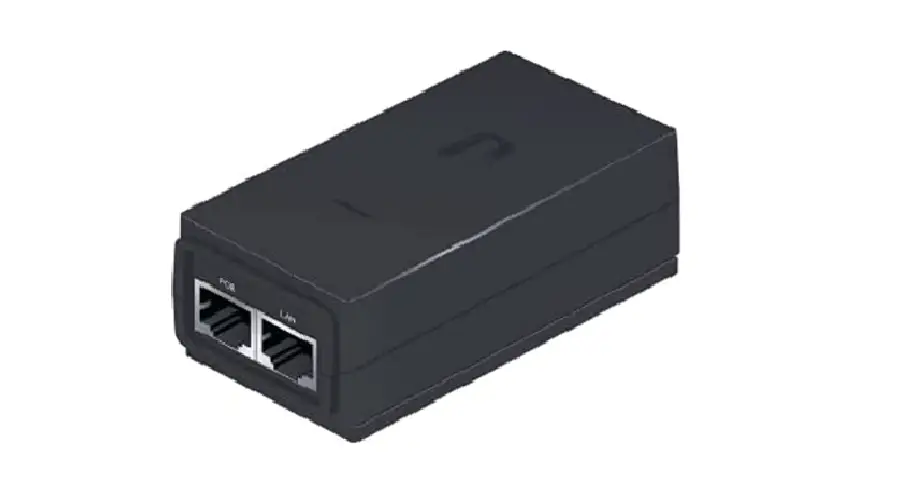
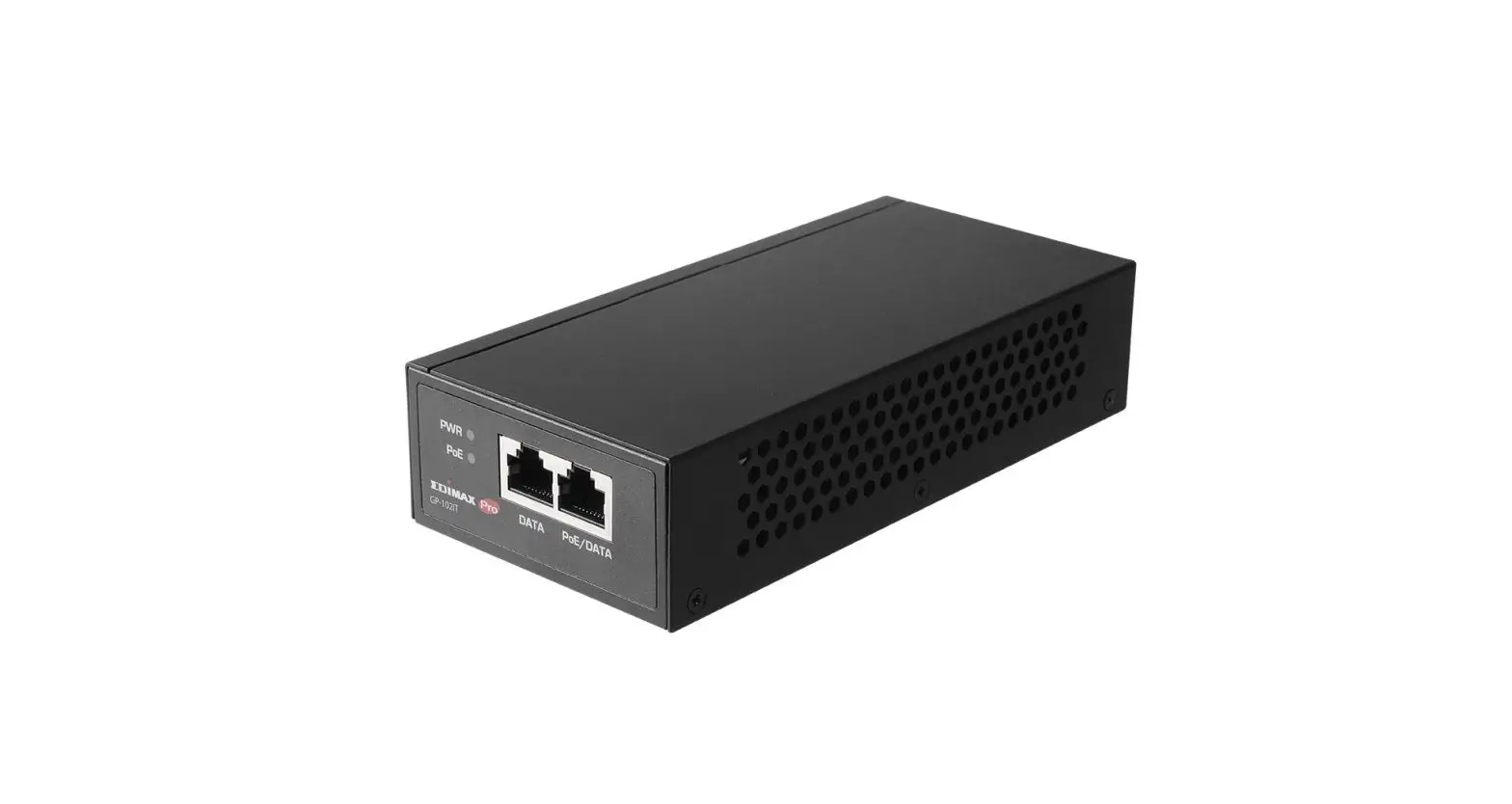
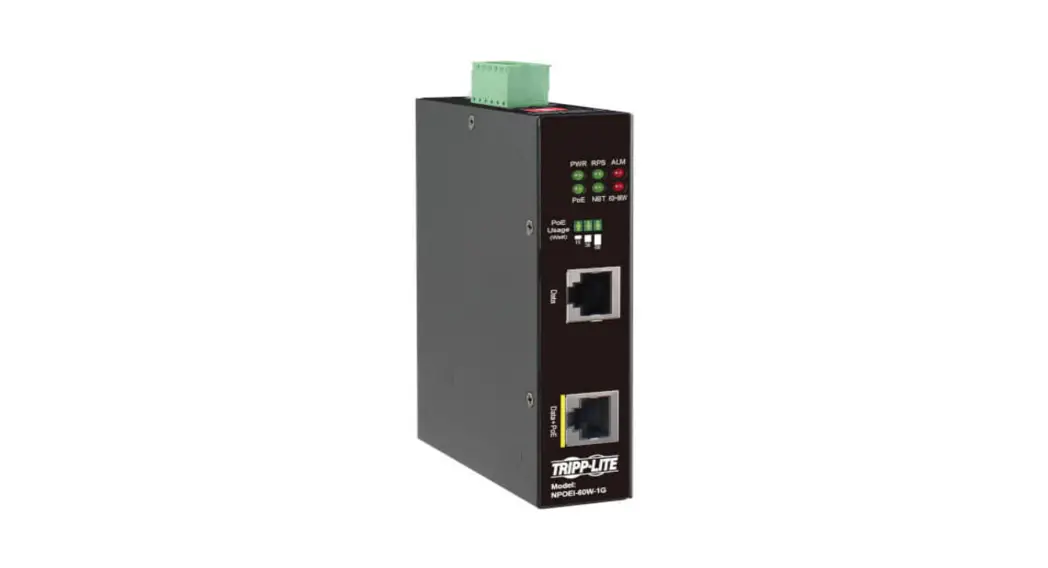
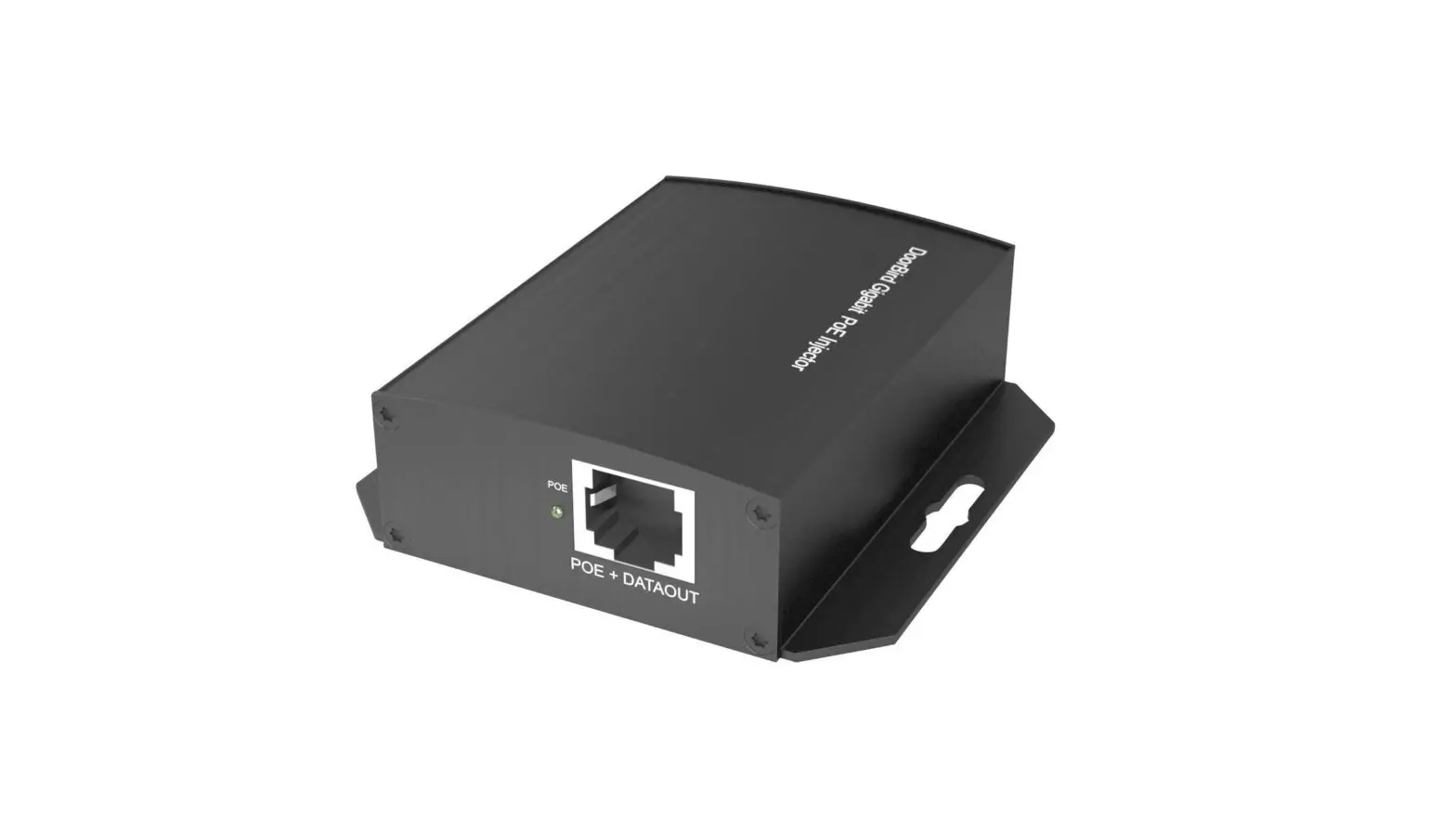
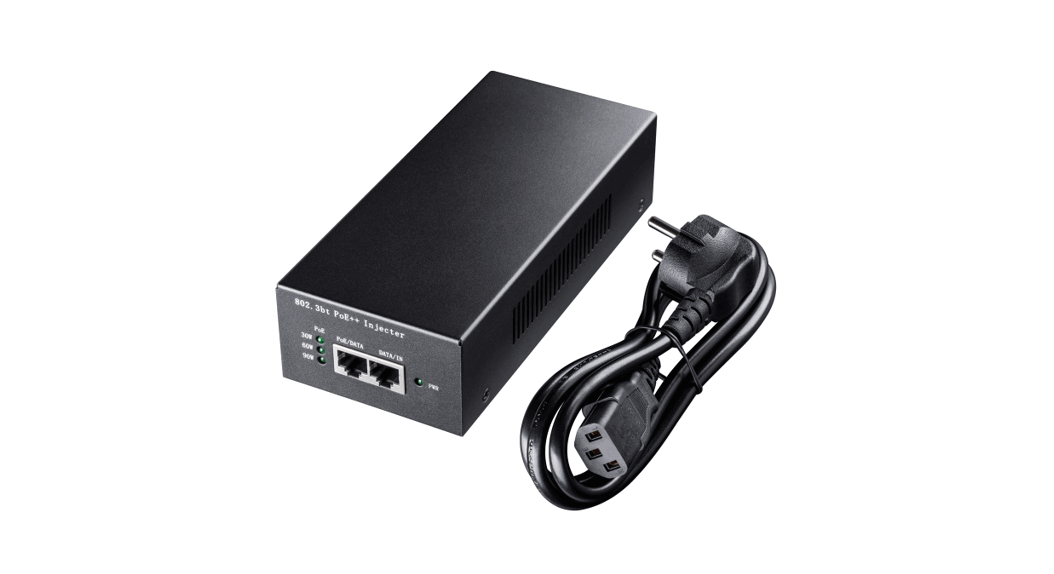
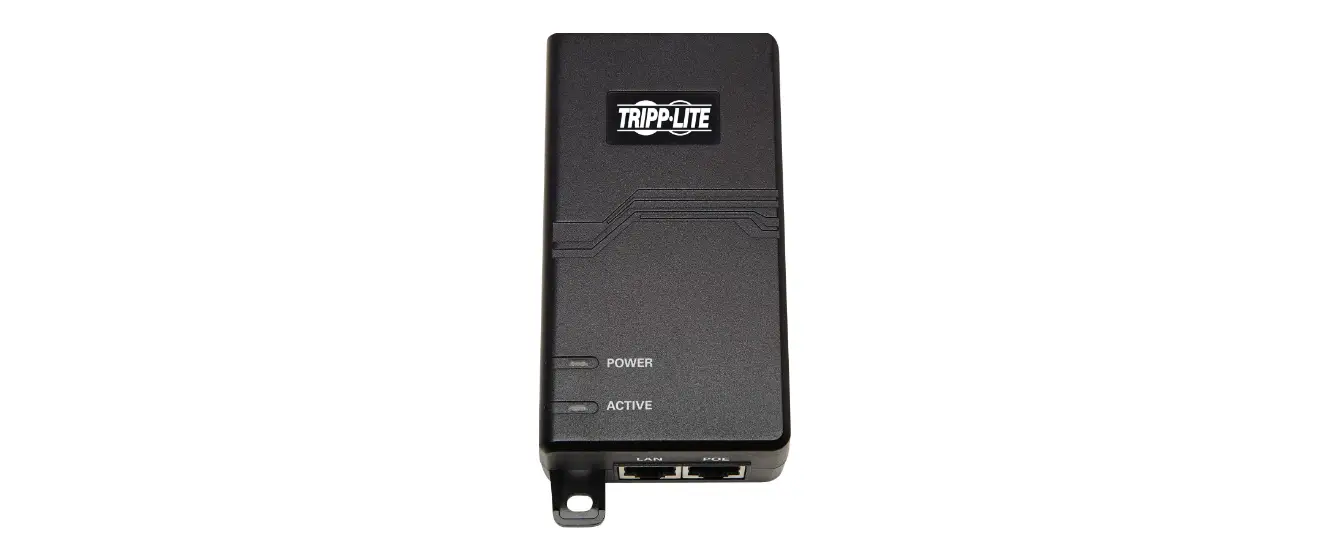
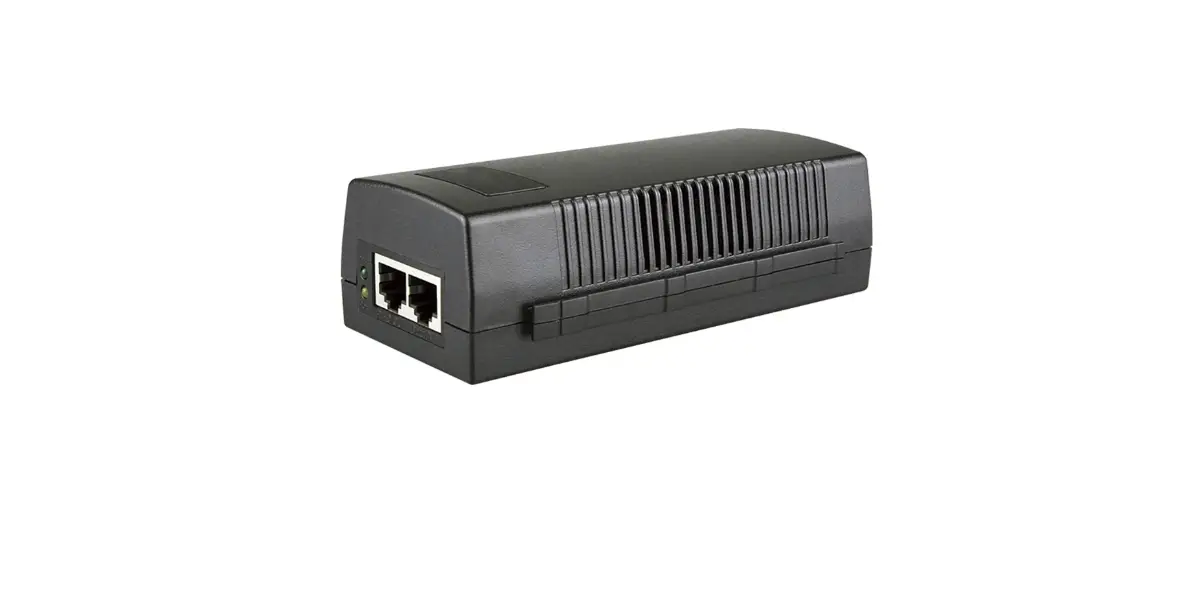
The front panel composed by PSE output ports with data link port, the relevant indicator, as shown below: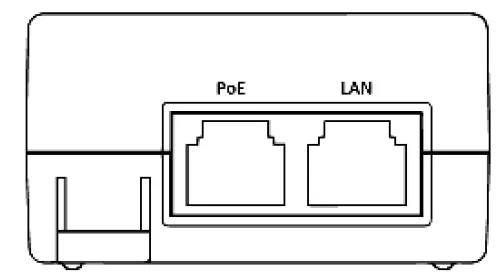
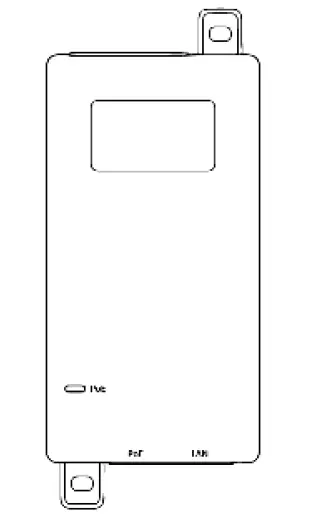
LED indicator
| LED | Color | Function |
| PoE | Green | Off: No PoE supply. Light: Indicates the machine has PoE supply |
Rear Panel
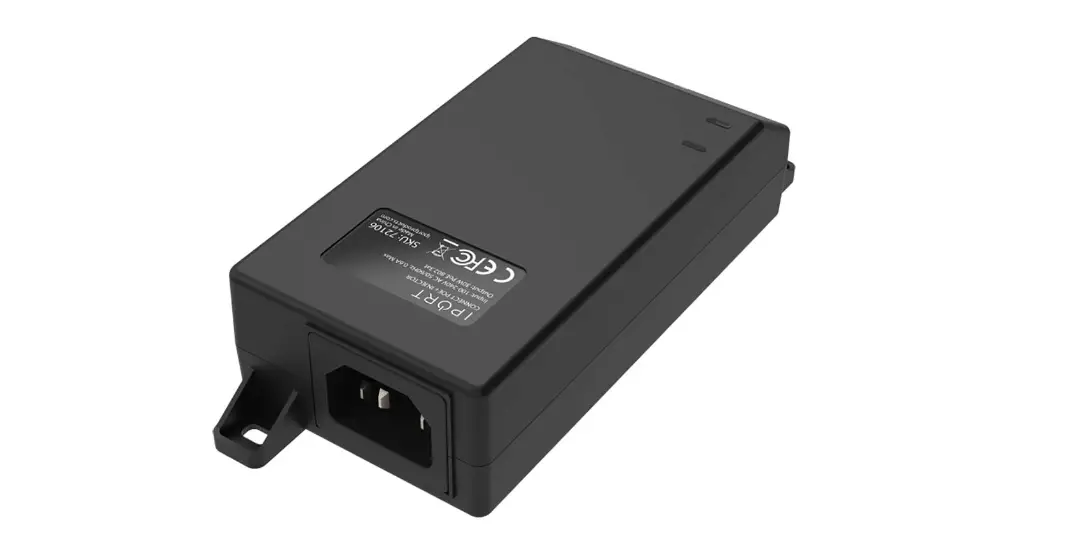
The rear panel of AC inlet power socket .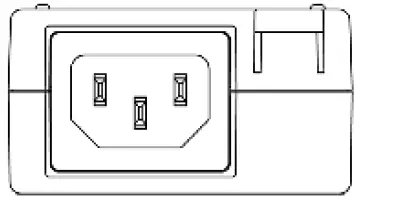
Installation
This part describes how to install your machine and make connections to it. Please follow the following instructions in avoid of incorrect installation causing device damage and security threat.
- Before cleaning the machine, unplug the power plug of the machine first. Do not clean the machine with wet cloth or liquid;
- Do not place the machine near water or any damp area. Prevent water or moisture from entering the machine chassis;
- Do not place the machine on an unstable case or desk. The machine might be damaged severely in case of a fall;
- Ensure proper ventilation of the equipment room and keep the ventilation vents of the machine free of obstruction;
- Make sure that the operating voltage is the same one labeled on the machine;
- Do not open the chassis while the switch is operating or when electrical hazards are present to avoid electrical shocks.
Desktop Installation
Install the Switch on a desktop, Allow adequate space for ventilation between the device and the objects around it. The bottom is shown in figure: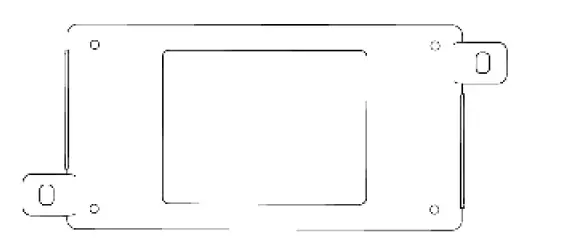
Wall-mounted installation
In the first two fixed screw on the wall as shown in the figure below
Aim at the two fixed hole switches, and the machine smoothly on the screw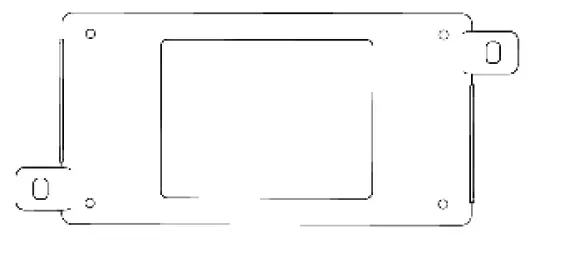

Note: The appliance inlet is served as disconnect device, the socket-outlet shall be i nstalled near the equipment and shall be easily accessible
PoE+ Injector
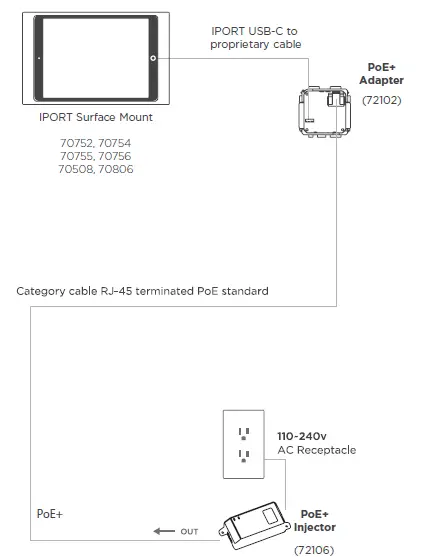
Specifications
| Model | PoE Injector |
| Port | Data in port:1 x 10/100/1000Mbps RJ45 port PoE out port : 1×10/100/1000Mbps RJ45 port |
| Standard | IEEE802.3, IEEE802.3u, IEEE802.3ab, IEEE802.3af, IEEE802.3at |
|
Network Media(Cable) | 10BASE-T: UTP category 3, 4, 5 cable {lOOm} 100BASE-TX: UTP category 5 cable {lOOm} 1000BASE-T: UTP category 5e cable {lOOm} |
| Dimensions (L*W*H) | 142 *60 *32 mm |
| mains input | AC 100V-240V 50/60Hz |
| PoE power output | DC 55V Power 30W |
| PSE Power on RJ-45 | Mode A: 1/2(+), 3/6(-) |
| PoE Output | 30W(Max) |
| Temperature | Operating Temperature: 0°C ~ 40 °C (32 °F ~104°F ) Storage Temperature: -40 °C ~ 70 °C (-40 °F ~158°F ) |
| Humidity | Operating Humidity: 10% ~ 90% non-condensing Storage Humidity: 5% ~ 90% non-condensing |