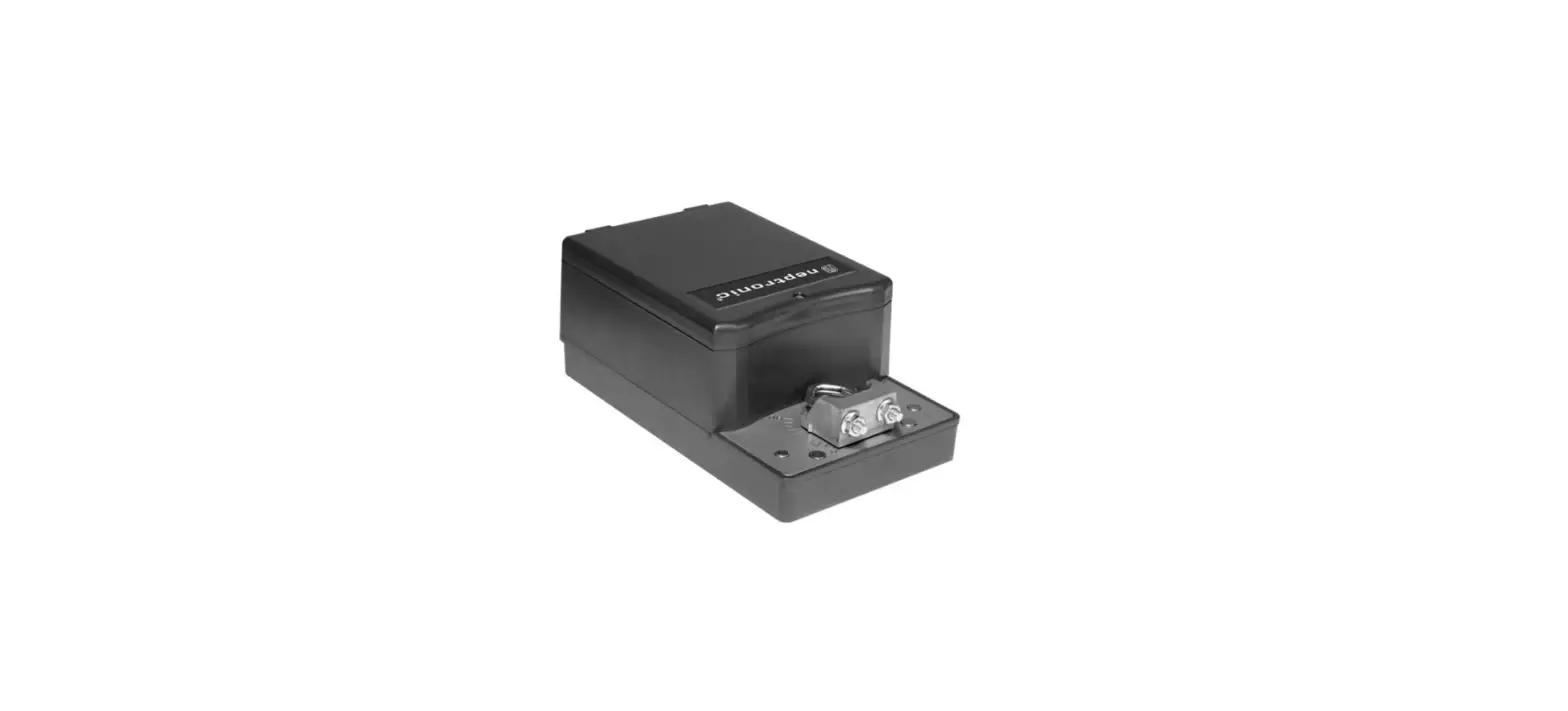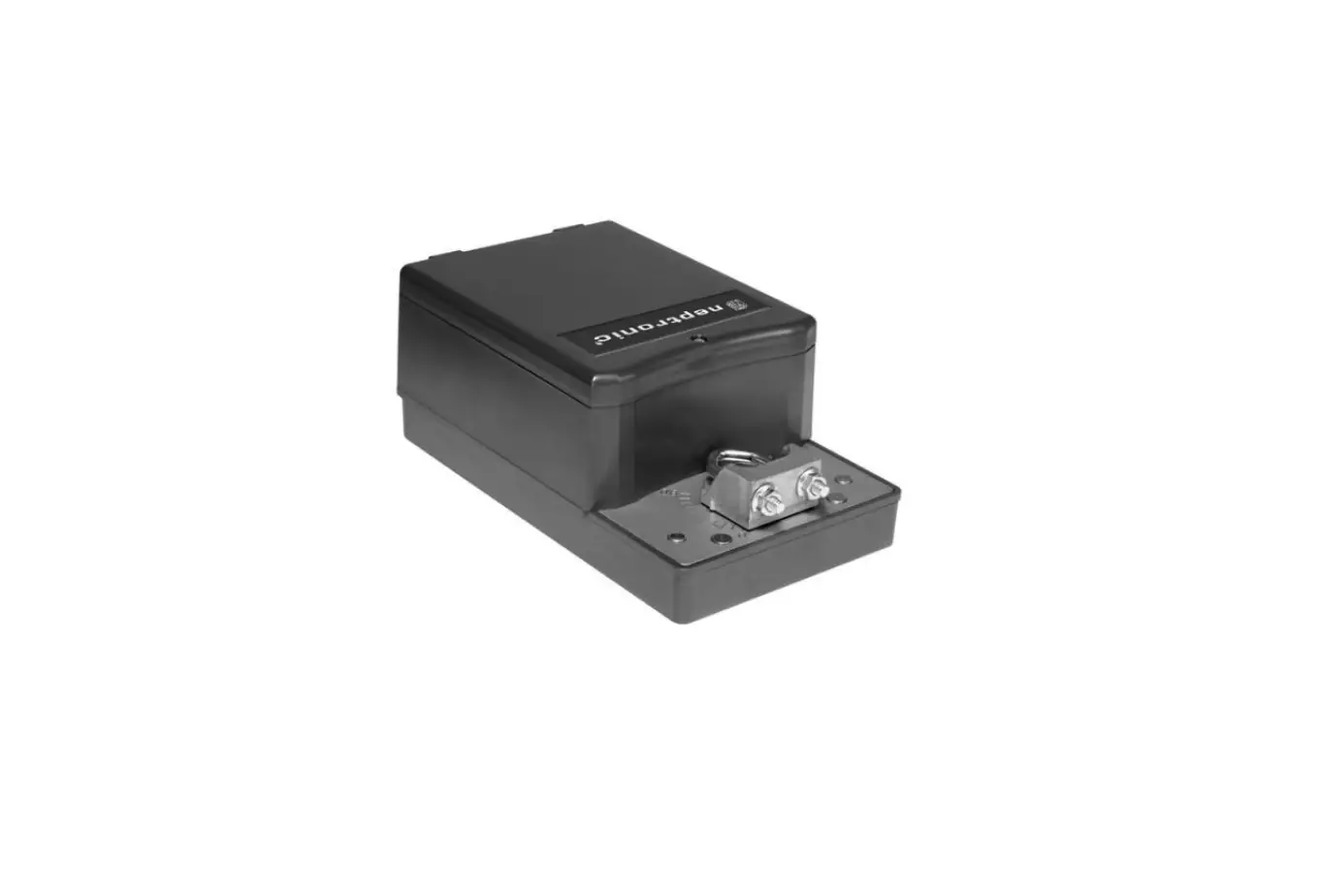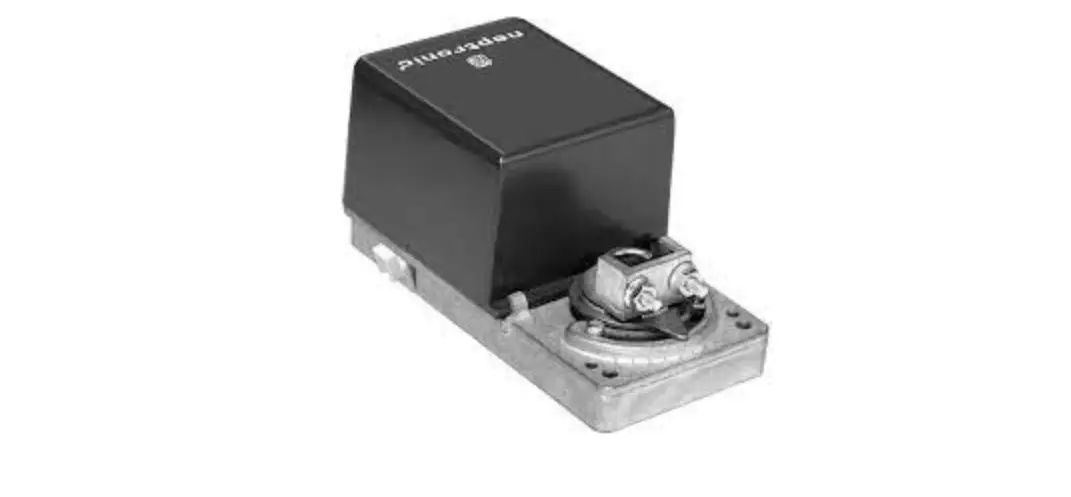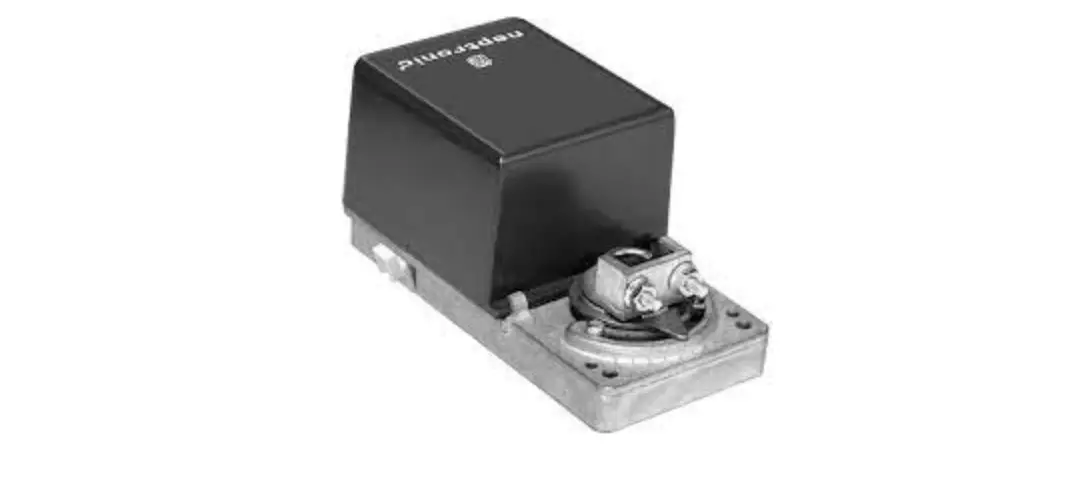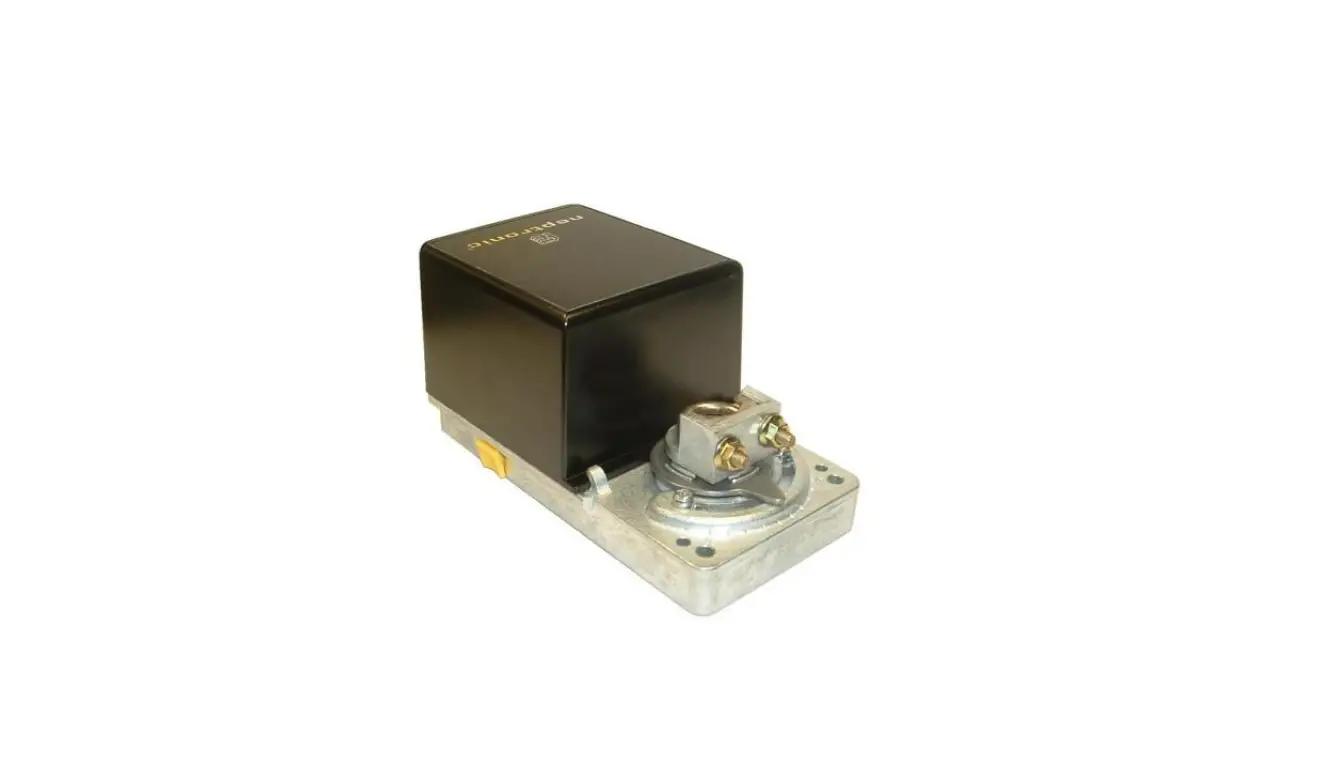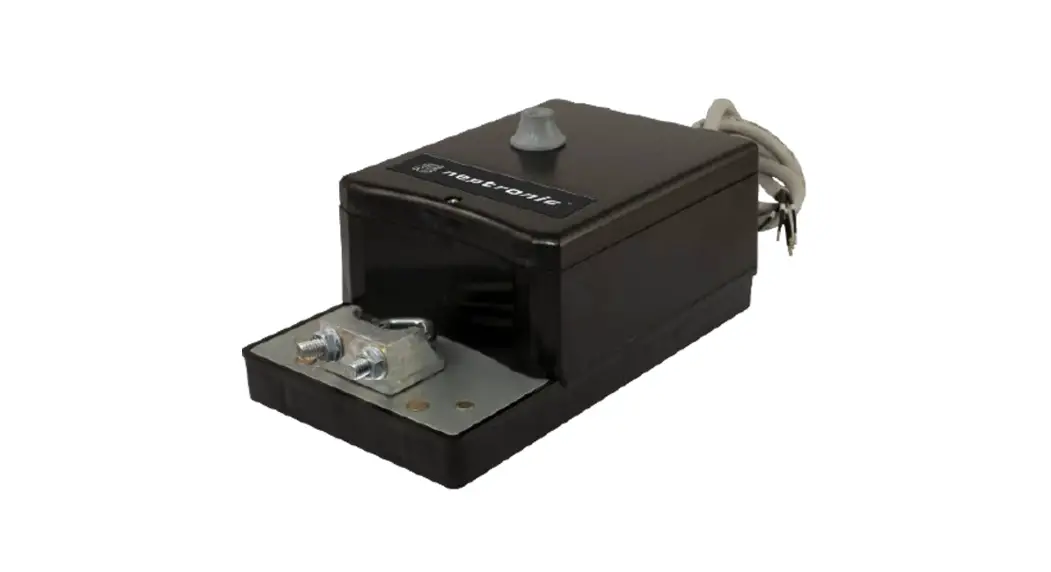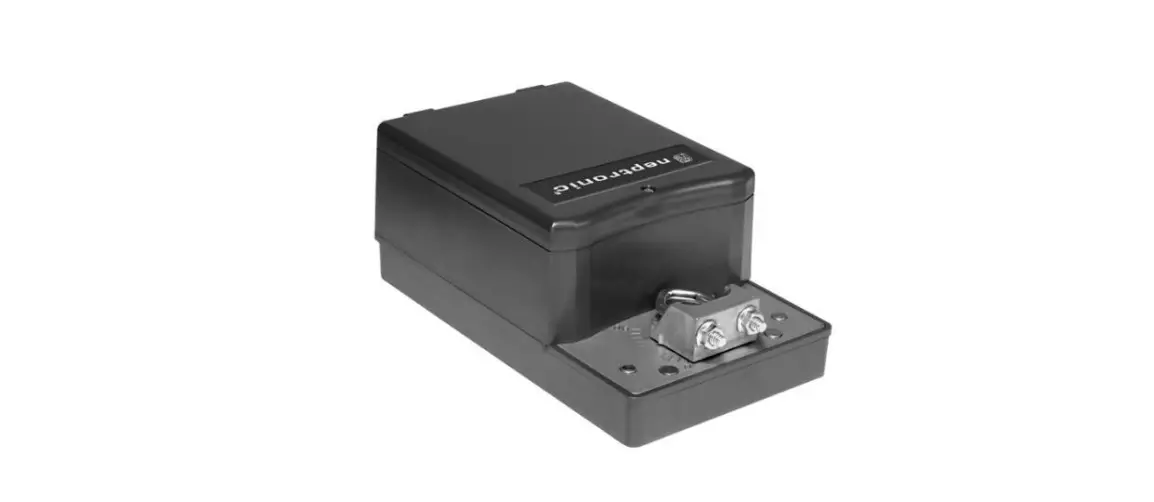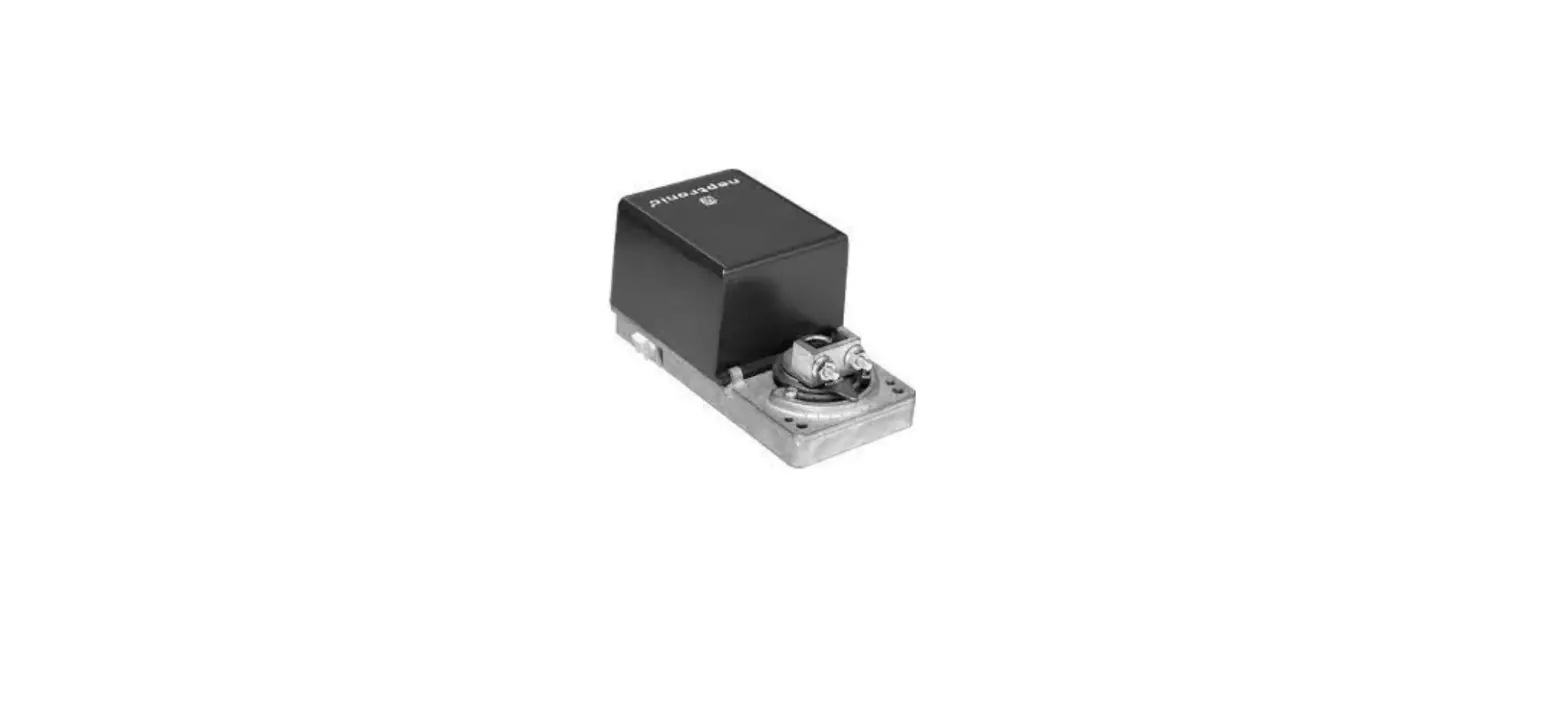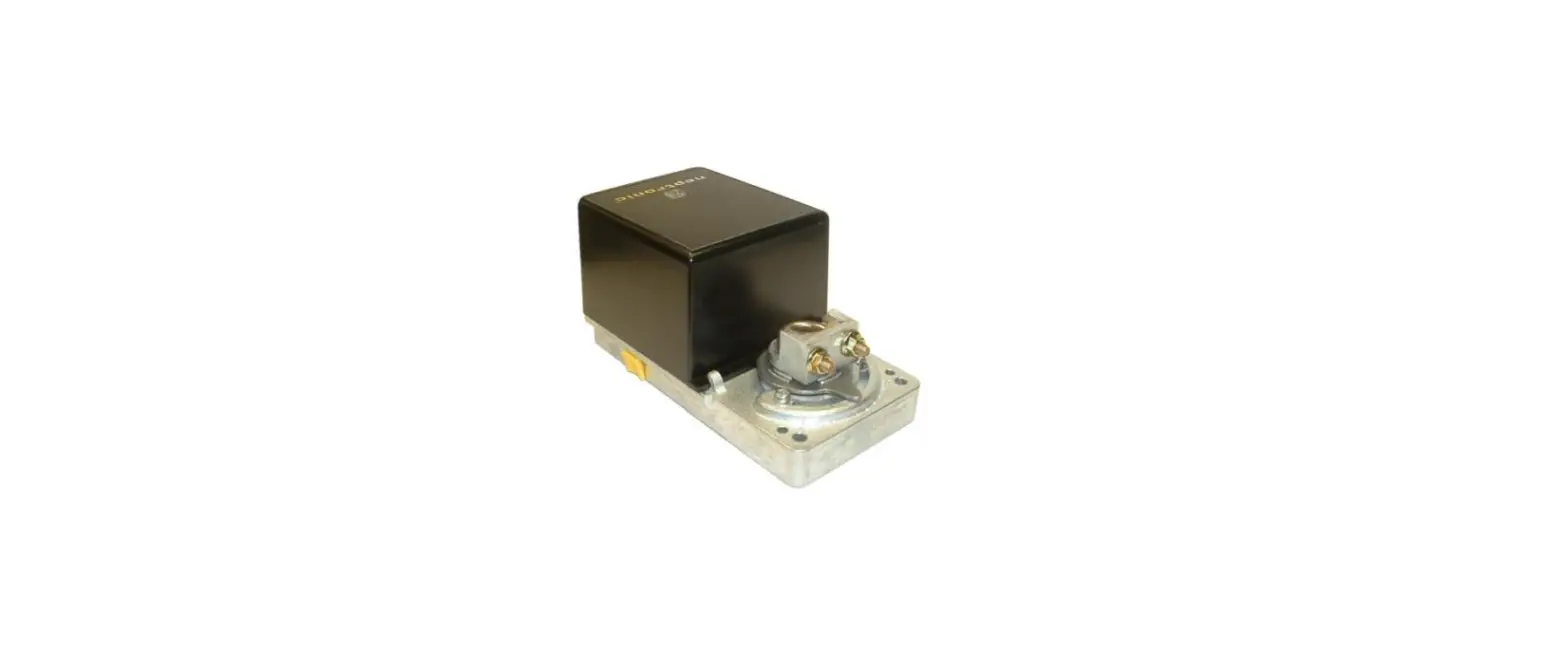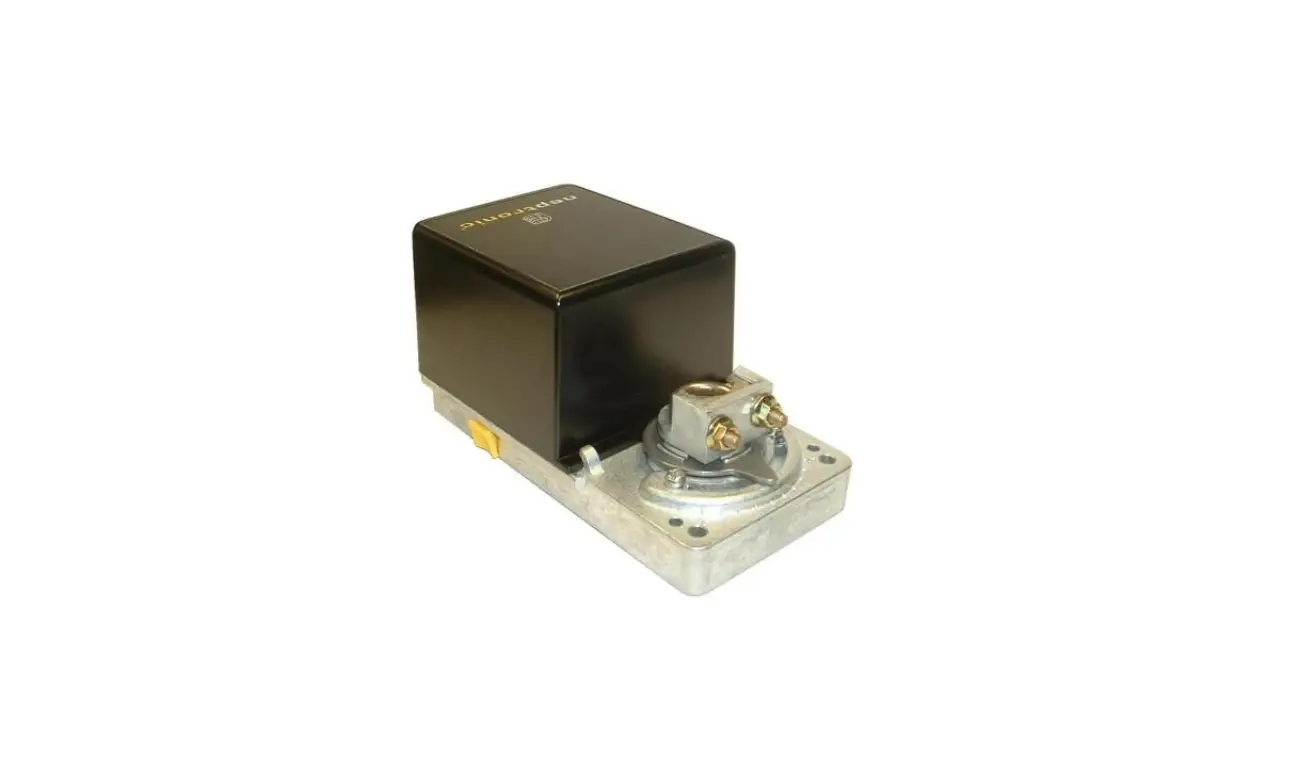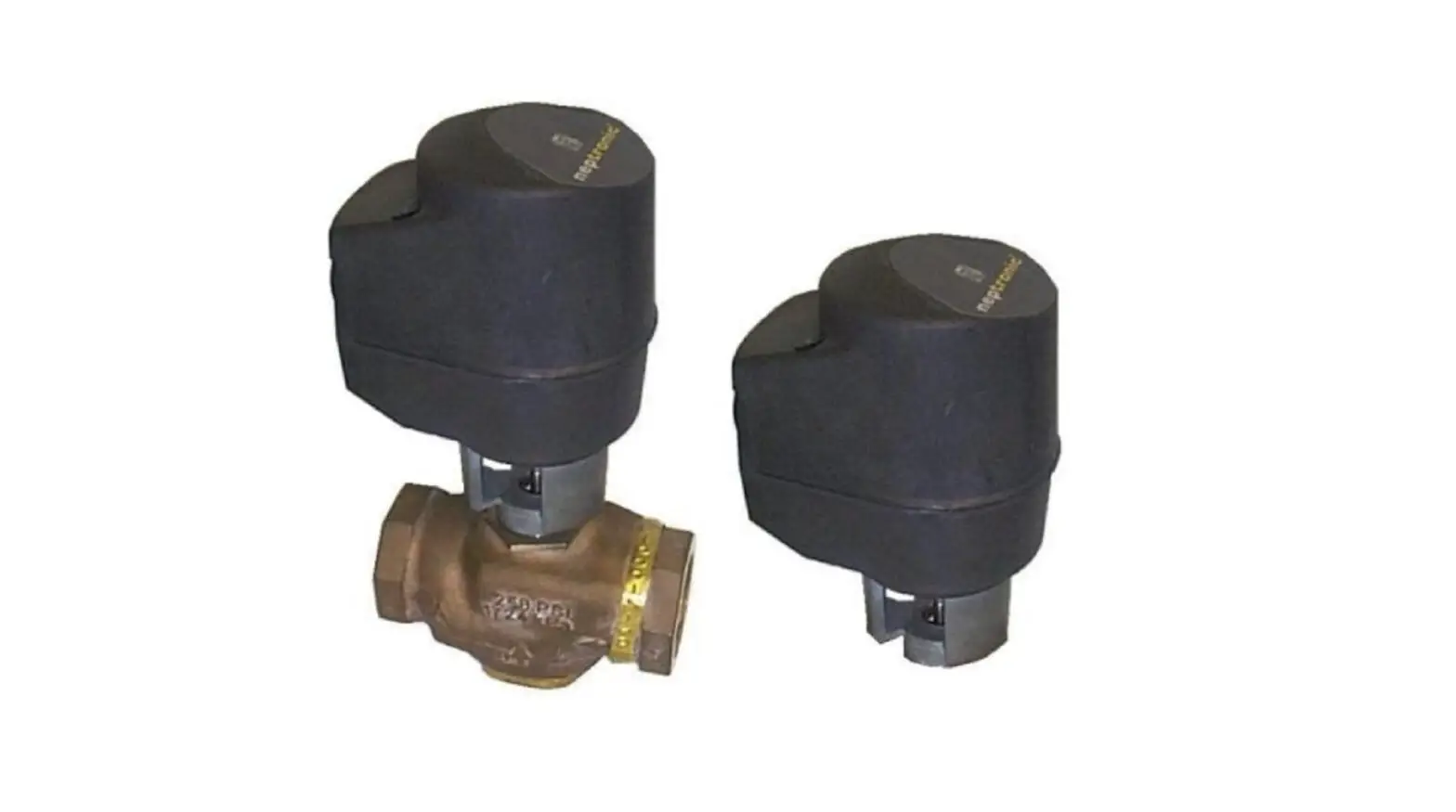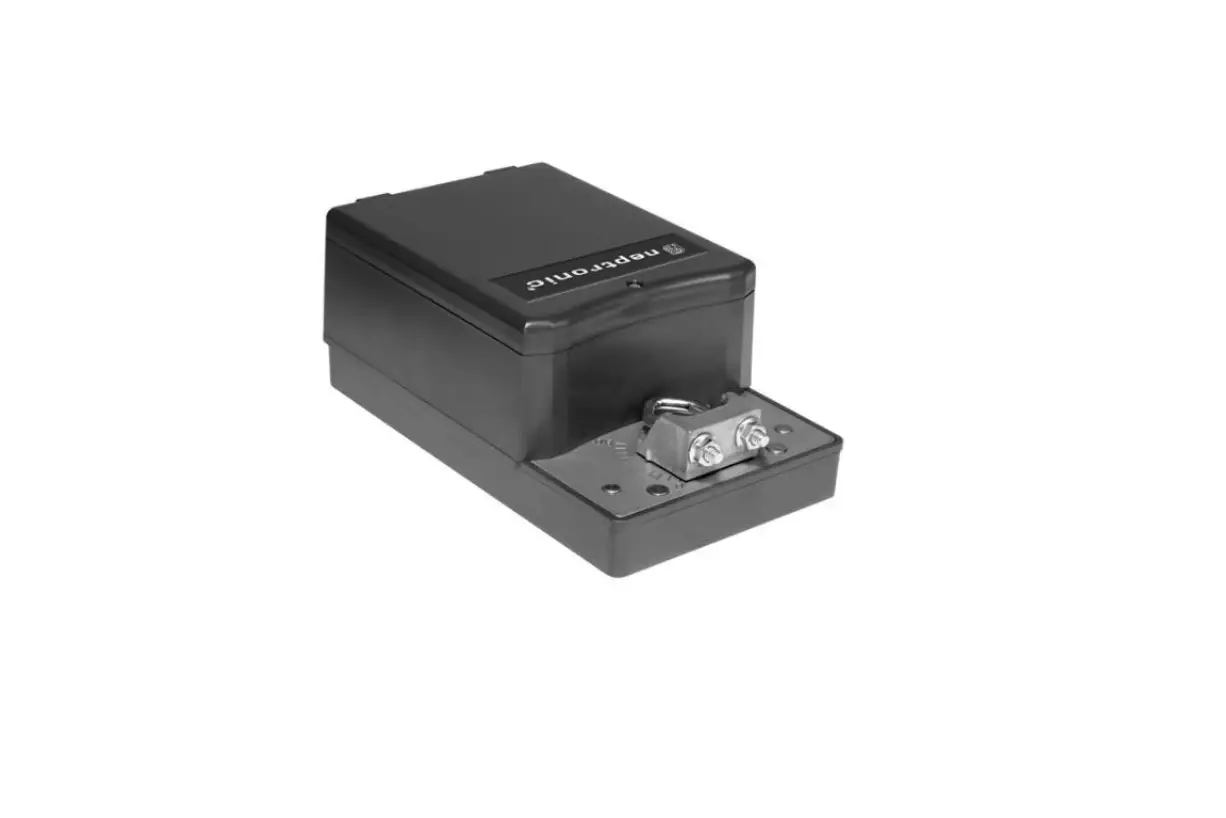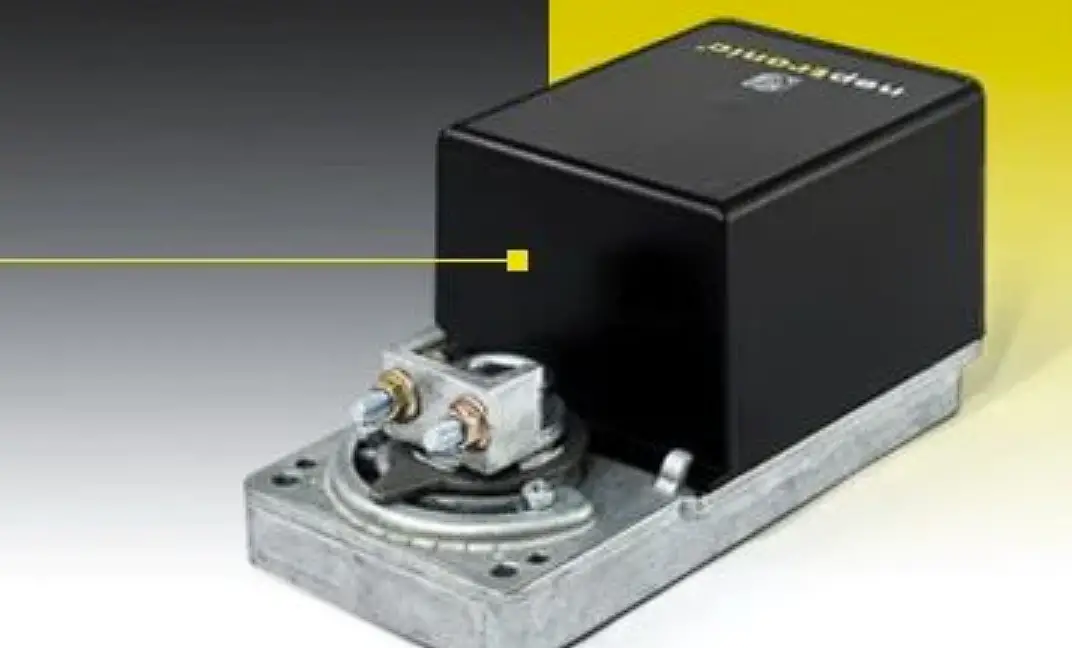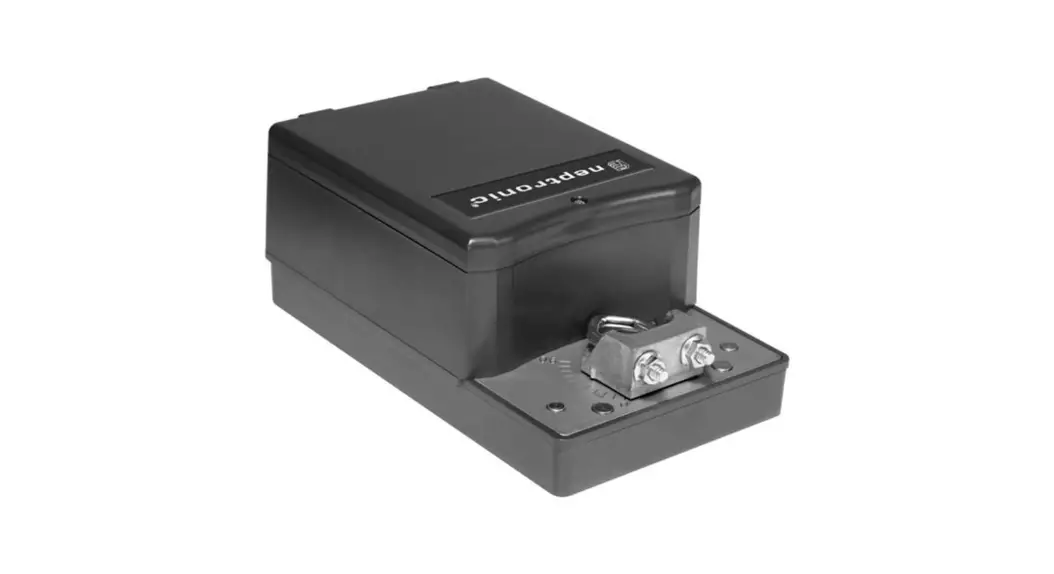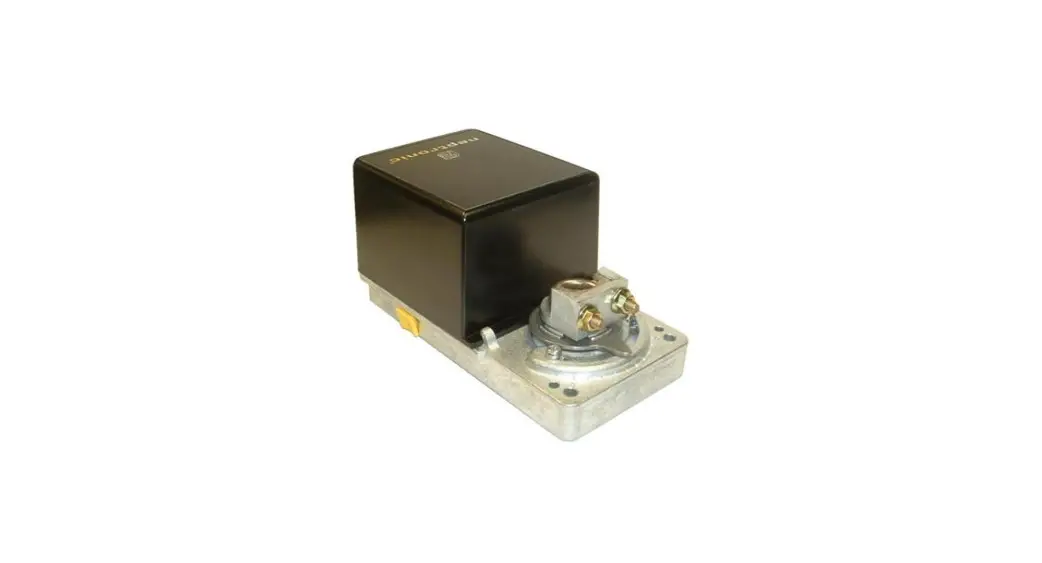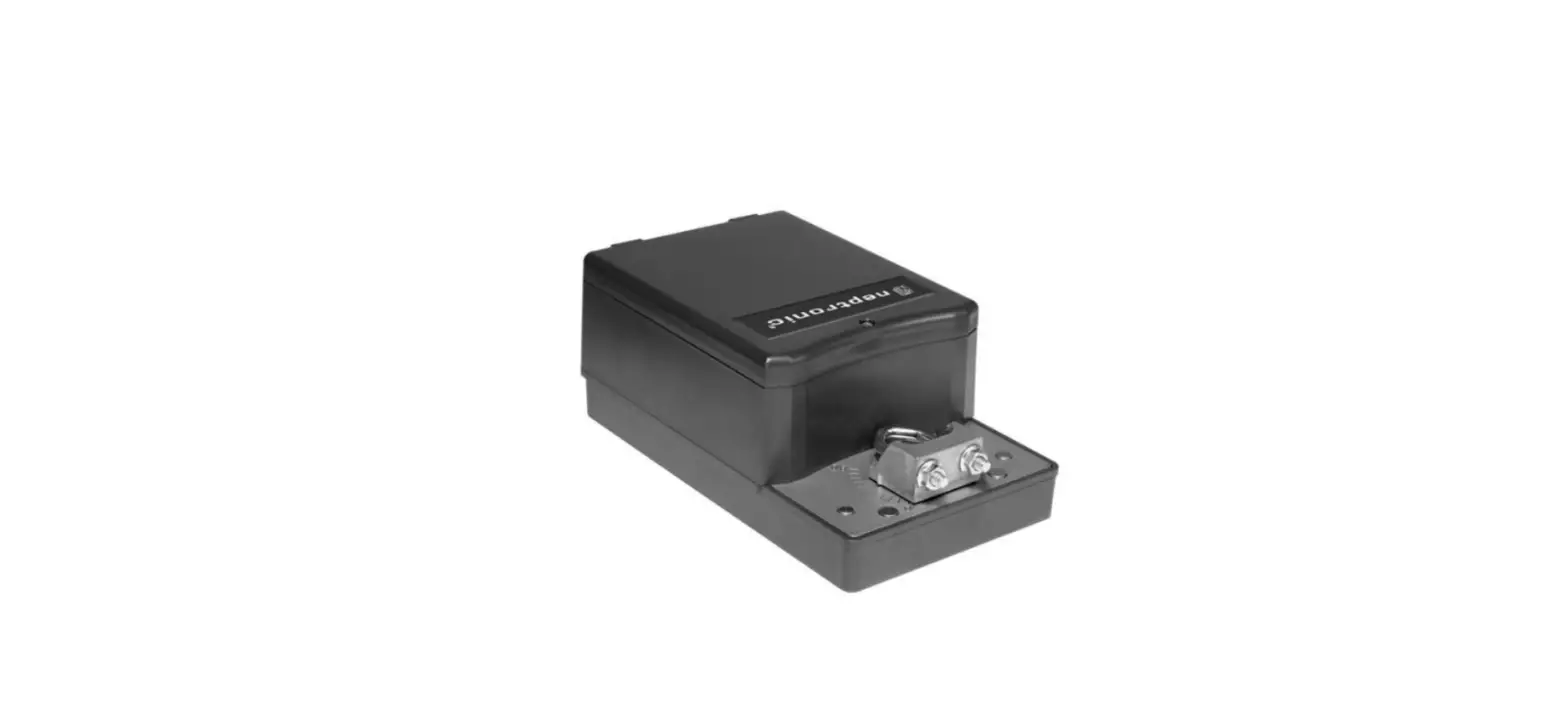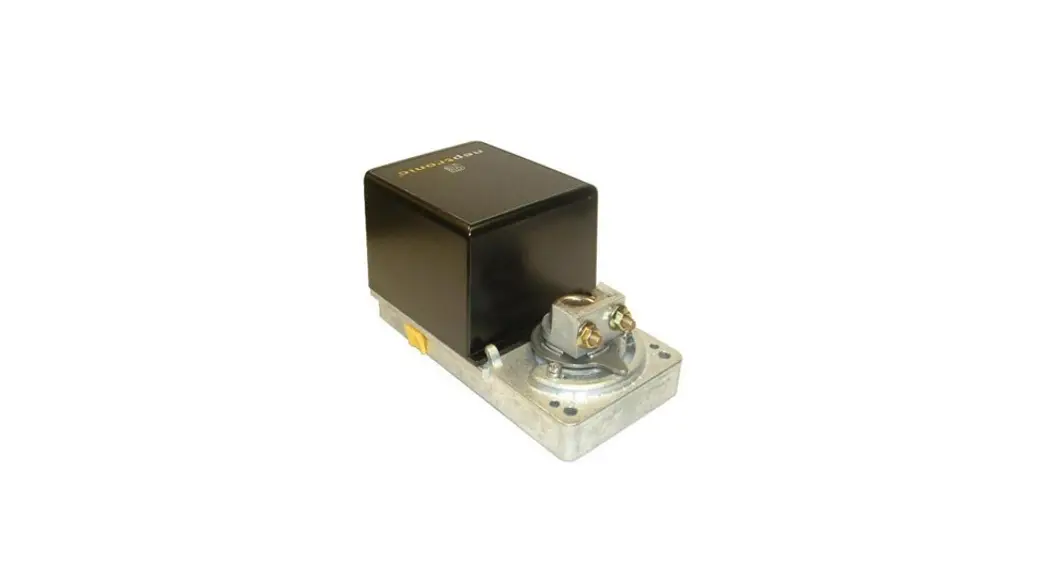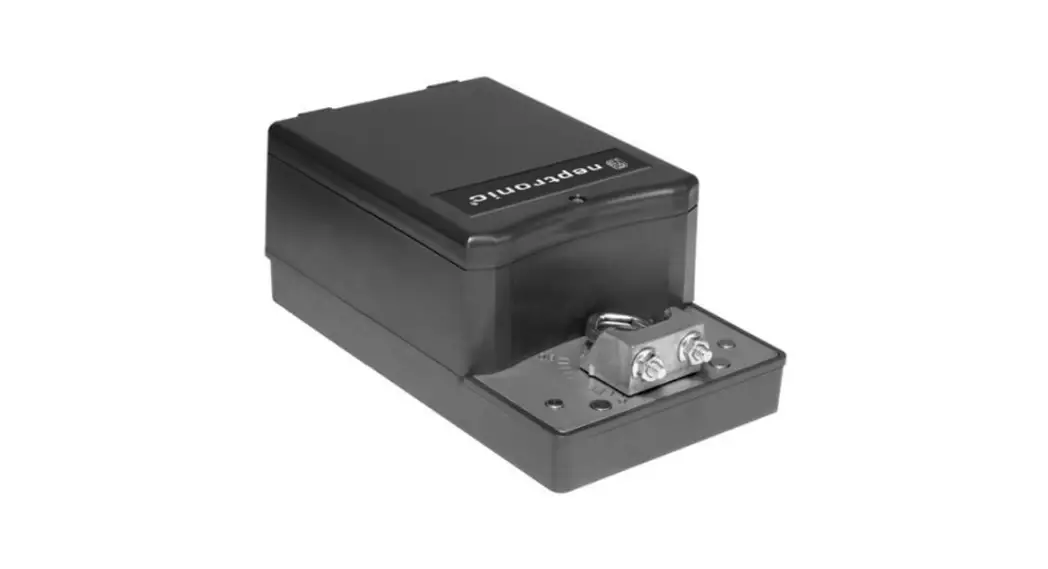
 Actuators
Specification & Installation Instructions
Instruction Manual 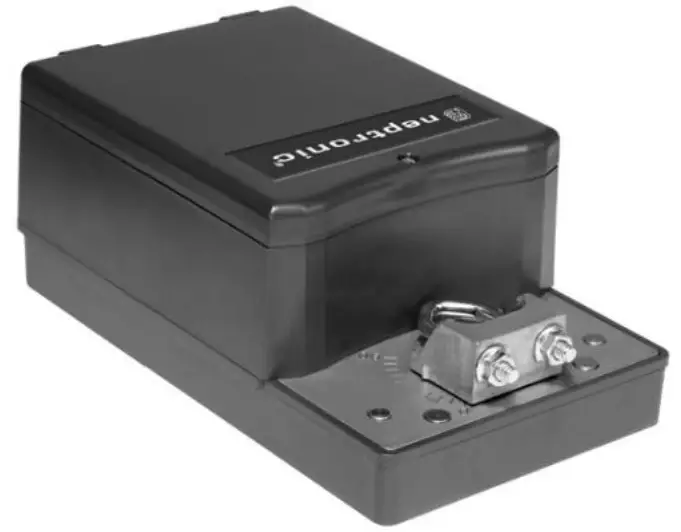
Features:
| • Clutch for manual adjustments | TM000 |
| • Maintenance free | TM020 |
| • Position indicator | TM060 |
| • Control signal fully programmable | TM080 |
| • Fail safe by Enerdrive System1 (on model 060 & 080) | RM000 RM020 |
| • Auxiliary switches (on model 020 & 080) | RM060 RM080 |
Technical Data
| TM000 | TMO20 | TM060 | TM080 | RM000 | RMO20 | RM060 | RM080 | |
| Auxiliary switches | No | Yes (2) | No | Yes (2) | No | Yes (2) | No | Yes (2) |
| Fail safe – Enerdrive | No | Yes | No | Yes | ||||
| Power consumption | 8 VA | 30 VA Peak, 8VA | 10 VA | 30 VA Peak, 10VA | ||||
| Torque | 180 in.lb. [20 Nm] at rated voltage | 360 in.lb. [40 Nm] at rated voltage | ||||||
| Weight | 4.5 lbs. [2 kg] | 7 lbs. [3.2 kg] | ||||||
| Running time through 90° | 60 to 85 sec torque dependant | |||||||
| Feedback | 4 to 20 mA or 2 to 10 Vdc adjustable | |||||||
| Power supply | 28 to 32 Vdc or 22 to 26 Vac | |||||||
| Electrical connection | 18 AWG [0.8 mm2] minimum | |||||||
| Inlet bushing | 2 inlet bushing of 7/8 in [22.2 mm] | |||||||
| Control signal | Analog, Digital or Pulse with modulation (PWM) programmable (factory set with Analog control signal) | |||||||
| Angle of rotation | 0 to 90 degrees, electronically adjustable (factory set with 90° stroke) | |||||||
| Direction of rotation | Reversible, Clockwise (CW) or Counterclockwise (CCW) (factory set with CW direction) | |||||||
| Ambient temperature | 0°F to 122°F [-18° C to 50°C] | |||||||
| Storage temperature | -22°F to 122°F [-30° C to 50°C] | |||||||
| Relative Humidity | 5 to 95 % non condensing | |||||||
| Warning: Do not press the clutch when actuator is powered | ||||||||
Dimensions
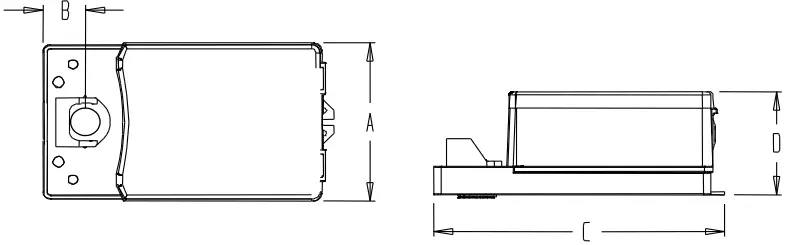
| Dimension | Imperial (in) | Metric (mm) |
| A | 5.2 | 132.1 |
| B | 1.33 | 33.8 |
| C | 9.13 | 231.9 |
| D | 3.55 | 90.2 |
Caution
We strongly recommend that all Neptronic® products be wired to a separate transformer and that transformer shall service only Neptronic® products. This precaution will prevent interference with, and/or possible damage to incompatible equipment.
When multiple actuators are wired on a single transformer, polarity must be observed. Long wiring runs create voltage drop which may affect the actuator performance.
Mechanical installation
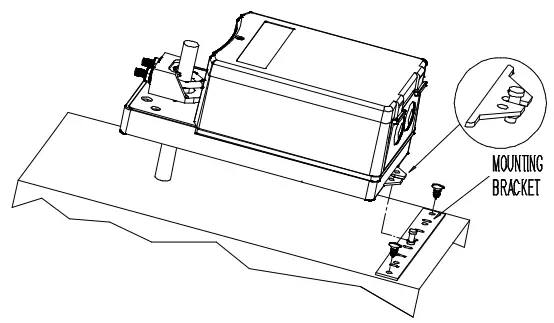
- Manually close the damper blades and positioned the actuator at 0º or 90º.
- Slide the actuator onto the shaft.
- Tighten the nuts on the “U” bolt to the shaft with a 10mm wrench to a torque of 150 in.lb. [17 Nm].
- Slide the mounting bracket under the actuator. Ensure free movement of the slot at the base of the actuator. The bracket pin must be placed in the mid distance of the slot.
- Fix the bracket to the ductwork with #8 self-tapping screws
Wiring Diagrams
| Analog For 4 to 20 mA control signal Connect one of the supplied 500 ohm resistors between pins 1 and 3. | PWM |
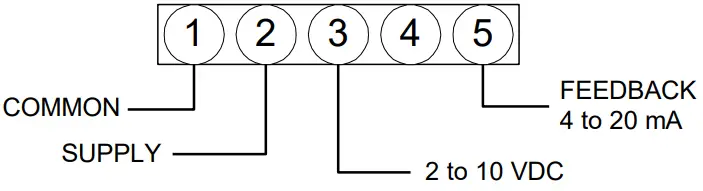 | 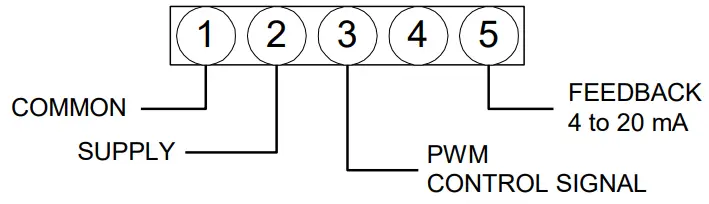 |
| Digital – 3 wire / 2 position | Digital – 4 wire / 3 point floating |
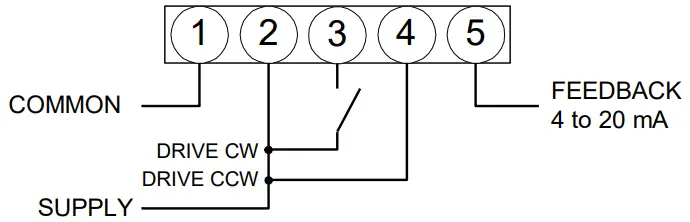 | 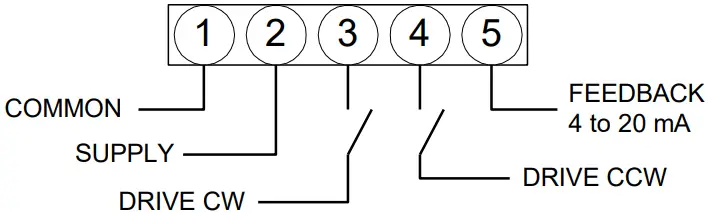 |
Special consideration for Digital control
In this mode, actuator is sensitive to induced electrical voltages from other sources. To prevent such interference, wire one 2.2k ohm 0.5W resistor between pins 4 and 1 and a second 2.2k ohm 0.5W resistor between pins 3 and 1. These resistors are supplied.
For 2 to 10 VDC output feedback
For any of above wiring configurations, connect one of the supplied 500 ohm resistors between pins 1 and 5.
PC Board
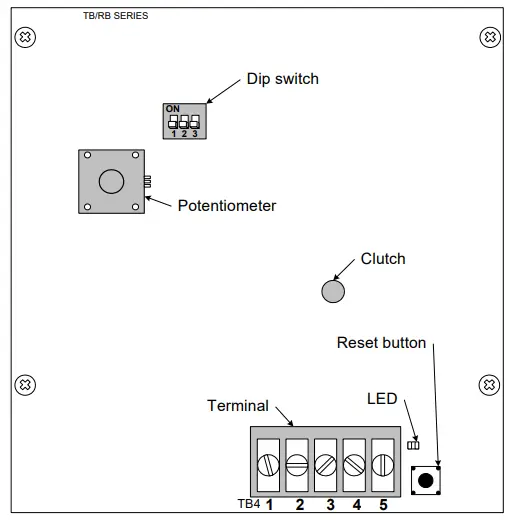 | Dip switch settings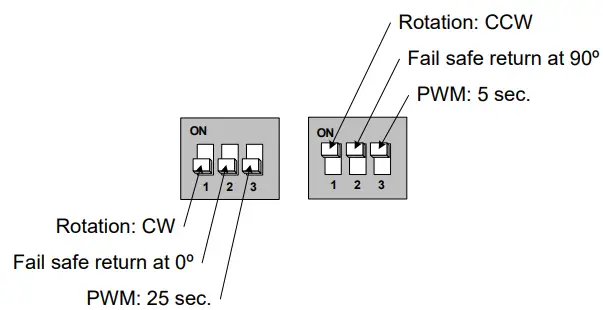 |
Stroke adjustment – No control signal change
- Apply power and, wait for at least 10 seconds.
- Press and release the reset button to start the auto-stroke process.
The LED should be illuminated.
• First option:
The actuator will then travel in both directions to find it’s limit and position itself according to the demand.
The LED will extinguish, the process is complete.
• Second option:
When the desired end position is reached, press and release the reset button. The actuator will now return back to its original position. (you can also press and release the reset button when It’s reaches the original position)
The LED will extinguish, the process is complete.
Programming – Change of control signal
- Remove power and put all dip switches “OFF”. (factory preset).
- Apply power and, within 10 seconds, press and release the reset button. The LED should be blinking.
- Select the control signal with dip switches:
• Digital (On/Off or 3 point floating) move switch No1 “ON” and then “OFF”.
• PWM move switch No2 “ON” and then “OFF”.
• Analog (factory preset) move switch No3 “ON” and then “OFF”. - Stroke adjustment see the stroke adjustment section above.
Note, If PWM mode is selected:
• Time base: When programming is done,
if switch No3 is “on” time base is 0.1 to 5 sec. (resolution 20 msec.)
if switch No3 is “off” time base is 0.1 to 25 sec. (resolution 100 msec.)
* For 5 sec. time base, we strongly recommend a switch common connection for better position stability.
• Switch 24 VAC: Triac or dry contact, 40mA maximum switching current.
• Switch common: NPN transistor, SCR, Triac or dry contact 75mA maximum switching current.
Feedback selection (CCW direction)
To select CCW direction put switch No1 “ON”.
In Analog or 3 point floating mode you can program the feedback control.
| If switch No3 is “OFF”: The feedback control is automatically reverse to 4 to 20 mA for 90to 0 degrees. | If switch No3 is “ON”: The feedback control is to 20 to 4 mA for 90 to 0 degrees. |
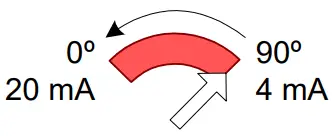 | 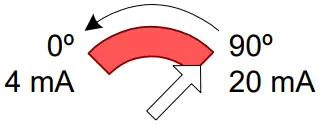 |
Zero and span calibration
This feature is applicable to analog control signal only.
- Remove power and put all dip switches “OFF”. (factory preset).
- Apply power and, within 10 seconds press and hold the reset button until the LED blinks once.
The Zero and span calibration process then start. - Release the reset button. The LED is now constantly illuminated.
- Apply new minimum voltage.
It can be any value between 0 to 7 VDC, with an external 0 to 10 volt supply (ex: MEP). - Press and release the reset button to memorize the new minimum voltage. The LED blinks once.
- Apply new maximum voltage.
It can be any value between 3 to 10 VDC, this value should be greater than the new minimum value. - Press and release the reset button to memorize the new maximum voltage. The LED blinks once.
The Zero and span calibration process is complete.
Note: To reset zero and span to 2 to 10 VDC (factory value). You just have to re-select the analog control signal mode, see Programming.