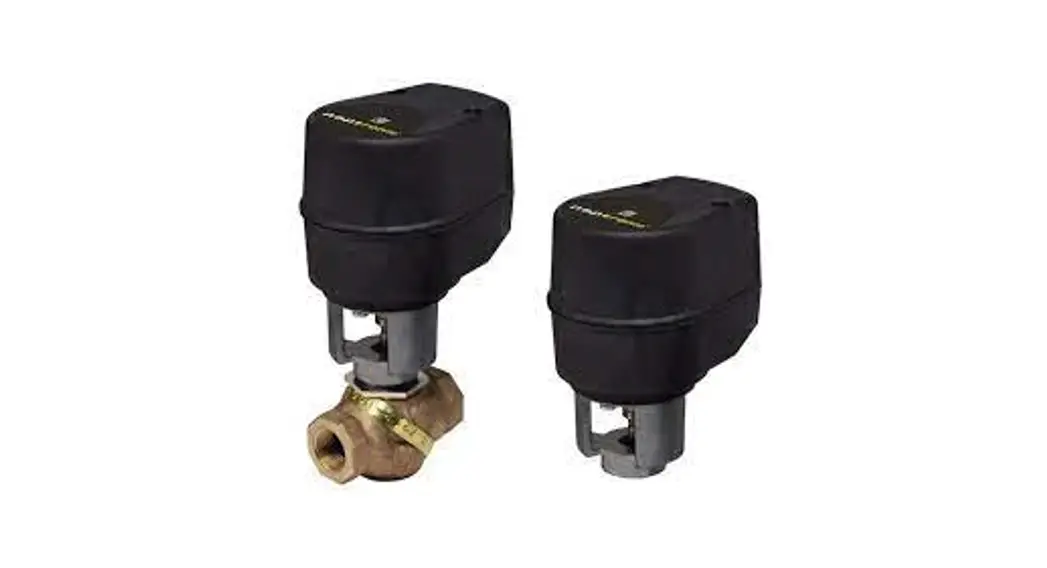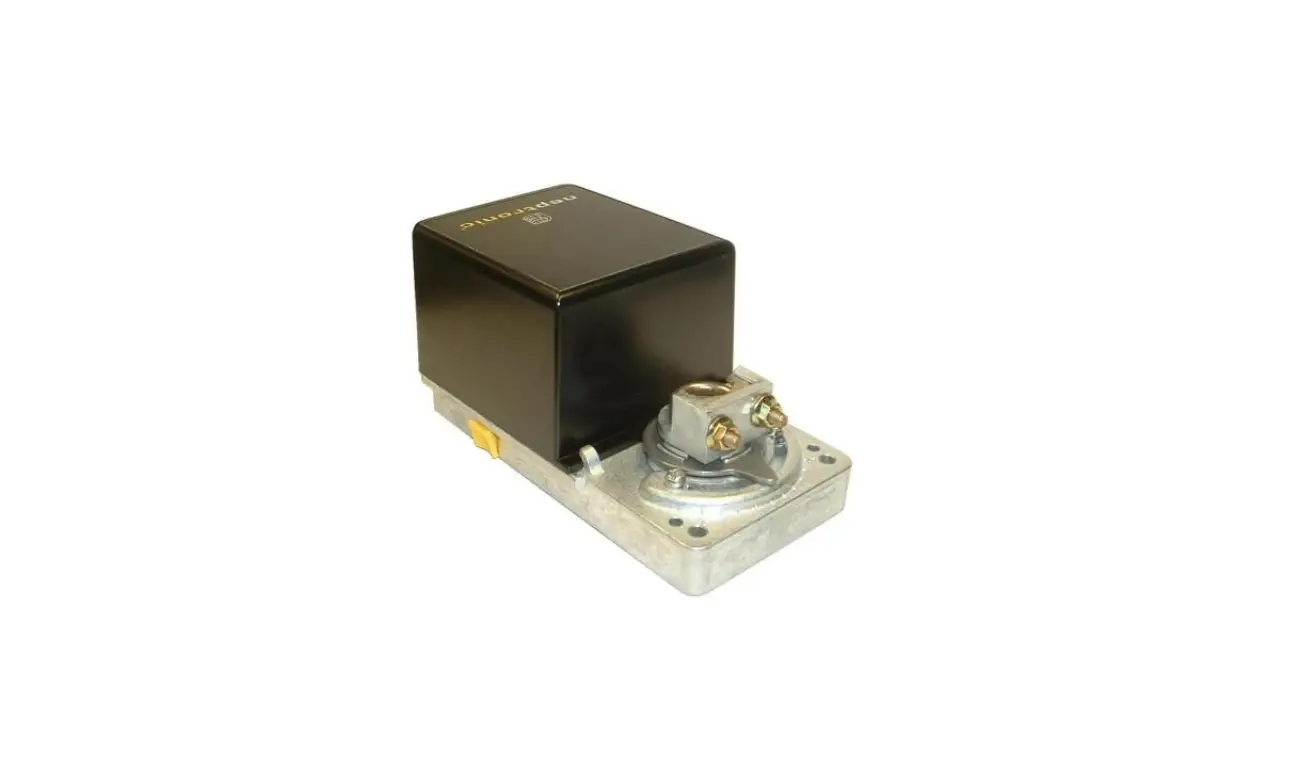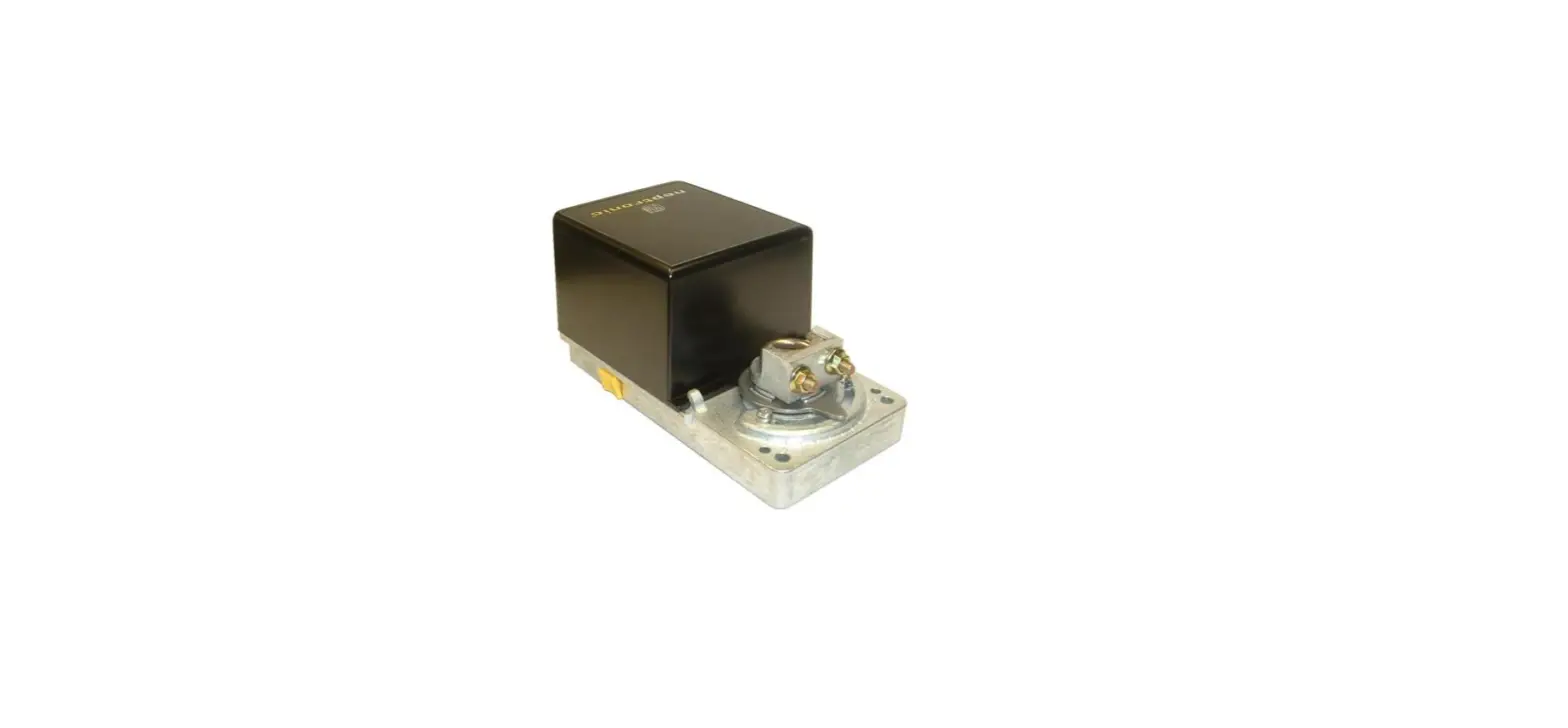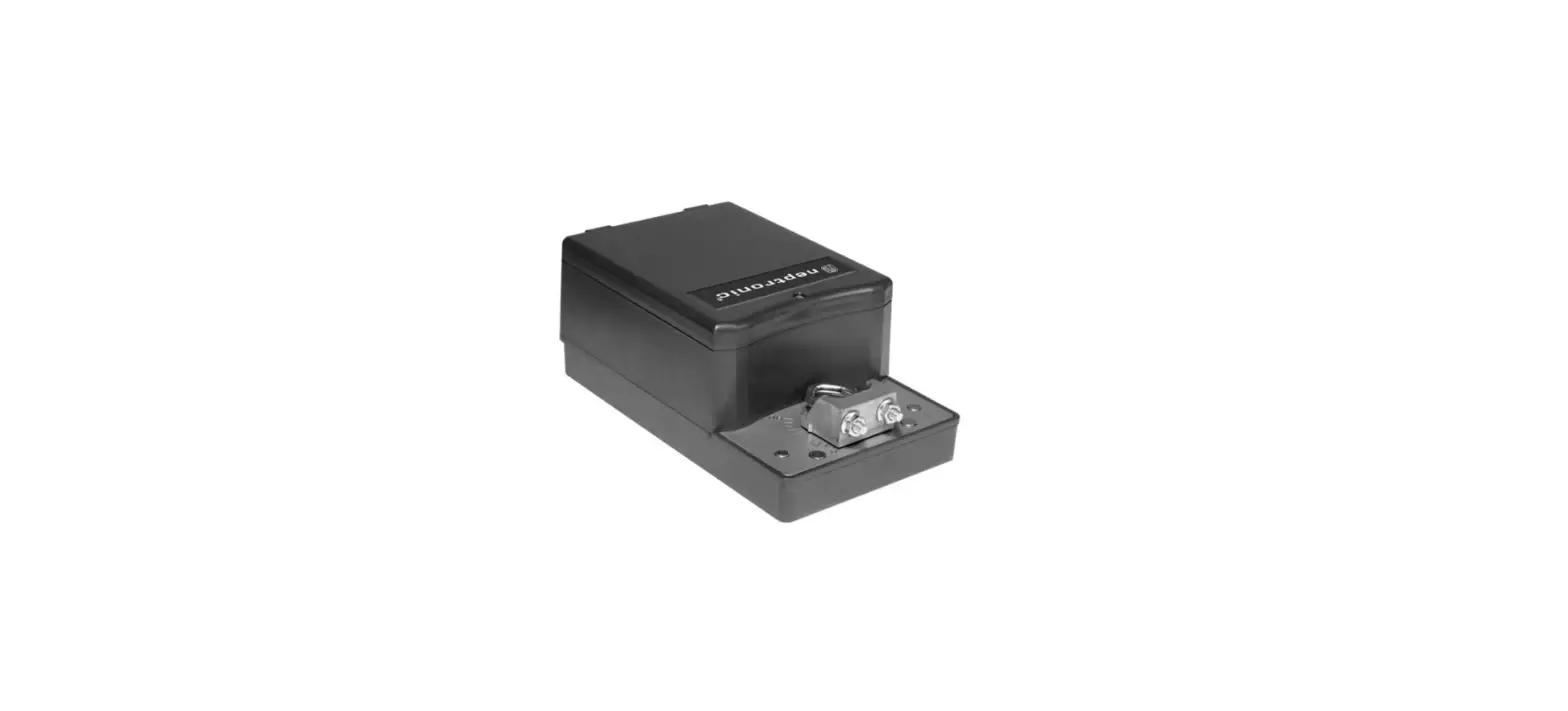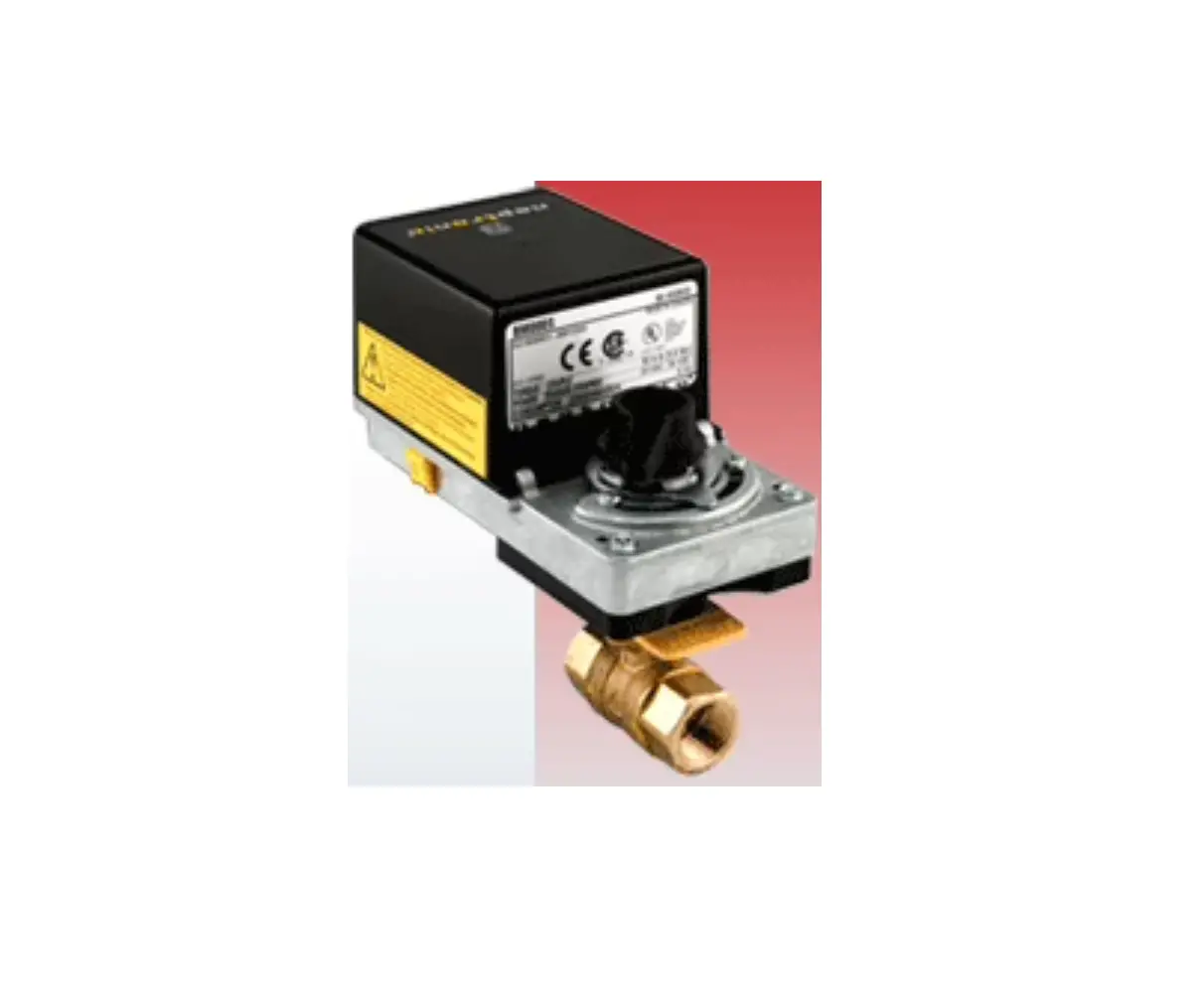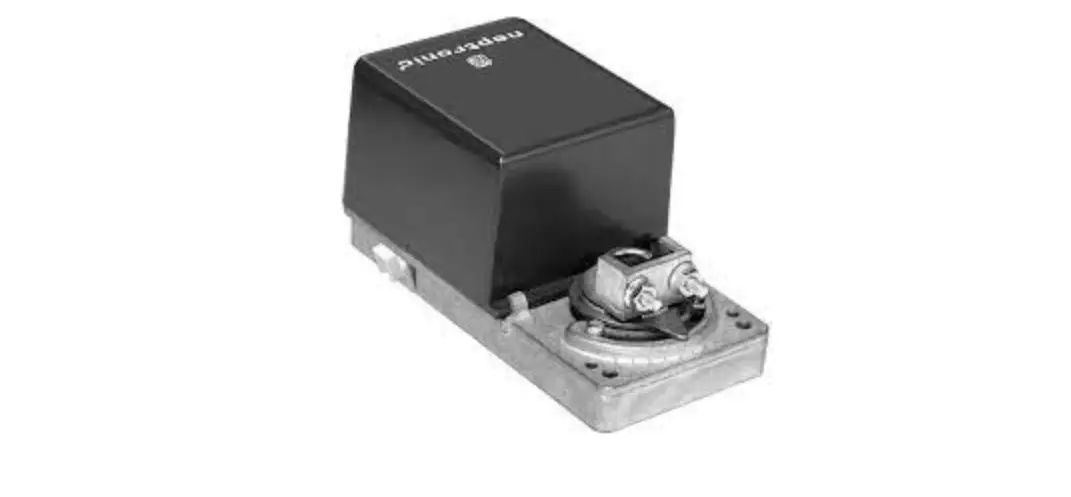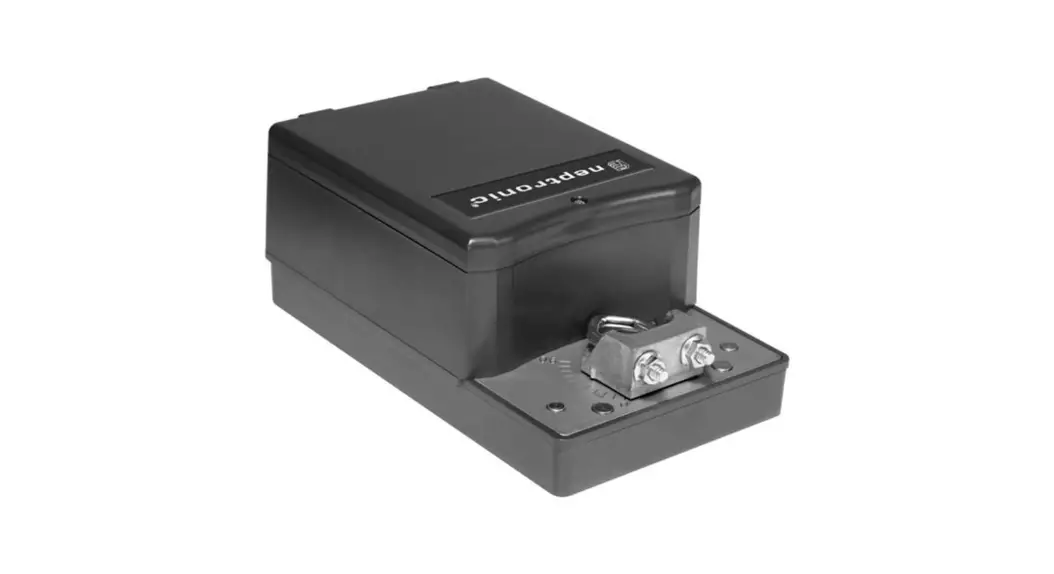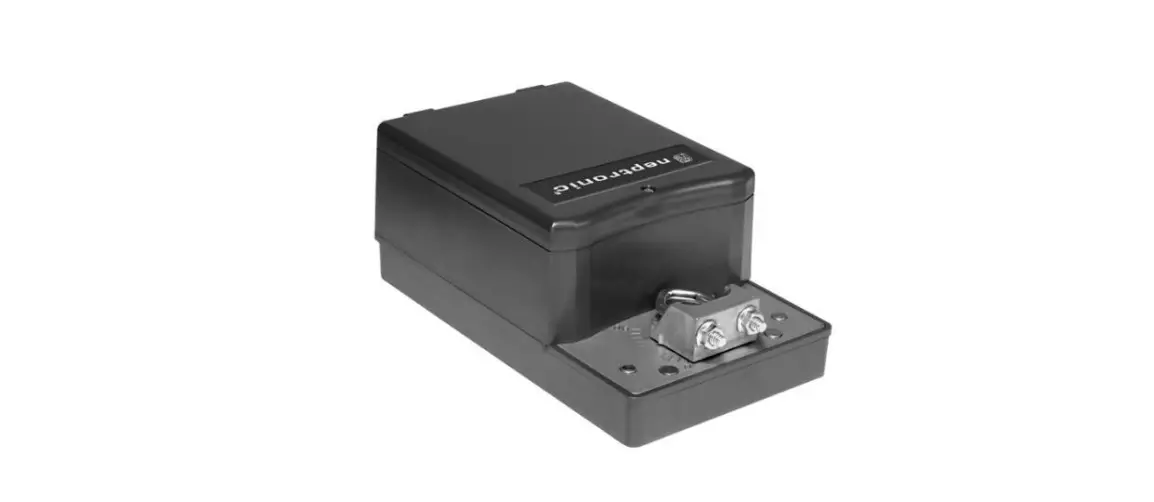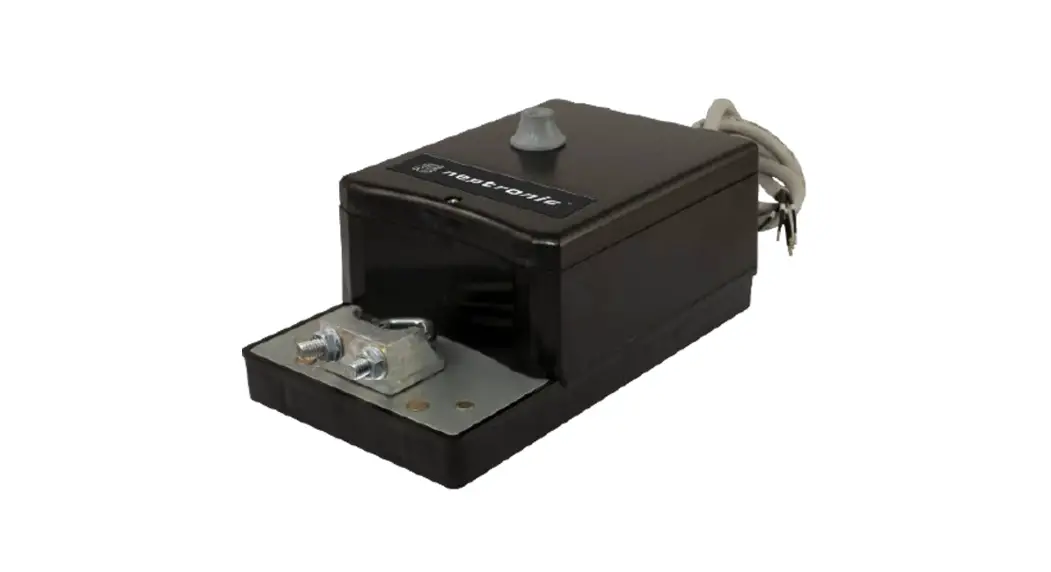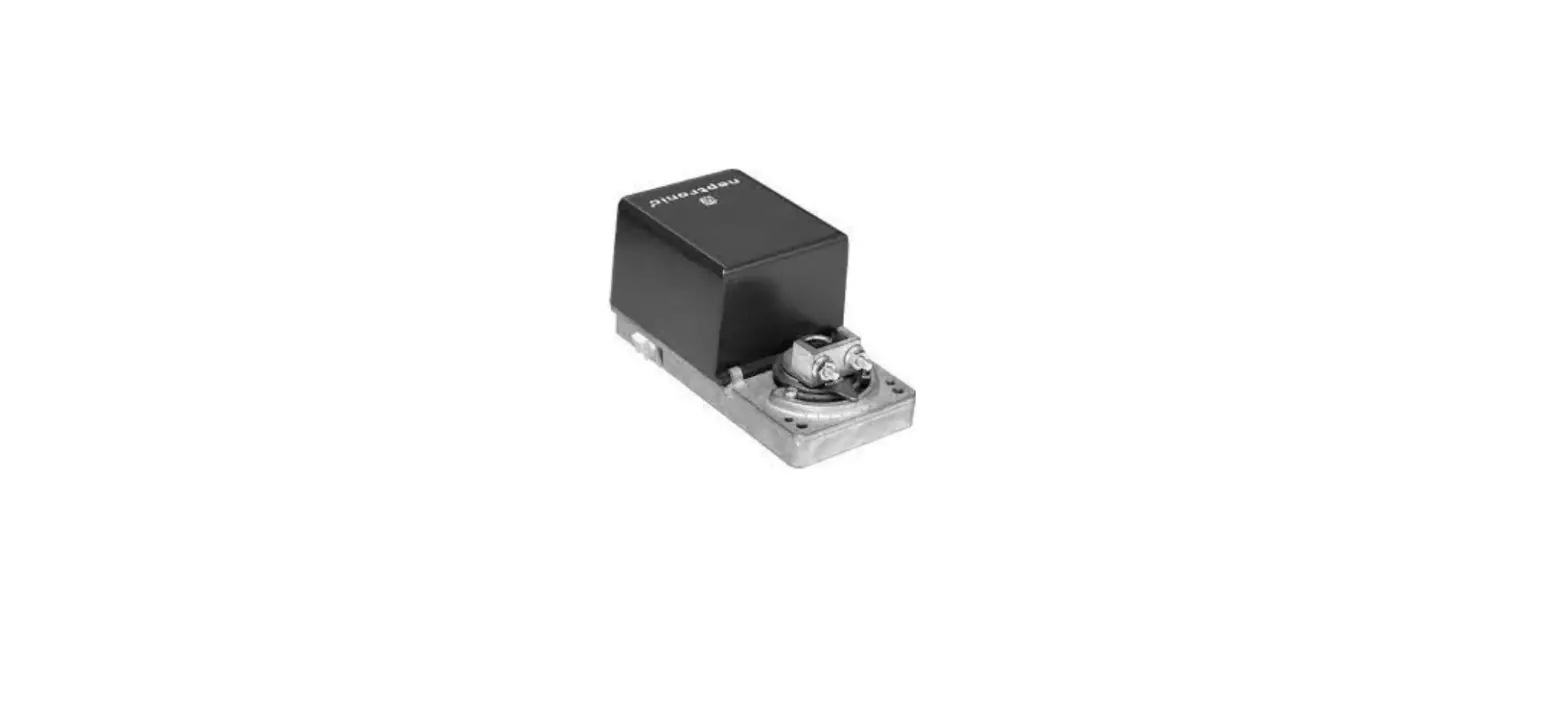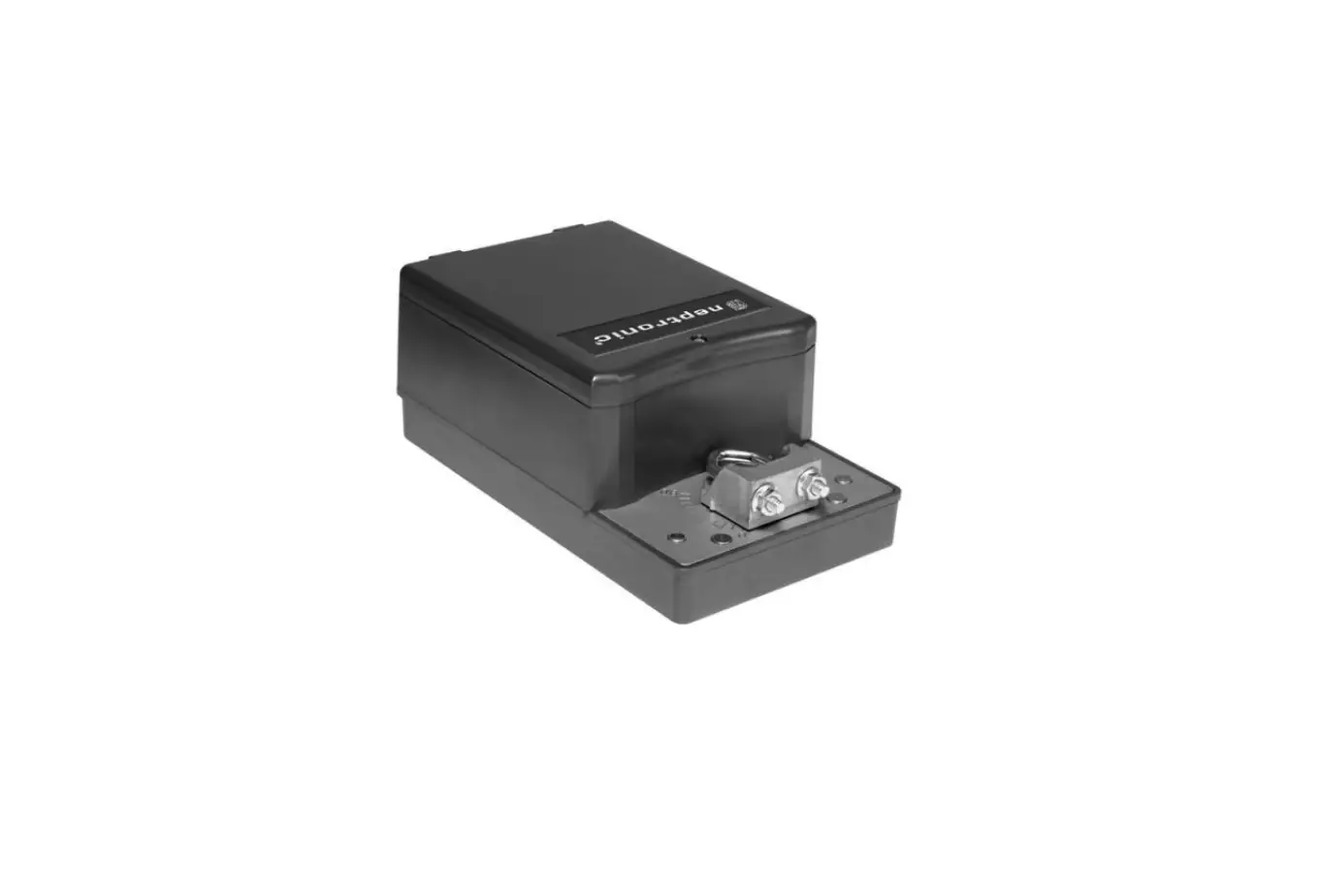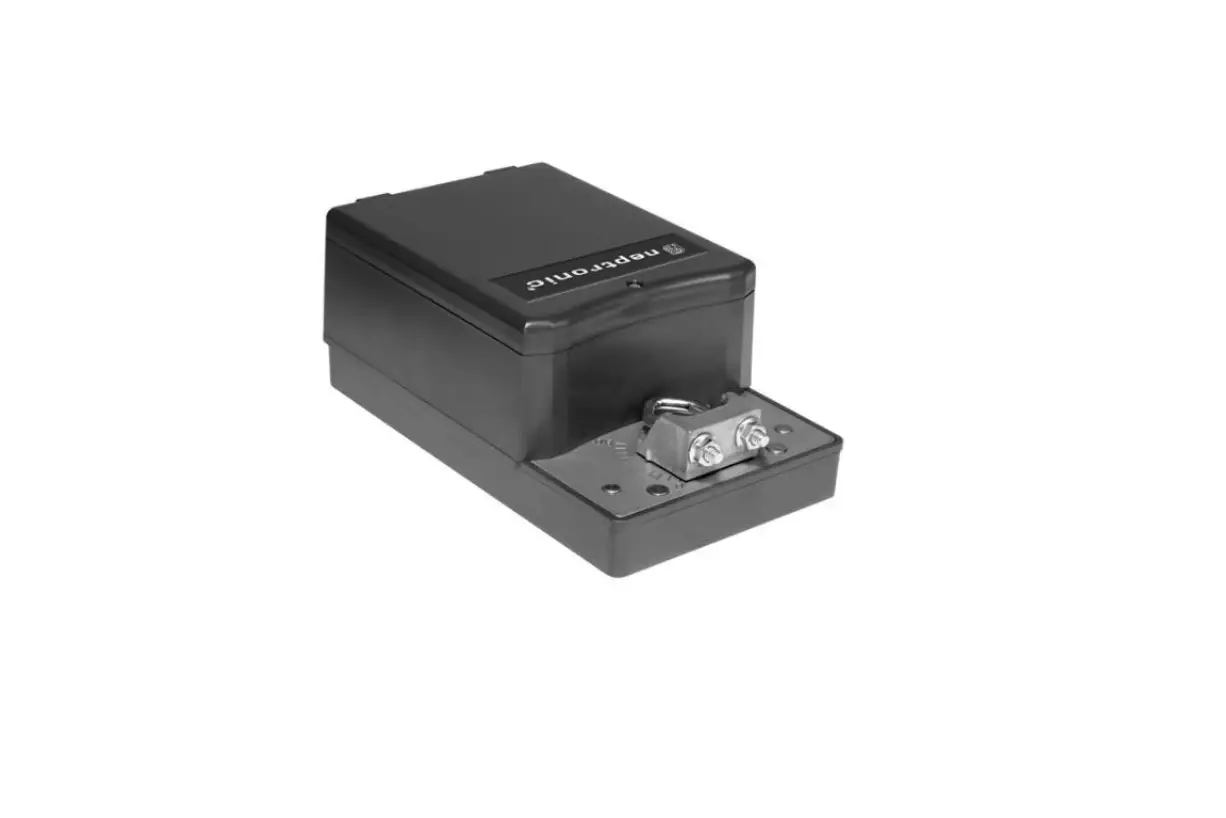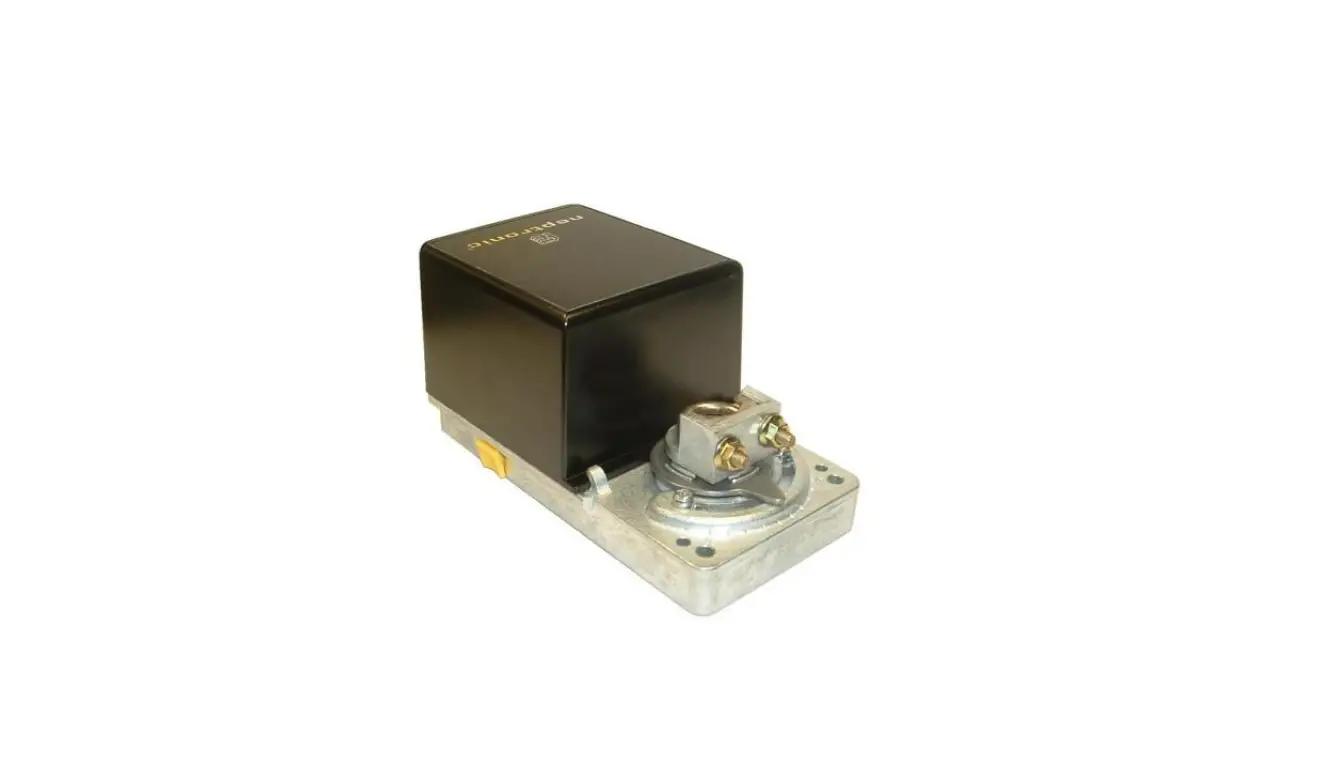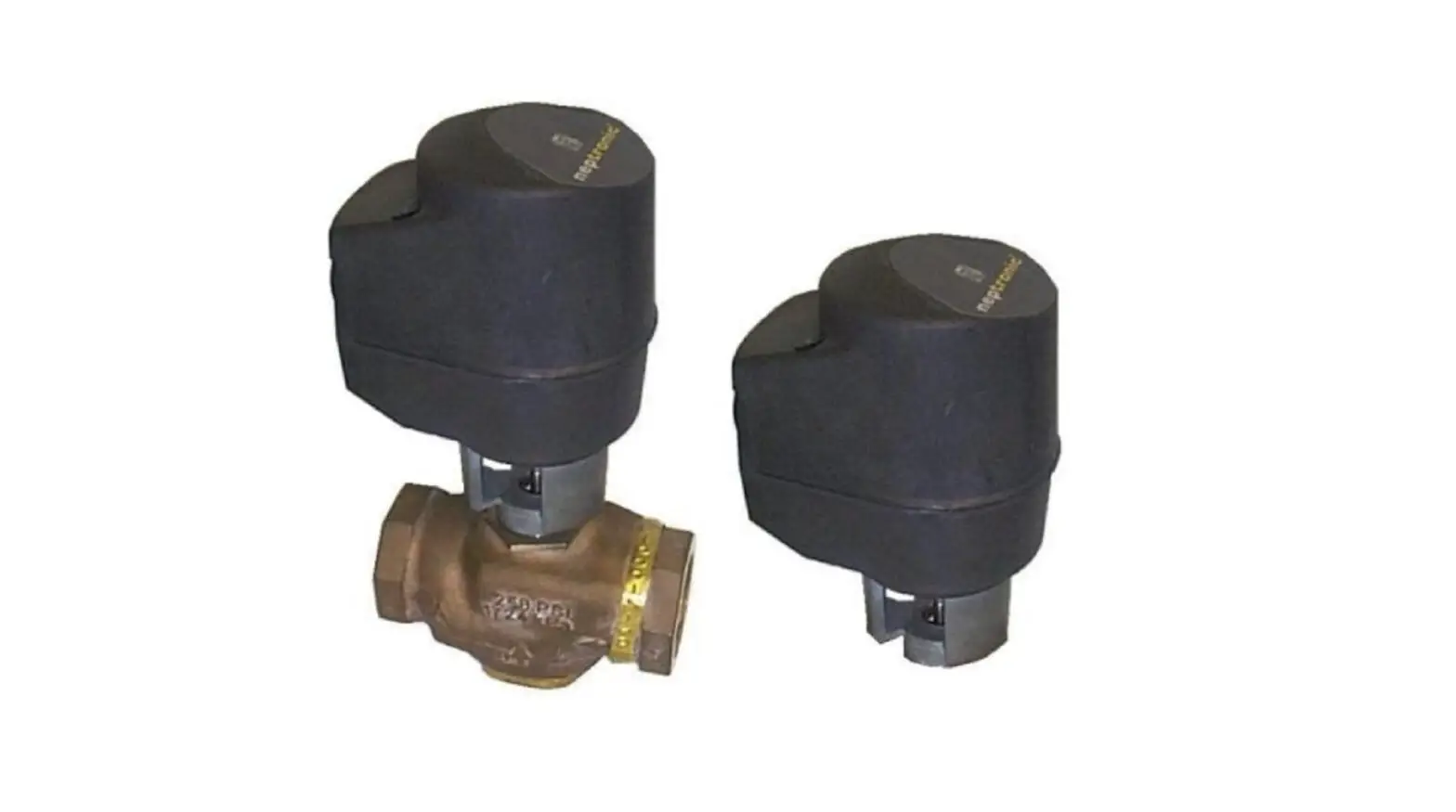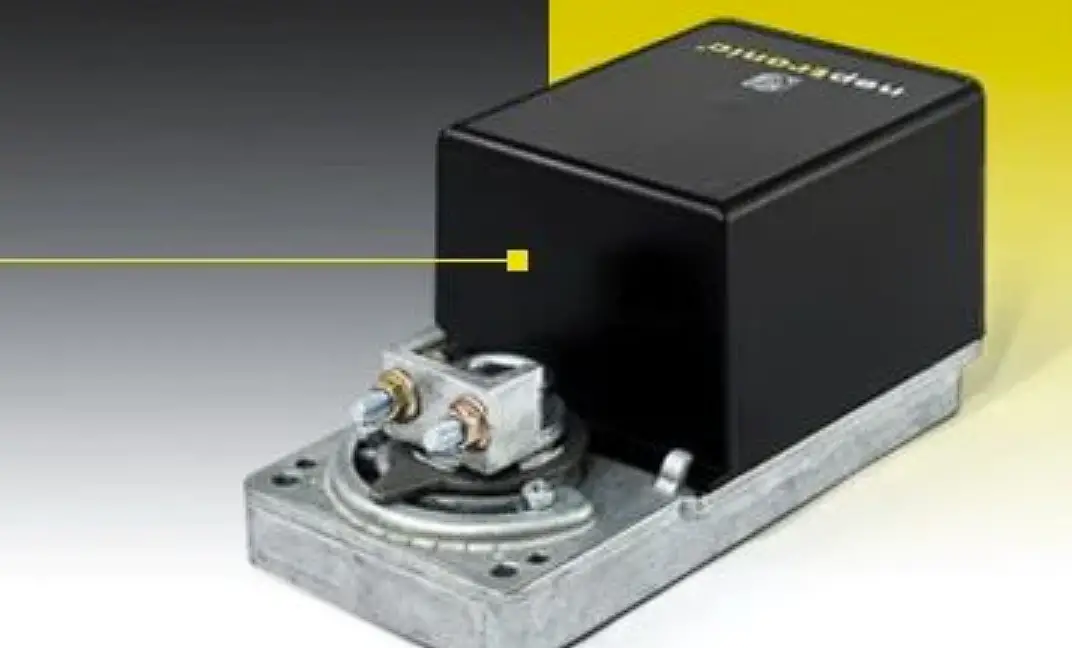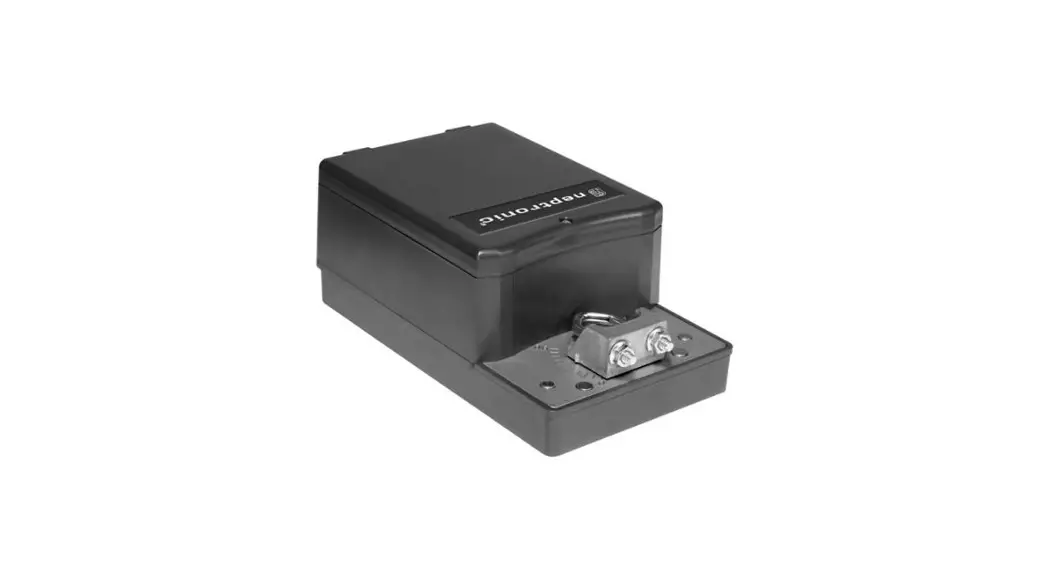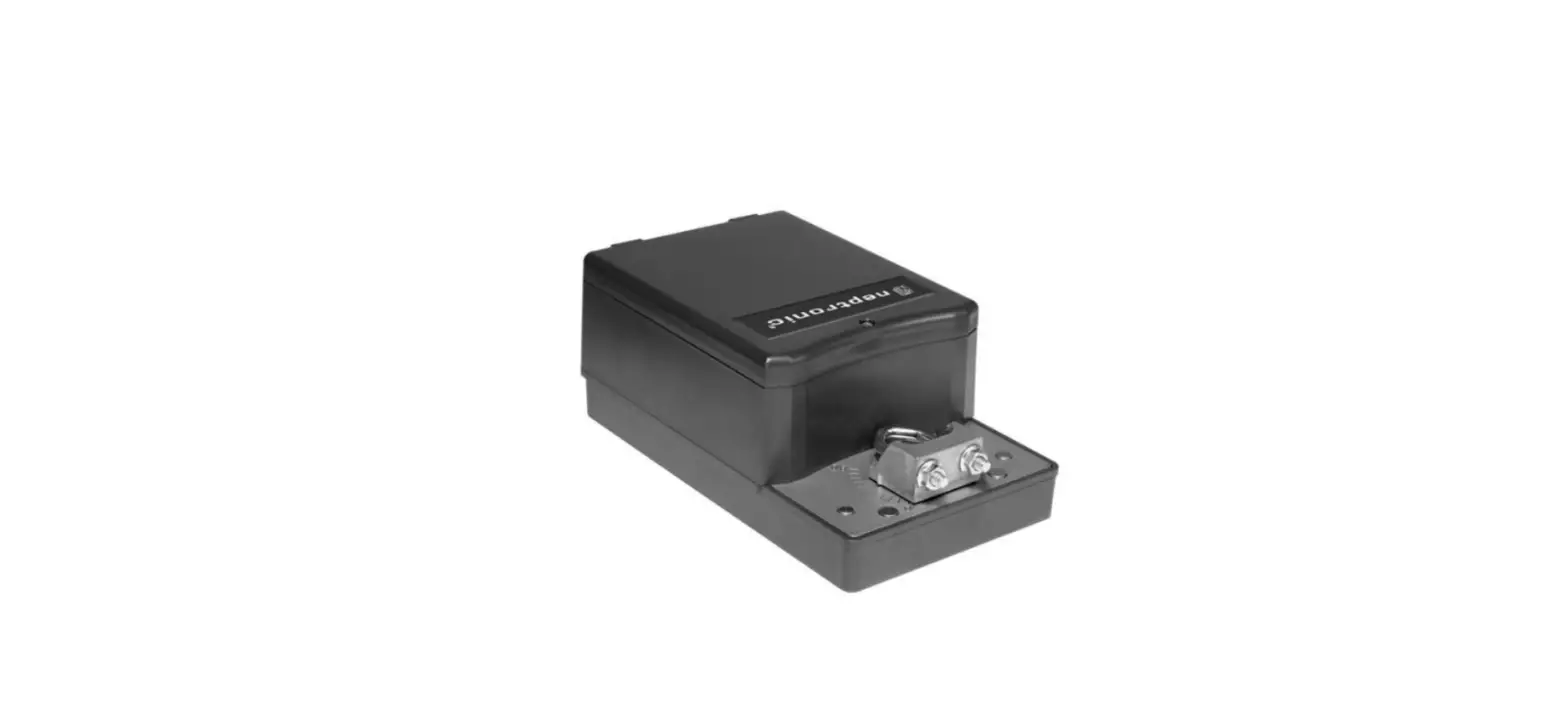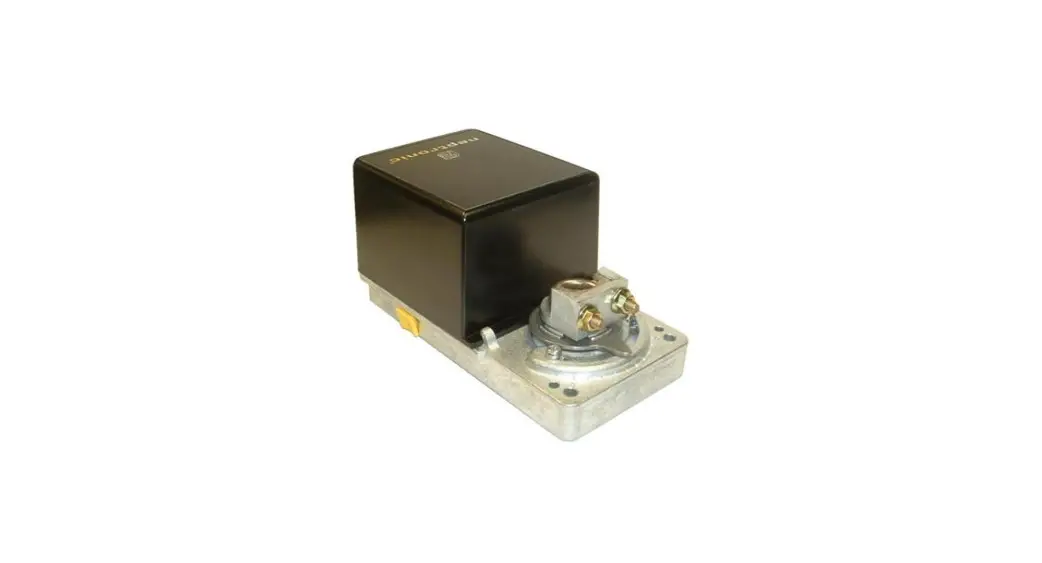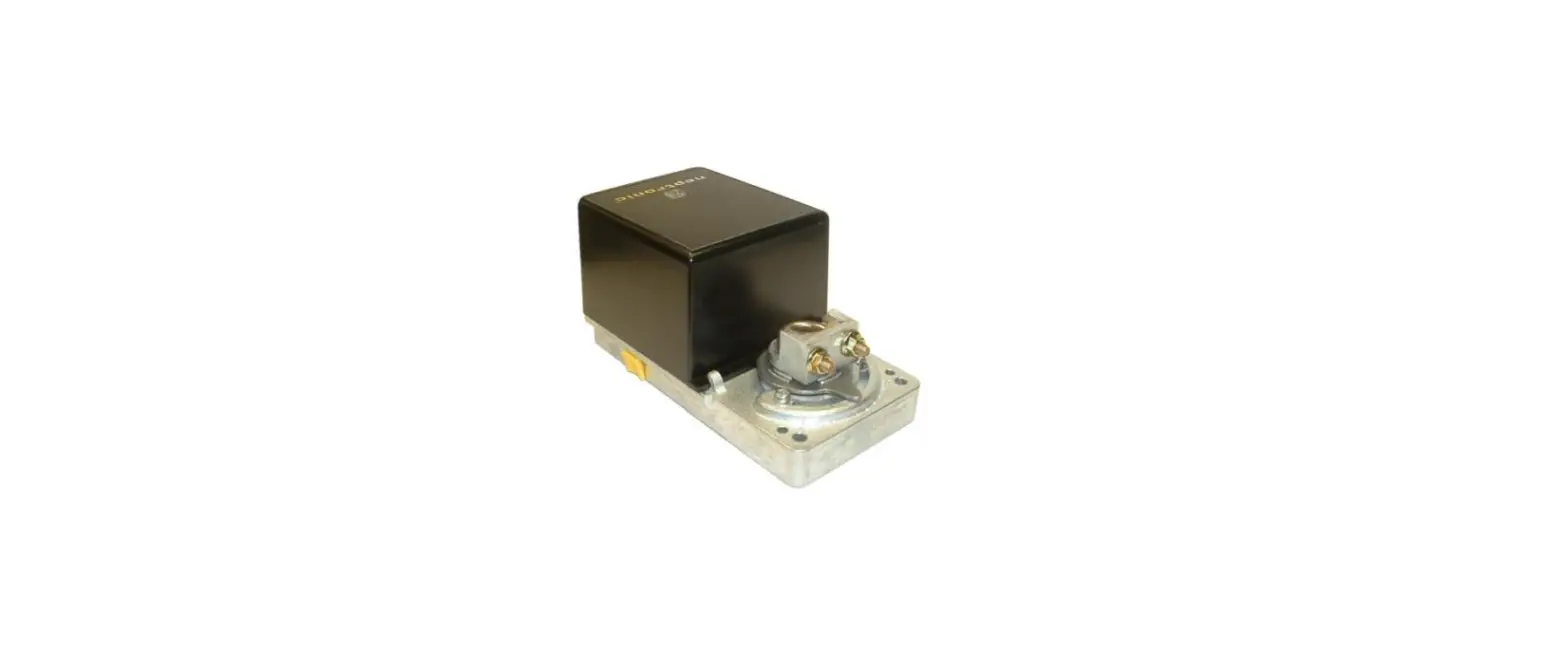

neptronic DM060S DM Actuator
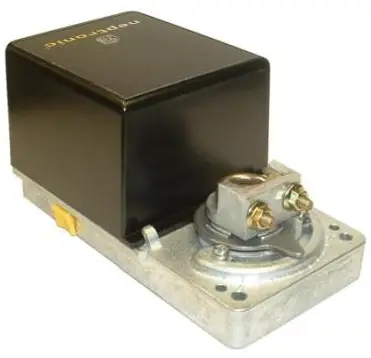
Specification & Installation instructions
Feature:
- Mounts easy on round & square shaft (with option –8).
- External clutch for manual adjustments.
- Maintenance free.
- Position indicator.
- Fail safe by Enerdrive System1
- Auxiliary switches (on model 080).
Old Number
- MDMS2060
- DM060S
MODEL
- MDMS2080
- DM080S
- DM160S
- DM180S
- DM260S
- DM280S
| Technical Data | DM060S | DM080S | DM160S | DM180S | DM260S | DM280S |
| MDMS2060 | MDMS2080 | |||||
| Auxiliary switches | No | Yes (2) | No | Yes (2) | No | Yes (2) |
| Power supply | 22 to 26 VAC or 28 to 32 VDC | 110 to 130 VAC 50/60Hz | 220 to 250 VAC 50/60Hz | |||
| Power consumption | 15VA Peak, 6VA | 12 VA Peak 6 VA | ||||
| Torque | 50 in.lb. [5,6 Nm] at rated voltage (Fail-safe 35 in.lb. [3,9 Nm]) | 35 in.lb. [4 Nm] at rated voltage | ||||
| Ingress protection | IP22 equivalent to Nema type 2, IP54 equivalent to Nema type 3R if water tight inlet bushings (not supplied NEP617) are installed | IP22 equivalent to Nema type 2 | ||||
| Approvals |  |
| ||||
| Fail safe – Enerdrive | Yes | |||||
| Running time through 90º | 90 – 110 sec, (Fail-safe 70-80 sec) | |||||
| Electrical connection | 18 AWG [0.8 mm2] minimum | |||||
| Inlet bushing | 2 inlet bushings: 13/16” [20.6mm] | |||||
| Control signal | 2 to 10 VDC or 4 to 20 mA (factory set 2 to 10 VDC) | |||||
| Angle of rotation | 0 to 90 degrees, mechanically adjustable (factory set with 90º stroke) | |||||
| Direction of rotation | Reversible, Clockwise (CW) or Counterclockwise (CCW) (factory set with CW direction) | |||||
| Ambient temperature | -22ºF to +122ºF [-30º C to +50º C] | |||||
| Storage temperature | -22ºF to +122ºF [-30º C to +50º C] | |||||
| Relative Humidity | 5 to 95 % non condensing. | |||||
| Weight | 3 lbs. [1.4 kg] | |||||
| Warning: Do not press the clutch when actuator is powered | ||||||
 Class 2
Dimensions
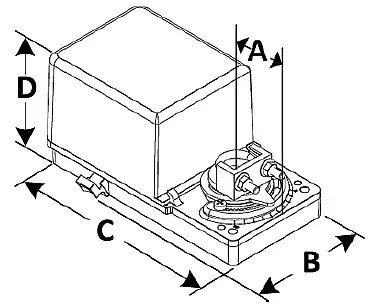
| Dimension | Inches | Metric (mm) | |
| A | 1.50 | 38.1 | |
| B | 3.64 | 92.5 | |
| C | 6.60 | 167.5 | |
| D | model 60 | 3.02 | 76.8 |
| model 80 | 3.81 | 96.8 | |
Caution
We strongly recommend that all neptronic® products are wired to a separate transformer and that transformer shall service only neptronic® products. This precaution will prevent interference with, and/or possible damage to incompatible equipment. When multiple actuators are wired on a single transformer, polarity must be observed. Long wiring runs create voltage drops which may affect the actuator performance.
Mechanical installation
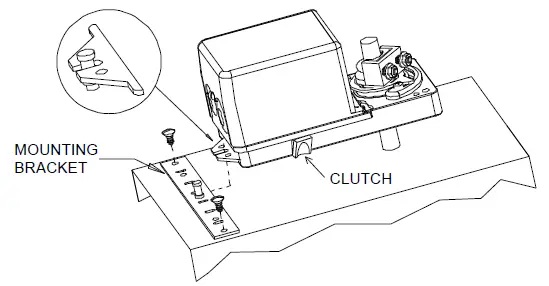
- Manually close the damper blades and positioned the actuator at 0º or 90º.
- Slide the actuator onto the shaft.
- Tighten the nuts on the “U” bolt to the shaft with a 8mm wrench to a torque of 60 in.lb. [6,7 Nm].
- Slide the mounting bracket under the actuator. Ensure free movement of the slot at the base of the actuator. The bracket pin must be placed in the mid distance of the slot.
- Fix the bracket to the ductwork with #8 self-tapping screws.
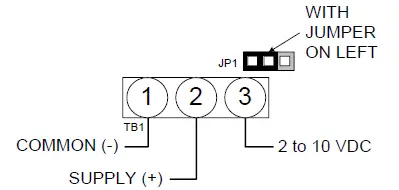
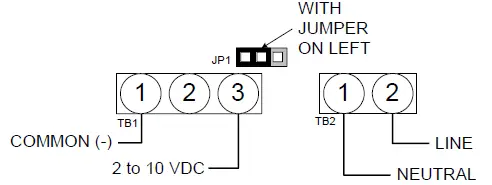
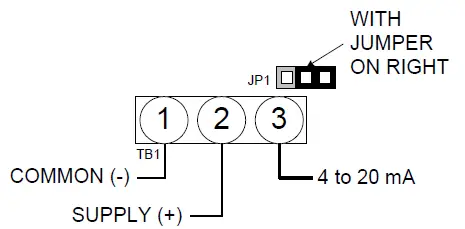
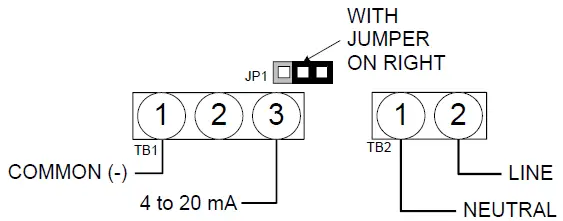
Wiring Diagrams
Models DM060S & 080S
Analog 2 to 10 VDC
Analog 4 to 20 mA
Analog 2 to 10 VDC
Analog 4 to 20 mA
PC Board
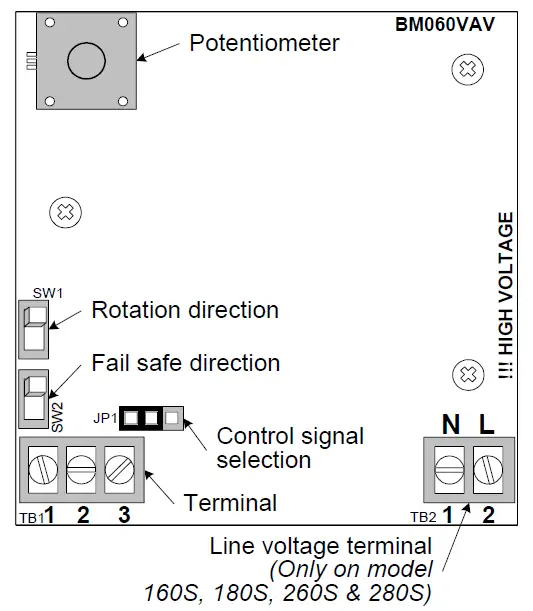
Dip switch settings
Rotation direction (SW1)
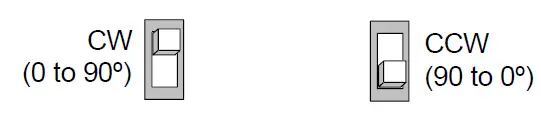
Fail-safe direction (SW2)
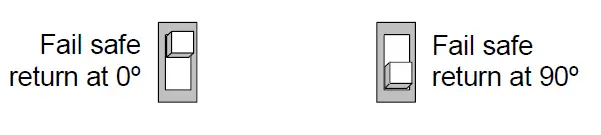
Stroke adjustment
To adjust the stroke, move the adjustment screws at the desired position.