Contents hide

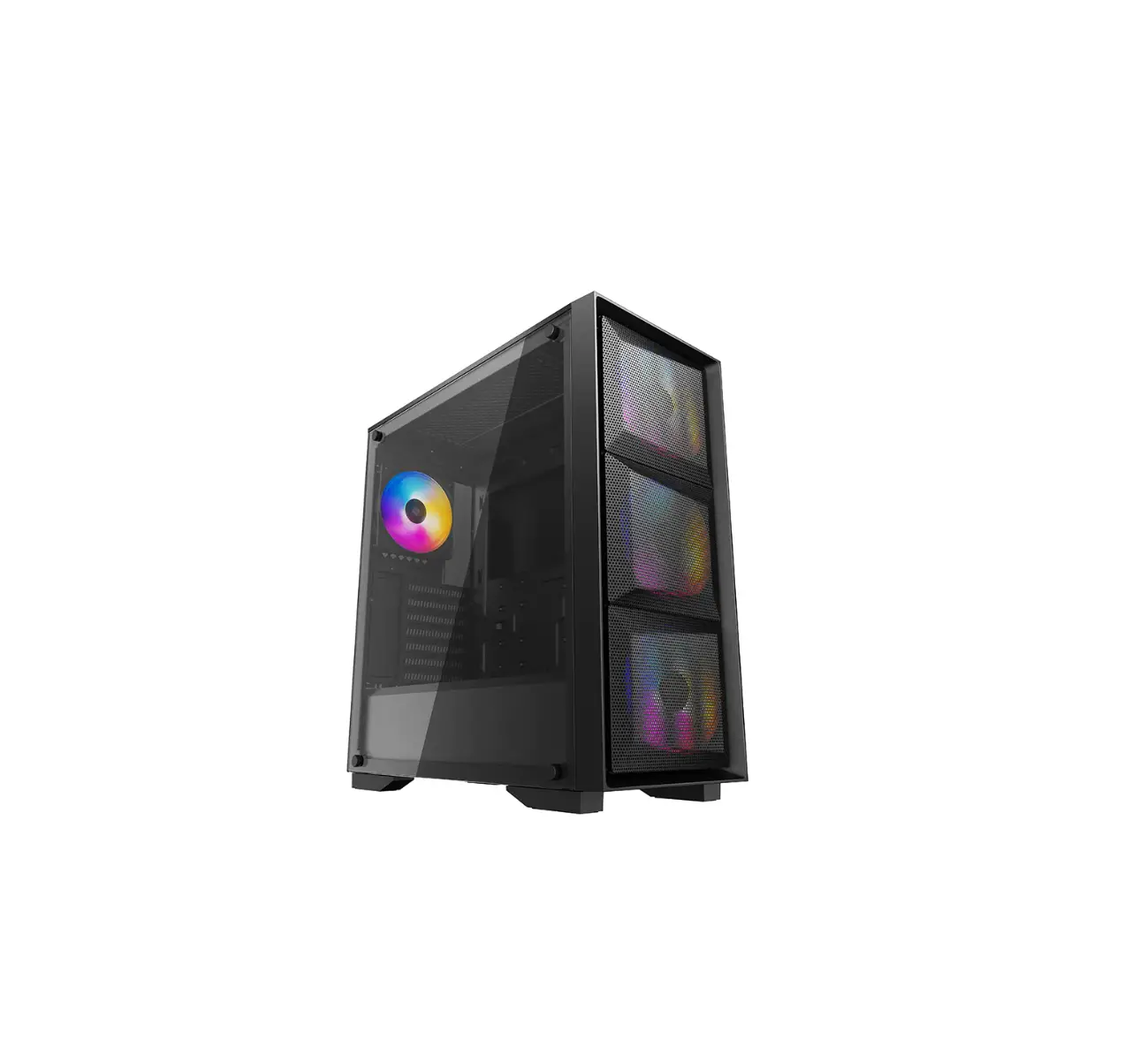
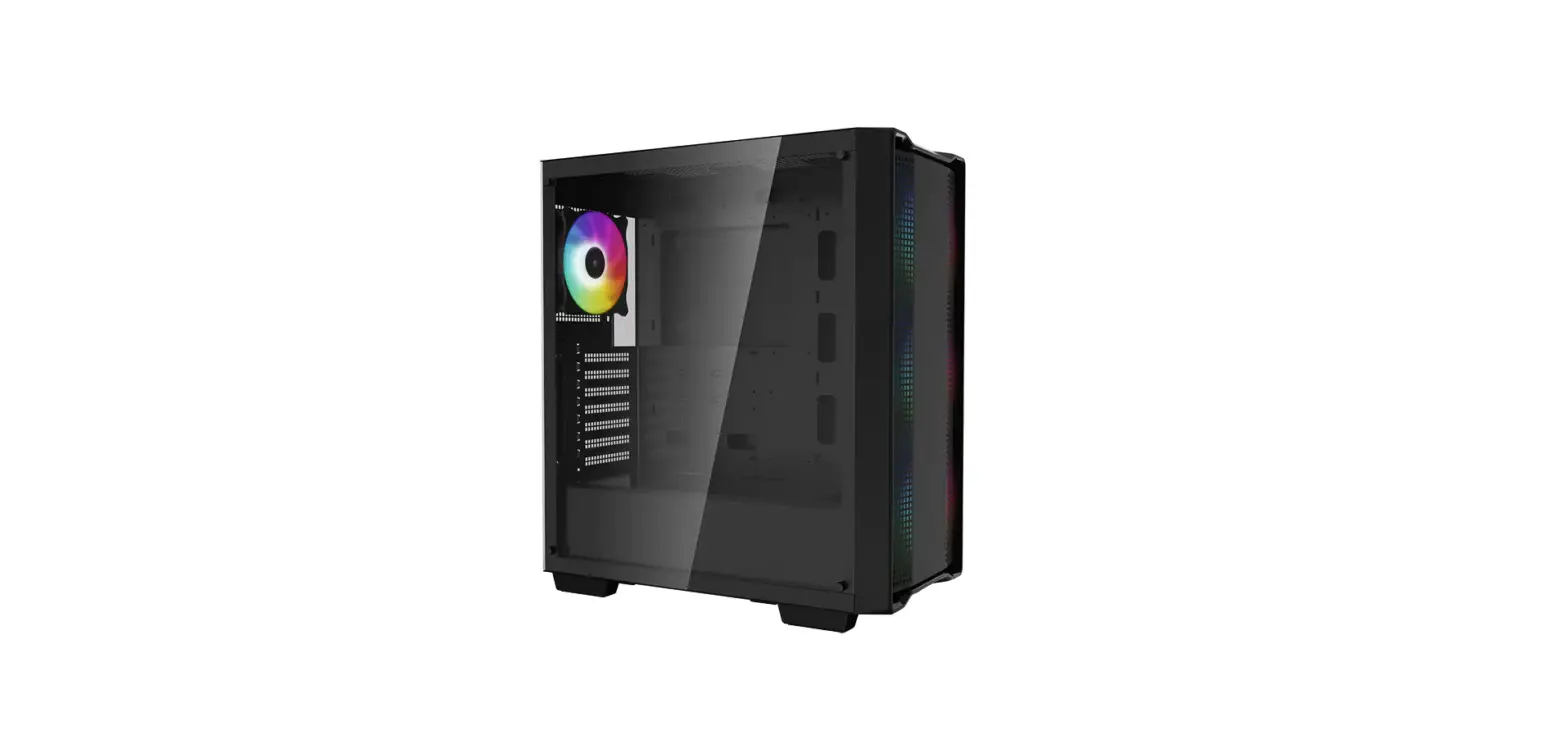
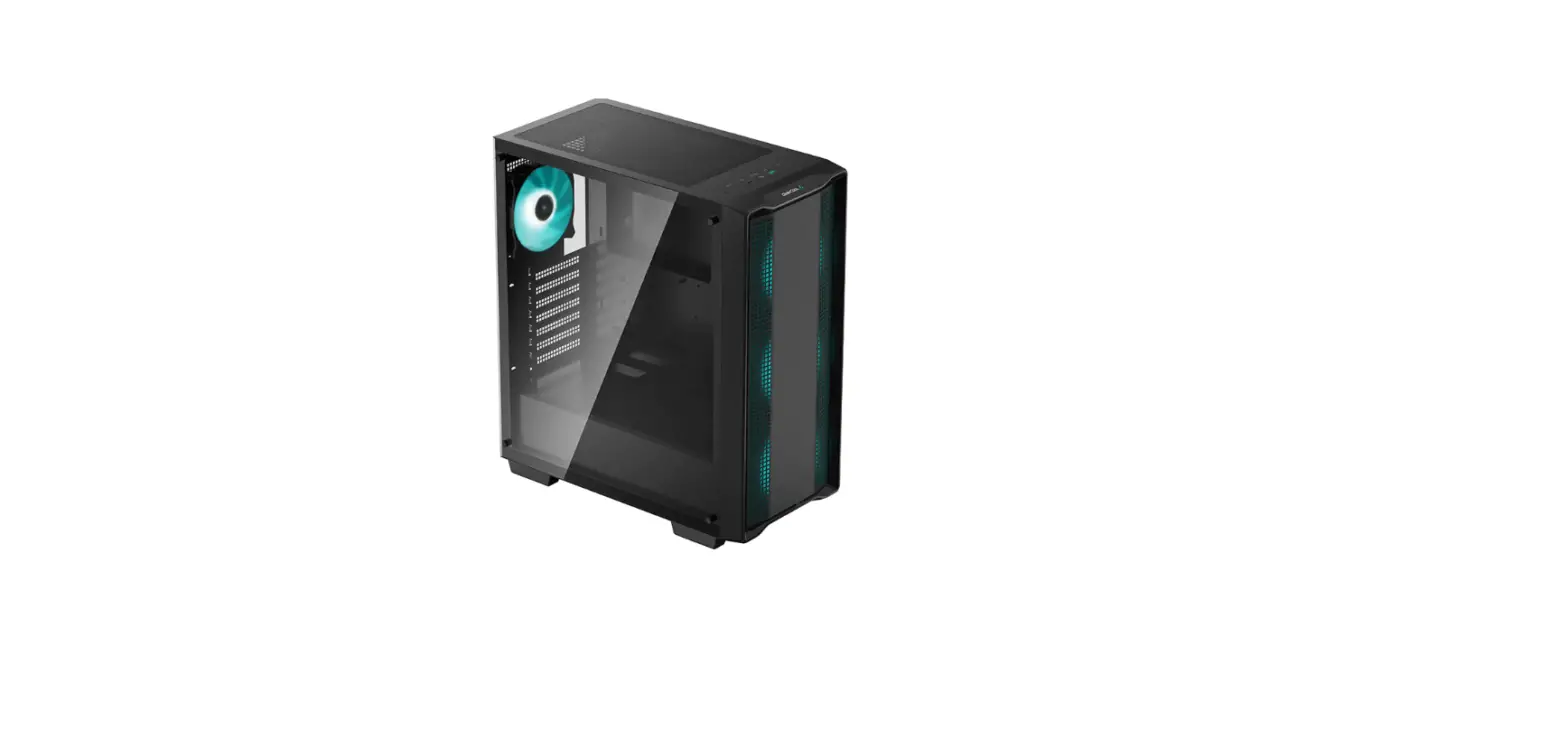
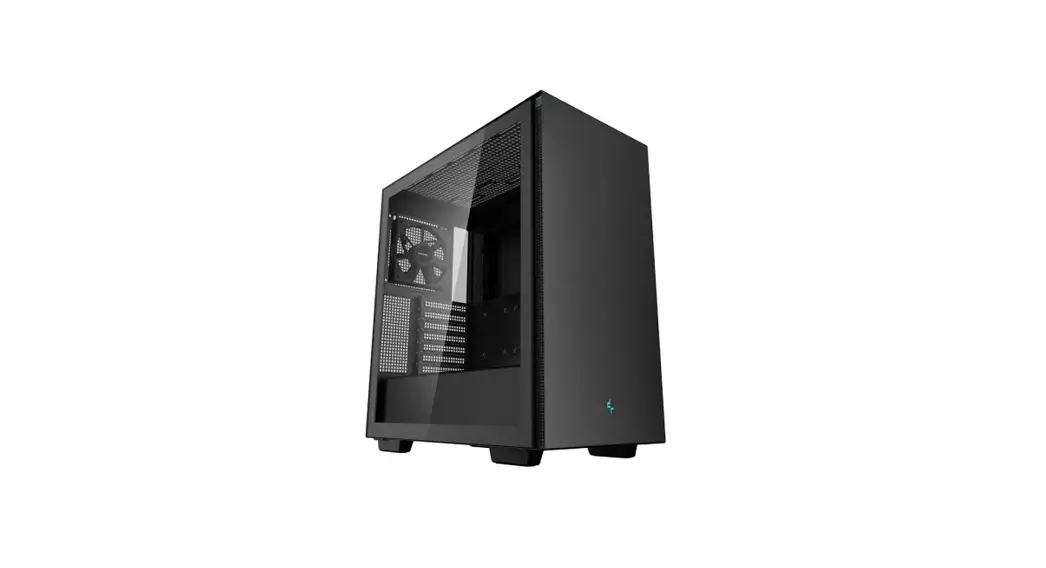
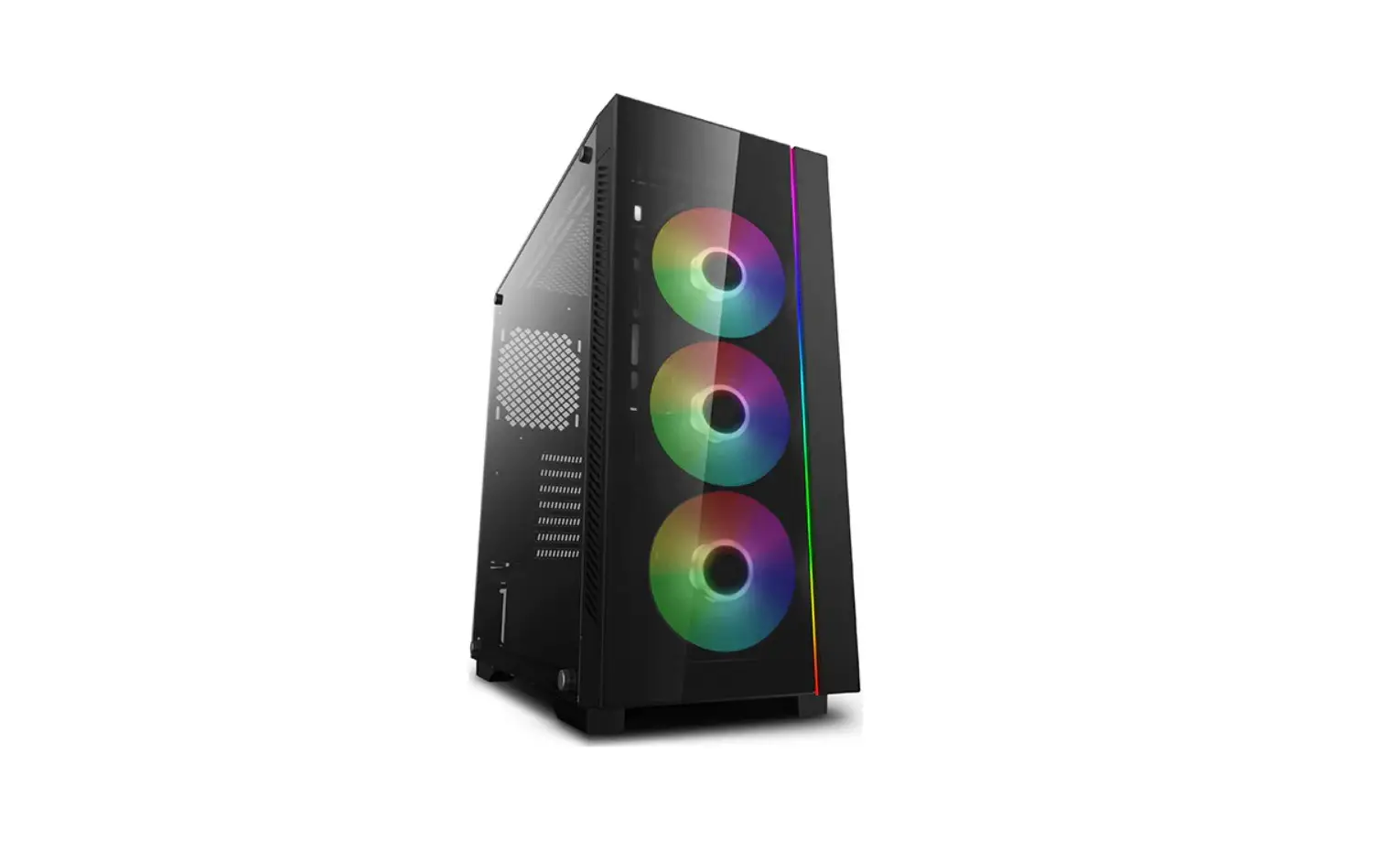
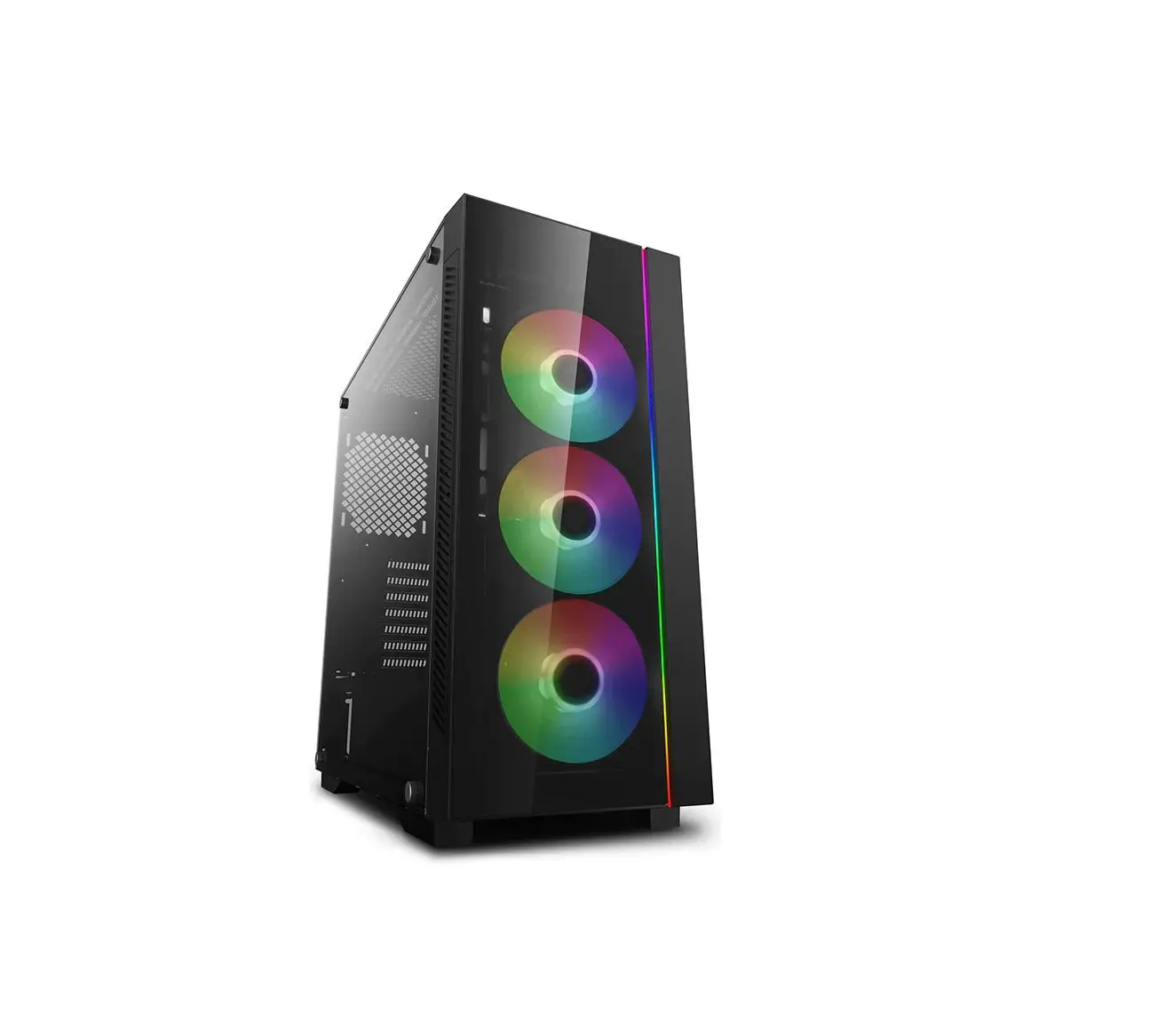
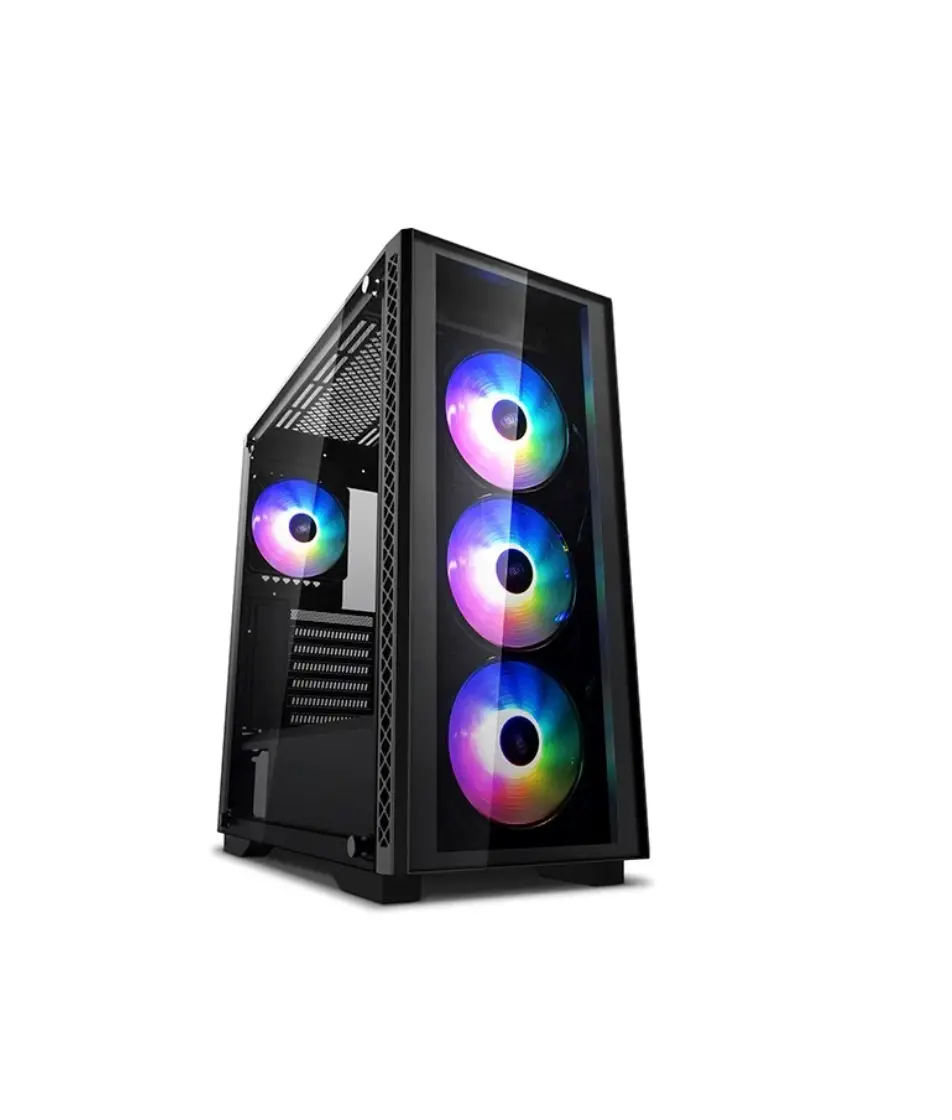
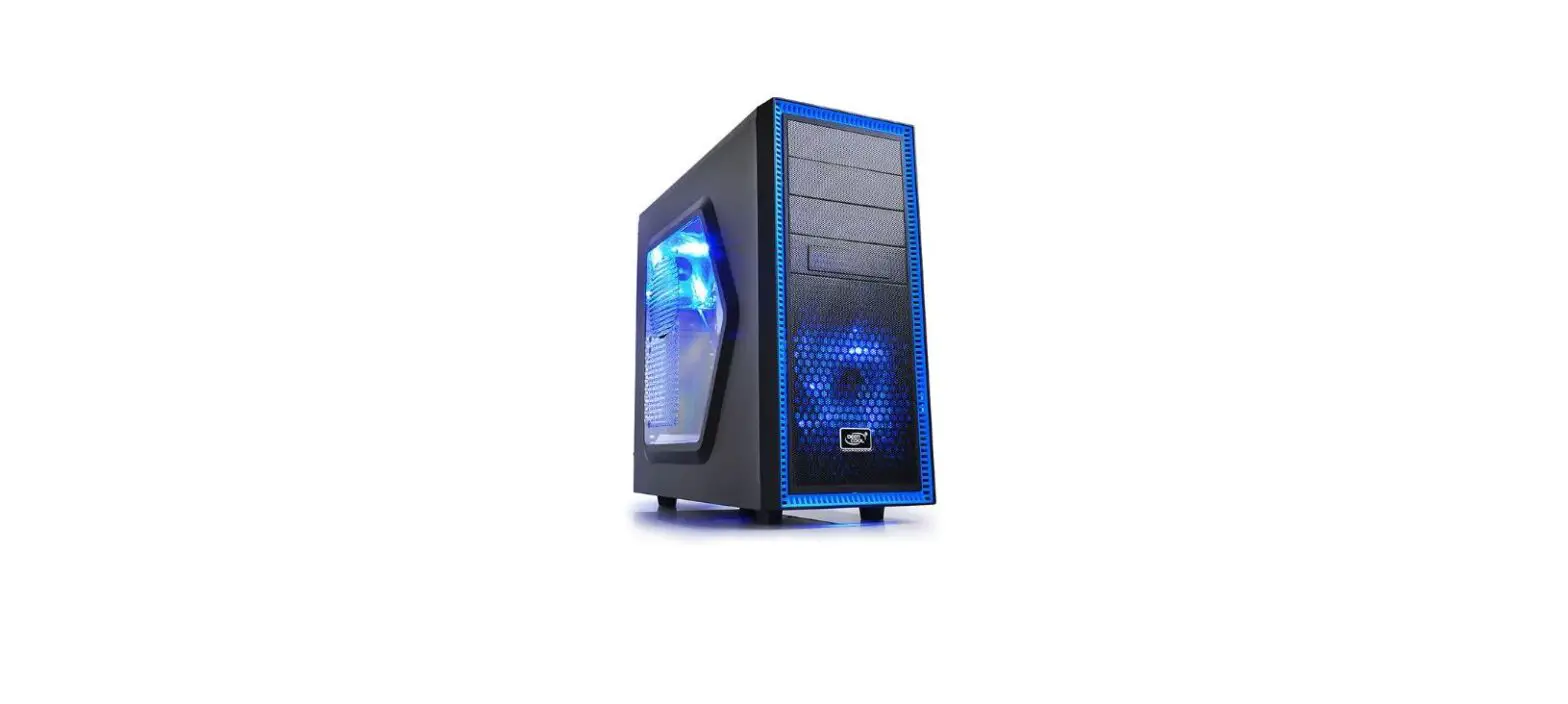
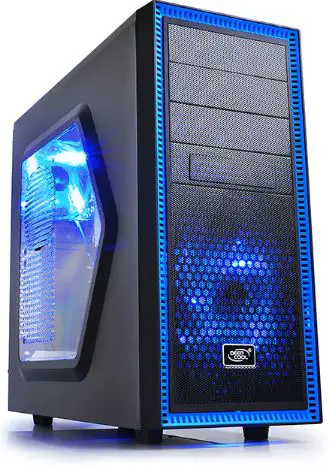
DEEPCOOL TESSERACT ATX Mid Tower
Open Case
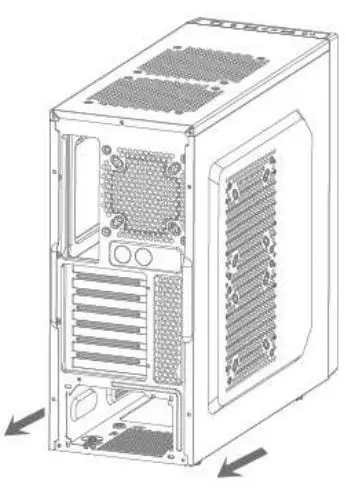
- Unscrew the thumb screws and pull the side panel out as illustrated.

Power Supply Installation
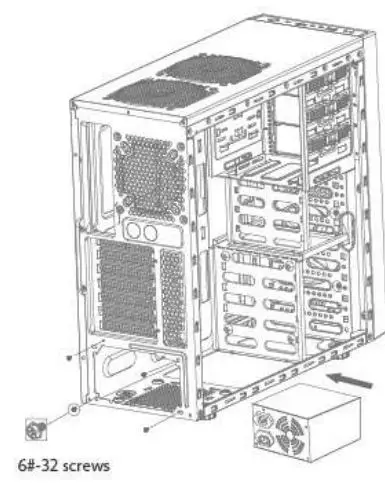
- Put power supply on bottom of case and close to rear panel, then lock it with four 6#-32 screws with a Phillips screwdriver.
5.25 Drive Bay Installation
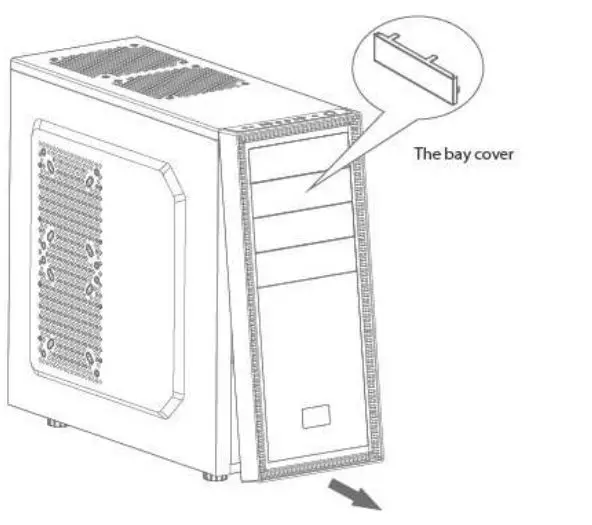
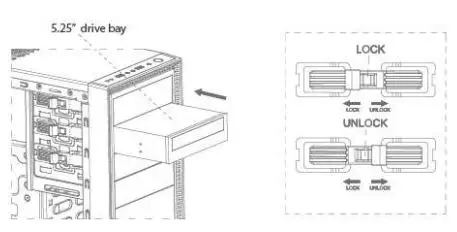
- Draw out the front panel from bottom of the gap when pressing top of the panel.
- Press firmly on card hook and remove the bay cover.
- Push the 5.25″ drive into the drive bay with proper force.
- Put tool-free lock into place to secure the drive.
HDD Installation
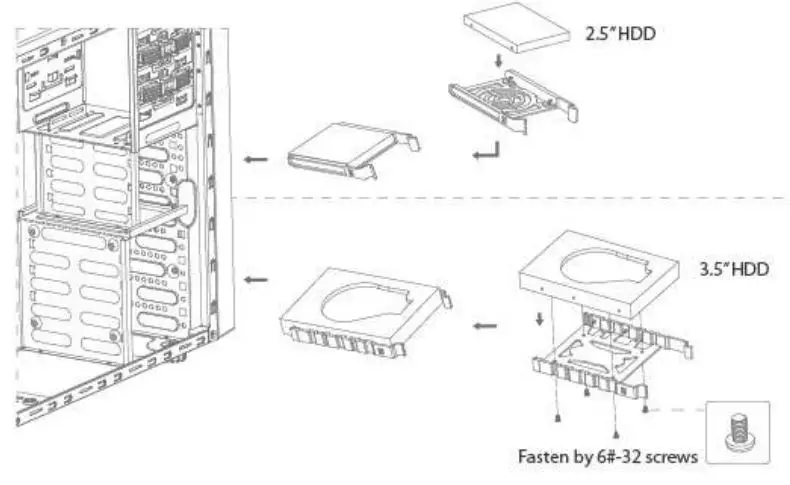
- Secure 2.5″ HDD to the rack with one 6#-32 screws, and push it into place.
- Secure 3.5″HDD to the rack and push it into place.
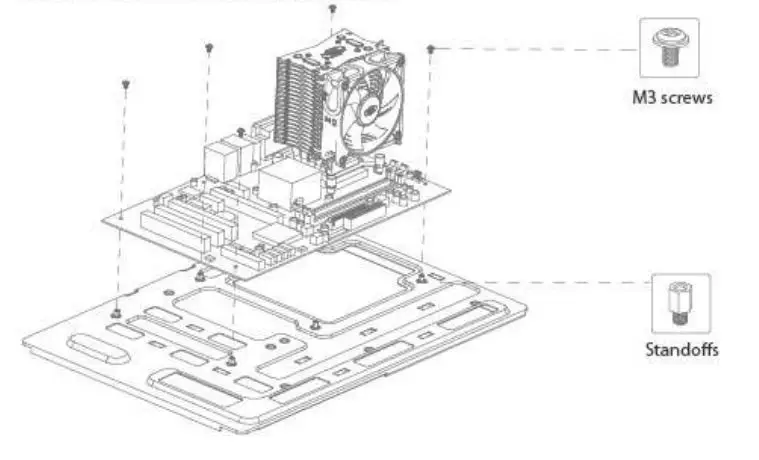
Motherboard Installation
- Pick out the standoffs and install them on the motherboard tray.
- Place the motherboard onto the standoffs in accordance with the I/O.
- Secure the motherboard using the M3 screws.

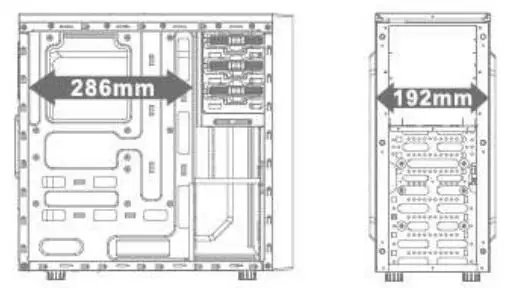
Compatible component size diagram
Cable management for a tidy case
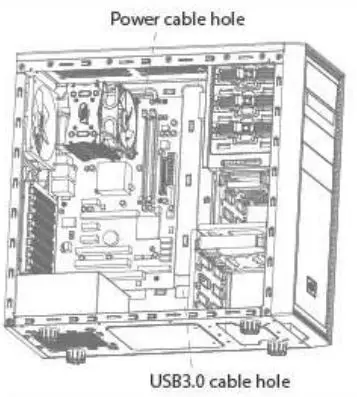
- Use the cable tie and hump on the tray to tidy everything up.
- A large hole on the motherboard tray for easy installation of CPU cooler.
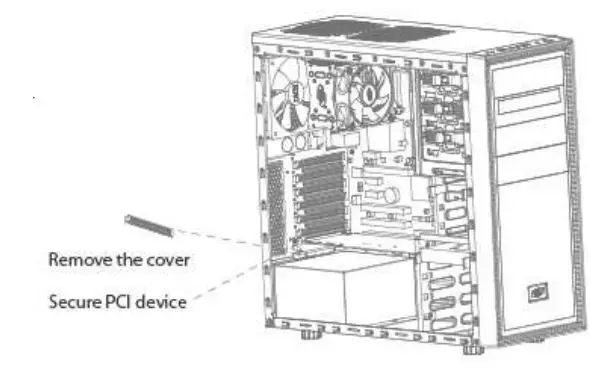
PCI card Installation
- Loosen the screw to remove the cover and put the PCI device in the right direction.
- Secure the PCl device by using the screws.

Compatible component size diagram
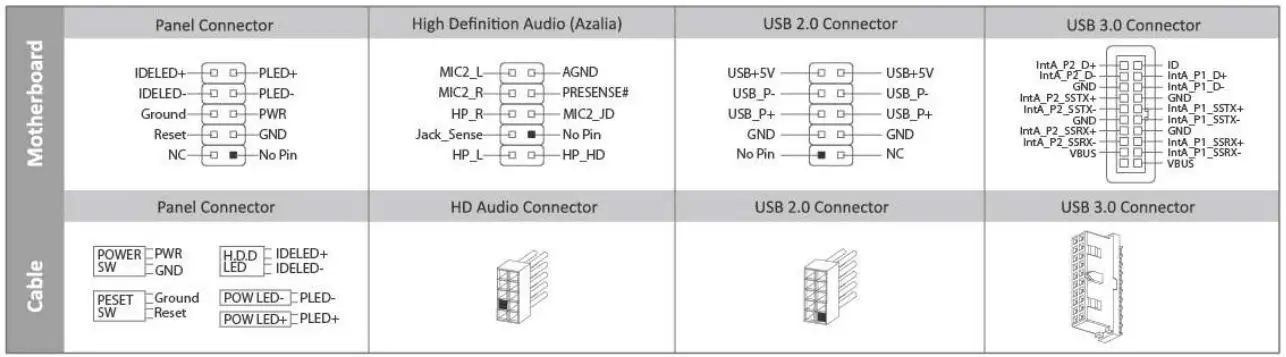
Cable Connection
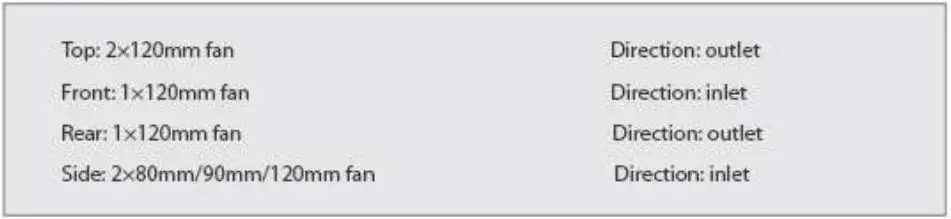
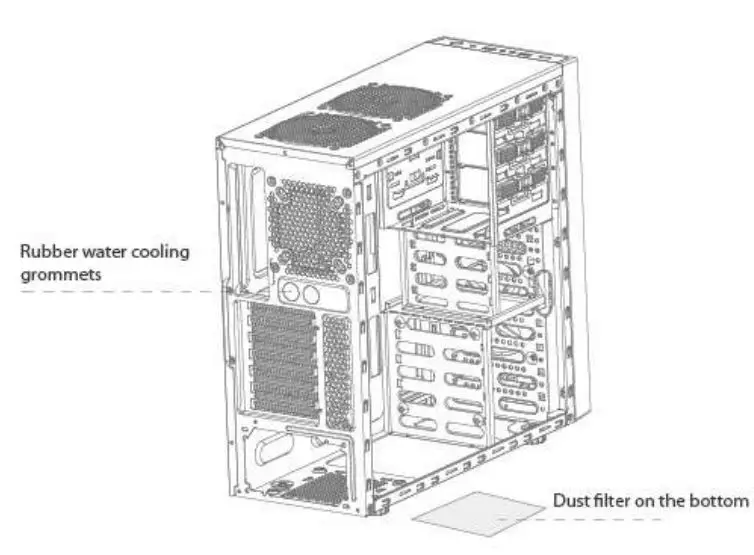
Cooling fan installation capacity