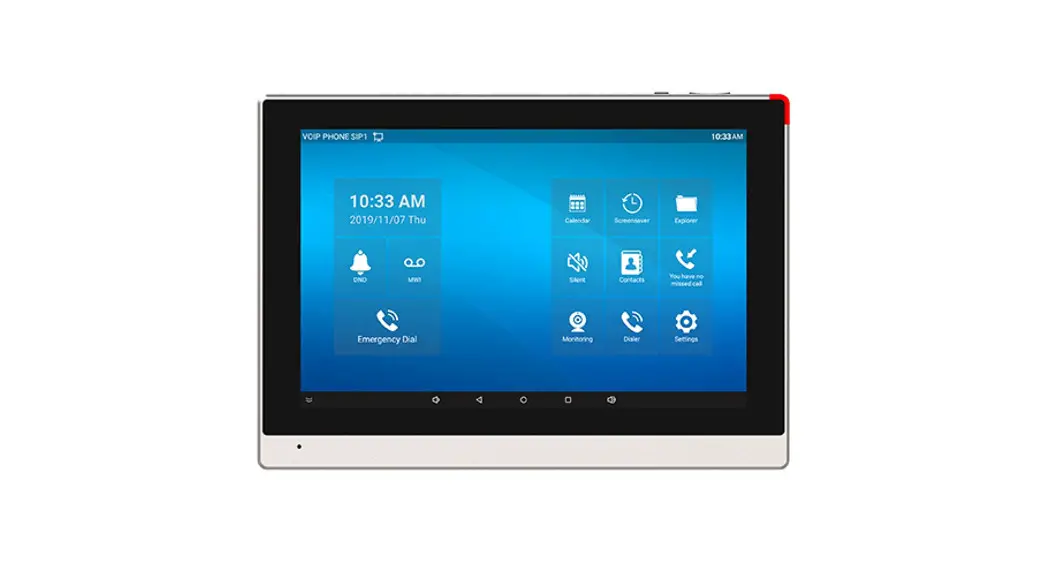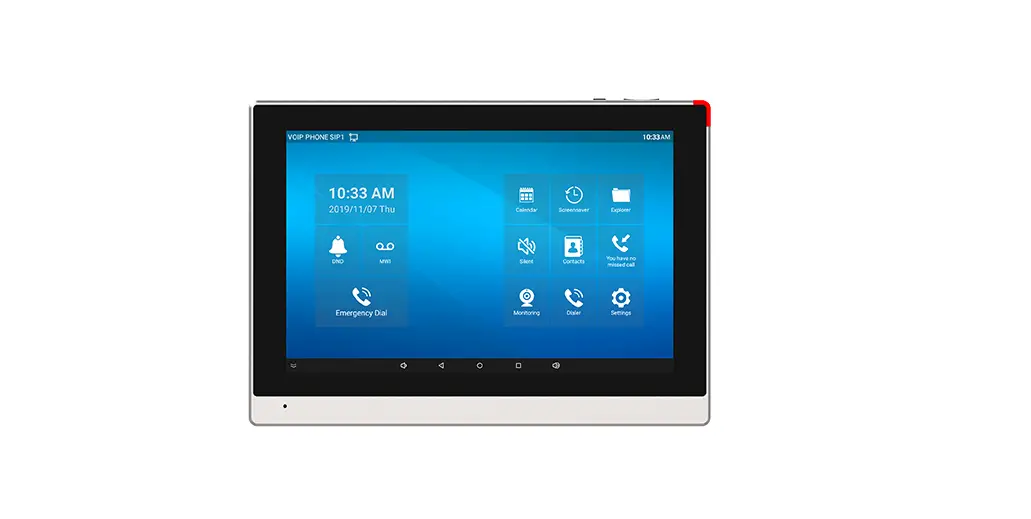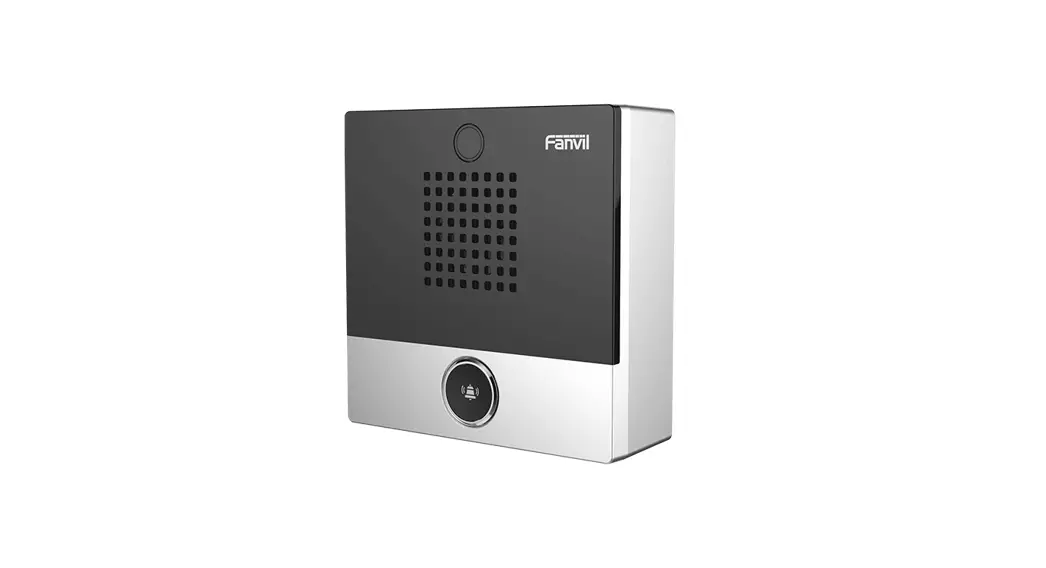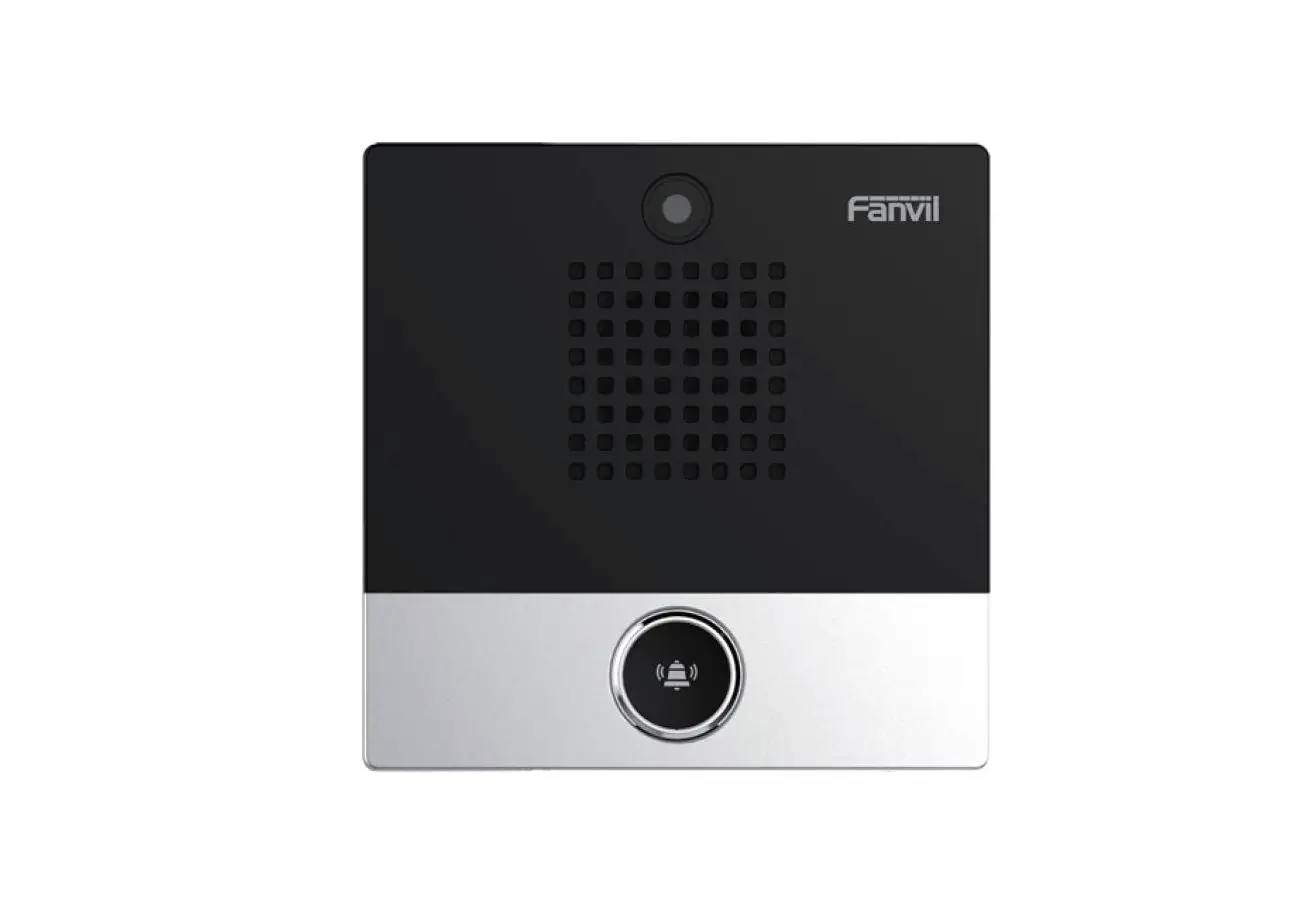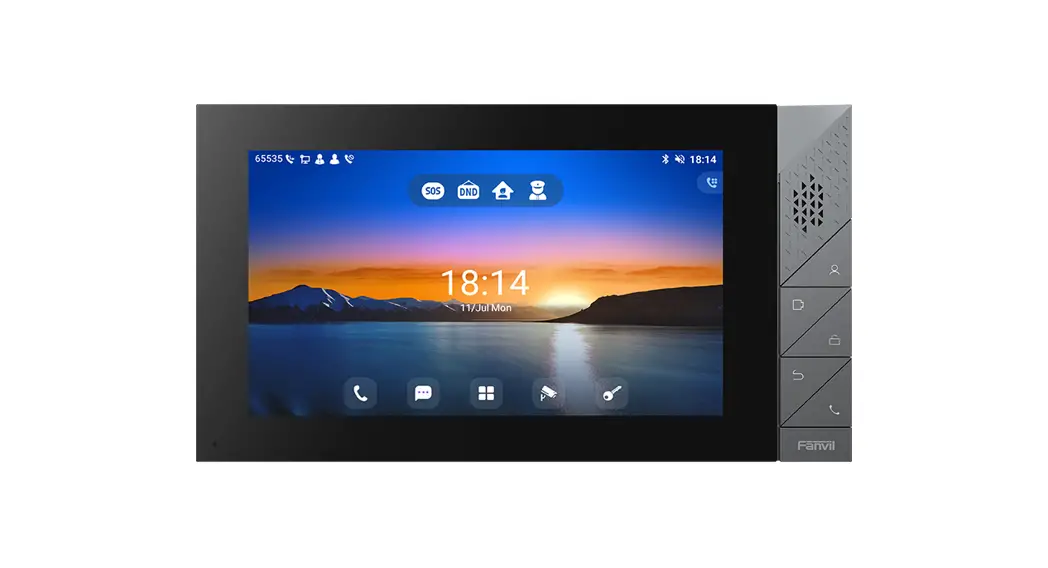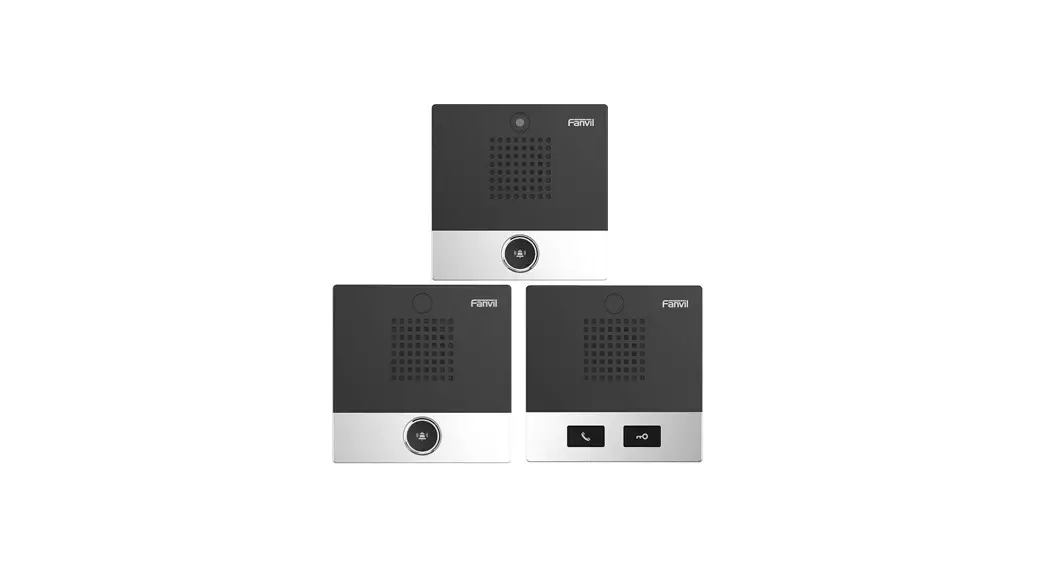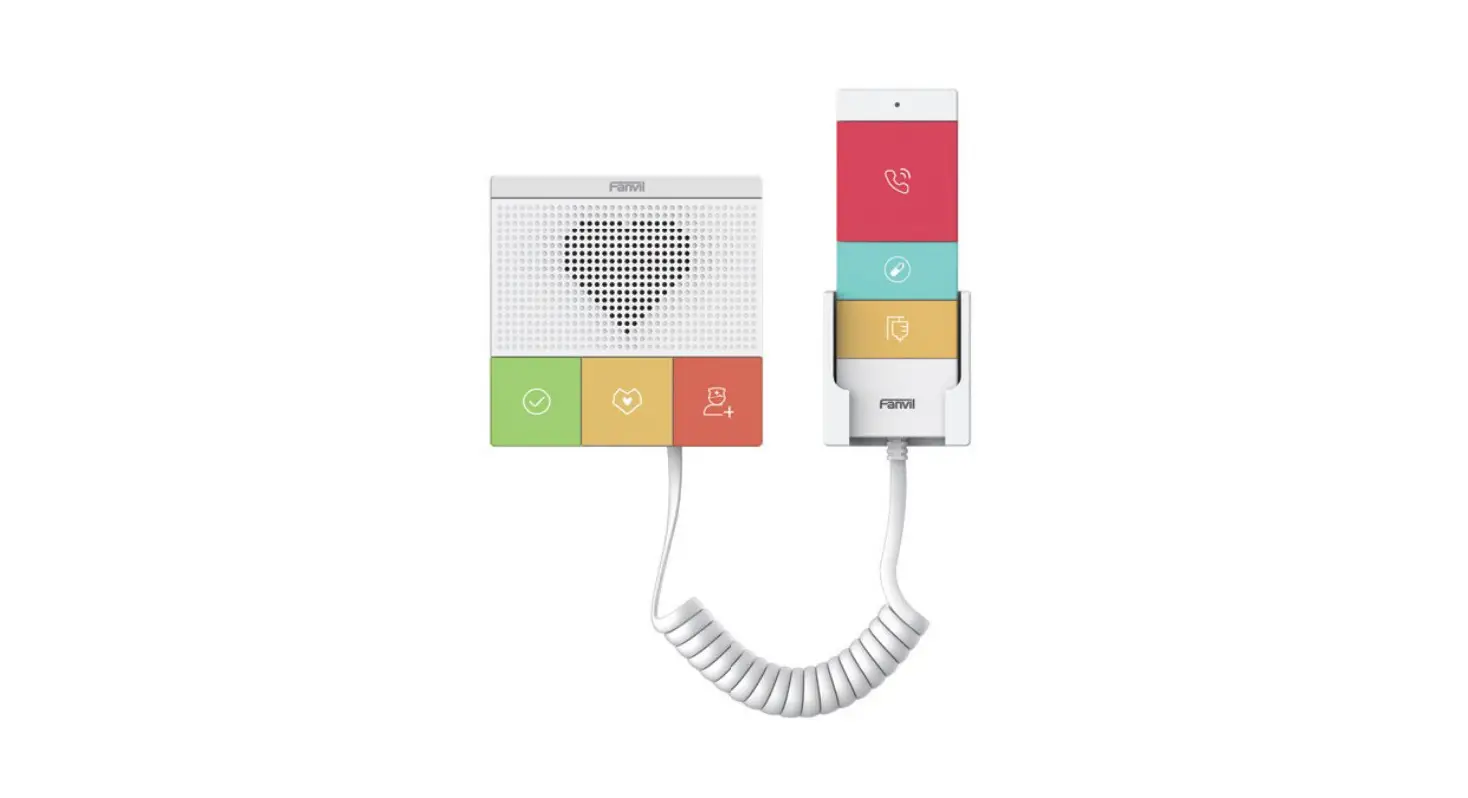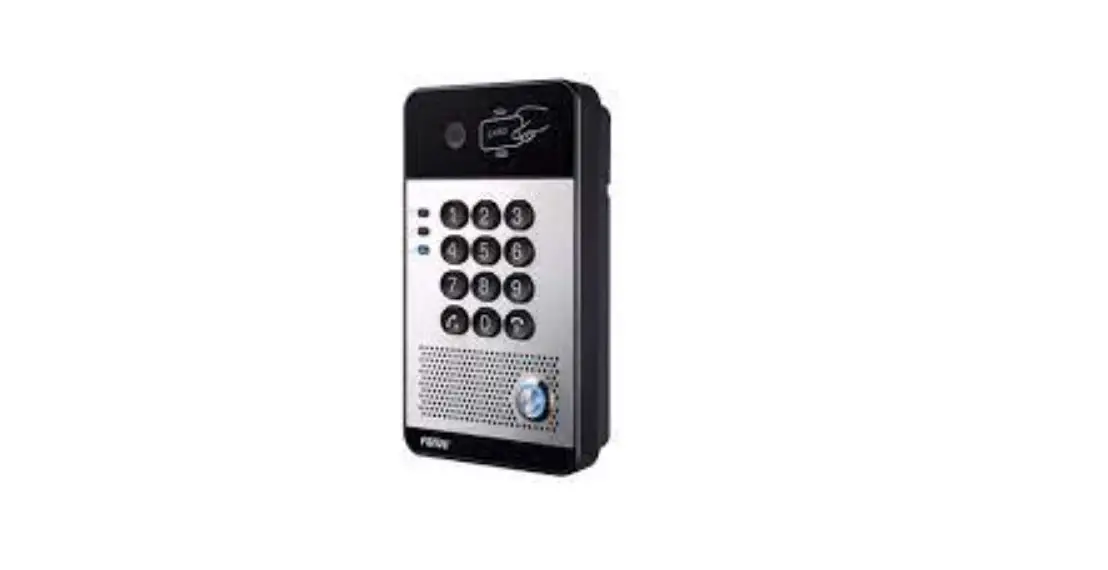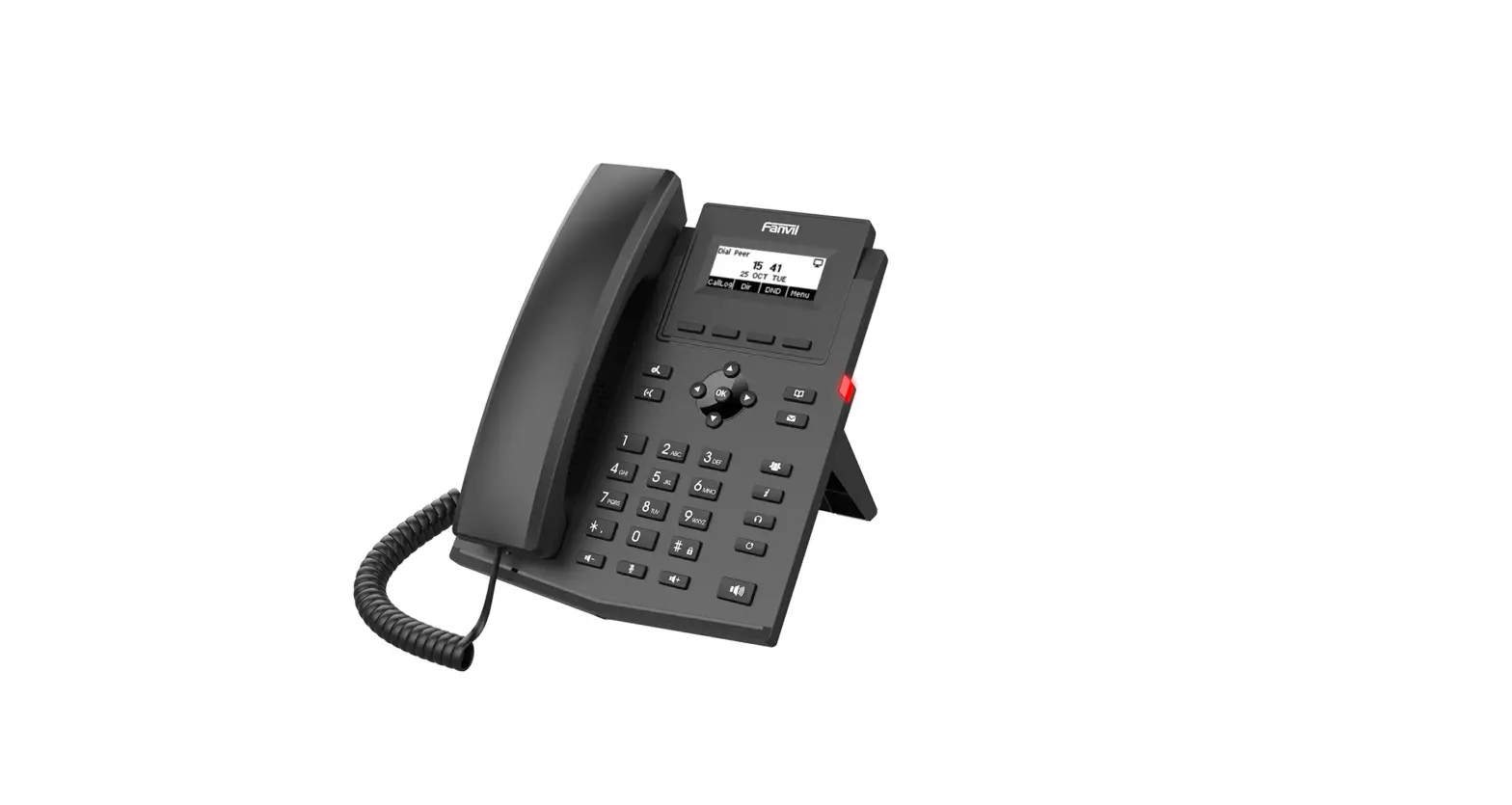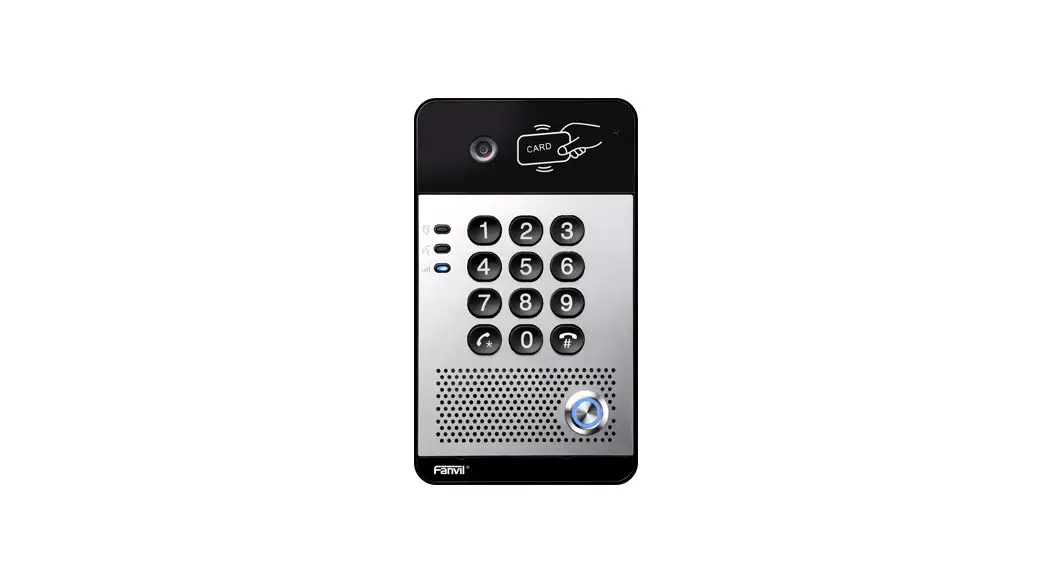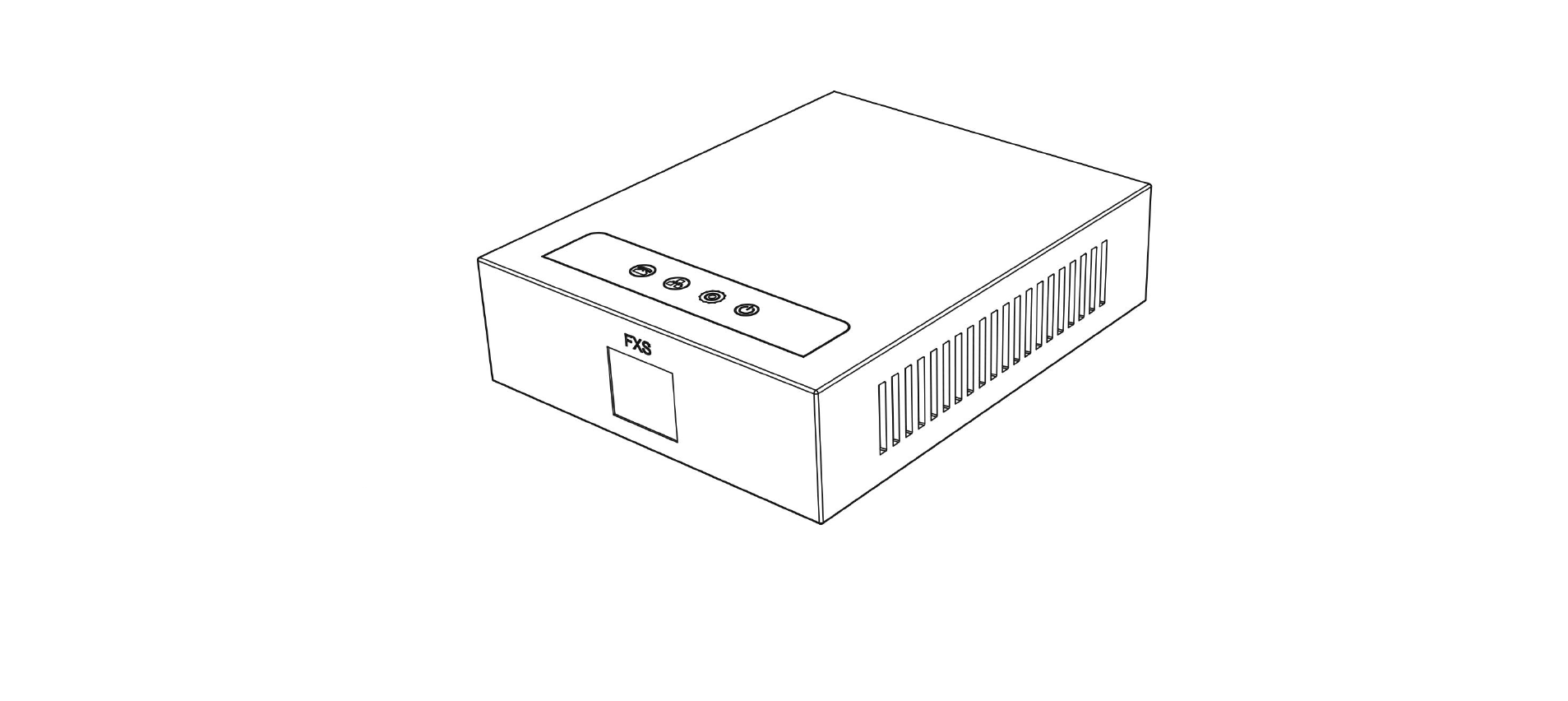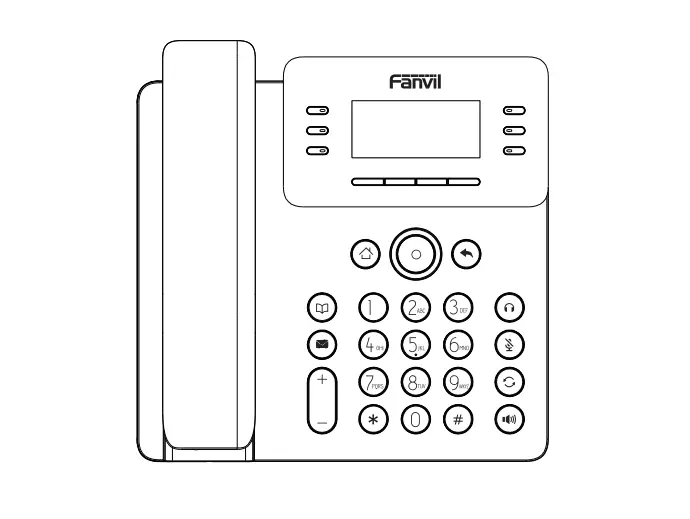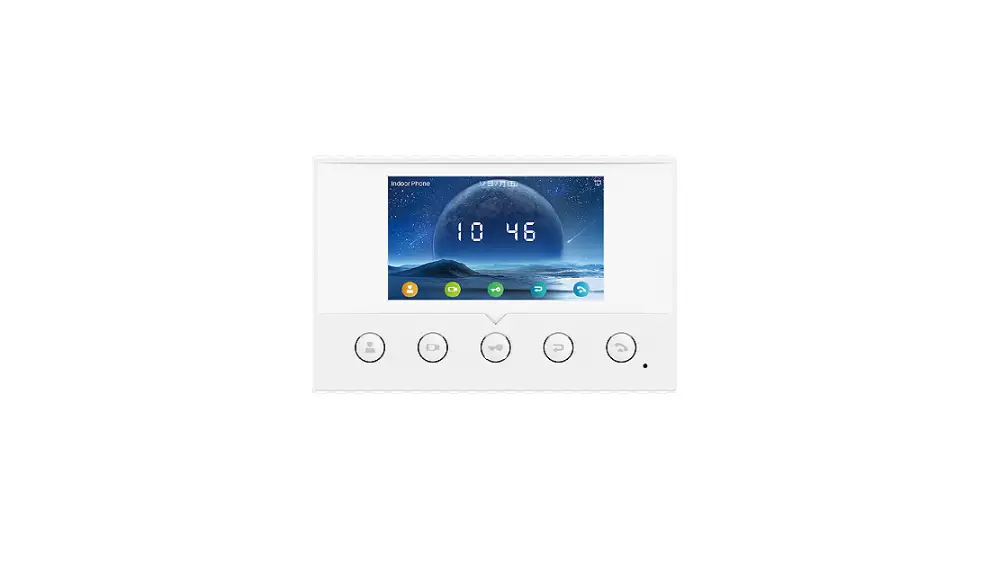

Fanvil i51W SIP Indoor Station
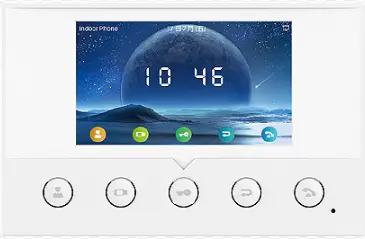
i51W&i52W&i53W
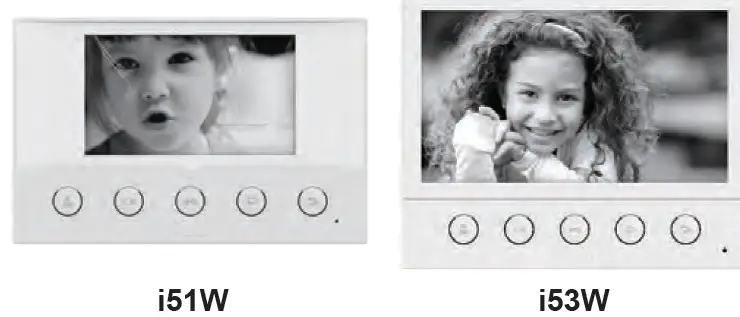
Package Contents
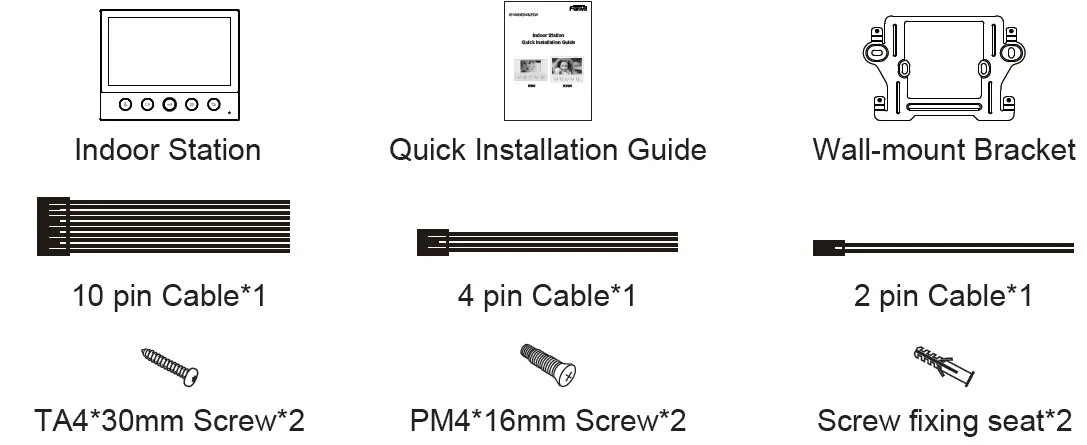
Physical specification
| Model | LCD | PoE | Wi-Fi (2.4G) | RS-485 | Dimension |
| i51W | 4.3” | √ | √ | √ | 163x104x26mm |
| i52W | 7” | √ | √ | √ | 176x140x26mm |
| i53W | 7” Touch Screen | √ | √ | √ | 176x140x26.5mm |
Product appearance description
Front Panel
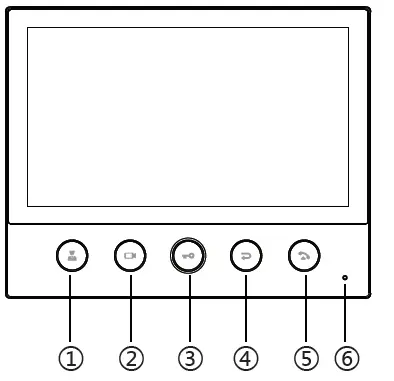
| No. | Description | No. | Description |
| 1 | Management Center Key | 4 | Return / Hang up key |
| 2 | Monitor key | 5 | Answer key |
| 3 | Unlock Key | 6 | Microphone |
Rear Panel
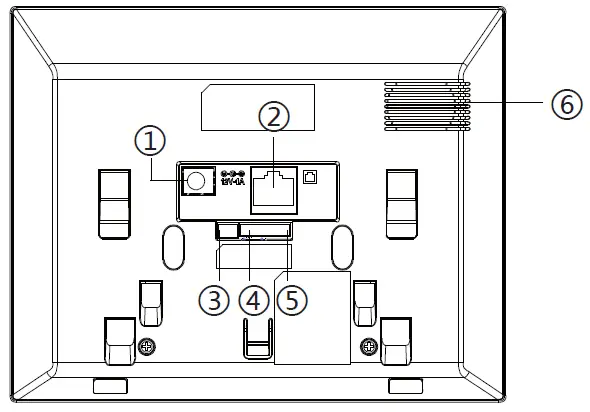
| No. | Description | Interface |
| 1 | DC Power interface:12V/1A input. |  |
| 2 | Ethernet interface: standard RJ45 interface, 10/100M adaptive, it is recommended to use CAT5 or CAT5E network cable. |  |
| 3 | Industrial power interface. | 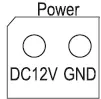 |
| 4 | 1 set of RS485 interface: can be connected to card reader, sensor etc. | 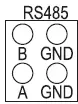 |
| 5 | 8 sets of alarm input interfaces: input devices for connecting switches, infrared sensor, door sensor, vibration sensors etc. | 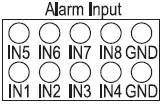 |
| 6 | Speaker |
External device connection diagram
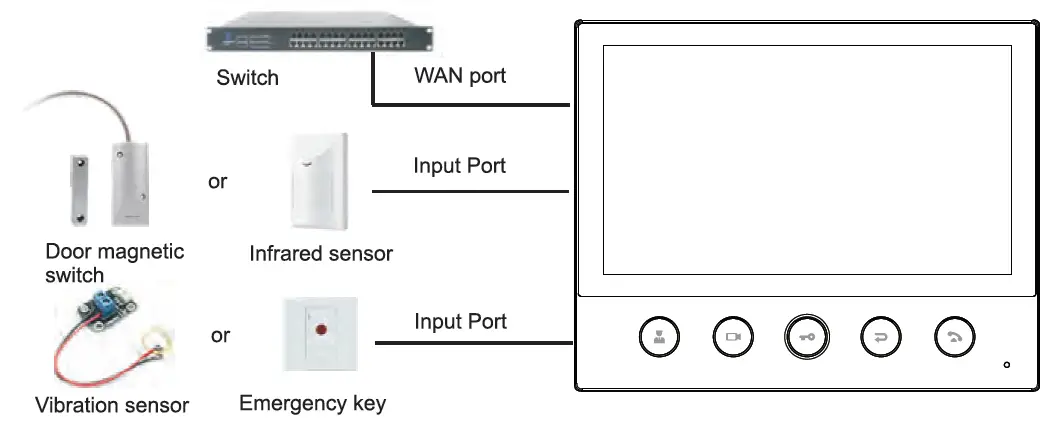
Installation Diagram two models)
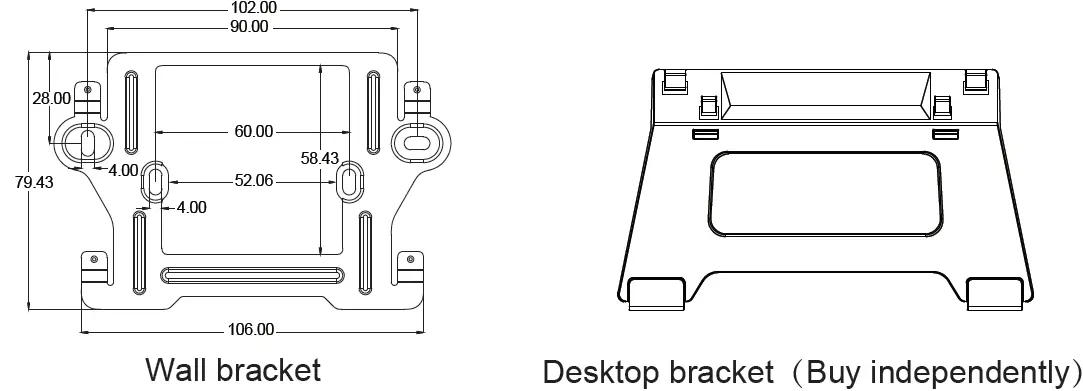 Model 1. Wall-mounted Installation
Step 1. Install wall bracket
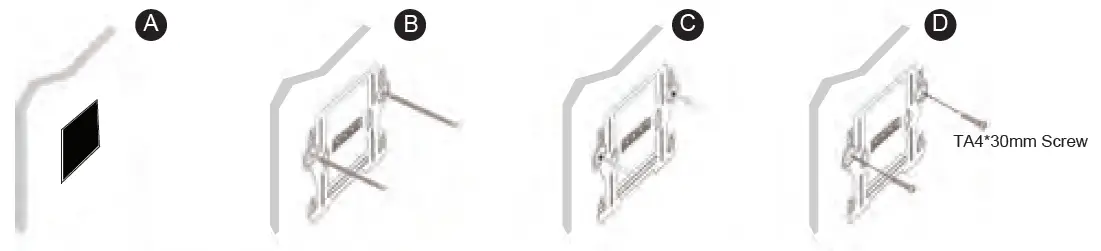
Without 86 embedded box in the wall
- A. According to the position of the cable in the wall, dig out a square hole (height*width*depth=58.5*60*50mm) that can accommodate all cables.
- B. Align the square hole of the wall bracket with the hole digged out before, then mark the two fixation holes through bracket on the wall.
- C. Take down the bracket, using an electric drill to make the two fixation holes on the wall, then insert the two screw fixing seats provided.
- D. Fix the wall bracket on the wall with two TA4*30 screws.
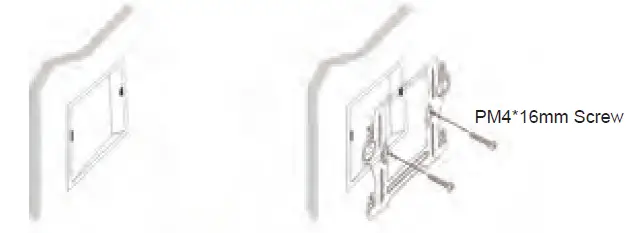
 With 86 embedded box in the wall
- A. Make sure all cables in the embedded box .
- B. Fix the wall bracket on the 86 embedded box with two PM4*16mm screws.
 Step 2. Connect peripherals
A. If you need to connect other input and output devices, please connect to the host through the cable.
Step 3. Power on the device.
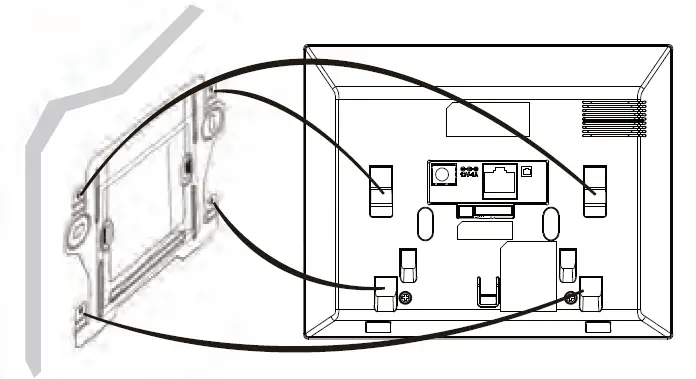
If it is working properly, align the slot on the rear side of the panel with the pin on the wall bracket and slide the host down to complete the installation.
Model 2. Desktop Installation
Align the slot on the rear side of the panel with the pin on the desktop bracket and slide the bracket up to complete the installation.
Searching IP address
There are two methods as shown below to search the device. The default WAN mode is DHCP.
Method 1:
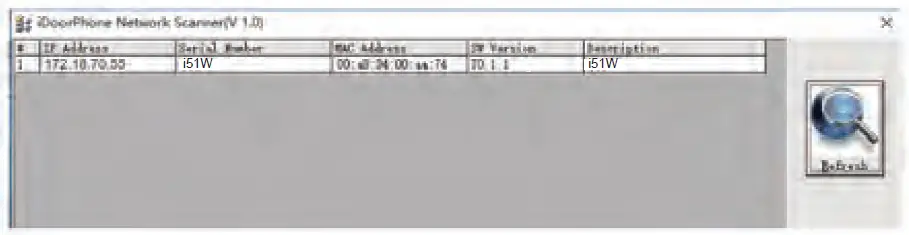
Open the iDoorPhone Network Scanner, click the Refresh button to search the device and find the IP address.
(Download address http://download.fanvil.com/tool/iDoorPhoneNetworkScanner.exe)
 Method 2:
i51W&i52W:
After booting, long press the unlock key to enter the menu, click “System Message” — “Network”.
i53W :
After booting, “Menu”— “Status”.
IP Indoor Station Setting
Step 1: Log in the web setting page of Indoor Station
Input IP address of indoor station (e.g. http://172.18.70.55) into the address bar of PC’s web browser.
The default user name and password are both admin.
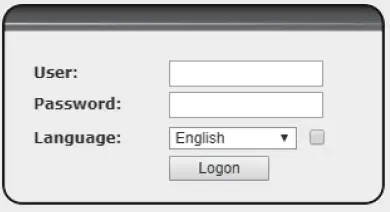 Step 2:Add the SIP account.
Set SIP server address, port, user name, password and SIP user with assigned SIP account parameters.
Select “Activate”, and then click Apply to save this setting.
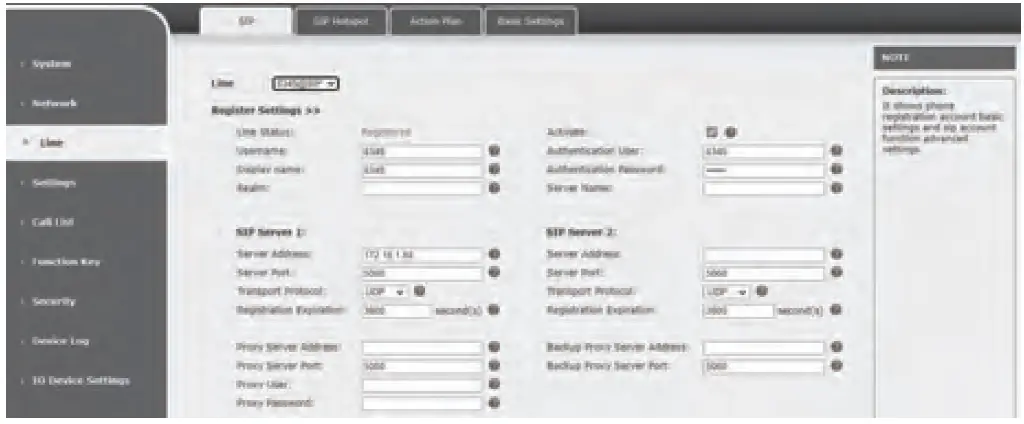 Step 3: Feature Setting
 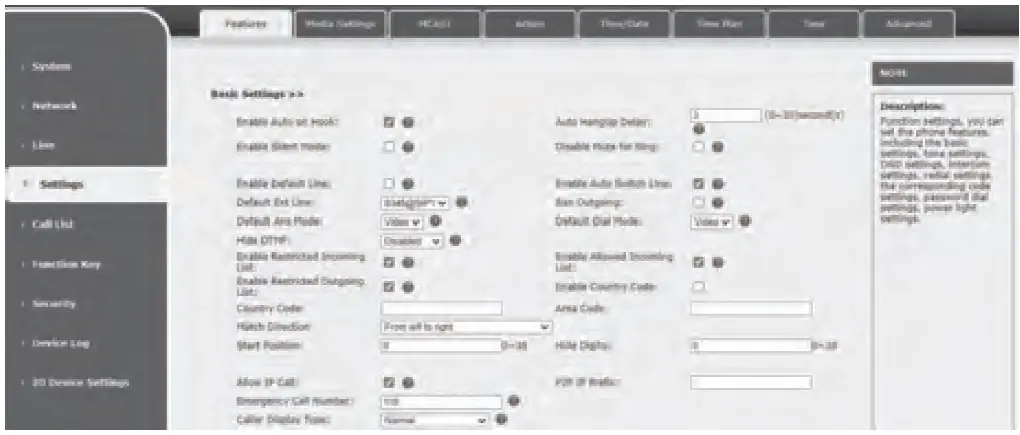 Step 4:Unlock Setting
Function Key— Set unlock key type to “DTMF”, and value is the password to open the correct access control device. 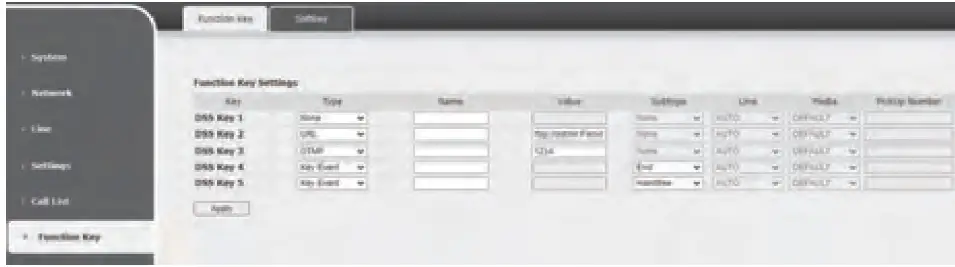
Local Operation
Answer/hang up calls
When the door phone calls the indoor station, click the key to answer the call, and click the
 key to hang up the call.
Unlock the door
During the call of indoor station and door phone, click the key to unlock the door.
Turn on/off the monitoring
Click the  key on the indoor station to check the monitoring screen, and click the key to exit. (Only support for the communication with video door phone)
Call management center
Click the  key on the indoor station to call the management center, and click the key to cancel the call.
Fanvil Technology Co., Ltd
www.fanvil.com
Email:[email protected] Tel:0755-2640-2199
Add: 4F, Block A, Building 1#, GaoXinQi Hi-Tech Park (Phase-II), 67th District, Bao’An, Shenzhen, China