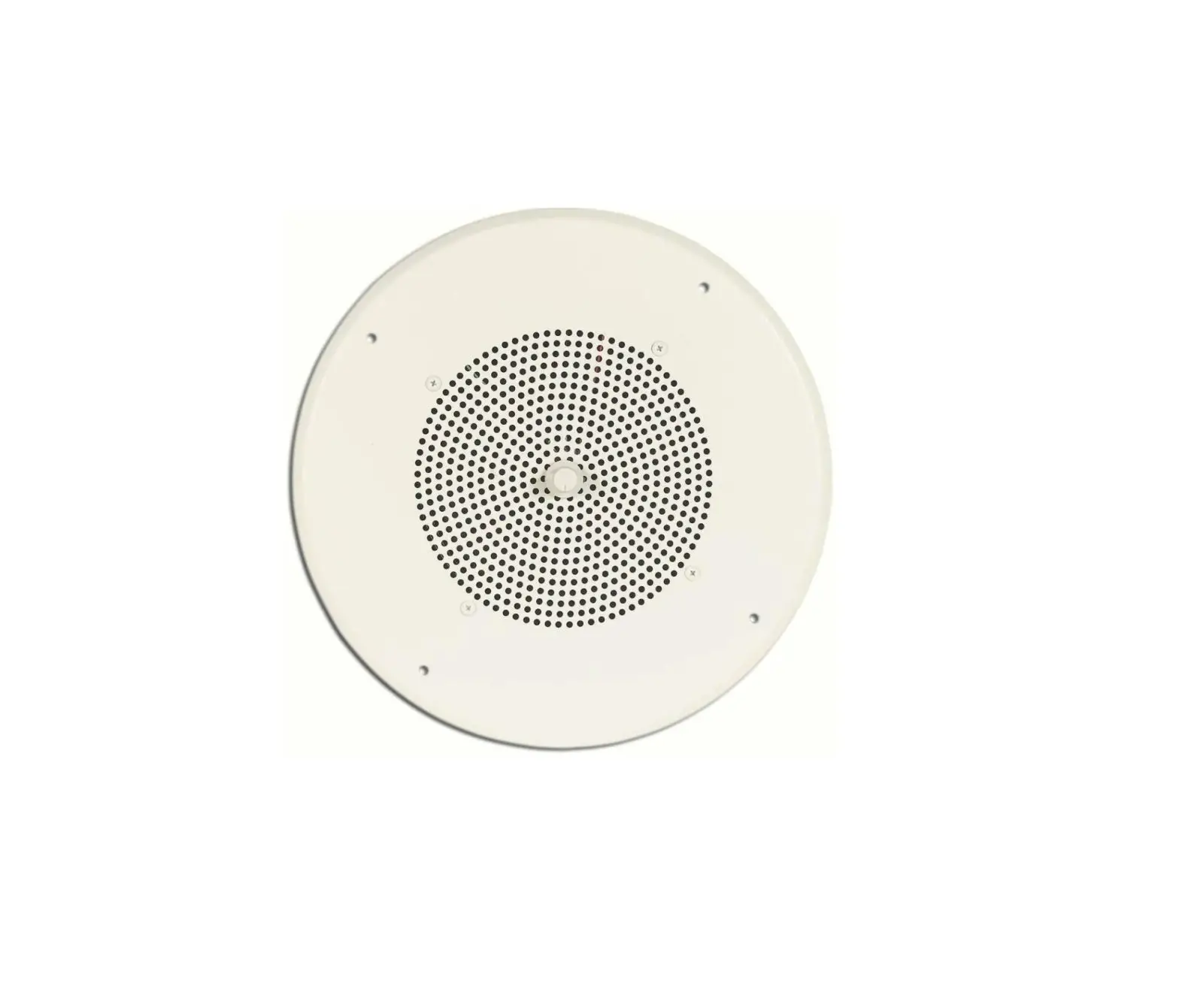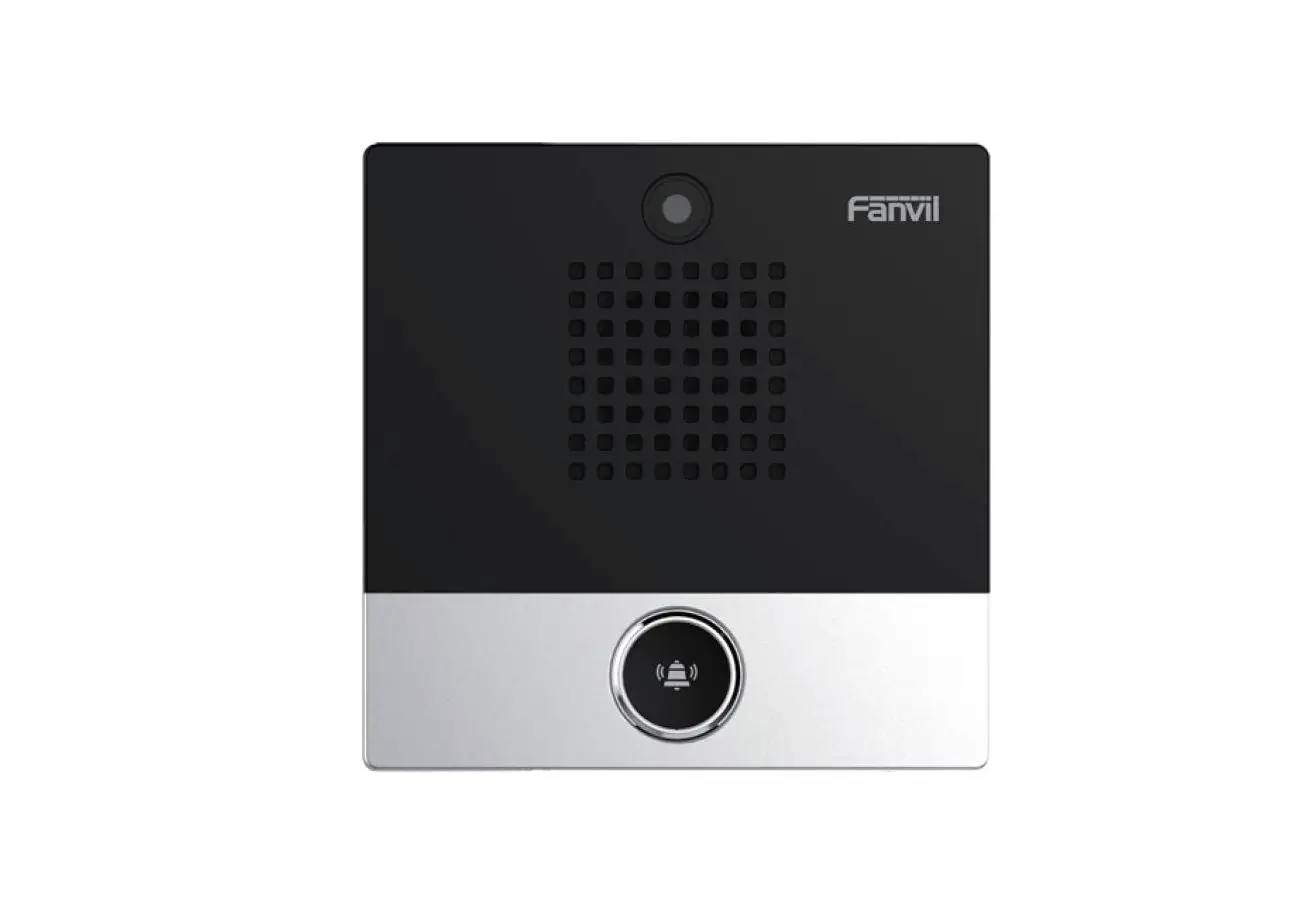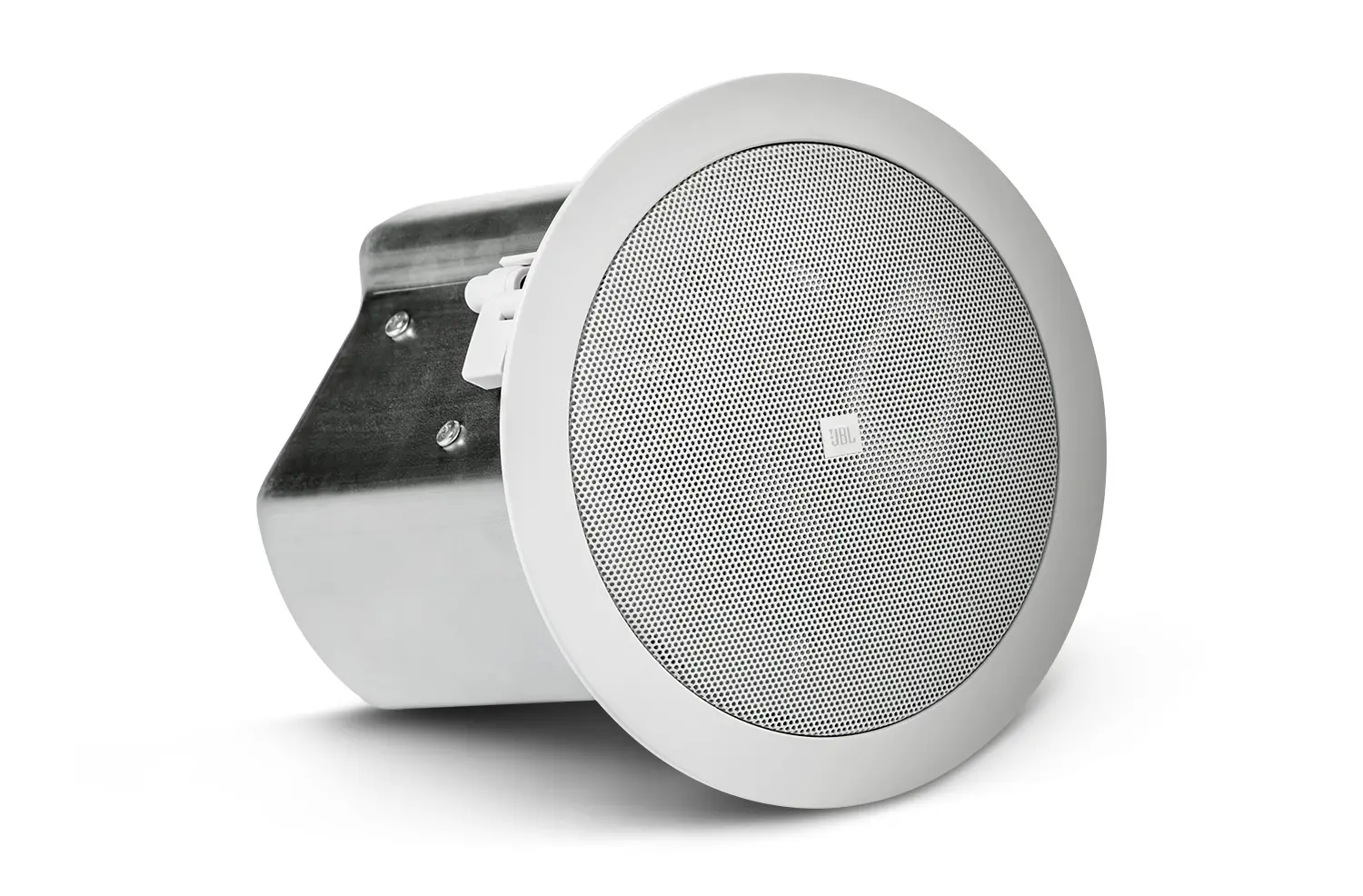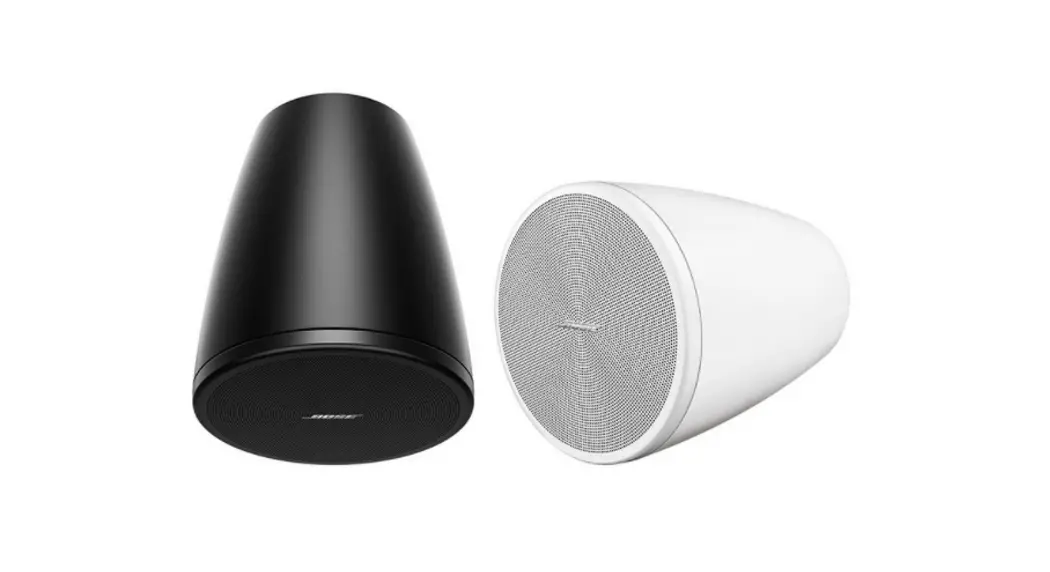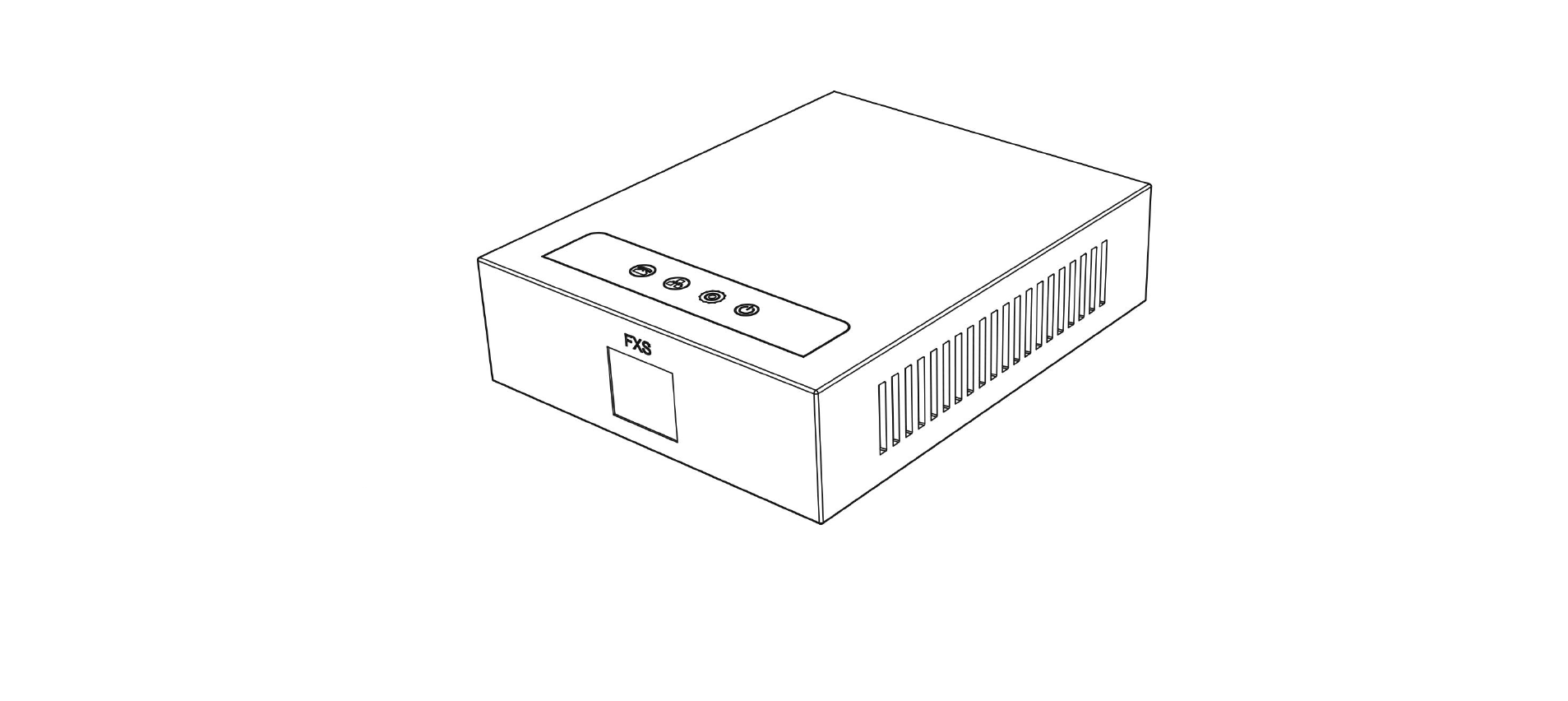
 Ceiling Speaker
Quick Installation Guide
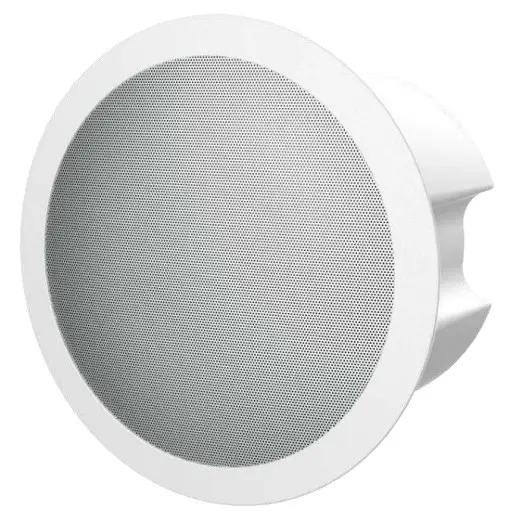 FH-S01 SIP
Package Contents
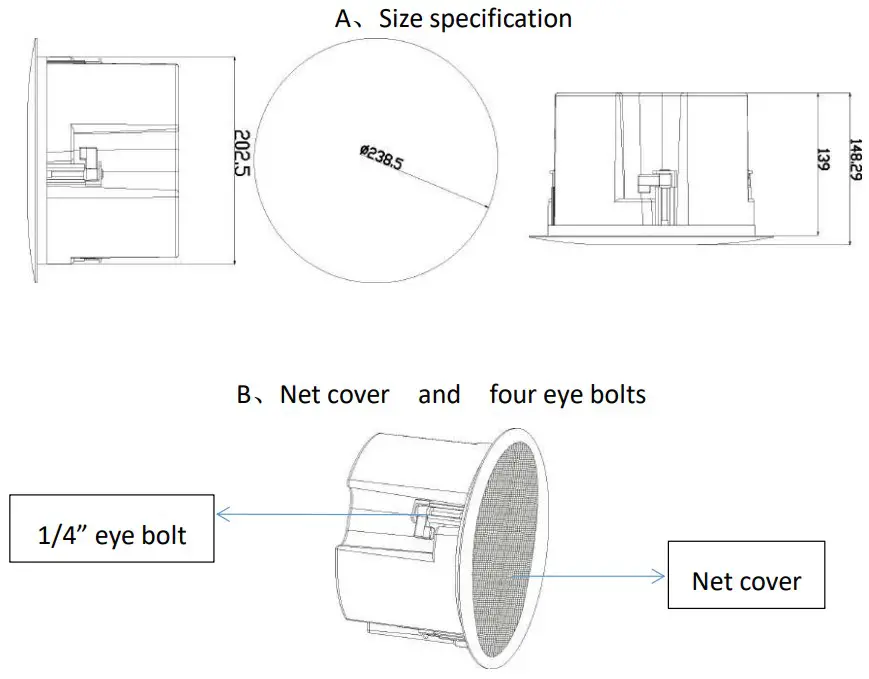
Physical specification
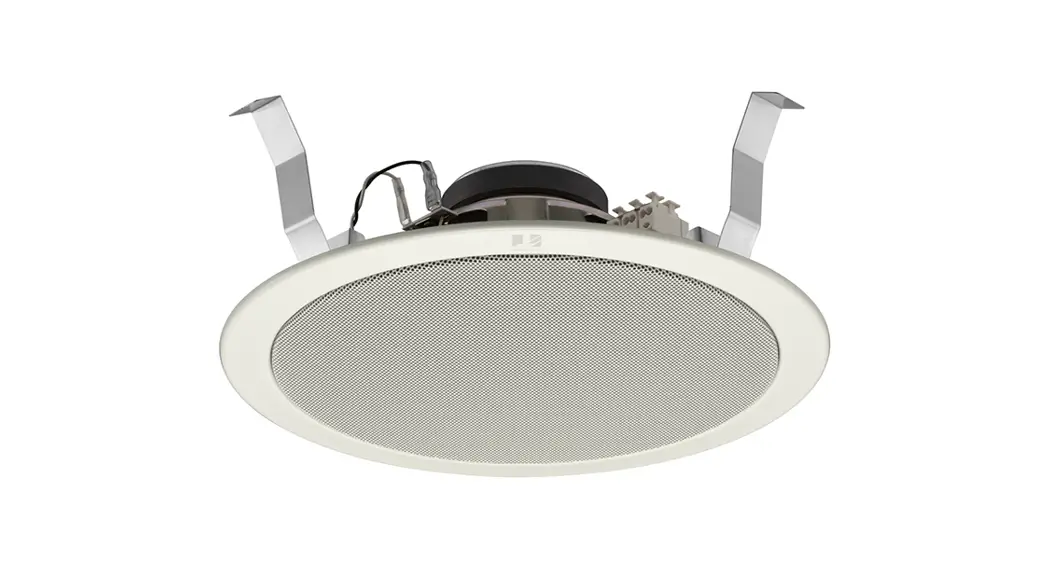
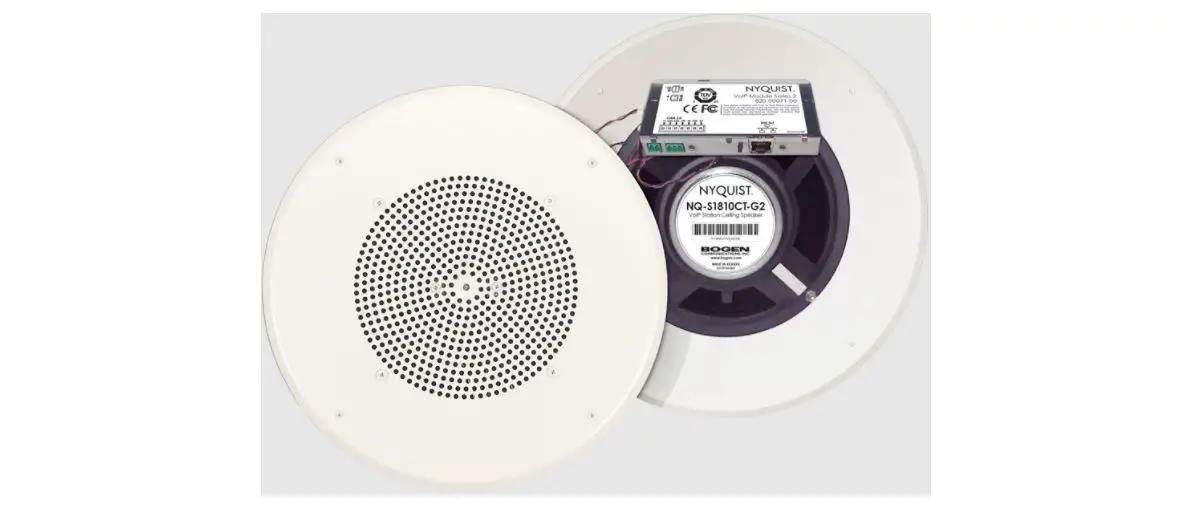
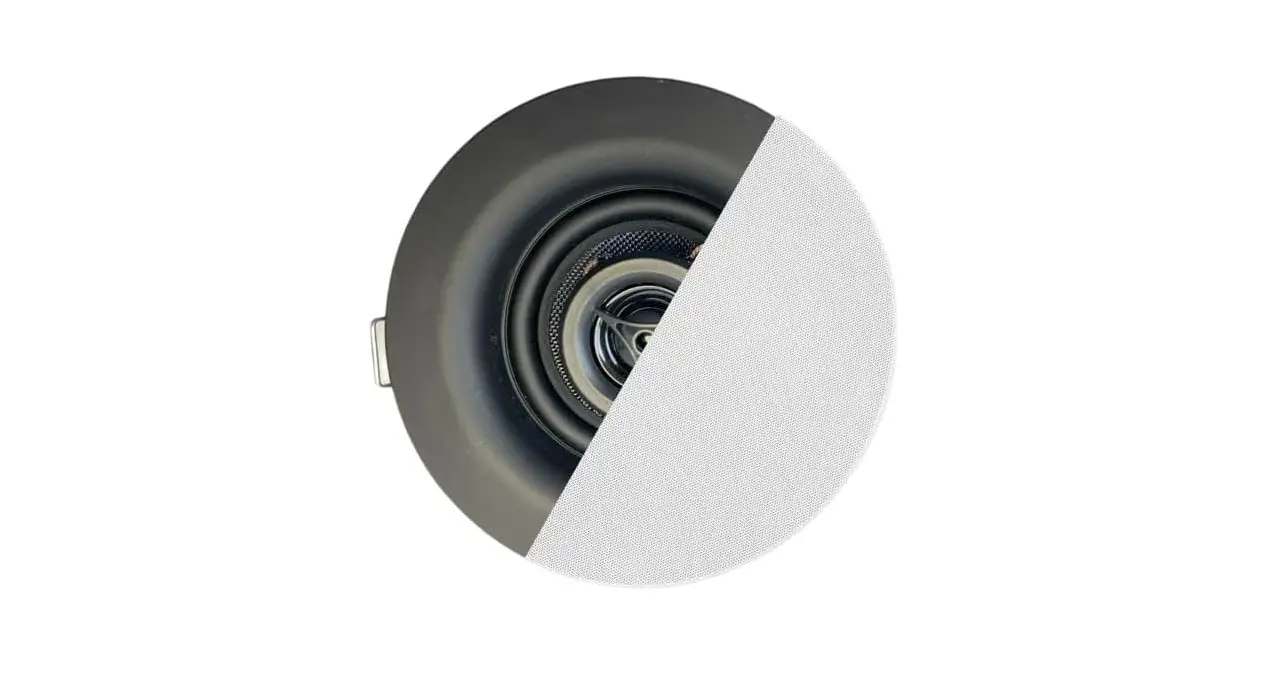
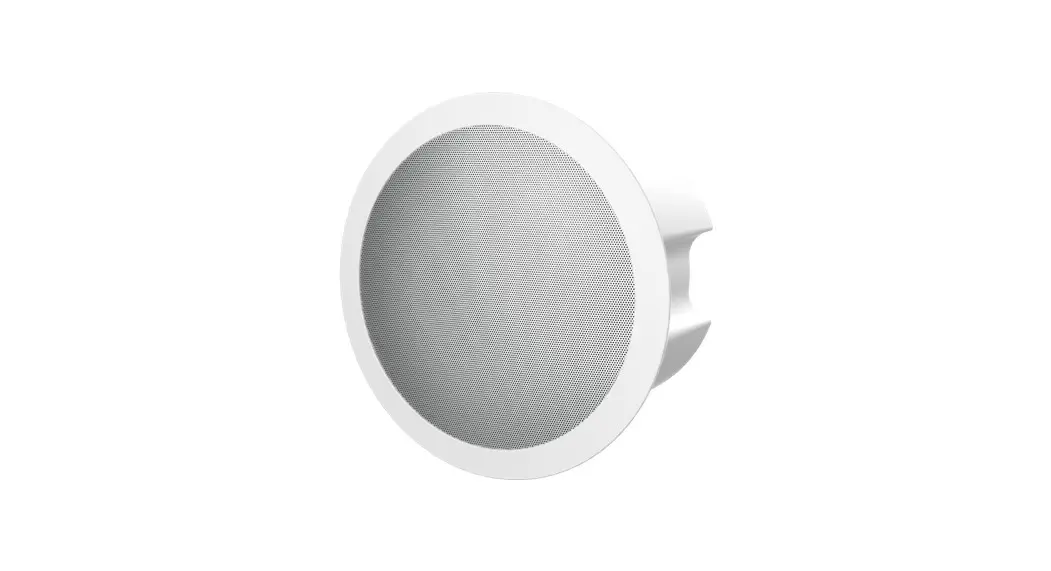
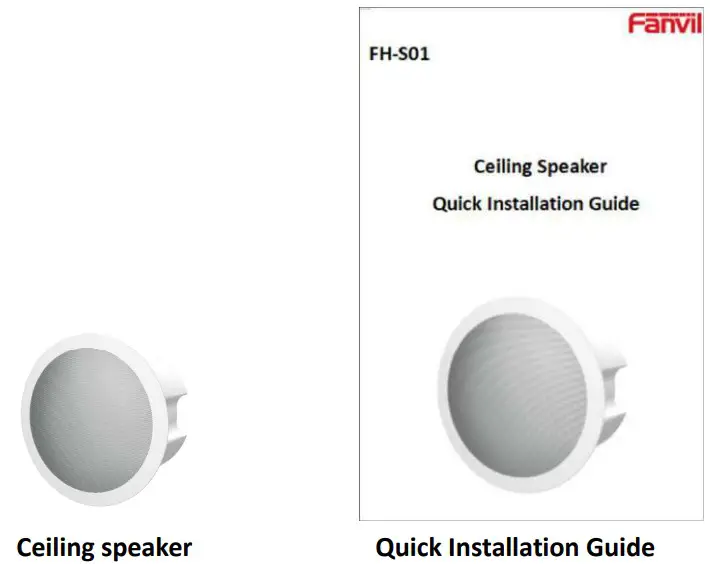
1) Ceiling Speaker
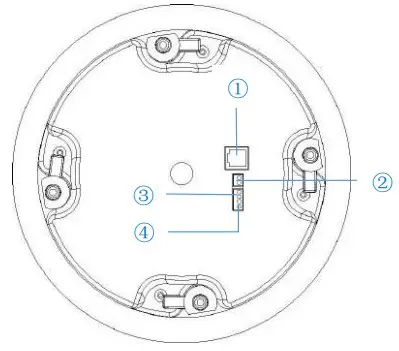
Interface description
| NO | Description | Interface |
| 1 | Ethernet interface: standard RJ45 interface, 10/100M adaptive, support PoE powered, it is recommended to use CAT5 or CAT5E network cable. |  |
| 2 | Power interface: 12V~24V/2A input |  |
| 3 | 1 set of short-circuit input interface: input devices for connecting switches, infrared sensor, door sensor, vibration sensors etc. | 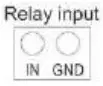 |
| 4 | 1 set of short-circuit output interface: corresponding to the short-circuit input interface, login device web page settings, can be connected to electric locks, etc. |  |
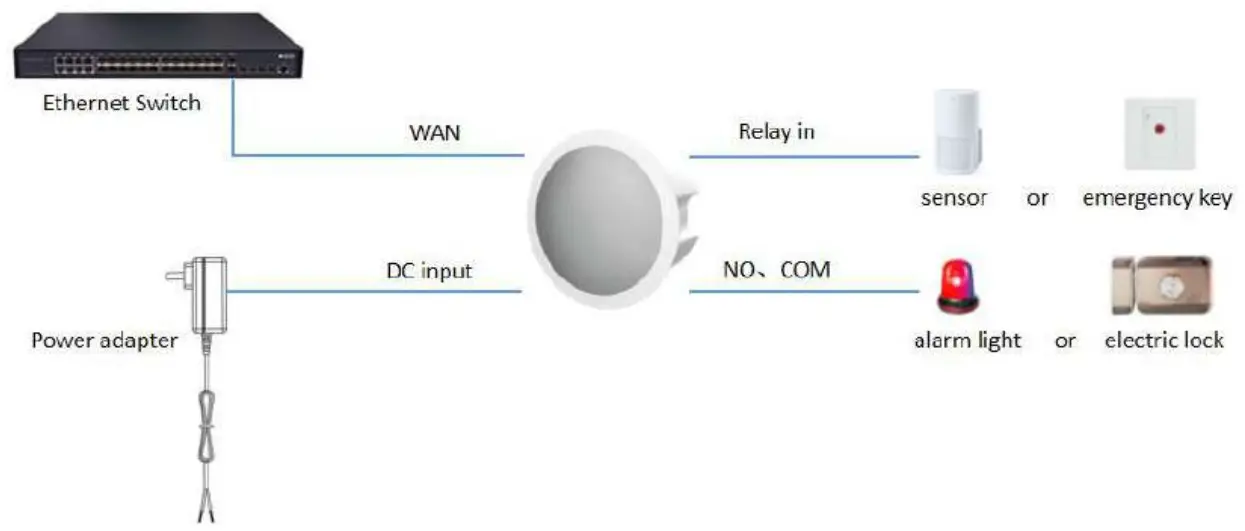
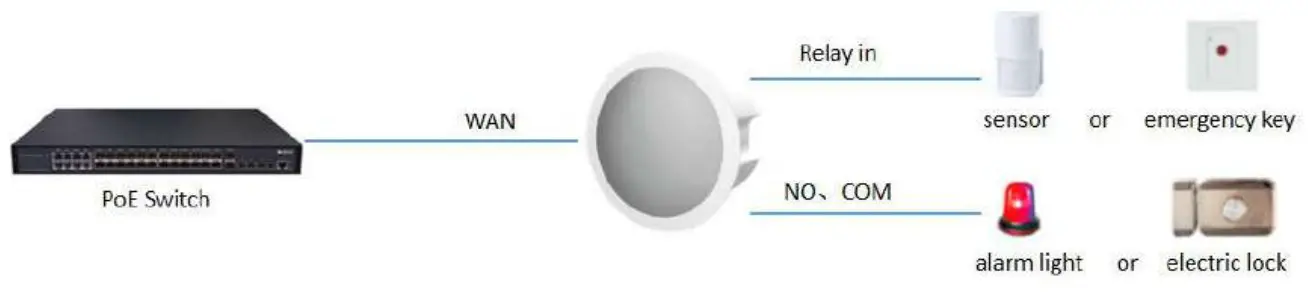
External device connection diagram
Model 1 :DC Power
Model 2 :PoE
Installation Diagram
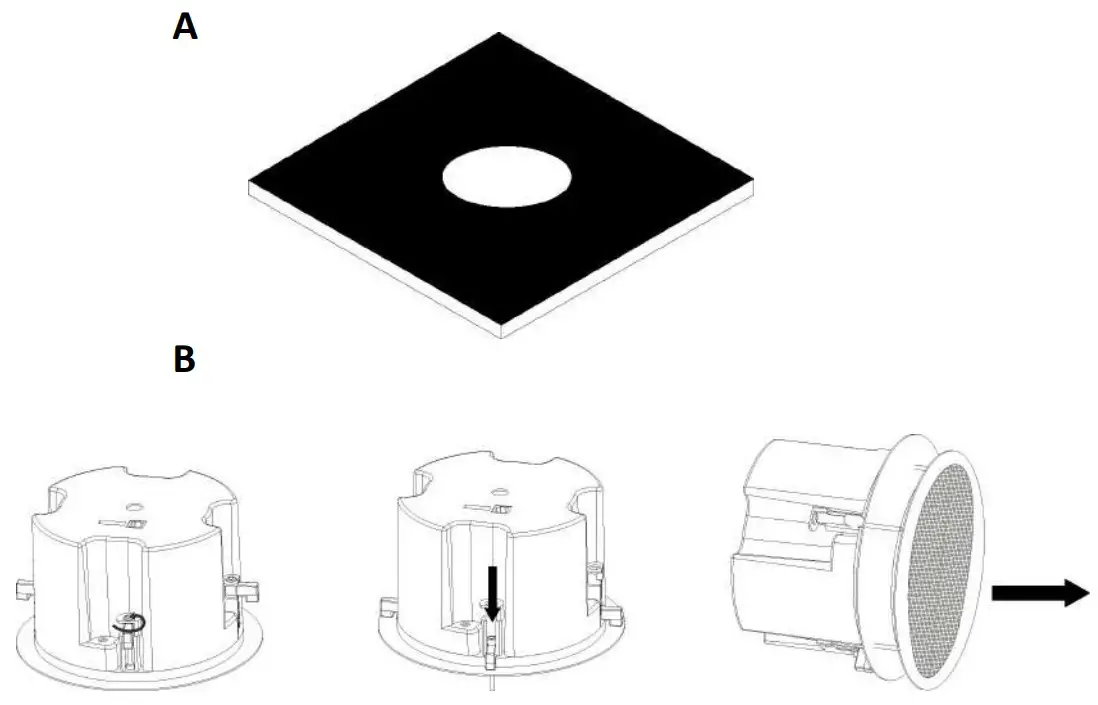
Ceiling-mounted Installation
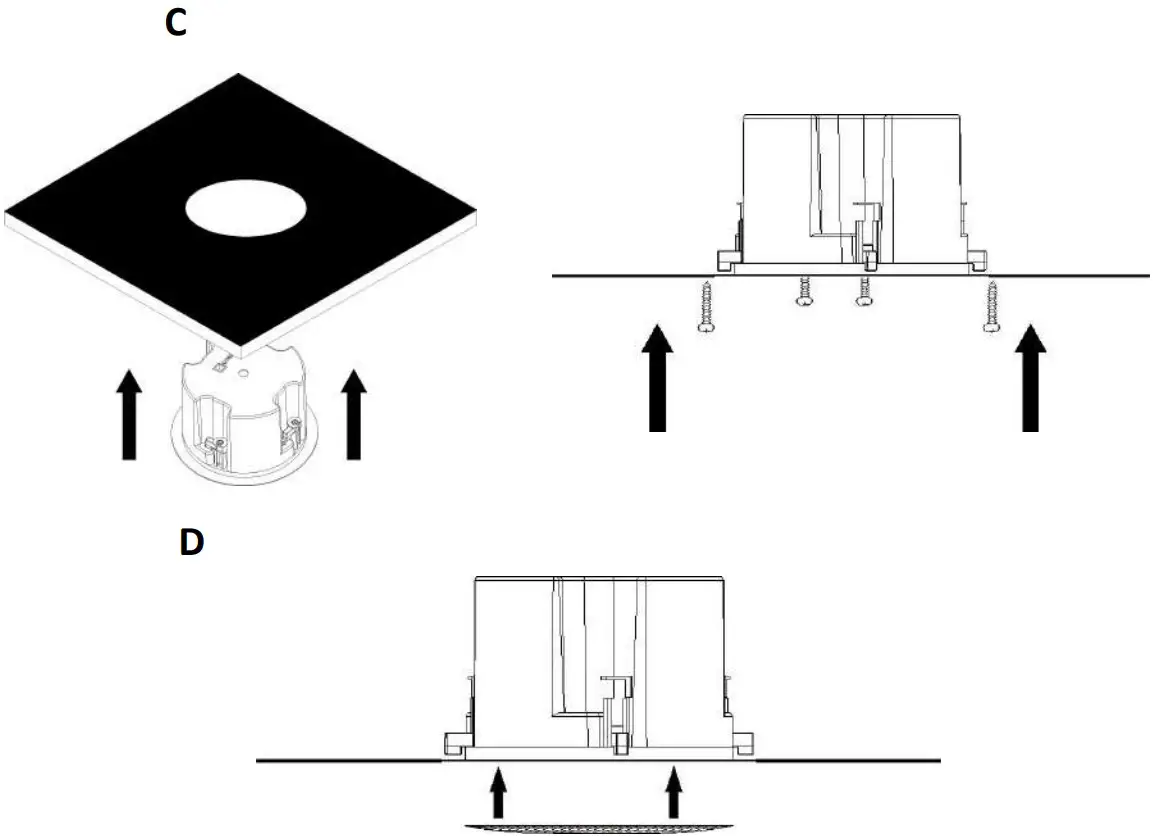
Step1:Install Speaker
A According to the installation position, punch a round hole in the ceiling to hold the back box dimension of the ceiling speaker.
Batur out the four bolts of the speaker, press down, and push out the net cover.
Cittern back bolts, insert the ceiling speaker through the round hole made before, then turn out the bolts.
Press bolts down to close the speaker slot, and tighten the screw of the bolt.
Install the speaker net cover and the installation is complete.
Step 2. Connect peripherals
If you need to connect other input and output devices, please connect to the host through the cable.
Step 3. Power on the device, If it works normally, the installation is complete.
Searching IP address
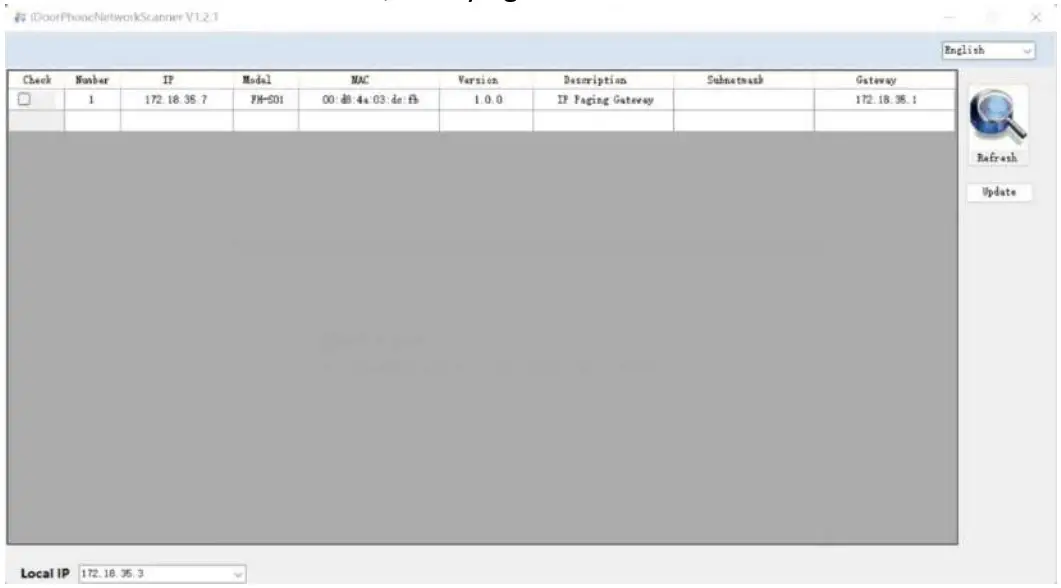
The default WAN mode is DHCP, Querying the IP address with the IP Scanner :
IP Ceiling Speaker setting
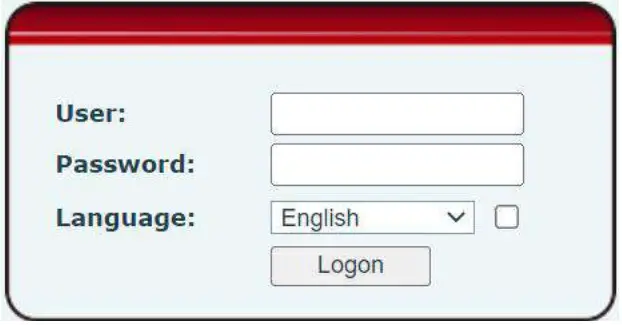
Step 1: Log in the web setting page of ceiling speaker
Input IP address of indoor station (e.g. http://172.18.35.7) into the address bar of PC’s web browser.
The default user name and password are both admin.
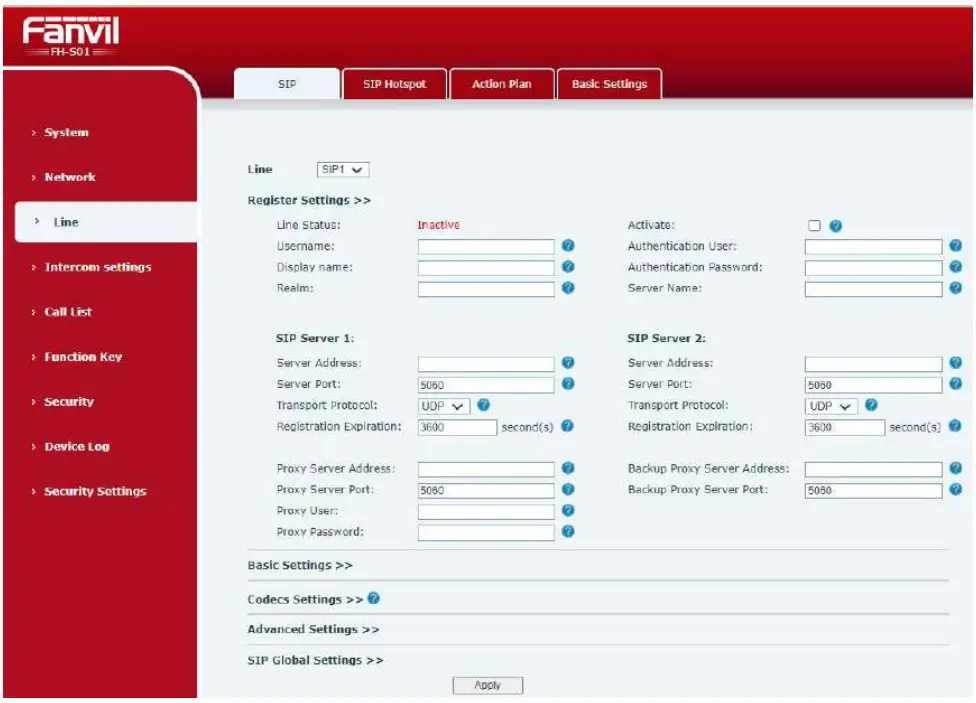
Step 2 :Add the SIP account
Set SIP server address, port, user name, password and SIP user with assigned SIP account parameters. Select “Activate”, and then click Apply to save this setting.
Feature Setting
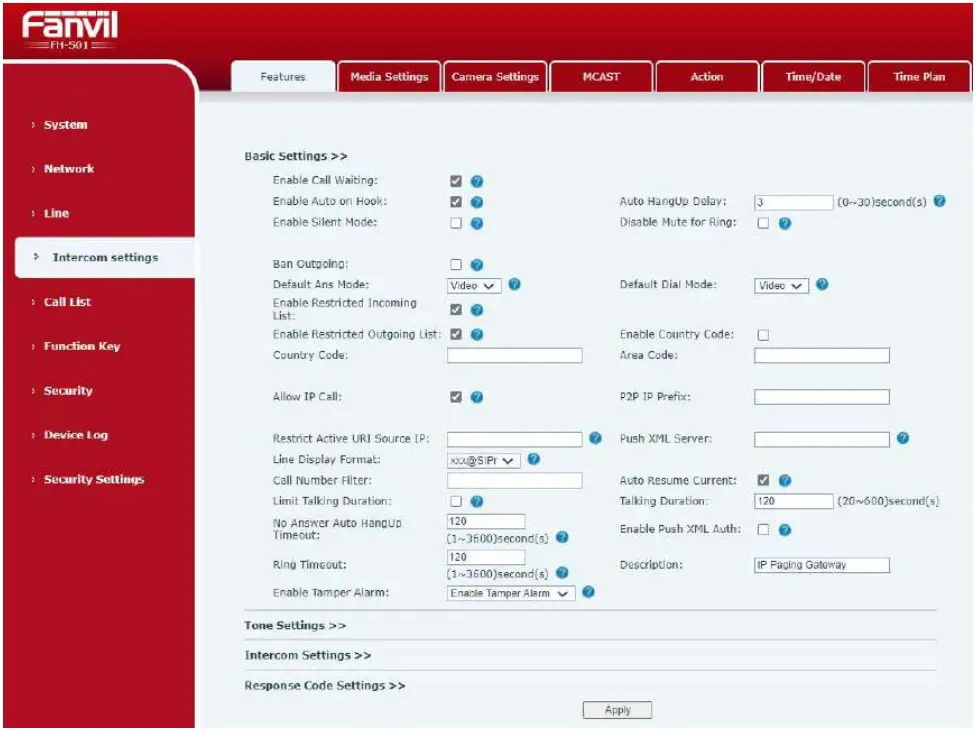
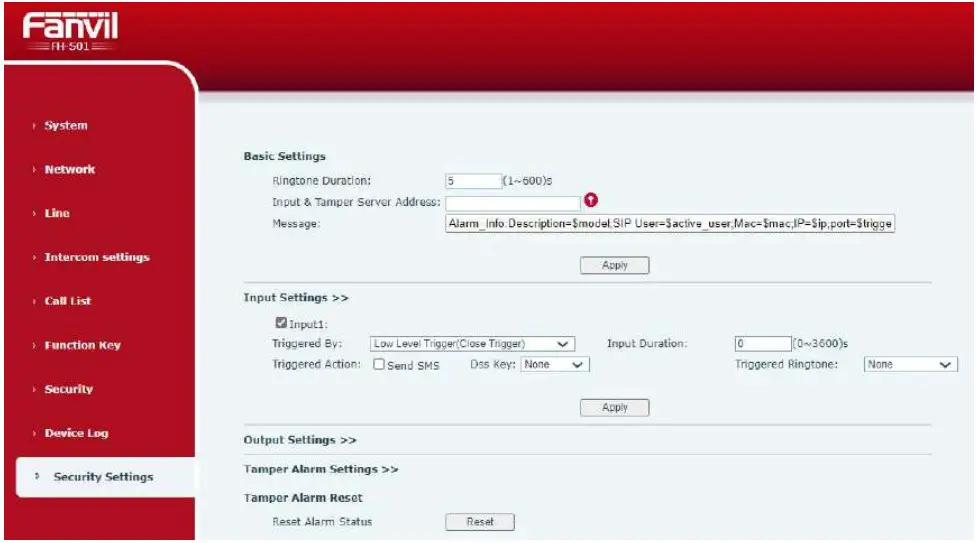
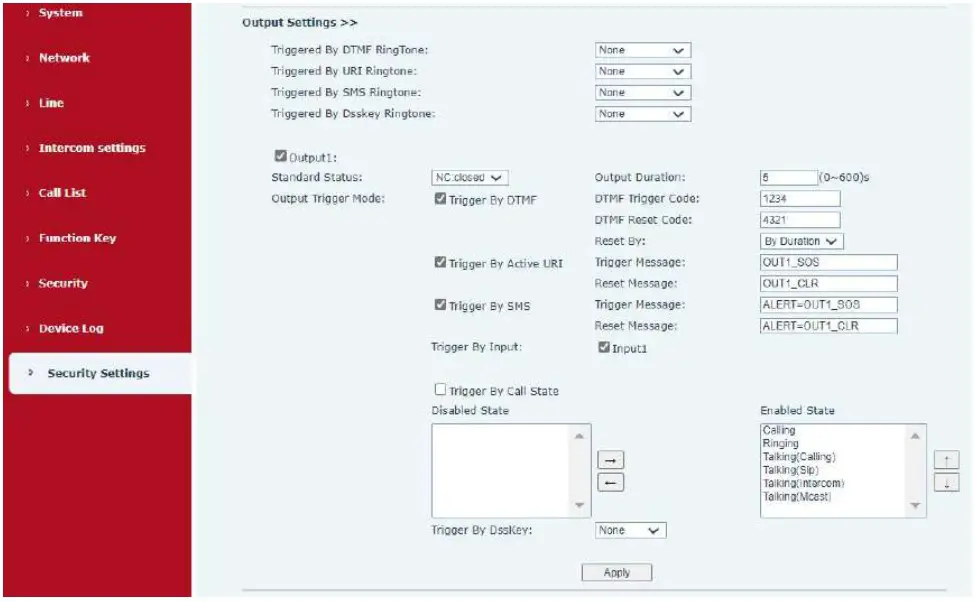
Security Settings
If you need to connect other input and output devices, please set the Input and Output setting in the Security Settings: