REGULOR
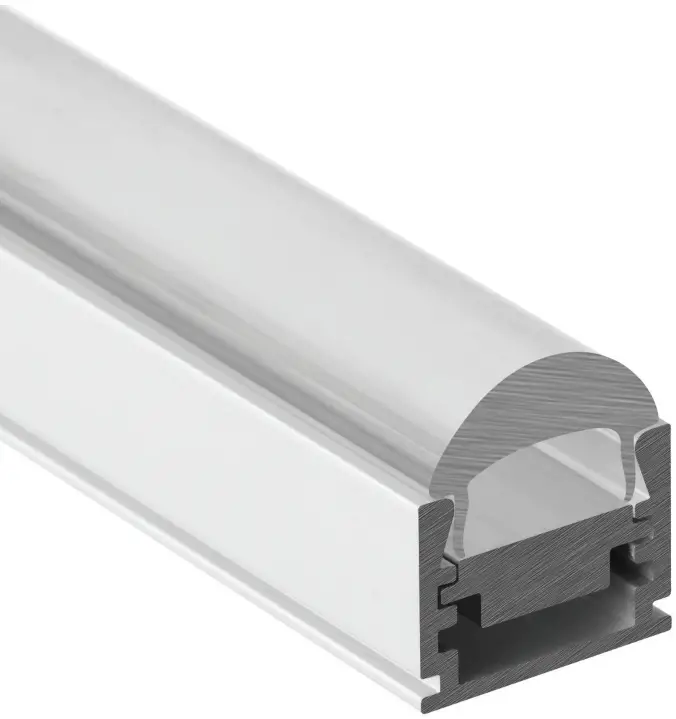



Ceiling Wall
GUIDE | Regulor
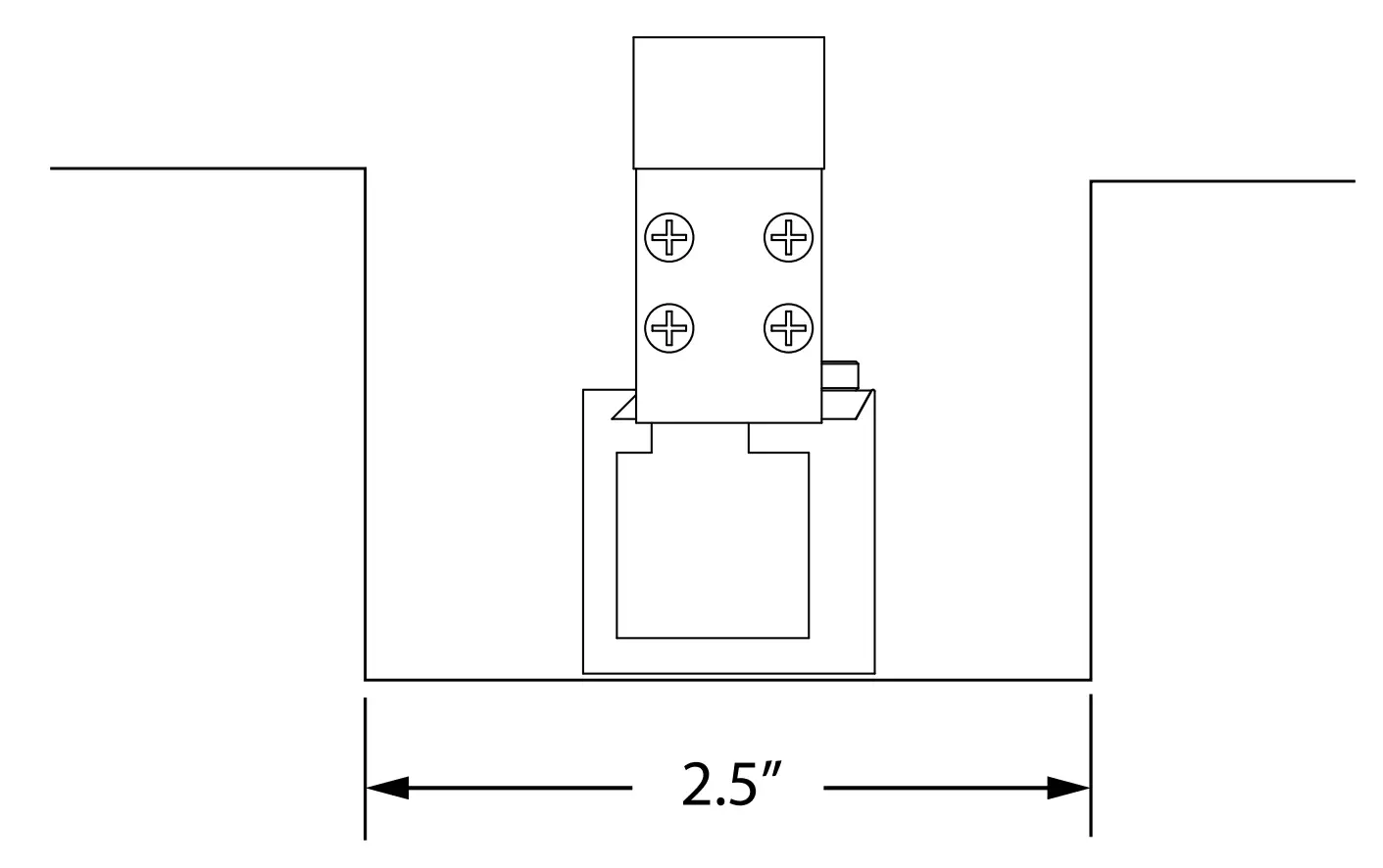
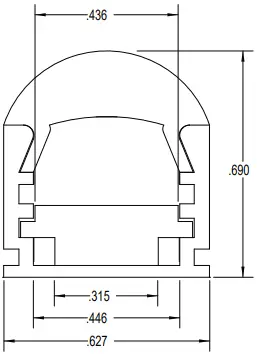
PROFILE DIMENSIONS
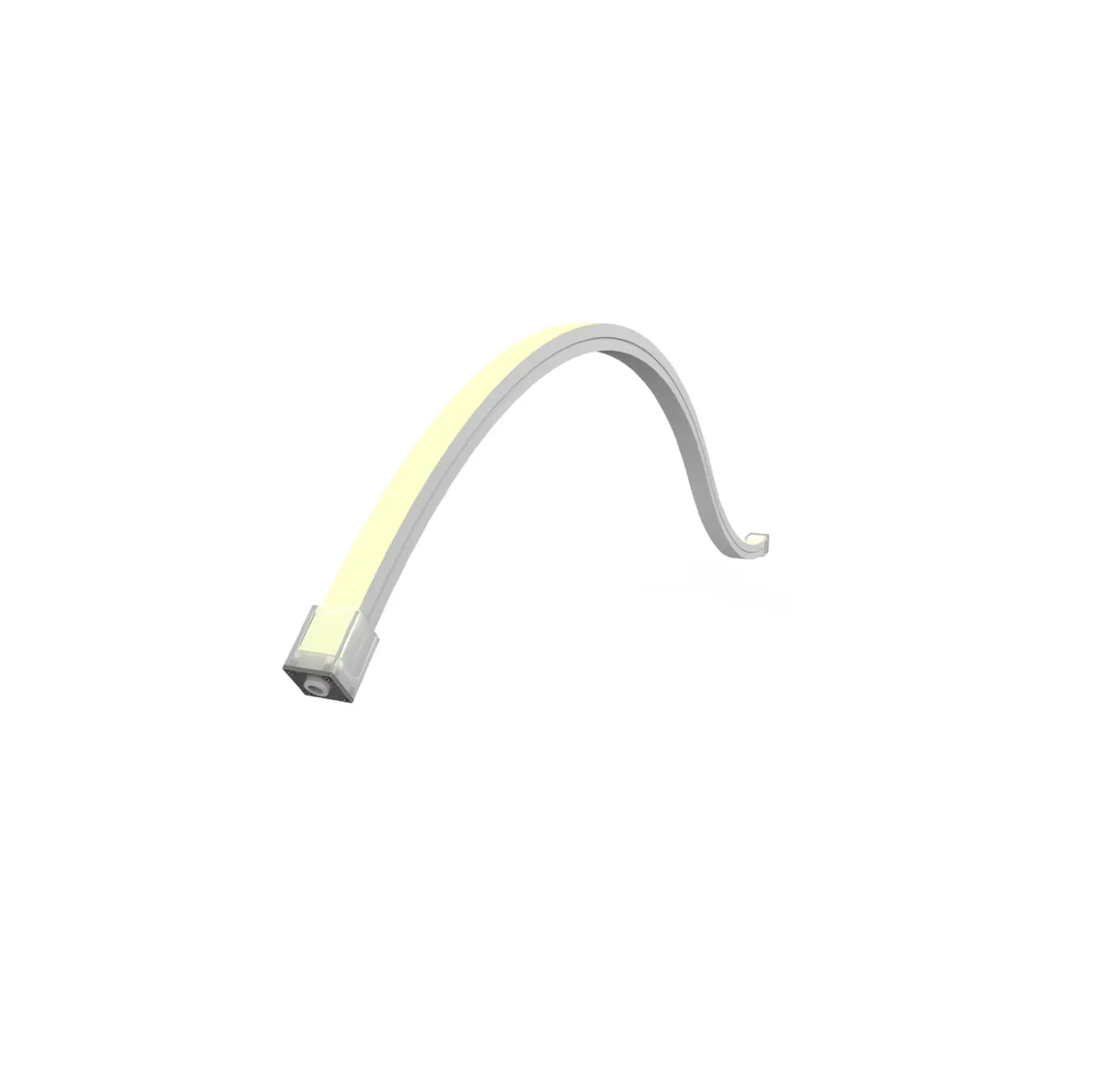
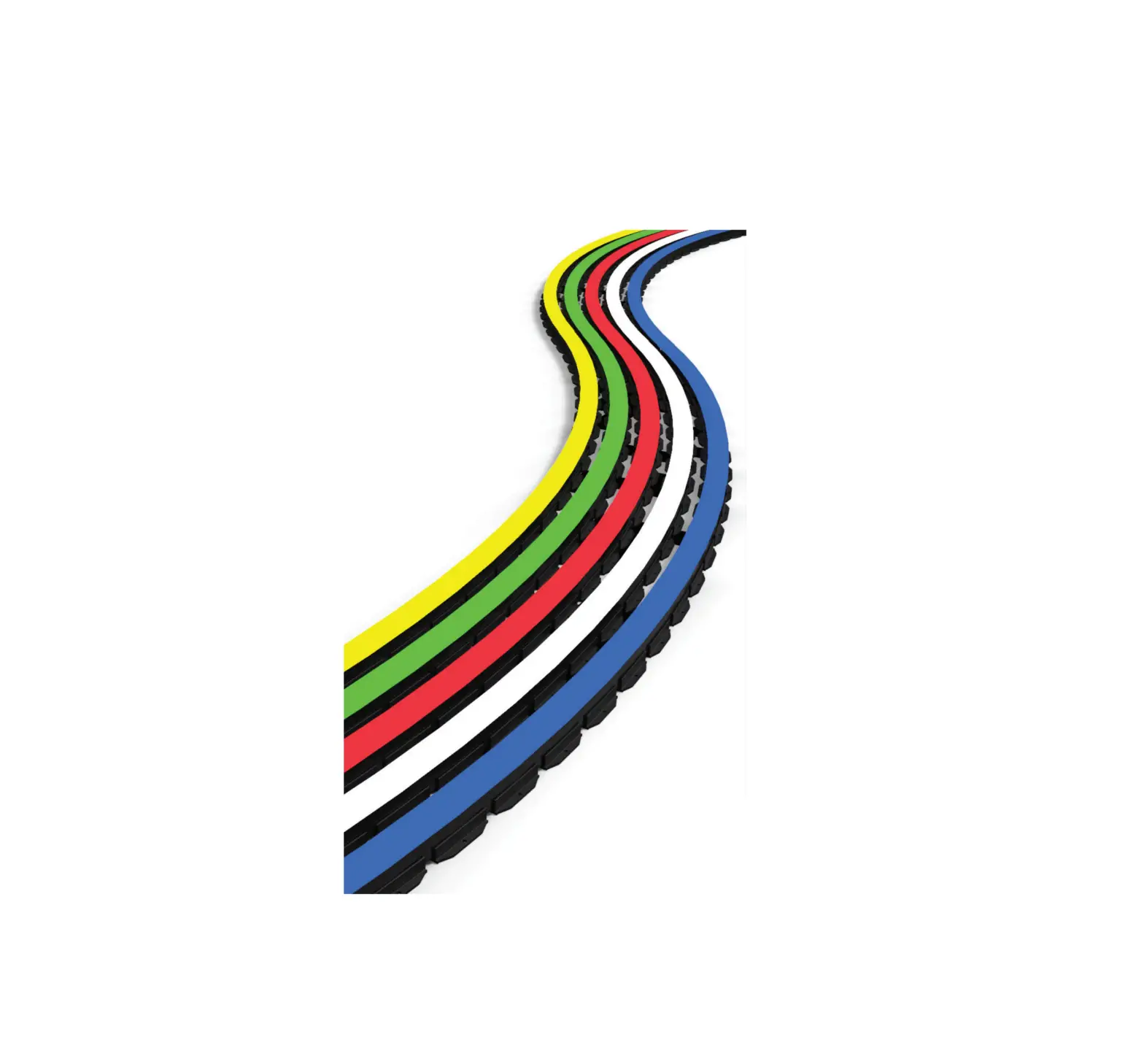
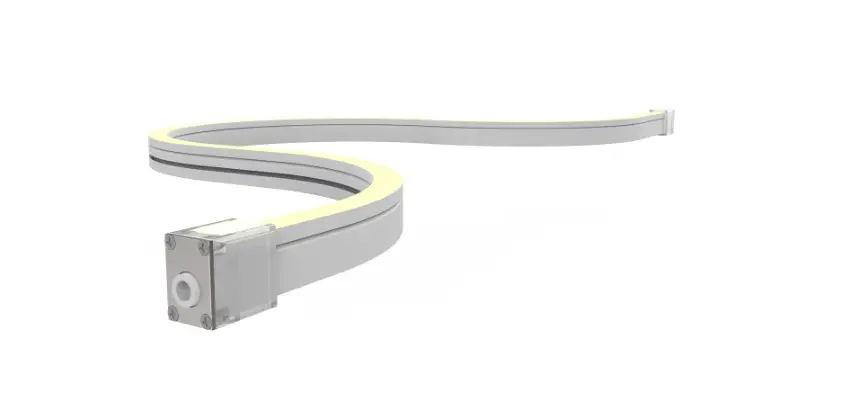
AVAILABLE TIVOTAPE™ OPTIONS
SB  3 W/ft HO 4.4 W/ft LB 1.4 W/ft


2200K 2400K 2700K 3000K 3500K 4000K 5000K
RGBmini 4.4 W/ft RGBW 5.3 W/ft


ORDERING INFORMATION
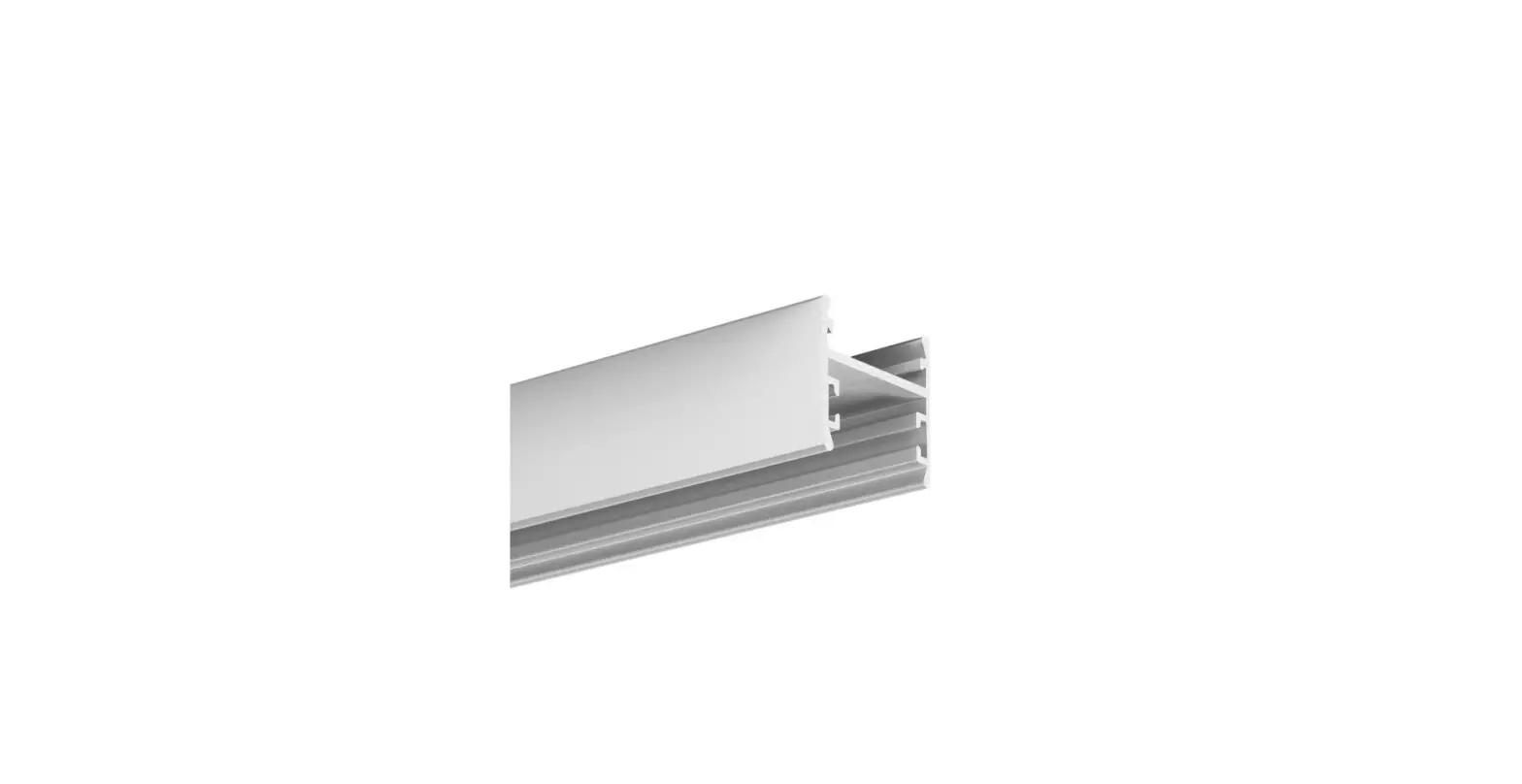
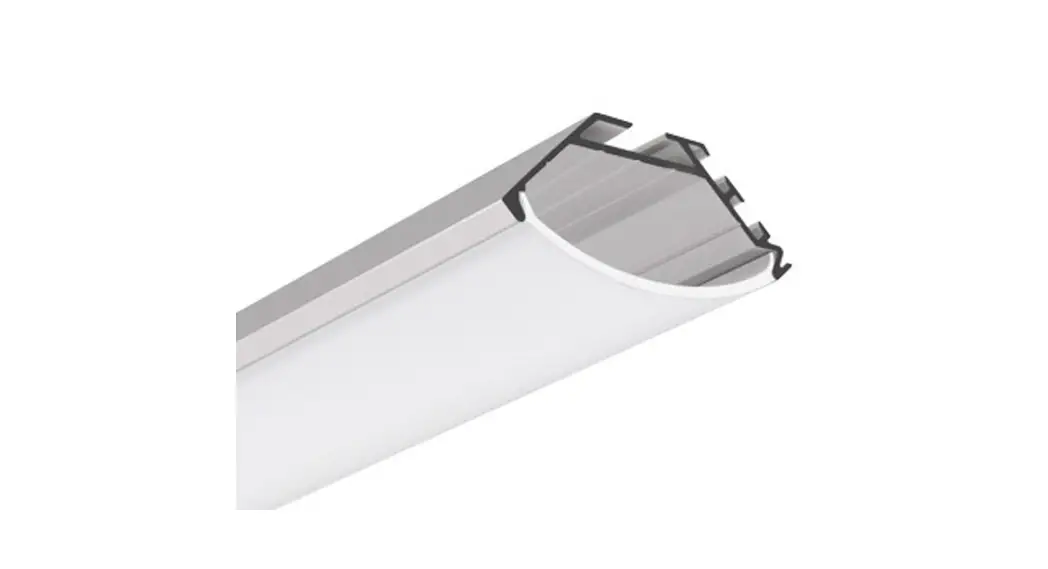
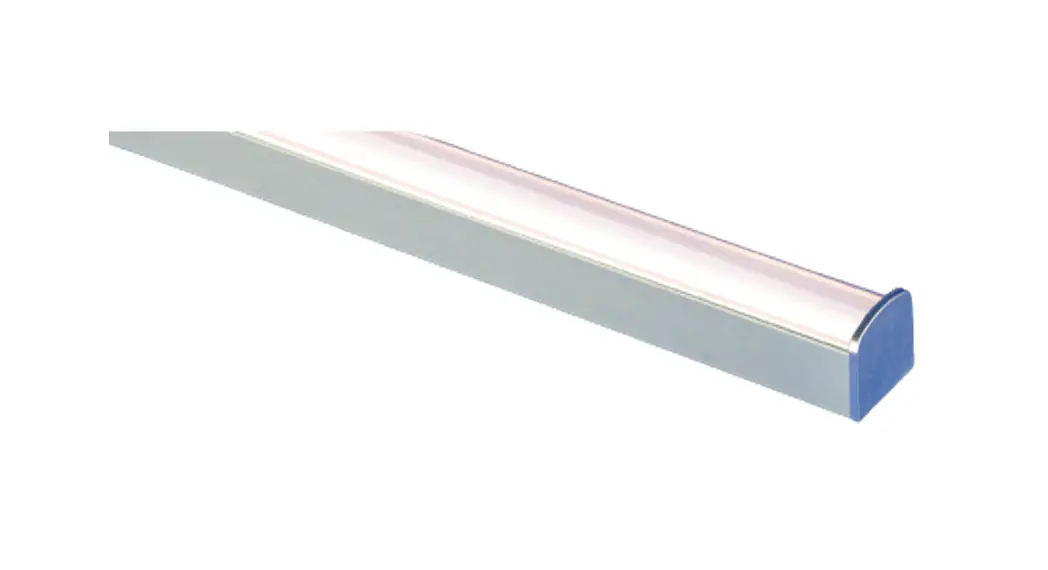
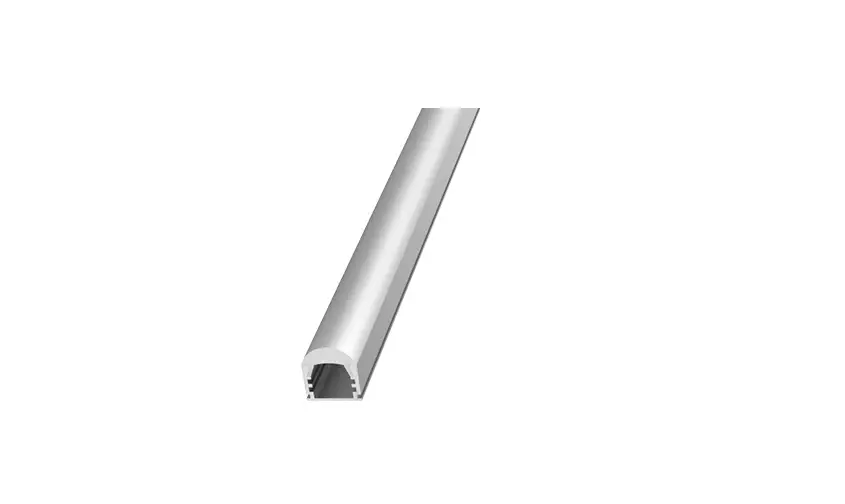
RGLR-CHAN-6.5
Anodized aluminum channel with adjustable beam angle 10°, 30°, 60°, 90°
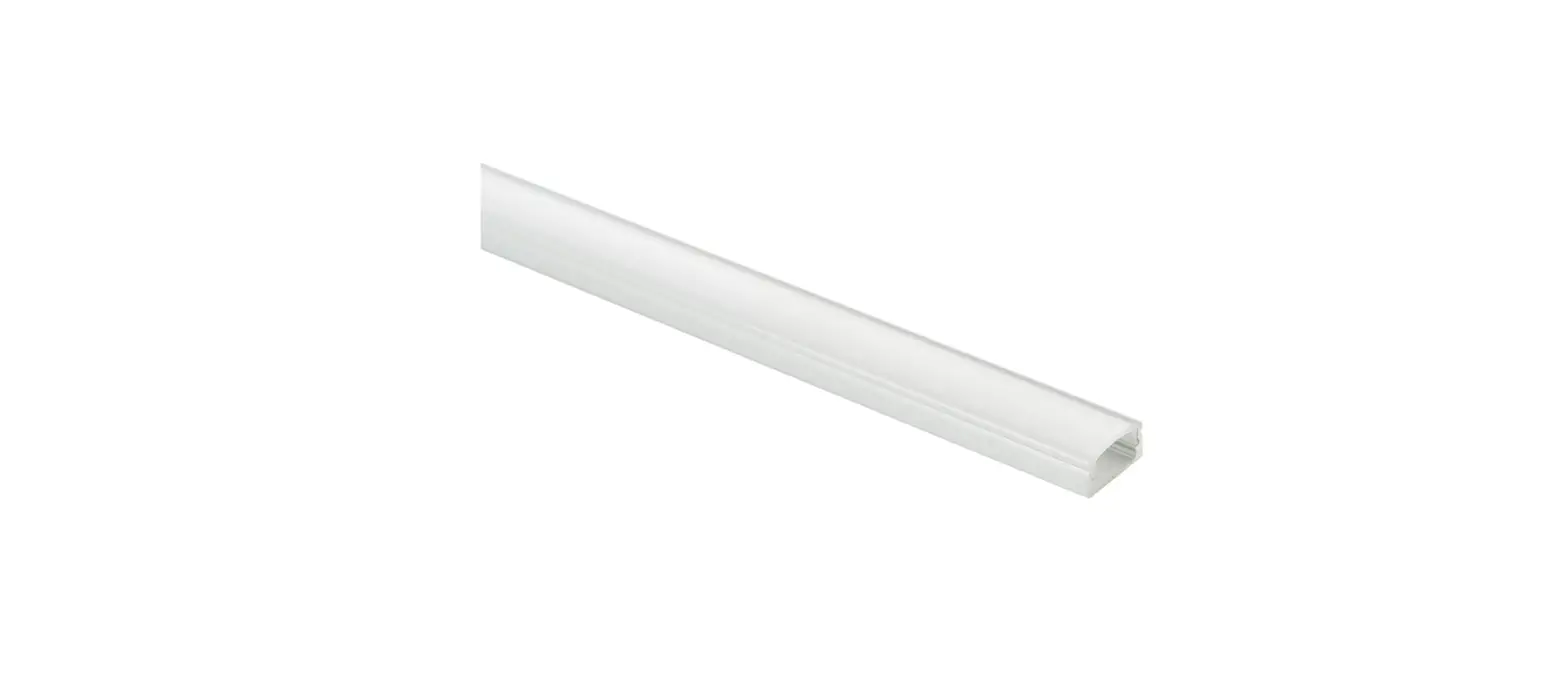
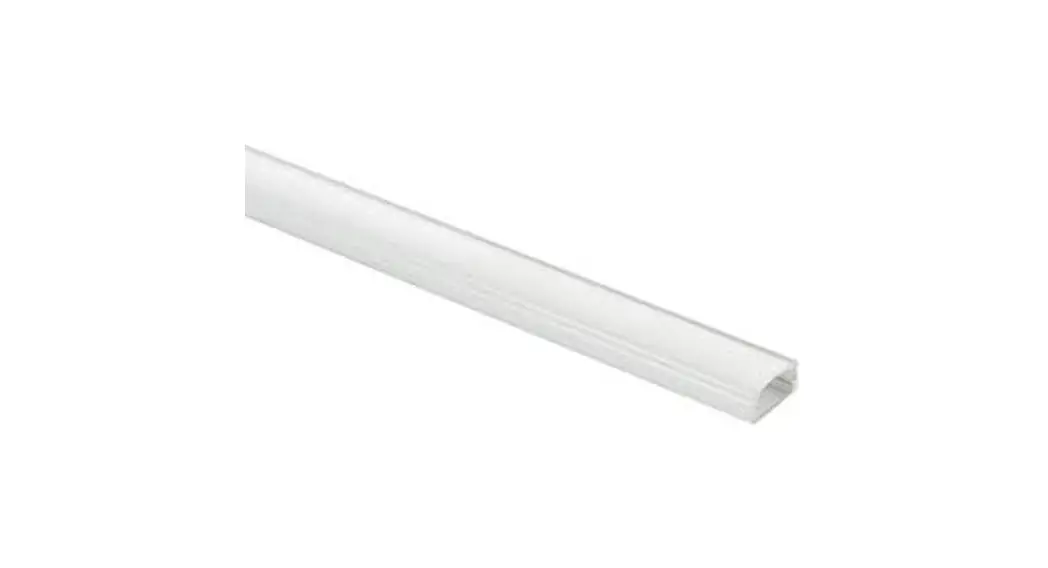
S-LNS-LF-6.5
Clear lens
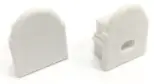
RGLR-EC-01
End-cap (without hole)
RGLR-EC-02
End-cap (with hole)
MOUNTING ACCESSORIES
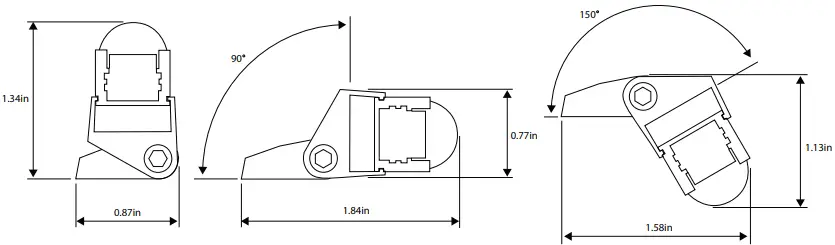
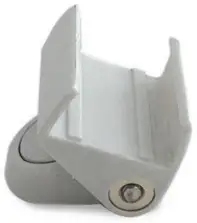
RGLR-ADJ-MTBK
Adjustable Mounting bracket Polycarbonate UV Stabilized
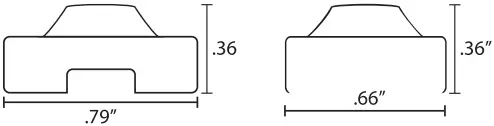
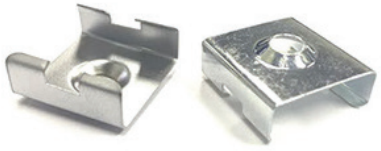
MTBK-01
Mounting Bracket Zinc
MTBK-02
Mounting Bracket Chrome
AVAILABLE BEAM ANGLE
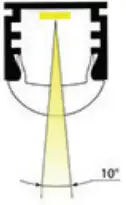
Option 1: 10° Beam Angle
This option does not use the included insert.
Step 1: Cut Tivotape™ at recommended cut point, if necessary, to fit channel.
Step 2: Peel off backing tape and apply Tivotape™ directly to the inside surface of Regulor Channel.
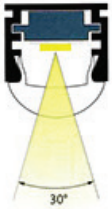
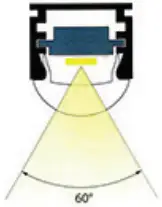
Option 2: 30° and 60° Beam Angle .
Step 1: Position the Channel Insert with the shallow side up.
Step 2: Make sure insert surface where Tivotape is to be applied is clean, free of all dirt, oil and debris.
Step 3: Peel backing tape from bottom side of Tivotape™ and attach to shallow surface of insert.
Step 4: Slide insert into channel as shown.
Use lower slot in Channel to achieve a 30° beam angle and use the upper slot for a 60° beam angle.
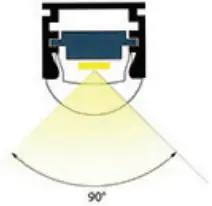
Option 3: 90° Beam Angle.
Step 1: Position the Channel Insert with the deep side up.
Step 2: Make sure surface of insert where Tivotape is to be applied is clean, free of all dirt, oil and debris.
Step 3: Peel backing tape from bottom side of Tivotape™ and attach to deep surface of insert.
Step 4: Slide insert into upper slot of channel as shown.
Tivoli, LLC. reserves the right to modify this specification without prior notice.
Copyright © Tivoli 04/14/23
www.tivolilighting.com tel: 714-957-6101 fax: 714-427-3458