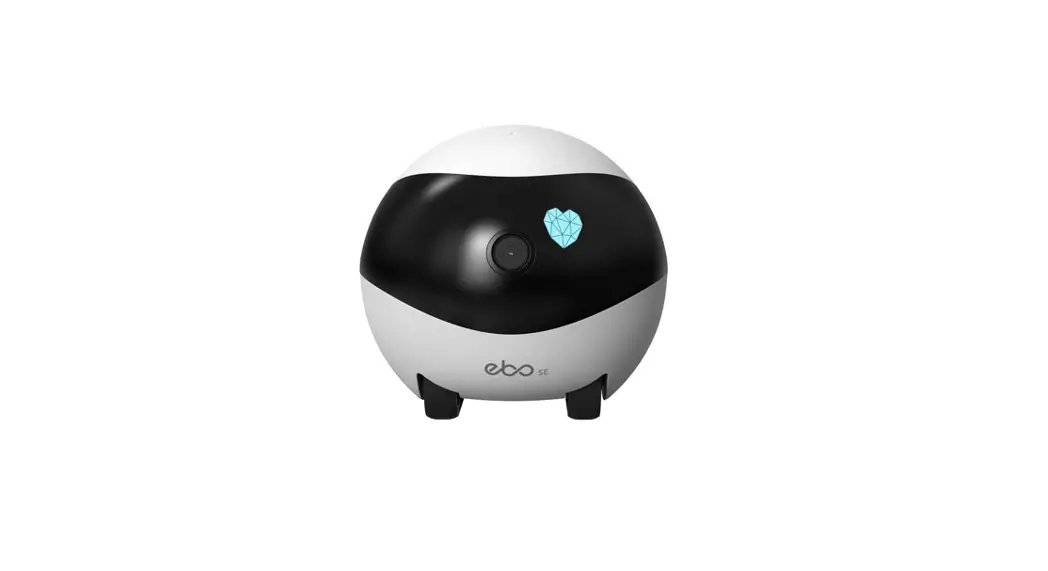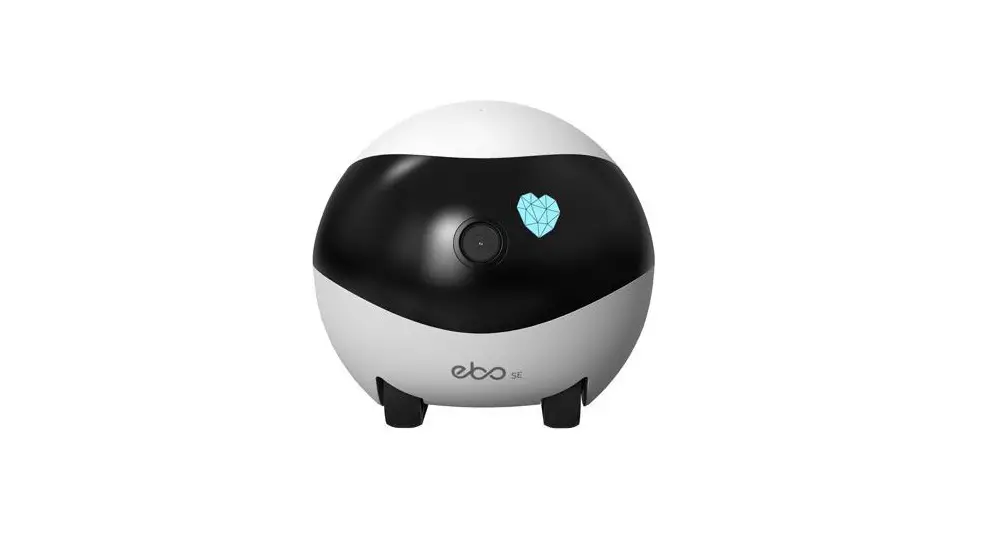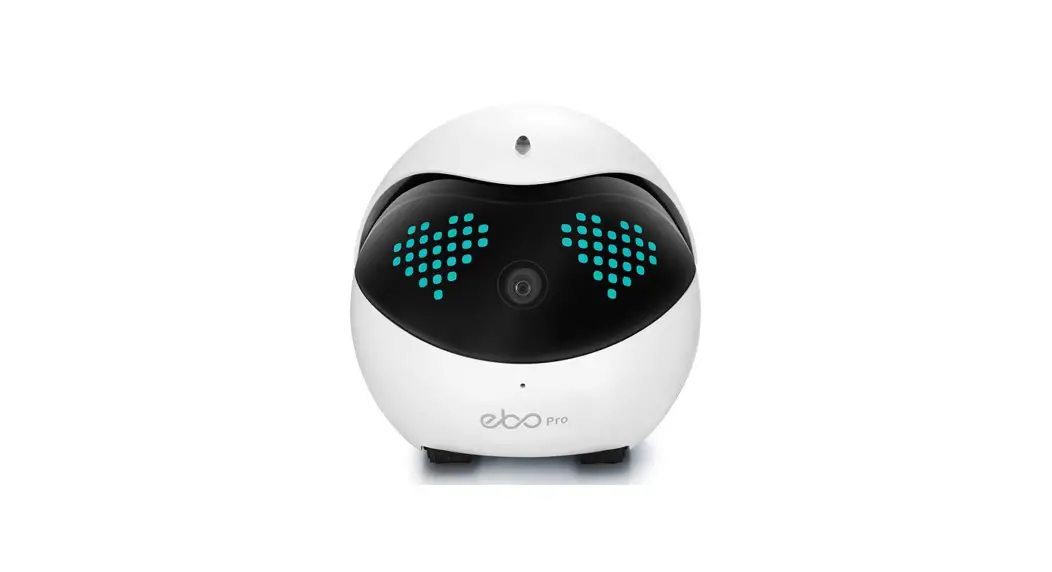
 EBO SE Wobbly Robotic Pet Camera
User Manual
EBO SE Wobbly Robotic Pet Camera
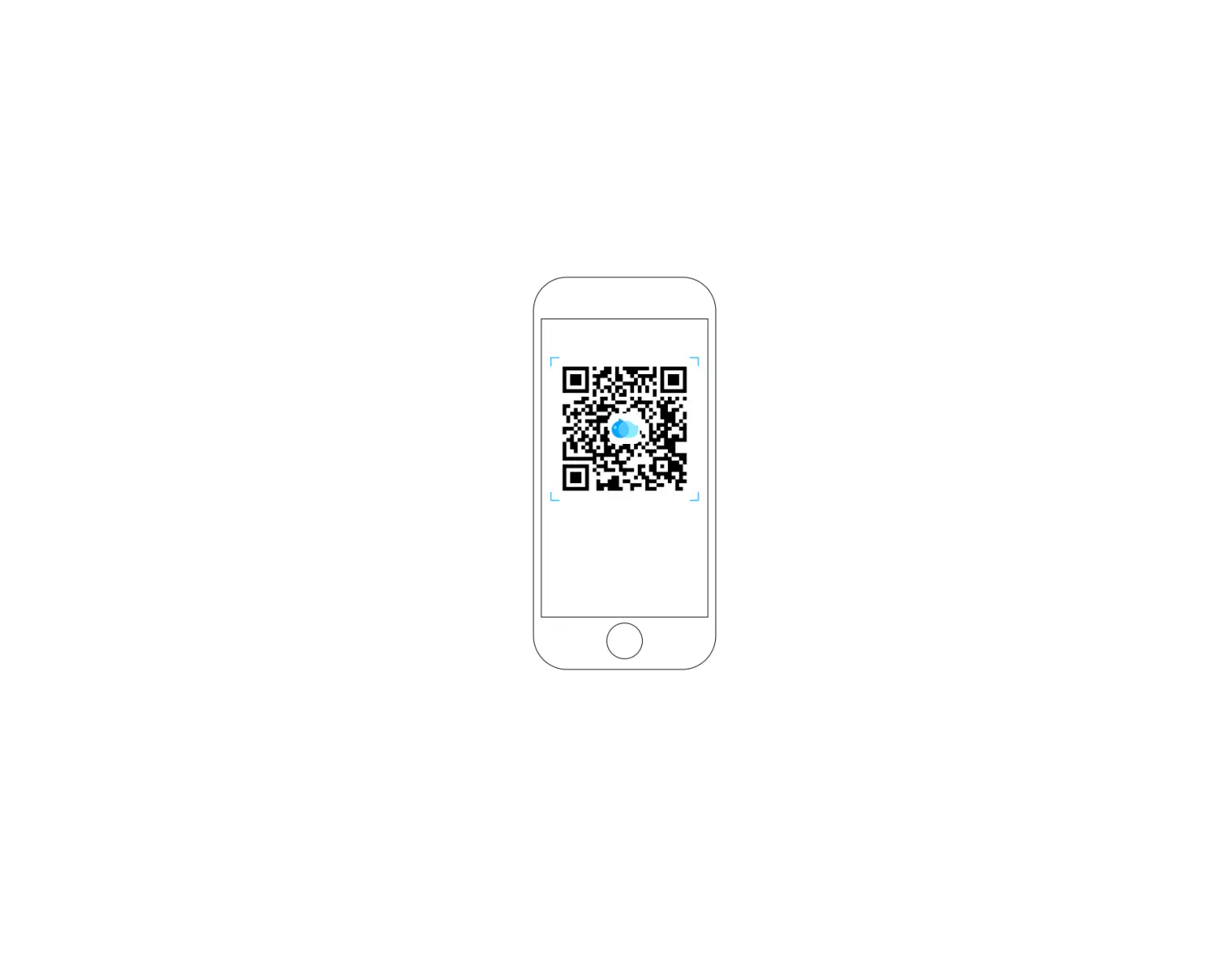
Download the EBO APP by scanning the QR code
Device Connection
- Register on EBO APP and click ‘+’ to connect.
- Select device card for EBO SE.
- Place the robot on the charging dock.
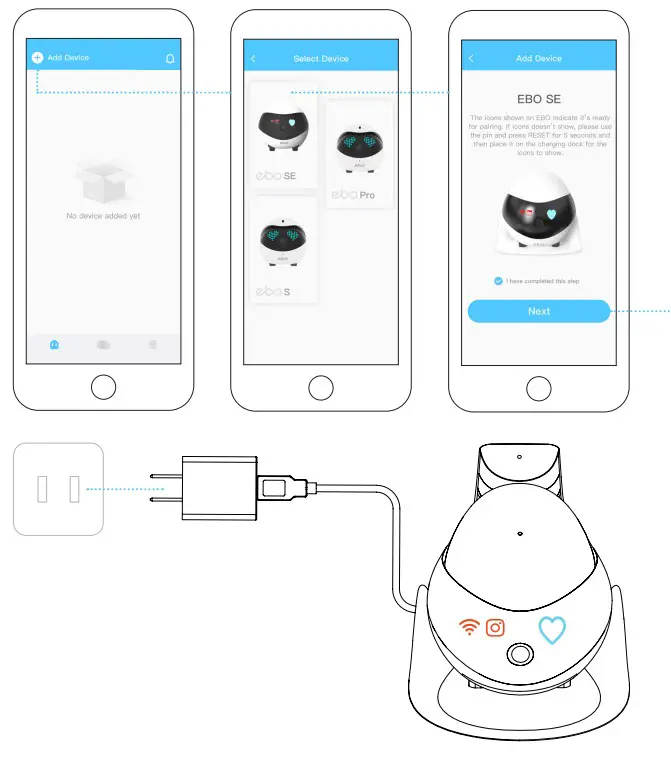 Place the robot on the charging dock connecting when indicator lights are on(see the figure).
- Select Wi-Fi Network; Put in password; Click NEXT
- Scan the QR code with the robot camera.
- Successfully Connected!
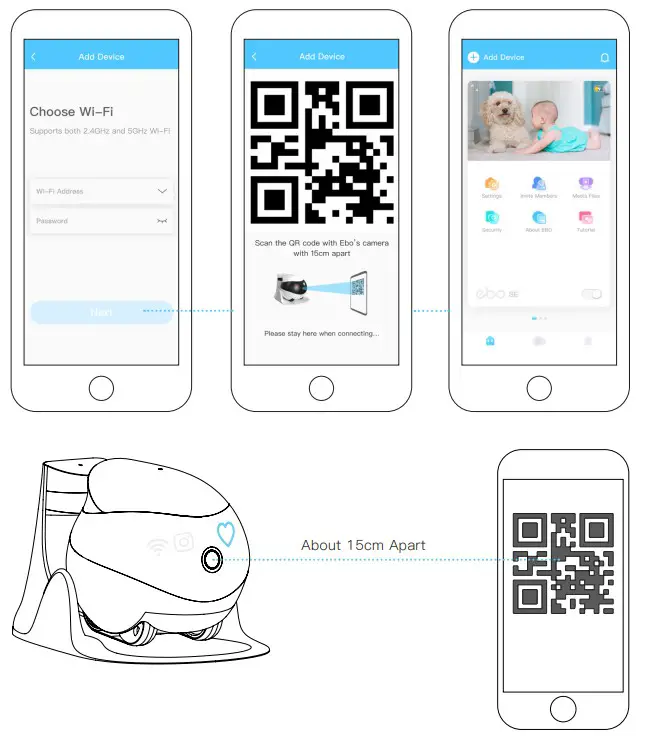 Scan the QR code with EBO’s camera until
  and
and  are off, and the pairing is successful.
Interface Instructions
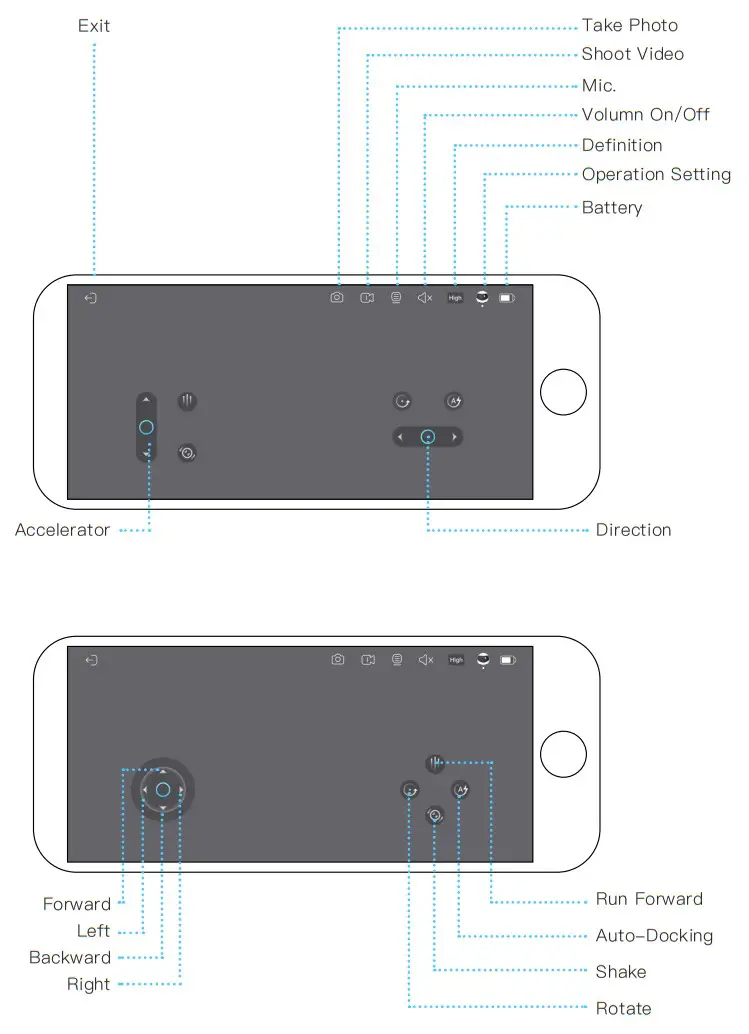
Function Description
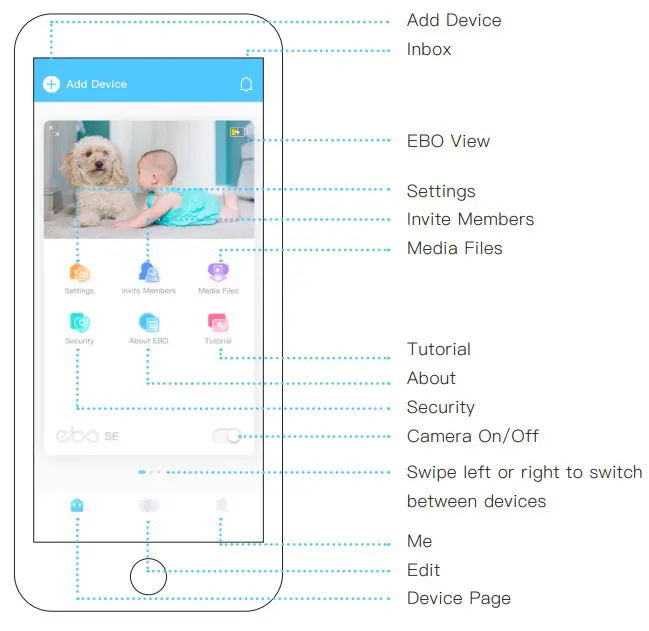
- Add Device: Click the + sign in the upper left corner of the page to quickly pair a device;
- Message: About Device, Detection Warning, Friends Share;
- EBO View: Remote Control, Talk to your Family, Take Photos/Videos, Play with your Pets;
- Settings: Wi-Fi, Device Volume, Device Light, Do-Not-Disturb Mode;
- Invite Members: EBO supports one admin user and multiple guest users;
- Media Files: Local files (stored in the local SD card), Downloaded files (files downloaded from the local SD card to the phone), Like (Archived files);
- Security: EBO will protect your home as scheduled;
- About: About (Device Model, Parameters), Device Report (Robot Status-Check), Log Upload (Click And Upload Log Files);
- Tutorial: How to use EBO;
- Sleep: On Sleep Mode, both the camera and the speaker are automatically disabled;
(CameraOn/Off): - Edit: Can help you make video files quickly.
General Instructions
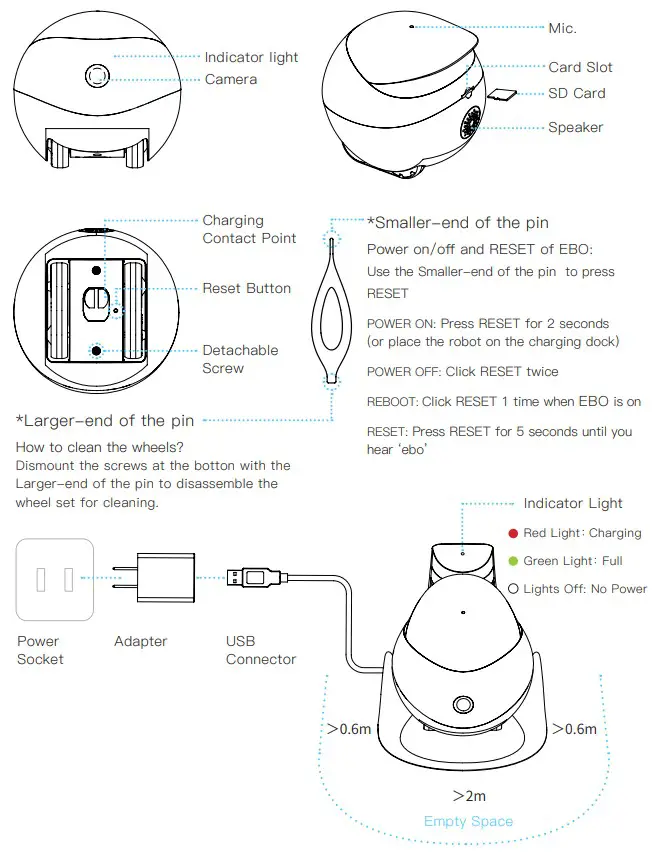 Note for charging EBO:
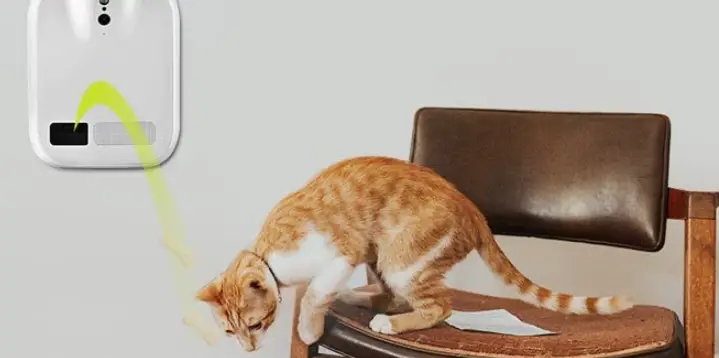
Place the back side of the charging dock along the wall and free from any obstacles 0.6 meters on right/left and 2 meters in front.
Equipment And Parameters
| Function | Remote Control, Talk To Your Family, Take Photos/Videos, Play With Your Pets, Security Function, Sharing Equipment |
| Definition | 1080P |
| Angle | D: 118° H:98.5° V:62.5° |
| Auto Charging | Infrared |
| Wi-Fi | 2.4Gm, 5G |
| Moving Speed | 20cm/s-60cm/s |
| Product Size | W95mm*H89.2mm*L95mm |
| Product Weight | 282g±20g |
| Battery Capacity | 2500mAH |
| Charging Voltage | DC-5V/2A |
| Charging Time | 2~3H |
| Battery Endurance | 4~7H |
| File Format | AVI、JPG |
| SD Card | Expandable To 256G Maximum |
| Executive Standard | GB8898-2011 |
Precautions:
- For daily use, it is recommended to place EBO on the charging dock to ensure that EBO is always on-line;
- EBO is not waterproof. Please keep EBO away from water;
- Do not apply the “forward” function when EBO is near the stairs;
- The charger is not a toy. Children must have adult supervision;
- Children under 3 must have adult supervision;
- If you have any issues while using EBO, please contact our Customer Service at [email protected].
EBO HOME
Global Official Website: www.enabot.com
Social Media Con tact U s
General Enquiries: [email protected]
Technical Support: [email protected]
Business Enquiries: [email protected]
Marketing Enquiries: [email protected]
 http://weixin.qq.com/r/DyrbwyDEnH3jrWSg938d
* Updates are ongoing and subject to the actual interface of the APP
 Enabot
 Enabot