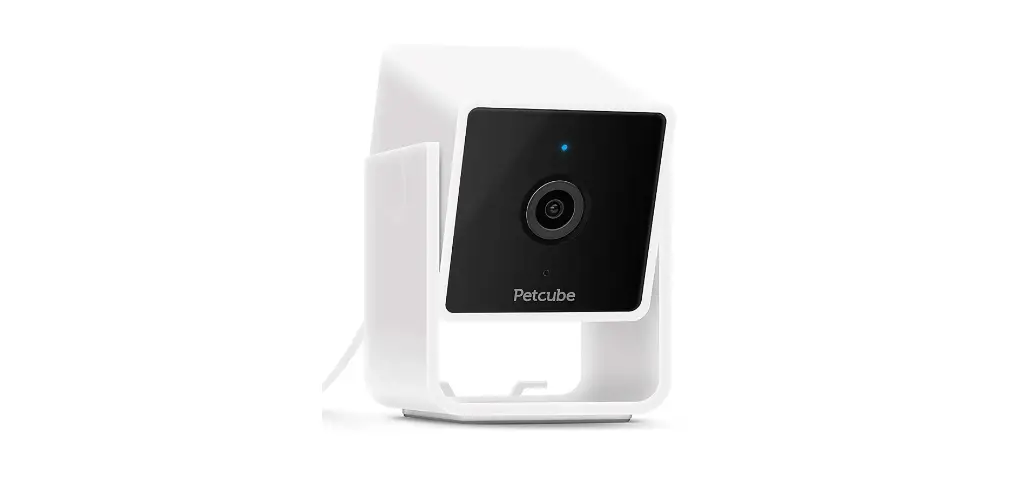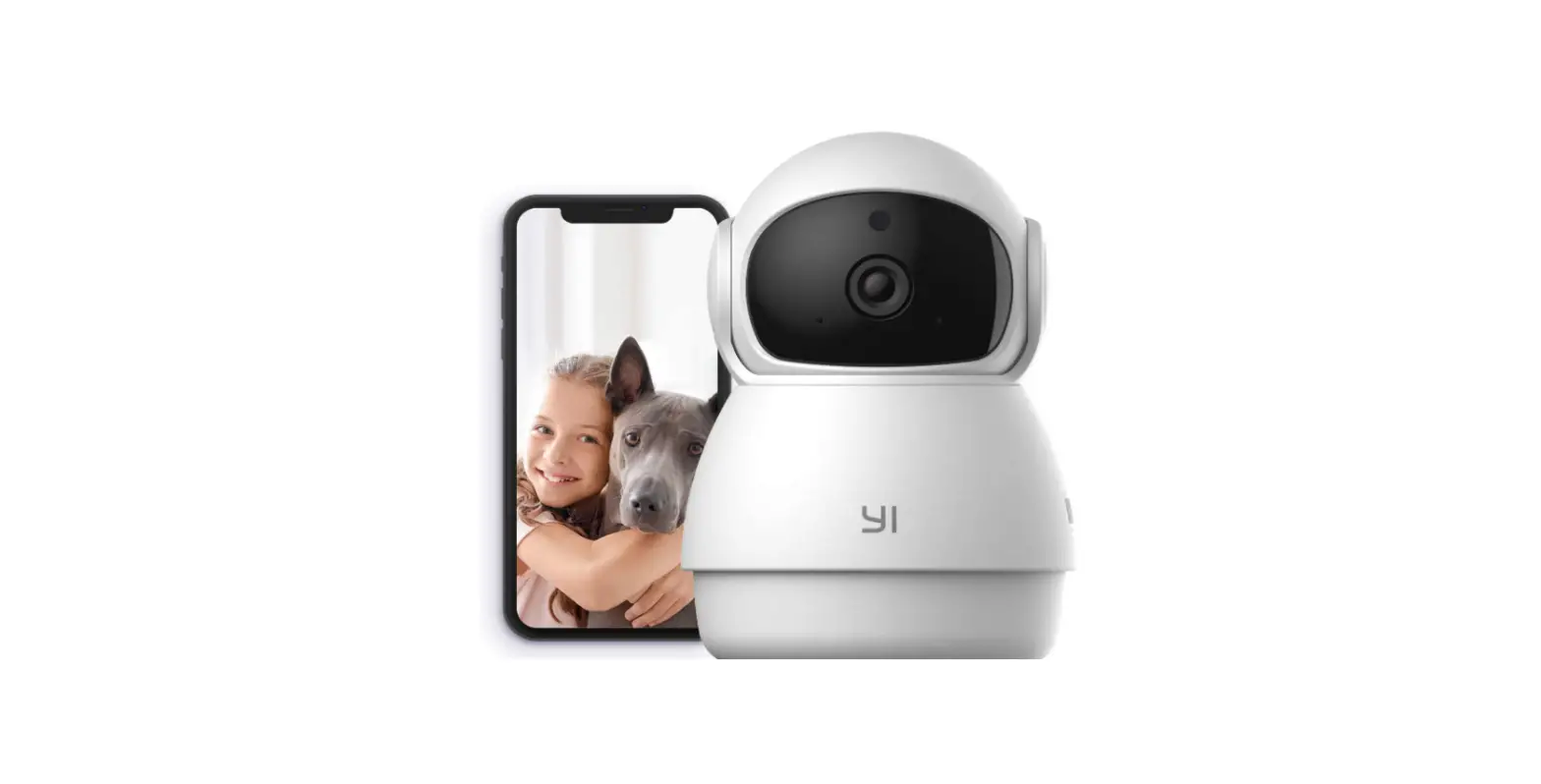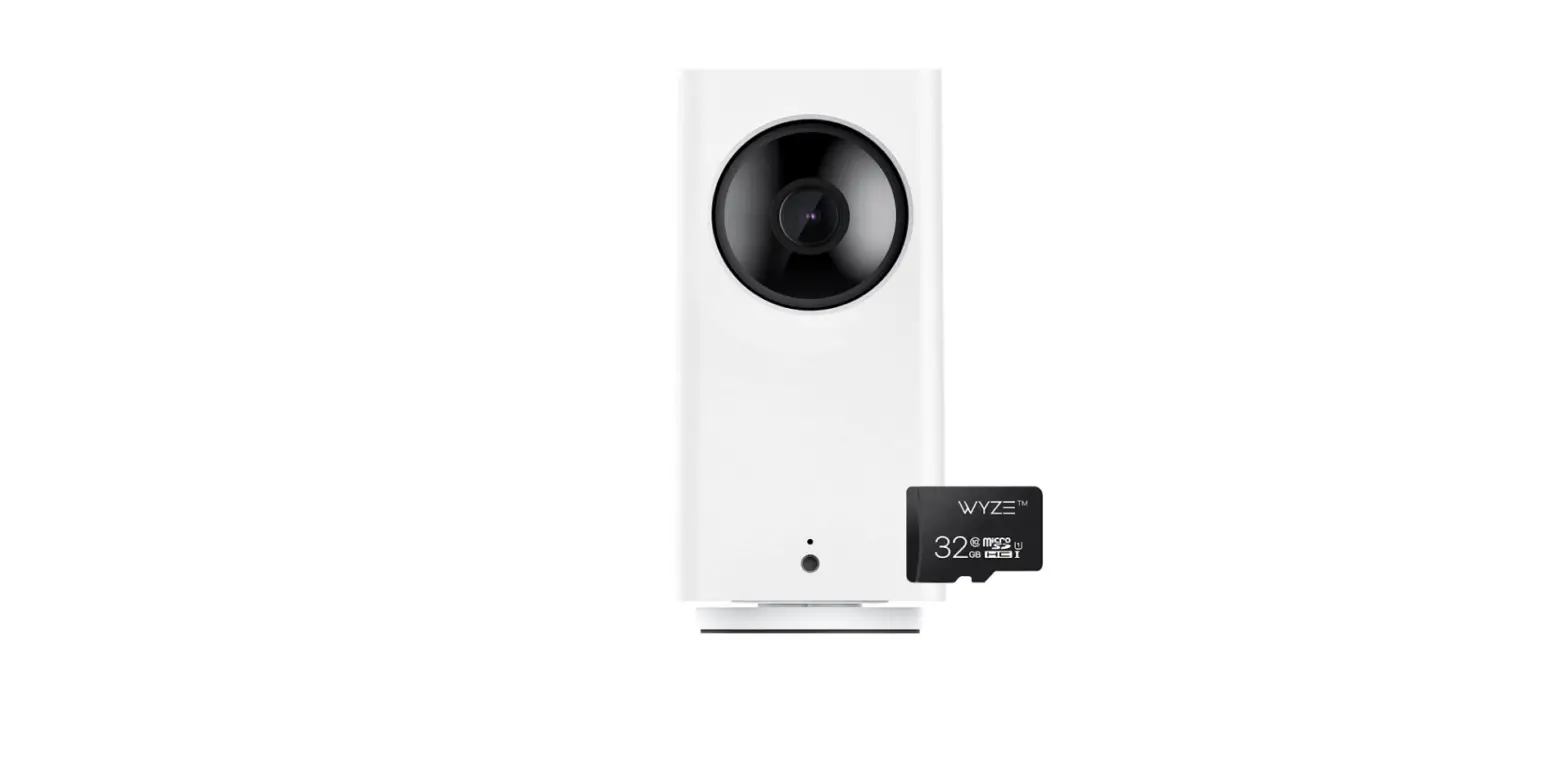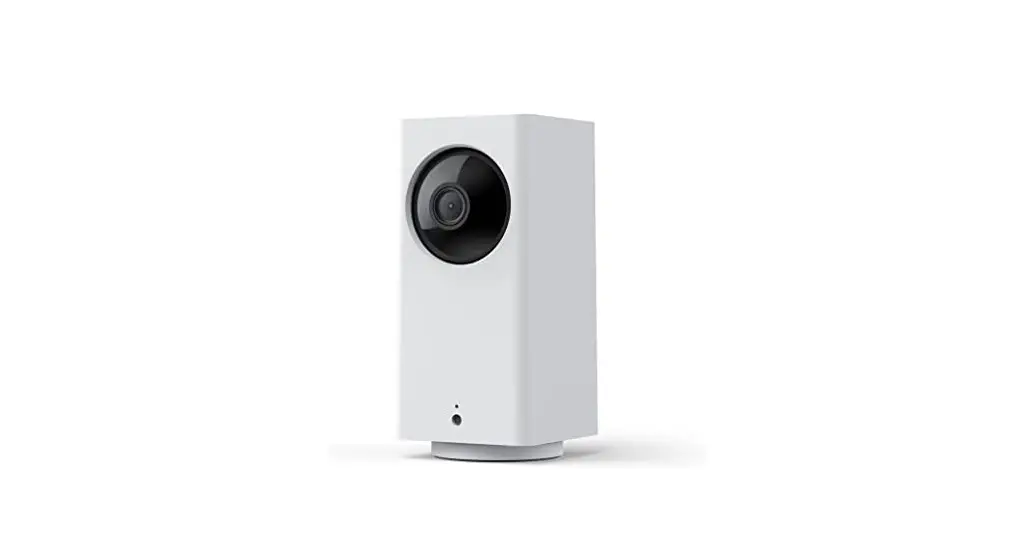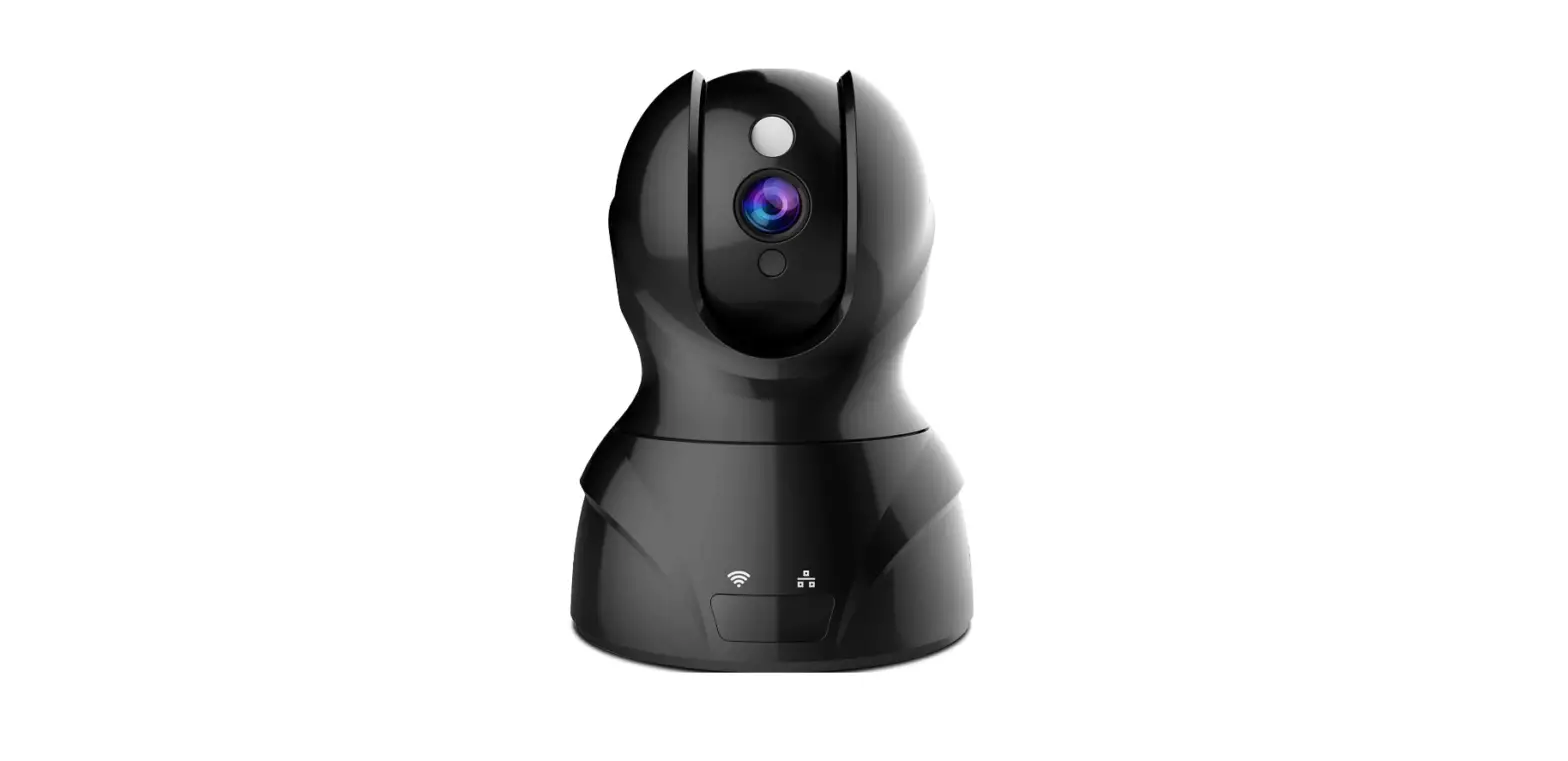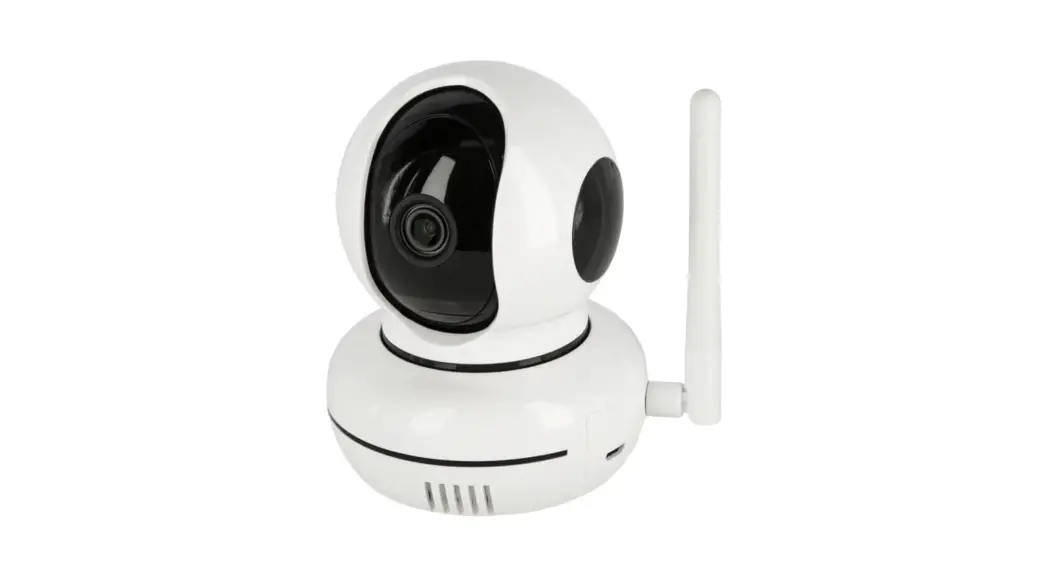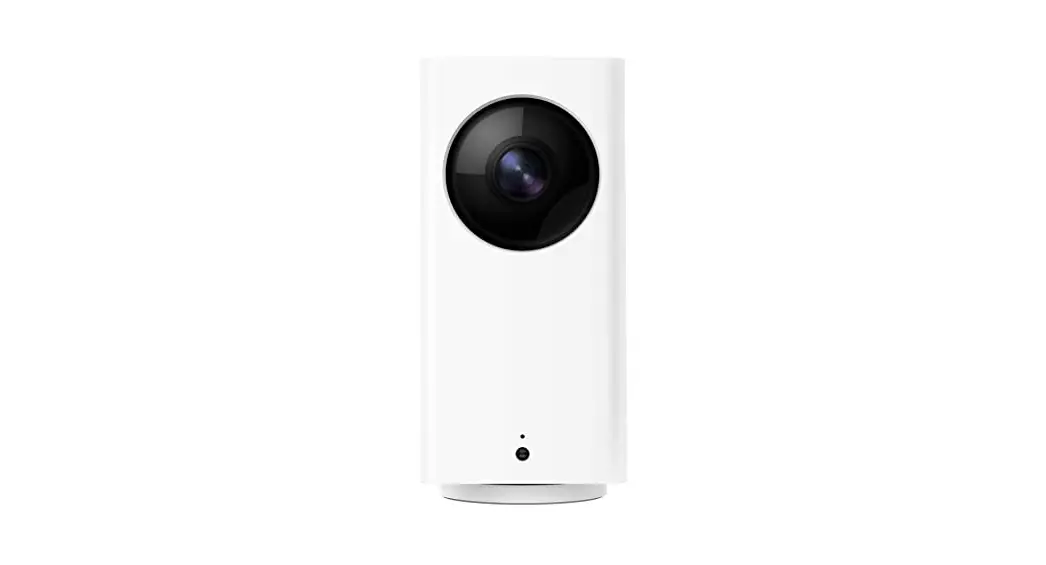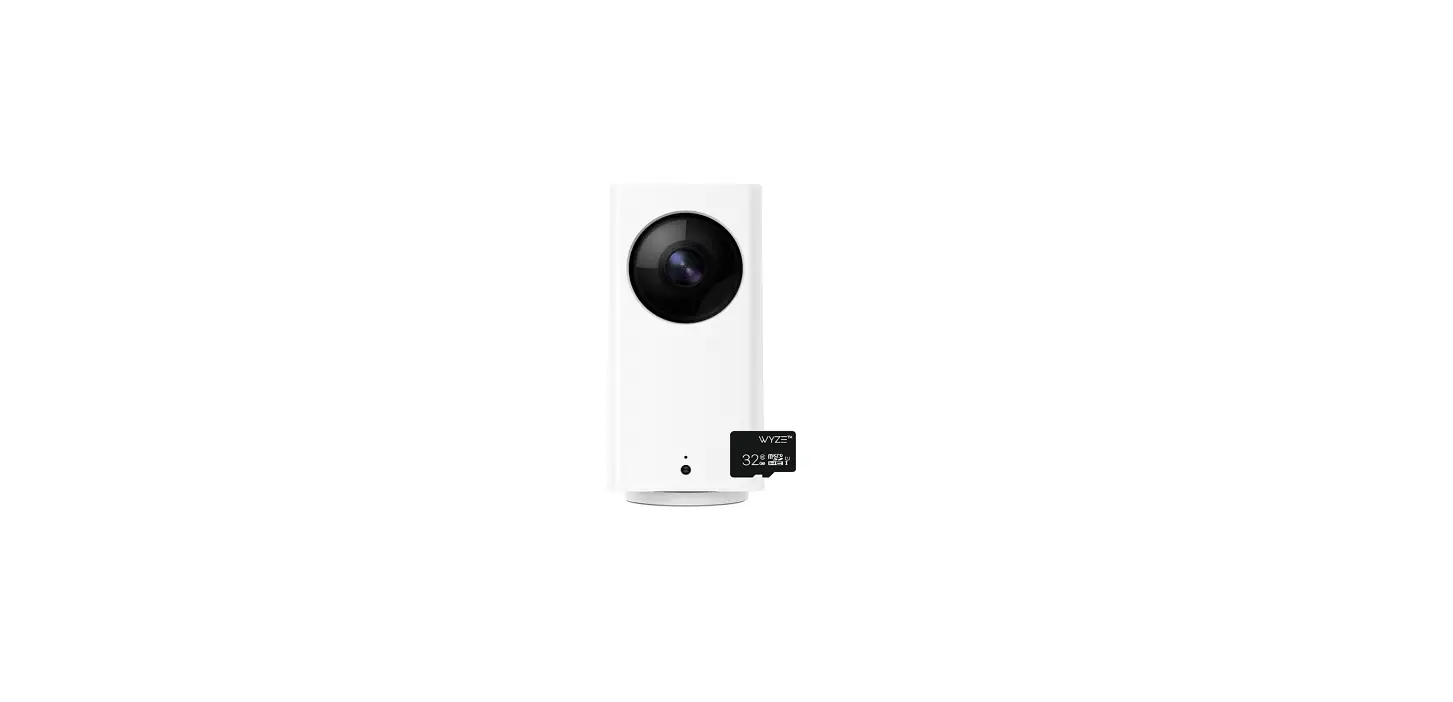

WYZE Cam Pan Indoor 360° Pet Monitoring Camera
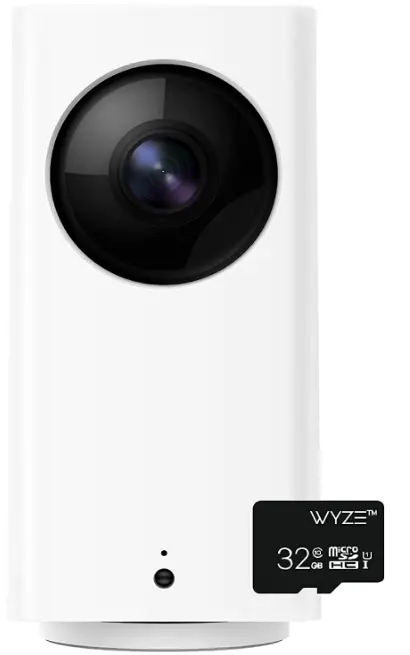
IN THE BOX
- WYZE Cam Pan
- USB Cable
- Power Adapter
- Quick Start Guide
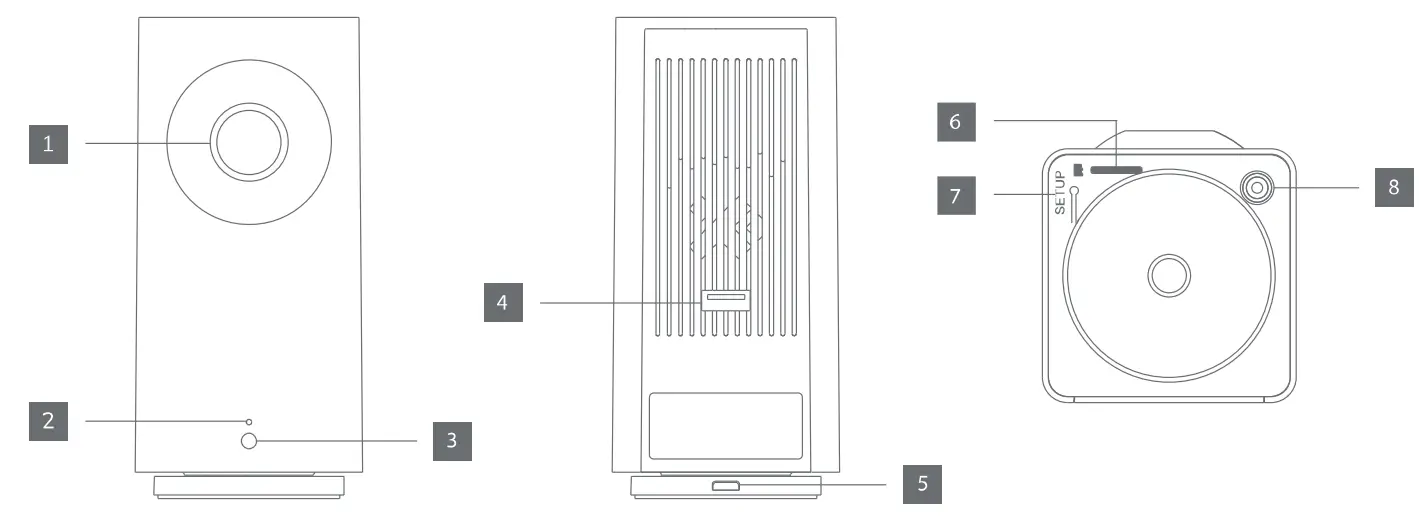
PRODUCT LAYOUT
- Lens
- Status Light
- Light Sensor
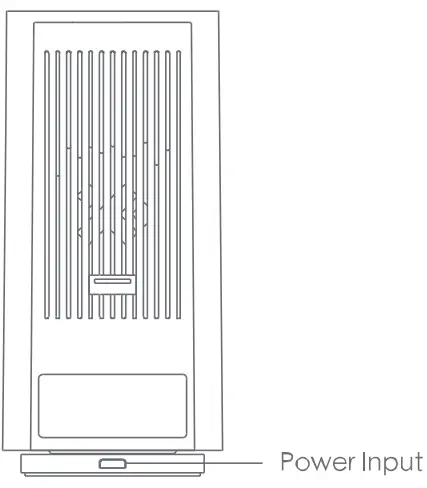
- USB Port
- Power Input
- MicroSD Slot (SD card not included)
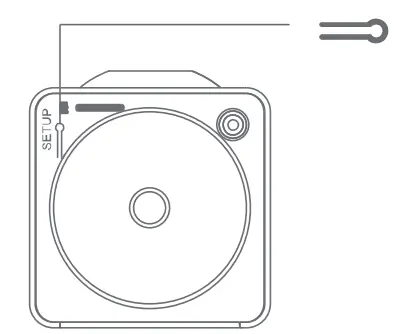
- SETUP Button
- Microphone
SET UP
- Download the WYZE app and create an account

- Connect the camera to a power outlet and wait for 15 seconds until the yellow status light flashes

- Press the SETUP button for 3 seconds until you hear a voice prompt

- Follow the WYZE app to finish the setup



LIGHT INDICATIONS
 Solid yellow light The device is powered on and initializing
 Flashing yellow light The device is ready to connect
 Flashing yellow & blue lights Connection is in progress Flashing blue light
 The device is connected and finishing the setup
 Solid blue light The device is working properly
NEED HELP?
Tutorial Videos www.youtube.com/wyzelabs
Troubleshooting
support.wyzecam.com
Community forums. wyzecam.com
Contact Us at [email protected] at 1-844-WYZECAM
FAQs
Yes, wireless cameras can function without an internet connection, but you won’t have access to all of its functions. Of course, the type of camera, how it was set up, and how it stores video all affect whether or not the camera would function without an internet connection.
So you can determine whether your security camera is on or in operation. You may, for instance, turn on your monitor to check if your IP security camera is tape-recording. The IP security camera is on if the recorded video appears correctly.
You’ll get the optimum viewing angle if you place your pet camera at (or just above) your pet’s eye level. If your camera has additional features, try different positions to discover the ideal one.
As long as the signal from the cameras to the central hub is unbroken and clear, wireless security camera systems function effectively. Wireless systems typically have a range of no more than 150 feet inside the home.
A wireless transmitter and batteries are the two main power sources for wireless security cameras. A wireless transmitter can be installed in a building or residence, and the camera will receive electricity from it as long as it is in its line of sight. Another choice is to use an adapter to connect it to a battery.
There is no option for continuous recording on Pet cube cameras. Short 30-second clips based on motion or sound will be recorded. They are not a good alternative if you are trying to address your dog’s separation anxiety because of this.
The majority of reputable branded pet cams have infrared lights integrated into that let you see in the dark. Abnormal Noise / Bark Detection: You can configure abnormal noise/bark detection so that, should noise be detected by the camera, an immediate alarm will be sent to your smartphone.
Can security cameras record audio, you might inquire. As far as camera technology is concerned, the answer is unquestionable YES. The IP cameras include built-in microphones that can record both audio and video since they are sensitive enough to pick up sound inside the monitoring zones.
Utilize two-way audio to help your dog relax. Note: Occasionally, using two-way audio may cause a dog to become tenser. In order to prevent your dog from becoming more anxious if they hear you but can’t find you, avoid speaking to them through the camera’s speakers.
Ring advises 1-2 Mbps upload and download rates for each device. The Nest camera uses between 0.15 and 4 Mbps of bandwidth, while Arlo cameras consume between 0.3 and 1.5 Mbps, depending on the camera and video quality that you choose.
A radio (RF) transmitter is used to transmit the footage from a wireless camera. The video is transmitted to a receiver via cloud storage or a built-in storage device. You will have a simple link to access all of your image or video clips through your monitor or receiver.
The short answer is that your CCTV camera system won’t continue to function unless it is built to automatically switch to a backup power source when the mains supply is cut off.