 Make Safety Visible
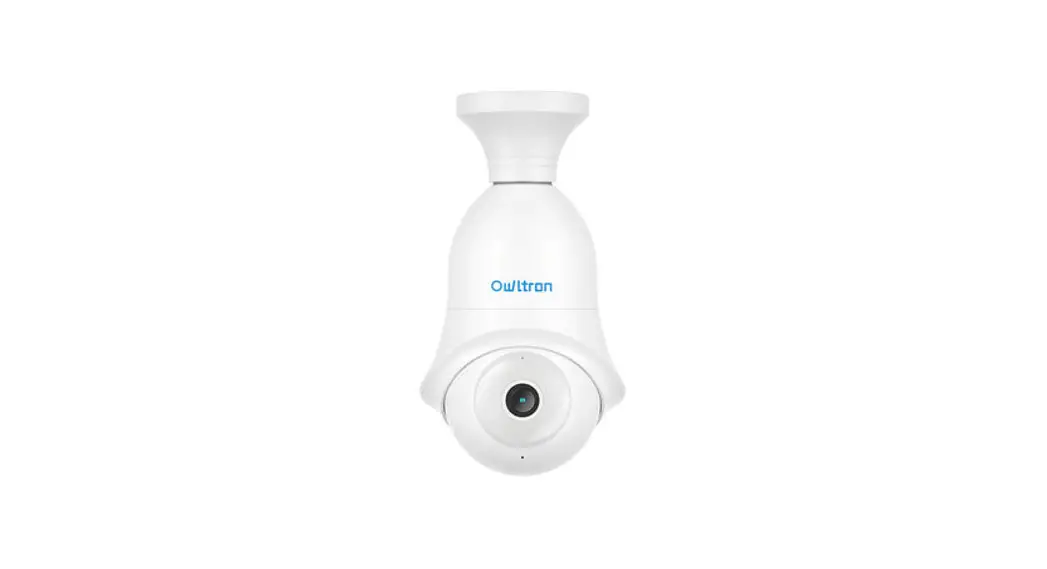
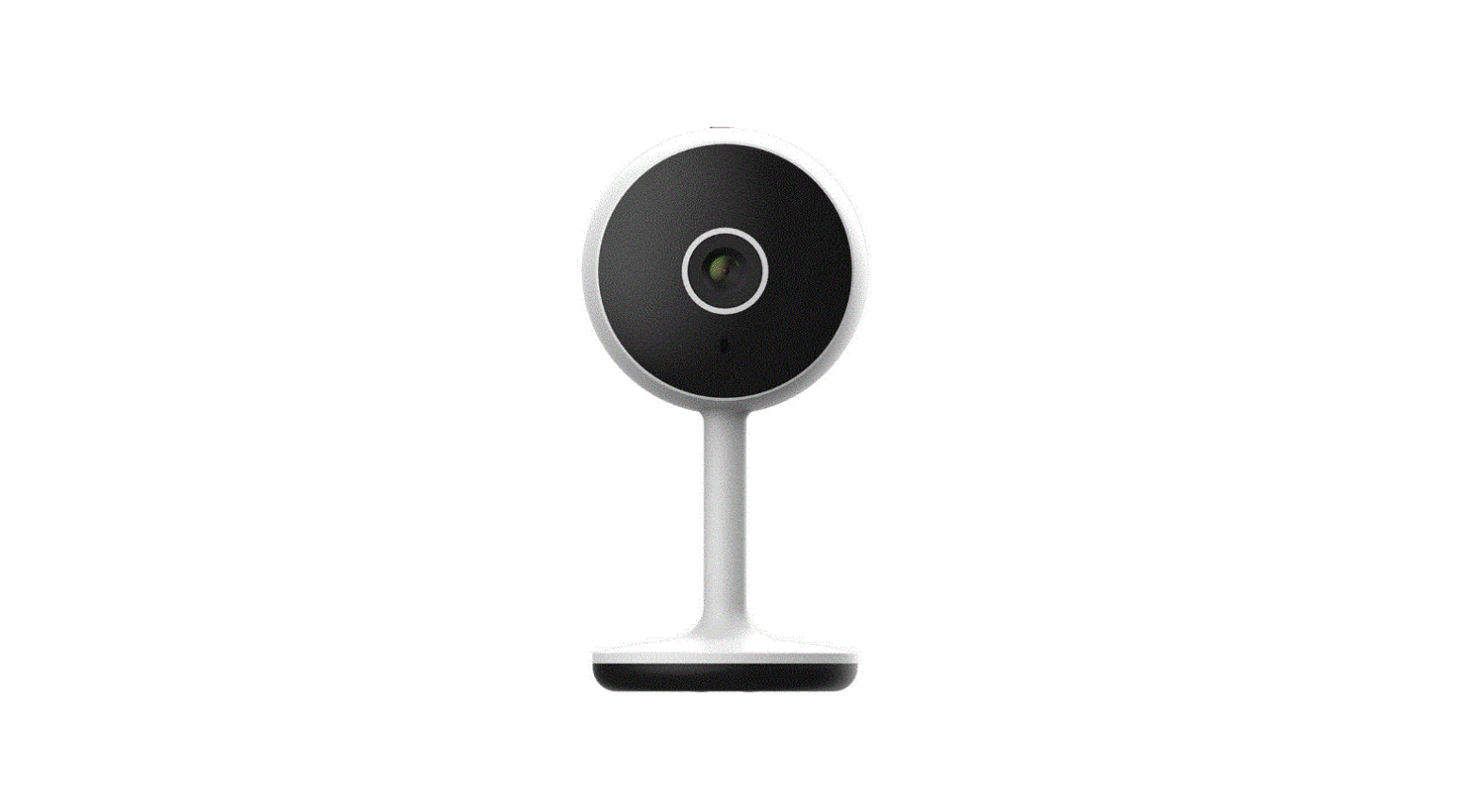
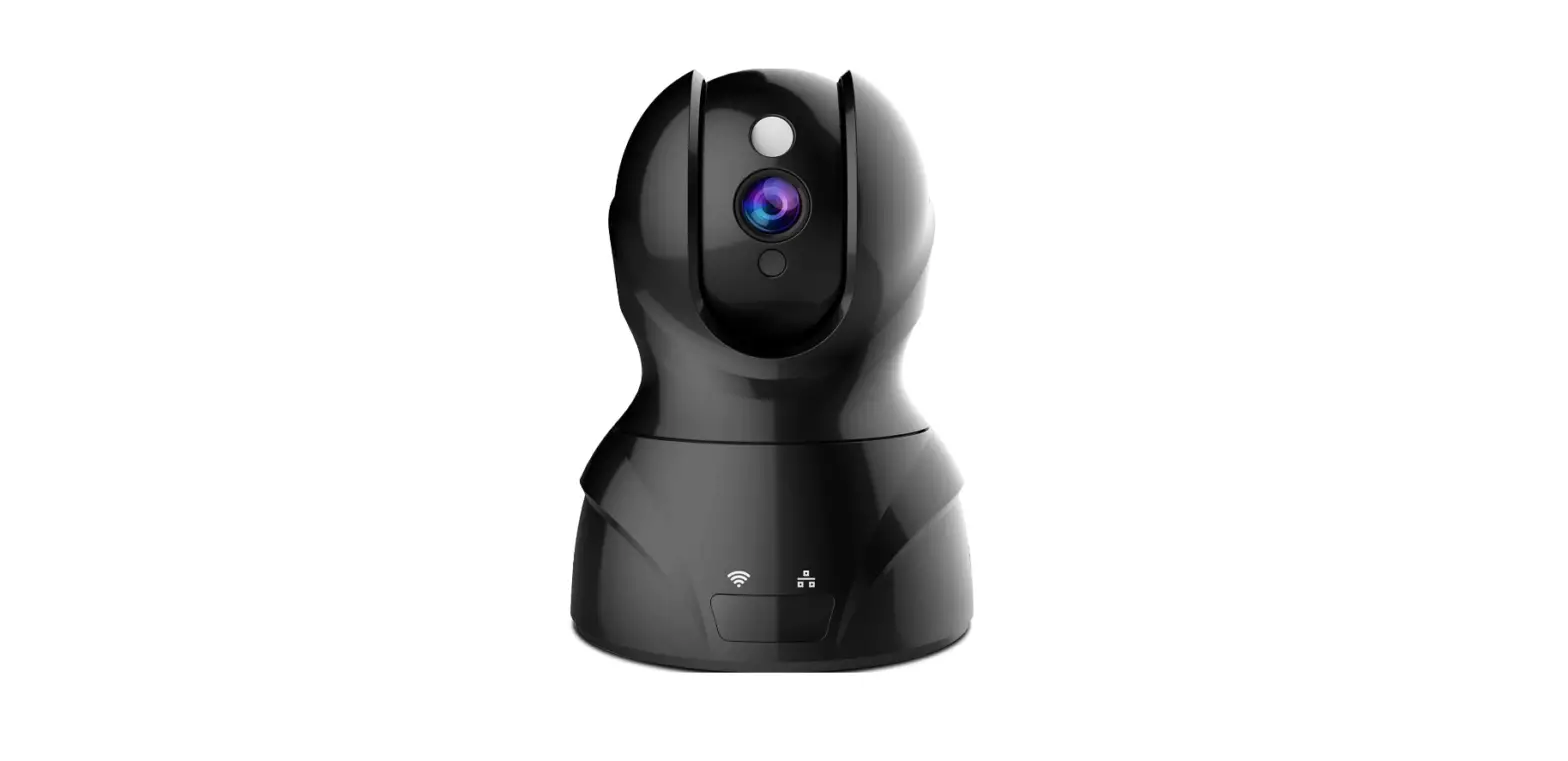
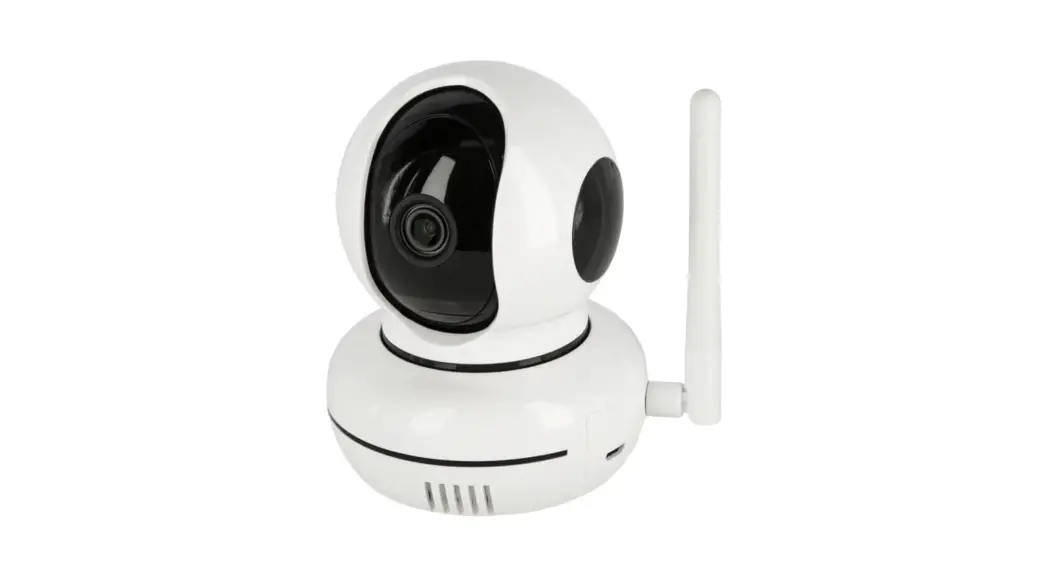
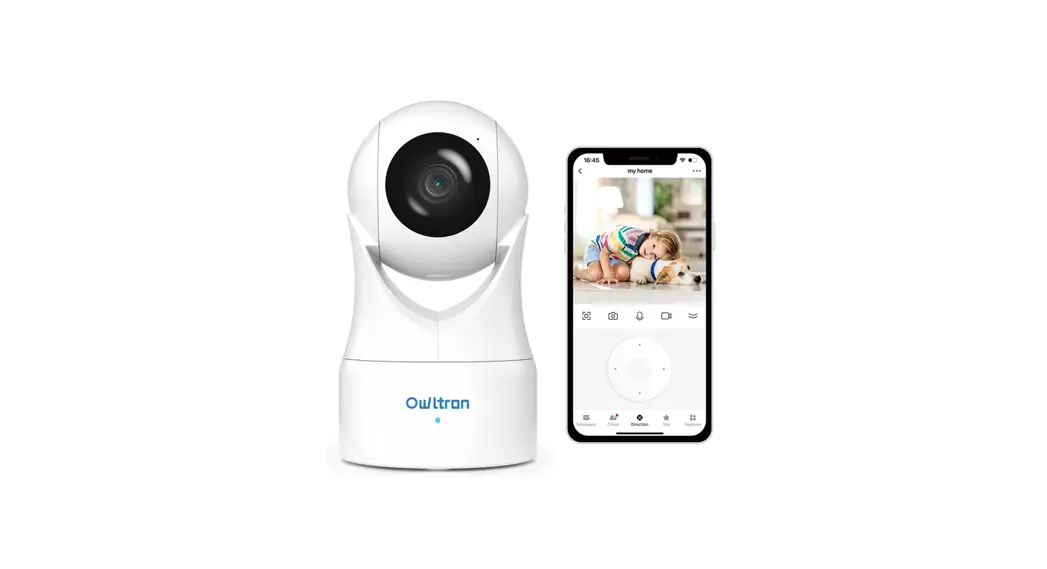
LF-P3t Indoor Security Pet Camera
Instruction Manual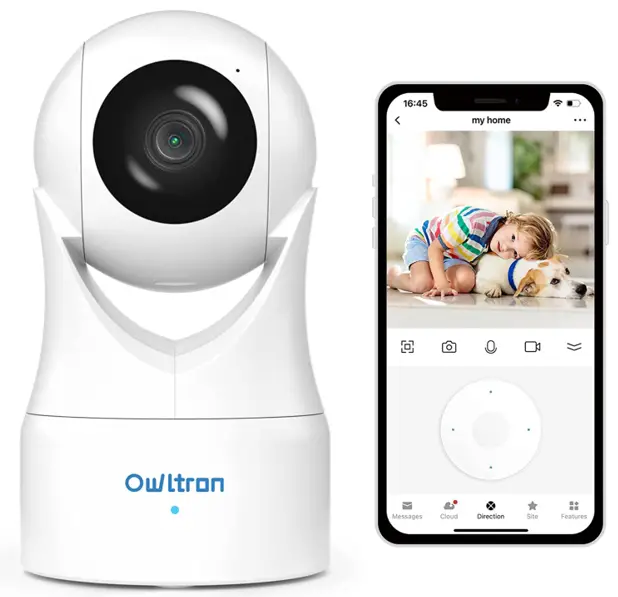
What’s New
A 24/7 ONLINE CHAT function has been added to the Ultron App.
For any question, just click the “Live Chat” button to reach us, we are always here to help.
Chat with us:
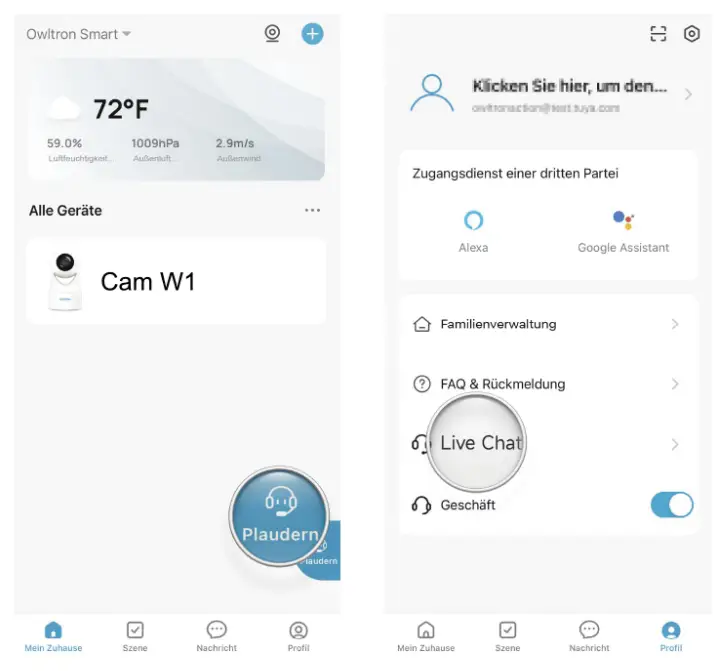
How to Set Up
Step 1. Download “Owltron”APP.

https://a.smart321.com/aytarrsmarthome
Step 2. Enter Your Email to Register an Account on APP.
Step 3. Connect the camera to your 2.4GHZ WIFI, add the camera according to the instructions on the app, a sound prompt will be heard if the camera is successfully added.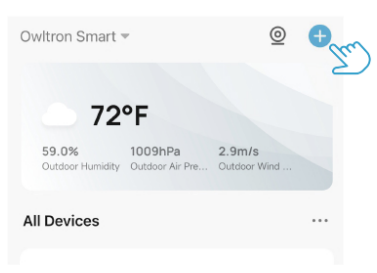
Note:
Please make sure your router network is 2.4Ghz while you are connecting the camera for first time.
What’s in the Box
1 x Quick Start Guide
1 x Power Adapter
1 x Bracket
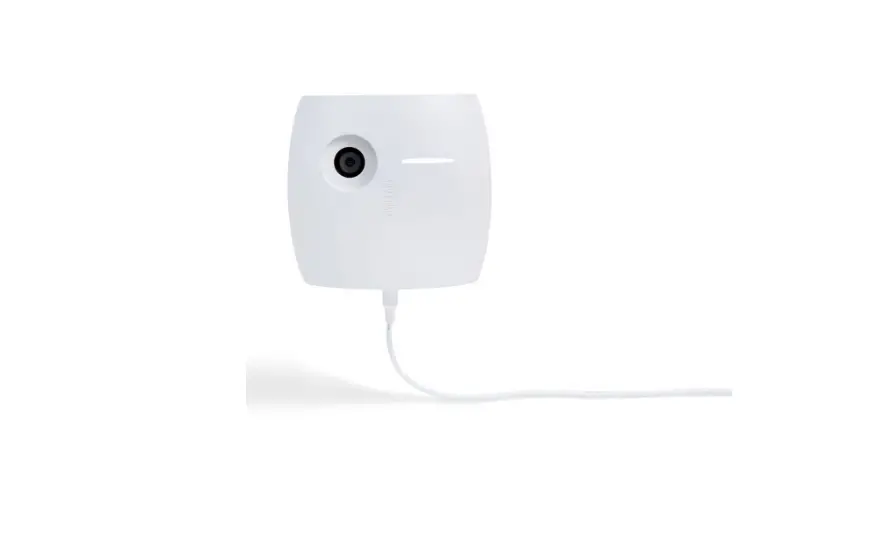
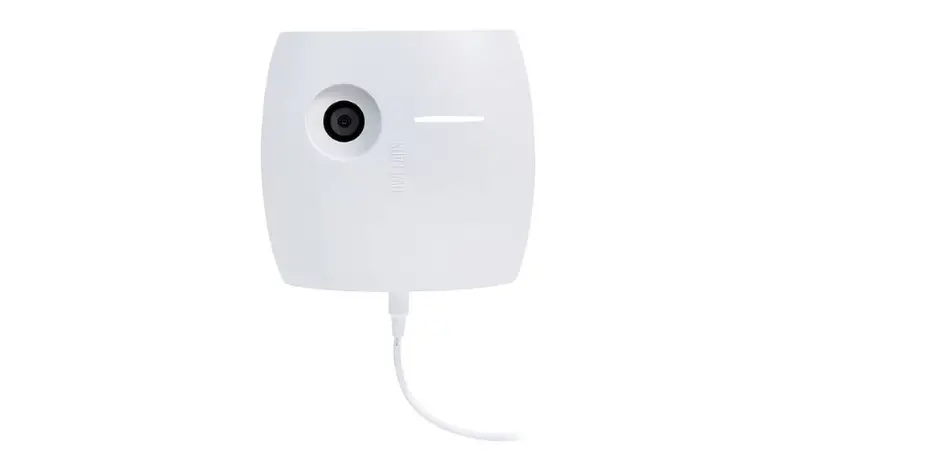
1 x Owltron Camera
1 x Power Cable
1 x Screw Sets
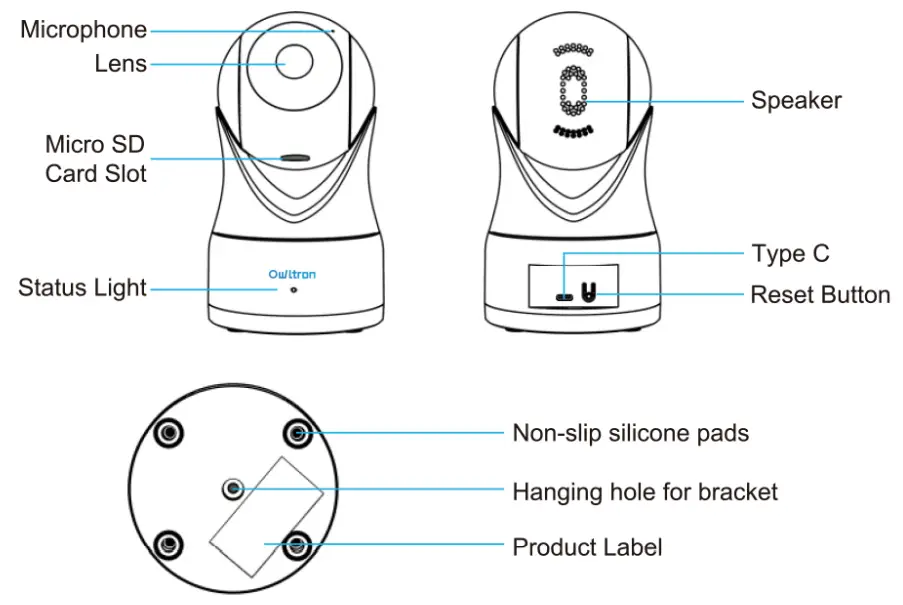
Owltron Customer Care
More questions on installations and usage?
Check out the FAQs and Guide Video on Ultron App or on Ultron official website. (scan the code on the right side)
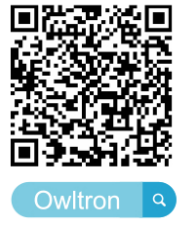 https://owltroncam.com/pages/use-qrcode?r=QLDRC8OST140
Need more help?
We provide timely online customer service via APP/TEL /Website at PT 8:00-10:00/17.30-20:00/21.30-8.00
 Owltron APP Live chat
 Website:https://owltroncam.com/pages/contact
 Tel: US&Canada Toll Free Mon-Sun: 11:00 AM- 6.30 PM PT 1 (866)722-6296
 Email: [email protected]
Follow us on @Owltron
Warranty Terms (Please contact us to activate the warranty service)
1. 30-day return policy and 12-month limited warranty.
2. Lifetime professional tech support provided by Owltron.