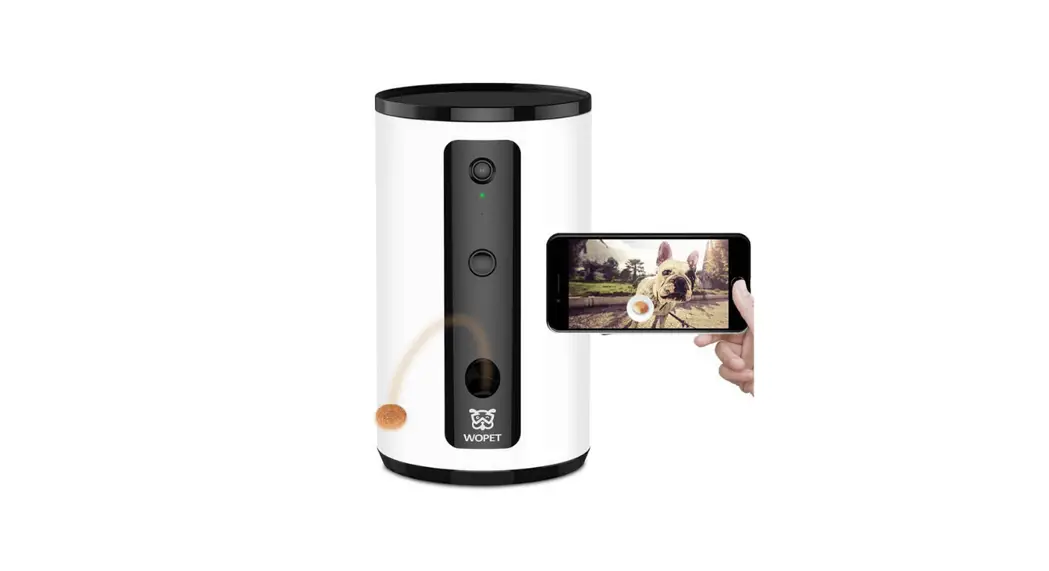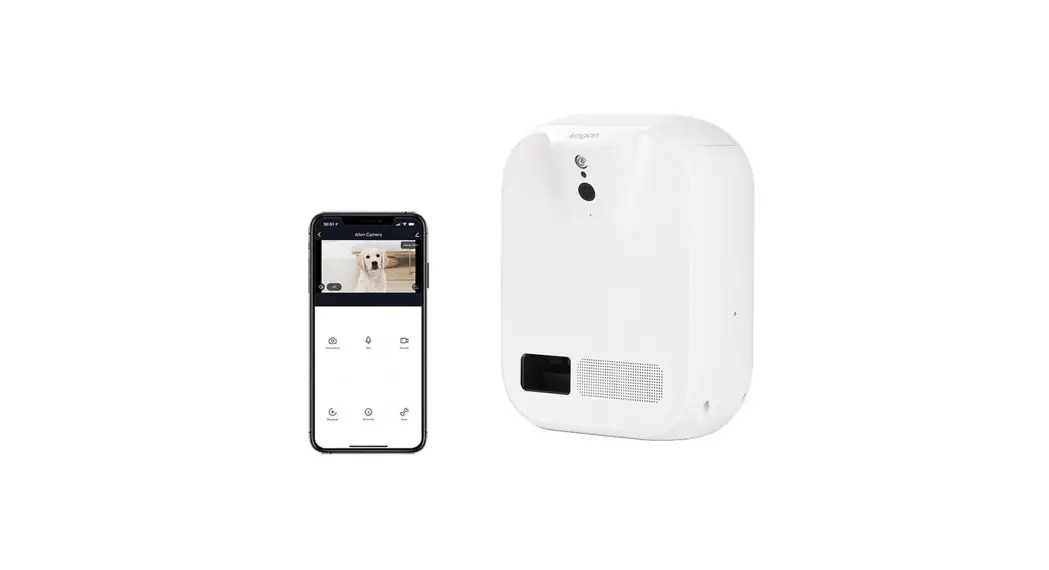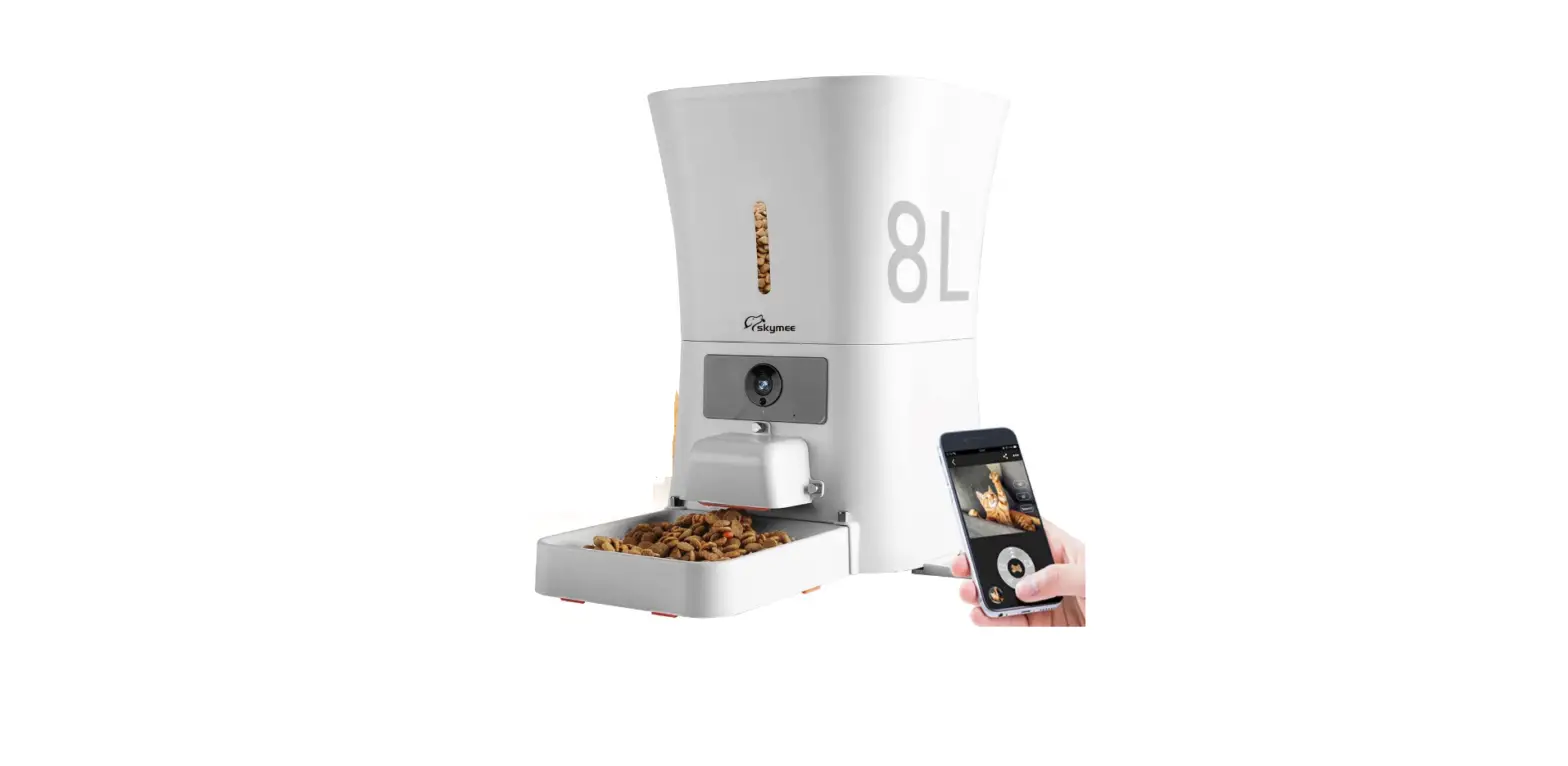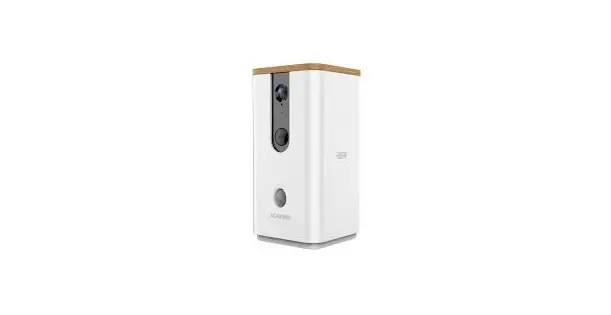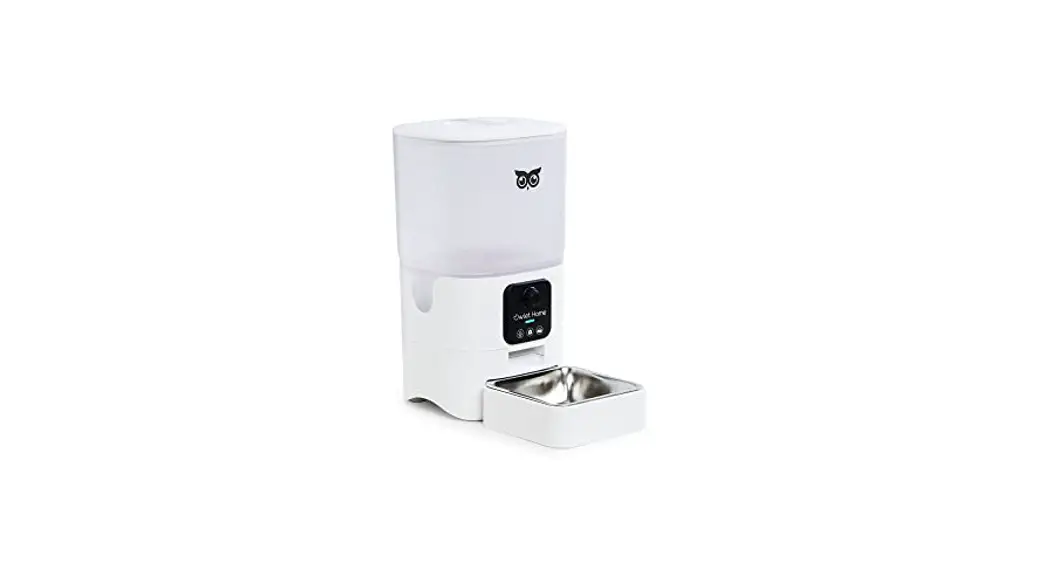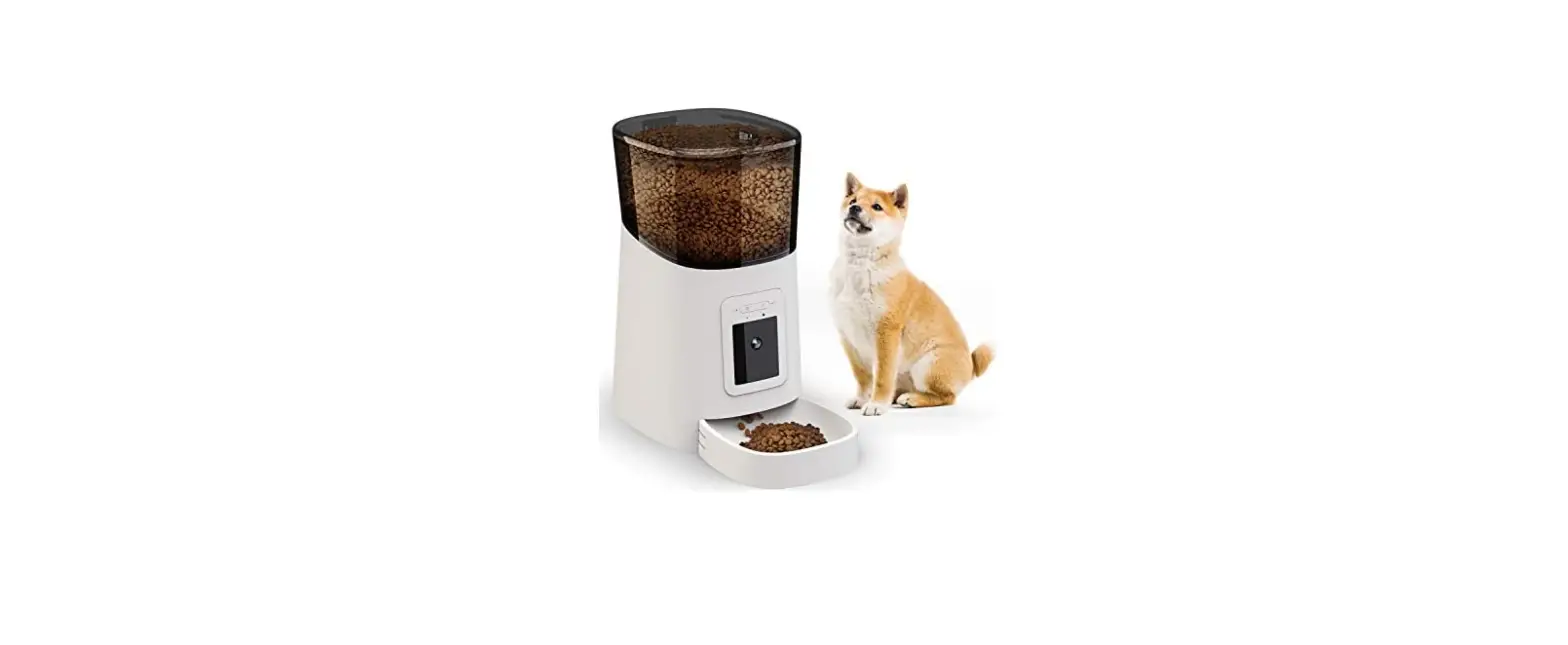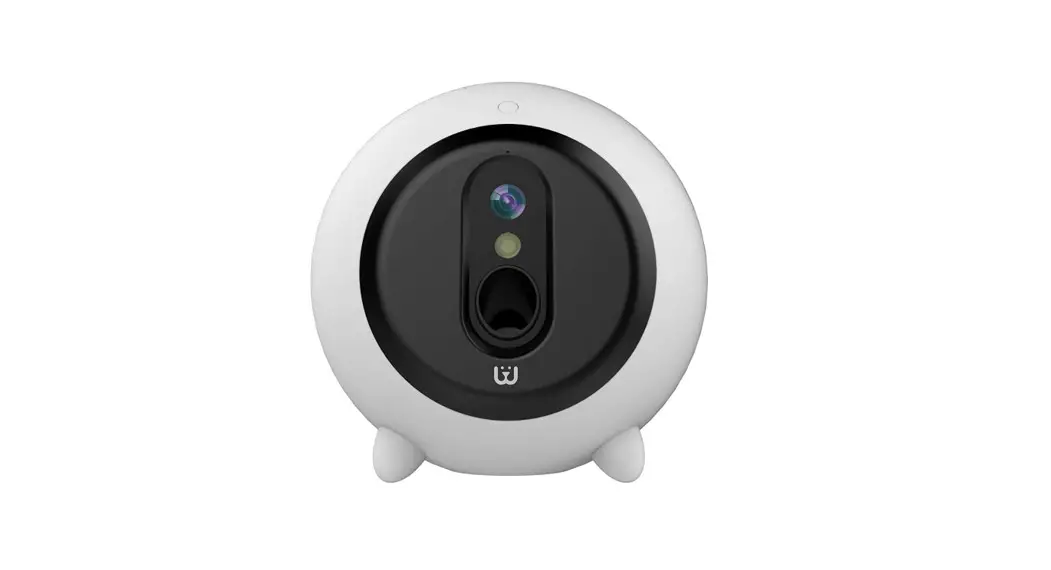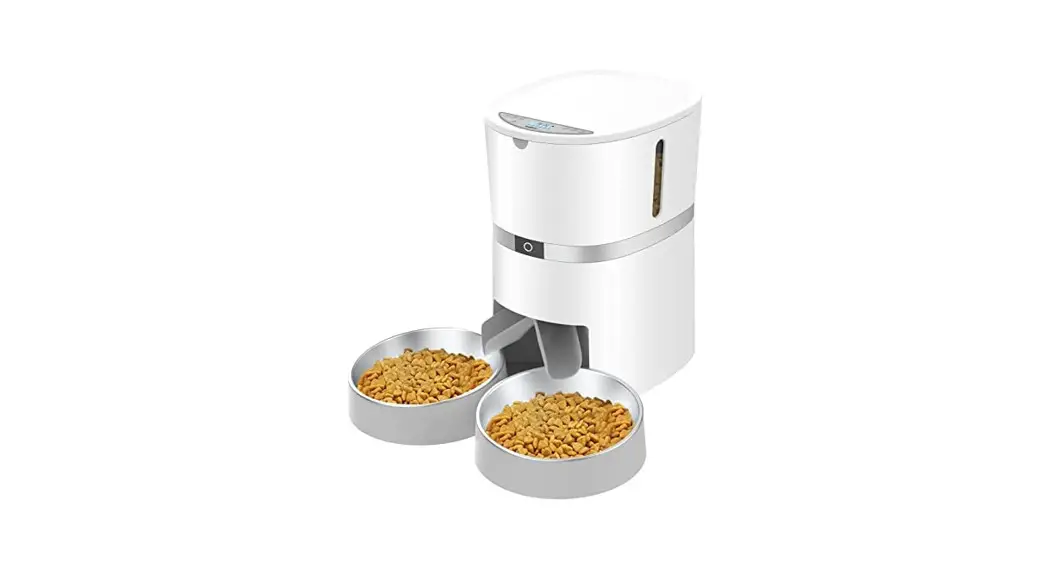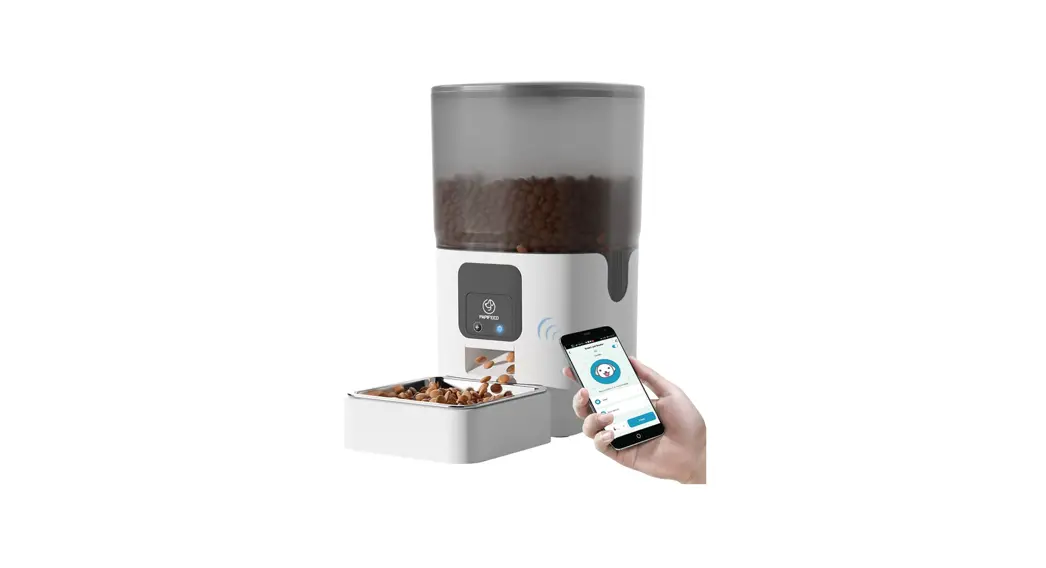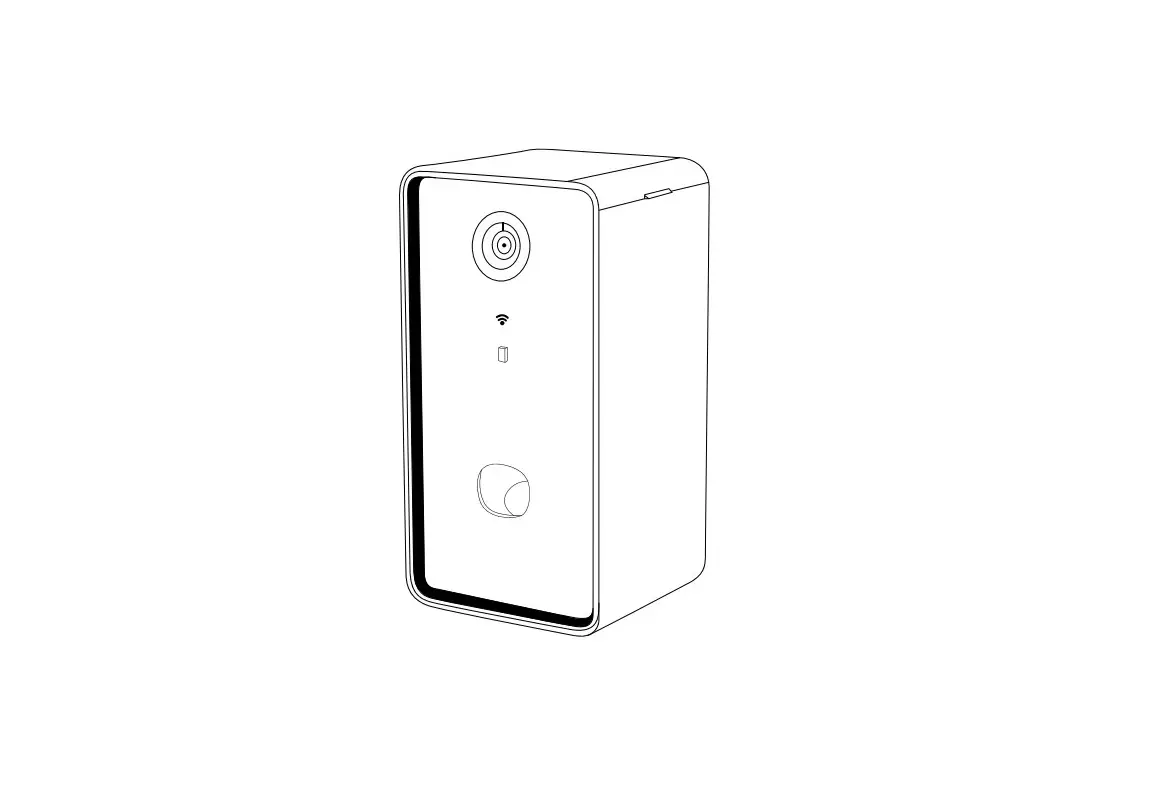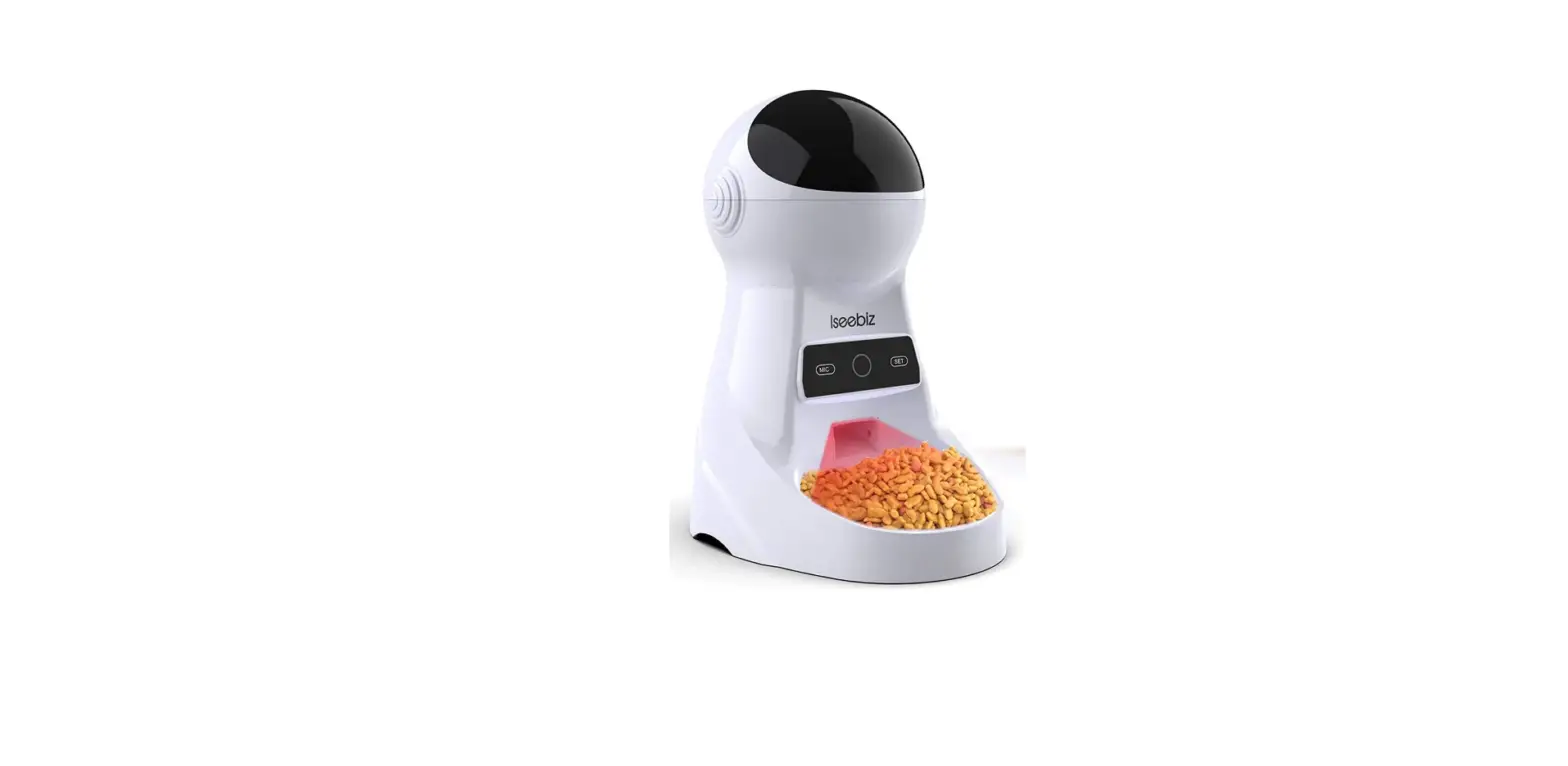

skymee Petalk AI II Dog Camera Automatic Treat Dispenser
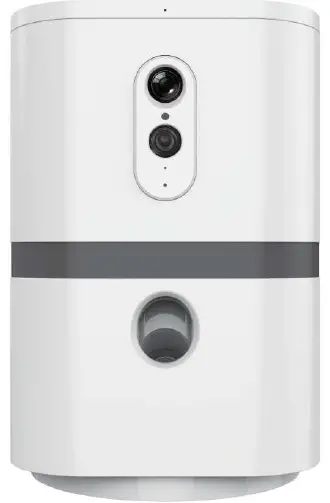
Material list

- CD ®
- Host 4-11 mm Feed Tray
- Thumb screw
- Spring
- Power adapter
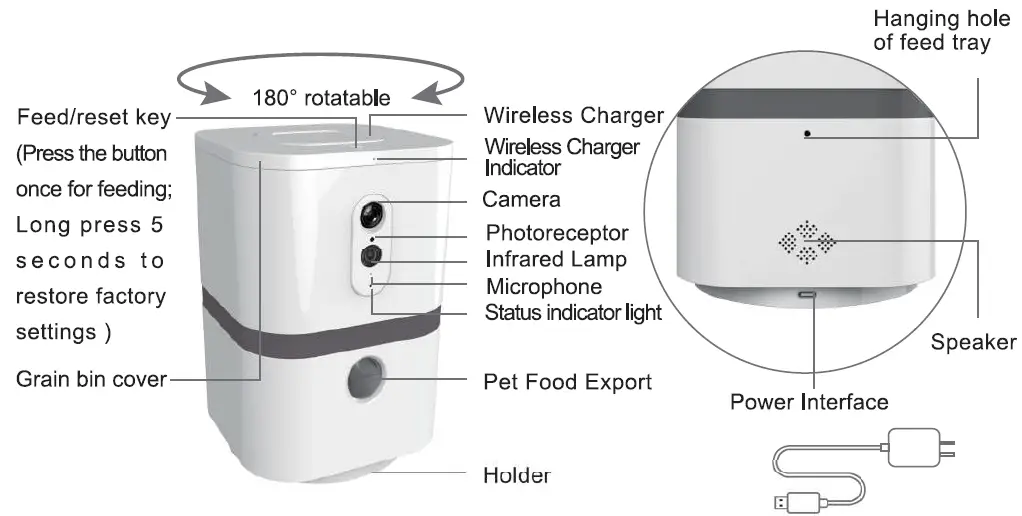
Component Description
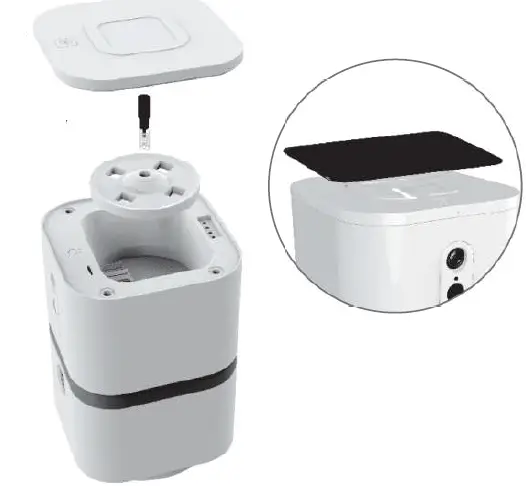
Feed tray replacement instruction
- Open the silo cover
- Unscrew the screw and remove the thumb spring
- Remove 11-17mm feed tray
- Replace 4-11 mm feed tray
- After placing the spring, tighten the thumb Screw
Tips:
Can replace the feed tray according to the size of pet food supporting wireless Charging function The Mobile phone can be charged wirelessly by placing it flat on the top of the grain scroll cover
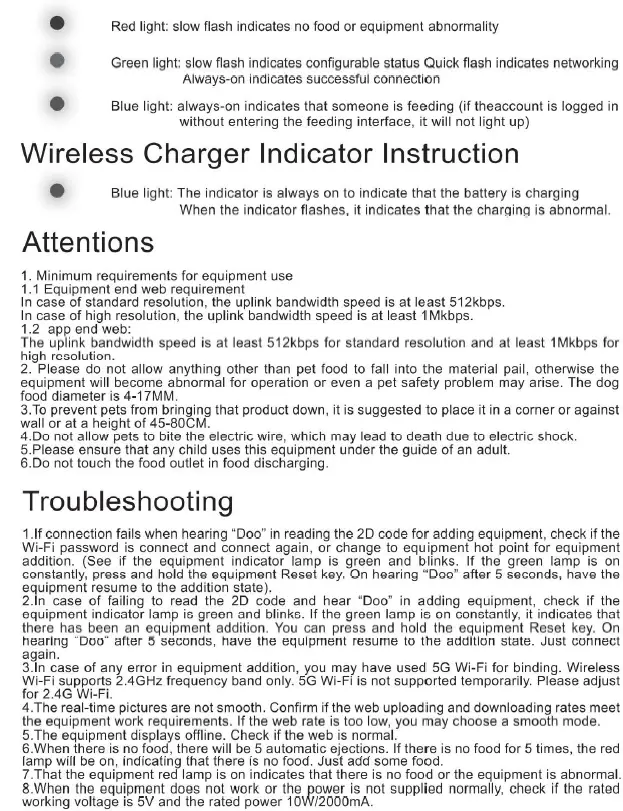
Description of status indicator light
Download and install app

- App Store
- Google play
- Android & ios

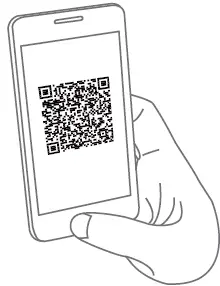
- The mobile phone scans the QR code or logs on the website to download and install the app.

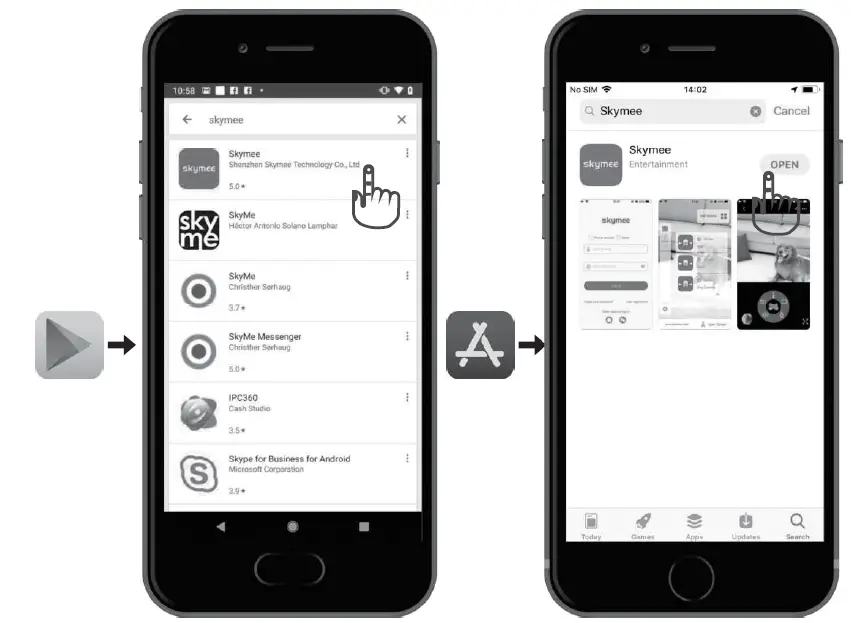
- For Android users. enter Google play to search “sky meet” and download.
- For phone users, enter the App Store to search “sky meet” and download.