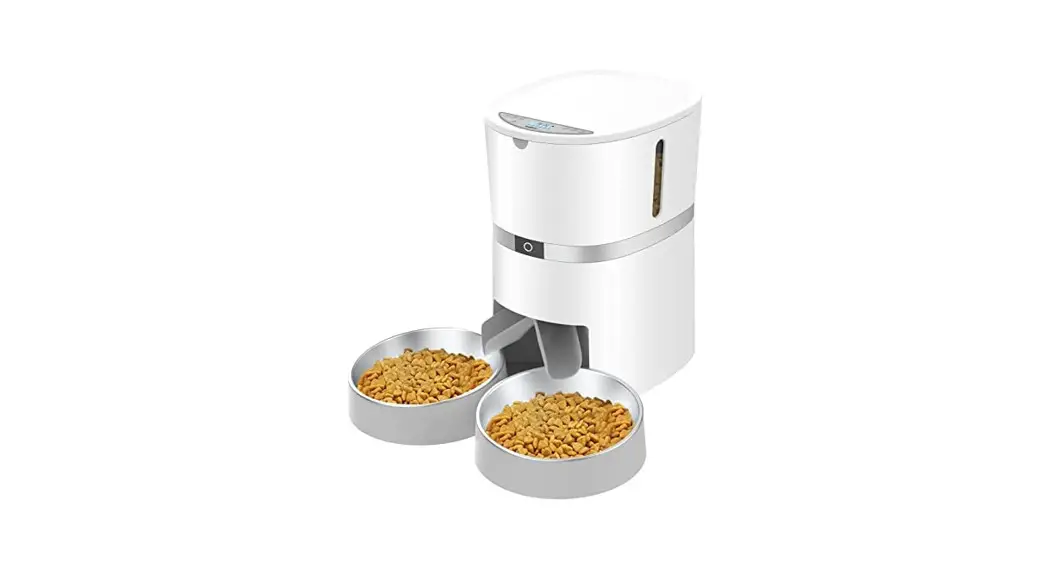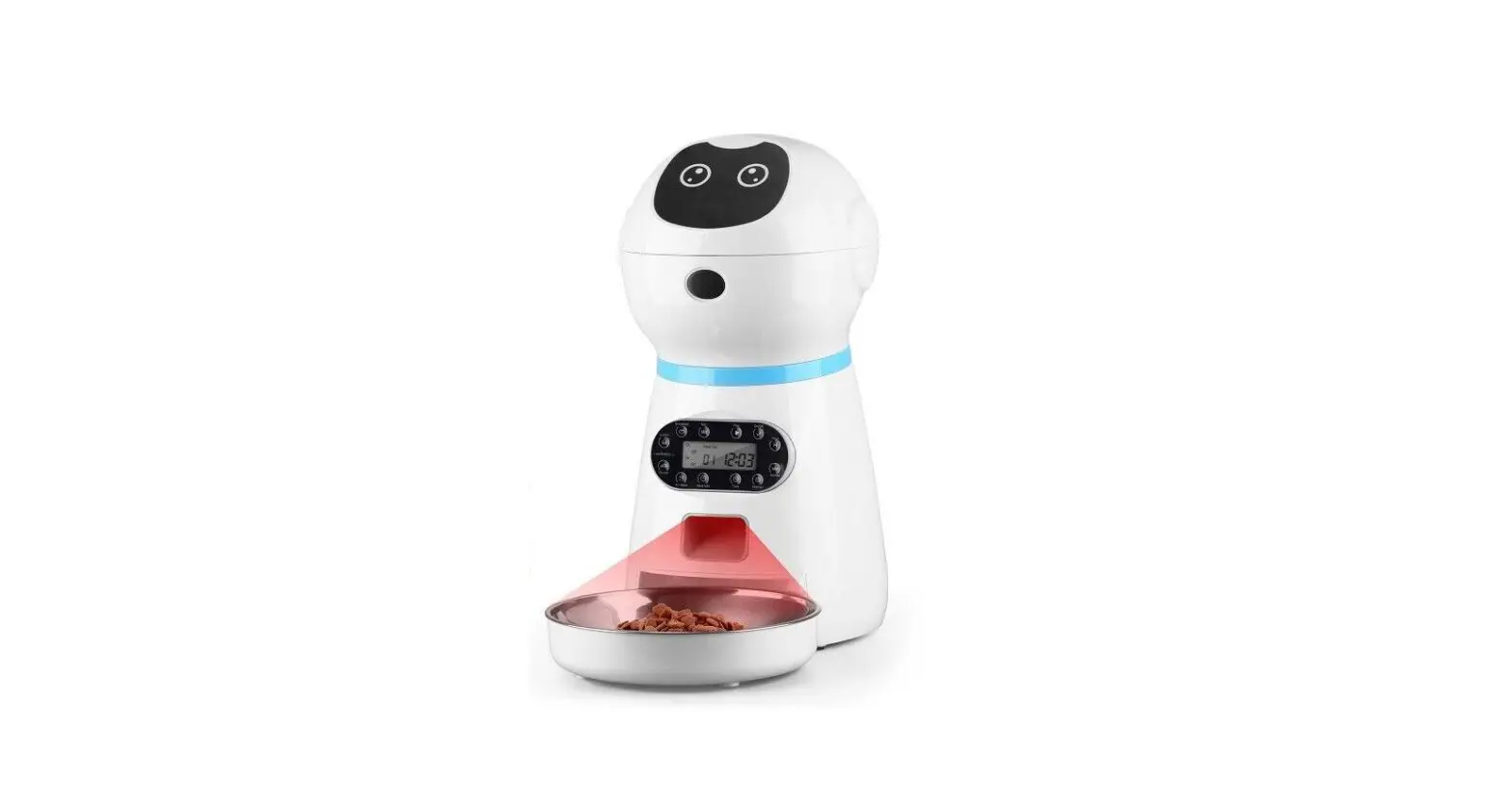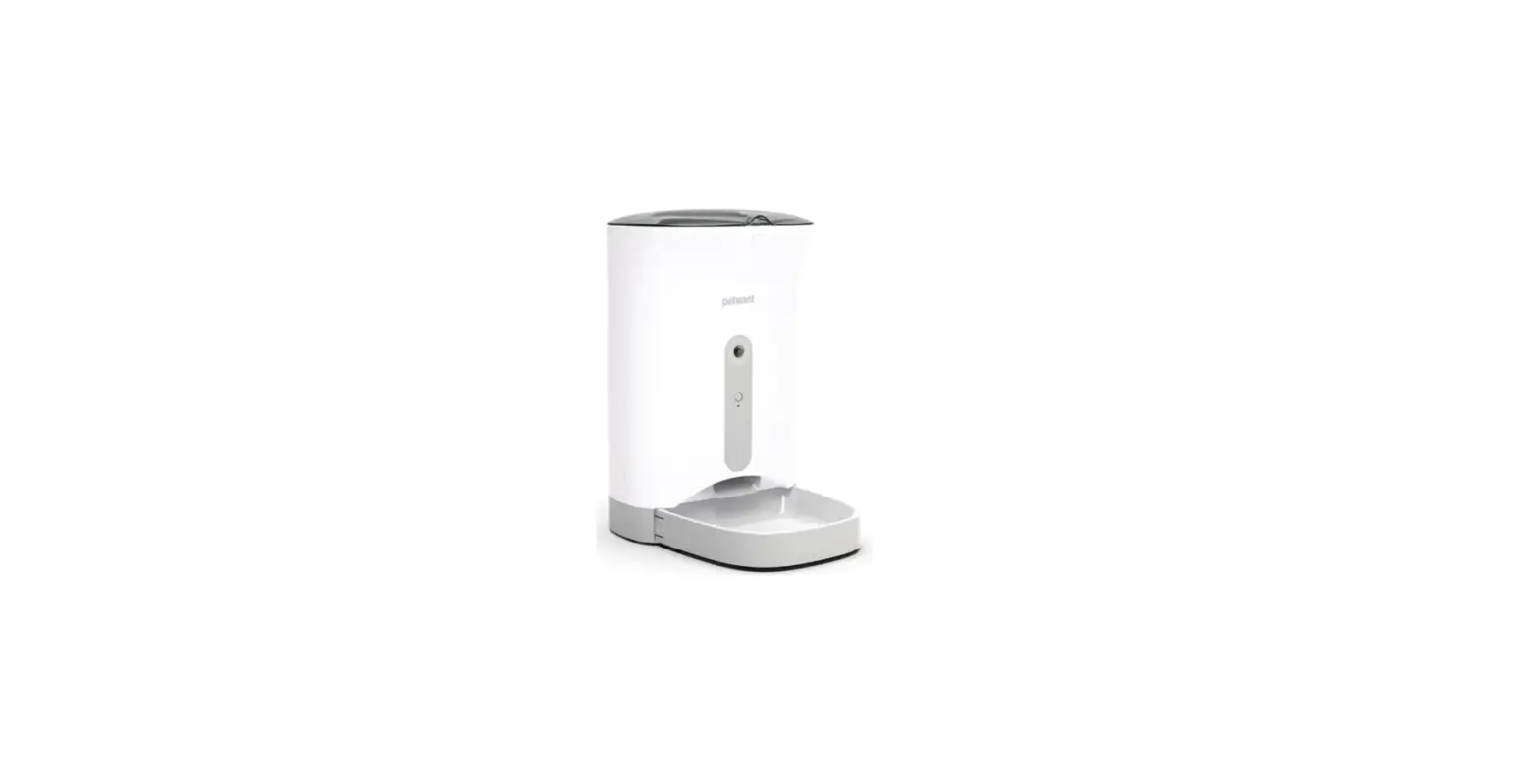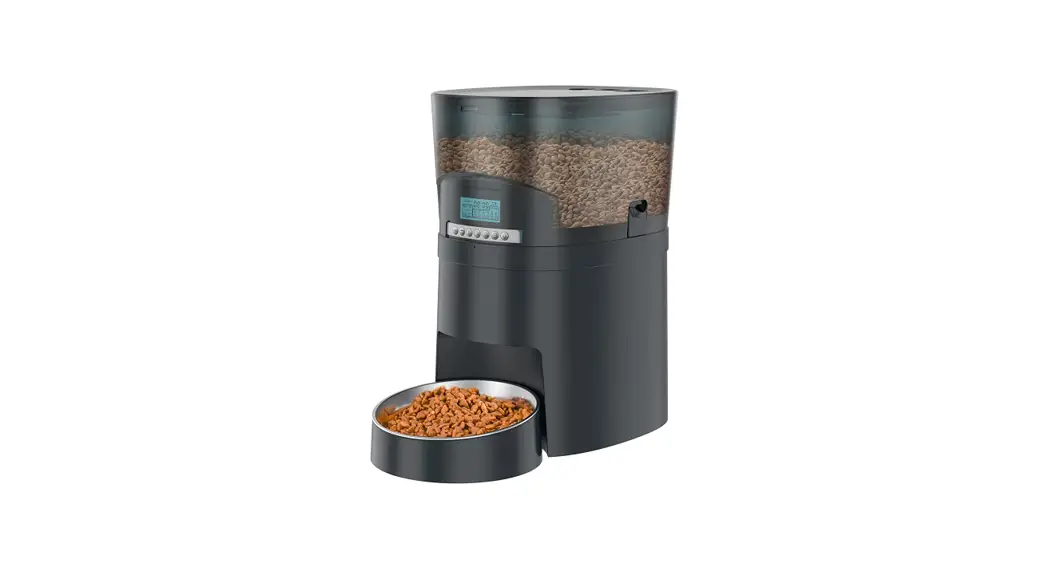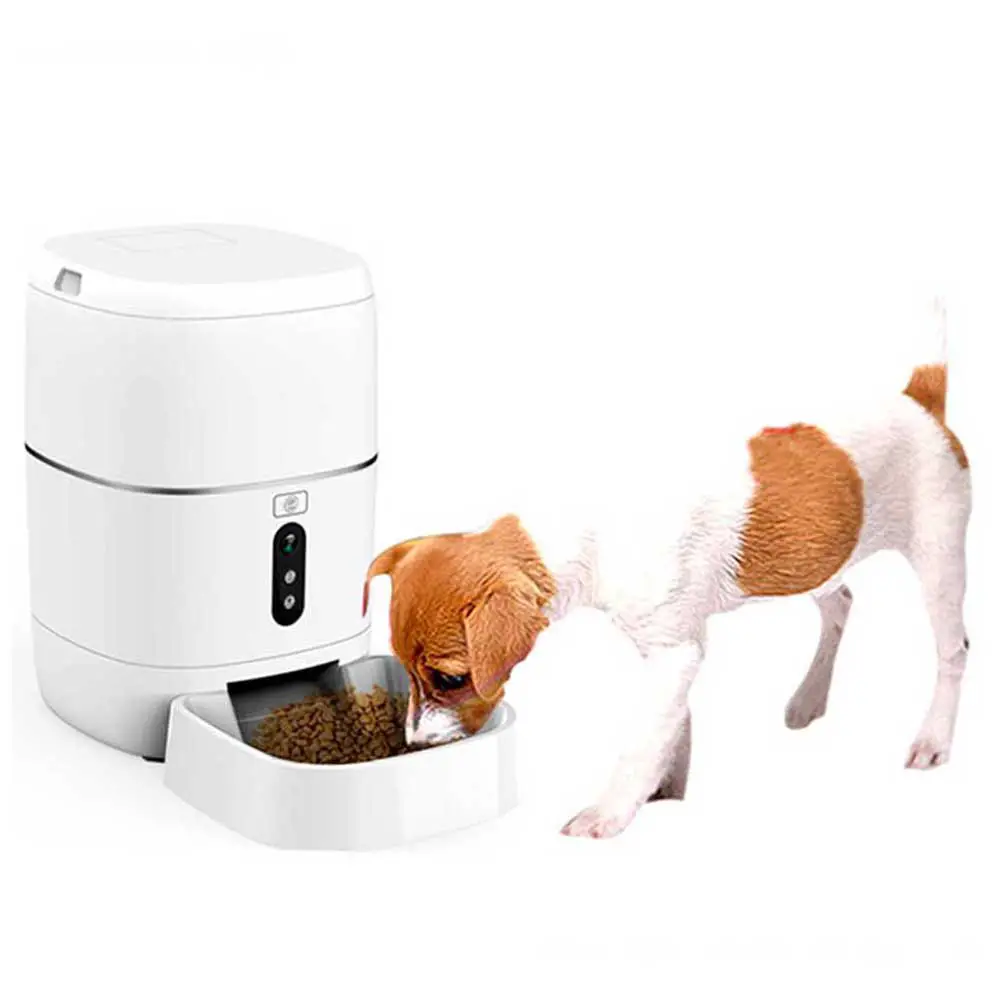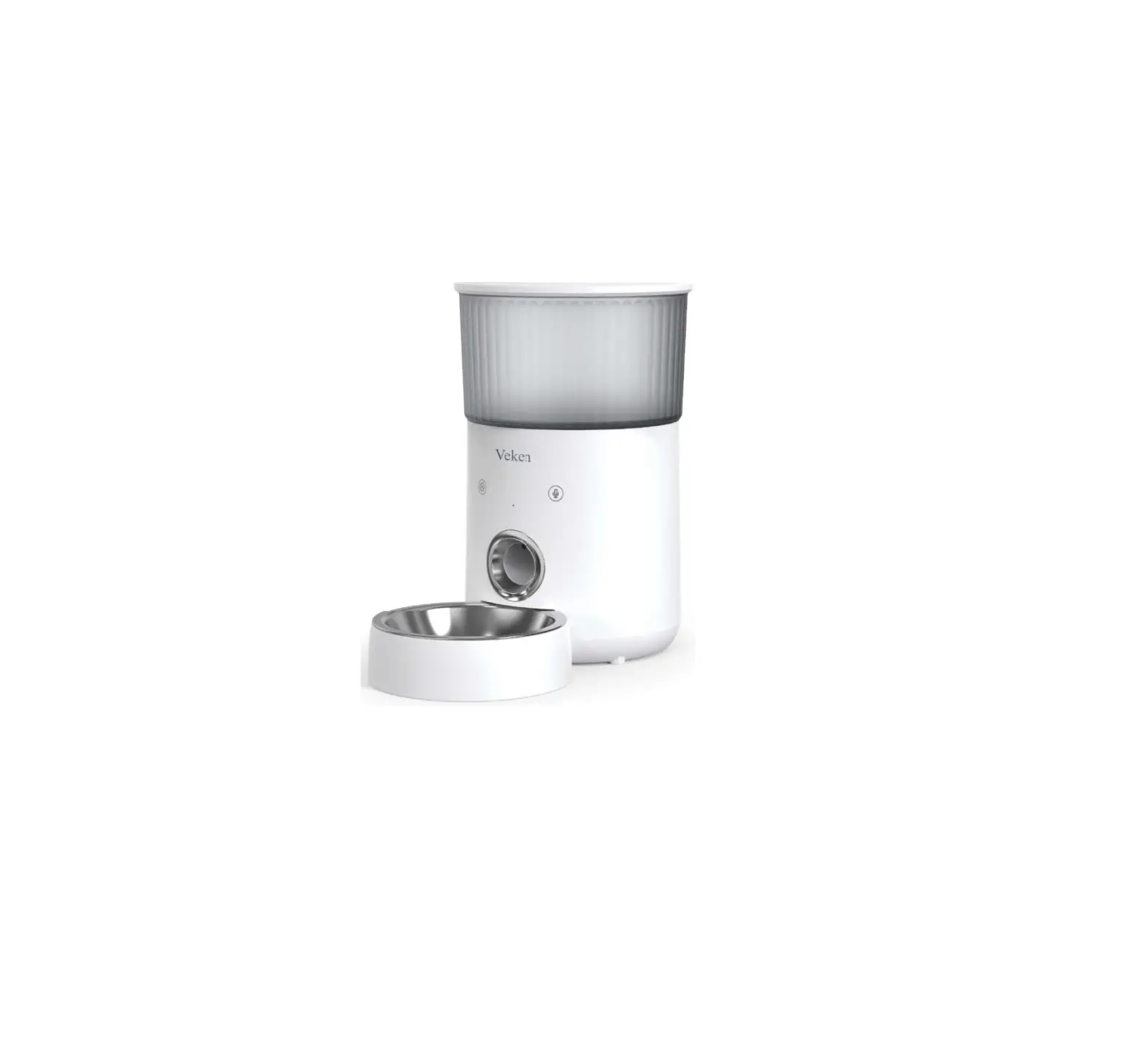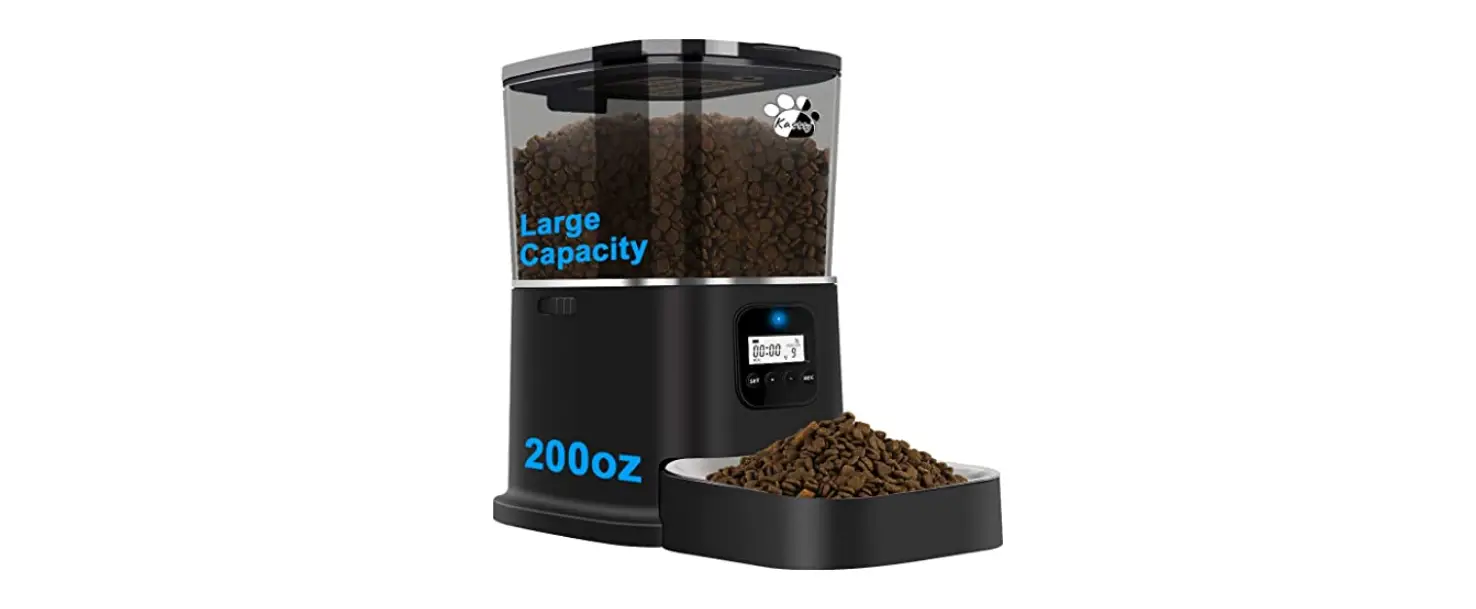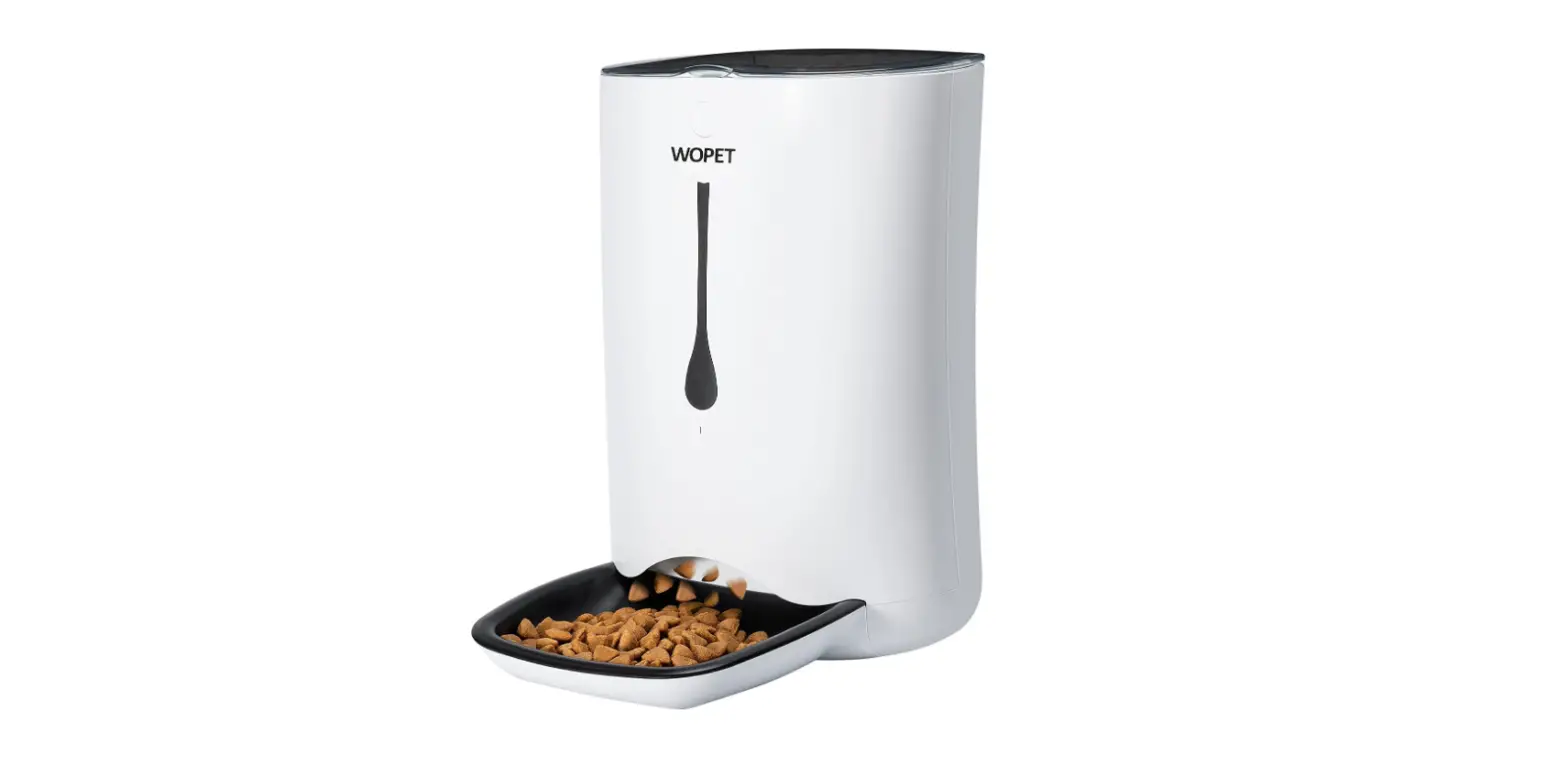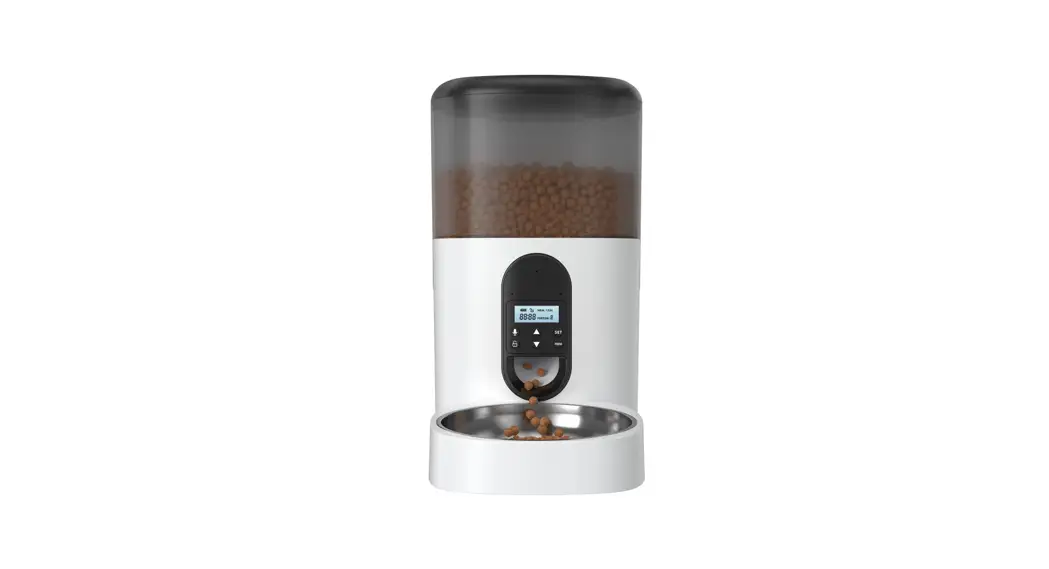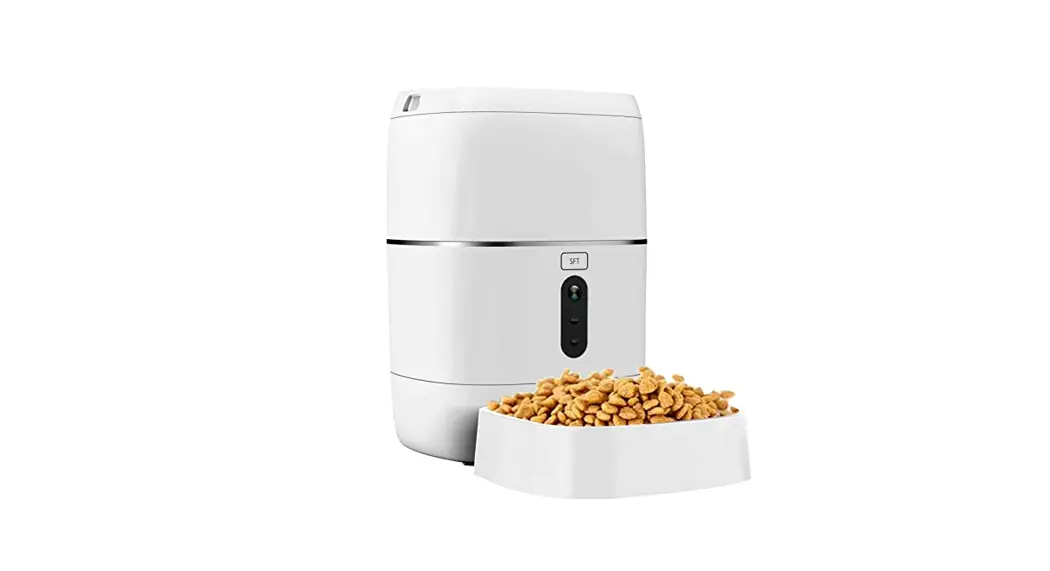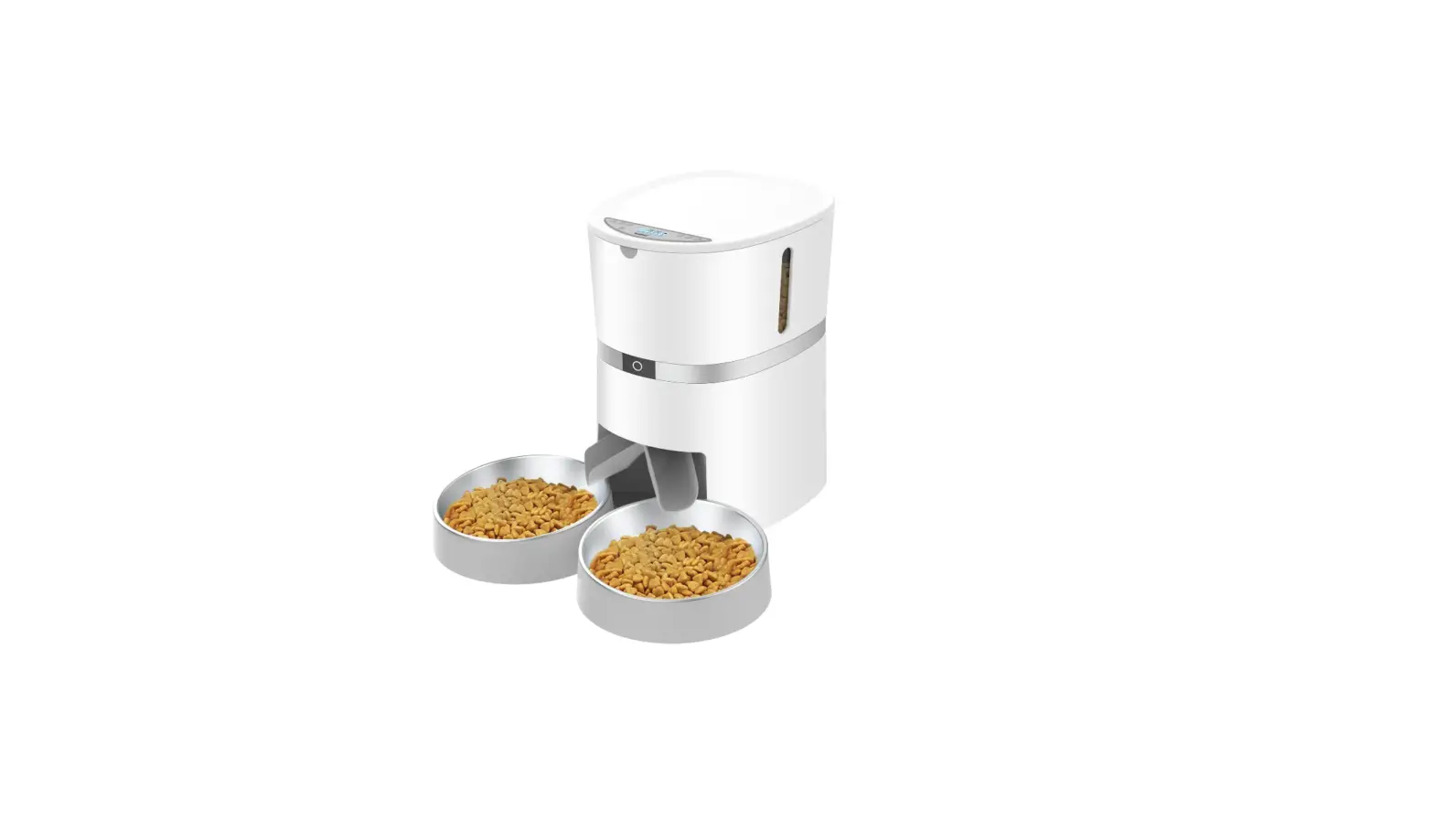

WellToBe A36 Automatic Pet Feeder
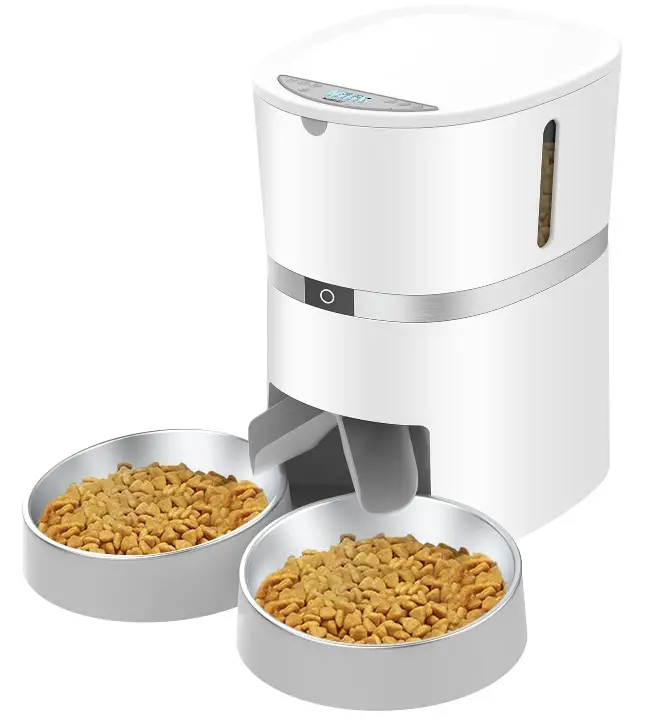
STRUCTURAL IMAGE
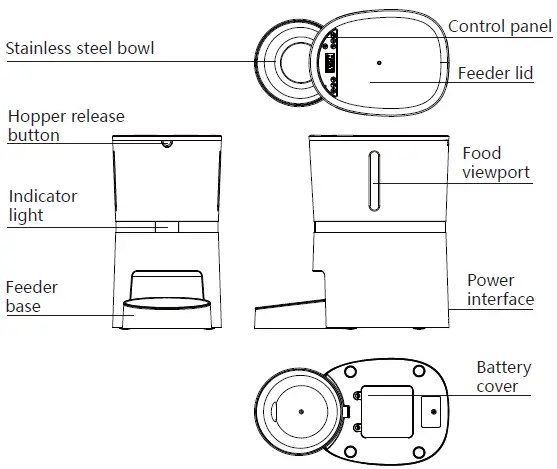
Packing List:
- Accessories: host ×1
- power adapter x1 (5v-1A)
- feeder base x1
- user manual×1
Notice:
- The feeder is for indoor household use only.
- The host of the equipment is not washable.
- The hopper and the food tray and the stainless steel bowl can be removed and washable.
- Please keep pets from biting the power cable or it may cause leakage.
- Please place the feeder horizontally and close the lid to keep the food from spilling out if pets knocked over the equipment.
Setup Instructions
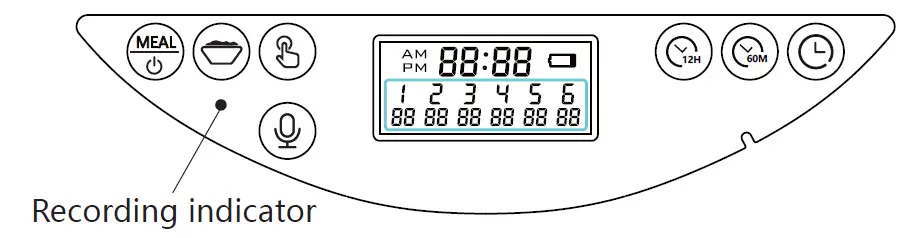
Control panel:
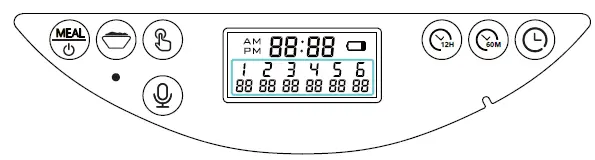
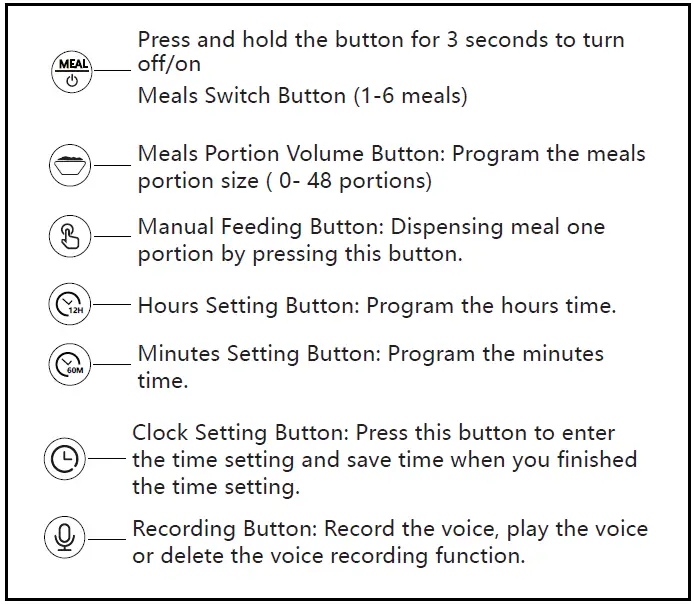
- Press “
 ” and hold for three seconds to unlock the screen and enter the time setting mode automatically, The hour field and minute field blink. Press”
 ” to set hours and minutes time as your demand. Press “” and hold the button for 3 seconds to exit the time setting.
 - You can switch the 12-hour clock and 24-hour clock by pressing the
 synchronously.
 ” and hold for three seconds to unlock the screen and enter the time setting mode automatically, The hour field and minute field blink. Press”
 ” to set hours and minutes time as your demand. Press “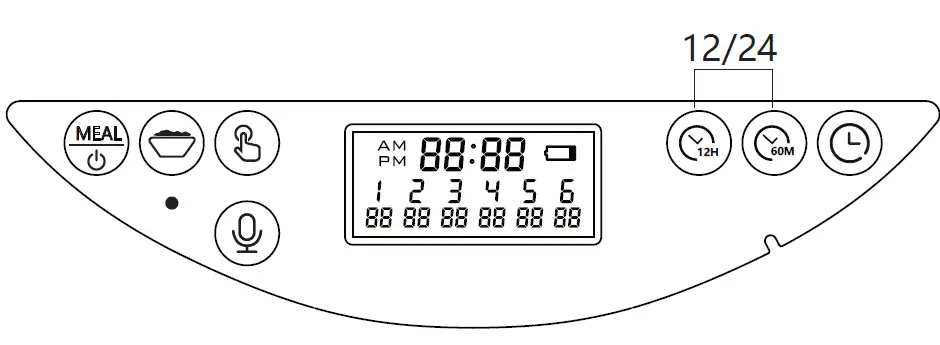
Feeding Setup
- This automatic pet feeder supports 0.19″ -0.47″ (0.5cm-1.2cm) food kibble size, please do not exceed this standard, otherwise, the device will be jammed.
- This device can be stored up to 1.2kg of pet food.
- This automatic pet feeder supports 6 meals each day and supports MAX 48 portions volume for each meal. Each portion size is about 0.5 oz (16 ml) of food kibble. As different food kibble sizes will cause an error when dispensing food, Please program a suitable feeding plan according to your food kibble size and types.
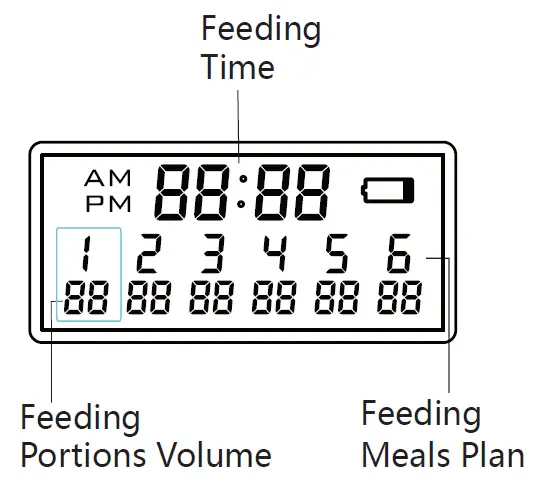
Meal 1:
Pressing  one time to enter the feeding plan mode, at this time the meal 1, feeding time, and feeding portions volume will blink, press
  to adjust the feeding time, then press
 to adjust the meal portions.
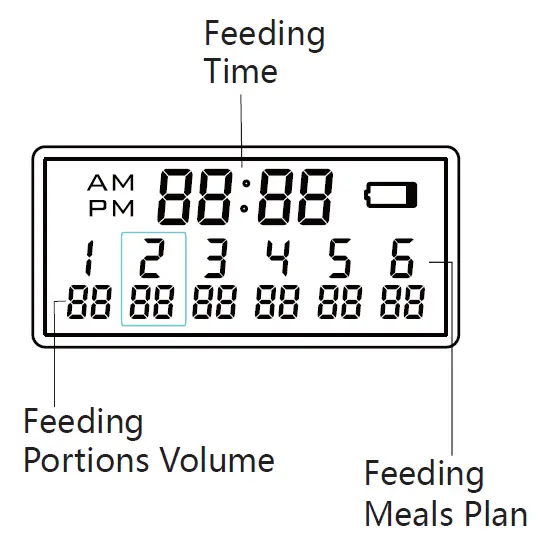
Meal 2:
After you finished the meal 1 setting, you can also press the one time to choose meal 2. The meal feeding time and feeding portions volume will blink, press: to adjust the feeding time, then press to adjust the meal portions.
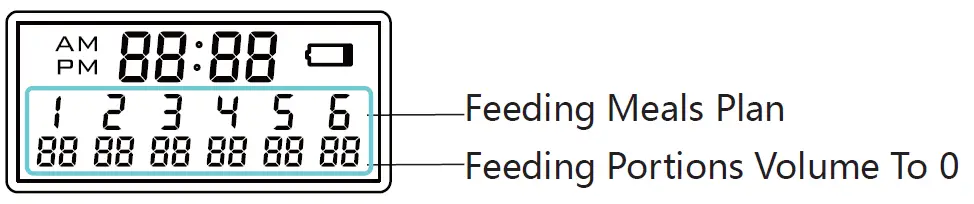
You can use the same method to program 3, 4, 5, and 6 feeding plans. If you do not need to program the other feeding plan or delete the previous feeding plan, you can set the volume of the feeding portions to 0.
Recording Setup
Press  and hold for three seconds then you can record for Max 10 seconds after the recording indicator lights up. If you release your hand when recording, the system will recognize you finished the recording. After finishing the recording, you can press one (9) time to play your recording. If you need to want to delete or close the recording function, you can press two times until the recording indicator light blinks 3 times, then the recording message is removed.
Manually Feeding
- Press
 and hold for three seconds, the food will be released one portion volume each time. Low Battery Reminder
 - When the batteries are low, the
 on the LCD screen will turn on. After new batteries are installed, the on the LCD screen will be turned off.(Battery model: 4×D size alkaline battery)
 and hold for three seconds, the food will be released one portion volume each time. Low Battery Reminder
 on the LCD screen will turn on. After new batteries are installed, the
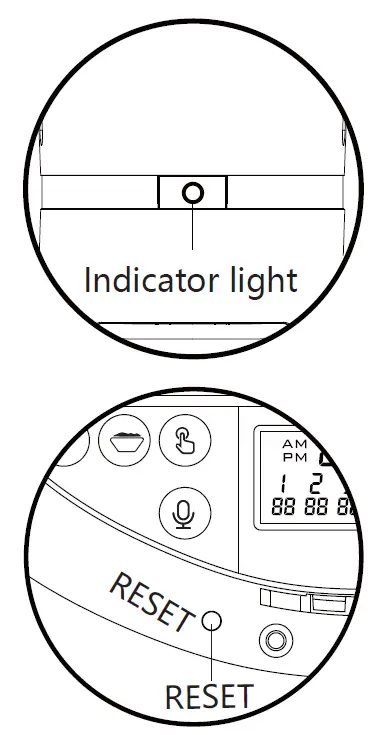
 Indicator light
- When the feeder is powered by the adapter, the indicator light is always on, When the power adapter does not supply power, the indicator light is off.
Reset Function
- If you need to reset the automatic pet feeder, please open the lid and press the reset button.

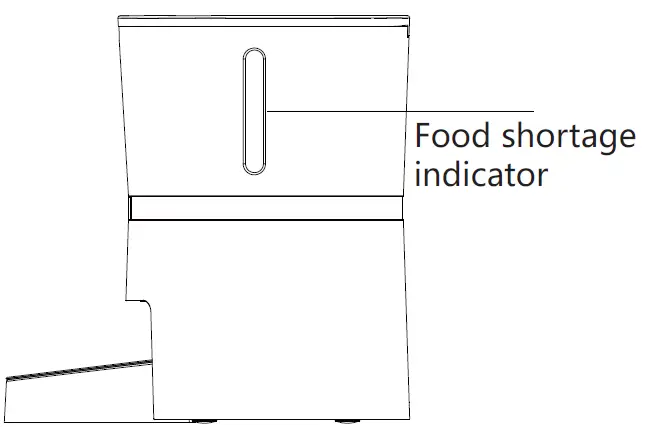
Food shortage reminder
- When the feeder is short of pet food, the blue light will be flashed. Please open the feeder lid and add the pet food, then the blue indicator light will be turned off.

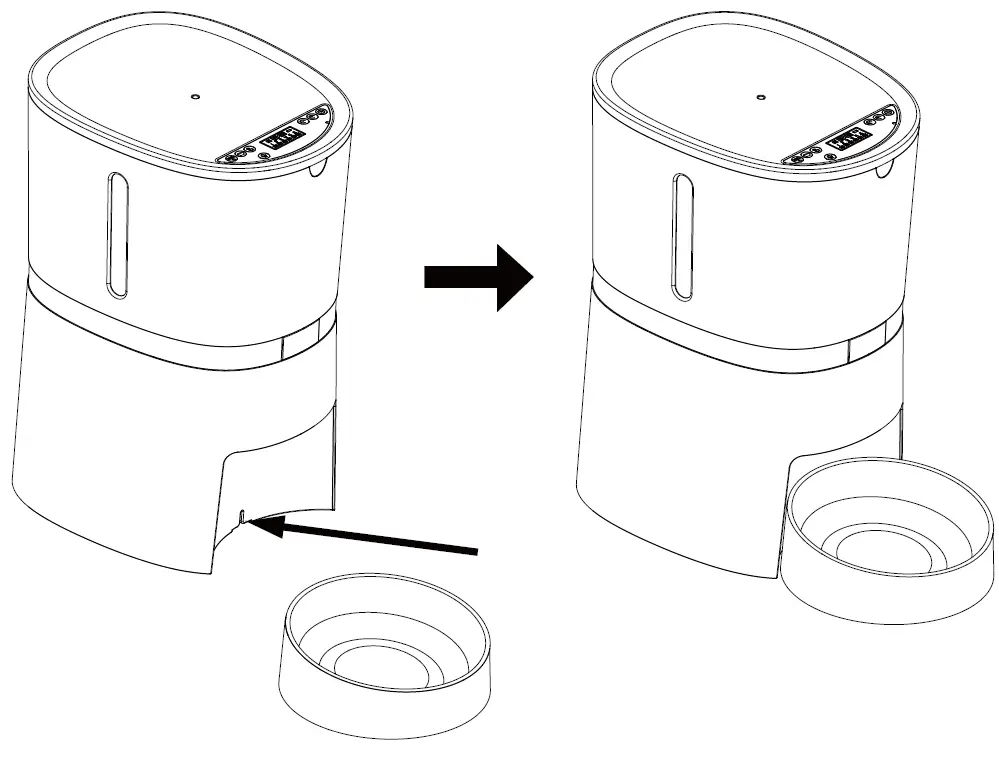
Single basin installation
- Please assemble the base of the food bowl with the host (as shown)

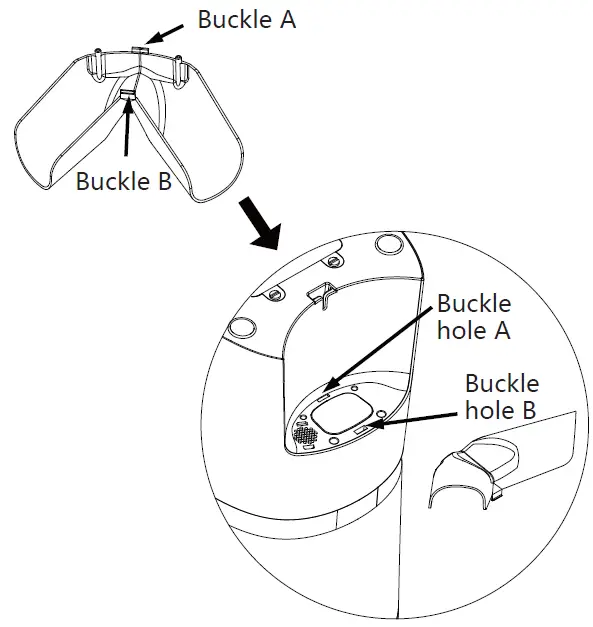
A36 Two-Way Distributor System
(If you purchased the double basin version)
- Step 1: Please install the two-way splitter into the host. (as shown)

- Step 2: Please assemble the two bowls bases with the double bowls base

- Step 3: Please put the host in place. (as shown)

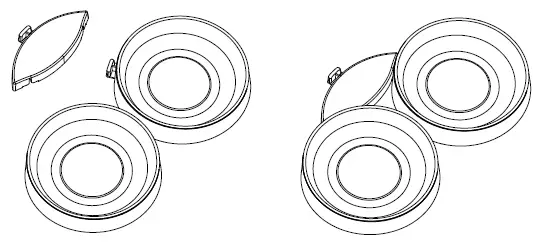
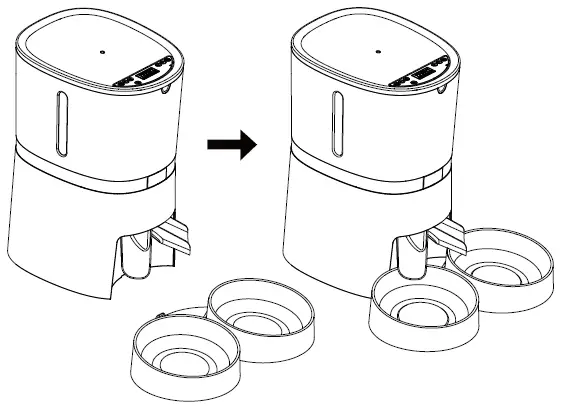
Distributor removal
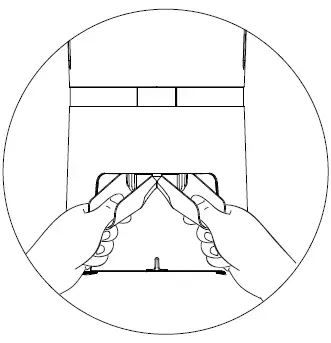
- Please hold the two-way splitter with both hands and press down with the thumb can be removed the two-way splitter. (as shown)

FREQUENTLY ASKED QUESTIONS
Automatic Cat Feeders, Built-in Lithium Battery Lasts up to 6 Months, Dry Cat Food Dispenser with Desiccant Bag, Programmable Timed Dog Feeder 1-9 Meals Per Day, Voice Recorder, 4L.
The automated pet feeder can be adjusted the feeding time and the motor can rotate according to the required time. The material used to fabricate the part of the automated pet feeder is HDPE. The Manufacturing process that will be used is the extrusion molding process.
Automatic feeders help provide proper weight management by giving your pet the portioned feedings they need. If you have a pet who gulps his food or eats too fast, a feeder can help him slow down. The Slow Feed option with the new Simply Feed pet feeder dispenses each meal over a 15-minute period.
We recommend that you clean the Feeder-Robot before its first use, and at least once a month after that. The best time to clean is when the Hopper and Food Bowl are already empty.
To operate the AutoDiet™ SMART feeder simply attach a wireless tag to the collar of each pet. When a pet attempts to feed it will be instantly recognized and registered. Once registered, you can program the feeder so that it welcomes your pet by name and allow or exclude pets as you desire.
If used with regular supervision, automatic feeders are safe for cats and won’t damage the bond between you and your pet. But it’s important not to use an automatic feeder as a stand-in for a proper sitter when you’re away from home.
To make sure that these mechanisms are working properly, simply open the blow-down valve (on either the automatic water feeder or the low water cut-off) when the boiler is running. If the boiler turns off, the automatic water feeder and/or low water cut-off is working properly.
This automatic pet feeder will keep your dog or cat’s wet food fresh all day long thanks to built-in ice packs and a tightly-sealed lid.
Feeders are used to control and meter the flow of materials to meet the specified flow rate of the crushing or process system. The Feeder is generally the first step in designing a crushing/process system to meet the goals required.
To Remove Hopper: Press the hopper release button on the back of the feeder then lift to remove. To Remove Conveyor: Pull back the red conveyor latch to unlock. Lift to remove. Before assembling the feeder, make sure all parts are clean and completely dry.
Press the pinhole button on the top of the feeder with a pin or paperclip to reset. Note: Resetting the feeder will erase current settings and require meals to be rescheduled.
VIDEO – PRODUCT USAGE
DOWNLOAD THE PDF LINK: WellToBe A36 Automatic Pet Feeder User Manual