 User Manual
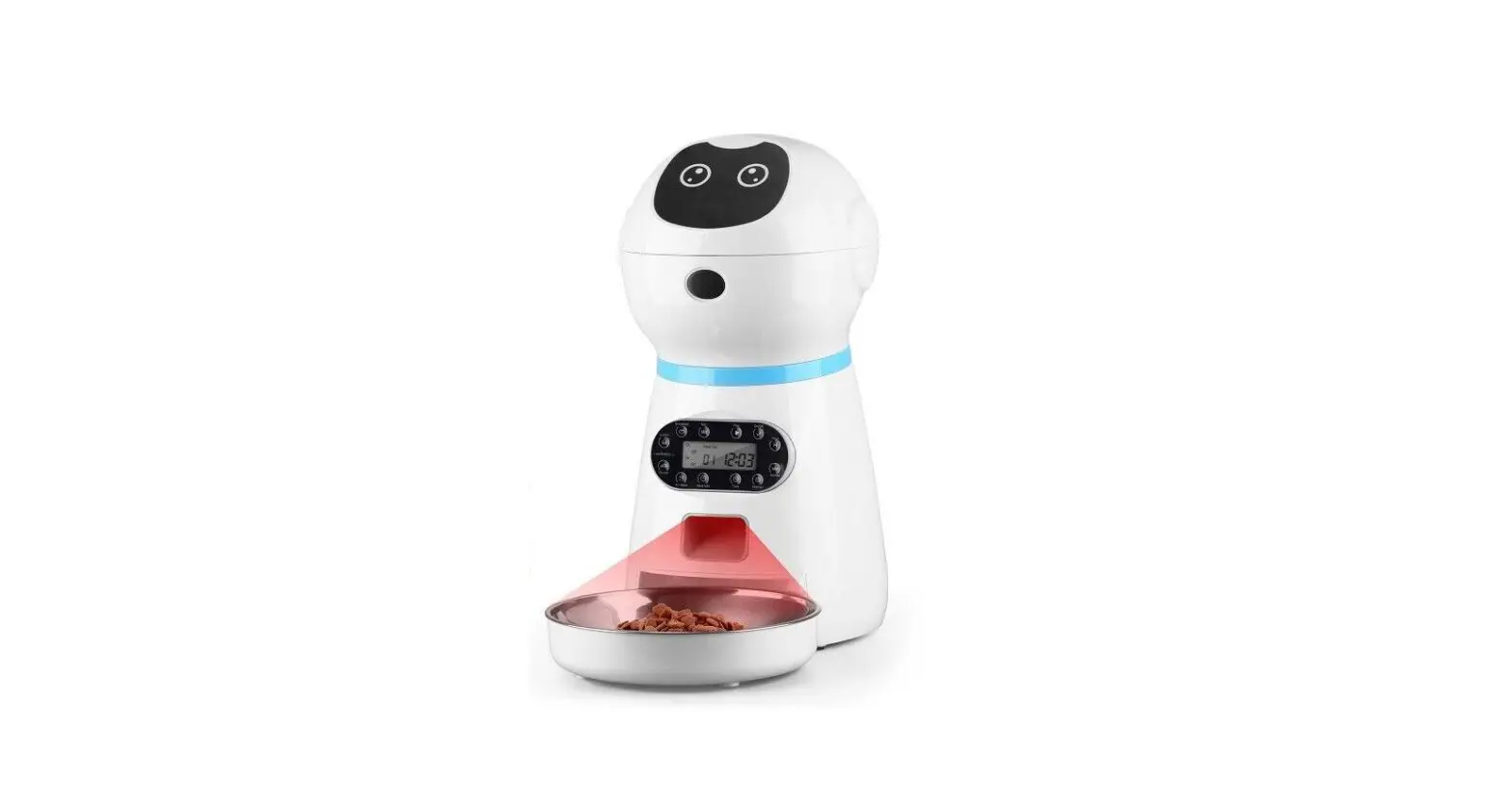
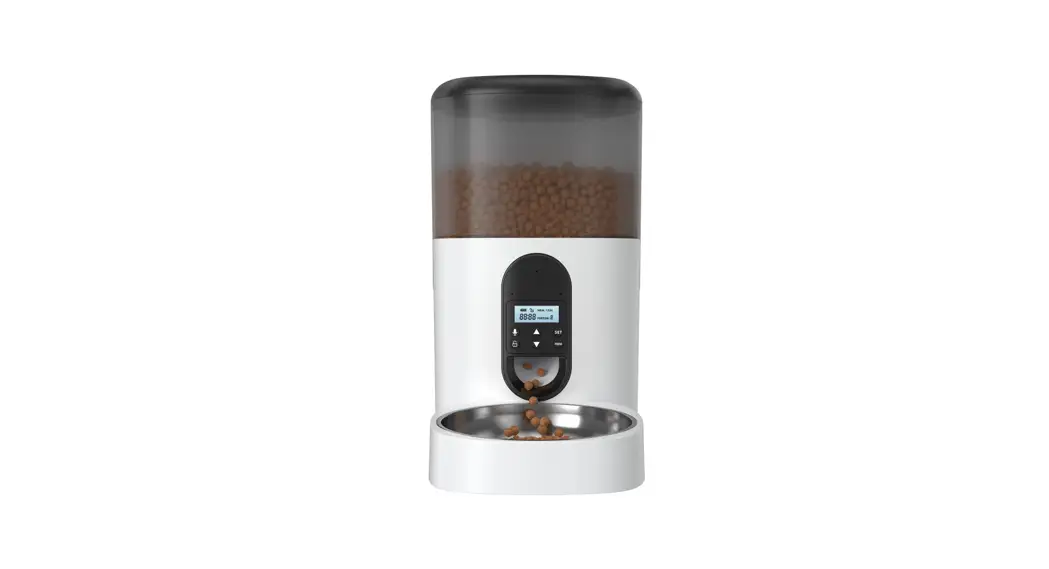
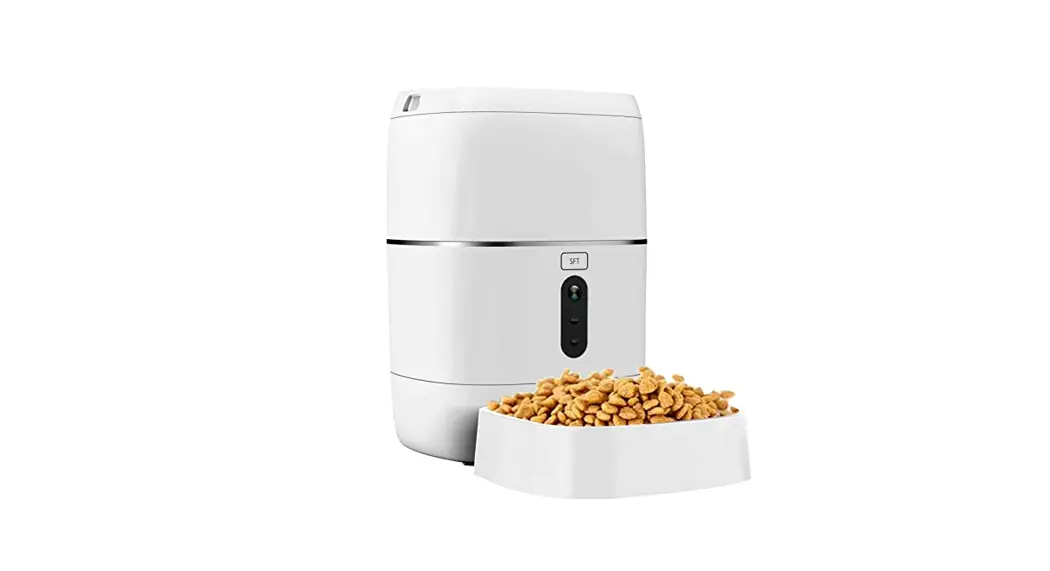
A36 Automatic Pet Feeder
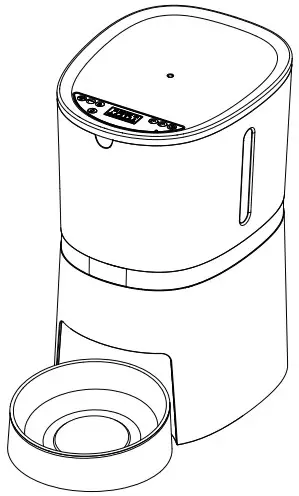
A36 Automatic Pet Feeder
Dear customer,
We appreciate your choice of the automatic pet feeder. We insist on providing premium petproducts, helping pet owners feed pets in a scientific and reasonable way and providing pets a healthy lifestyle. We are working for establishing a harmonious relationship between you and your pets.
For the convenience of using, please read the user manual carefully and follow the instructions.
WARRANTY
1 Year Warranty
Lifetime Support: For guidance on product use and warranty extension, please contact after-sales email: [email protected]
If you have any questions related to orders, please contact the seller via the shopping platform.
Structural image
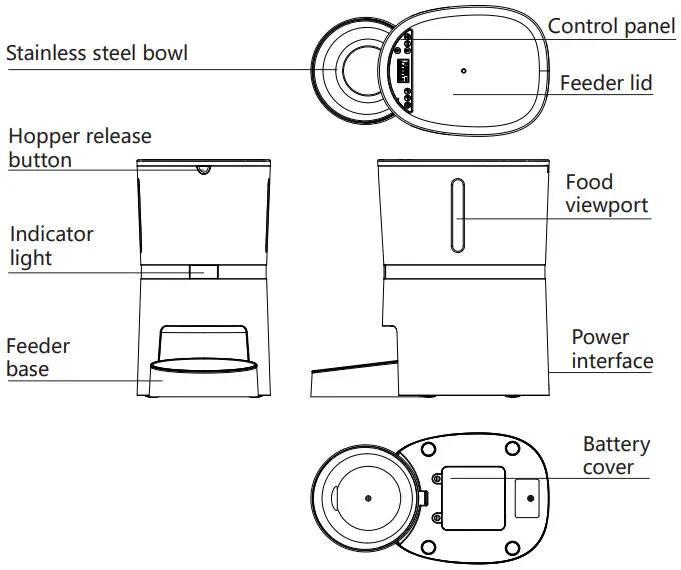
Paking list
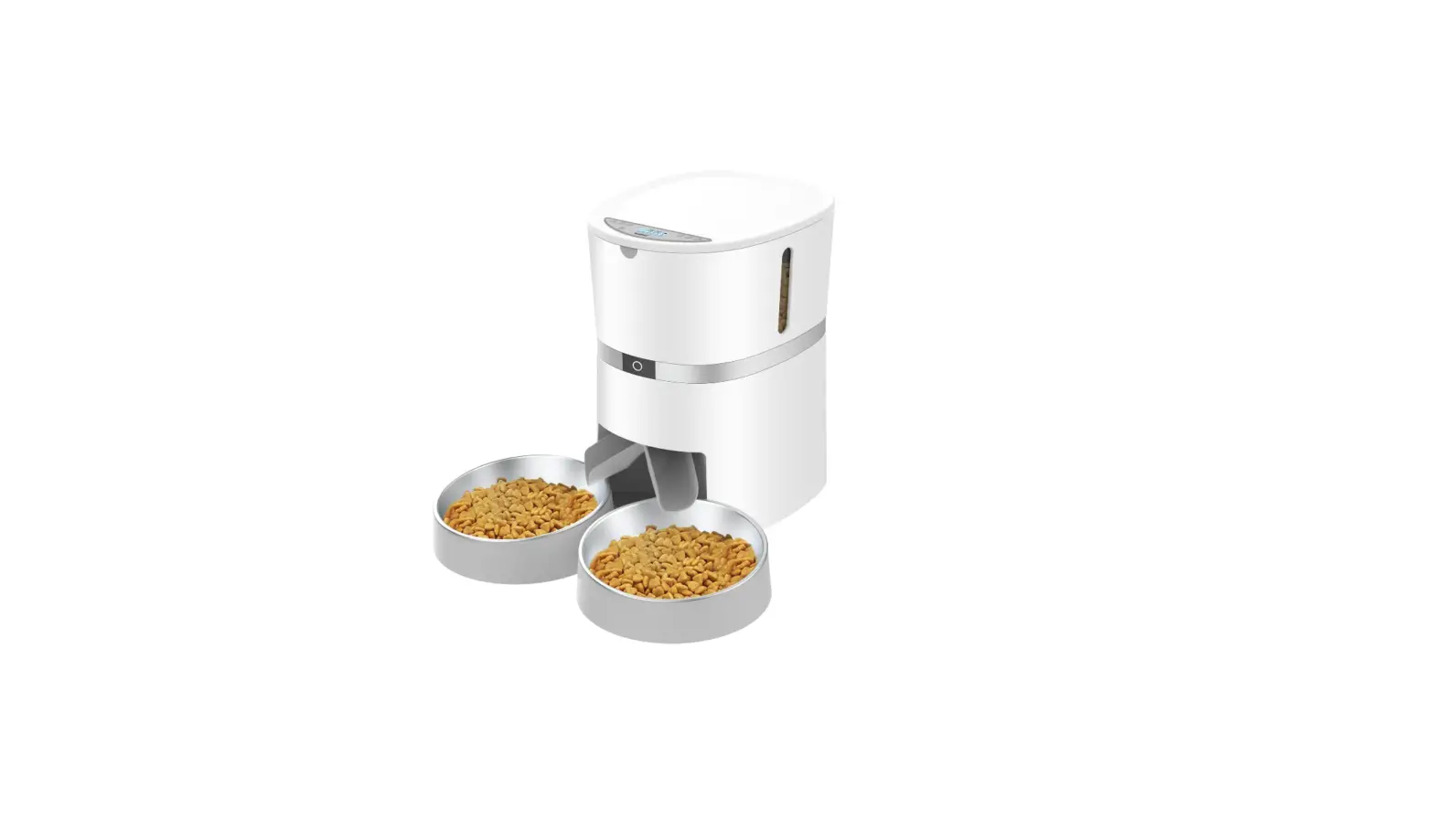
Single Bowl Version
1 x Pet Feeder, 1 x Stainless Steel Bowl, 1 x Bowl
Holder, 1 x Power Adapter, 1 x Desiccant Bag, 1 x User Manual
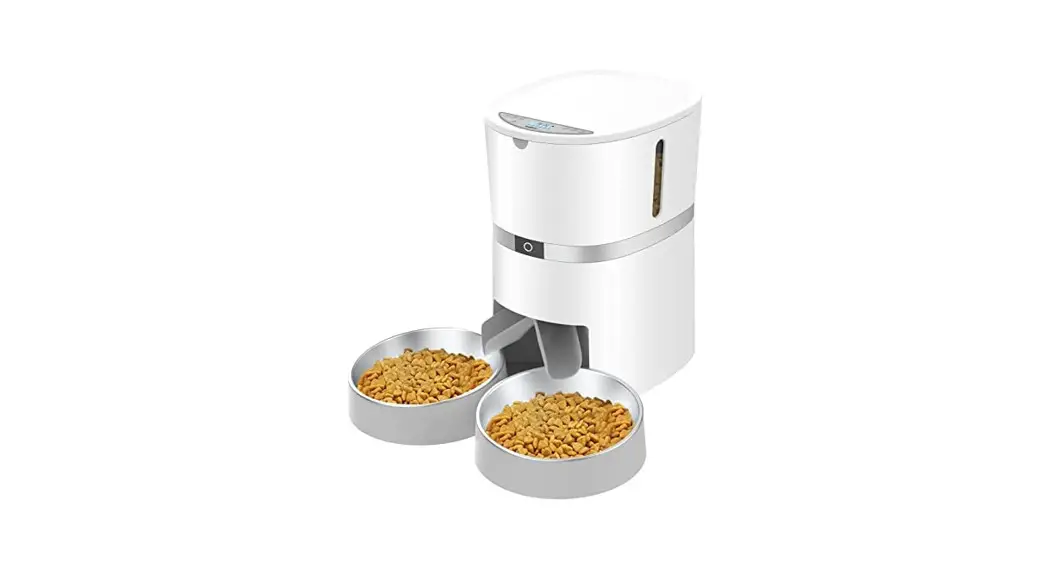
Dual Bowls Version
1 x Pet Feeder, 2 x Stainless Steel Bowls, 2 x Bowl Holders,
1 x Power Adapter, 1 x Desiccant Bag, 1 x 2-way Splitter, 1 x User Manual
Notice
- To prevent the mold growth, it is recommended to change the desiccant bag every 15 days
- The feeder is for indoor household use only.
- The host of the equipment is not washable. The hopper and the food tray and stainless steel bowl can be removed and washable.
- Please keep pets from biting the power cable or it may cause leakage.
- Please place the feeder horizontally and close the lid to keep the food from spilling out.
Setting Instructions
Control panel
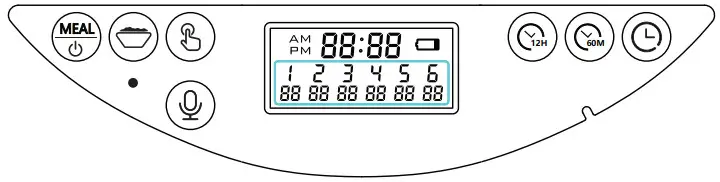
 | Press and hold the button for 3 seconds to turn off/on Meals Switch Button (1-6 meals) |
 | Meals Portion Volume Button: Program the meals portion size ( 0- 48 portions) |
 | Manual Feeding Button: Dispense one portion by pressing this button 1 time. |
 | Hours Setting Button: Set the hours time. |
 | Minutes Setting Button: Set the minutes time. |
 | Time Setting Button: Press this button to enter the time setting and save time when you finished the time setting. |
 | Recording Button: Record the voice, play the voice or delete the voice recording function. |
Time Setting
- Press
 and hold for three seconds to unlock the screen and enter the time setting mode, The hour and minute “88:88” blinks. Press
 to set hours and minutes time as your demand. Press
 and hold the button for 3 seconds to exit the time setting.
 - You can switch the 12-hour clock and 24-hour clock by pressing the and at the same time.
 and hold for three seconds to unlock the screen and enter the time setting mode, The hour and minute “88:88” blinks. Press
 to set hours and minutes time as your demand. Press
 and hold the button for 3 seconds to exit the time setting.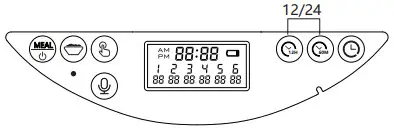
Feeding Setting
- Recommended food size: 0.2-1.2cm(0.07-0.47inch) diameter. Please use food smaller than 1.2cm, otherwise the feeder may get stuck.
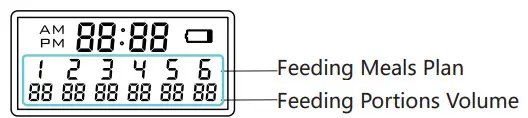
- You can set 0-6 meals per day and MAX 48 portions volume for each meal.
One portion size is about 5-6g (16 ml) food kibble. The dual bowls version dispense one portion in each bowl is about 2.5g. - Meal 1: Pressing
 one time to enter the feeding plan mode, at this time the meal 1, feeding time and feeding portions volume will blink, press : and to set the feeding time, then press
  to set the meal portions.
- Meal 2: After you finished the meal 1 setting, you can also press the one time to choose meal 2. The meal feeding time and feeding portions volume will blink,press :andto set the feeding time, then press to set the meal portions.
- You can use same method to program 3, 4, 5, 6 feeding plans. If you do not need to program the others feeding plan or delete the previous feeding plan, you can set the feeding portions volume.

 one time to enter the feeding plan mode, at this time the meal 1, feeding time and feeding portions volume will blink, press :
 to set the meal portions.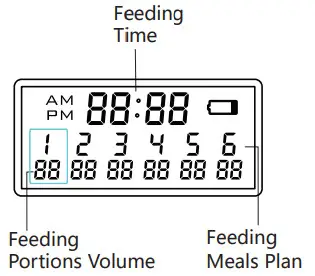
Recording Setting
- Press
 and hold for three seconds then you can record for Max 10 seconds after the recording indicator lighting up. If you release your hand when recording, the system will recognize you finished the recording.
After finishing the recording, you can pressone time to play your recording. You can press two times until the recording indicator light blinking 3 times, then the recording message is removed.
 and hold for three seconds then you can record for Max 10 seconds after the recording indicator lighting up. If you release your hand when recording, the system will recognize you finished the recording.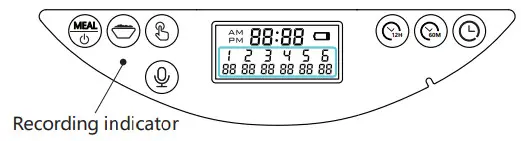
Manual Feeding
- Press
 and hold for three seconds, the food will dispense one portion each time.
 and hold for three seconds, the food will dispense one portion each time.
Low Battery Reminder
When the batteries are low, the  on the LCD screen will turn on. After new batteries are installed, the on the LCD screen will be off.(Battery model: 4×D size alkaline battery)
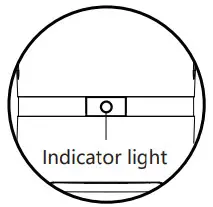
Indicator light
- When the feeder is powered by the adapter, the indicator light is always on, When powered by a separate battery, the indicator light is off for saving power.

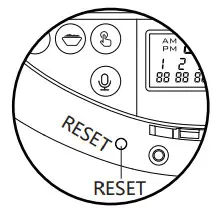
Reset Function
- If you need to reset the automatic pet feeder, please open the lid and press the reset button for 3s.

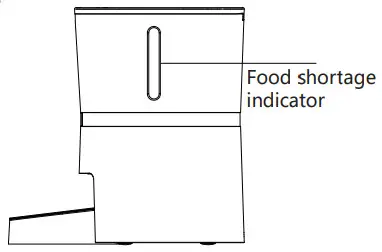
Food shortage reminder
- When the food hopper is short of food, the blue light will flash only when the next meals dispense, it means the motor run then the machine will detect the food shortage. Please add the food then the light will turn off.

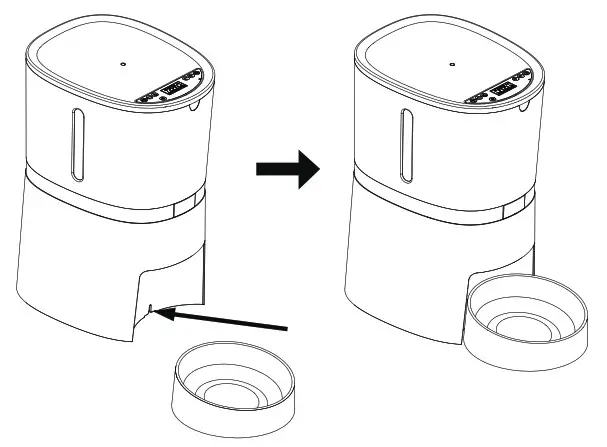
Single bowl installation
Please assemble the base of the food bowl with the host (as shown)
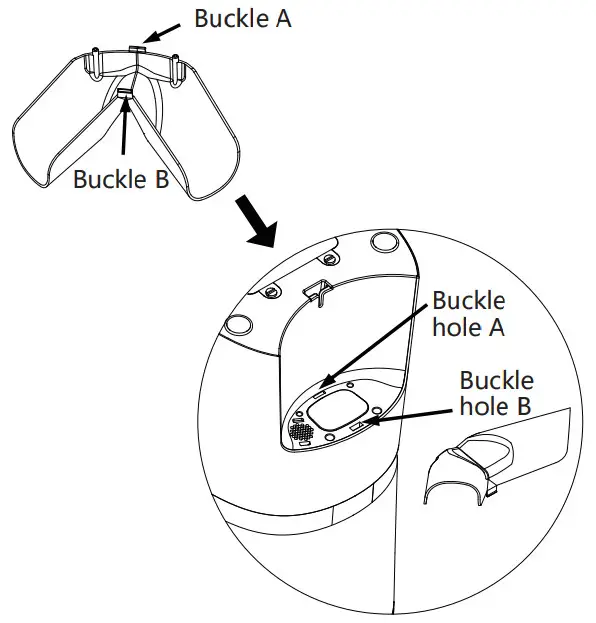
Dual bowls installation
(If you purchased the dual bowls version)
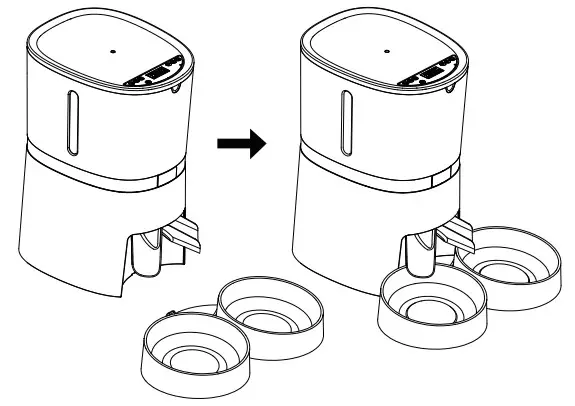
- Step 1: Please install the two way splitter into the host.
(as shown)
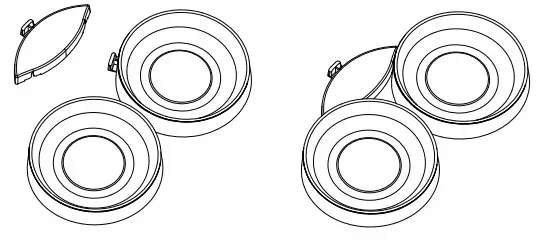
- Step 2: Please assemble the two bowl bases with the connector plate.

- Step 3: Please put the host in place. (as shown)

Distributor removal
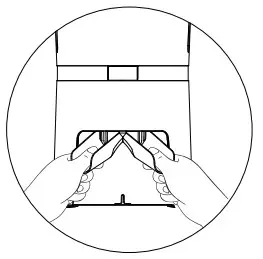
- Please hold the two way splitter with both hands and press down with the thumb, then it can be removed as shown)

Install Desiccant Bag
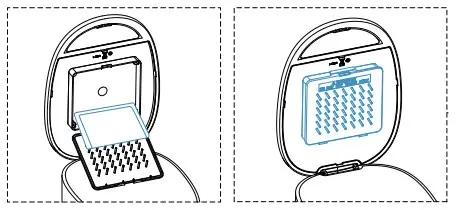
- Please open the desiccant box, load the desiccant and close.
( To keep pet food dry and fresh)
NOTE
To prevent the mold growth, it is recommended to change the desiccant bag every 15 days