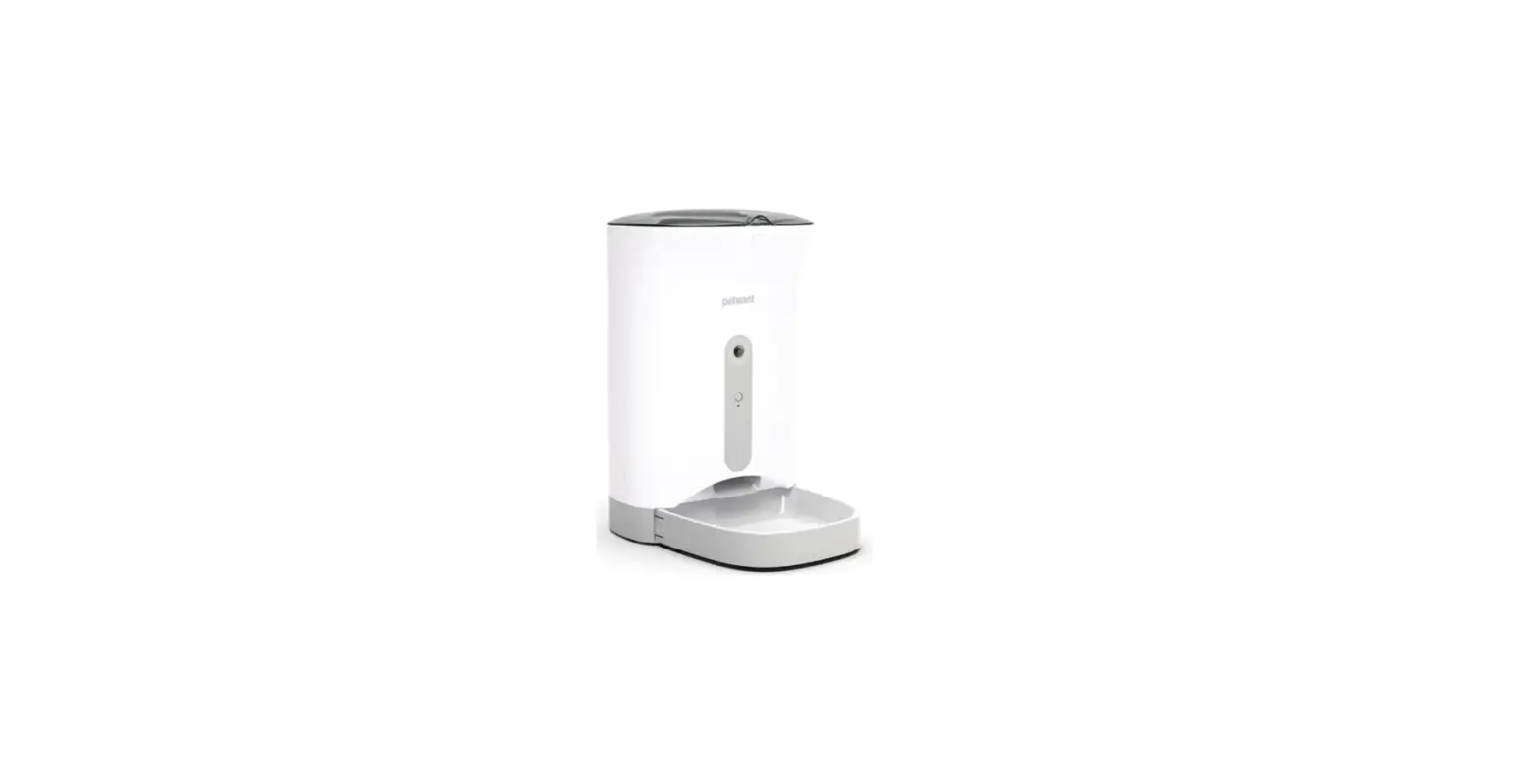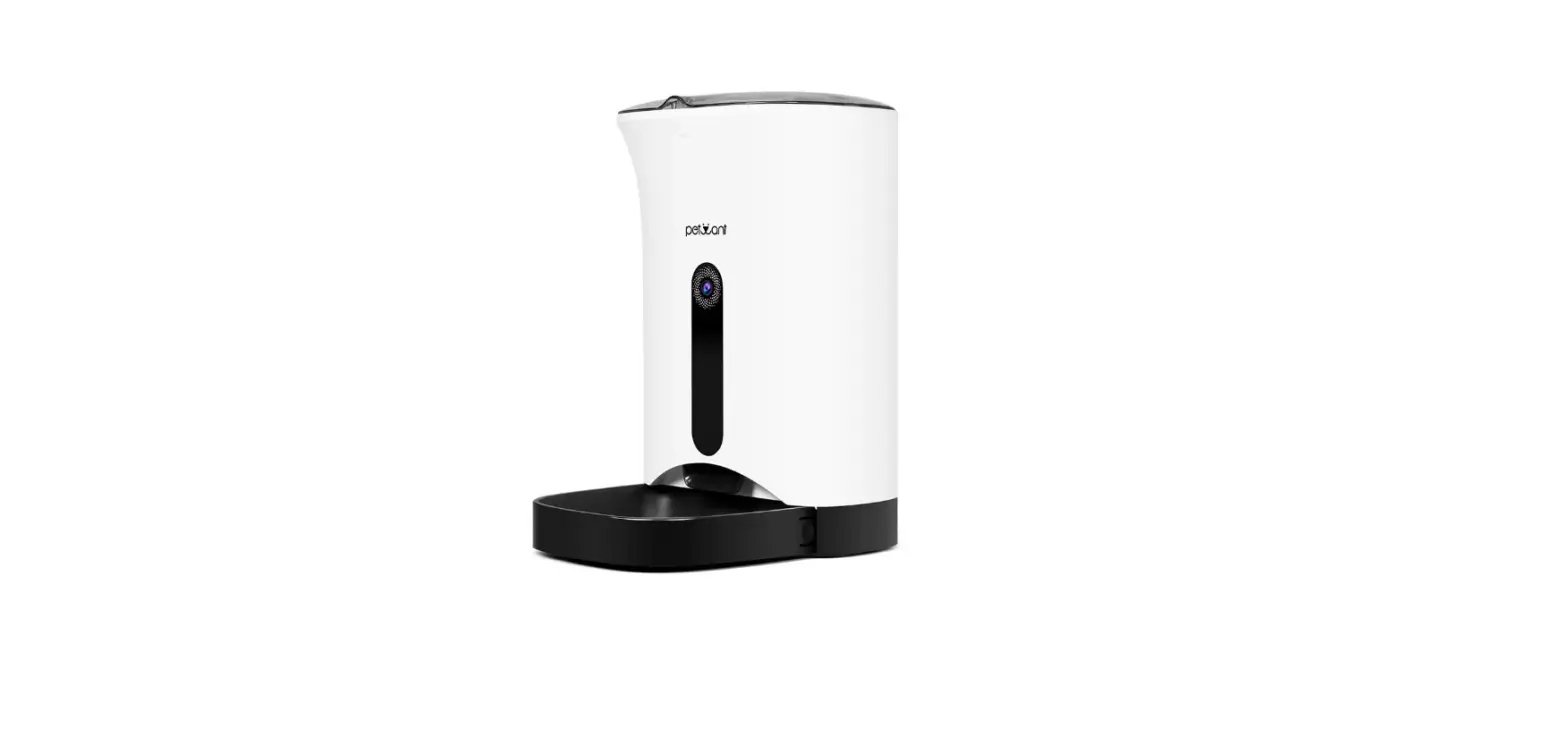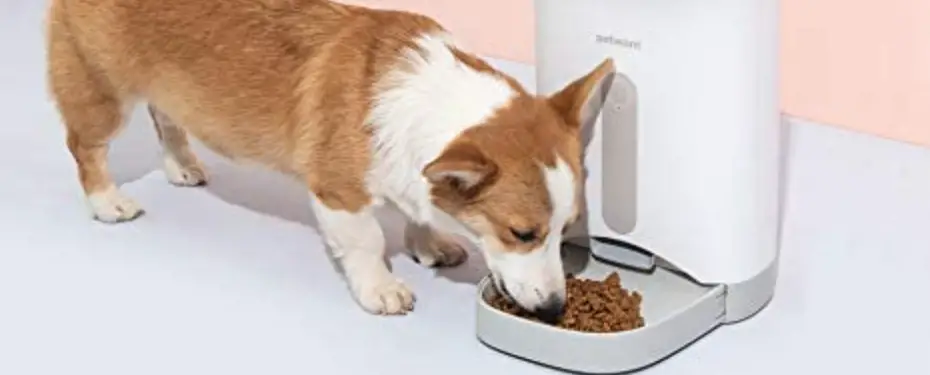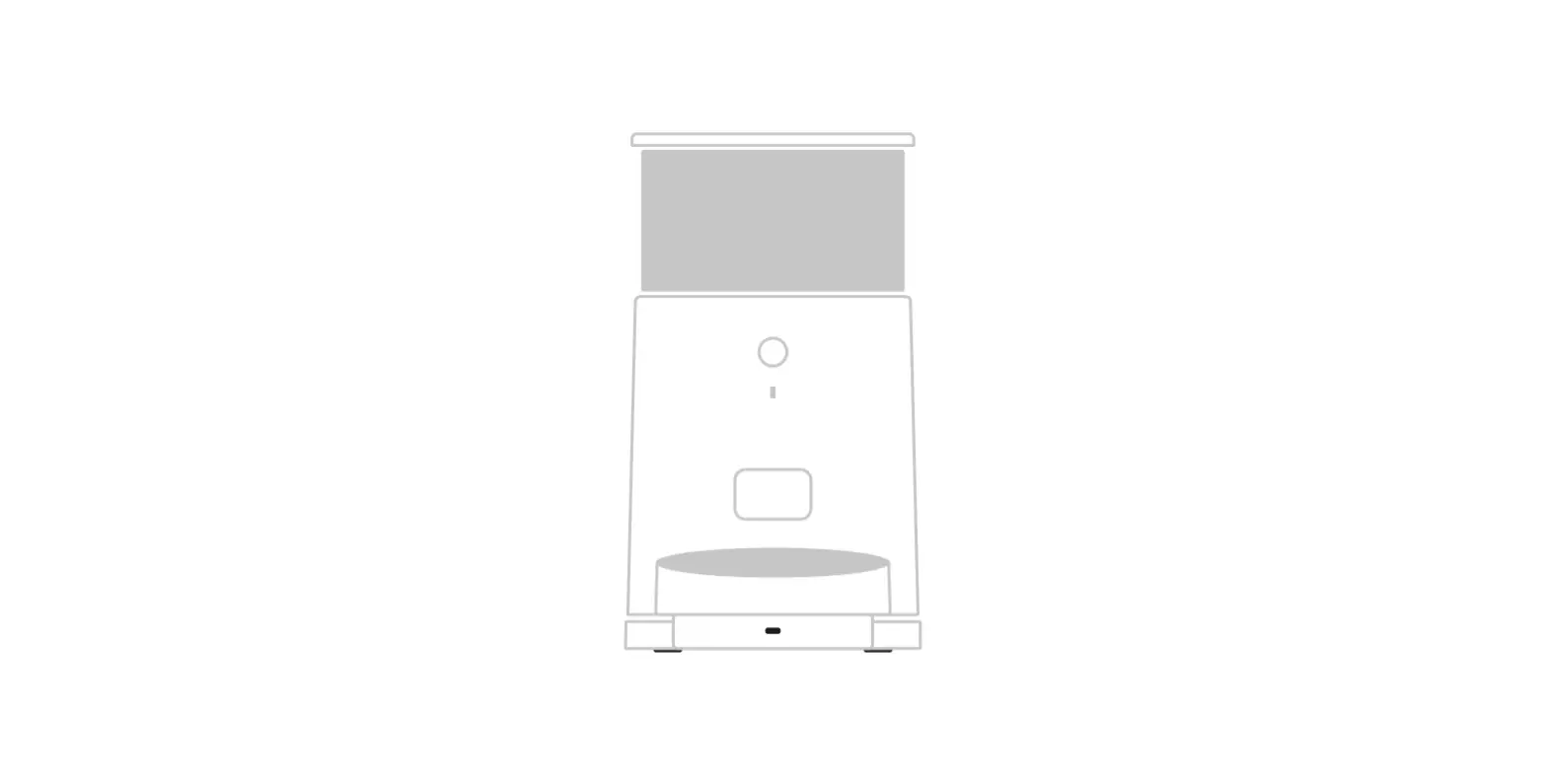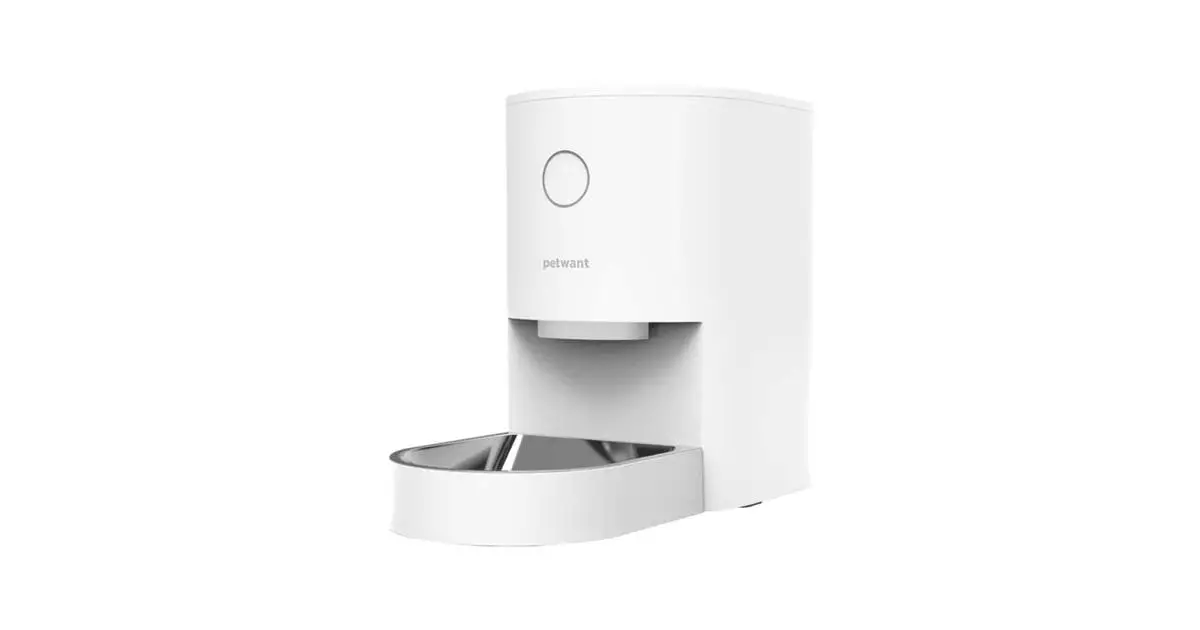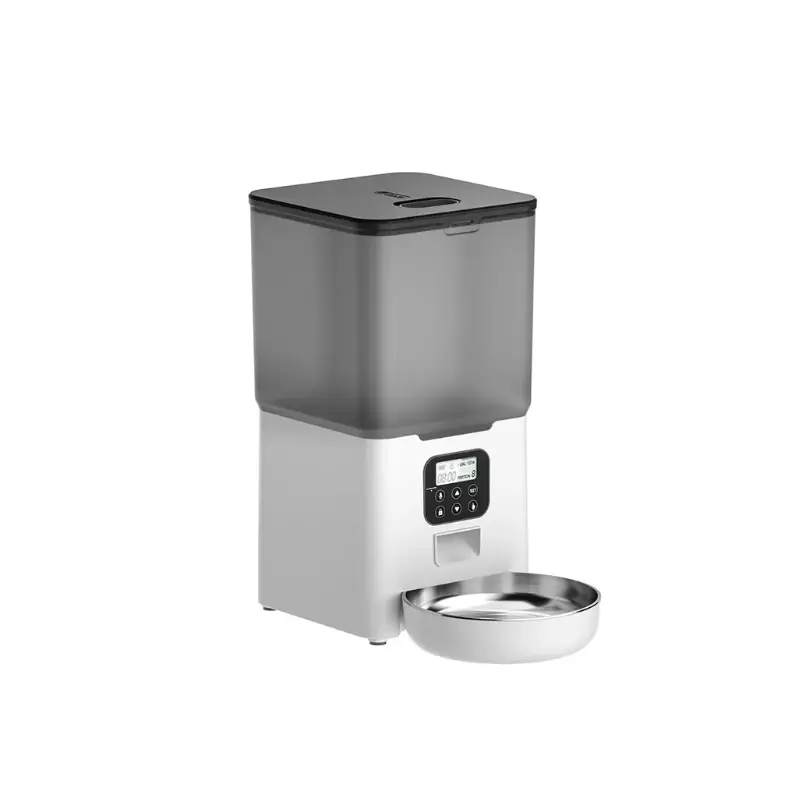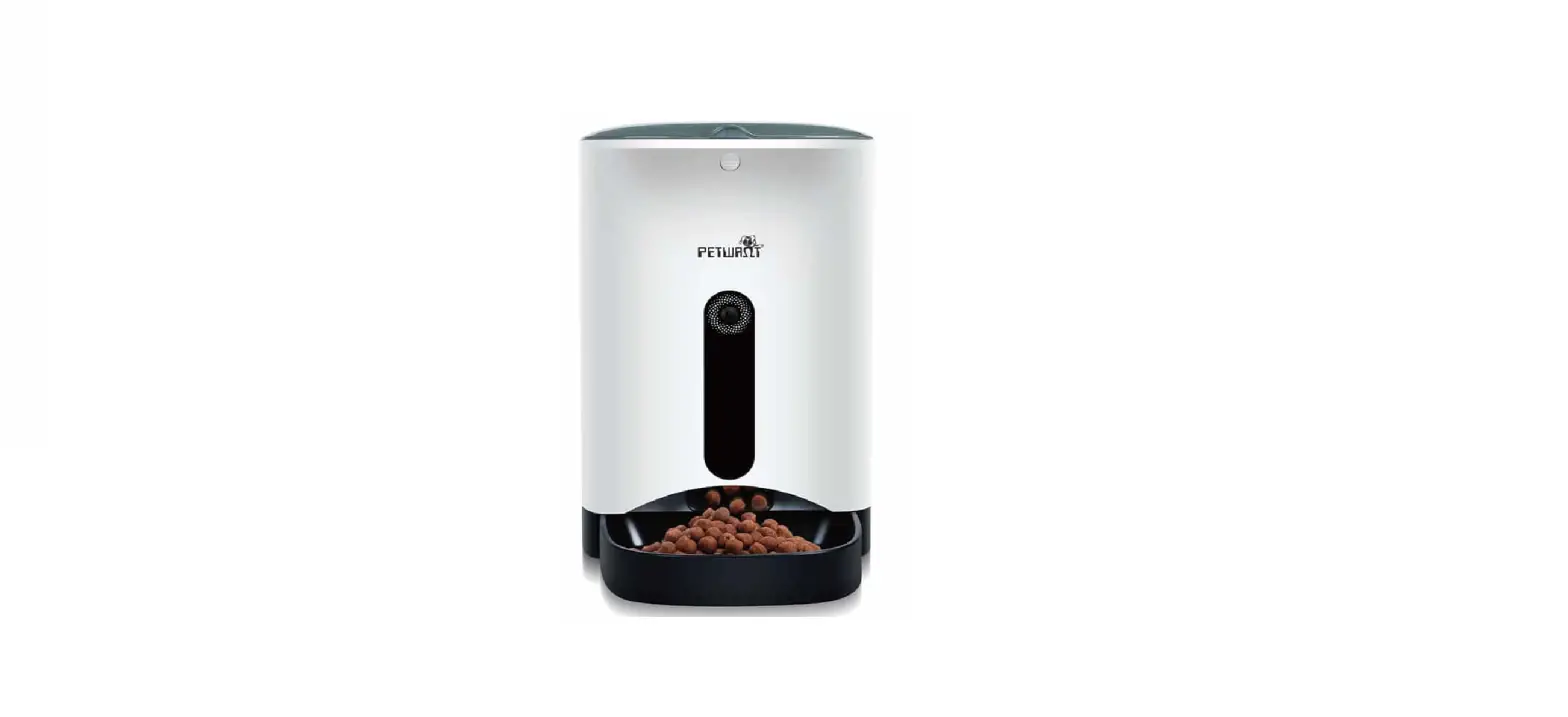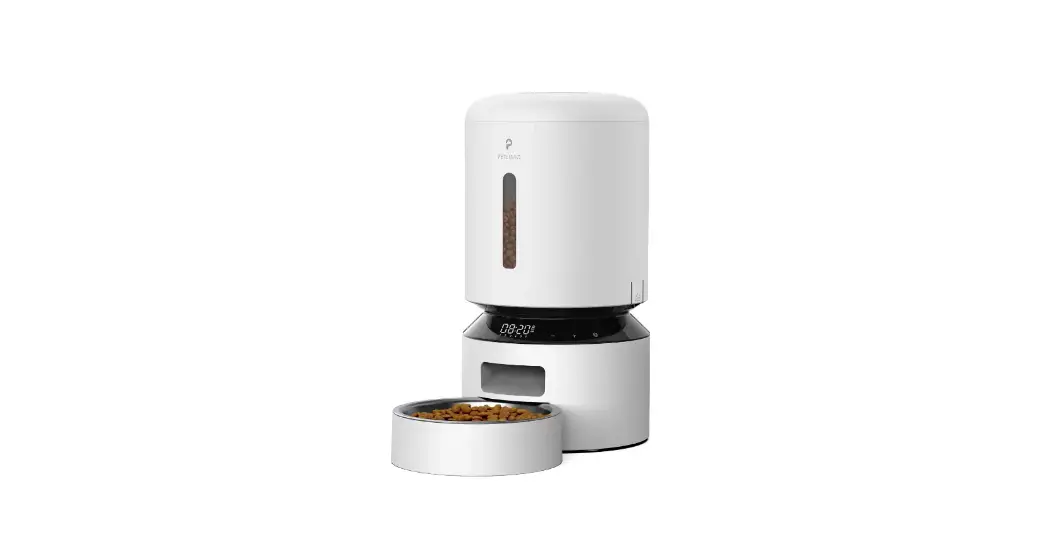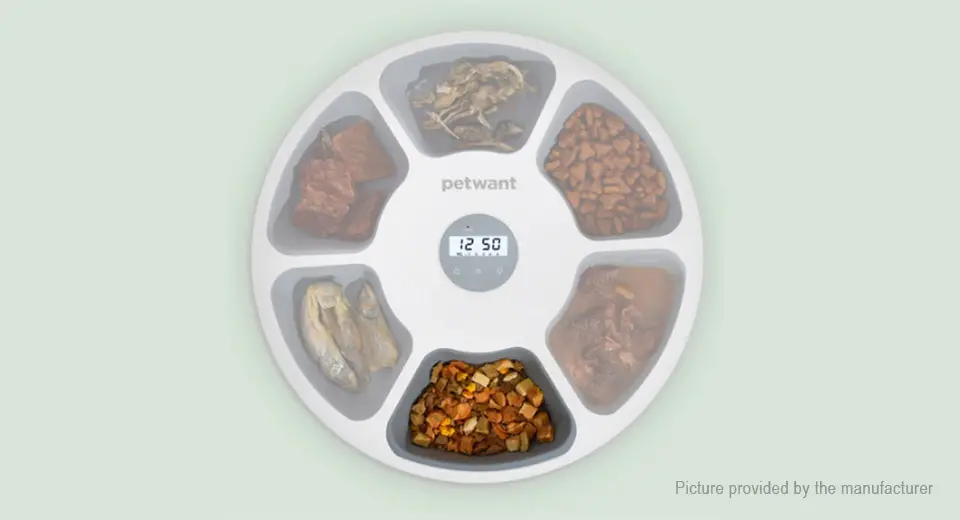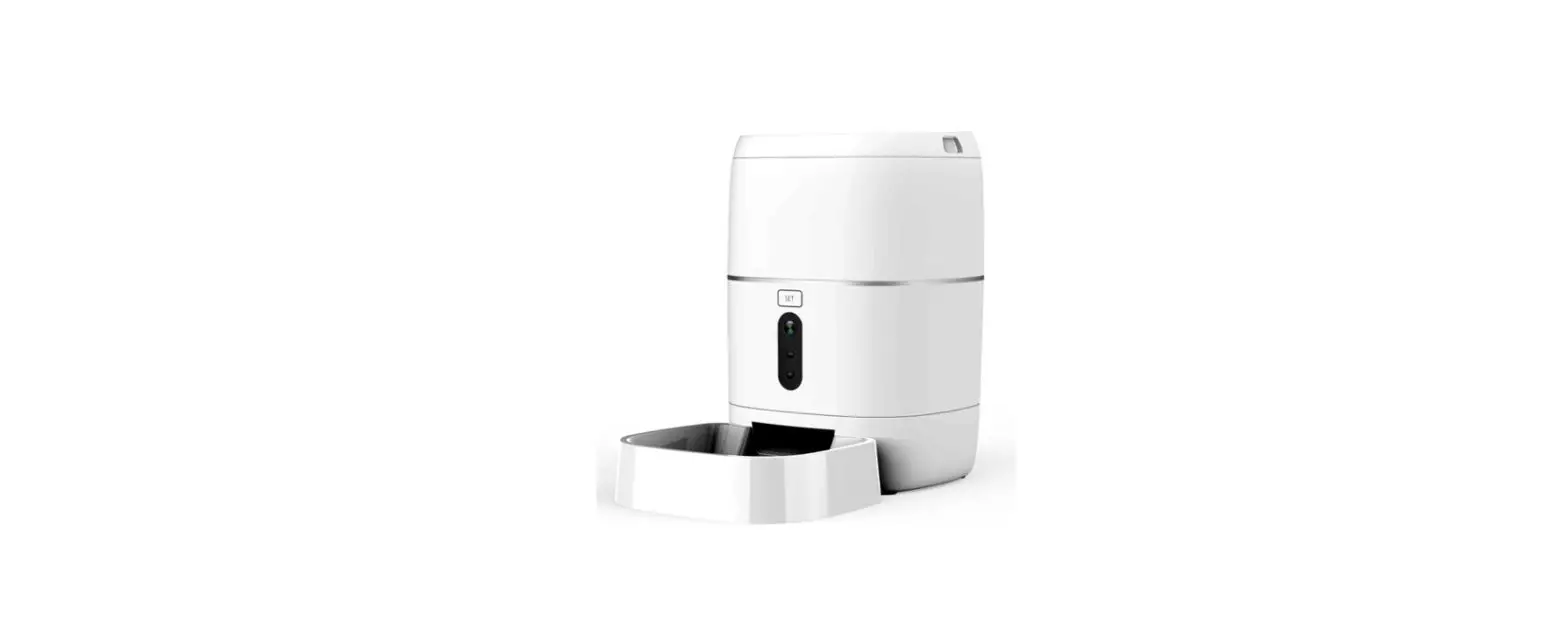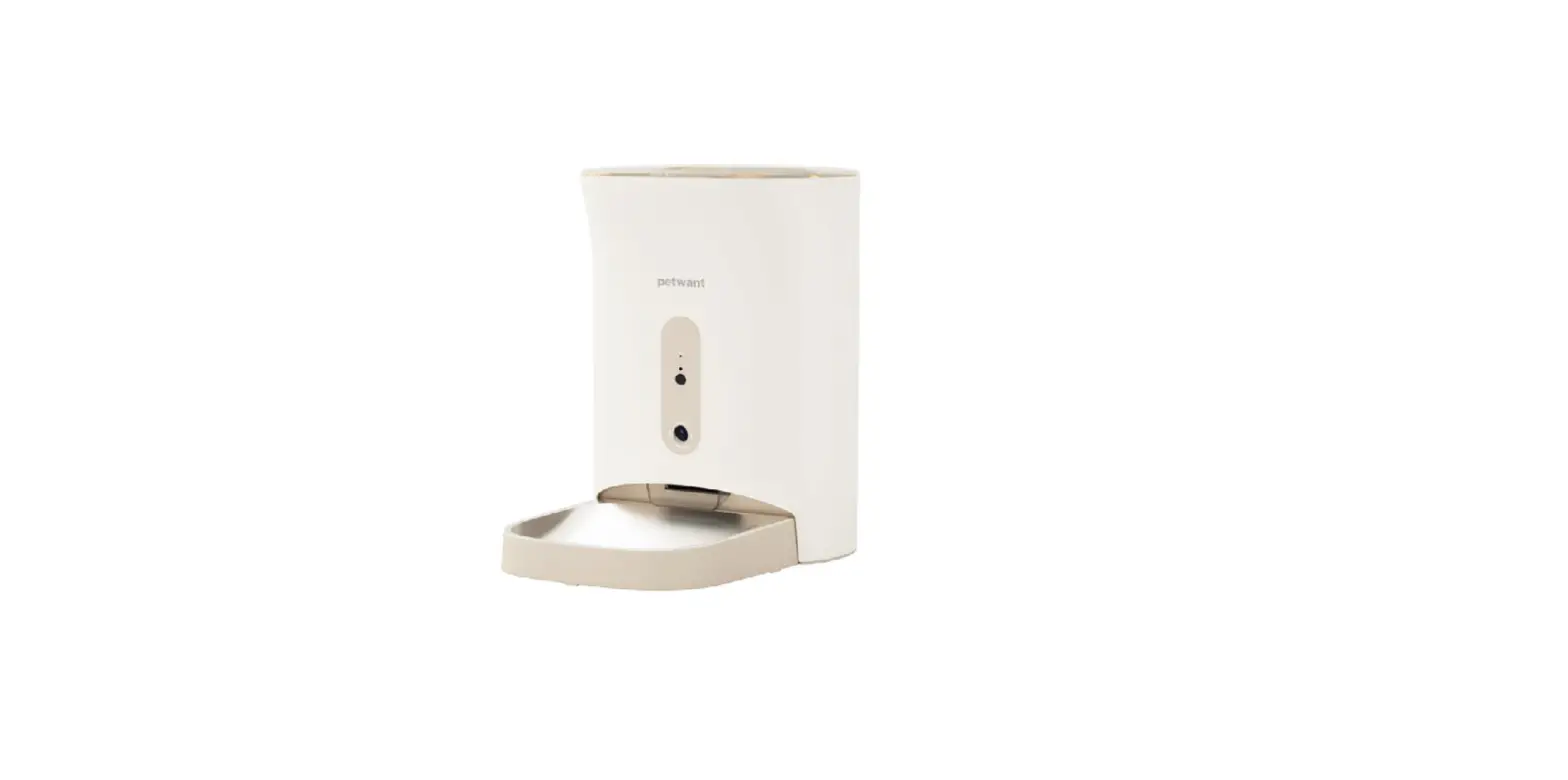

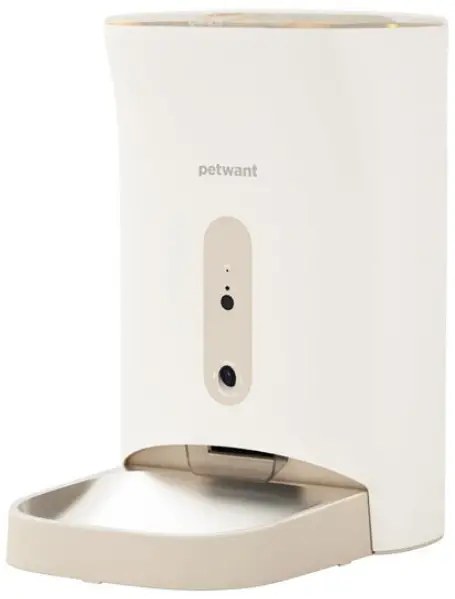
petwant F11-C Smart Pet Feeder
THANKS FOR CHOOSING OUR AUTOMATIC PET FEEDER.
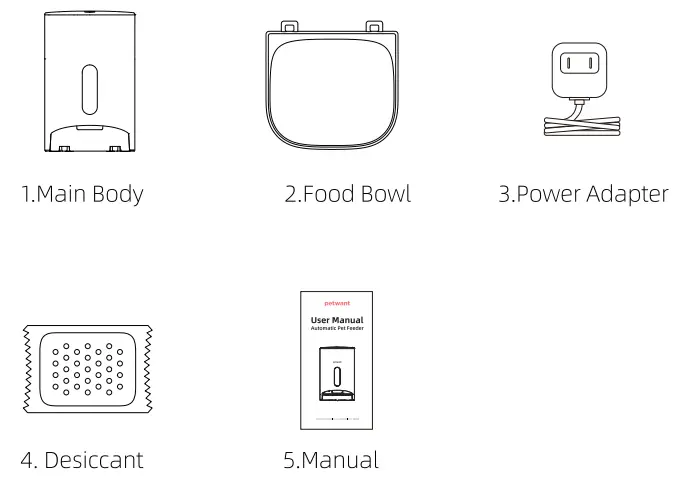
Components
Features
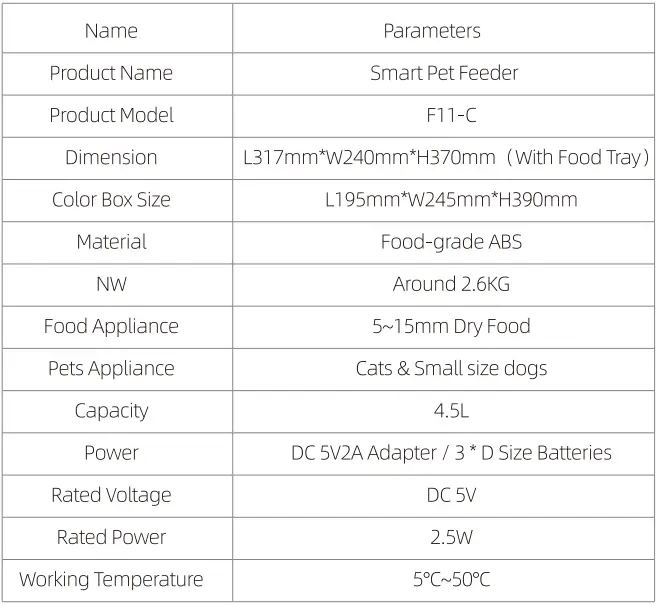
Parameters
Setup and Assemble Feeder
Lift The Latch
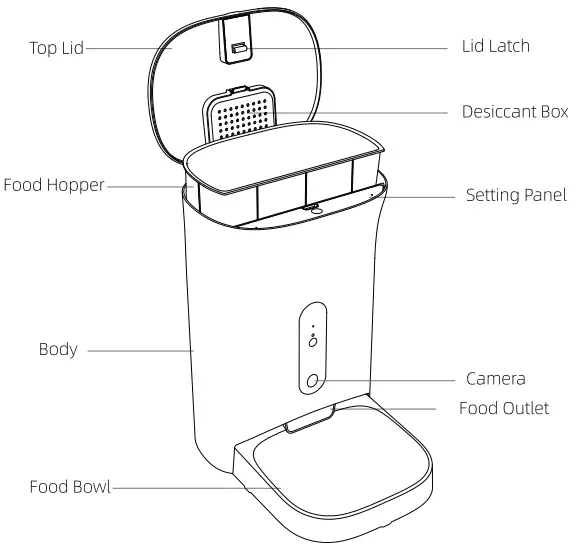
- Hold the latch with your index finger and lift it up to open the lid.
Place Desiccant
- Open the desiccant box on top lid, tear off the transparent wrapping paper of the desiccant bag, place it into the box and close it.
Plug in the Power Adapter
- Battery power supply: remove the battery cover by releasing the retaining clip, insert4 good quality alkaline “D” batteries and reinstall the battery cover.
- Note: Please use safe and standard alkaline batteries. Do not mix batteries of different specifications and models.
- Power adapter supply: plug in the power adapter and connect the power cable into the L-shaped card slot.
Install Food Bowl
- Tilt the base unit back slightly, align the buckle of the food bowl with the base unit to install; the same steps to disassemble.
Fill Pet Food
- Open the lid, fill the hopper with a suitable quantity of dry food well in excess of a daily amount. To maintain maximum food freshness, we recommend that a maximum of 1 O days food is loaded.
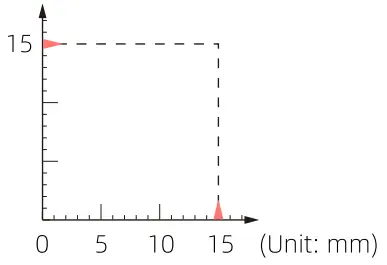
Note: The device only supports 5-1 Smm dry pet food.
Grain Size Self-check
Set Up Your Pet Feeder
Get Access to APP

- Scan the QR code to download the APP;
- Please login or register an account;
- Click”+” on top right in Home page and Add device follow the instruction.
Note: Only 2.4 GHz is allowed and 5Ghz or mixed frequency is not fit for this device.
Set Up Your Programmed Feeding
- The pet feeder will dispense the food based on the programmed feeding and uers can receive the feeding notifications accordingly.
Reset Your Pet Feeder
- Lont press ”
 ” button for 5 seconds to reset your feeder until you hear “DI” sound. The Link indicator will flash rapidly and now you can try to connect your pet feeder again.
 ” button for 5 seconds to reset your feeder until you hear “DI” sound. The Link indicator will flash rapidly and now you can try to connect your pet feeder again.
Remote Feeding
- Enter device setting page and click “Feeding” , select servings and click Feed to complete the remote feeding.
Note: Users can not feed your pets via APP when powered by batteries.
Manual Feeding
- Open the top lid and press the “( )” button once, then the device will dispense one serving around 10g. Repeat the above step for more servings.
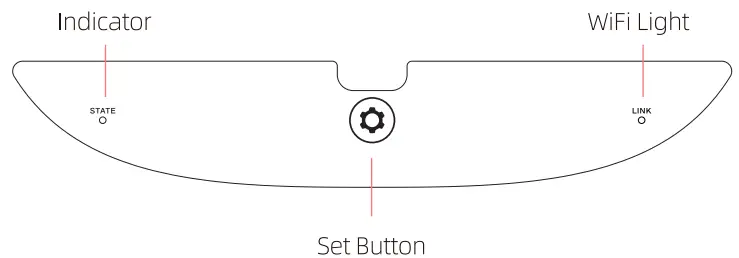
Display Panel
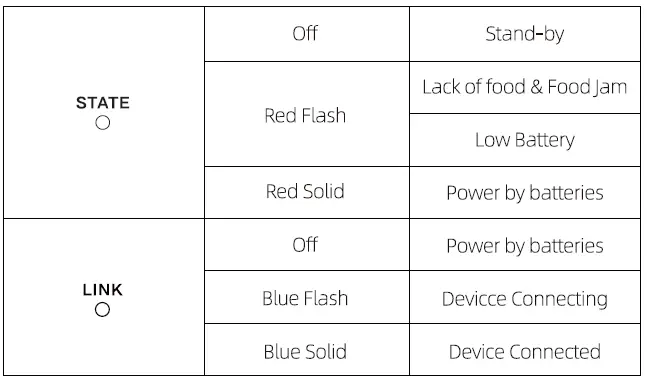
Indicator Information
Disassemble & Clean
Power Off
- Unplug and take out the alkaline batteries.
Clean the Food Hopper
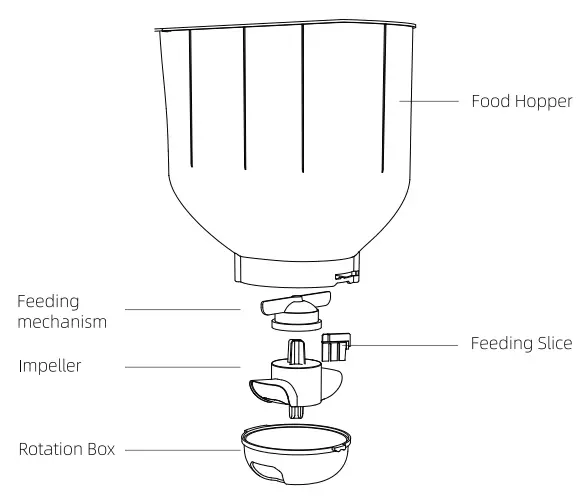
- To disassemble, hold both sides of the food bucket and lift upwards.
- Disassemble the impeller/ feeding slice and feeding mechanism.
- The main body of the feeder is not dish washer-safe. Do not immerse the main body in water. This could damage the internal electronics and cause the batteries to short out, create an electrical shock, or catch fire.
- Make sure all parts of the feeder are completely clean and dry before filling with food.
Assemble the Food Hopper
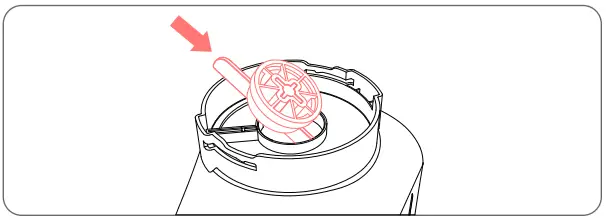
- Align food hopper with slots in the main body and press down.
- Fix the feeding slice and impellers as the above picture shows. (Please pay attention to the “+ “shape directions.)
- Align the impeller bottom cover with slots and rotate in an anticlockwise direction until you hear the crack sound.
- Adjust the impellers and make the rubber parts cover the food outlet shown in the picture.
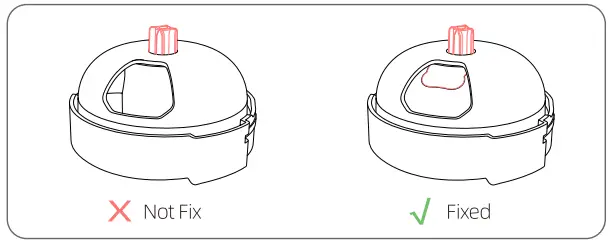
If the impellers are not well fixed, it may cause the device not able to dispense the food.
Clean the Food Bowl
- The food bowl is dishwasher-safe once removed from the main body
Clean the Body
- Use the dry soft cloth to wipe it, the body is not waterproof, please do not use wet cloth.
Replace the desiccant pack
- Open the desiccant box cover and replace the desiccant pack. It is suggested to replace it every one or two months.
Replace Alkaline Batteries
- Unplug and open battery lid at the bottom, then you can replace the batteries
Replace Alkaline Batteries
- Take out the food hopper and empty the food hopper then fill the fresh food and proceed instant feeding once.
Warnings
- Please keep the food hopper dry after cleaning it
- Please replace the food on a regular basis if your pets did not eat up. (For time period, please refer to the food packing instruction)
- Please clean and maintenance your device on a regular basis to prolong the using period of your pet feeder.
Safety Precautions
Read all instructions carefully before attempting to operate this device.
Ensure power supply
- Please check the power supply before going out;
- Please use 5V 2A Plug for normally power supply
- Camera function will be off when switch to battery mode, the pet feeder will dispense the food normally based on your programmed feeding in the APP;
- When device is offline, APP can not get access to the dispense situation.
Keep Device
- Device need to be placed horizontally and firmly, it’s not allowed to tipped one side and rock or upside down.
- Keep device placed in a dry area and not expose the device under Sunlight. Also not to place the feeder ina high place to avoid the damage from dropping;
- Do not remove any parts from the feeders beside food tray and food hopper.
- Do not place anything on top of this feeder.
- Ensure there is no barriers near the food outlet to make the pets can be fed normaly.
Caution
- For indoor use ONLY
- Is NOT dishwasher safe. Hand clean only.
- For dry food use ONLY. Works best with 5-15 mm food diameter or smaller.
- NOT recommended for puppies or kittens less than 7 months old or unable to reach the feeding dish.
- DO NOT use this feeder with puppies, kittens, dogs or cats with any phySIcal disability.
- Intended for use with dogs or cats ONLY.
- DO NOT allow small children to play with, in or around feeder.
- Check the START light frequently to ensure the feeder will dispense properly
- Before leaving for extended time, always replace Battery Backup with 3 new “D” size batteries.
- DO NOT place any foreign objects in the feeder.
- DO NOT operate feeder without Bowl, Food Hopper and Lid securely in place.
- To avoid tripping, always keep the power cord out of the way of foot traffic.
- The feeder must be placed on a level surface.
- DO NOT disassemble feeder other than Bowl, Lid and Battery Cover.
- Dispose of all packaging material properly. Some items may be packed in poly bags; these bags could cause suffocation; keep away from both children and pets.
- DO NOT attempt any repairs or modifications to the feeder.
- Check with your veterinarian if you are unsure about the proper MEAL SIZE for your pet.
- Please do not touch the camera to avoid scratches and oil stain.
FAQ
| What happened to your device | How to check by yourself | How to solve it |
| Unable to assemble the food hooper | Impellers not assembled properly | check and assemble the impellers again |
|
Device Abnormal | Impurities inside food hopper | Clean the impurities inside of food hopper |
| Food size inapplicable | Ensure to use 5-15mm dry food | |
| Photoelectric sensor faulty | Contact After-sale Service | |
| Motor faulty | Contact After-sale Service | |
|
Food Jam | Food excessive in food tray | Empty the food tray and set up suitable servings for your pets |
| Food jammed in food outlet | Ensure to use 5-1Smm dry food | |
| Food outlet got blocked by food | Remove and clean the food outlet | |
| Food outlet is not clean | Use soft cloth to clean the food outlet | |
| Infrared Sensor Defective | Contact After-sale Service | |
|
Lack of Food | Lack of food | Supplement the food and instant feed once |
| The food hopper not fix well | Take out the food hooper and check if all the accessories are assembled properly | |
|
Device Offline | The device is in battery mode | Check if powercut or power adapter is fixed properly |
| Network abnormal or something wrong with wifi | Please check if the WIFI is normal and re-connect the pet feeder | |
| Mainboard Defective | Contact After-sale Service |