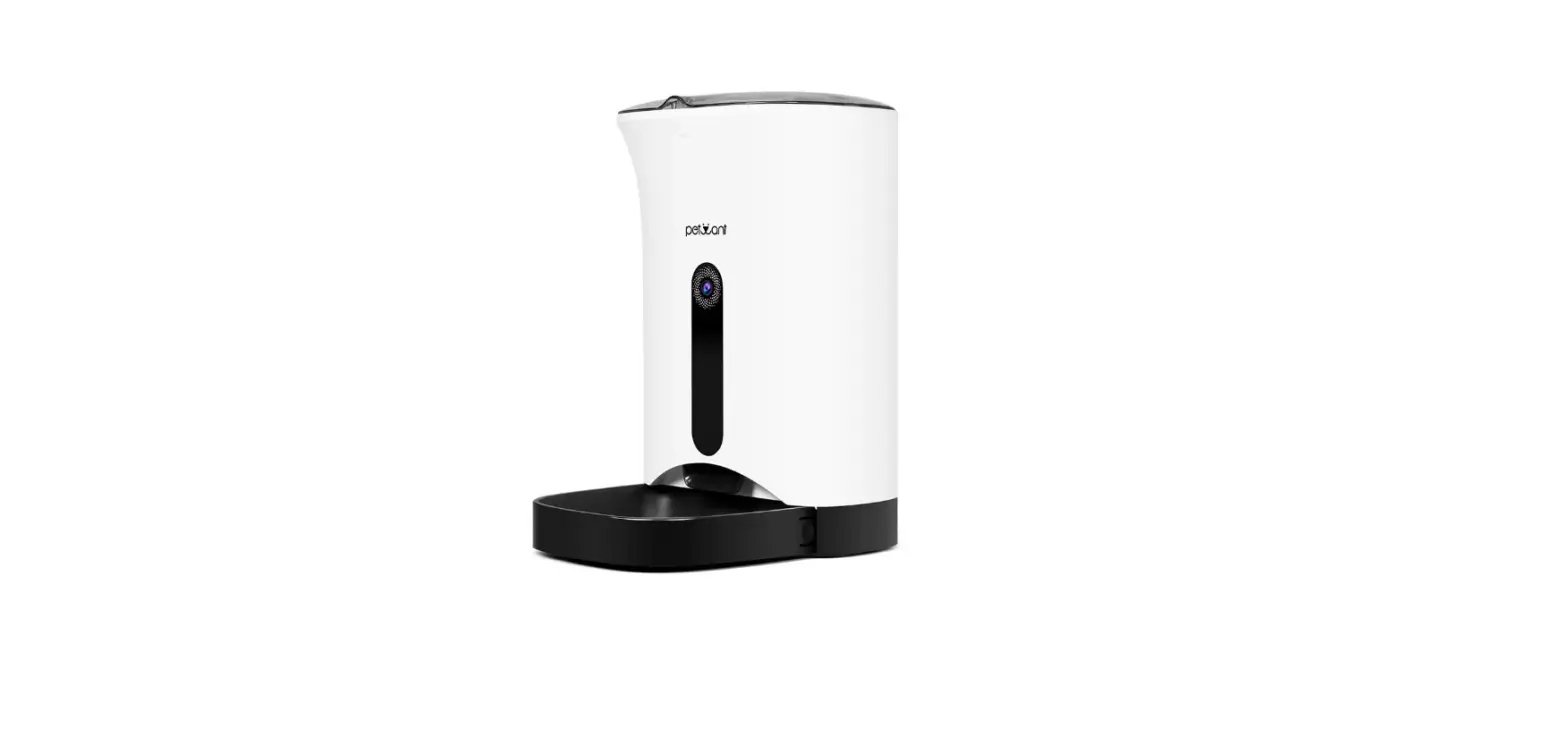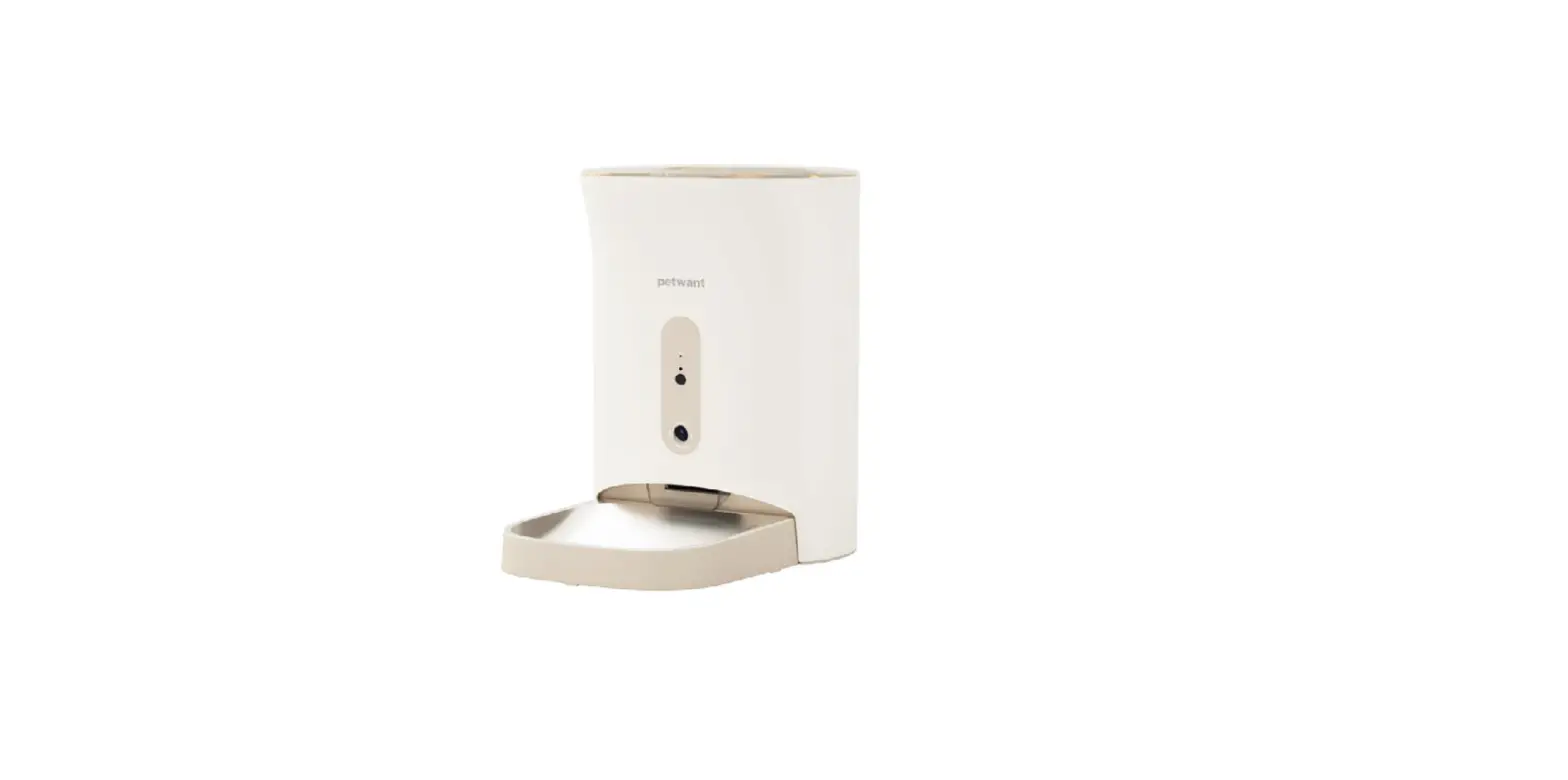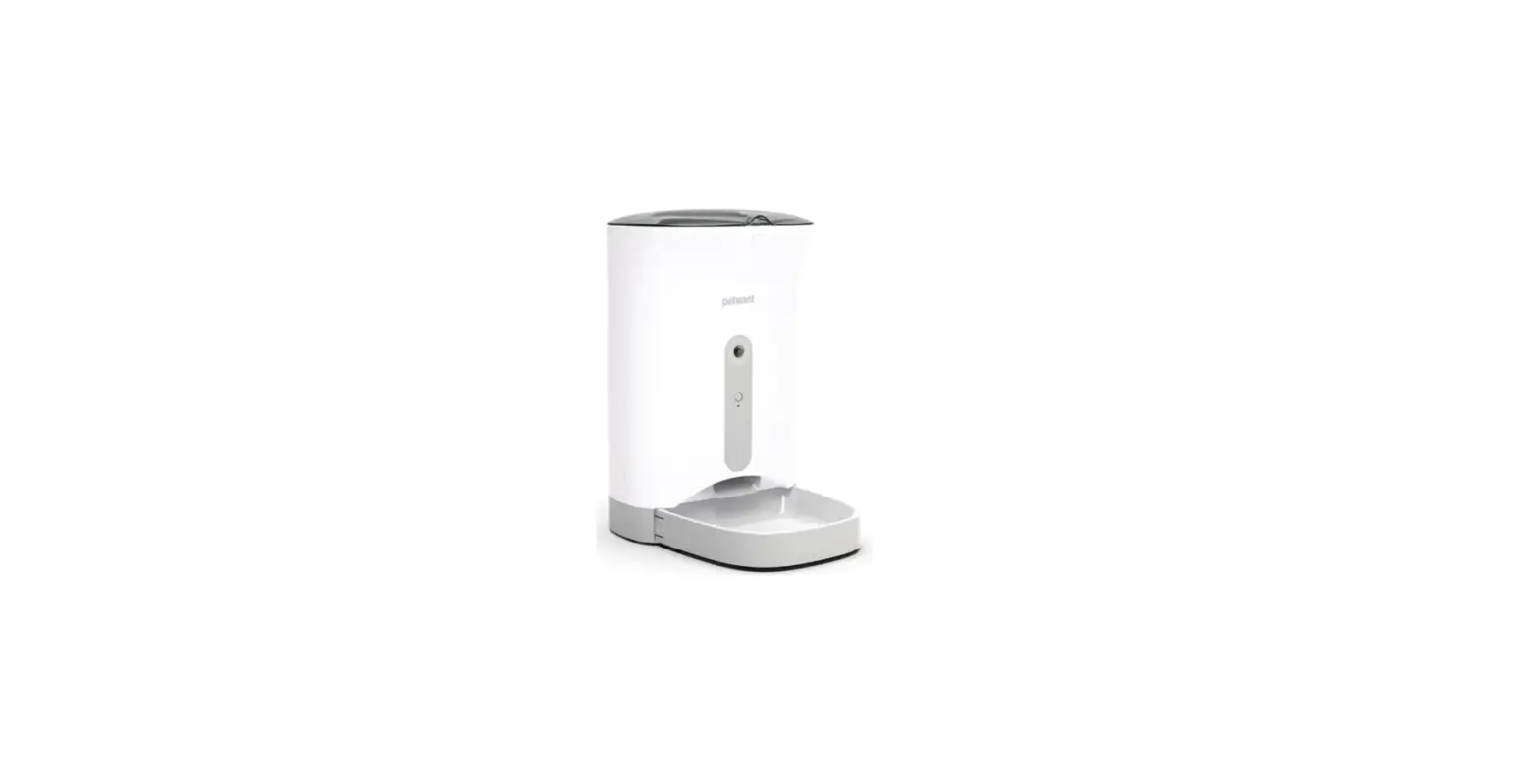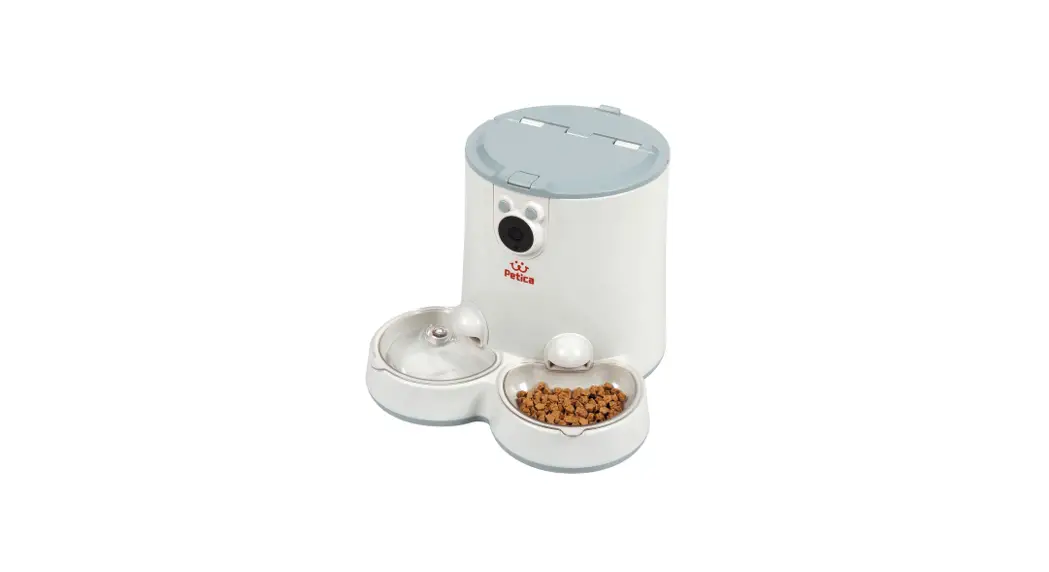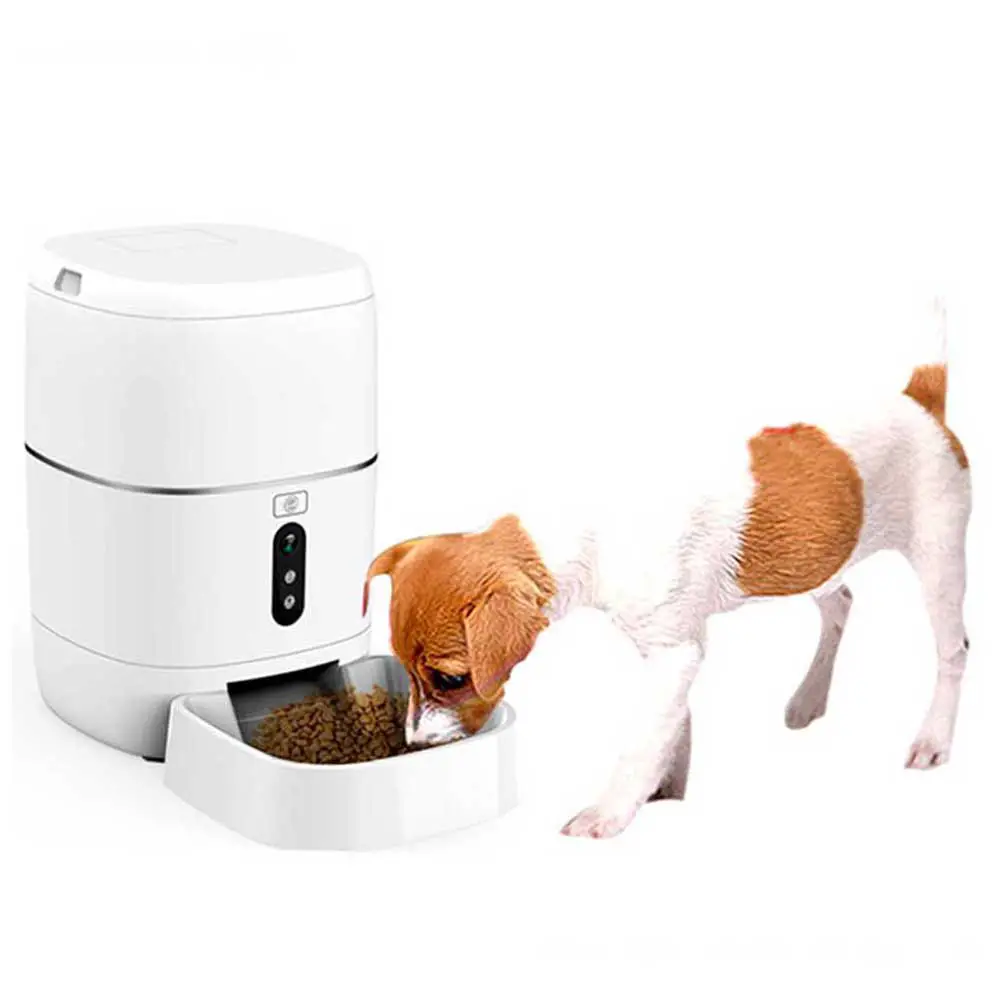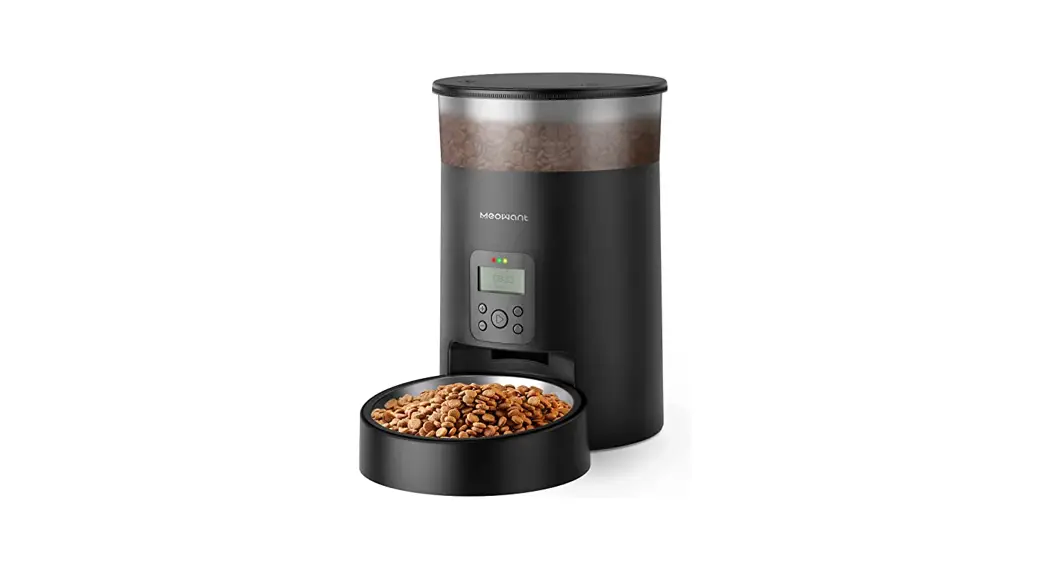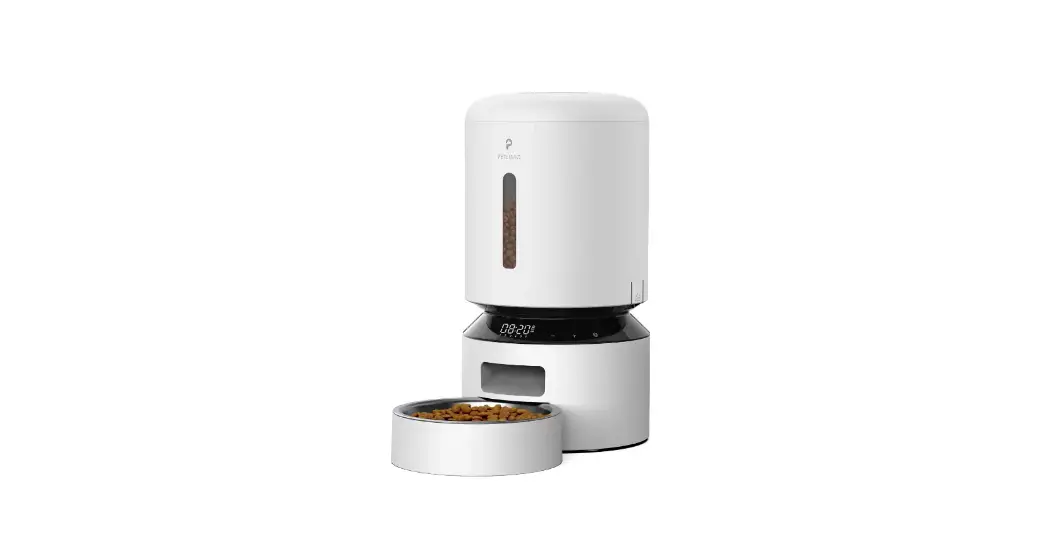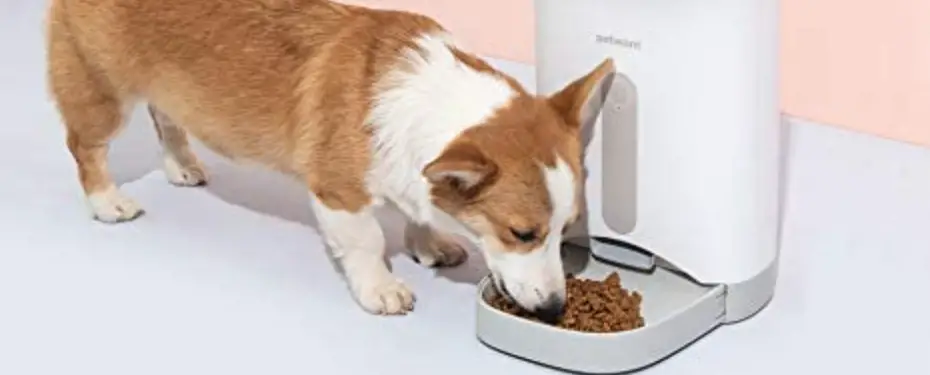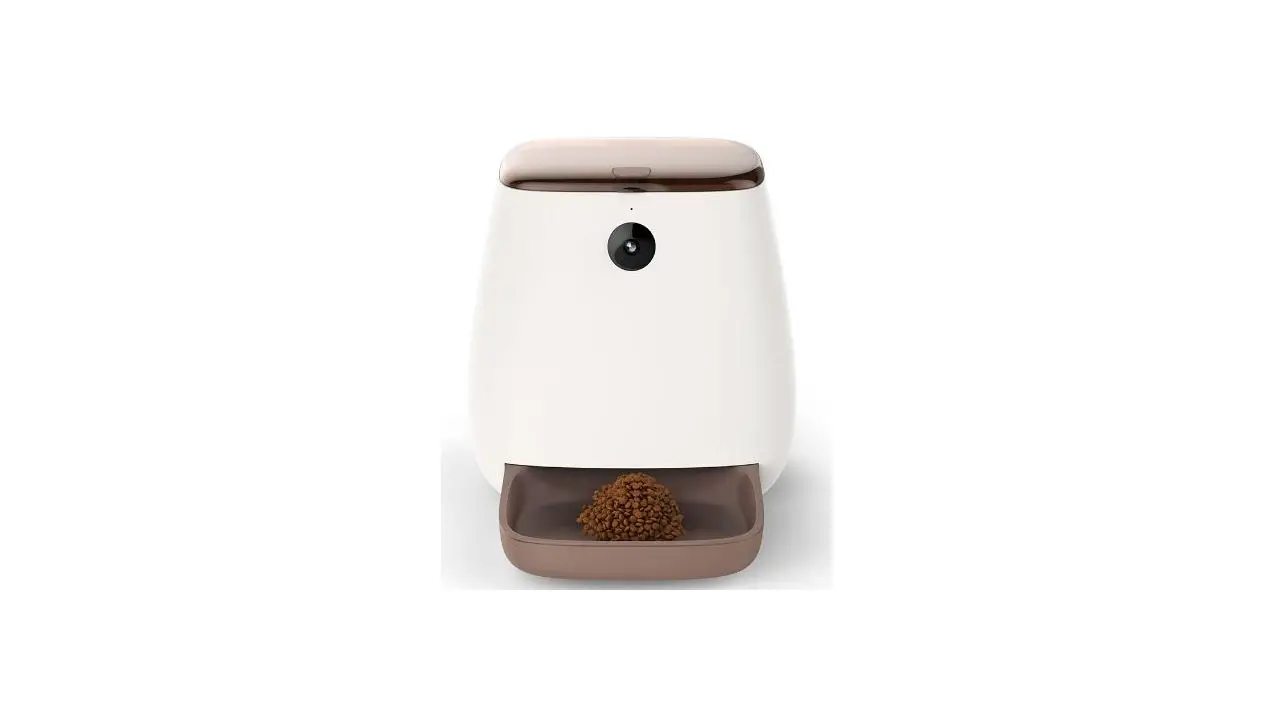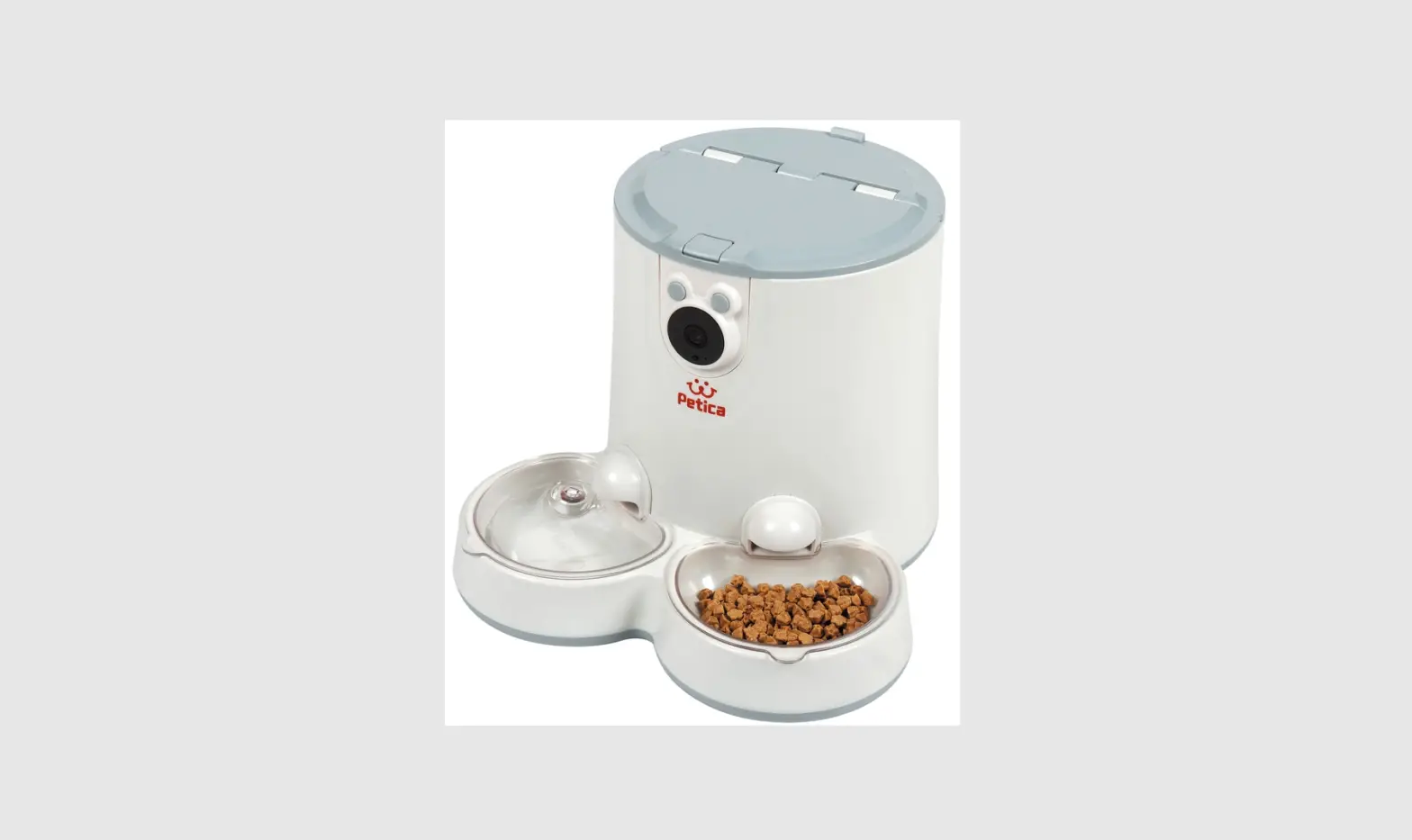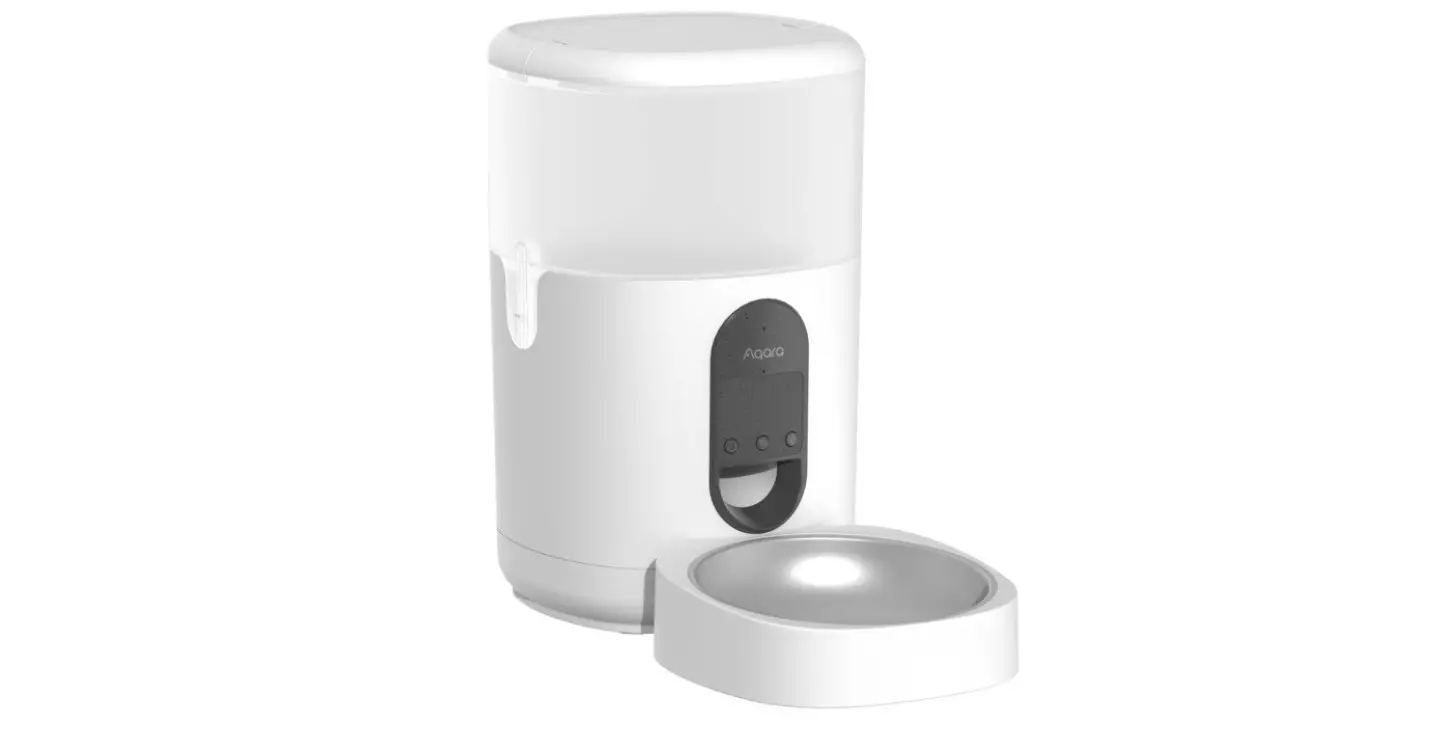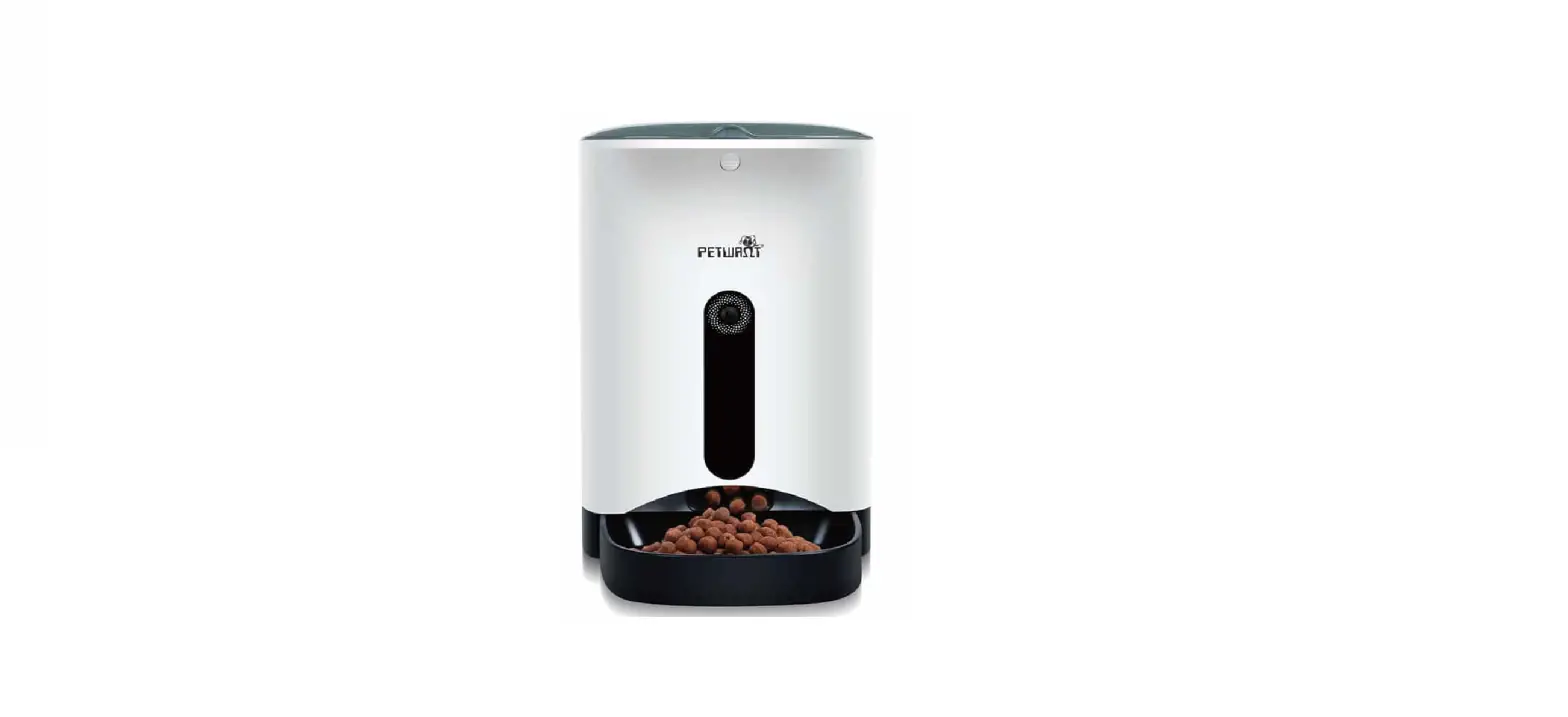

Shenzhen Ipetmon Creative Technology PTM-002 Automatic Pet Feeder
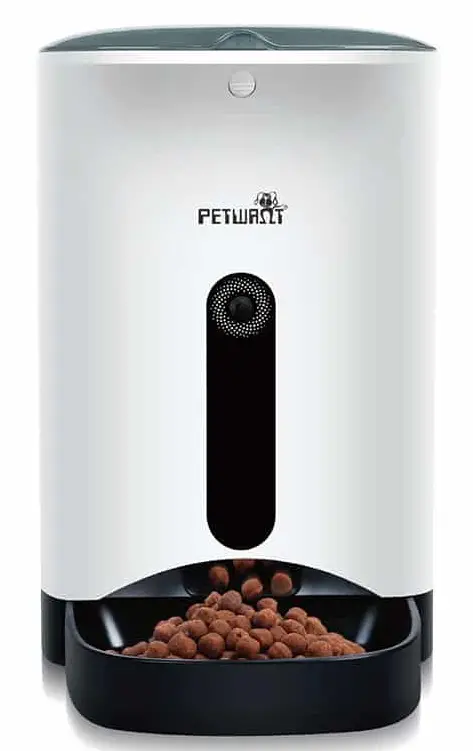
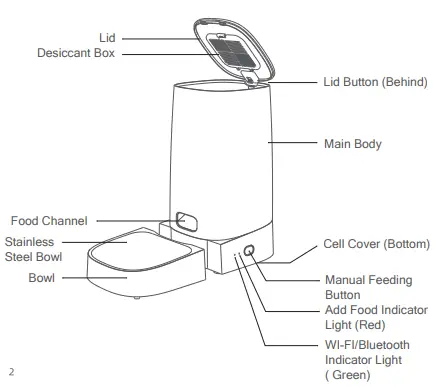
Product Description
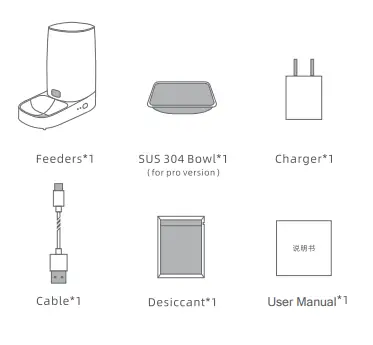
Packing List
Installation Instructions
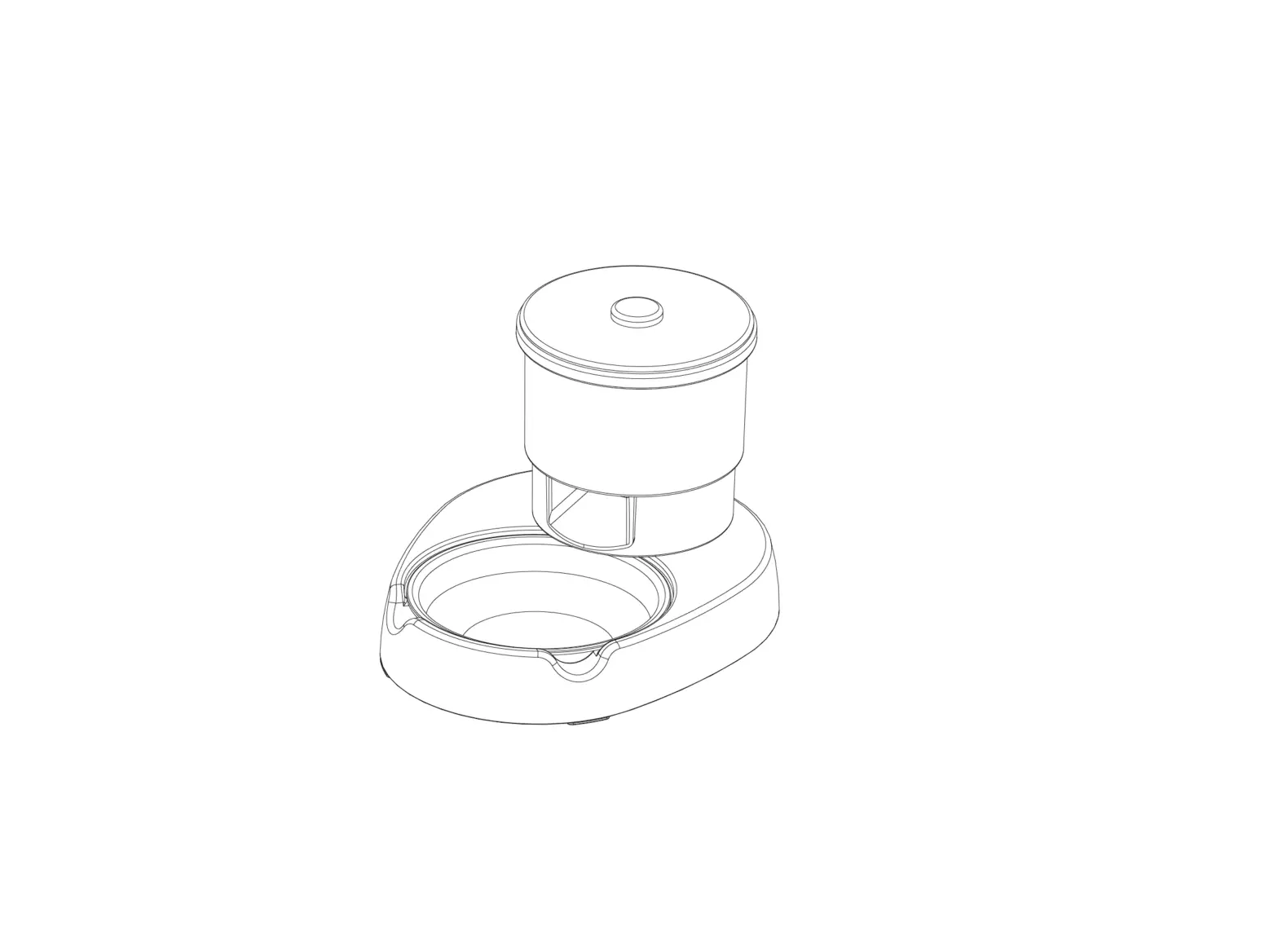
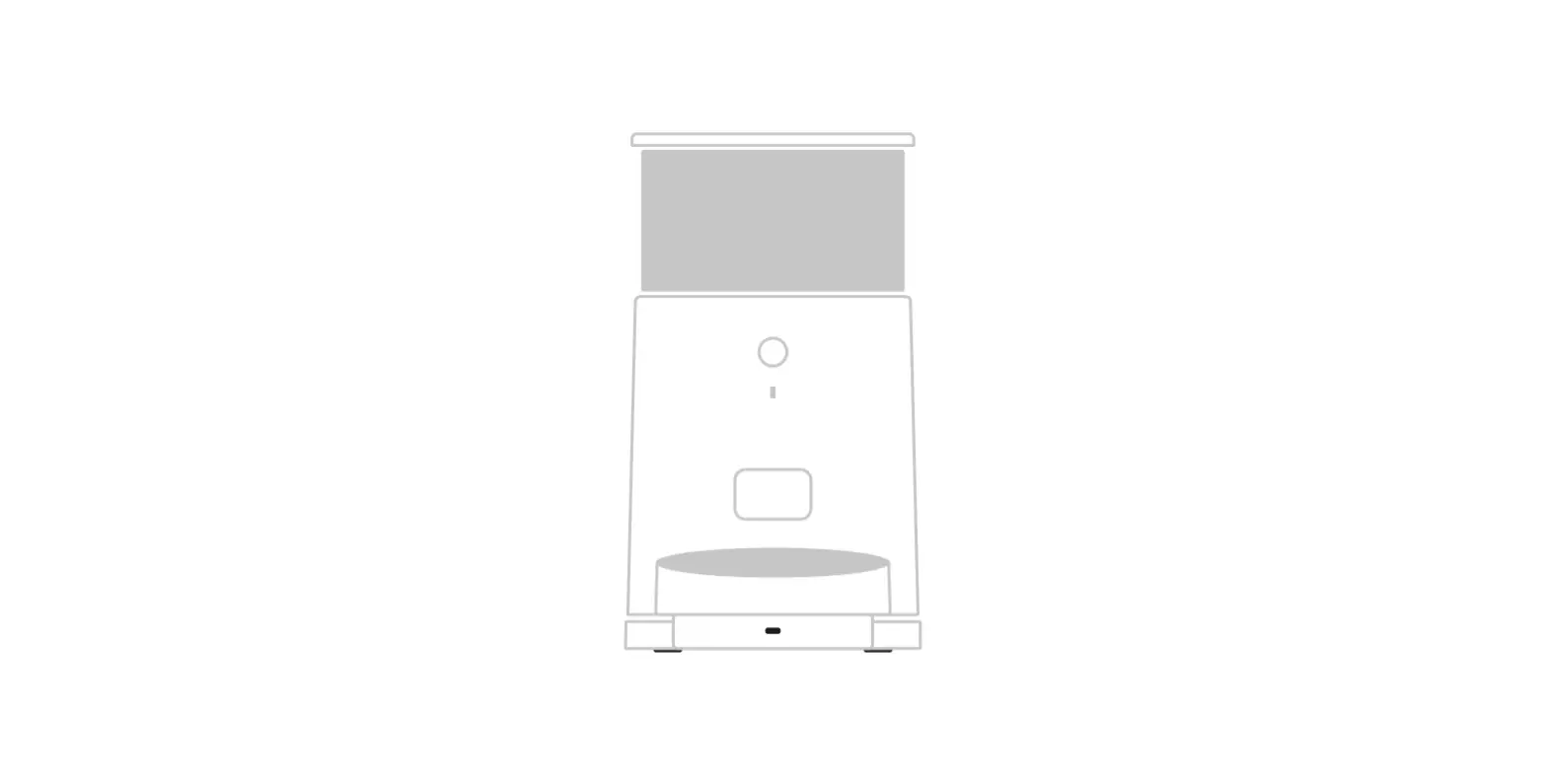
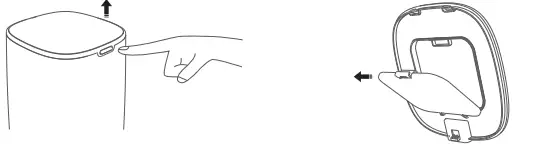
- Add Food: Press the lid button to open and add food.
- Add Desiccant: Take off the lid and open the desiccant box, place the desiccant then close it.

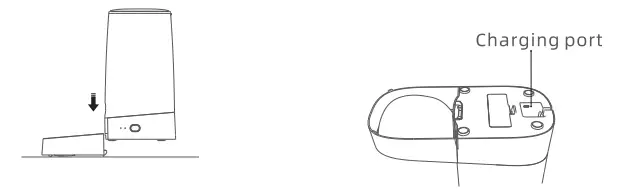
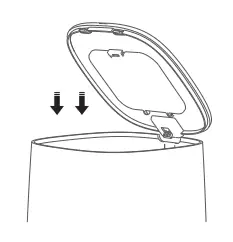
- Install the Bowl: Place the bowl on ground and main body stuck down as the picture shown.
- Power-On: Take out the charging cable then plug it into the bottom type-C charging port.

Using the Steps
- Add Food: Add dry pet and put the lid.(Suitable for 4-12mm (0.16-0.47in) diameter dry food)

- Connect the APP: Download the APP “IPETMON” from APP store or Android APP Market.Then ” +Add Device” On the the home page, please connect the device with the reminder.

- APP Plan Feeding: Set the feeding plan in the APP after connected, it not only automatic feeding as schedule but also can receive feeding records everytime.
- Manual Feeding: Press the manual feeding button twice then give a share of the food(about 5g). (It can control in APP also)

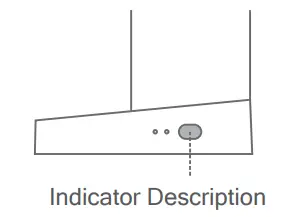
Indicator Description
| Indicator Name | Indicator Status | Equipment State |
| WIFI/Bluetooth Indicator Light | ||
| Green light quick flash | Connected | |
| Green Light stays on | Waiting for the connection | |
| Remaining food Indicator Light | Red light quick flash | |
| Both lights flash | ||
| Red light out |
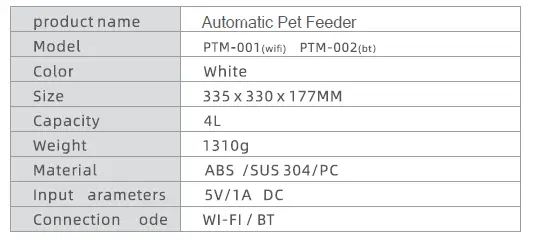
Basic Parameters
Hold the feed button for 5 Sec., the wifi/bluetooth indicator flash quickly then reset succeeds.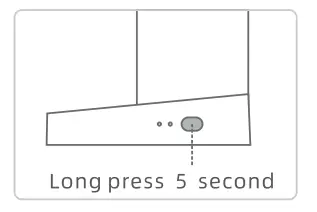
This device complies with Part 15 of the FCC Rules. Operation is subject to the following two conditions: (1) this device may not cause harmful interference, and (2) this device must accept any interference received, including interference that may cause undesired operation
NOTE: This equipment has been tested and found to comply with the limits for a Class B digital device, pursuant to Part 15 of the FCC Rules. These limits are designed to provide reasonable protection against harmful interference in a residential installation. This equipment generates, uses, and can radiate radio frequency energy and, if not installed and used in accordance with the instructions, may cause harmful interference to radio communications. However, there is no guarantee that
interference will not occur in a particular installation.
If this equipment does cause harmful interference to radio or television reception, which can be determined by turning the equipment off and on, the user is encouraged to try to correct the interference by one or more of the following measures:
- Reorient or relocate the receiving antenna.
- Increase the separation between the equipment and receiver.
- Connect the equipment into an outlet on a circuit different from that to which the receiver is connected.
- Consult the dealer or an experienced radio/TV technician for help.
Warning: Changes or modifications not expressly approved by the party responsible for compliance could void the user’s authority to operate the equipment