enabot EBO SE WiFi Pet Camera Home Security Monitor
Device Connection
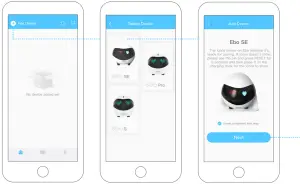
- Register on Ebo App and click ‘+’ to connect.
- Select device card for Ebo SE.
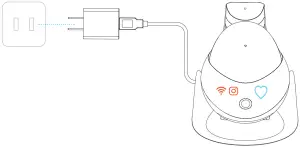
- Place the robot on the charging dock.


Place the robot on the charging dock, connecting when indicator lights are on (see the figure.) - Select wifi Network; Put in password; Click NEXT
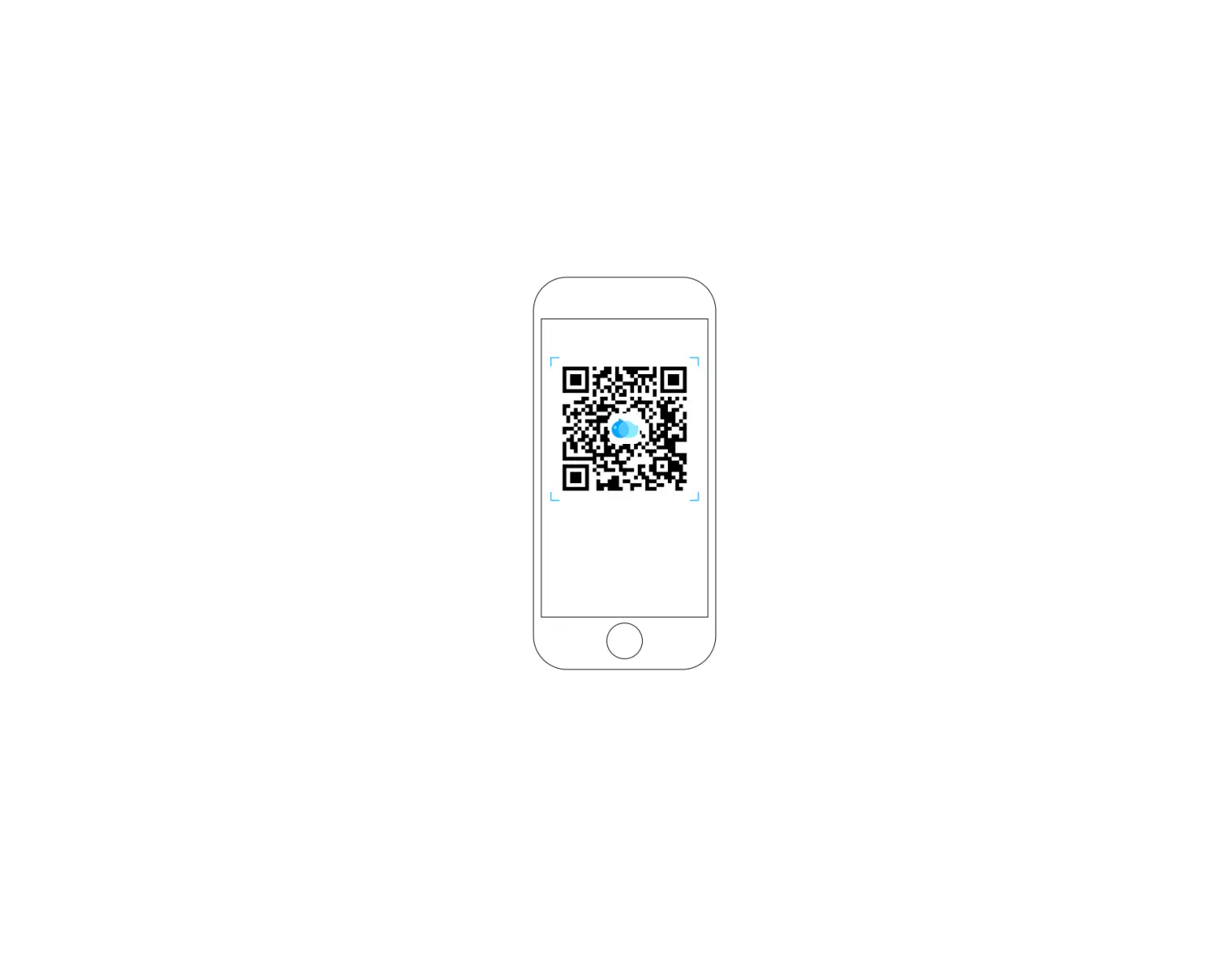
- Scan the QR code with the robot camera.
- Successfully Connected!


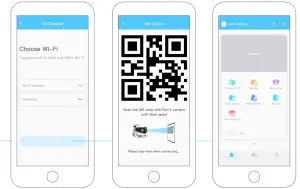
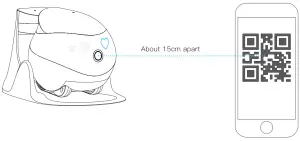
Scan the QR code with Ebo’s camera until  and
and  are off, and the pairing is successful.
Interface Instructions
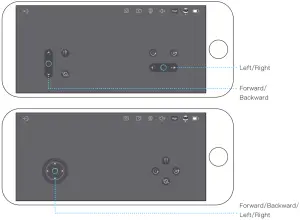
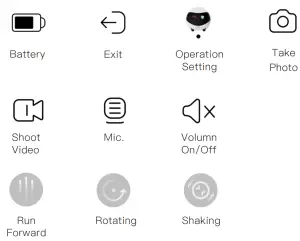
General instructions
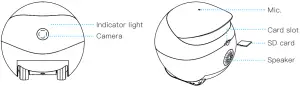
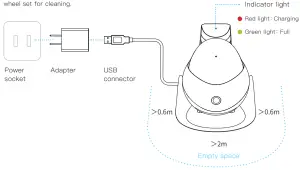
Note for charging Ebo:
Place the back side of the charging dock along the wall and free from any obstacles 0.6 meters on right/left and 2 meters in front.