XYZ Printing Filament Replacement

(1) Remove the stopper
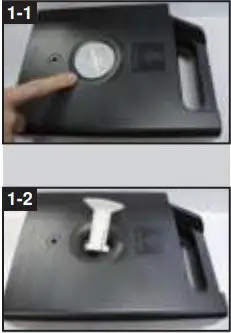
Take out the stopper by rotating anti-clockwise.
(2) Lift the cartridge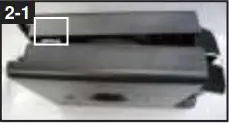
Press the joint of the casing of the filament cartridge gently and open it.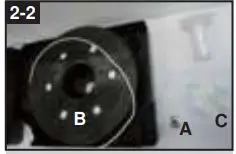
Take out the accessories from the filament cartridge and replace them with new accessories.
A. Filament parameter chip
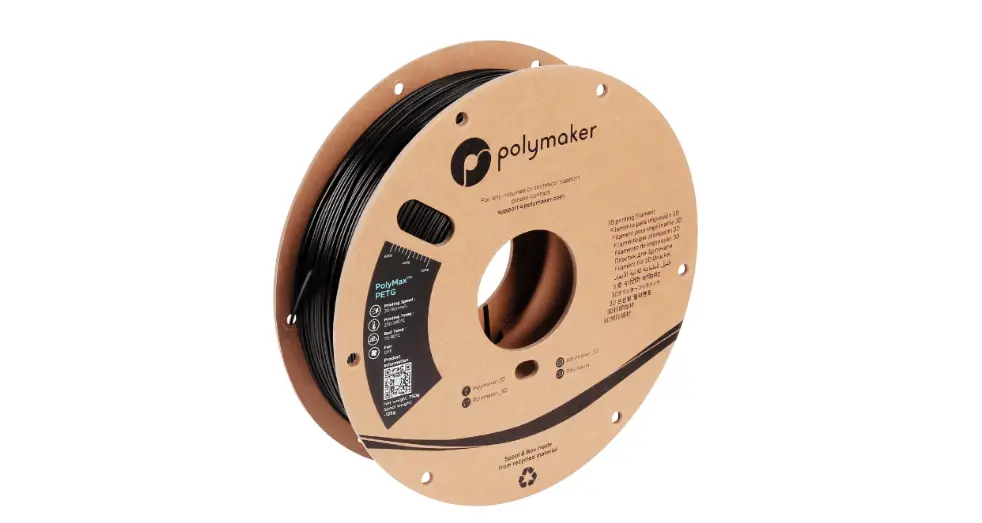
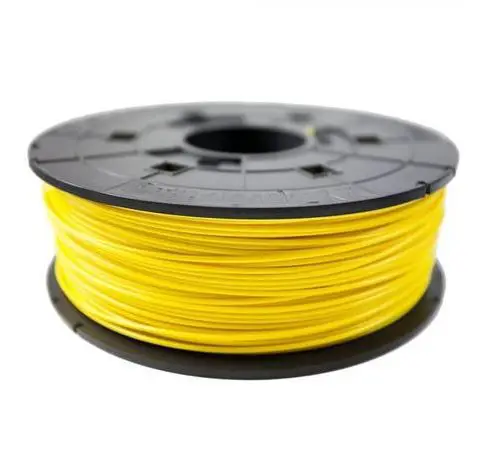
B. Filament
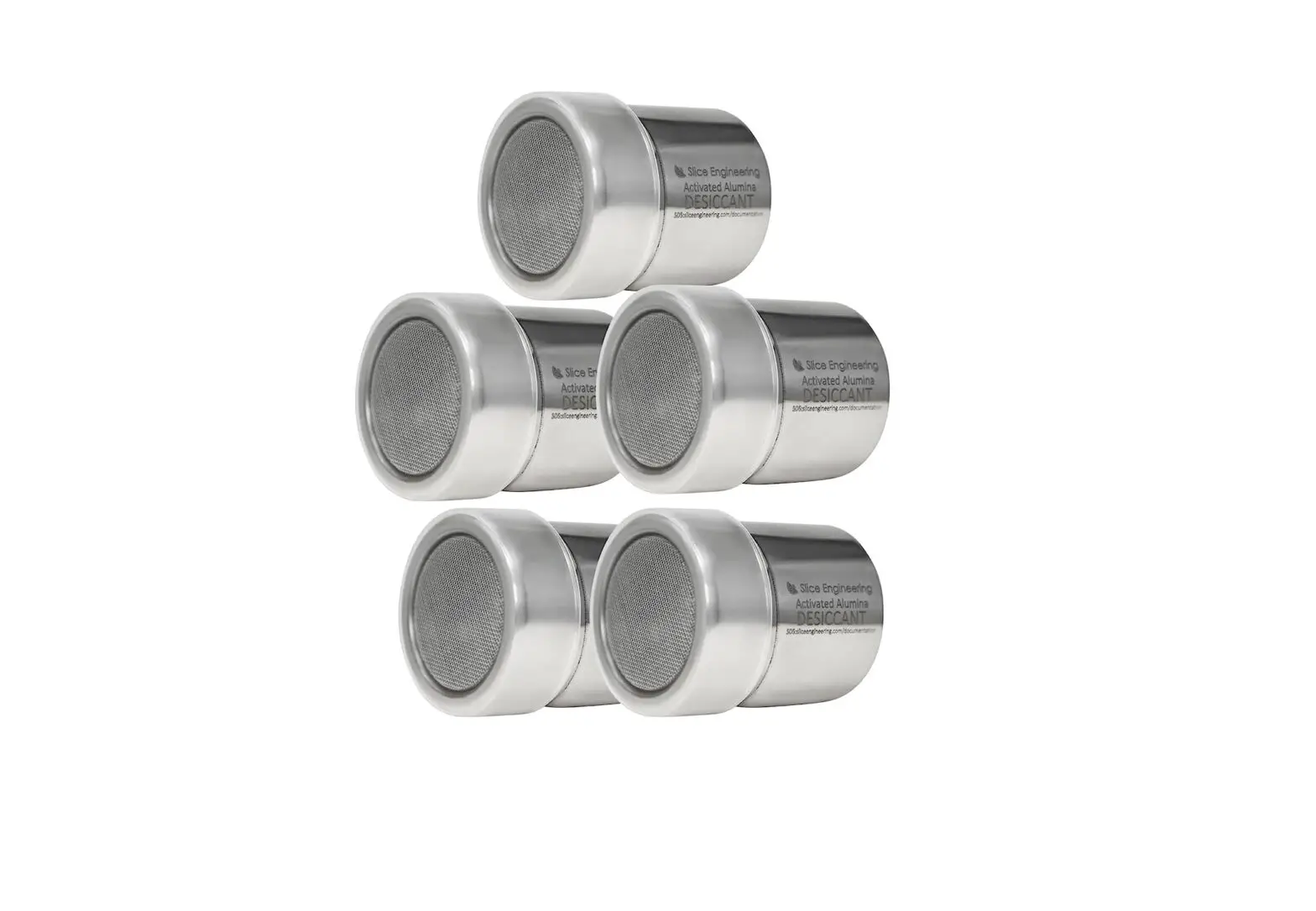
C. Desiccant pouch
(3) Change the filament and chip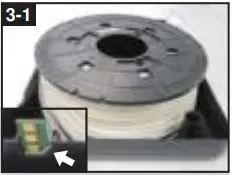
Put a new filament parameter chip in place. Make sure it is placed in the correct direction.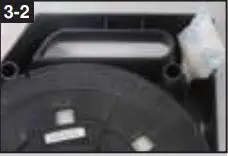
Put a new desiccant pouch in place.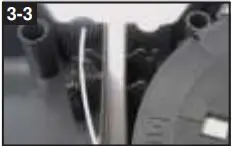
Direct the filament through the guide hole to put out the filament easily.
(4) Close the cartridge 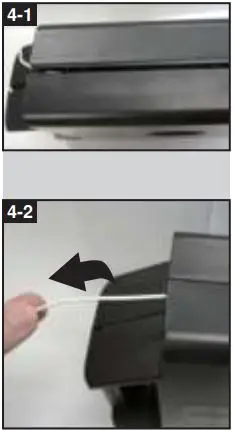
Reassemble the cartridge and pull the filament to make sure it is discharged smoothly.
(5) Screw in the stopper tightly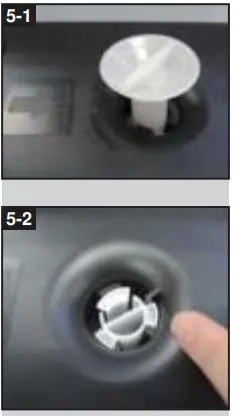
Replace the stopper and screw it up clockwise. Turn the cartridge over and make sure the stopper has been tightened to its position.
 1. Do not use the filament cartridge in an environment with heavy dust or high humidity.
2. Unsealed filament kit must be used as soon as possible to ensure good printing quality.
3. If the product is defective out of the box, please contact customer service and return the filament and parameter
chip with the original packing for exchange.