 -P3
-P3
Instructions
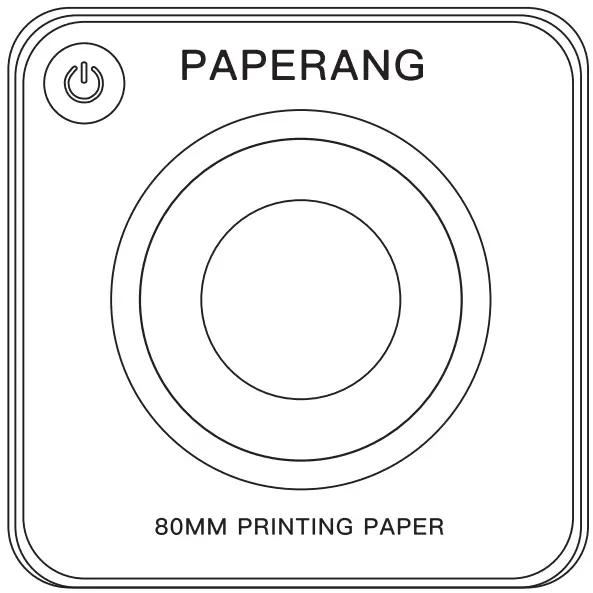
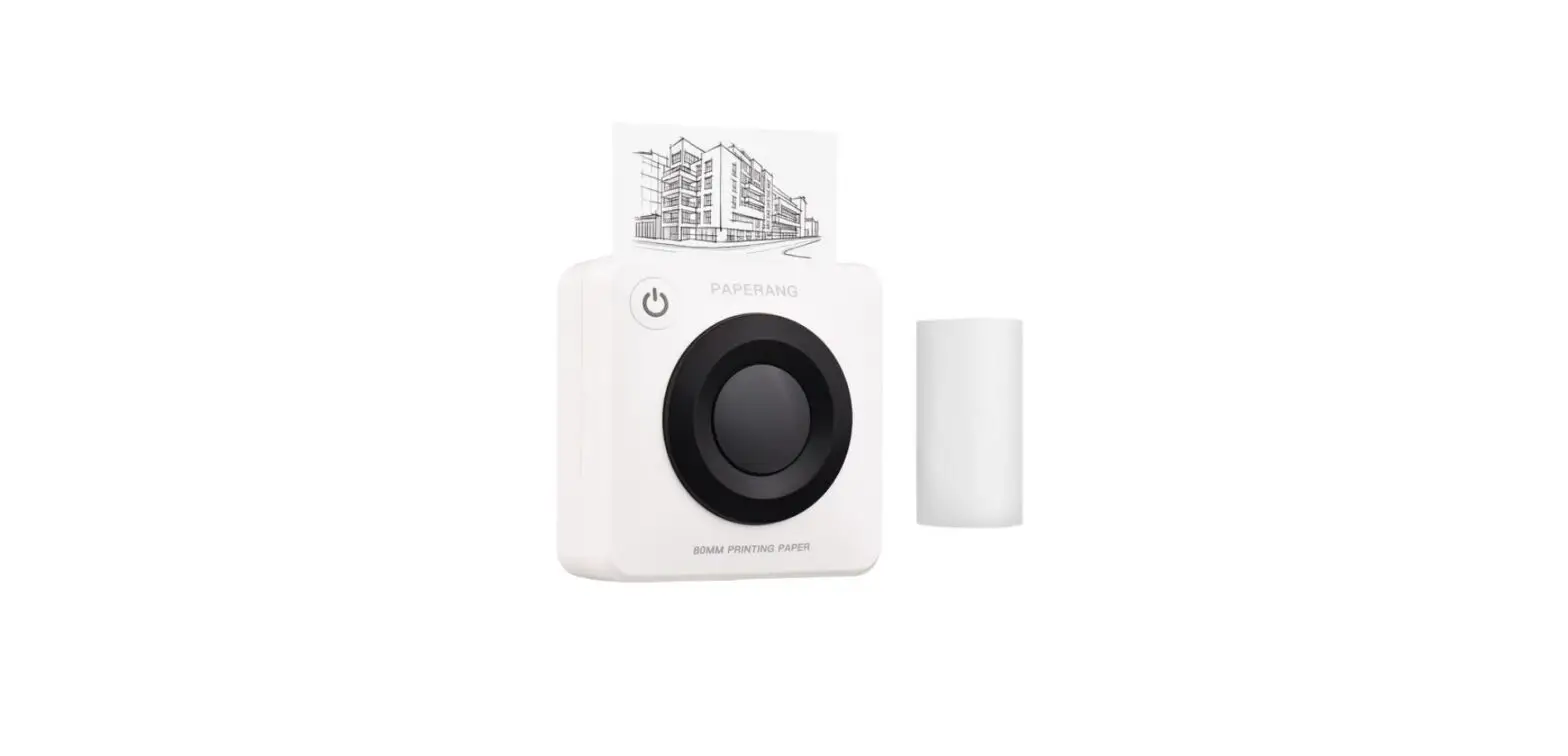
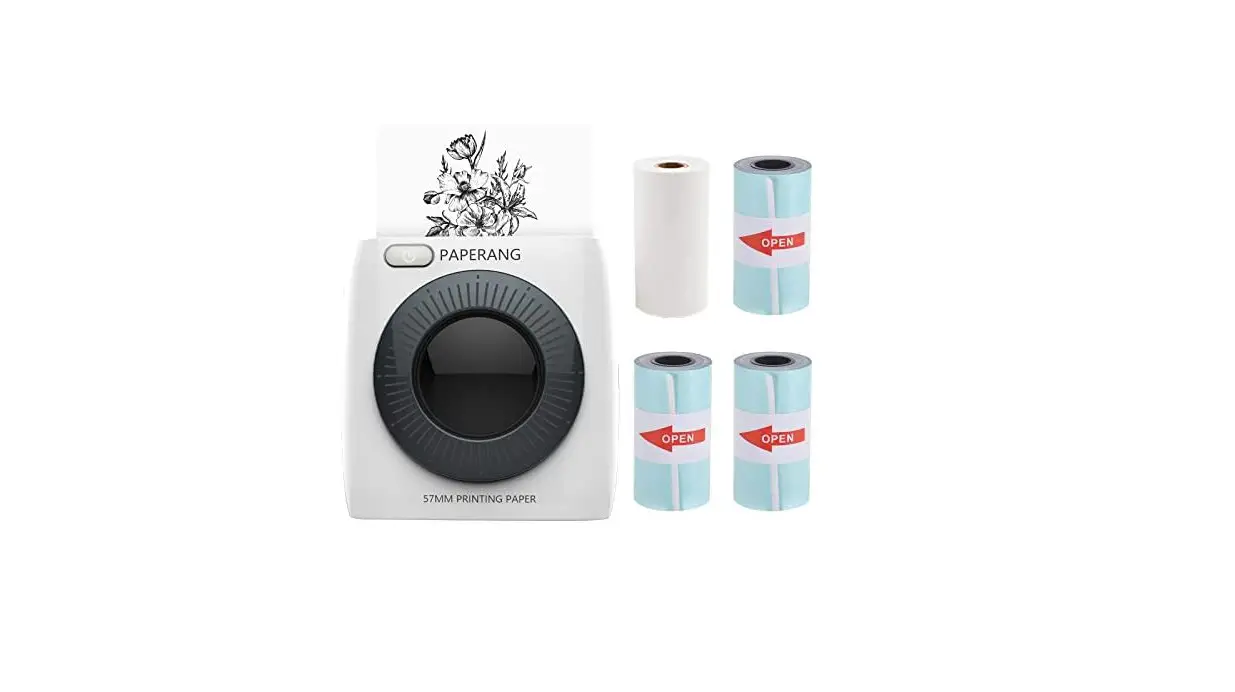
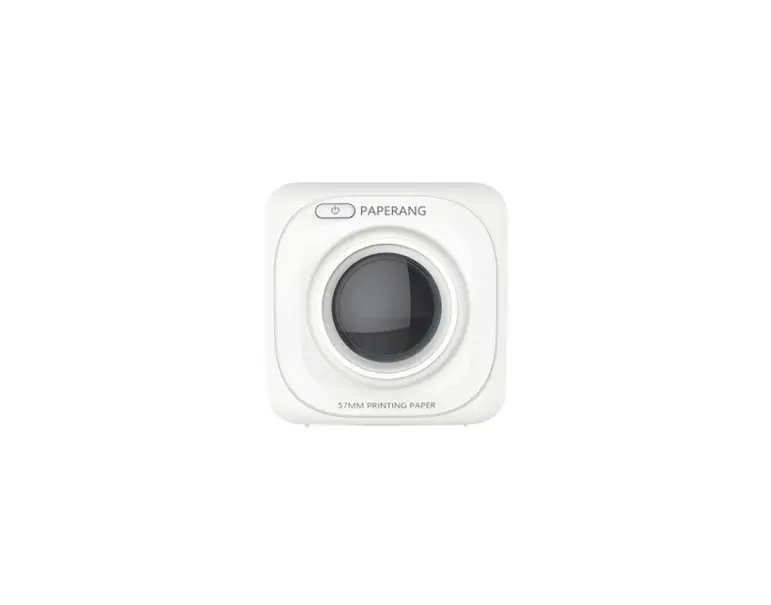
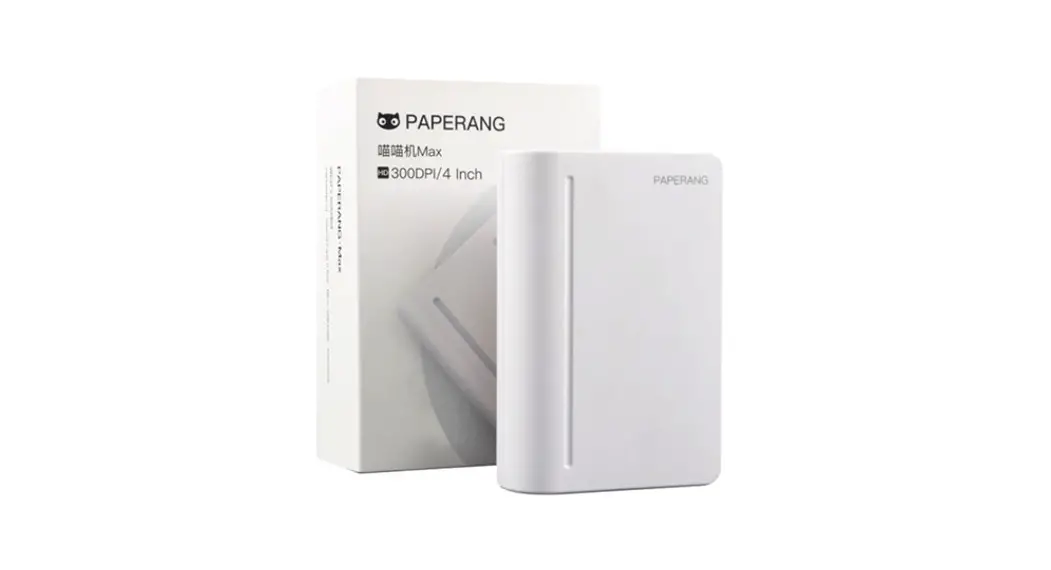
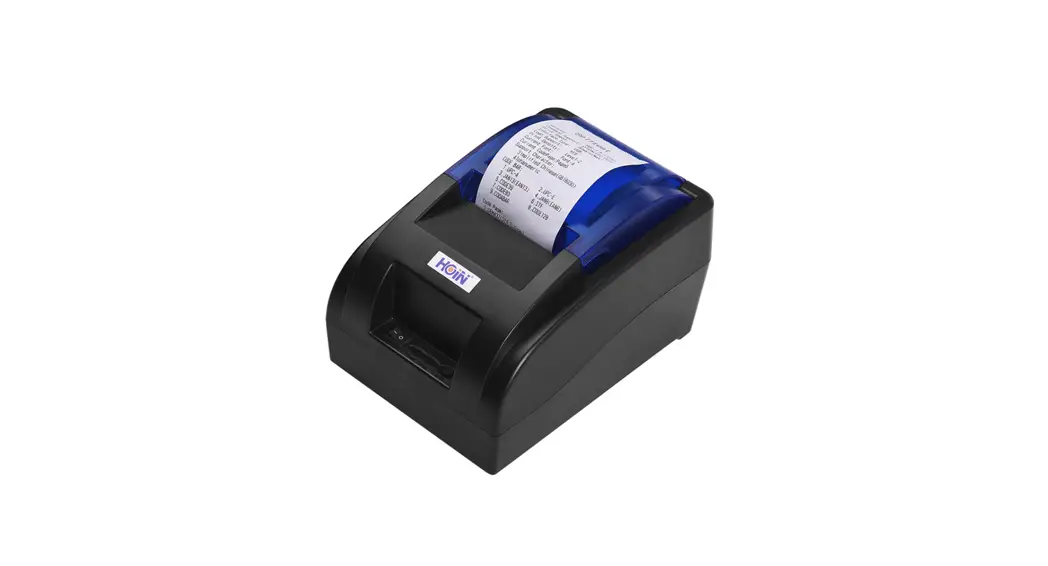
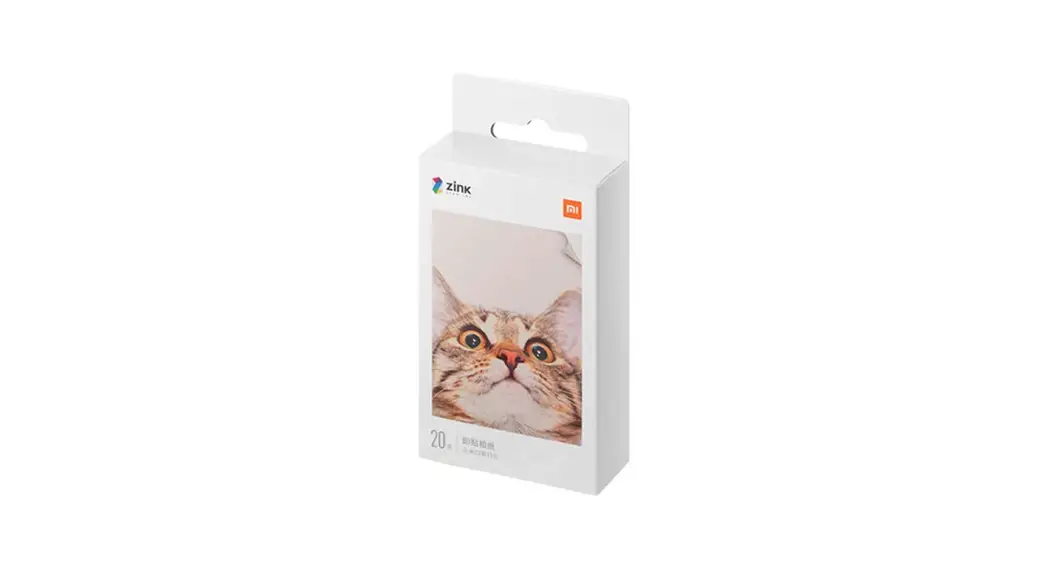
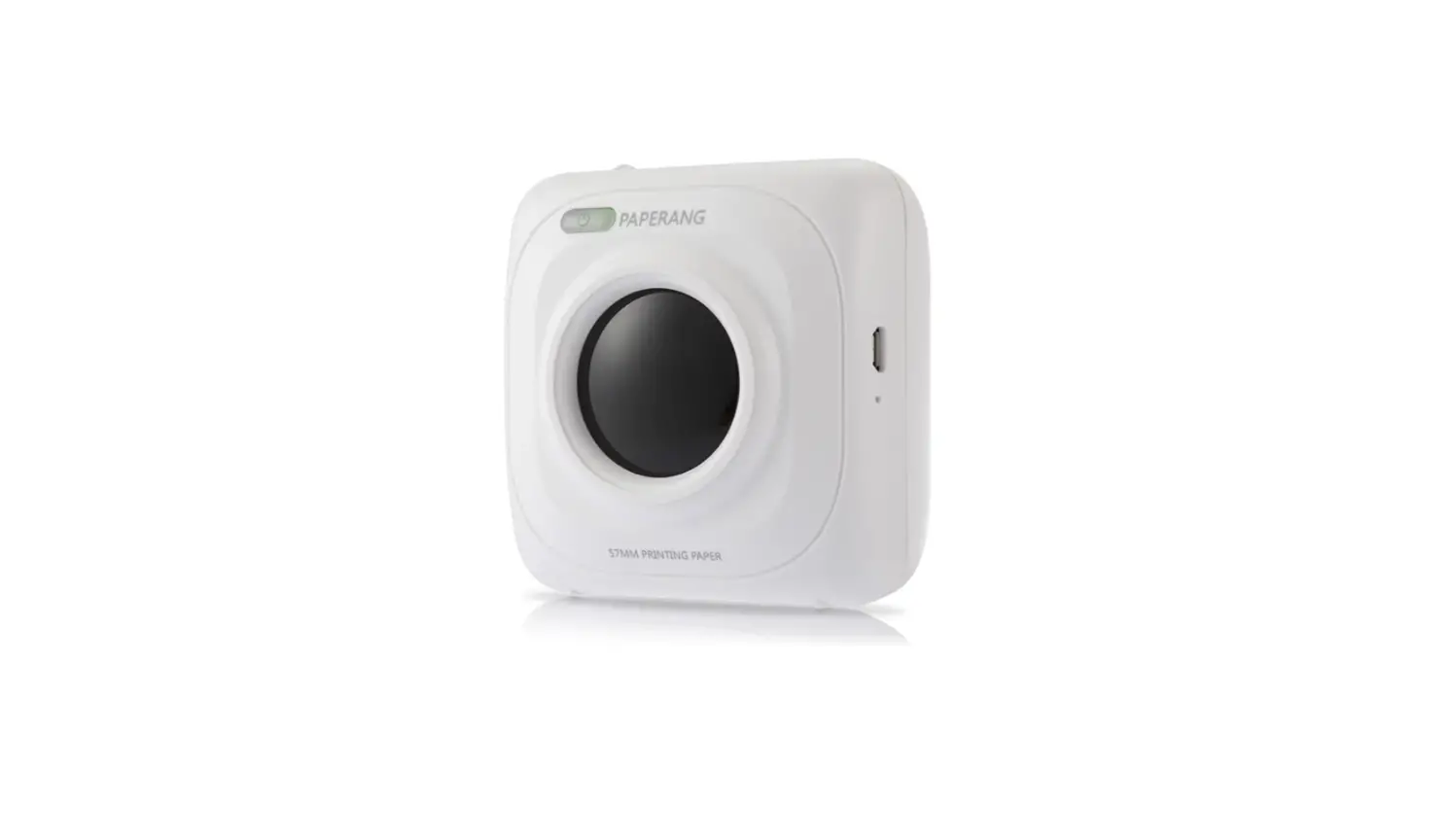
Product IntroductionⅼPacking List
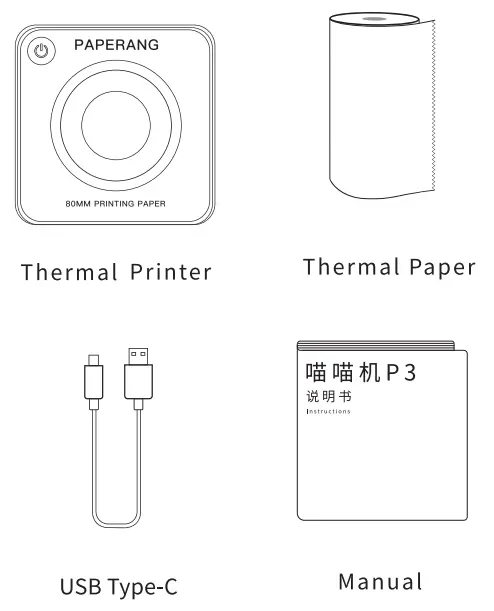
Product IntroductionⅼProduct Information
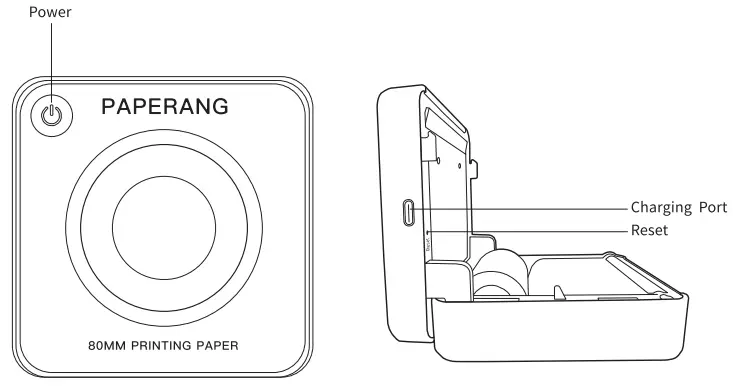
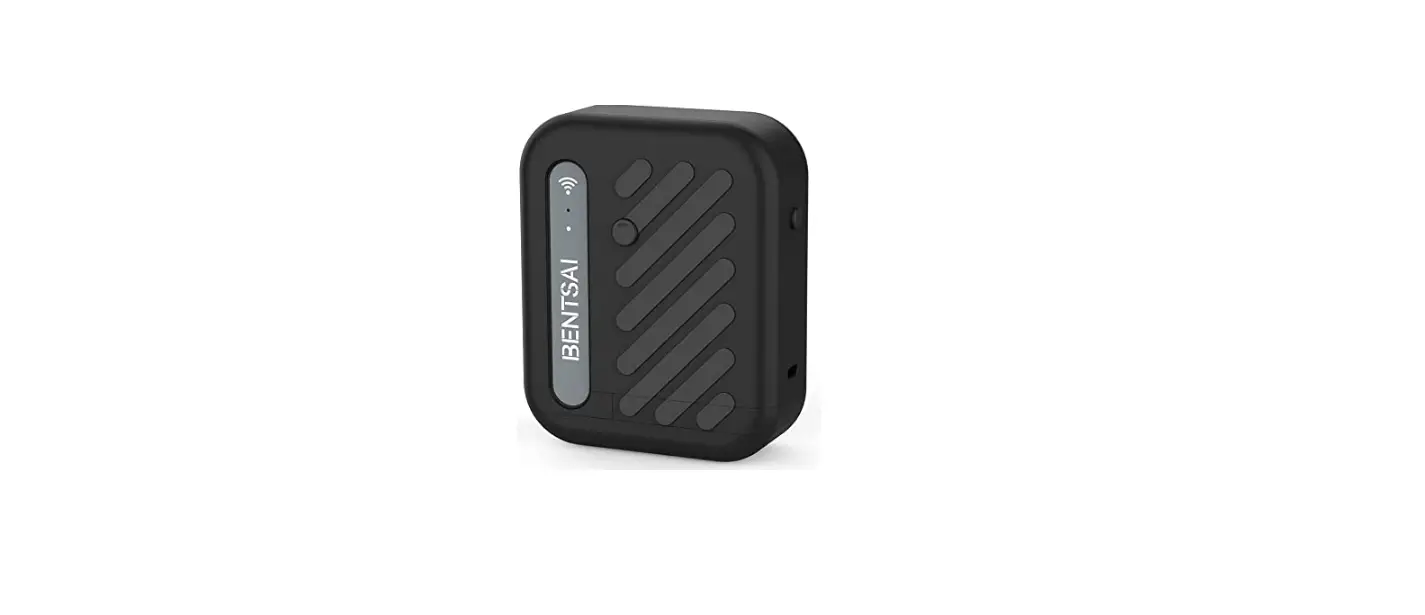
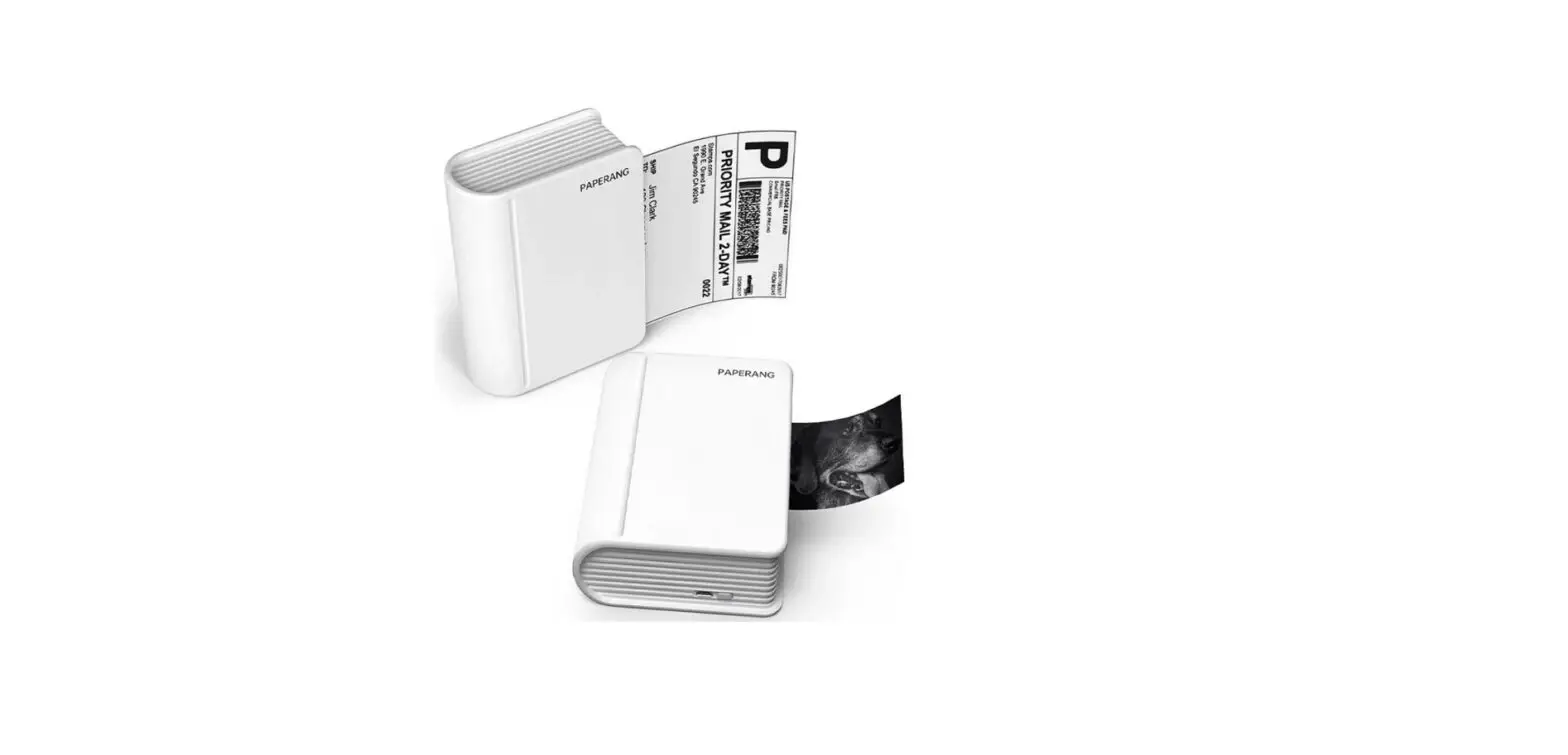
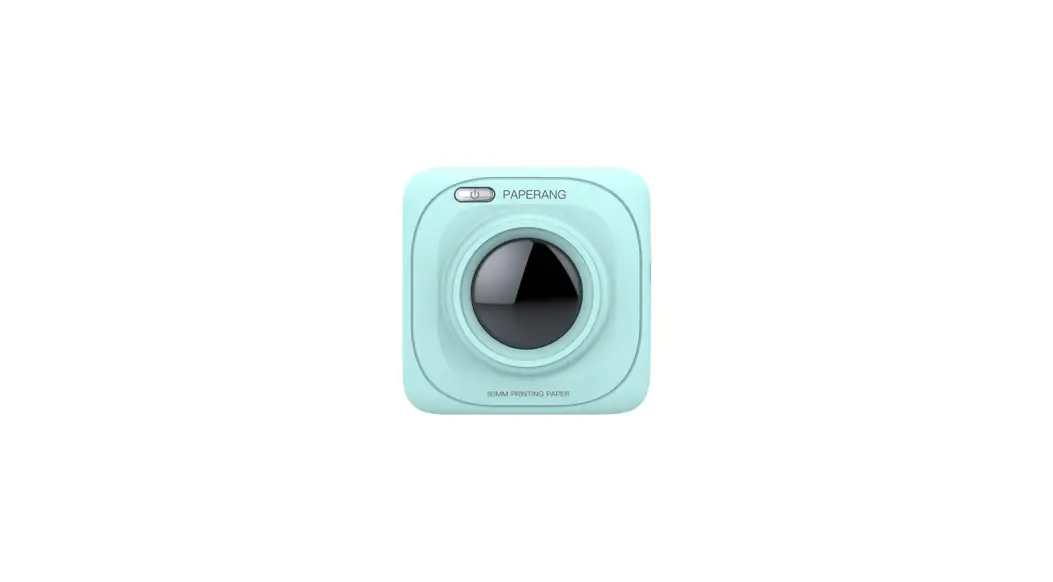
Product Name: Thermal Printer
Product Model: PAPERANG-P3
Input: 5V 2A
2A
Paper Specs: 80*30mm
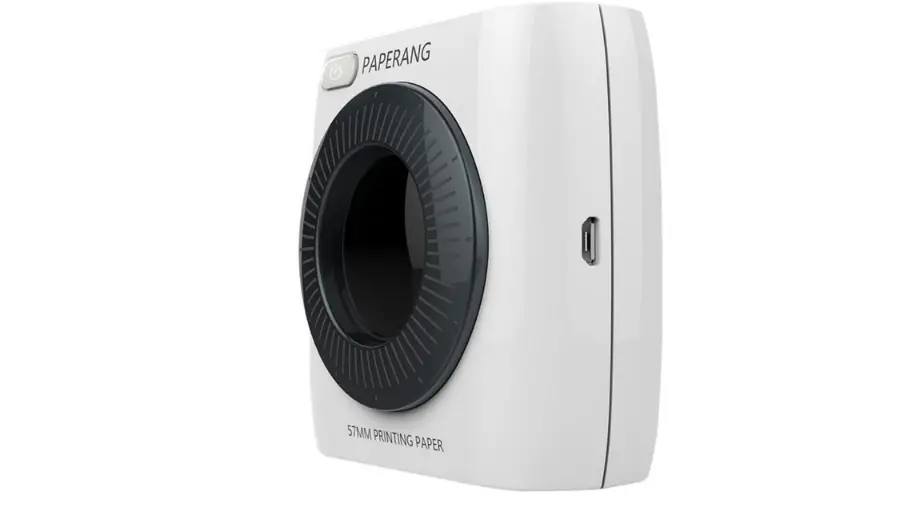
Charging Interface: USB Type-C
Battery: Built-in 1600mAh
Lithium Battery Product Specs: 100*100*50mm/284g
Product IntroductionlApp Download
 Mobile Download
Search “PAPERANG”

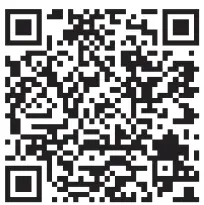
http://www.paperang.cn/download/app/
 PC Download
Please visit http://www.paperang.com to download the PC tool Product Purchase
Visit AliExpress, Amazon to purchase
Product IntroductionlInstruction
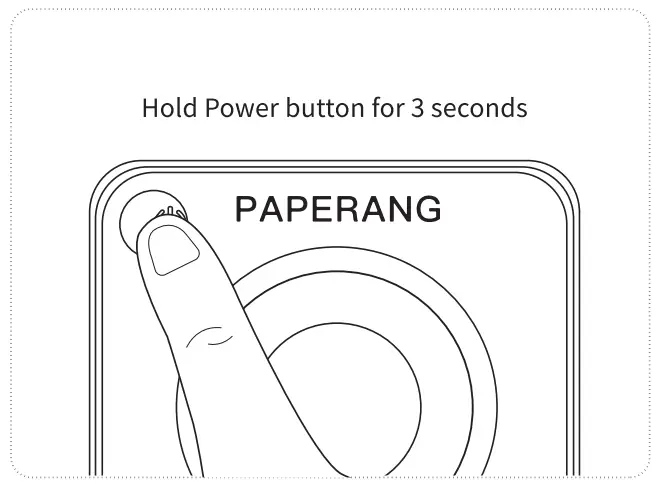
Turn the On/Off Hold Power button for 3 seconds, and the printer will be turned on;
Hold the Power button for 3 seconds, and the printer will be turned off.
PAPERANG Connection
Method 1: Click on Add Device in the app to connect to the printer
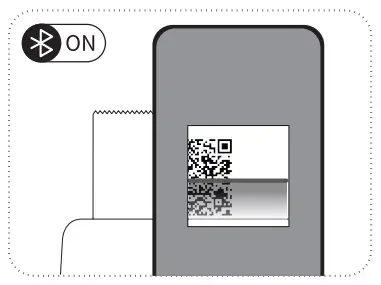
Method 2: Double-tap the Power button – Print out the QR code – Connect to the printer by Scan Code to Add
Tips: Please ensure that mobile Bluetooth is enabled
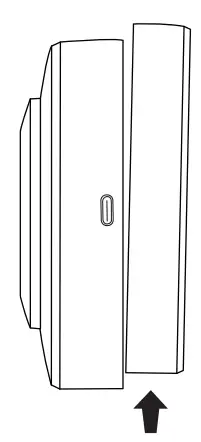
Paper Replacement
As shown, push down the upper cover
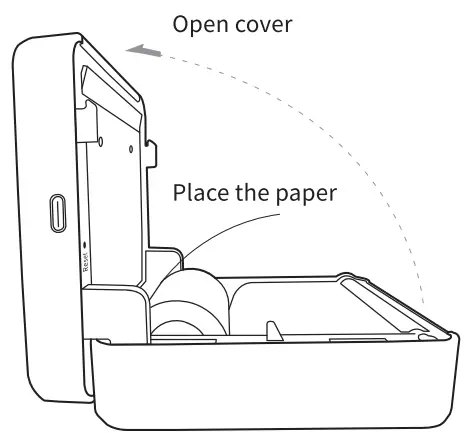
Put the paper in the direction shown in the illustration
Close the cover when a paper is correctly placed

https://paperang.com/app/help?cid=P2S
Safety and Attention
 Overheated Battery
Battery management and attention
- When charging is complete, we recommend unplugging the charging cable.
- To avoid fire, please DO NOT charge in high-temperature locations. (For example, steaming rooms or nearby the bonfire).
 Burn and Cuts Warning
Overheated printing head/Sharp-edged paper
- After printing, please Do NOT touch the printing head to avoid scalding by overheating.
- Please pay attention to the sharp edges of the paper to prevent cuts.
 Charger Attention
Printing head management and attention
- The printing head may be damaged due to improper charging.
- We recommend not to use the printer in high humidity or dusty areas.
 Charging Port Damage
Precautions during charging
- Please plug in or unplug the charging cable gently to prevent charging port damage.
FCC WARNING
This device complies with part 15 of the Fcc Rules. Operation is subject to the following two conditions: (1) this device may not cause harmful interference, and (2) this device must accept any interference received, including interference that may cause undesired operation.
Any changes or modifications not expressly approved by the party responsible for compliance could void the user’s authority to operate the equipment.
NOTE: This equipment has been tested and found to comply with the limits for a Cless B digital device, pursuant to Part 15 of the FCC Rules. These limits are designed
to provide reasonable protection against harmful interference in a residential installation. This equipment generates, uses, and can radiate radio frequency energy and, if not installed and used in accordance with the instructions, may cause harmful interference to radio communications. However, there is no guarantee that interference will not occur in a particular installation. If this equipment does cause harmful interference to radio or television reception, which can be determined by turning the equipment off and on, the user is encouraged to try to correct the interference by one or more of the following measures:
- Reorient or relocate the receiving antenna.
- Increase the separation between the equipment and receiver.
- Connect the equipment into an outlet on a circuit different from that to which the receiver is connected.
- Consult the dealer or an experienced radio/TV technician for help.
FCC ID: 2APWO-PAPERANG-P3
Email:[email protected]
Website:www.paperang.com
All copyright reserved © Xiamen Paperang Technology Co., Ltd., All rights reserved