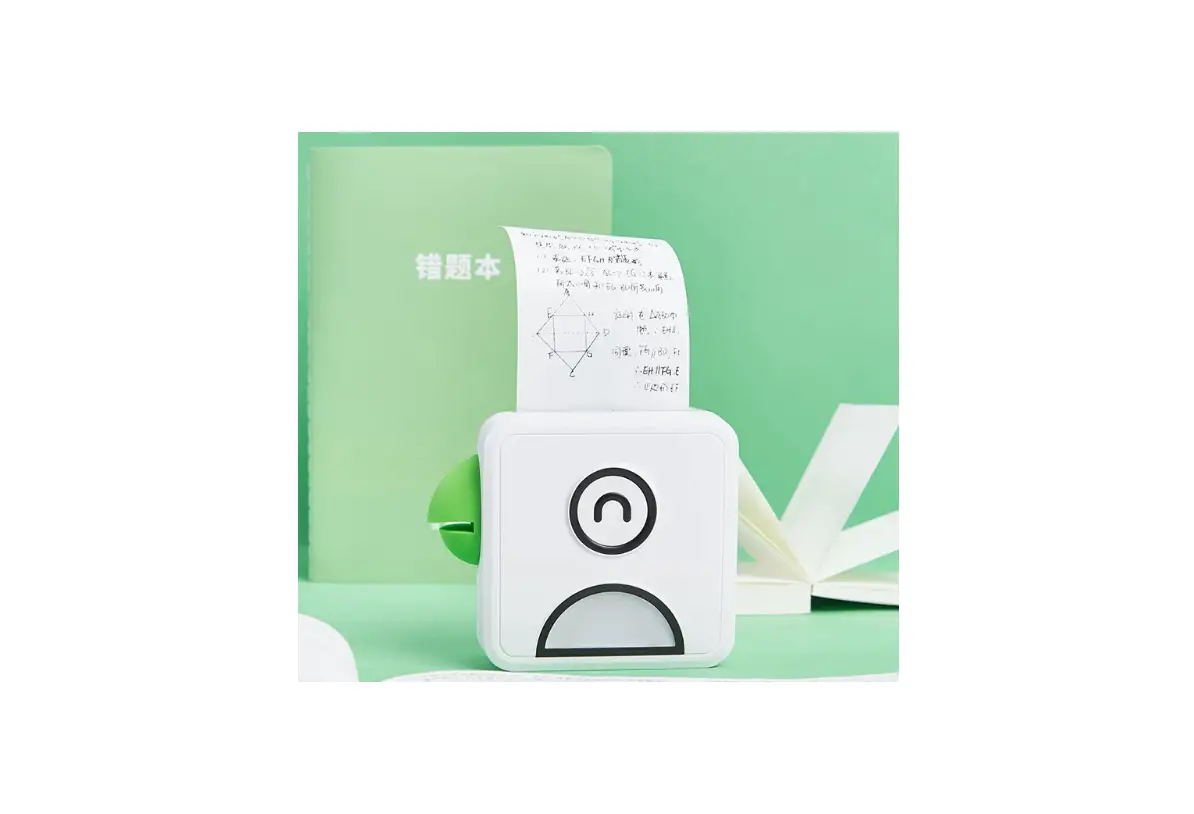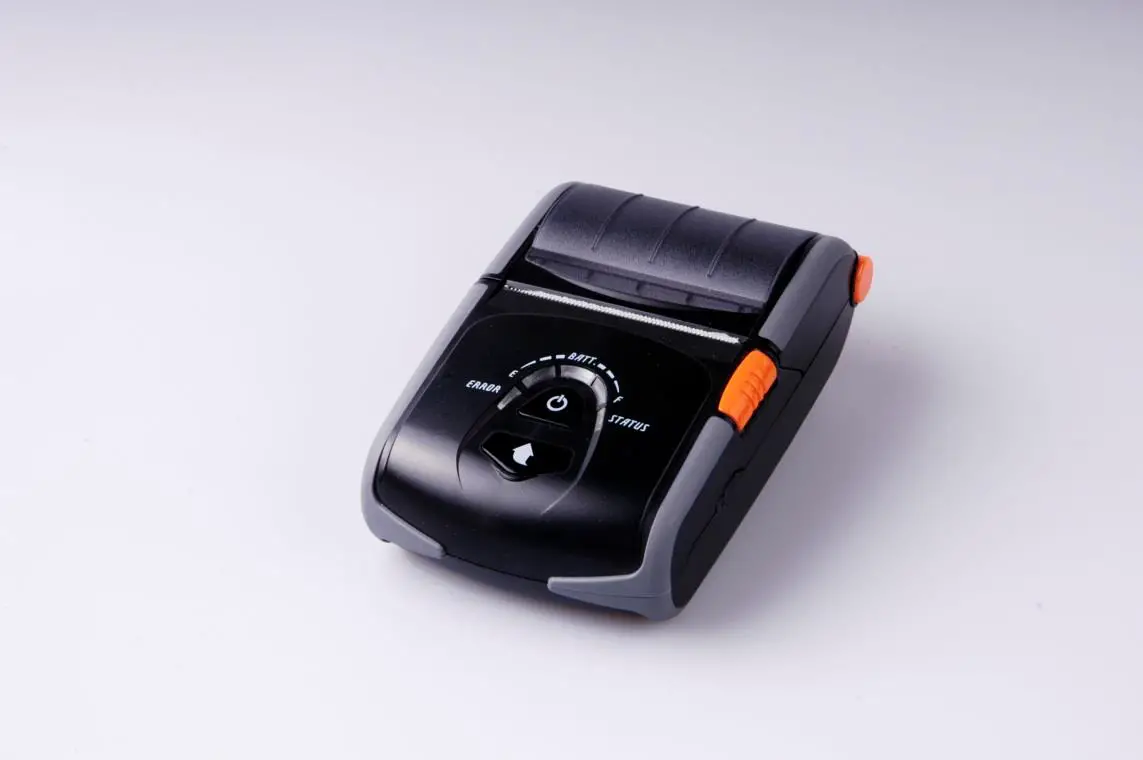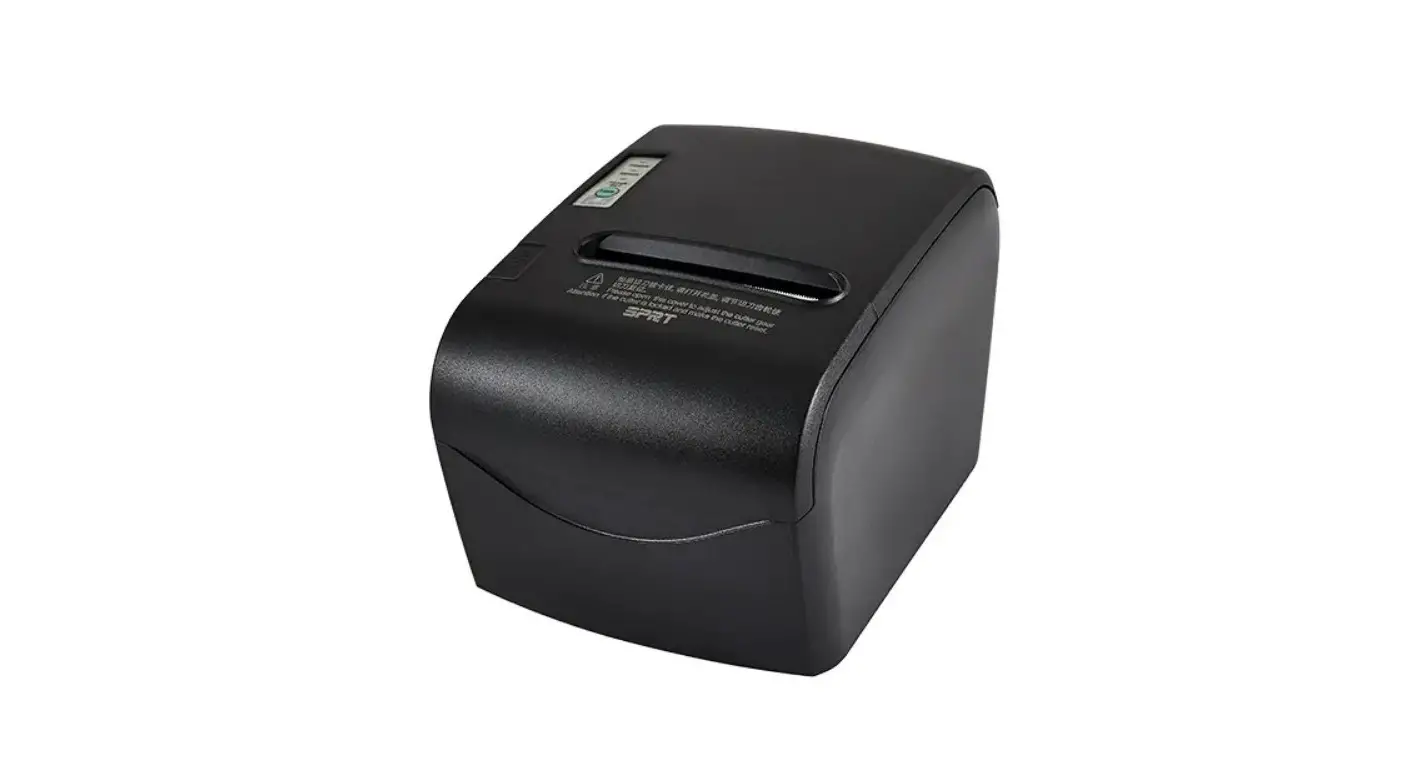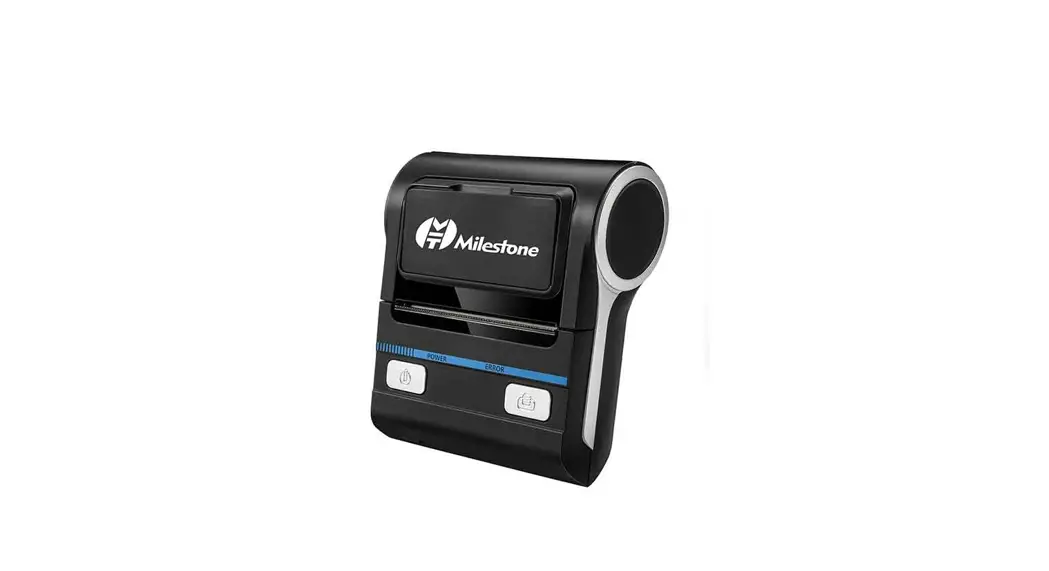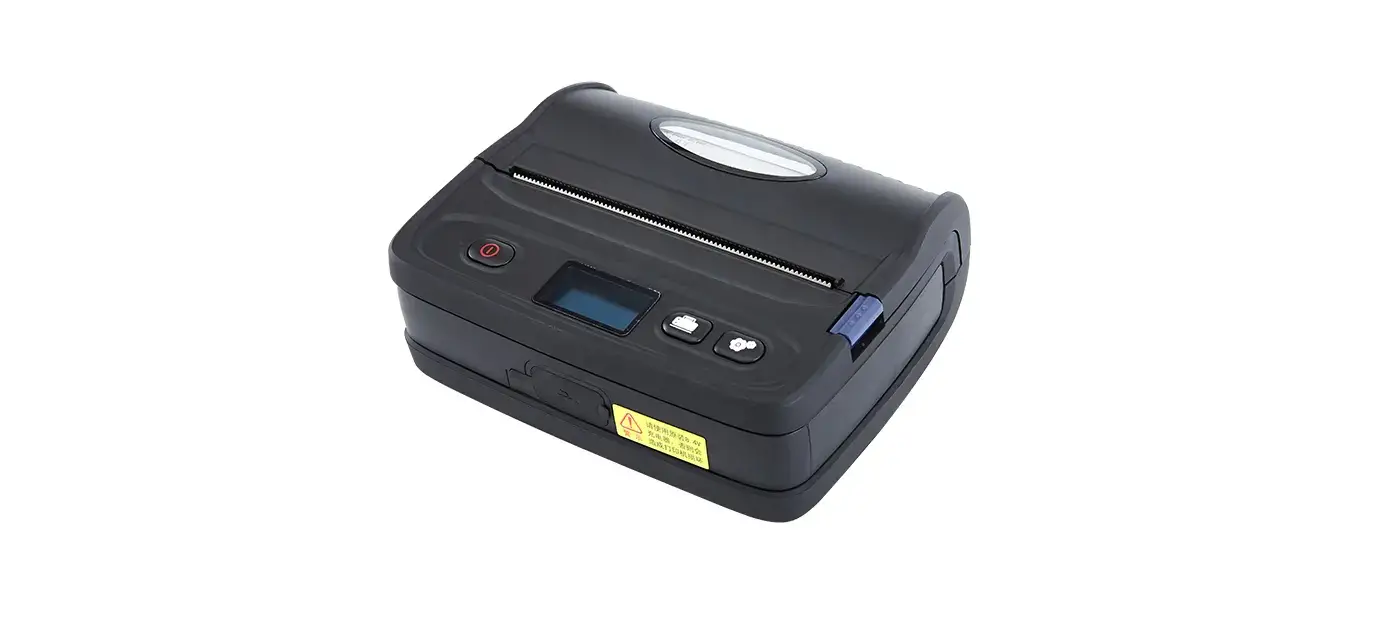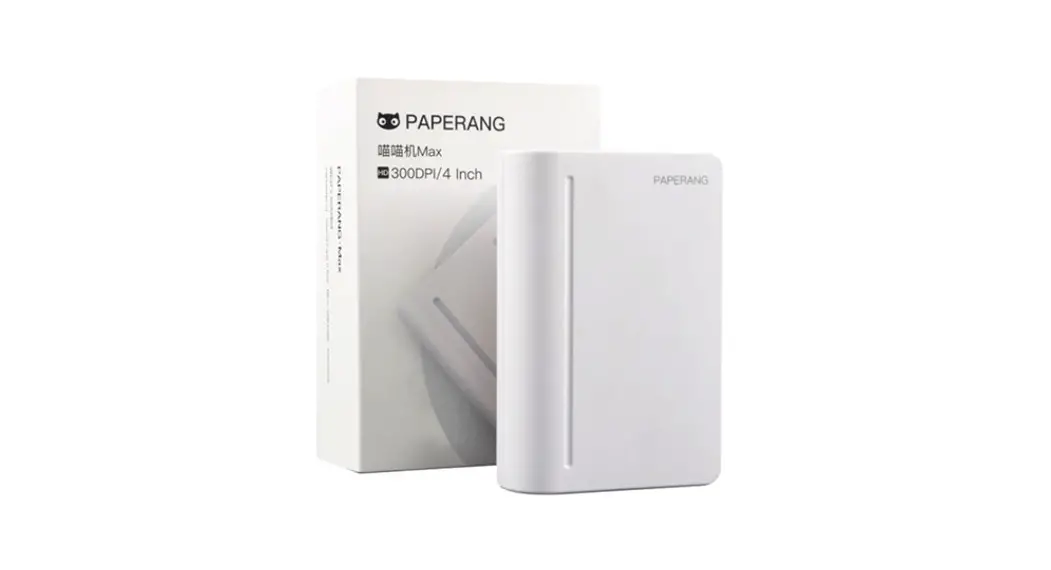

Product Introduction
Packing list
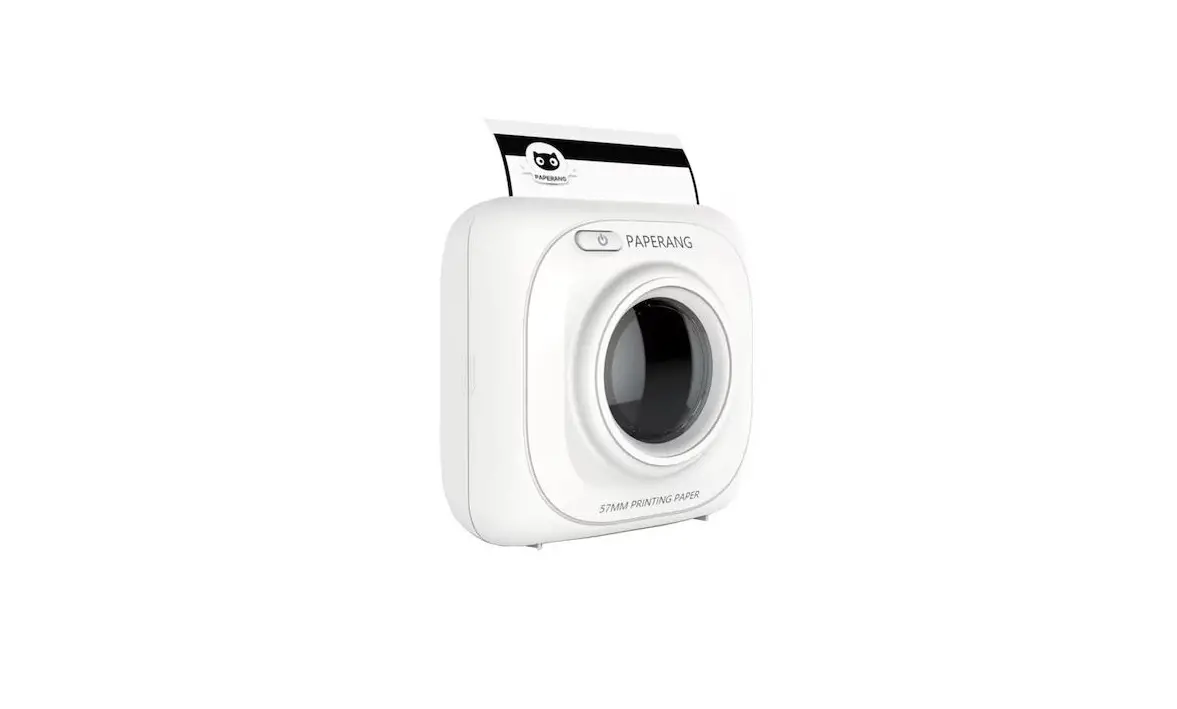
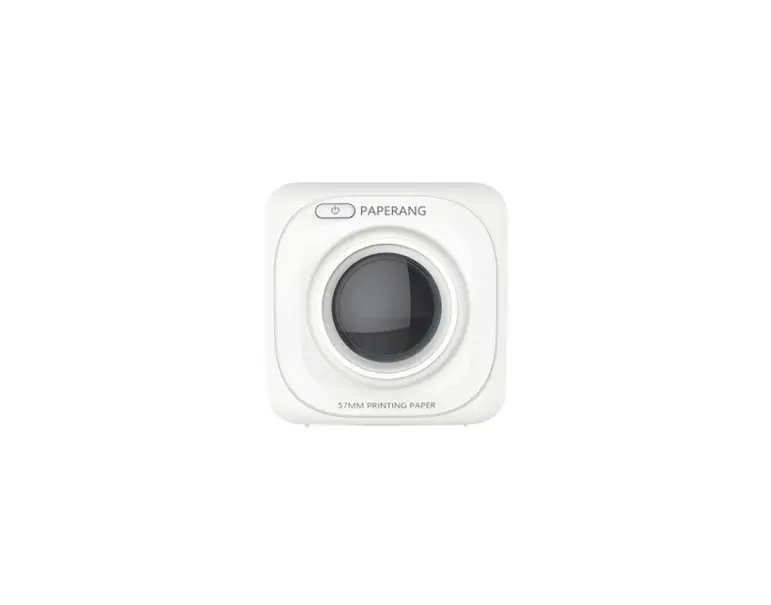
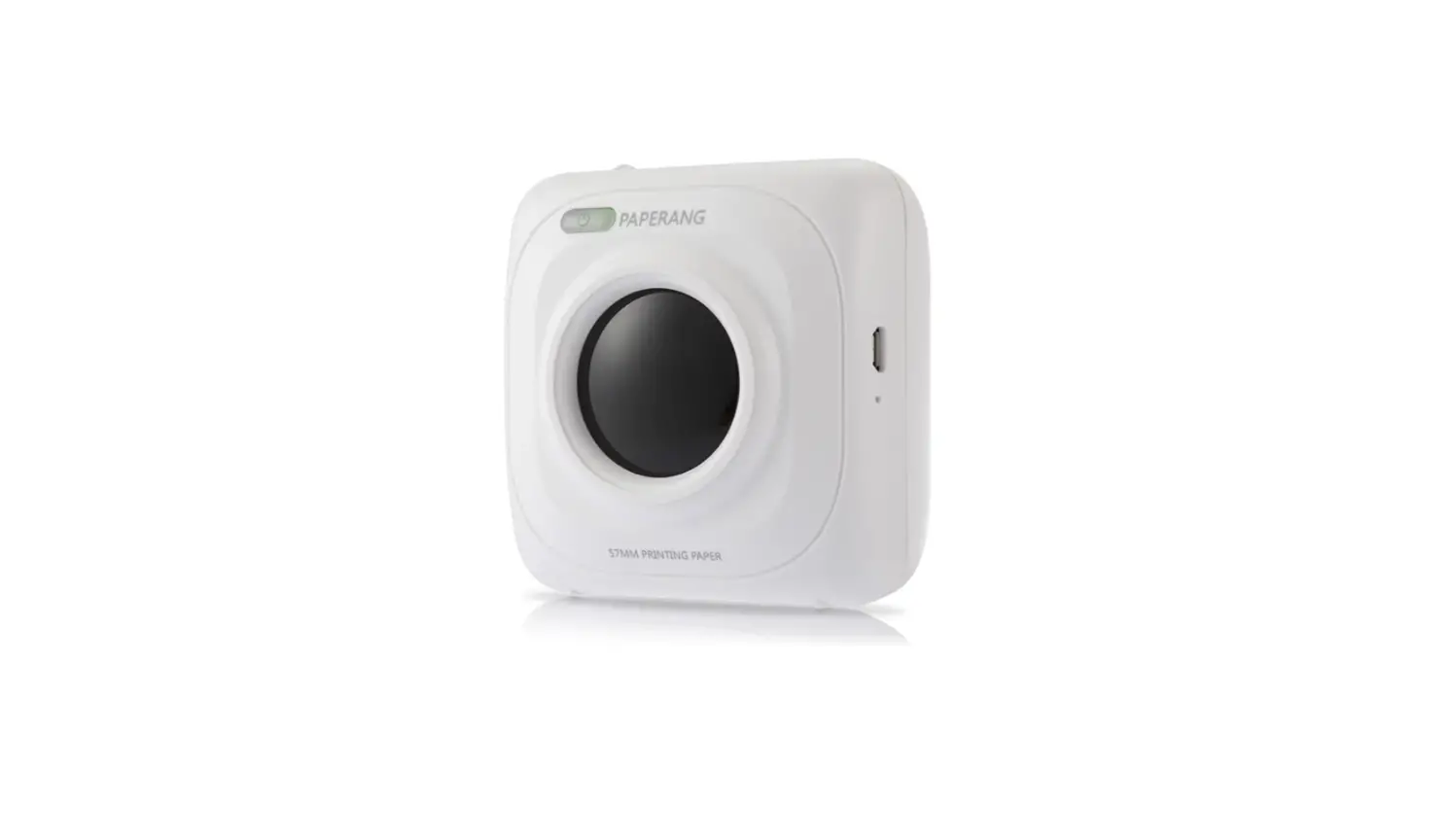
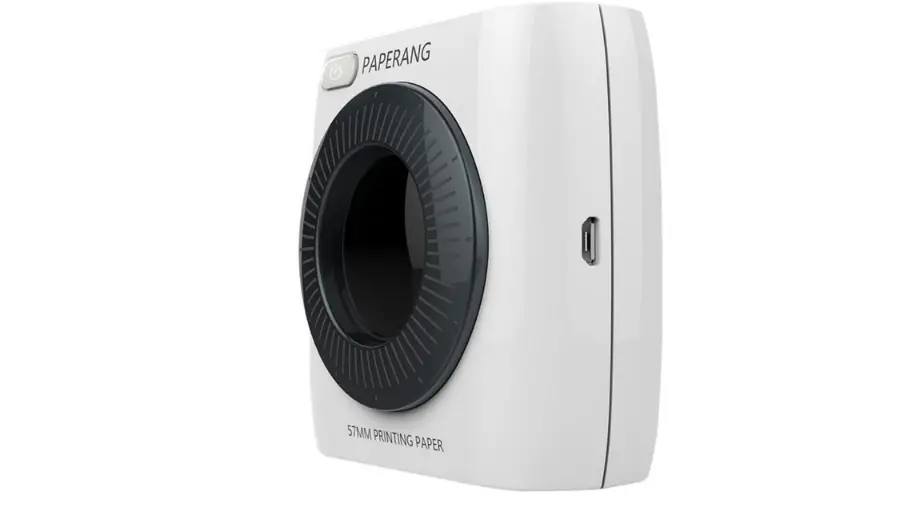
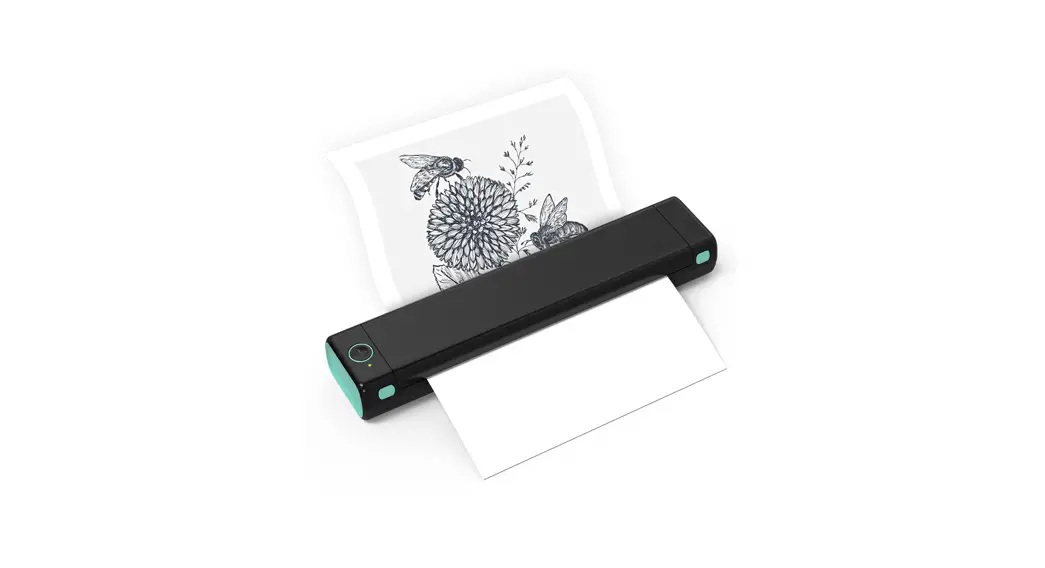
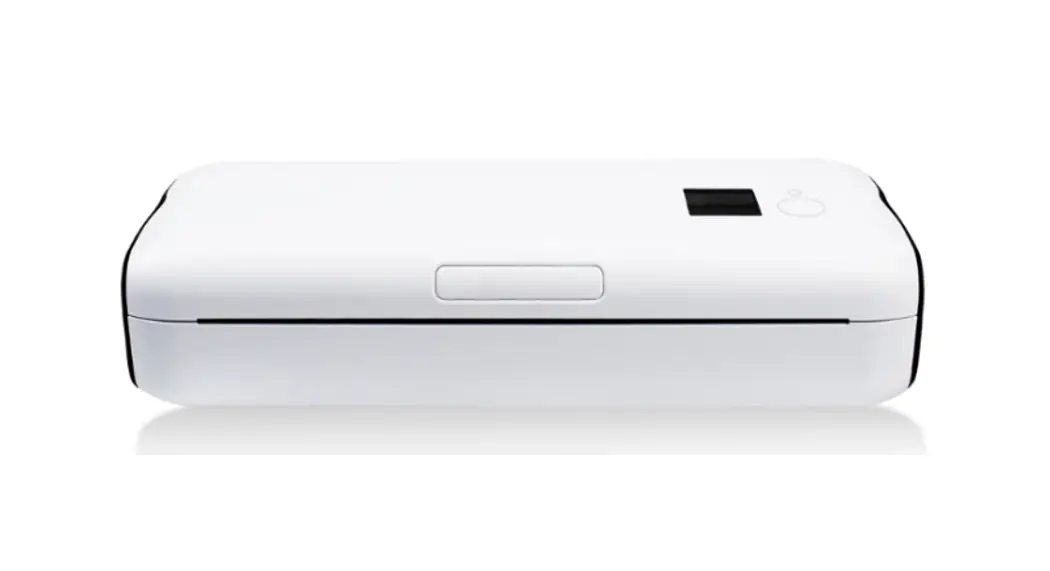
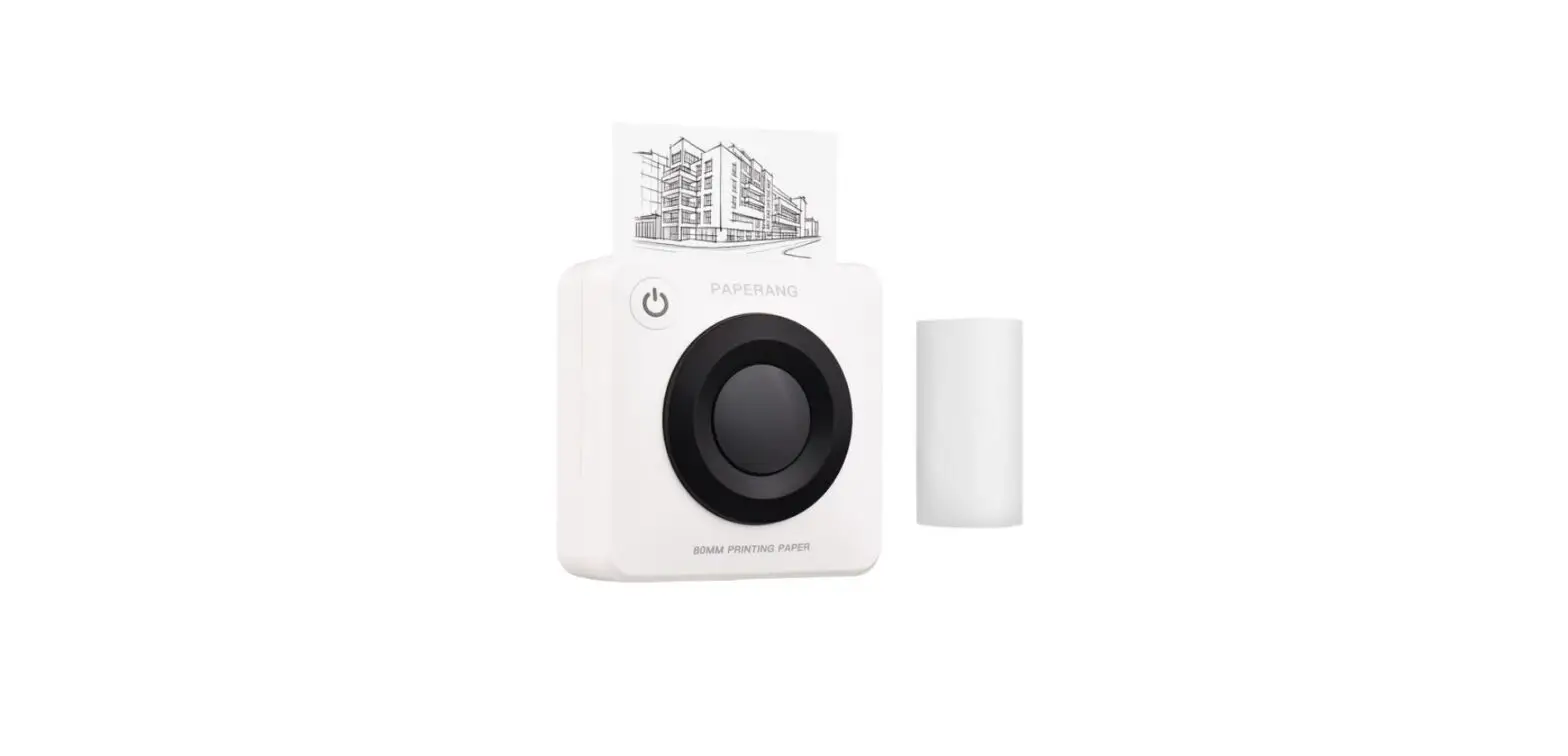
- PAPERANG printer
- Thermal paper
- Charging Cable
- Manual
Product Information
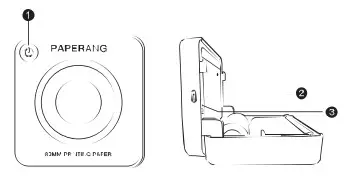
- power key
- Type -c interface
- Reset key
| Product name | Thermal Printer | Charging interface | USE Type—C | |
| Product model | p3w2 | Product spec | 100*100*50mm284g | |
| Input | 5v=2A | |||
| Consumables specifications | 80*30mm |
| Battery | 1600mAhLi-ion |
App Download
Install paperang App on your Mobile Device

Instructions
Turn On/Off
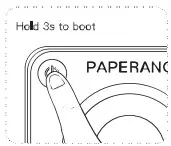
- Press and hold the power key for 3 seconds Turn on when the light comes on
- Press and hold the power key again for 3 seconds Turn off when the light goes off
PAPERANG Connection
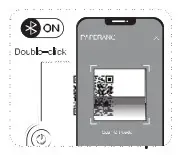
Make sure the Bluetooth Is on
- Method 1: Click connect device in APP to connect to the printer
- Method 2: After double-clicking the power key Print out the OR code Scan code to connect to the printer
Replace consumables
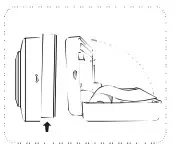
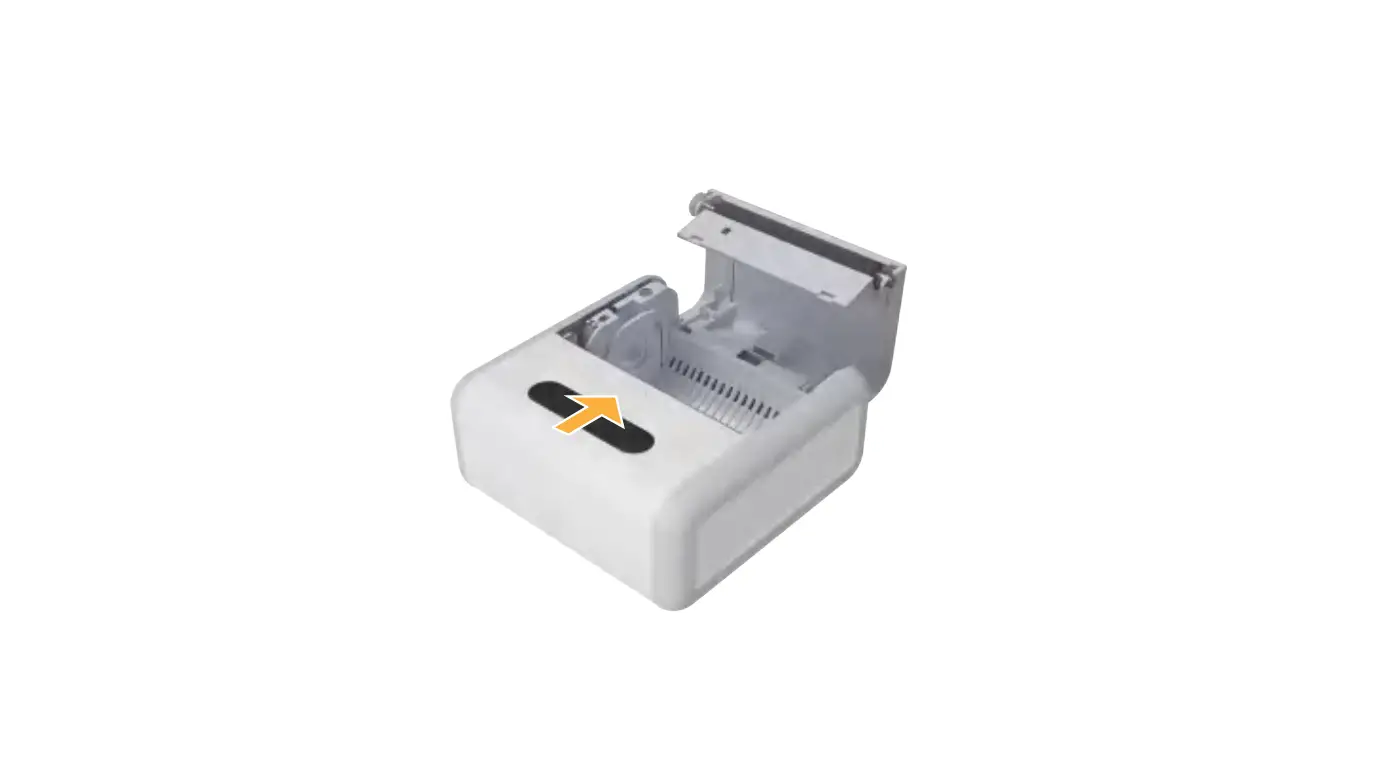
- As shown. Push open the cover
- Place the paper roll in the direction as shown in figure
- Close the cover properly