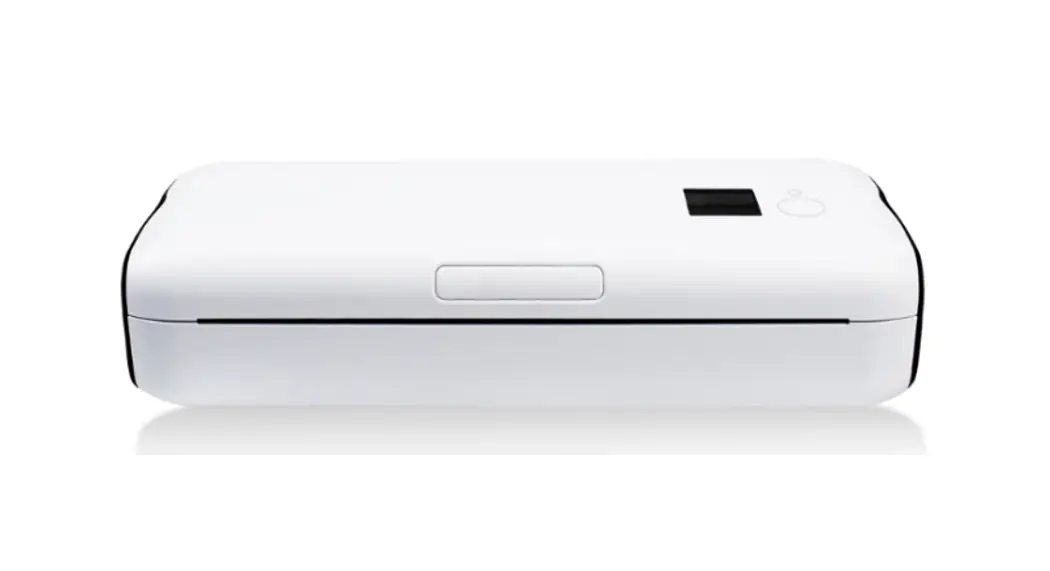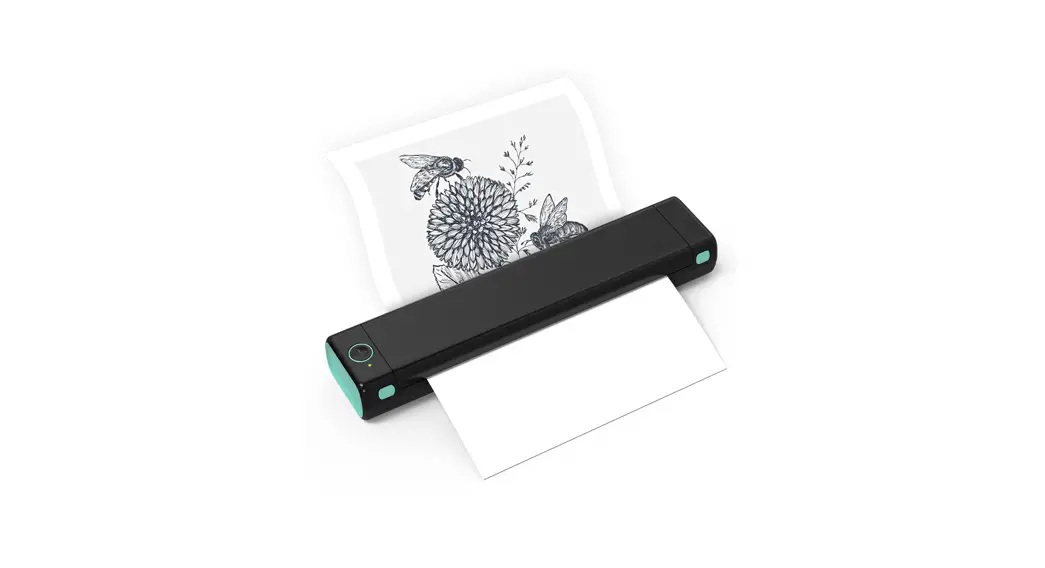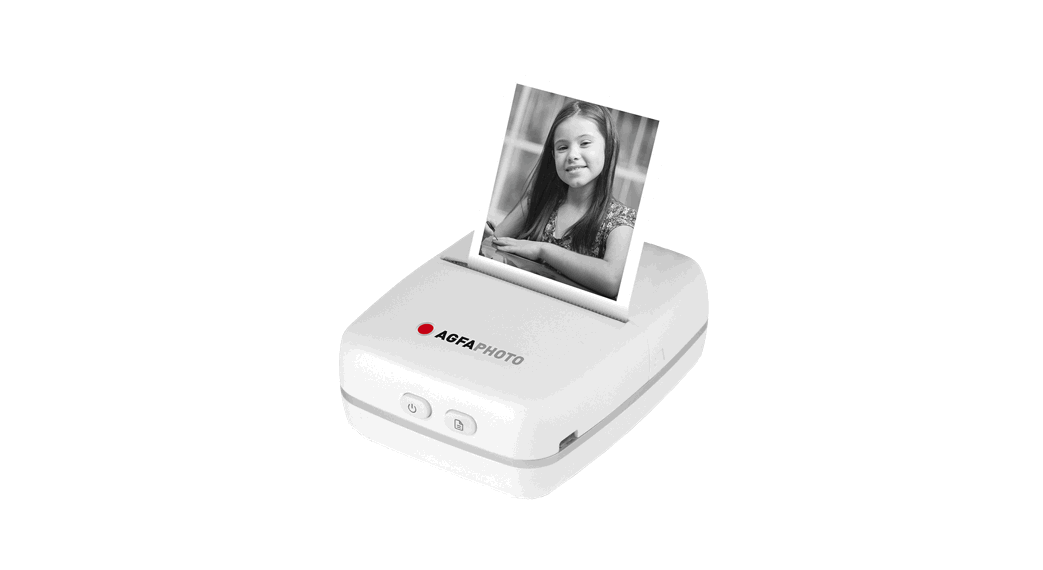
 Realipix Pocket P Portable Thermal Printer
User Manual
Realipix Pocket P Portable Thermal Printer
Download de gebruikershandleiding op: www.gtcompany.fr/en/customer-support/
SAFETY PRECAUTIONS
- This product is not waterproof and should not be used in humid, extremely hot or cold environments.
- The operating temperature of the product is between 0° C and 45° C.
- Printer power supply voltage is DC 5V.
- If you experience any issues with the product, please contact the seller for assistance and do not try to disassemble or repair the product without authority.
- Do NOT use volatile solvent to clean the printer, such as alcohol, benzene.
PRODUCT DESCRIPTION
The Realipix Pocket P is a Bluetooth thermal mini printer, it can print text, web pages, pictures and graffiti.
IMPORTANT INFORMATION
- The accepted thermal printing paper size is 57x30mm (Paper width x Max. paper roll thickness in diameter)
- If the printer is expected to be inactive for an extended period of time, try to charge it at least once a month to keep the battery active. Failing to do so may lead to
performance issues with the battery. - To ensure a good Bluetooth connection, the printer should be within 5 meters in open field of the external Bluetooth device.
- Pulling the paper during printing is not recommended as it may damage the printer.
PRODUCT SPECIFICATIONS
| Hardware Spec. | ||
| Bluetooth | Version | 4.0 |
| Range | Max. range: 8 meters in open field. For optimal usability, keep device within a range of 5 meters | |
| Button/Switch | Paper advancing button | Yes |
| Power button | Yes | |
| Charging | Micro USB (for charging only) | |
| Printing Info. | Resolution | 203dpi |
| Thermal paper size | Width: 57mm | |
| Max. paper roll thickness: 30mm | ||
| Color | Black | |
| Product Dimensions & Weight | ||
| Printer Dimensions | Approx. 102 x 80 x 37.5mm (4x3x1.5 inch) | |
| Printer net weight | Approx. 158g (excluding printing paper) | |
| App | ||
| Name | “PAPERGo” for both Android & iOS | |
| Supported O/S version | Android 5.0 or later iOS 10.0 or later | |
PRODUCT PRESENTATION
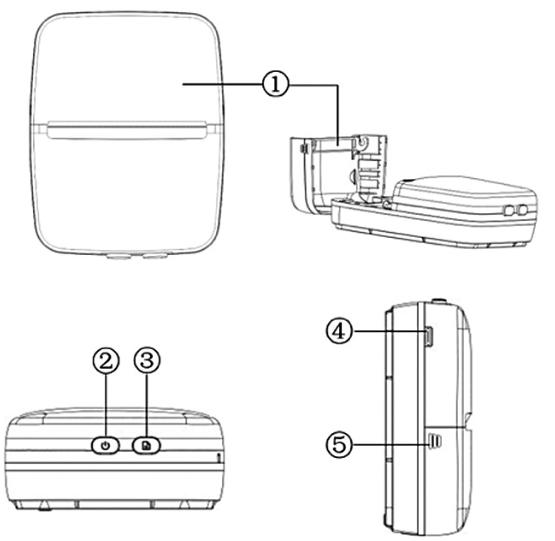
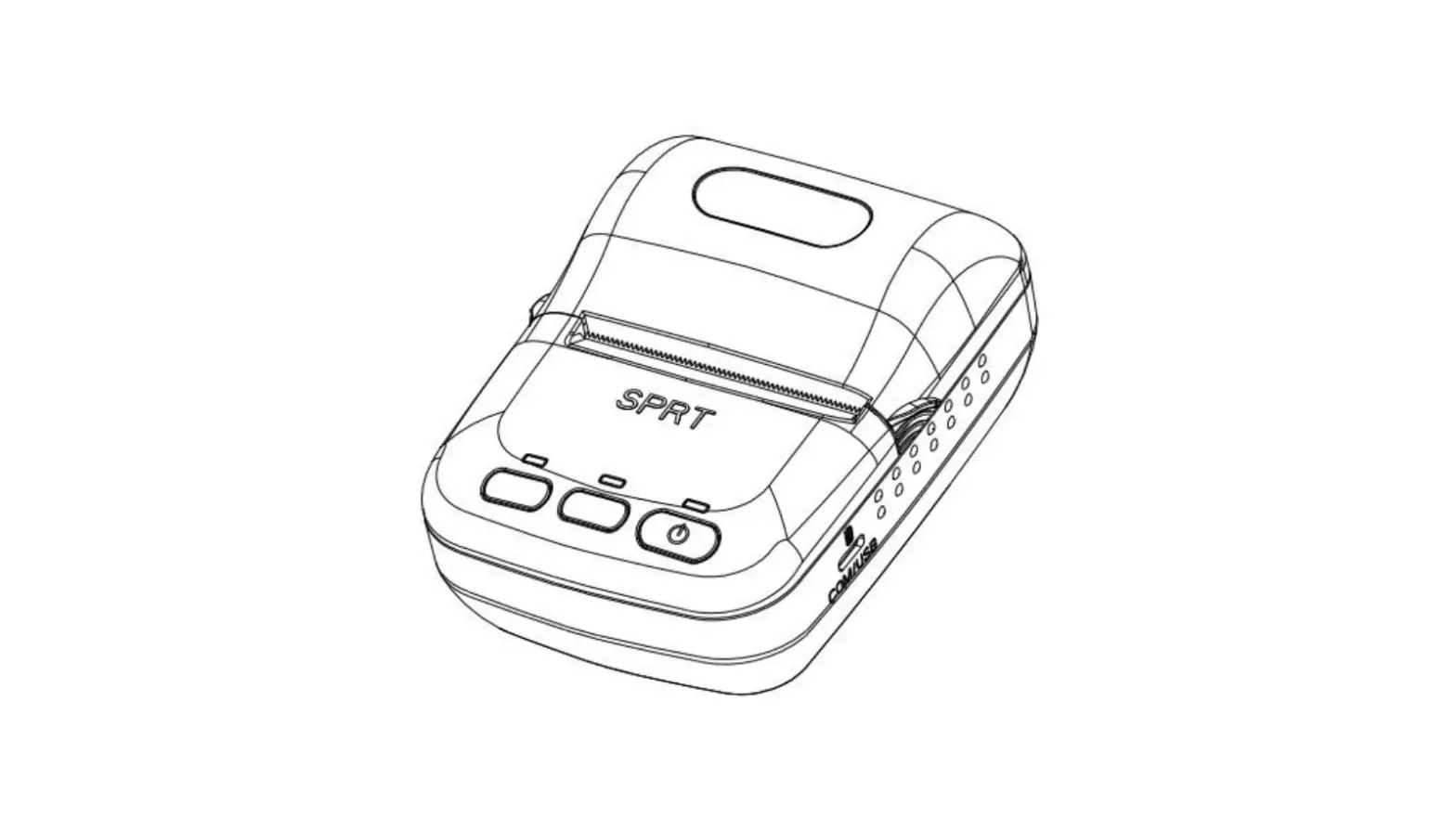
- Paper roll compartment cover
- Power button – two-tone light indicators (green and blue)
- Paper advancing button (to advance the paper to the preferred position) – red light indicator
- Micro USB port (for battery charging)
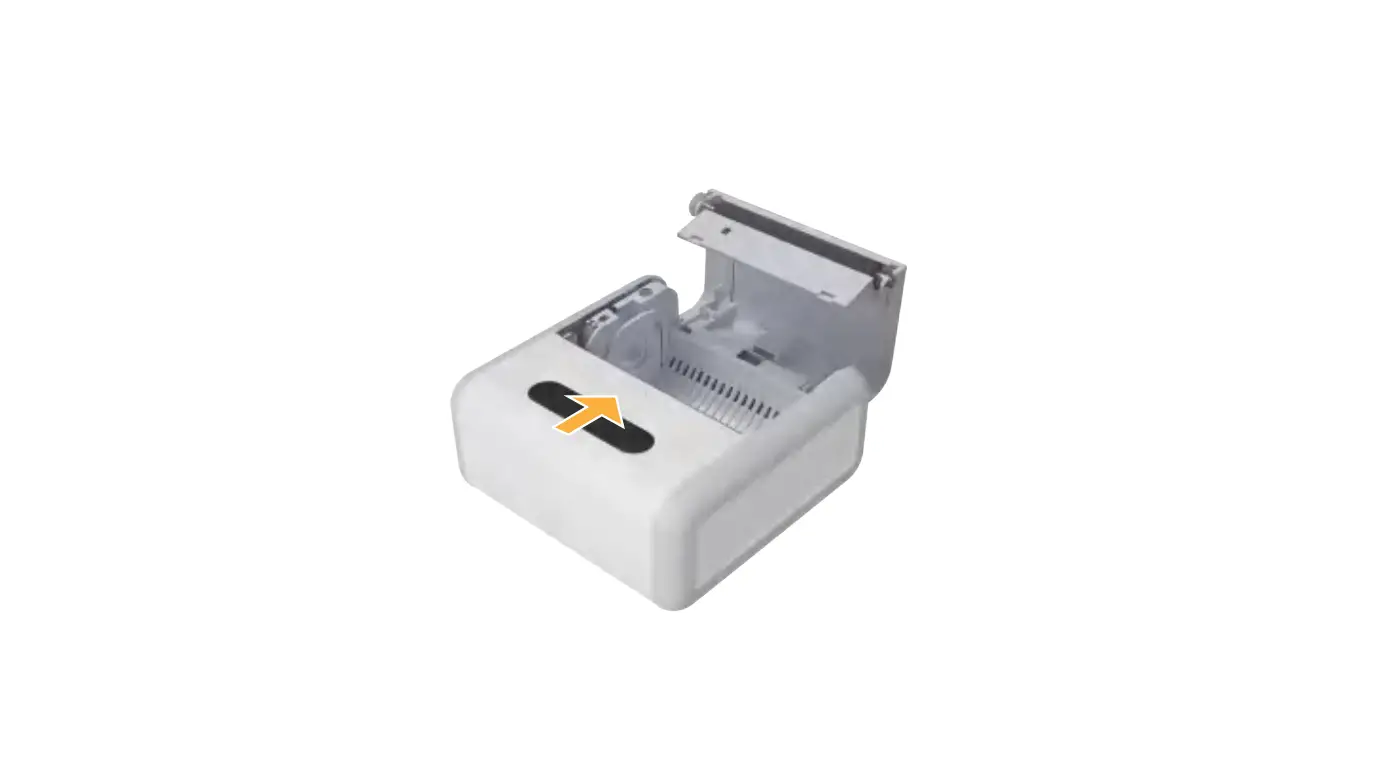
- Paper roll compartment cover notches (press the notches on both sides of the printer to open the cover)
| Button | Light Indicator | Function |
| Power button | Green | Light on: The printer is powered on but not connected to Wi-Fi Slow flashing: Low battery (charge the printer or it will shut down shortly) Fast flashing: Battery exhausted (the printer is shutting down) |
| Blue | Light on: The printer is connected to Wi Fi Flashing: No paper installed or out of paper | |
| Paper advancing button | Red | Light on: The device is charging |
PREPARING THE PRINTER
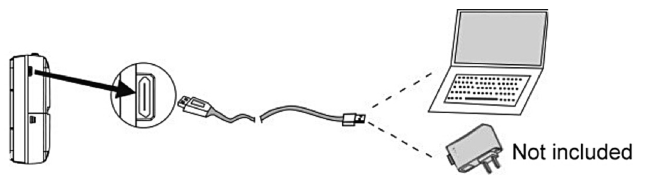
- Charging the battery To charge the built-in battery, connect the printer to an external power source with the provided USB cable. The minimum requirement for charging with a power adaptor* is 5V/1A. *Not included

Note: It takes hours or longer to fully charge the built-in battery.
Installing The Printing Paper
a) Open the paper roll compartment cover.
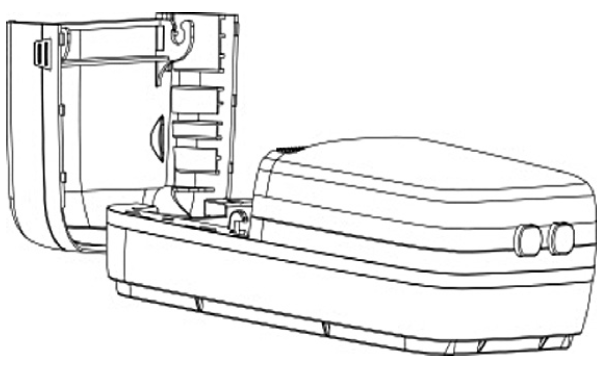
b) Place the printing paper in its compartment and make sure the thermal sensing side of the paper is facing towards the printer’s thermal printing sensor as shown in the
illustrations below: 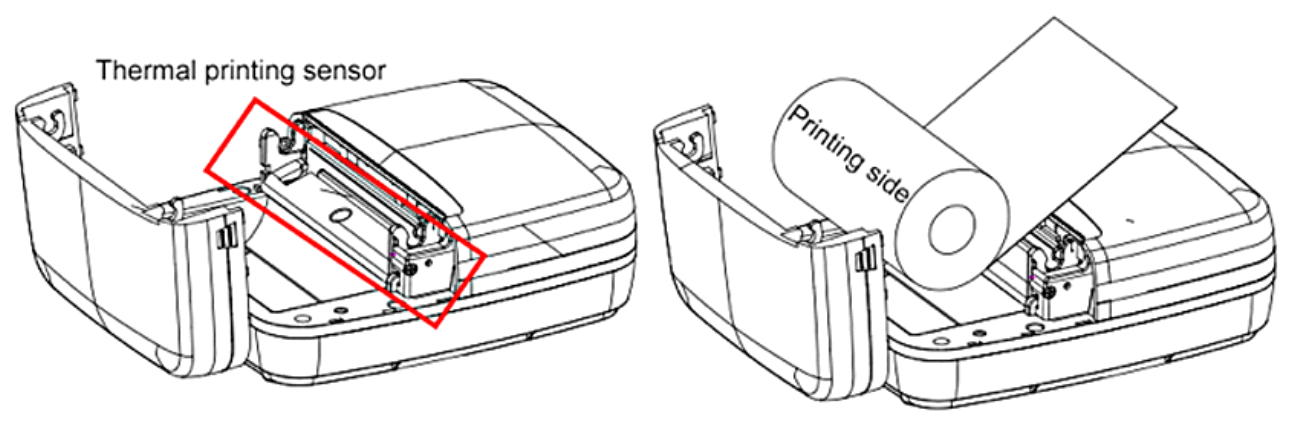
c) Firmly close up the cover.
OBTAINING THE COMPANION APP
This printer supports mobile phones on Android 5.0 or later, and iOS 10.0 or later.
The app can be downloaded by searching “PaperGo” on Google Play and the App Store,or by scanning the QR codes found on the back of this manual.
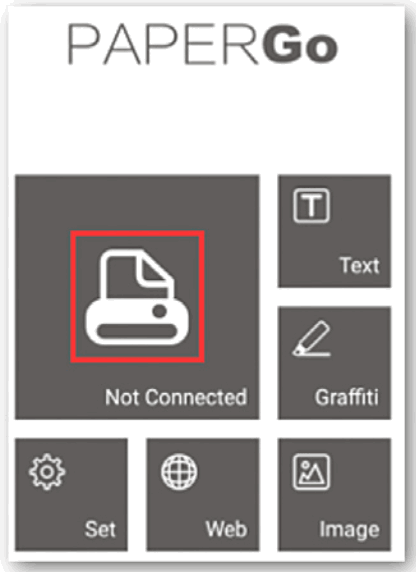
BLUETOOTH PAIRING
Note: The App’s user interface may vary depending on the OS.
ANDROID To ensure optimal compatibility, when first opening the application please allow access to location data, photos and camera. . Press and hold the power button for approx. 2 seconds to power on the printer, the green light indicator will light up.
- Press and hold the power button for approx. 2 seconds to power on the printer, the green light indicator will light up.
- Make sure the Bluetooth of the mobile device is turned on, then open the app.
- Press
 and choose “Click to scan the new device“. Select “PaperGo’ and click “Click to connect”.
 - When the connection is successful, “Connected” (on Android) and “PaperGo” (on iOS) will appear under the printer icon and the green light indicator will change to blue.
PRINTING & SETTINGS
 | Text: Enter text and create notes or shopping lists. |
 | Graffiti: Use your screen to draw and print out your drawings. |
 | Web: Print out web pages content. |
 | Image: Select photos or images you want to print. |
 | Set: Access language and printing concentration settings. |
 | Press this icon to print out selected content. |
Warranty : 1 year limited warranty
After sales service
aftersaleservice@gtcompany
fr – +33 (0) 1 85 49 10 26
Made in China Notice of compliance for the European Union
Products bearing the CE mark comply with the applicable European directives and associated harmonised European standards. Disposal of waste equipment by users in the European Union
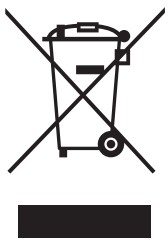 This symbol means that according to local laws and regulations it is prohibited to dispose of this product with household waste Instead it is your responsibility to protect the environment and human health by handing over your used device to a designated collection point for the recycling of waste electrical and electronic equipment.
 For more information about where you can drop off your waste equipment for recycling please contact your local city office, your household waste disposal service or the shop where you purchased the product.
Product manufactured for and distributed by :
GT COMPANY – 5 rue de la Galmy – 77700 Chessy –
France – +33 (0) 1.61.10.09.25 – www.gtcompany.fr
GT COMPANY UK LTD – 11 Old Jewry –
EC2R 8DU LONDON – UNITED KINGDOM
AgfaPhoto is used under license of Agfa-Gevaert NV. For this product a sub-license has been granted by AgfaPhoto Holding GmbH (www.agfaphoto.com). Neither Agfa-Gevaert NV nor AgfaPhoto Holding GmbH manufacture this product or provide any product warranty or support. For service, support and warranty information, contact the distributor or manufacturer.
APPLICATION
- Download the app by searching “PaperGo” on Google Play or the App Store, or by scanning the following QR codes:
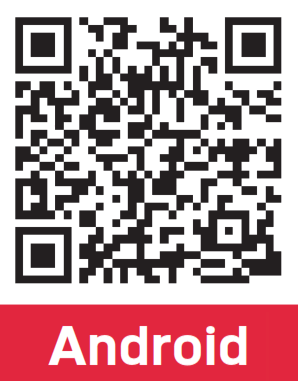 |  |
| https://play.google.com/store/apps/details?id=cn.pinchuang.ppgo | https://apps.apple.com/cn/app/papergo/id1467309398 |
Thermal paper compatible:
ATP3WH
(3 rolls of 57x30mm white thermal paper)
 AGFAPhoto – Innovator for consumer imaging products worldwide
 GT Company Acteur Européen des marques Kodak - AgfaPhoto - Nasa