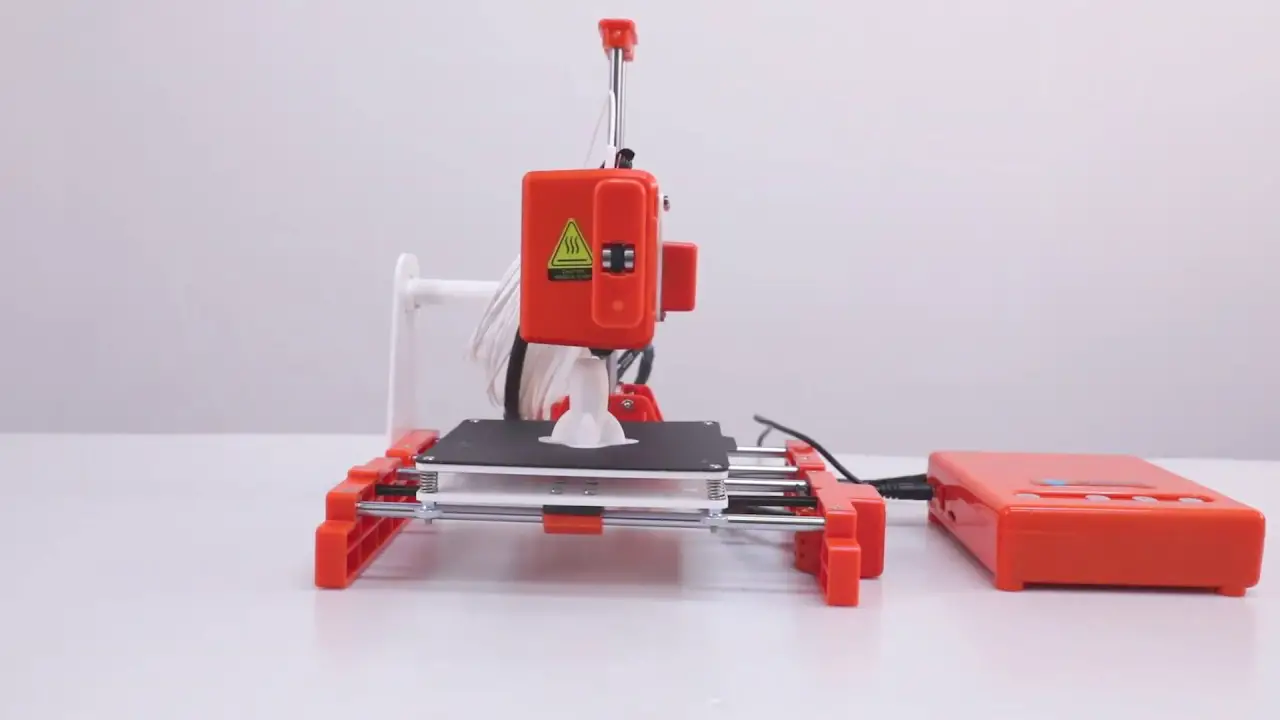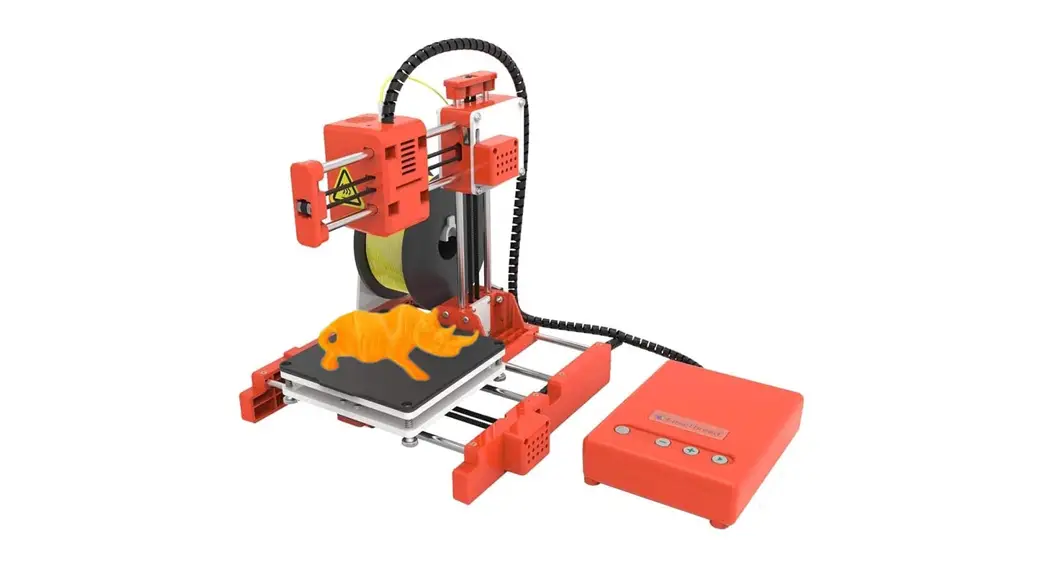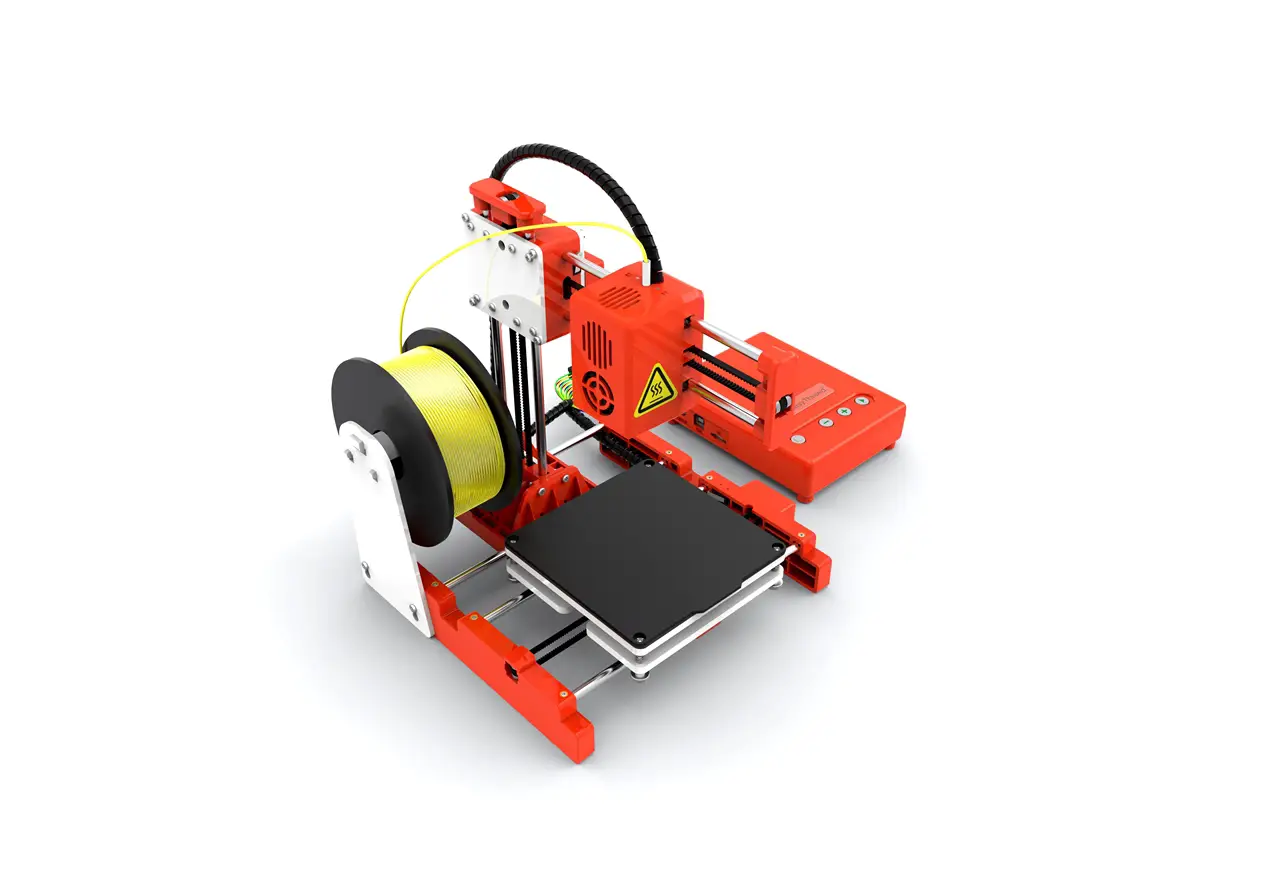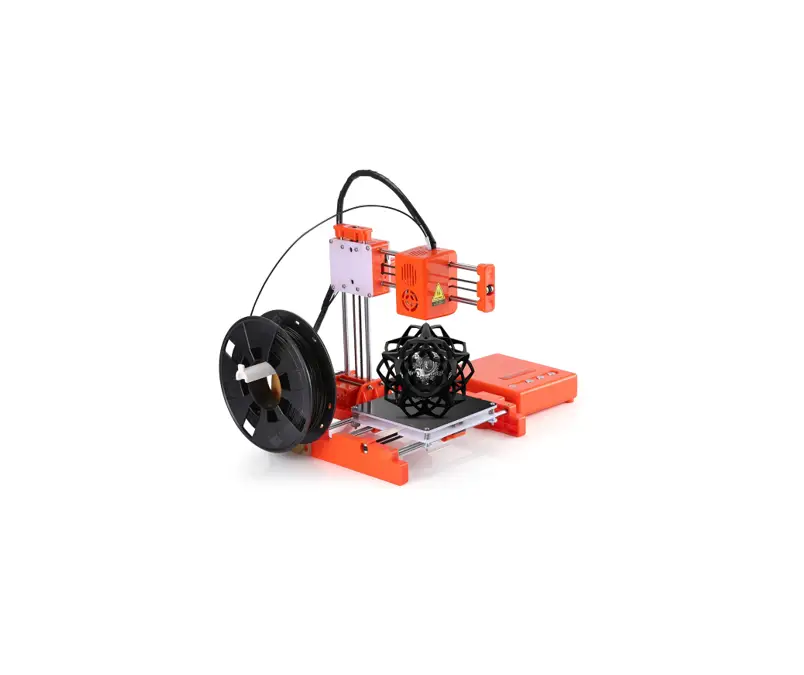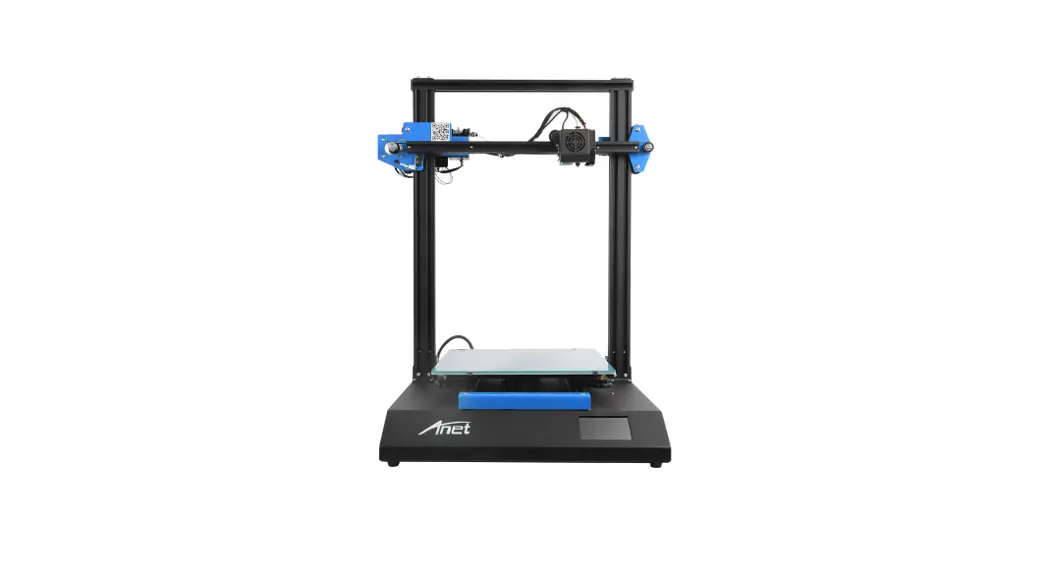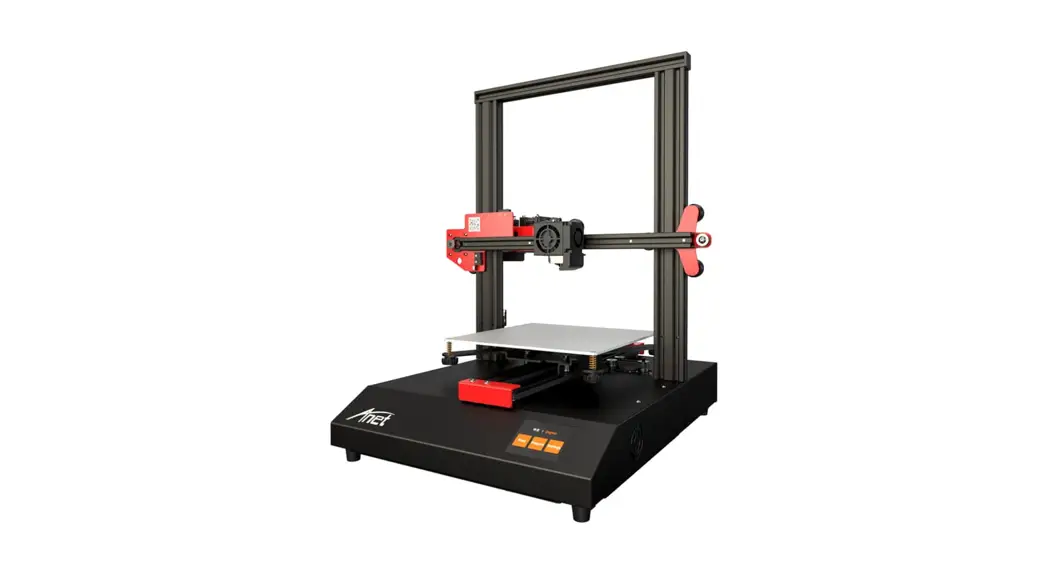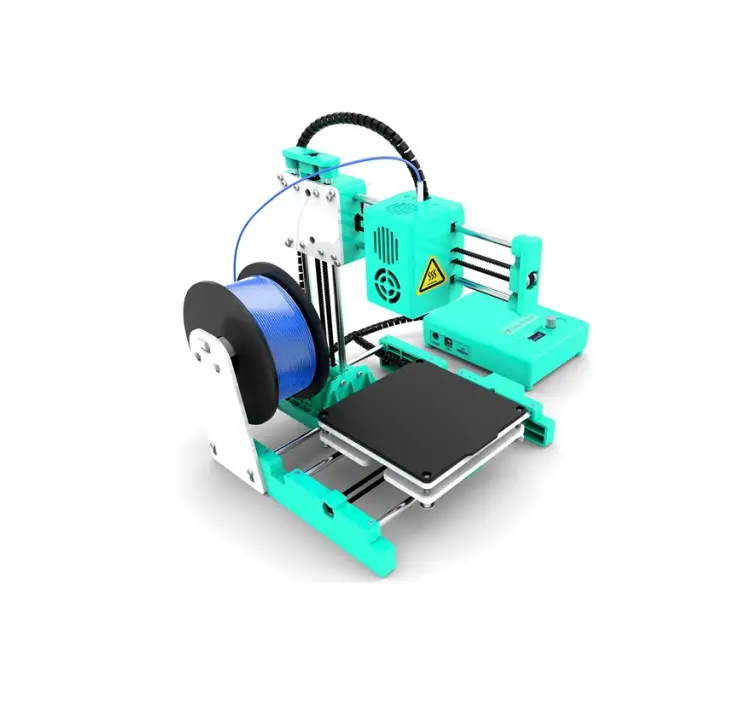
EasyThreed X4 3D Printer
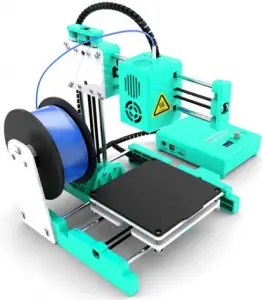
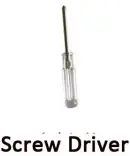
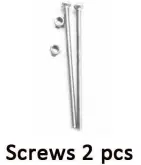
Parts List: Take out parts from package , check if all parts have as listed below。
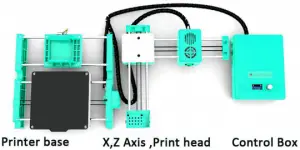
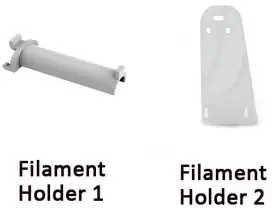
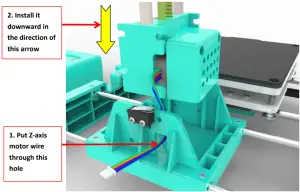
- Install the XZ Axis set to the Printer Base.

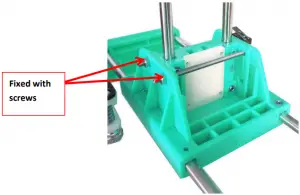
- After insert the XZ Axis, Fixed with 2 screws.

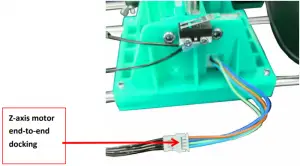
- Connect the Z-axis motor line to the output line of the printer control box as shown in the figure below..

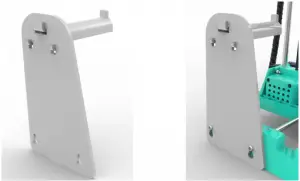
- Install the Filament Holder as below.
Important Notice: This filament holder can only hang on 250g weight filament.
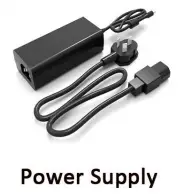
connect the power and start the 3D printing journey.。

ShenZhen EasyThreed Technology CO.,LTD
http://www.easythreed.com
[email protected]
 Easythreed Desktop FDM 3d printer manufacturer