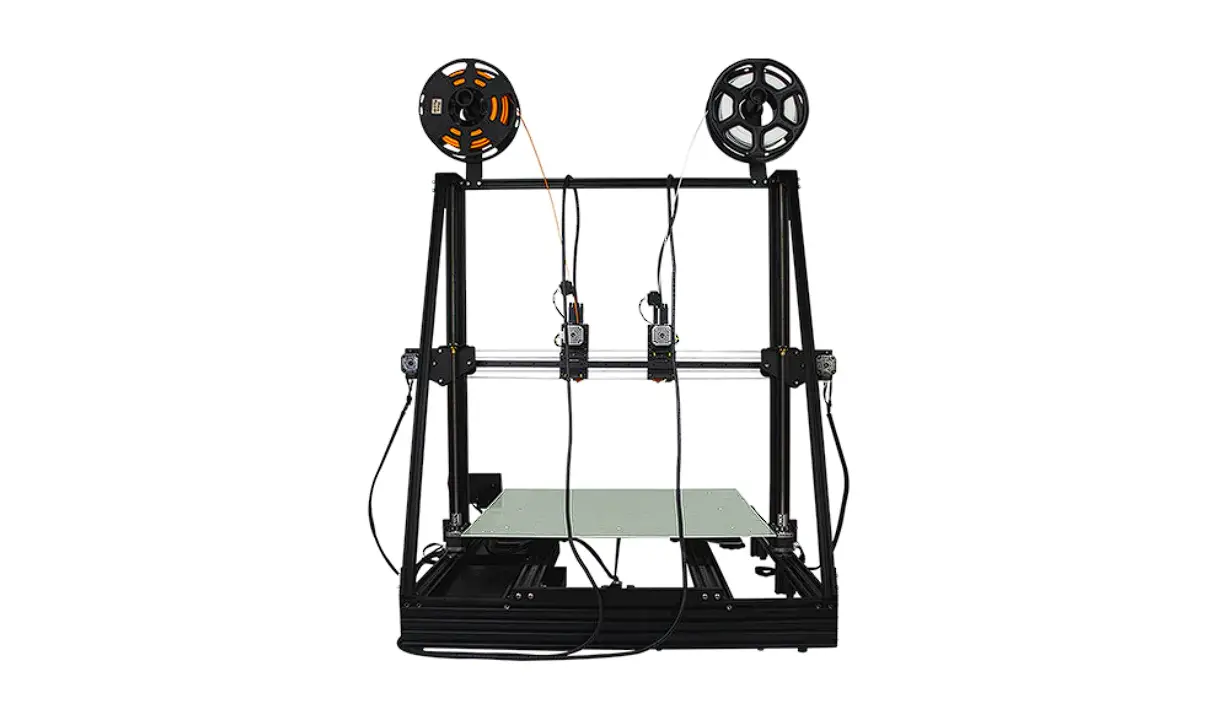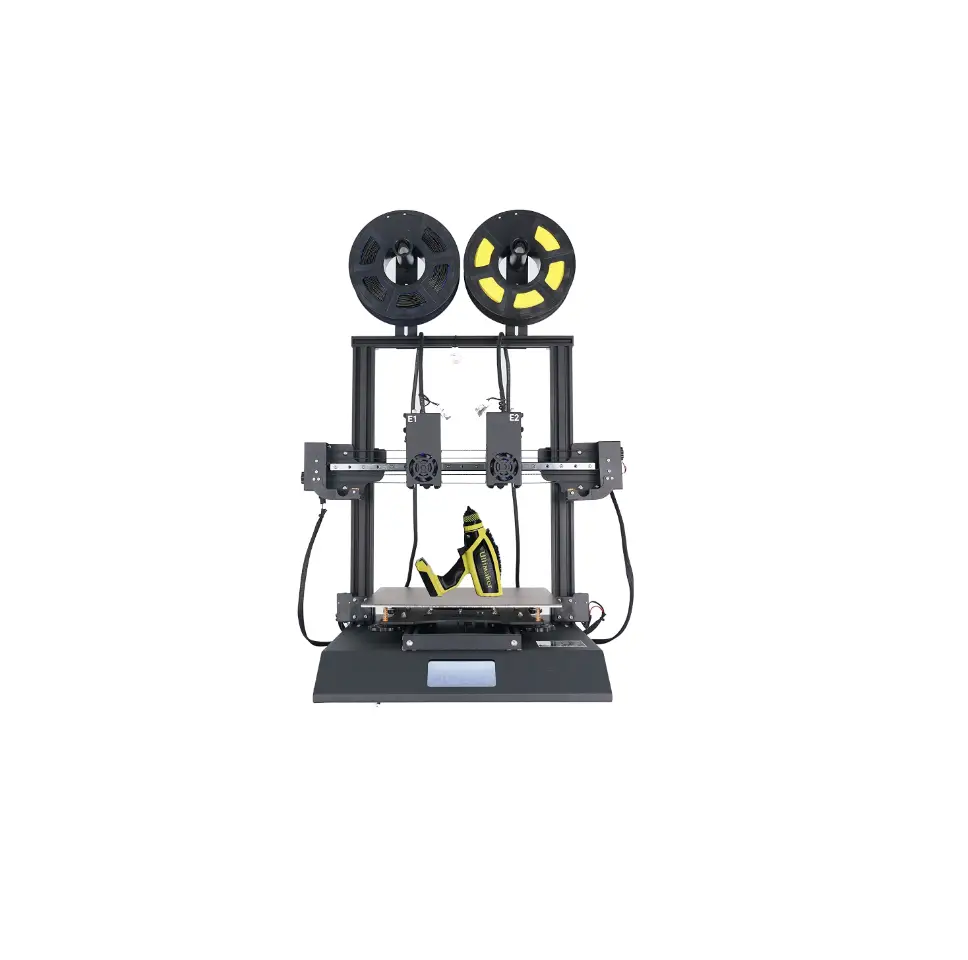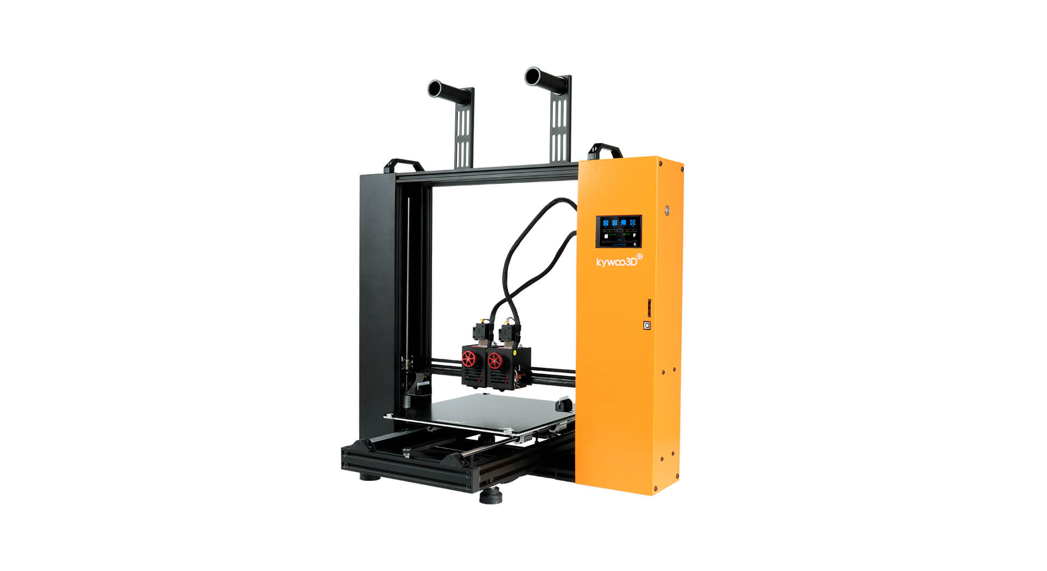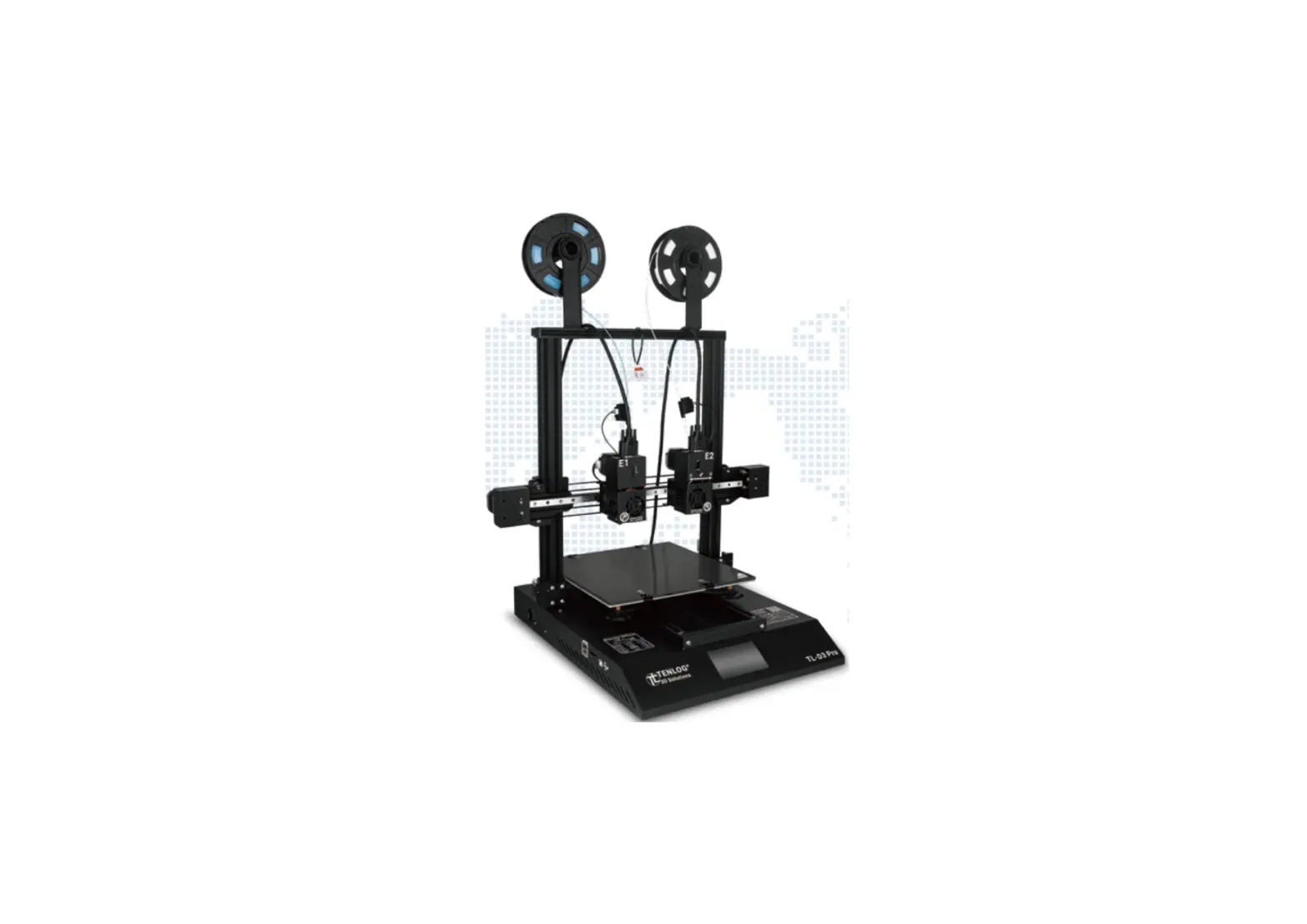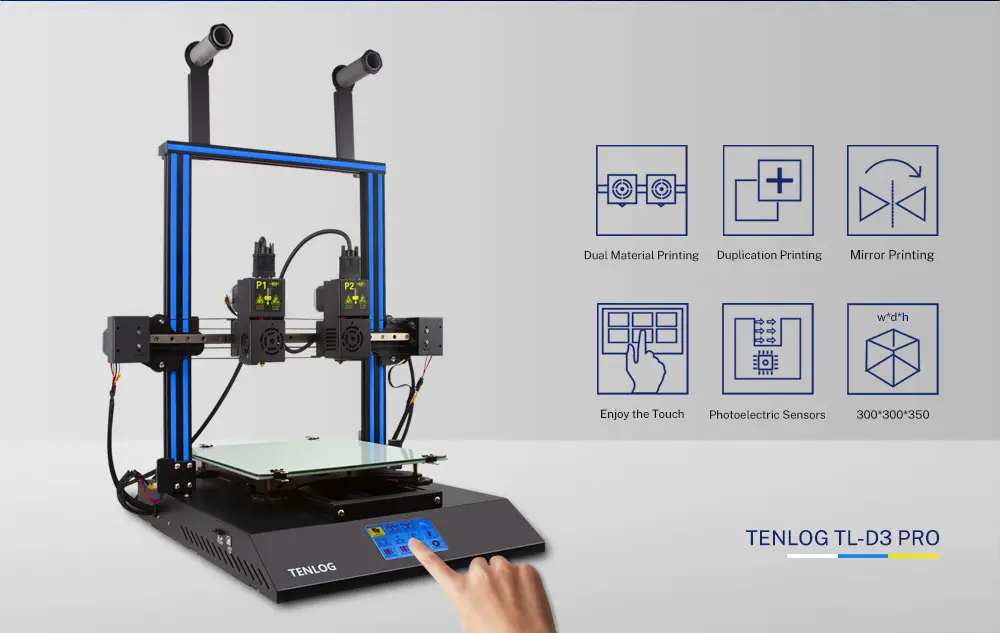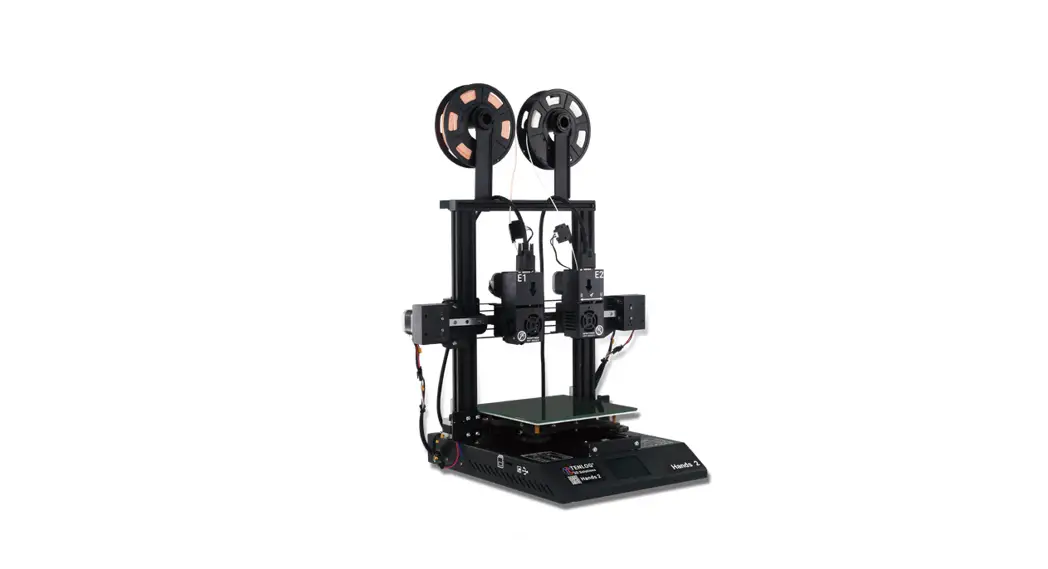
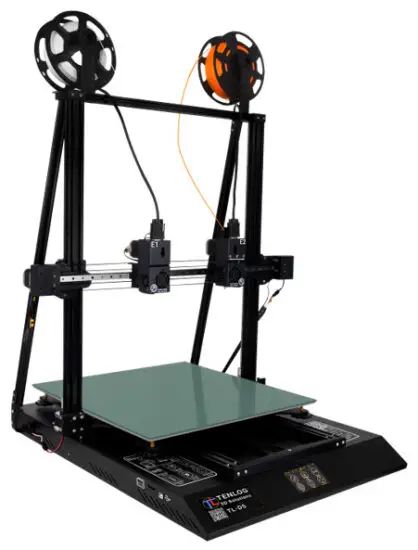
 TL-D5 Idex 3D Printer
Instruction Manual
Warm.Fit
Learn More

This manual is for reference only.
The structure and parts list of the TENLOG 3D printer is subject to the actual product in the carton, and subject to change without notice.
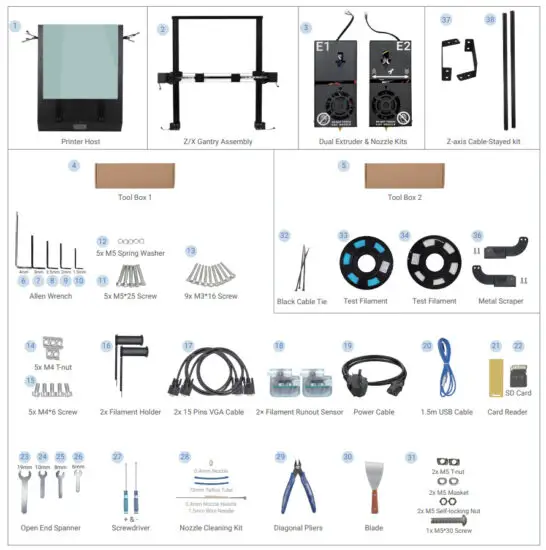
Parts List
Safety Alert
- Minors are not allowed to use alone

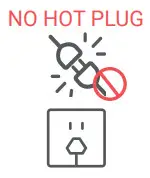
- Do not plug or unplug under power

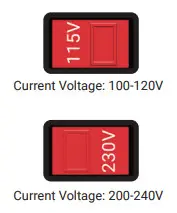
- Double-check voltage before first use

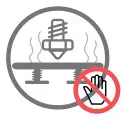
- Do not touch the hot nozzle and hotbed

- A grounded wire is required

- Do not touch any moving part




How to Assemble
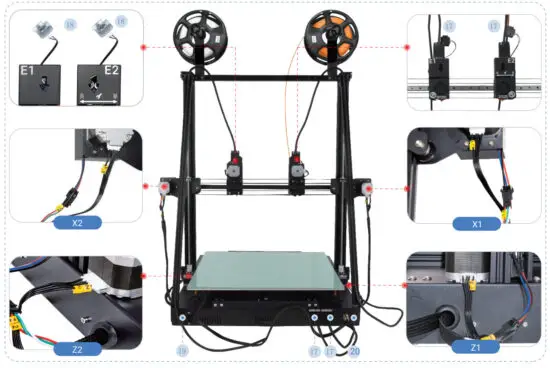
- Assemble Z/X Gantry Assembly to the Printer Host

- Assemble Dual Extruder & Nozzle Kits

- Assemble the Filament Holder
- Assemble Z-axis Cable-Stayed kit

- Wiring

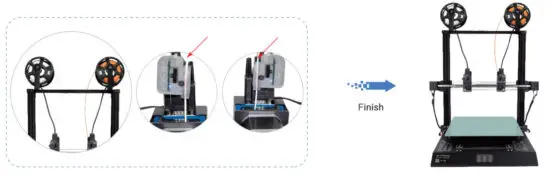
- Enable Filament Runout Detection

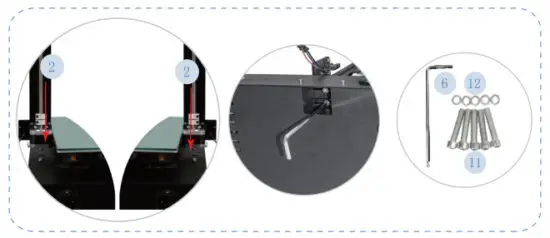
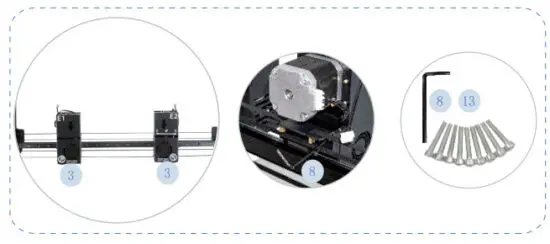
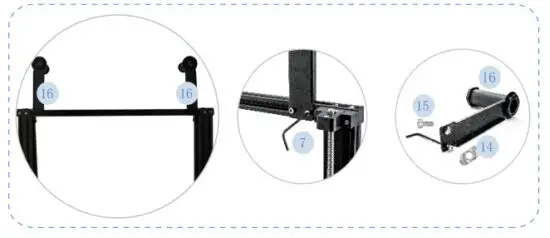
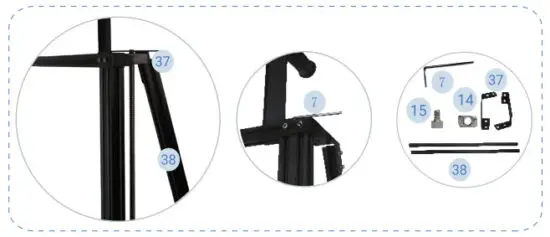
How to Use Touch Screen
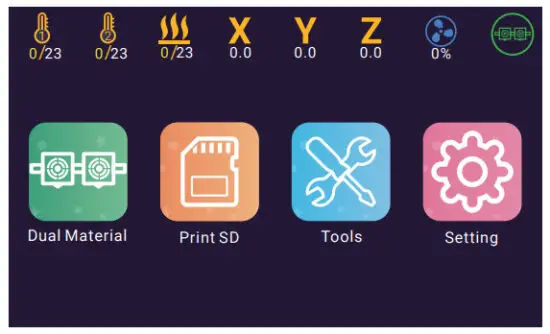
 Click on the Tool button, you can get:
Semi-automatic Leveling
Preheat PLA ABS
Filaments Reload
Printing from any Height etc.
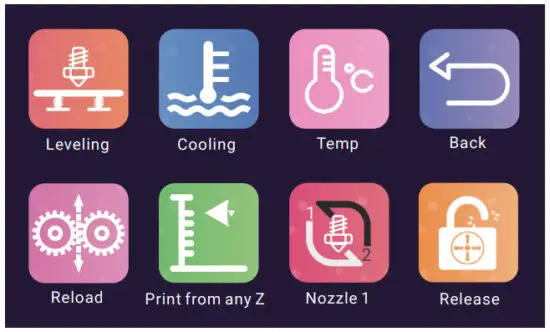
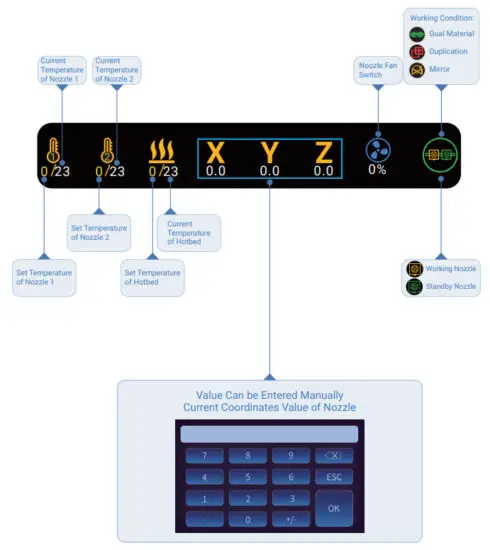
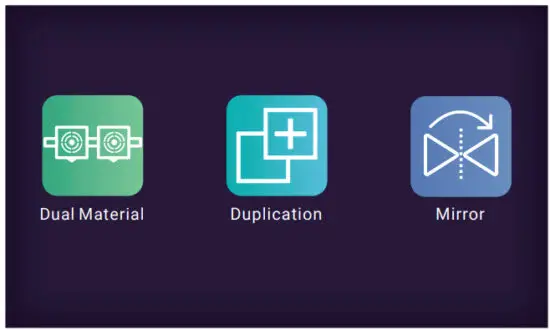
 Click on the Dual Material button, you can switch the print mode:
 Dual Material
  Duplication
  Mirror
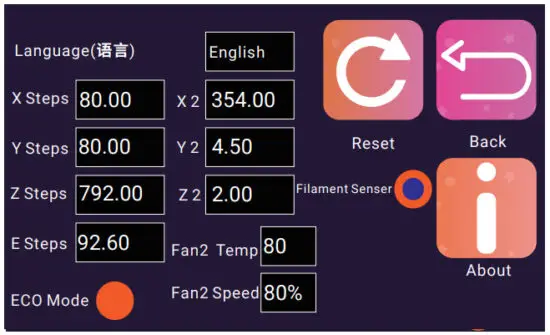
 Click on the Setting button, you can configure the printer :
X Y Z E Steps: The values of Steps per millimeter of each axis
X2 Y2 Z2: Nozzle Offset of Nozzle 2 Relative to Nozzle 1
Fan2 Temp: Set the startup temperature of the Nozzle Cooling Fan
Fan2 Speed: Speed of Nozzle Cooling Fan
How to Use
- How to Level
 https://www.tenlog3d.com/blog/how-to-level_b18
 - How to Set Nozzle Offset
 https://www.tenlog3d.com/blog/how-to-print_b17
 - How to Use
 ttps://www.tenlog3d.com/blog/how-to-set-nozzle-offset_b19
Cura Interface Overview
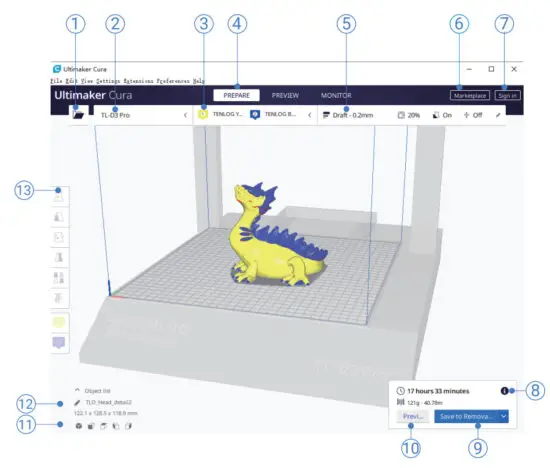
- Open the file. Opens a 3D file.
- Printer selection panel. Displays the selected printer.
- Configuration panel. Contains the material and print core setup.
- Stages. The prepare. Preview and monitor stage. Each stage is arranged to efficiently go through each 3D printing step.
- Print settings panel. Contains all slice strategy parameters.
- Marketplace. Contains plugins and material packages.
- Ultimaker account. Allows access to cloud functionality, Marketplace plugins and print profiles, backups, and more.
- Action panel. Contains an action button dependent on the current stage.
- Print over the network. Save to removable disk or save to file.
- Preview. Proceeds to the next stage, the preview stage.
- Camera position tool. Easily positions the camera to default show default viewing angles.
- Model information. Contains the 3D model name and dimensions of all printable models on the build plate.
- Adjustment Tools. This allows you to easily position, scale, and rotate models on the build plate in the most efficient way.