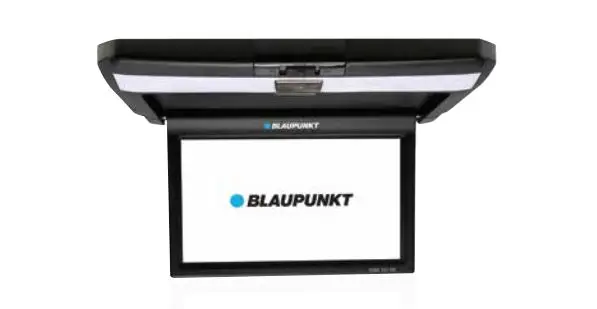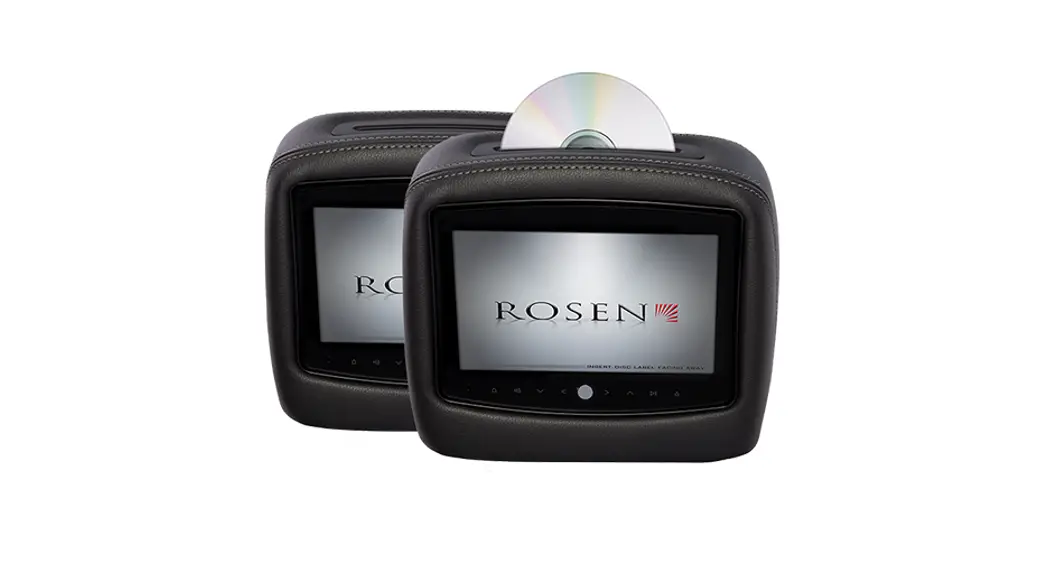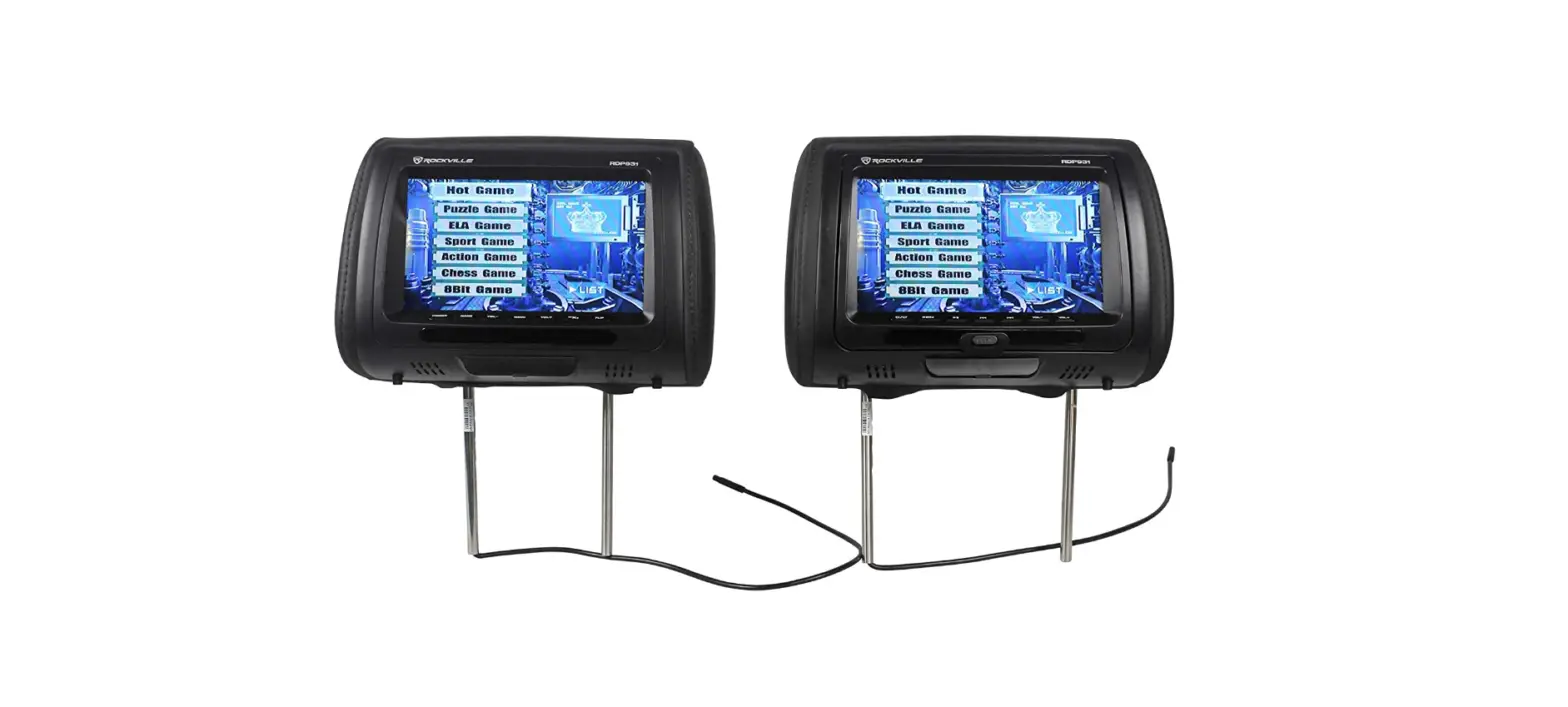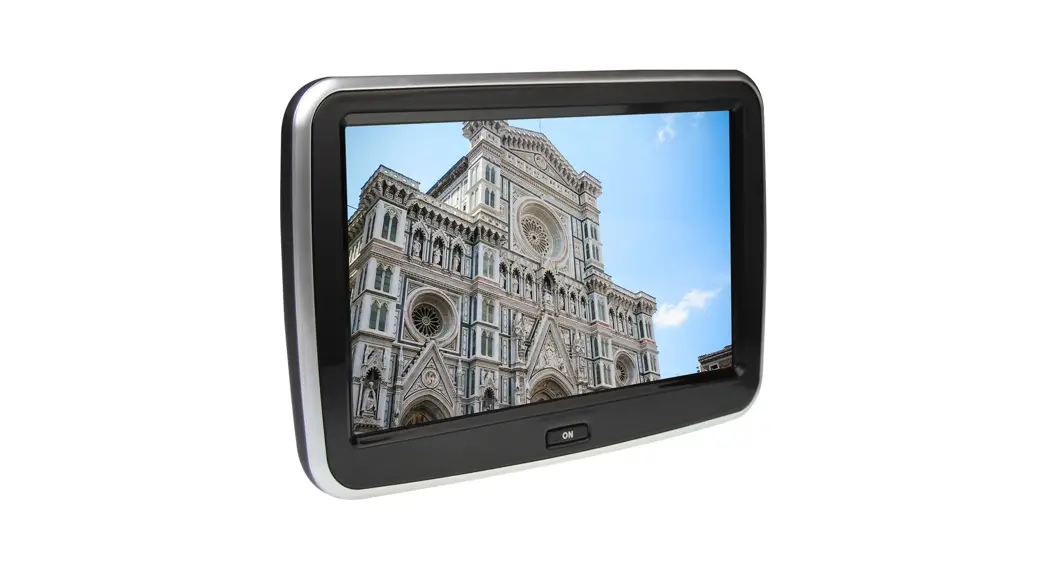

HEADREST MONITOR
FLORENCE 900 HRM
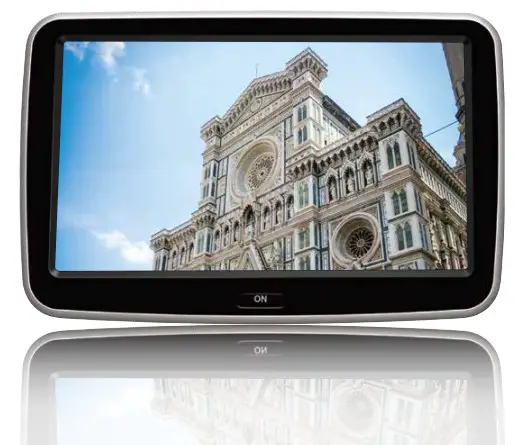 Enjoy it!
Operating and Installation Instructions
Attention
Contents and instructions are subject to change.
Ensure all wires are connected properly, and that the unit is functioning well before fitting the unit into the mount.
Any unauthorized installation, modification, or repair may cause malfunction to the unit and void of warranty coverage.
Consult authorized dealer if installation requires modifications on the vehicle. Do not expose the monitor to high heat, sunlight, dust, dirt or excessive vibration. Keep monitor dry and clean. Reset or restart unit in case of a program error.
Disclaimer-In no event shall Blaupunkt be liable for any direct, indirect, punitive, incidental, special consequential damages, to property or life, improper storage, whatsoever arising out of or connected with the use or misuse of our products.
USA & CANADA: Product not intended for sale in the United States and Canada. If purchased in the U.S. or Canada, this product is purchased as-is. No warranty, express or implied is provided in the U.S. and Canada.
Features
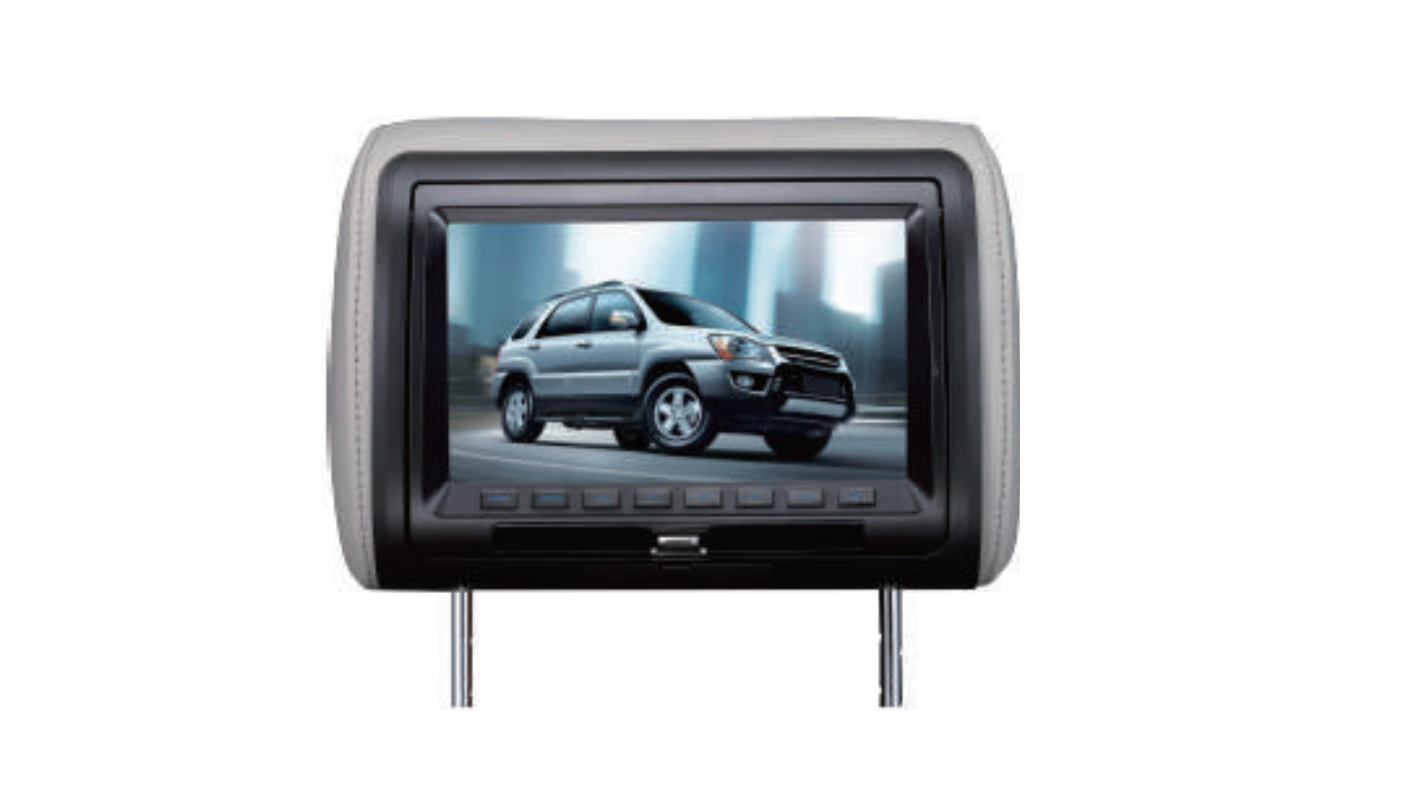
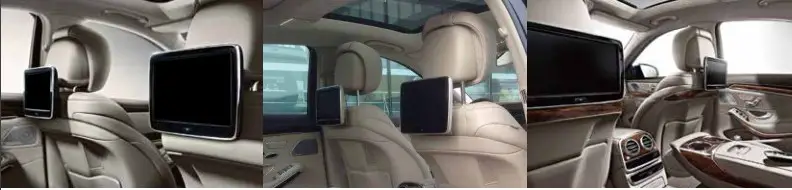
Mercedes-Benz plug & play OE upgrade headrest monitor with 10.1″ capacitive touch screen, tailor-made for selected models
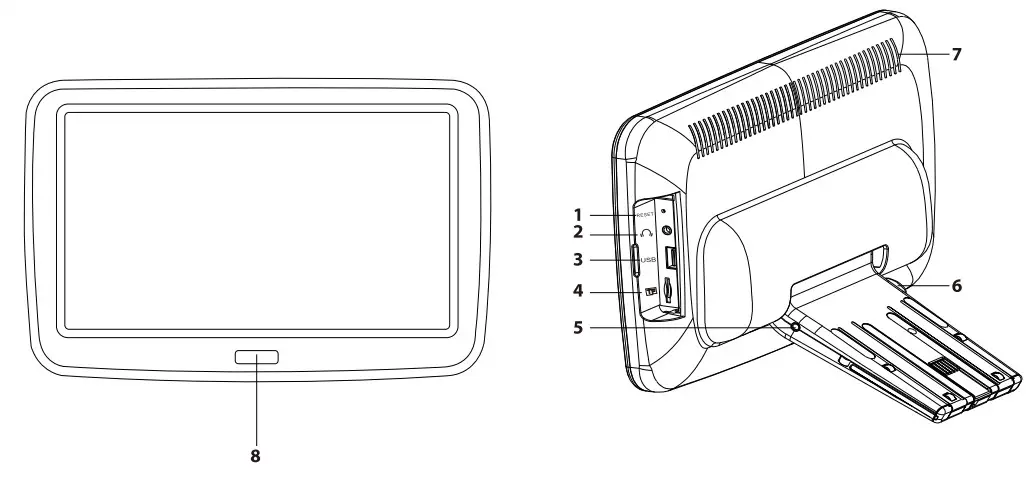
| Florence 900 HRM 10.1″ Capacitive Touch Screen LCD 1024 x 600 Display Resolution Viewing Angle : 80° (Left / Right / Up / Down) Power Supply: 12V DC Android 4.4.4 1G RAM, 8G Flash Support MPEG/MP3/WMA, AVI/MKV/MP4/MOV/FLAC, JPG/BMP/GIF Built-in Wi-H Built-in Speaker Built-in IR/FM/Bluetooth transmitter 1 x 3.5mm Headphone Jack 1 x AN Input 1 x Micro SD (Up to 64gb, not included) 1 x USB (Up to 128GB, not included) Current: Max. 700MA Operating Temperature: -10°C — 60°C Storage Temperature: -10°C —70°C | Function Diagram 1. Reset button 2.3.5mm headphone jack 3. USB port 4. Micro SD port 5.AV input 6. Headrest release button 7. Speaker 8. Power button |
Installation
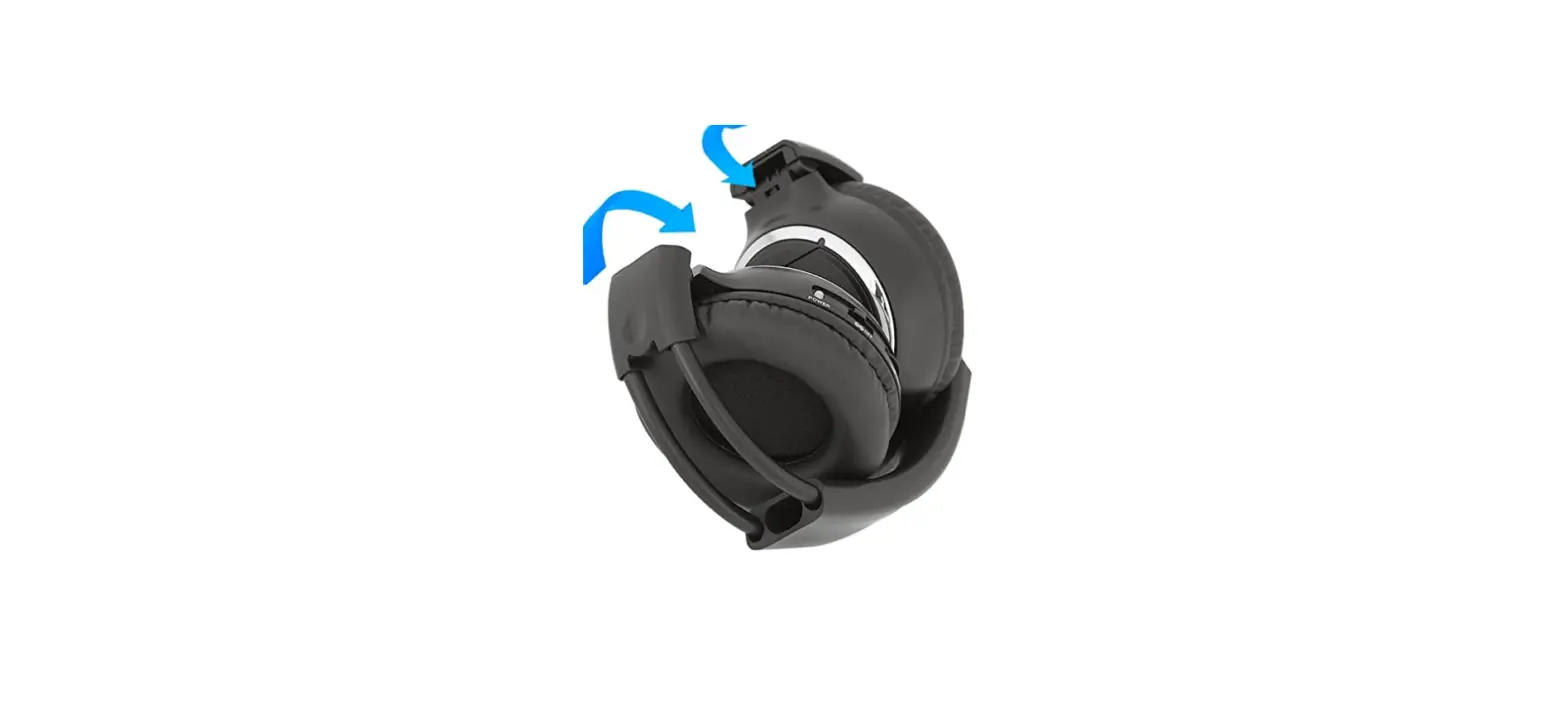
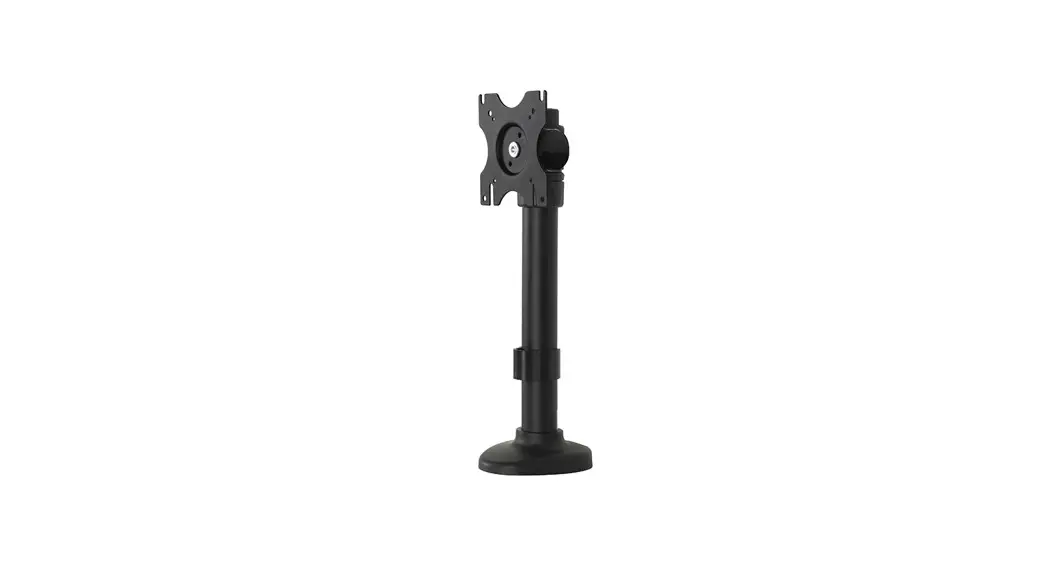
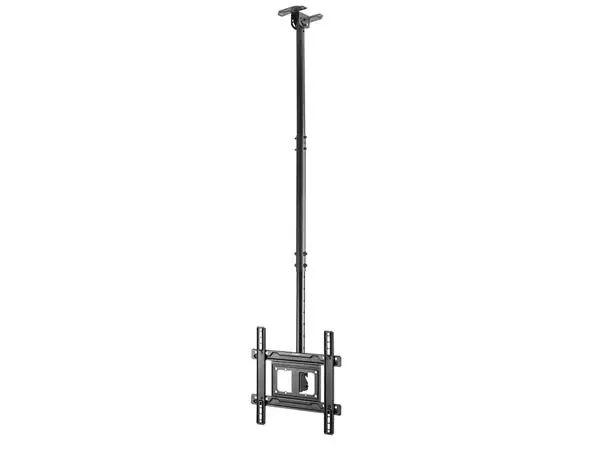
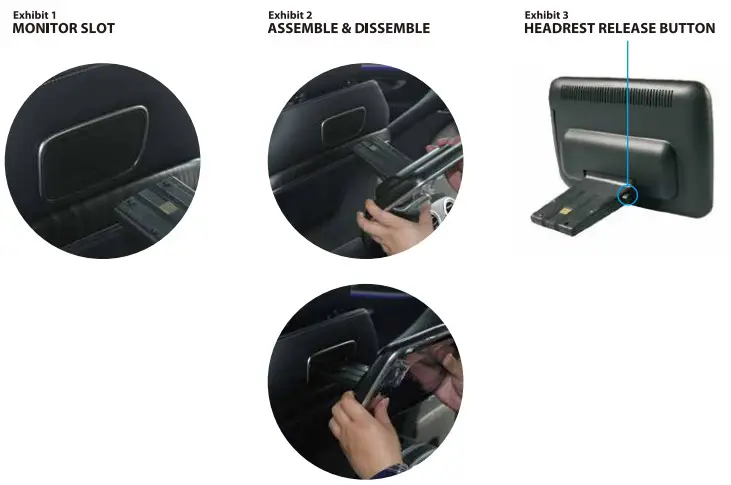
Make sure the vehicle has a built-in monitor slot behind the seat. See Exhibit 1.
Carefully insert/remove the device into/from the slot to assemble. See Exhibit 2.
Press Headrest Release Button to the device from the slot. See Exhibit 3.
Operation
Wi-Fi
Go to settings to activate or deactivate the Wi-Fi feature to connect to a Wi-Fi network and access the internet or other network devices.
Disclaimer: The WLAN can be operated indoors only without restrictions.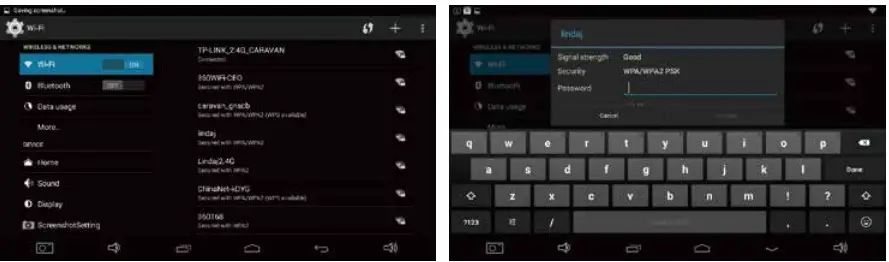
Bluetooth
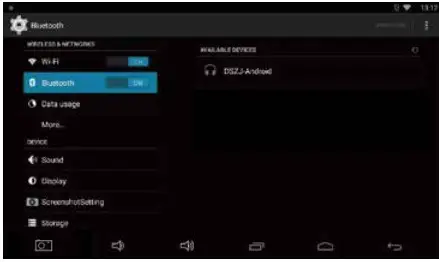
Go to SETTING to activate or deactivate the Bluetooth feature to pair with headphones.
ScreenShot
Go to SETTING to activate or deactivate the ScreenShot function by allowing the ScreenShot button to appear on the status bar.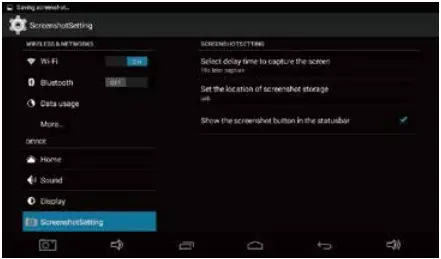
Backup & Reset
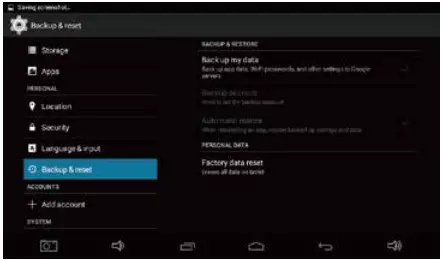
Go to SETTING to Backup or reset the device. Set backup account on the device before resetting the device.
Video Format
VIDEO DECODER
| MPEG-1/2 | |
| Video Codec | MPEG-1/2 |
| Supported Image Size | 48x48pixels to 1920x1088pixels |
| Maximum Frame Rate | 30fps |
| Maximum Bit Ratel | 80Mbps |
| File Format | DAT, MPG, VOB, TS |
| Remark | Support Field Coding |
| MPEG-4 | |
| Video Codec | MPEG4 |
| Supported Image Size | 48x48pixels to 1920x1088pixels |
| Maximum Frame Rate | 30fps |
| Maximum Bit Rate | 38.4Mbps |
| File Format | AVI, MKV, MP4, MOV, 3GP |
| Remark | Not support MS MPEG4 y1/y2/y3 |
| Not support GMC | |
| H.264 | |
| Video Codec | H.264 |
| Supported Image Size | 48x48pixels to 1920x1088pixels |
| Maximum Frame Rate | 30fps |
| File Format | AVI, MKV, MP4, MOV, 3GP, TS, FLV |
| Remark | Support Field Coding |
| Support MBAFF | |
| MVC | |
| Video Codec | H.264 MVC |
| Supported Image Size | 48x48pixels to 1920x1088pixels |
| Maximum Frame Rate | 60fps |
| Maximum Bit Rate | 38.4Mbps |
| File Format | MKV, TS |
| Remarks | Support Stereo High Profile only |
| H.265/HEVC | |
| Video Codec | H.265/HEVC |
| Supported Image Size | 48x48pixels to 1920x1088pixels |
| Maximum Frame Rate | 60fps |
| Maximum Bit Rate | 57.2Mbps |
| File Format | MKV, MP4, MOV, TS |
| GOGGLE VP8 | |
| Video Codec | VP8 |
| Supported Image Size | 48x48pixels to 1920x1088pixels |
| Maximum Frame Rate | 30fps |
| Maximum Bit Rate | 38.4 Mbps |
| File Format | WEBM,MKV |
| H.263 | |
| Video Codec | H.263 |
| Supported Image Size | SQCIF(128×96), QCIF(176×144), CIF(352×288),4CIF(704×576) |
| Maximum Frame Rate | 30fps |
| Maximum Bit Rate | 38.4Mbps |
| File Format | 3GP, MOV, MP4 |
| Remark | Not support H.263+ |
| VC-1 | |
| Video Codec | VC-1 |
| Supported Image Size | 48x48pixels to 1920x1088pixels |
| Maximum Frame Rate | 30fps |
| Maximum Bit Rate | 45Mbps |
| File Format | WMV, ASF, TS, MKV, AVI |
| MOTION JPEG | |
| Video Codec | MJPEG |
| Supported Image Size | 48x48pixels to 1920x1088pixels |
| Maximum Frame Rate | 30fps |
| Maximum Bit Rate | 38.4Mbps |
| File Format | AVI |
| VIDEO ENCODER | |
| H.264/AVC | |
| Video Codec | H.264 |
| Supported Image Size | 96x96pixels to 1920x1088pixels |
| Maximum Frame Rate | 30fps |
| Maximum Bit Rate | 20Mbps |
| Remark | Not support MBAFF |
| Google VP8 | |
| Video Codec | VP8 |
| Supported Image Size | 96x96pixels to 1920x1088pixels |
| Maximum Frame Rate | 30fps |
| Maximum Bit Rate | 10Mbps |
| Remark | WEBM |
Audio Format
AUDIO DECODER
| MPEG Audio | |
| Audio Codec | MPEG1/2/2.5 Audio Layers/2/3 |
| Channel | 2 |
| Bit rate | 8kbps-320Kbps, CBR and VBR |
| Sampling rate | 8KHZ-48KHz |
| File Format | MP1, MP2, MP3 |
| Windows Media Audio | |
| Audio Codec | WMA Version 4,4.1, 7, 8, 9, wmapro |
| Channel | 2 |
| Bit rate | 8kbps-320Kbps |
| Sampling rate | 8KHZ-48KHz |
| File Format | WMA |
| Remarks | Not support WMA Pro, lossless and MBR |
| WAV Audio | |
| Audio Codec | MS-ADPCM, IMA-ADPCM, PCM |
| Channel | 2 |
| Sampling rate | 8KHZ-48KHz |
| File Format | WAV |
| Remark | Support 4bit MS-ADPCM,IMA-ADPCM |
| OGG Audio | |
| Audio | Codec Q1— Q10 |
| Channel | 2 |
| Sampling rate | 8KHZ-48KHz |
| File Format | OGG, OGA |
| FLAC Audio | |
| Audio Codec | Compress Level 0-8 |
| Channel | 2 |
| Sampling rate | 8KHZ-48KHz |
| File Format | FLAC |
| AAC Audio | |
| Audio Codec | ADIF, AIDS Header AAC-LC and AAC-HE, AAC-ELD |
| Channel | 5. |
| Sampling rate | 8KHZ-48KHz |
| File Format | AAC, M4A |
| AMR Audio | |
| Audio Codec | AMR-NB, AMR-WB |
| Channel | 1 |
| Bit rate | AMR-NB 4.75-12.2kbps@8kHz AMR-WB 6.60-23.85kbps@16kHz |
| Sampling rate | 8KHZ, 16KHz |
| File Format | 3GP |
| MIDI Audio | |
| Audio Codec | MIDI Type 0 and 1, DLS version 1 and 2, XMF and |
| Mobile XMF, RTTTURTX, OTA, iMelody | |
| Channel | 2 |
| File Format | XMF, MXMF, RTTTL, RTX, OTA, IMY |
| AUDIO ENCORDER | |
| AMR Audio | |
| Audio Codec | AMR-NB, AMR-WB |
| Channel | 2 |
| Bit rate | 4.75kbps-12.2Kbps, CBR |
| Sampling rate | 8KHZ, 16KHZ |
| Container | 3GPP |
| AAC Audio | |
| Audio Codec | AMR-NB, AMR-WB |
| Channel | 2 |
| Bit rate | 4.75kbps-12.2Kbps, CBR |
| Sampling rate | 8KHZ, 16KHZ |
| Container | 3GPP |
Image Format
IMAGE DECODER
| JPEG | |
| Image Codec | JFIF file format 1.02 |
| Support Image Size | 48x48pixels to 8176x8176pixles |
| Container | JPG, JPEG |
| Remark | Base and progressive |
| Software support SRGB JPEG | |
| Software support Adobe RGB JPEG | |
| BMP | |
| Image Codec | BMP |
| Support Image Size | No Restriction’ |
| Container | BMP |
| GIF | |
| Image Codec | GIF |
| Support Image Size | No Restriction |
| Container | GIF |
| PNG | |
| Image Codec | PNG |
| Support Image Size | No Restriction |
| Container | PNG |
| WEBP | |
| Image Codec | WEBP |
| Support Image Size | No Restriction |
| Container | WEBP |
| IMAGE ENCODER | |
| JPEG | |
| Image Codec | JPEG Baseline |
| Support Image Size | 96x32pixels to 8176x8176pixles |
| Maximum Data Rate2 | 90Mpixels/Second |
| File Format | JFIF file format 1.02 |
Designed and engineered by Blupunkt