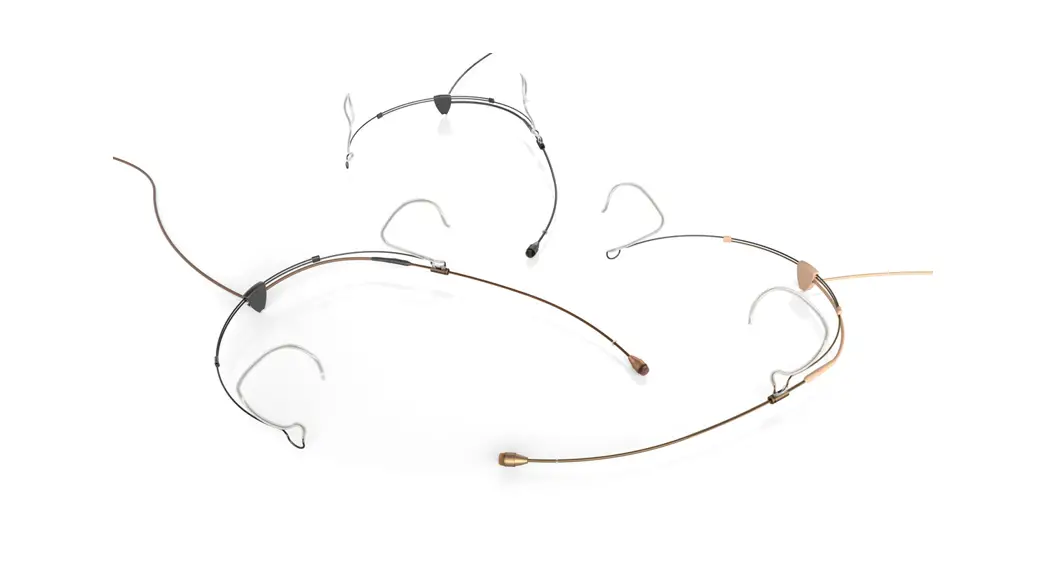

Quickstart guide for Headset Microphones
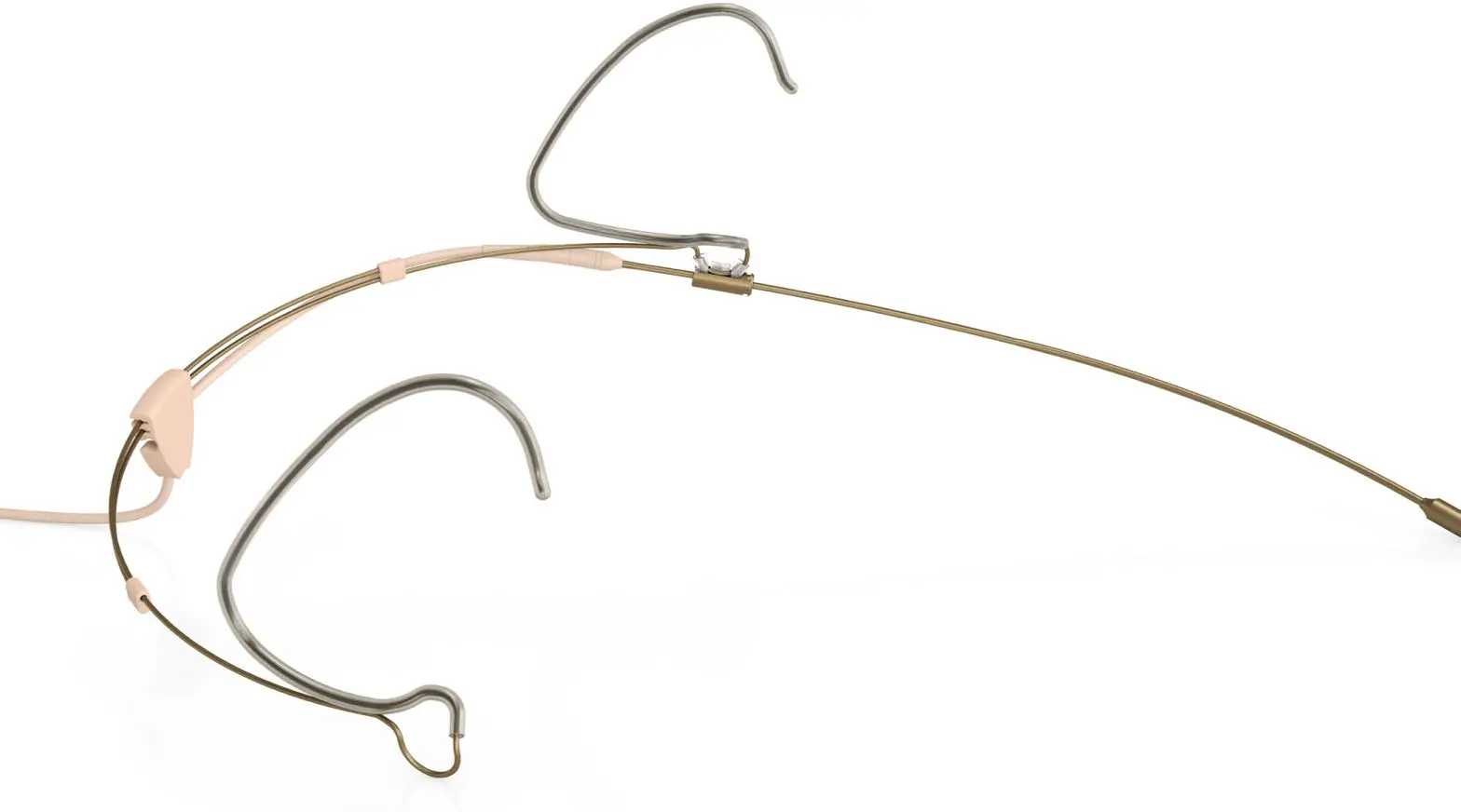
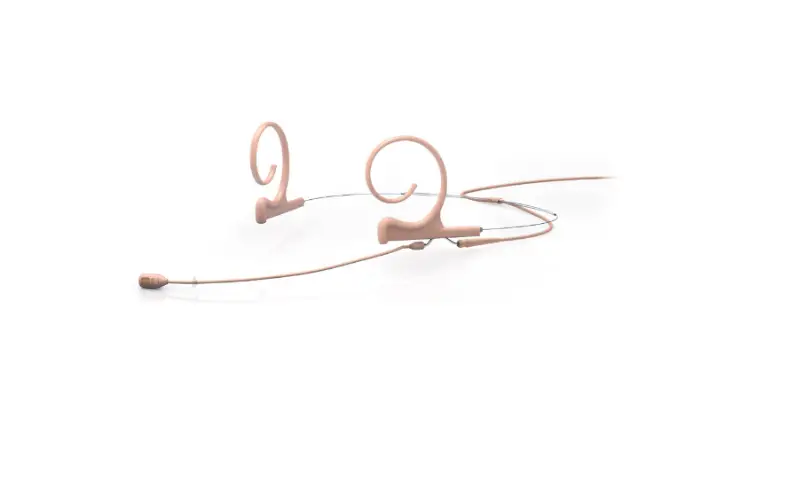
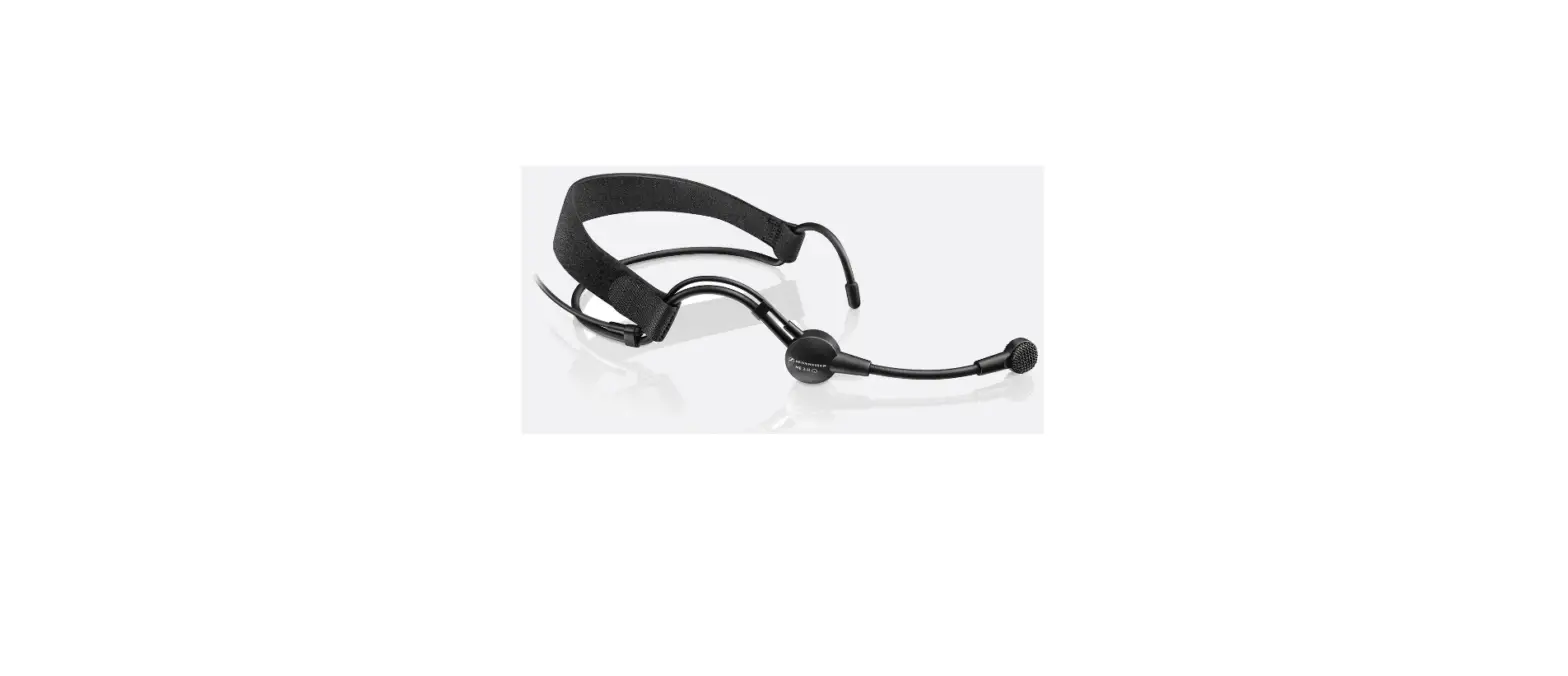
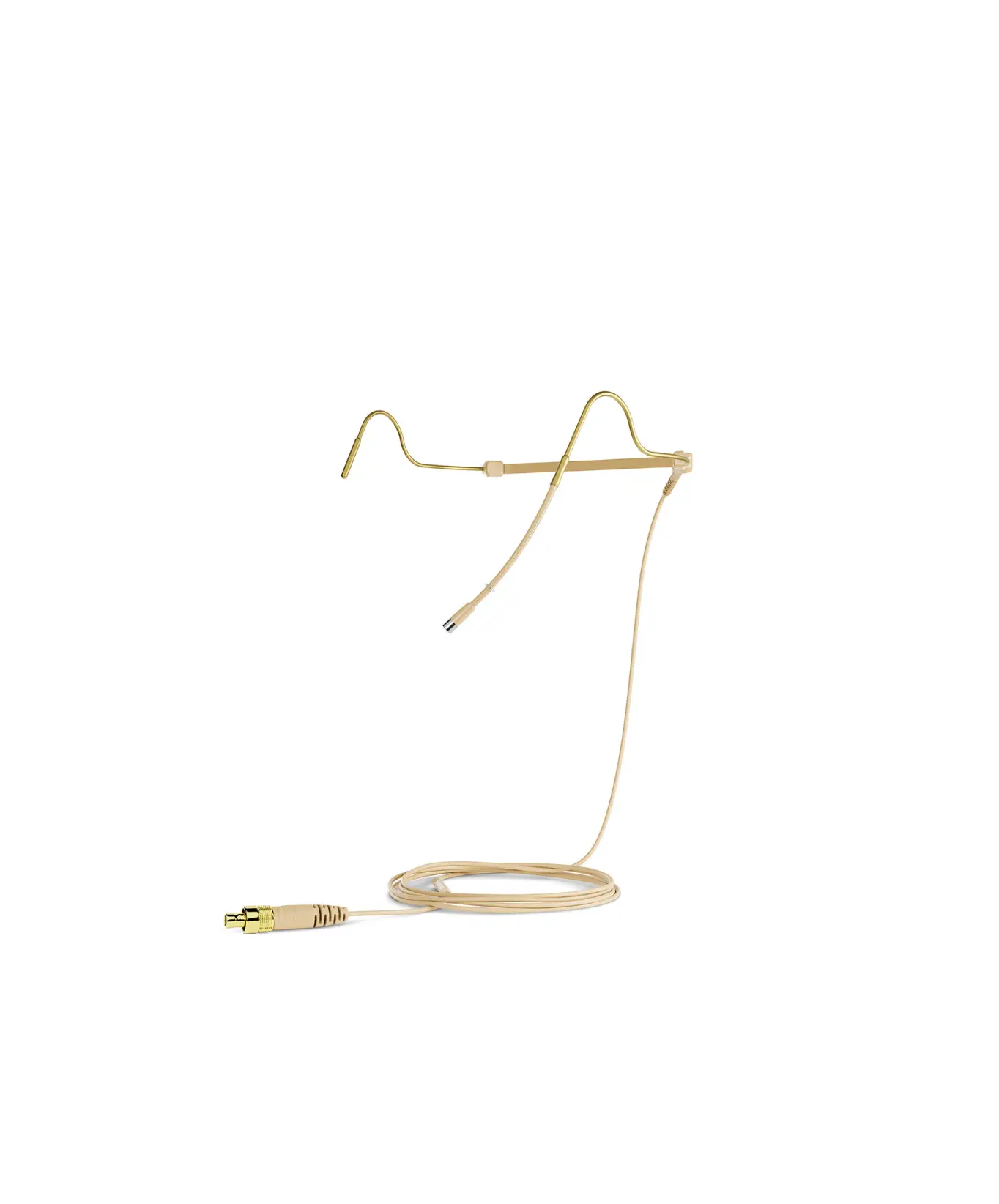
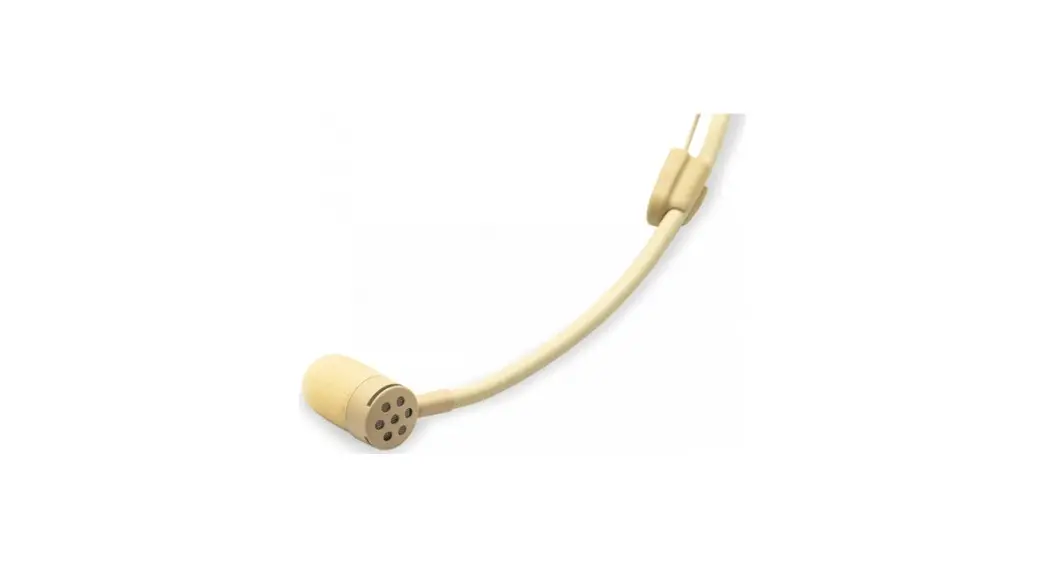
| 4466 Omnidirectional Headset | 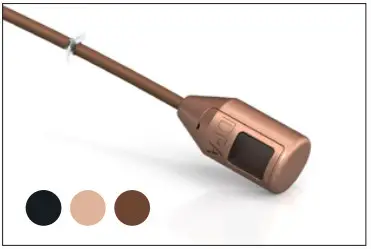 |
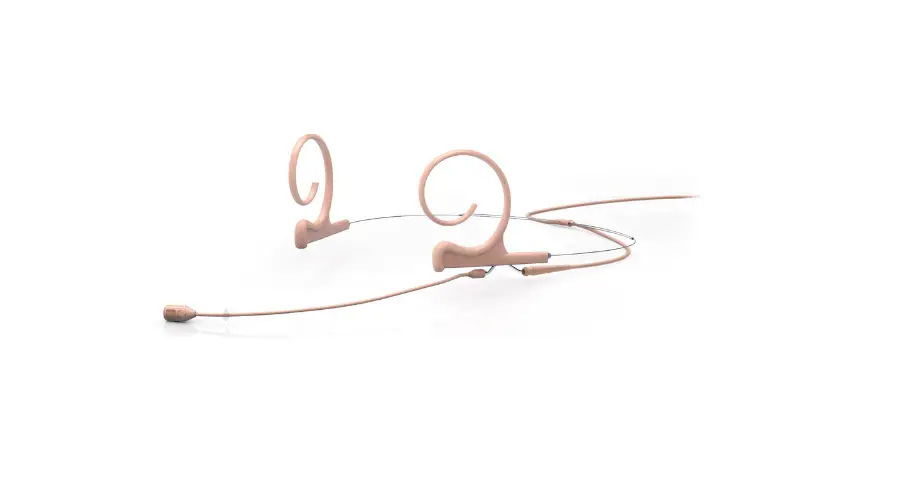
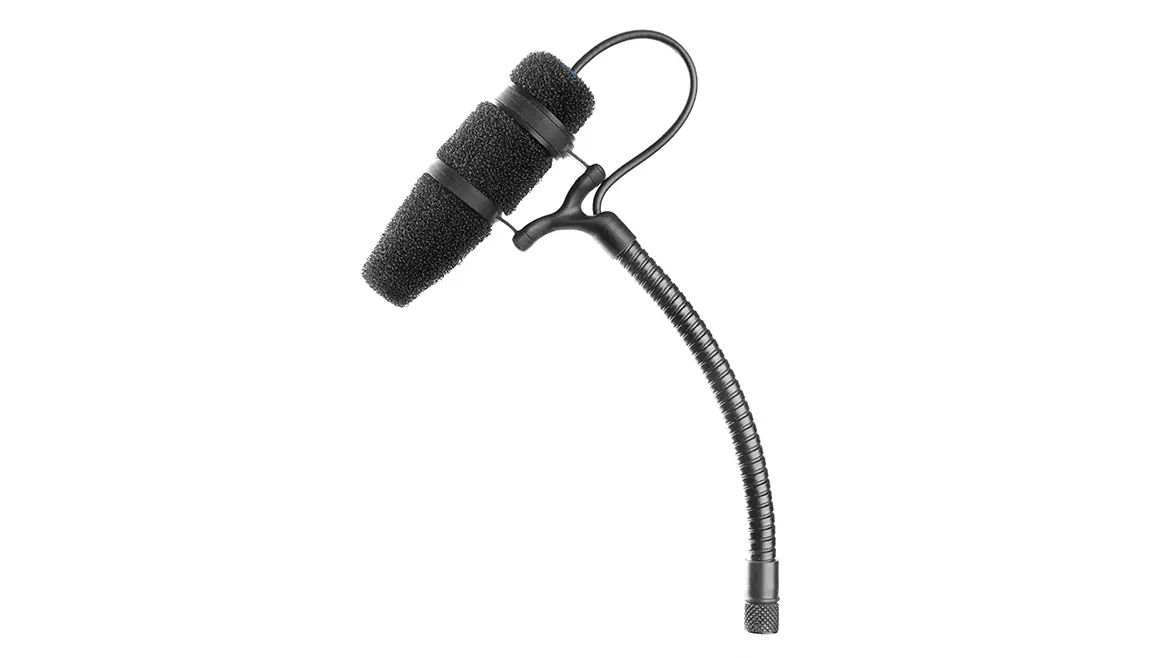
| 4488 Directional Headset | 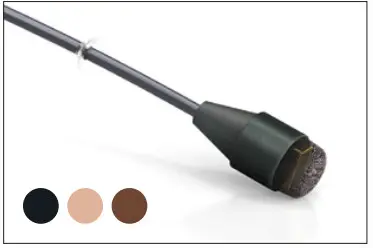 |
Placement of an omni headset
| The microphone capsule is correctly positioned when it sits close to (but not touching) your face, at the corner of your smile. | 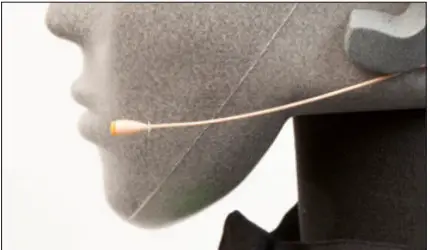 |
| We suggest that you expand the frame and then place it on your head before adjusting it to the correct size. | 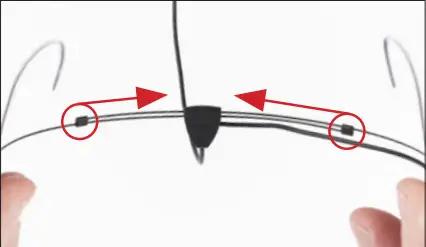 |
Placement of a directional headset
| The positioning of this mic, due to its directional characteristics is essential as the low-frequency level will change according to the distance to the mouth. Mount the mic 2-3 cm (1 in) from the corner of the mouth to ensure optimal sound quality. | 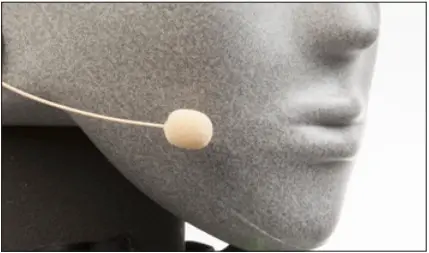 |
Adjusting frame size
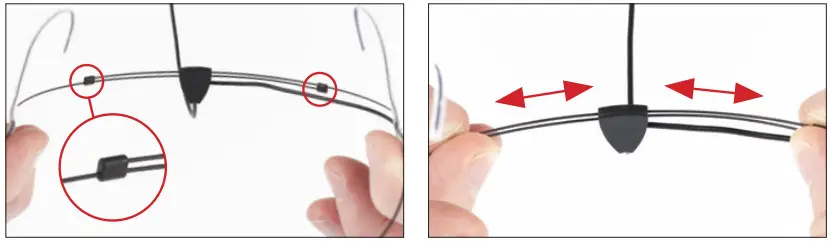
Adjusting boom length

Adjusting boom height
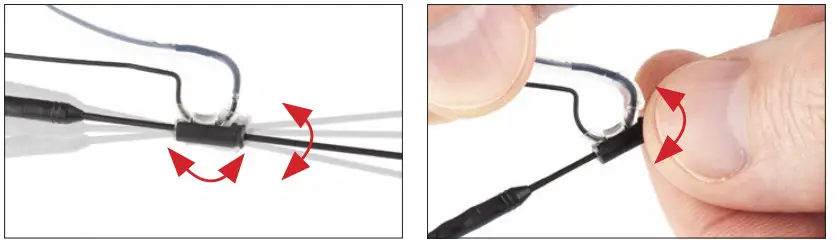
Adjusting ear grips

Flipping boom (left to right side)

![DPA 44664488 Headset Mics -Flipping boom3]]](https://static-data1.manualsee.com/1/img/475/585014/2021/09/DPA-44664488-Headset-Mics-Flipping-boom3.jpg)
Detach the boom pole from the ear grip by gently pulling the boom down (starting at the back and tipping forward). (fig. 1) Move the cable to the other side of the cable guide. (fig. 2) Move the boom pole to the other side and reattach it by gently pushing up until it clicks onto the ear grip. (fig. 3) Release the sliding lock and turn the boom pole 1800. (fig. 4) Move the sliding lock back on the ear grip and it’s ready to use. (fig. 5)
90º cable management system
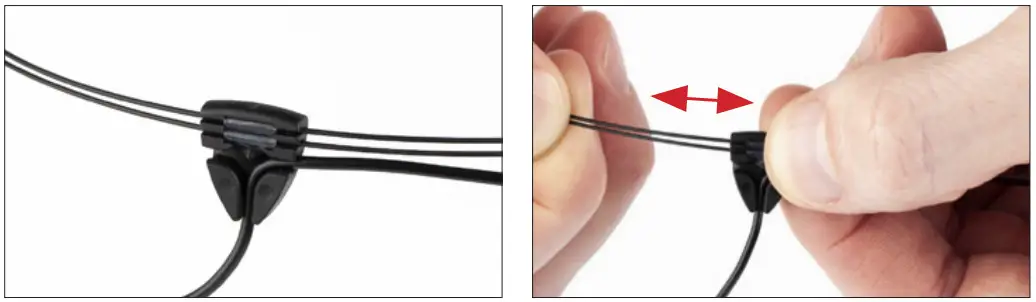
See full manuals, specifications, and instruction videos: dpamicrophones.com/4466 dpamicrophones.com/4488
DPI-Refine-QG
Warranty
DPA Headset Microphones are covered by a two-year limited warranty.
Service & repair
If you are not satisfied with the characteristics exhibited by this product, please contact your nearest DPA Microphones representative for support.
CE marking
This product conforms to all relevant directives approved by the European Commission.
 © Copyright 2021
dpamicrophones.com
 DPA Microphones - Pro-audio condenser microphones