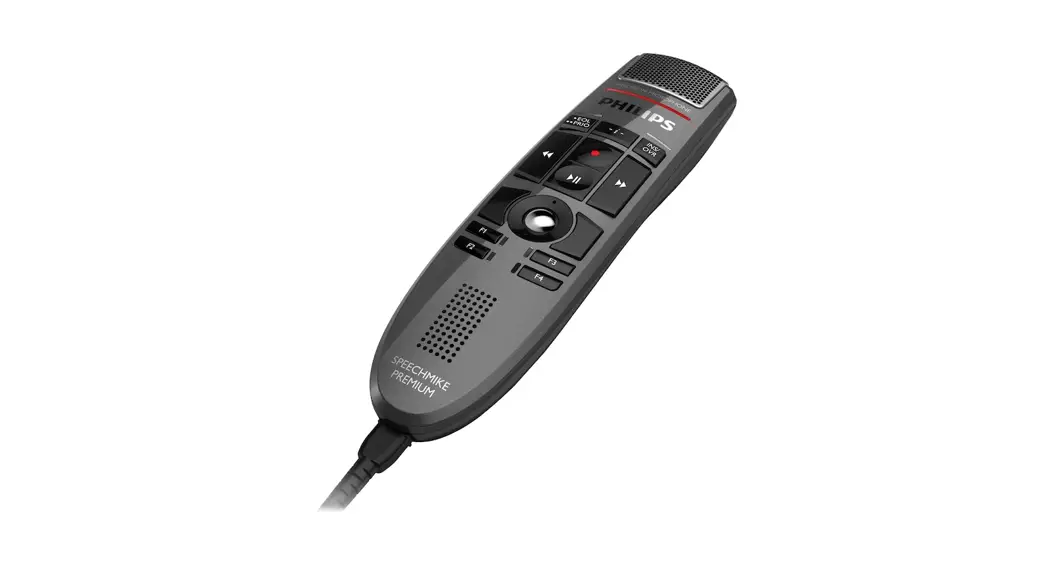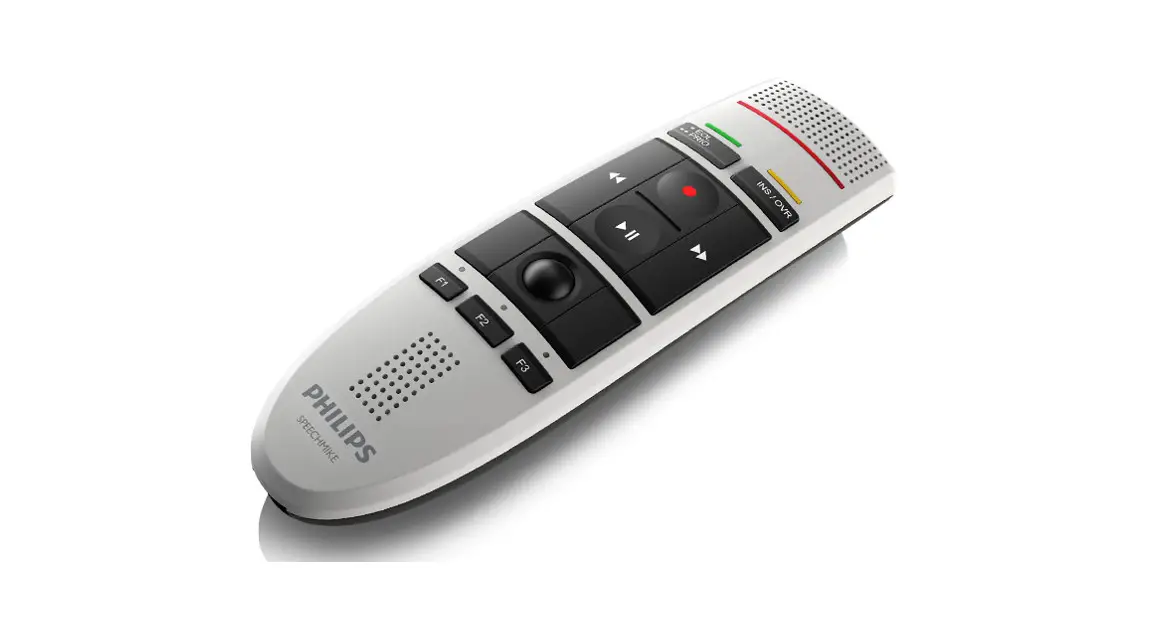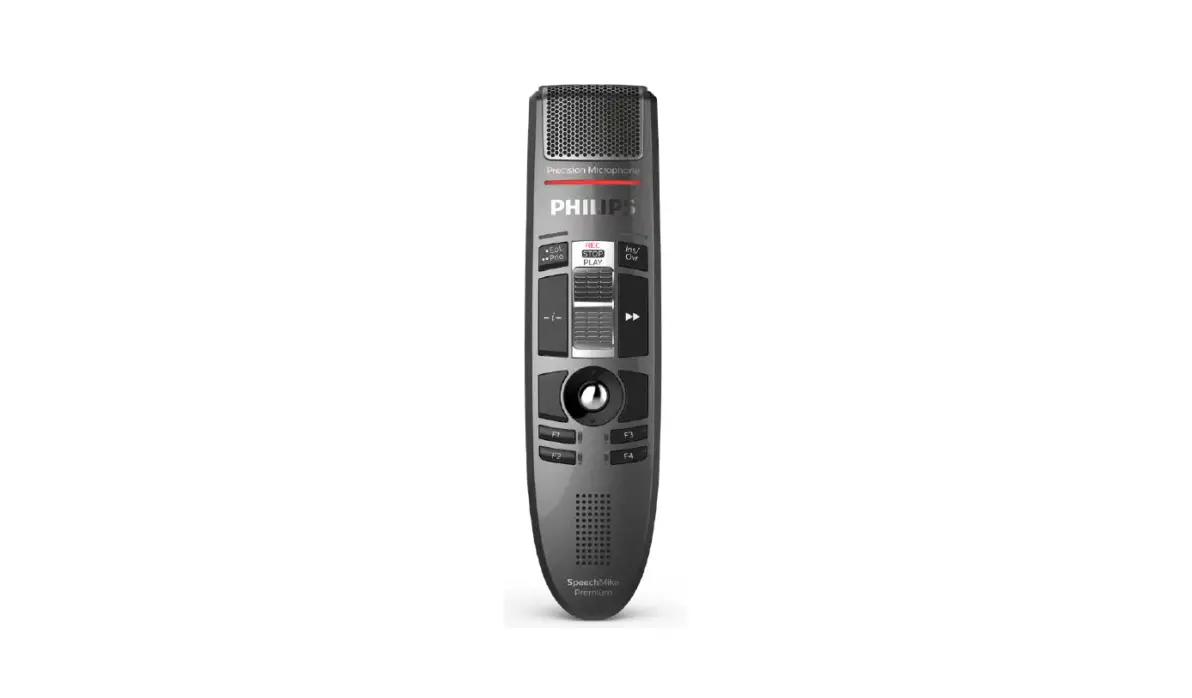
 PHILIPS LFH 3510 Premium Speech Mic
 PHILIPS LFH 3510 Premium Speech Mic
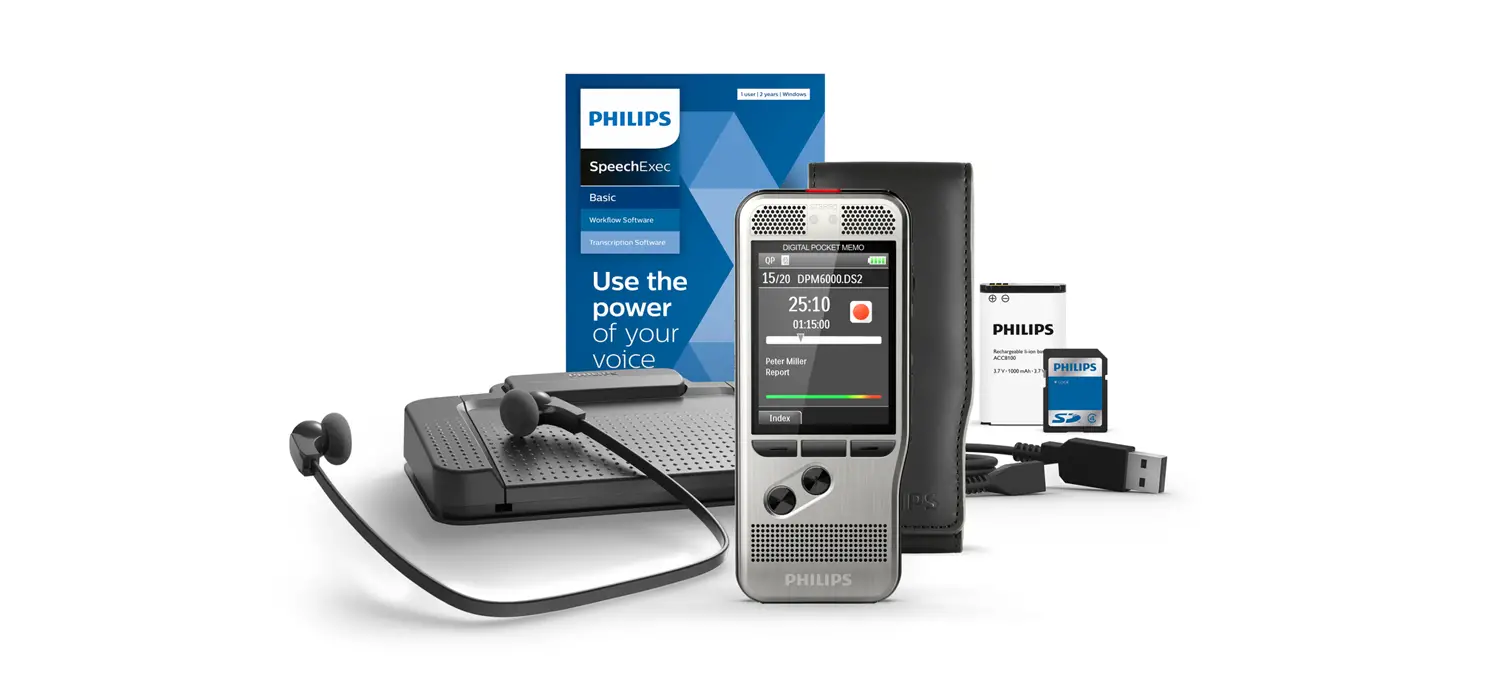
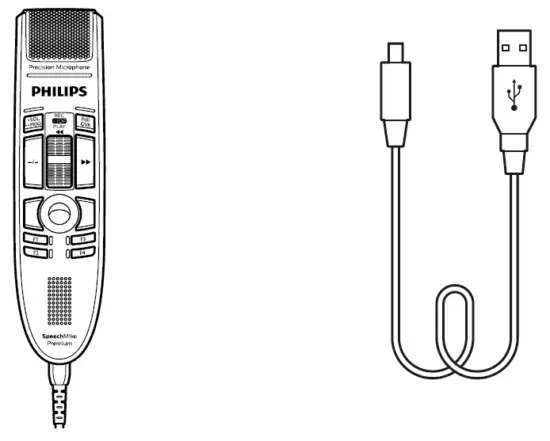
What’s in the Box
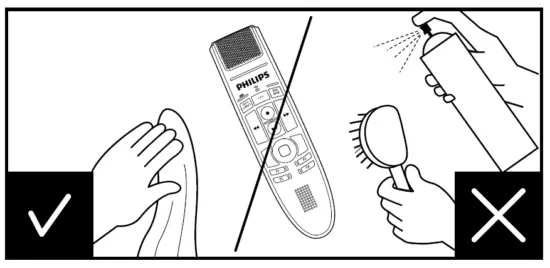
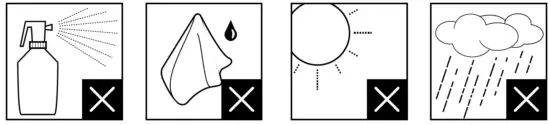
Safety Warning

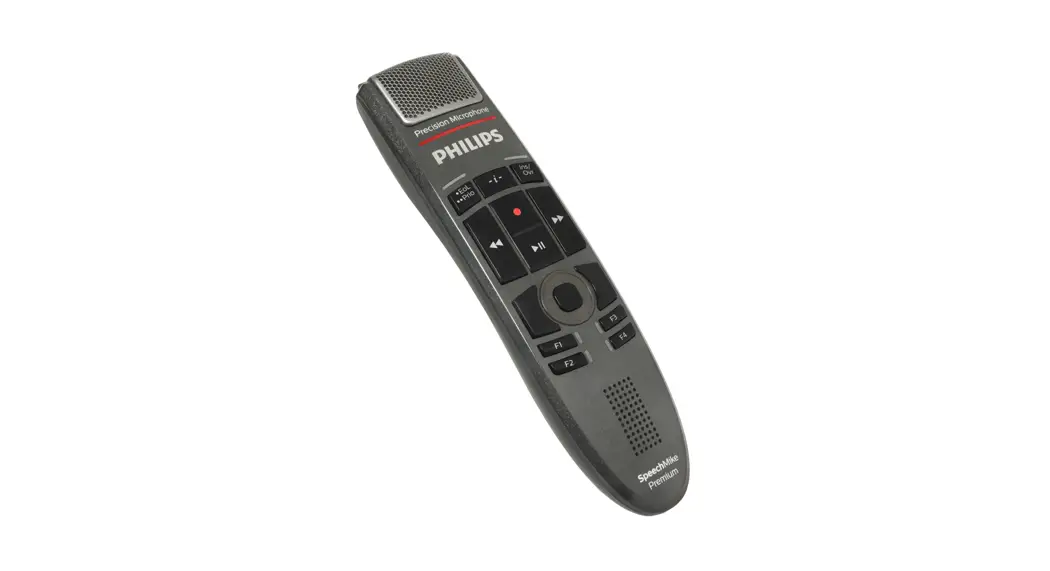
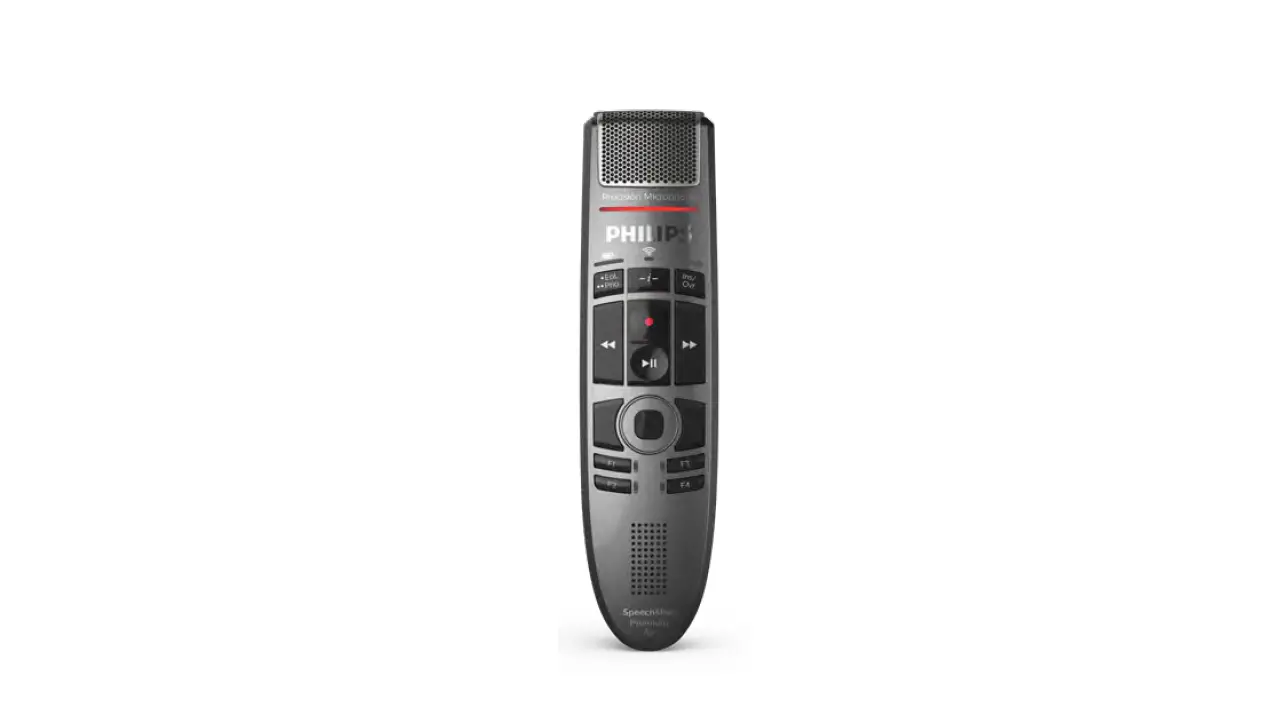
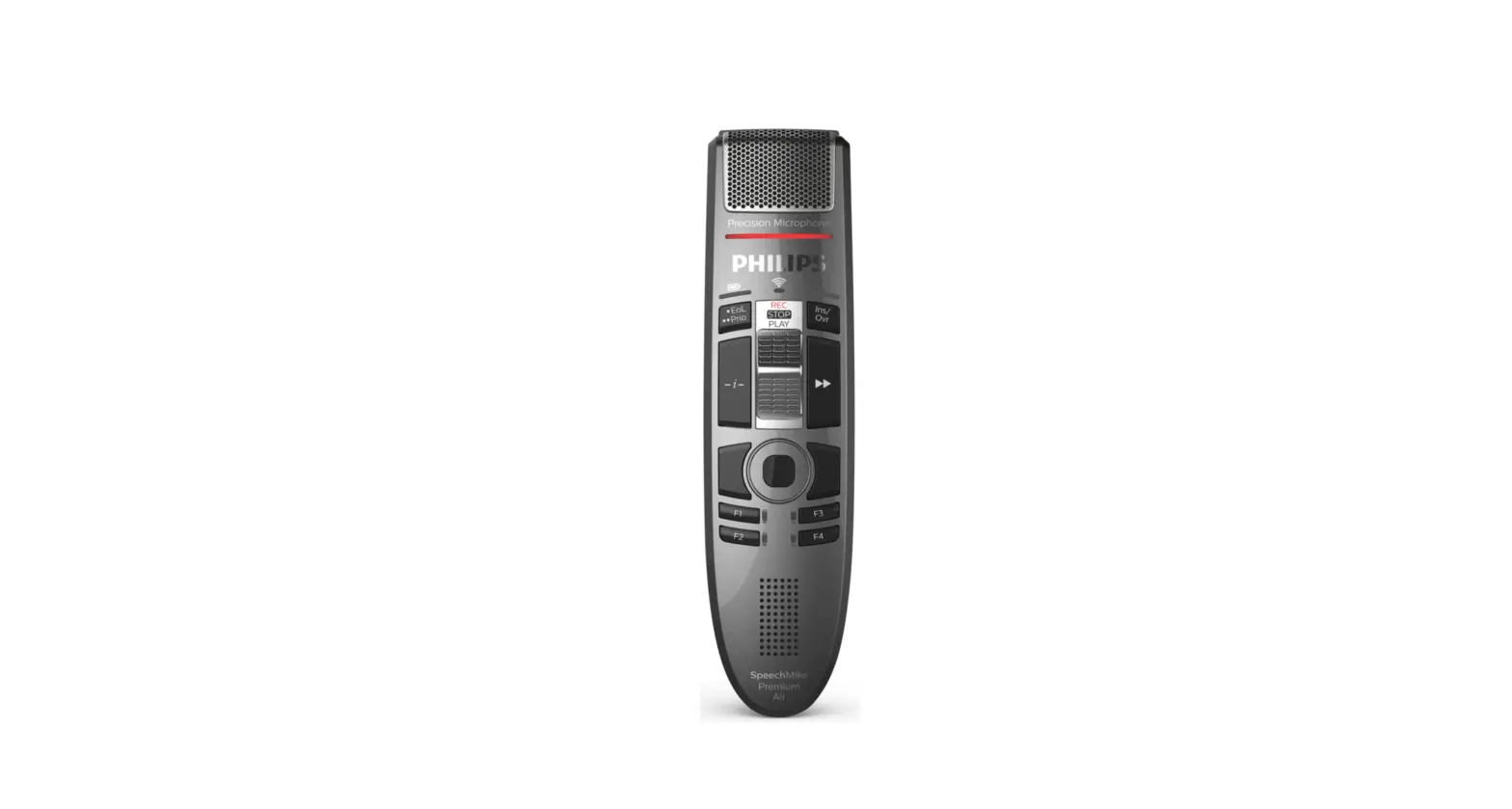
Overview (Event mode)
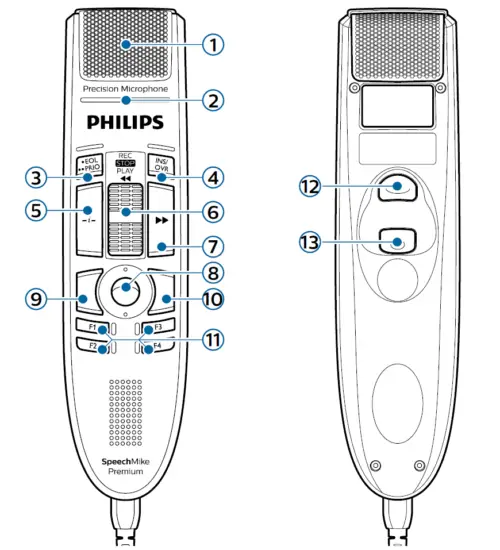
- Microphone
- Record indicator light
- End-of-letter (EOL), priority
- Insert/overwrite
- Instruction
- Slide switch
- Fast-forward
- Trackball/left mouse button
- Left mouse button
- Right mouse button
- Programmable function keys
- Command (speech recognition)
- Left mouse button
Select your button mode
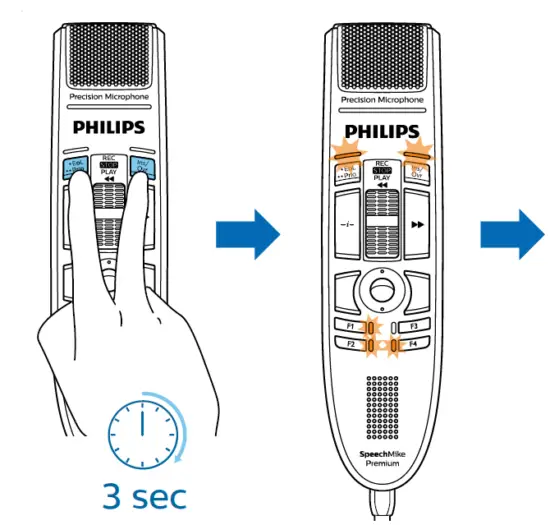
- Select your mode
- F1 Event mode (default)
- F2 Keyboard mode
- F4 Windows speech recognition mode
- • EoL •• Prio Dragon for Mac mode
- Ins/Ovr Dragon for Windows mode
- Find more information on all button modes here: www.speechmike.com/premium/support
Customize your modes
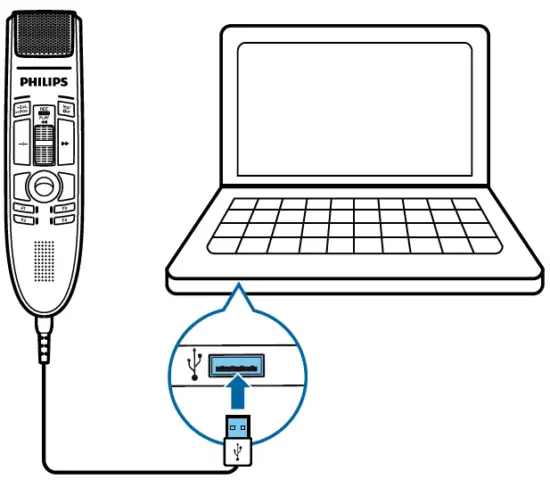
- Connect

- Software

- Install

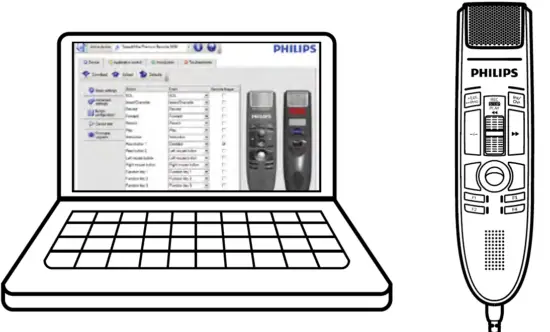
- Configure


© 2021 Speech Processing Solutions GmbH. All rights reserved. Specifications are subject to change without notice. Philips and the Philips shield emblem are registered trademarks of Koninklijke Philips N.V. and are used under license. Document version 7.0, 07/04/2021, 5103 109 9756.7
 SpeechMike Premium (LFH3510, LFH3610)
 SpeechControl Device and Application Control Software LFH4000 | Philips
 SpeechMike Premium Dictation Microphone LFH3500 | Philips