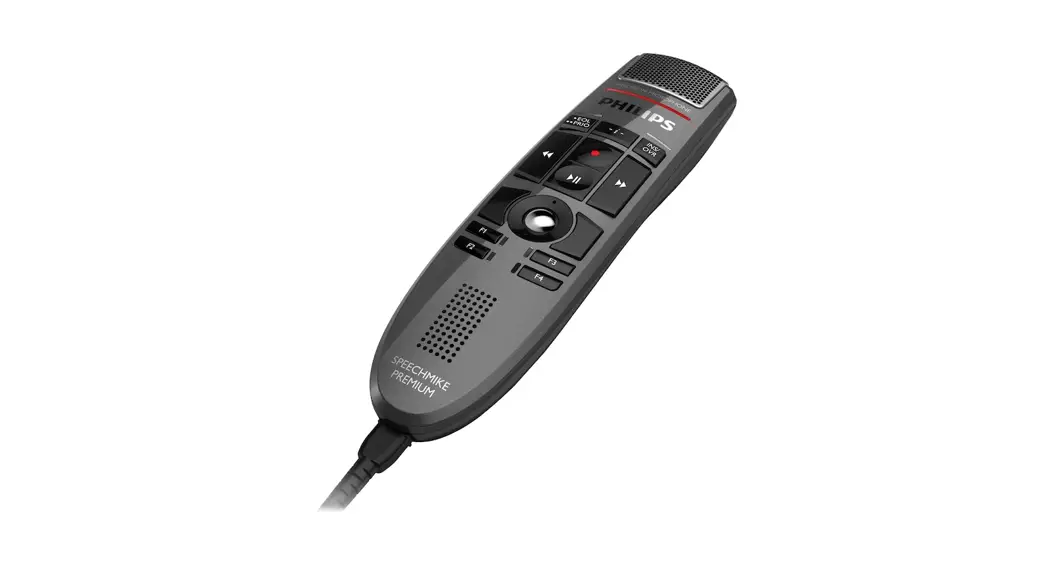

SpeechMike
Premium
LFH3500
 Quick start guide
For product information and support, visit
www.speechmike.com/premium/support
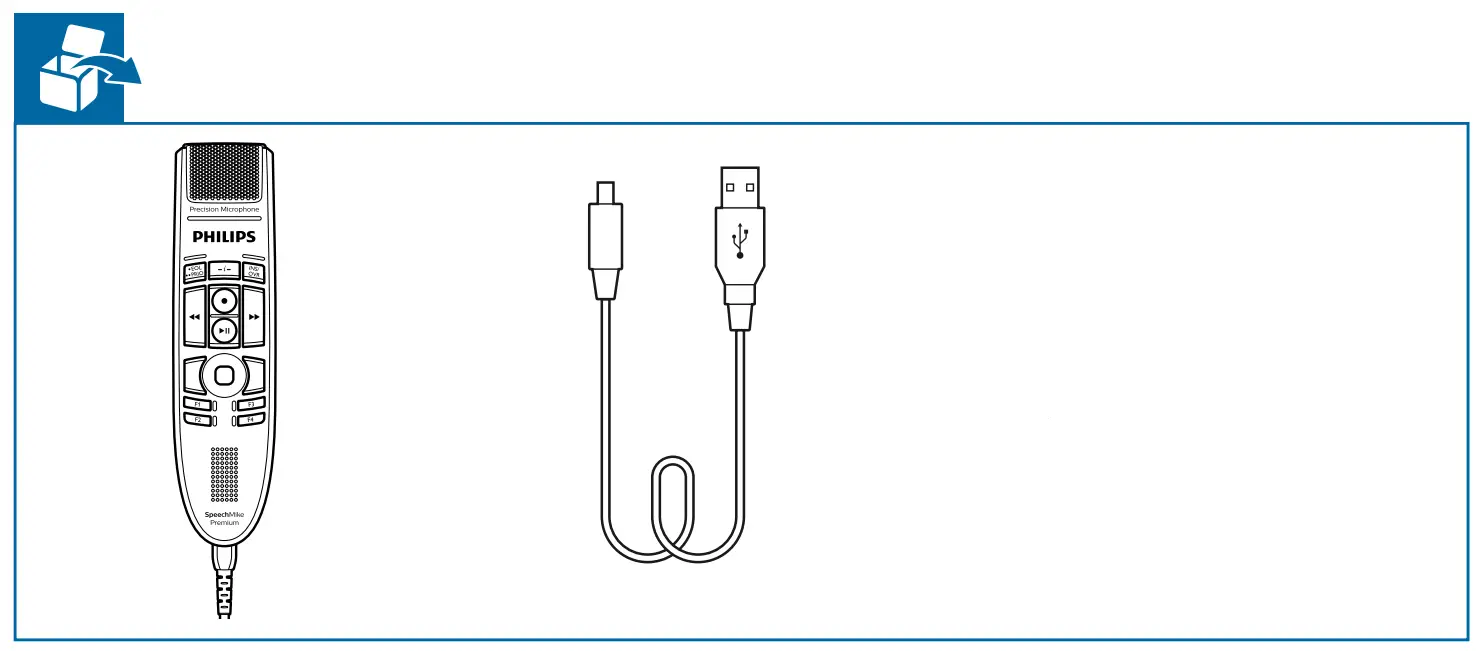
 Customize your modes
 Customize your modes
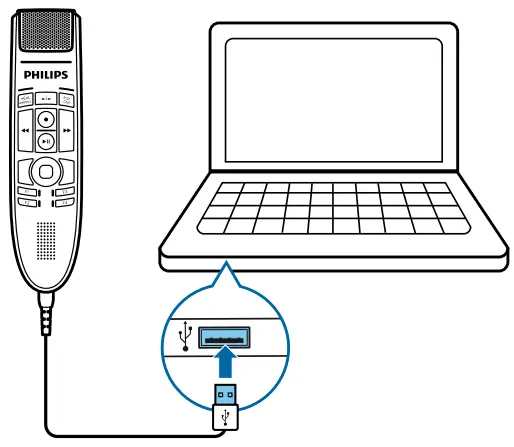
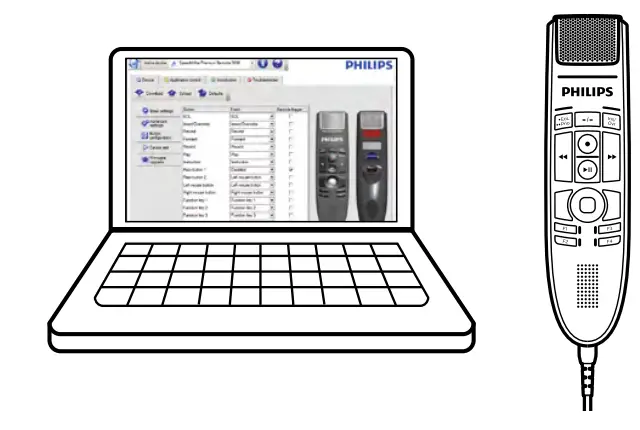
Connect | Software |
 | 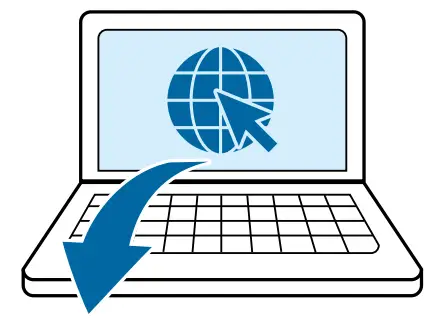 Philips SpeechControl software |
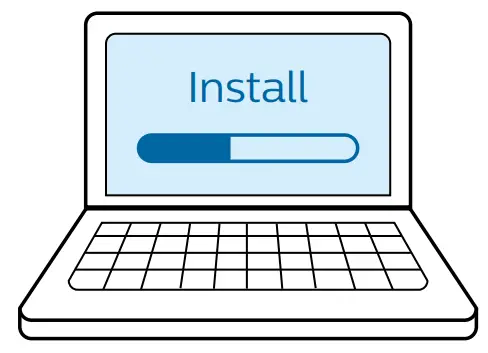
Install | Configure |
 |  |
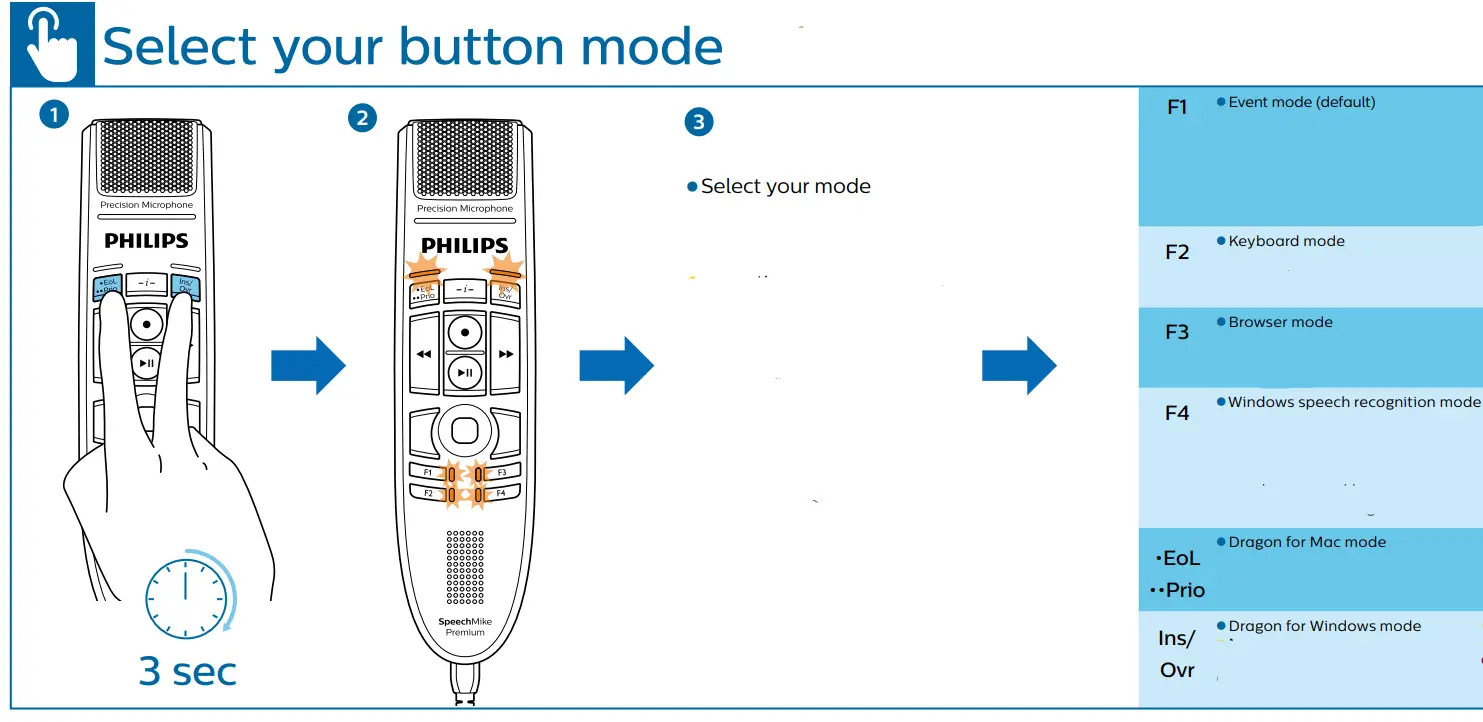

- Find more information on all button modes here: www.speechmike.com/premium/support
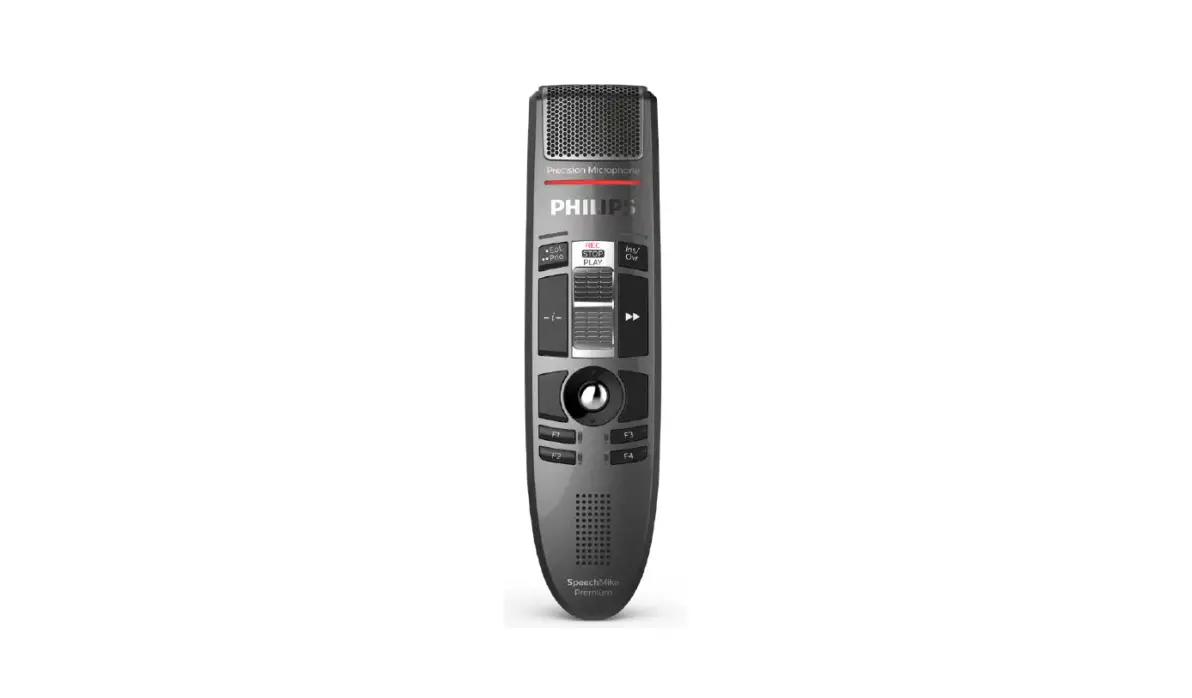
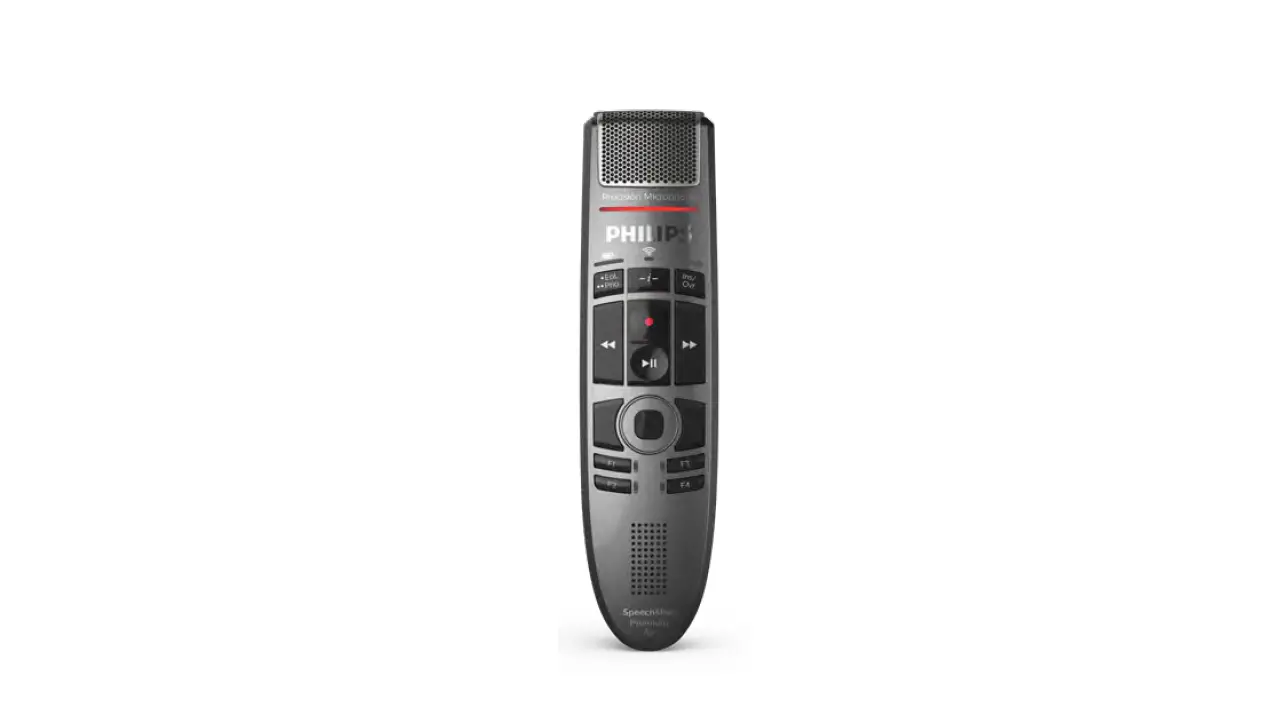
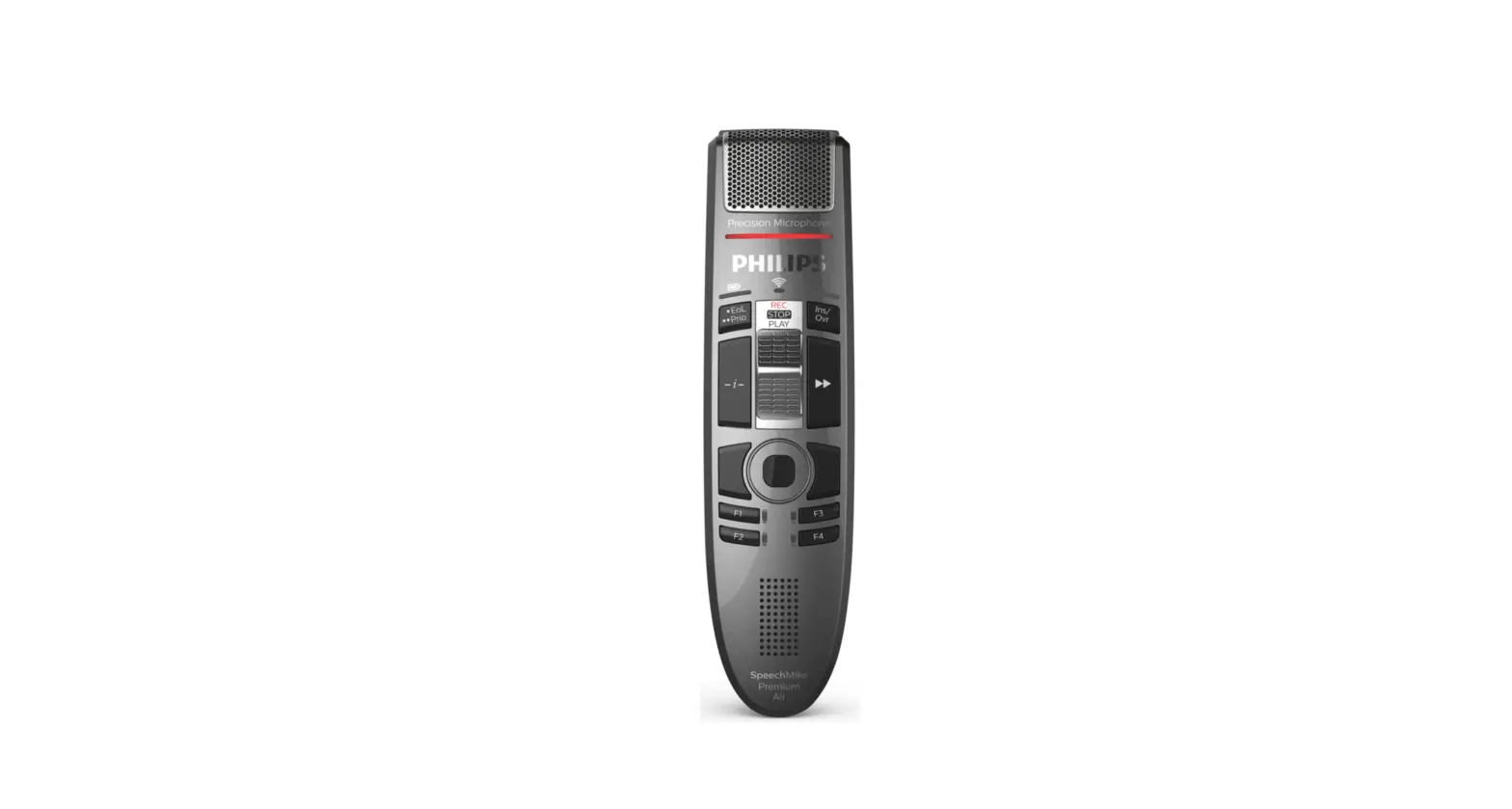
 Overview (Event mode)
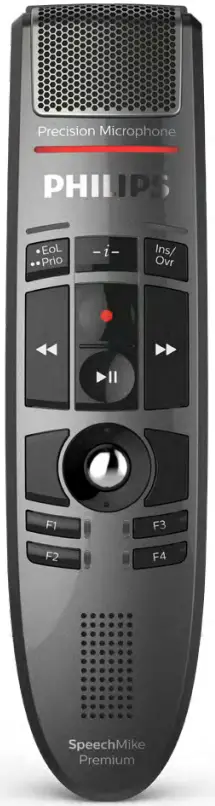
 Overview (Event mode)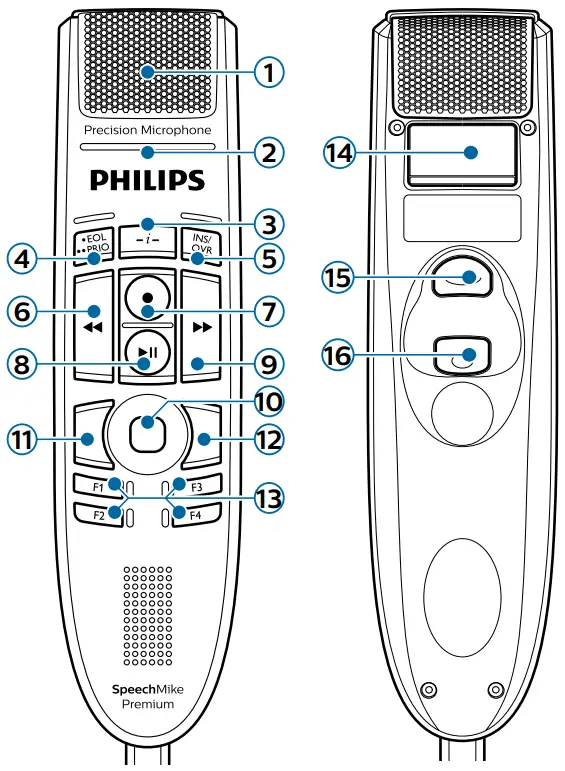
| 9. Fast-forward |
| 2. Record indicator light | 10. Trackball/left mouse button |
| 3. Instruction | 11. Left mouse button |
| 4. End-of-letter (EOL), priority | 12. Right mouse button |
| 5. Insert/overwrite | 13. Programmable function keys |
| 6. Rewind | 14. Command (speech recognition) |
| 7. Record | 15. Left mouse button |
| 8. Play/pause |

www.speechmike.com/premium/support
© 2020 Speech Processing Solutions GmbH. All rights reserved.
Specifications are subject to change without notice. Philips and the Philips shield emblem are registered trademarks of Koninklijke Philips N.V. and are used under license.
Document version 7.0, 29/05/2020, 5103 109 9755.7
 SpeechControl Device and Application Control Software LFH4000 | Philips
 SpeechMike Premium Dictation Microphone LFH3500 | Philips