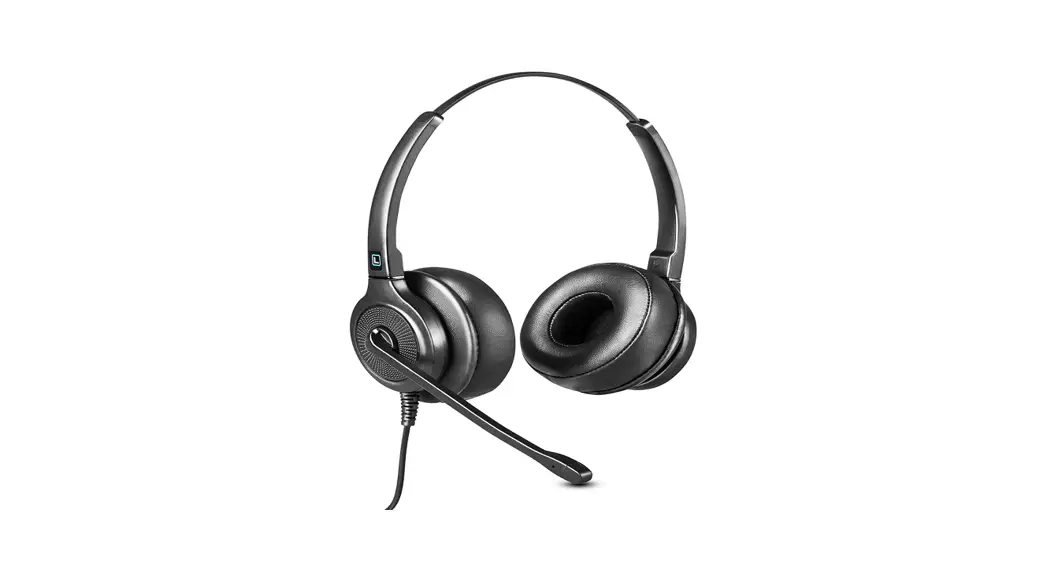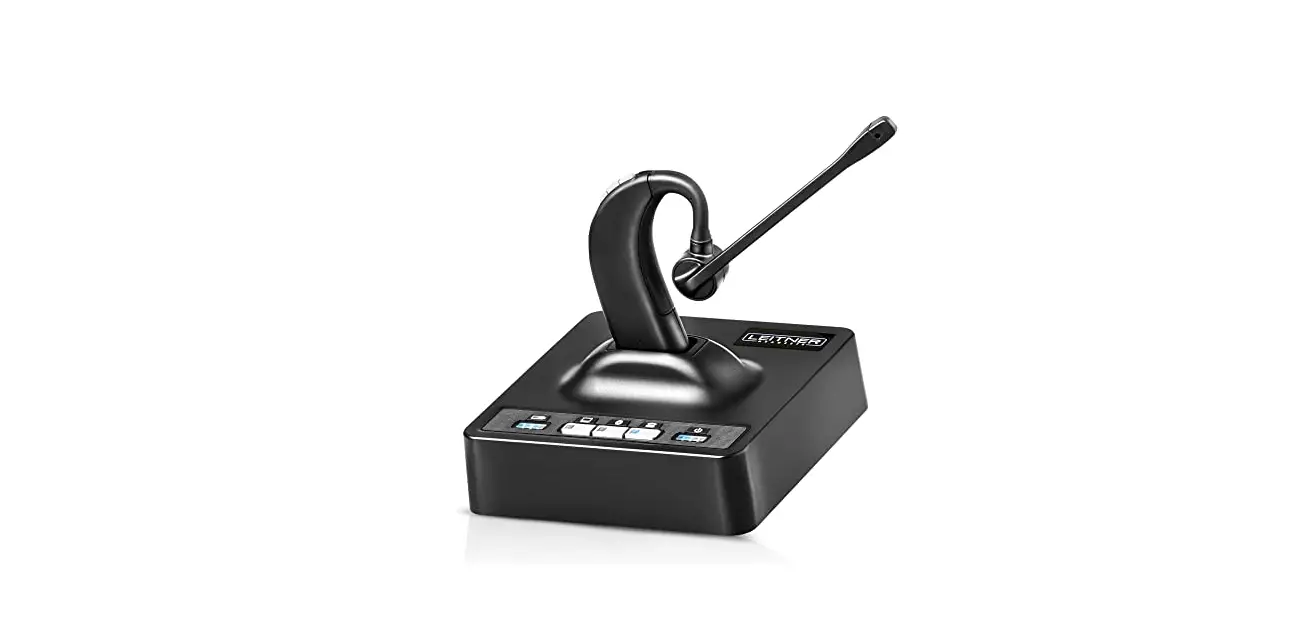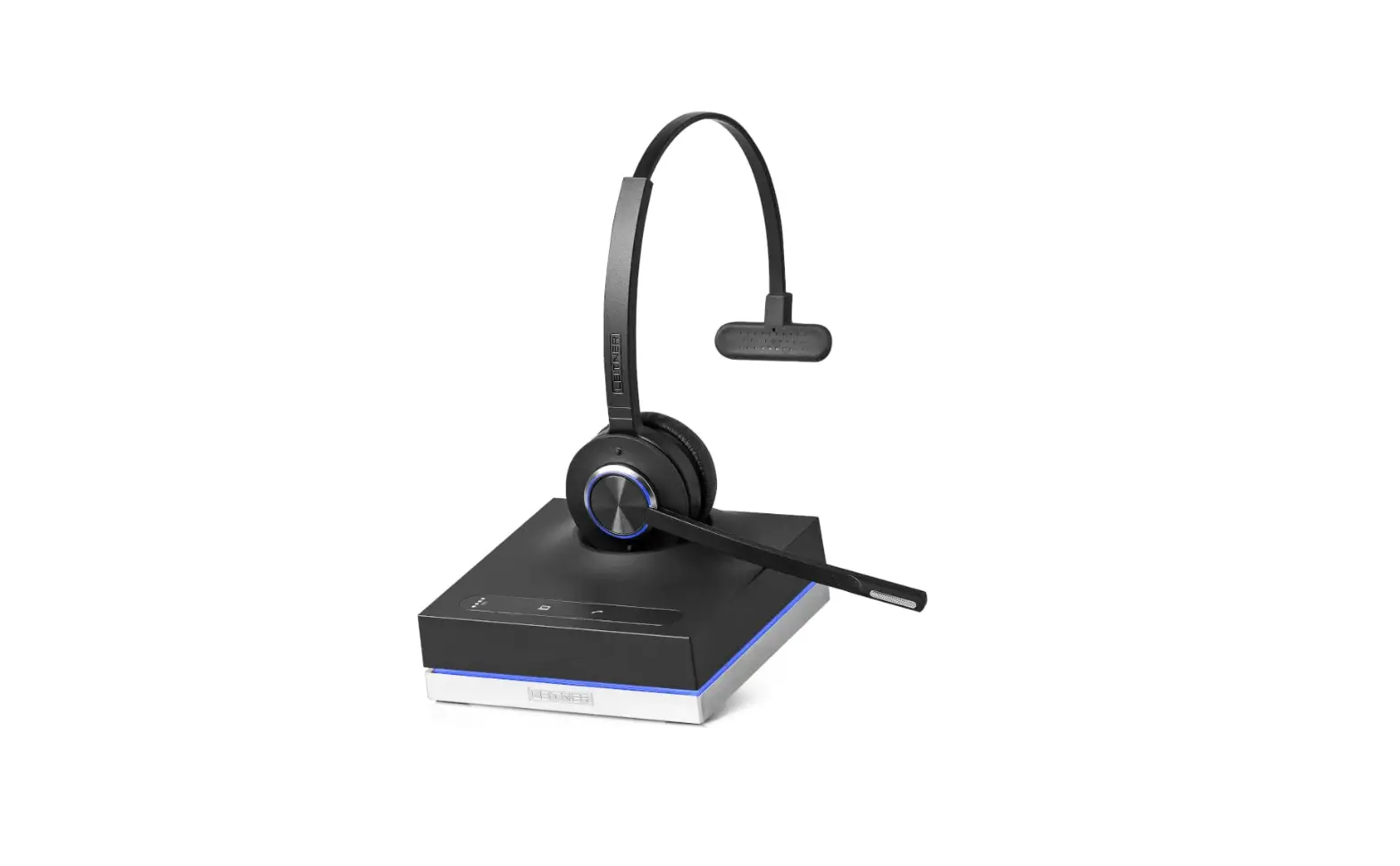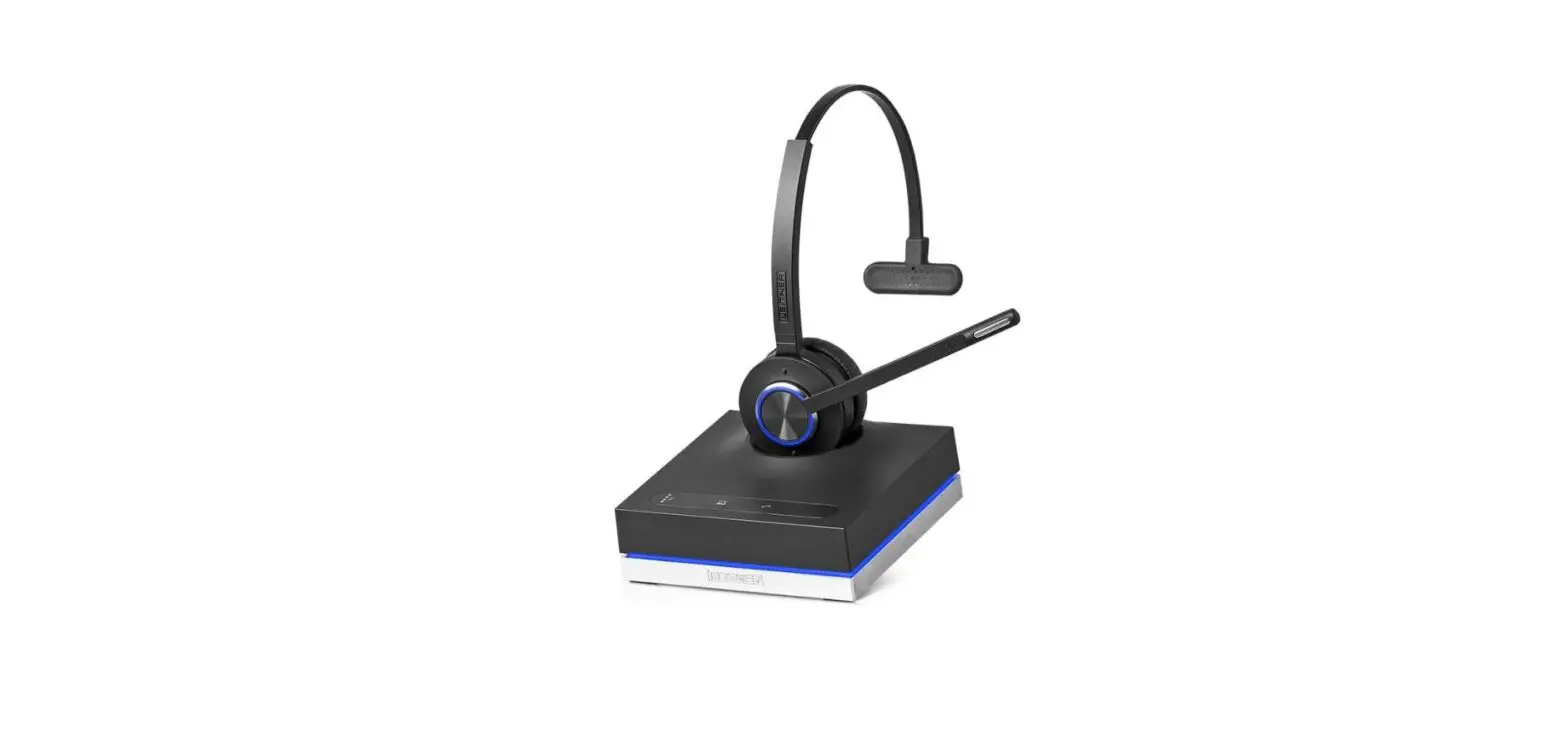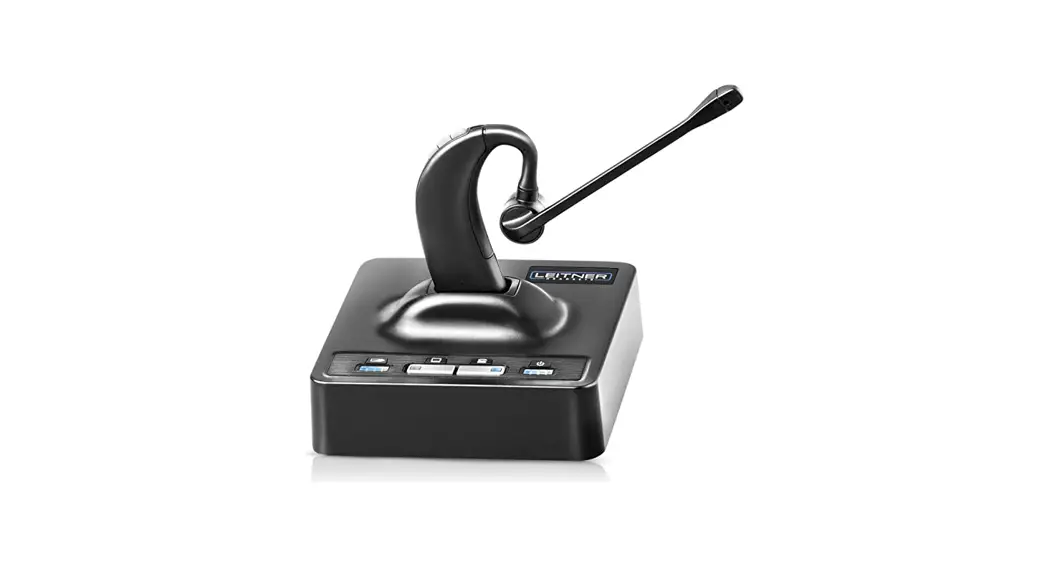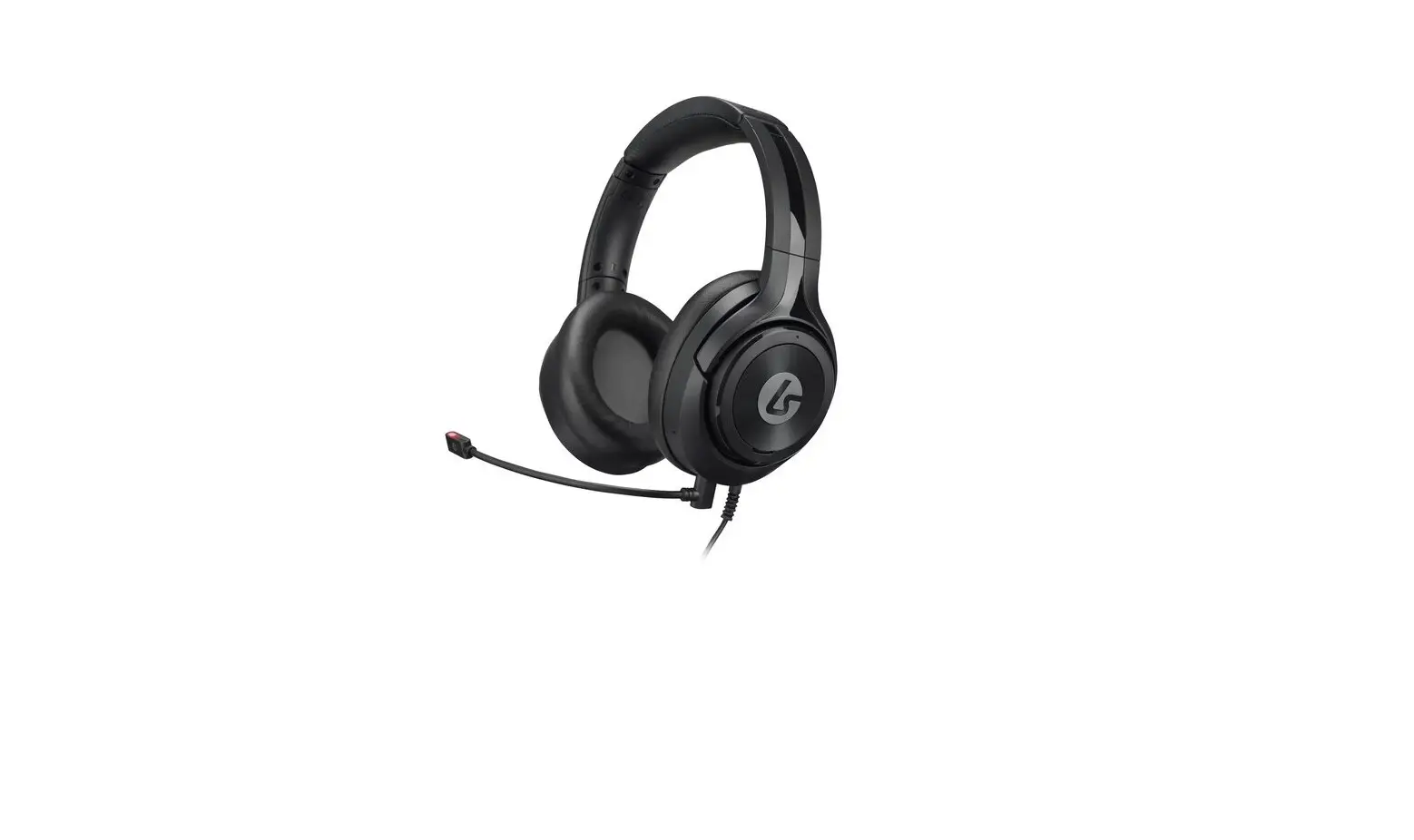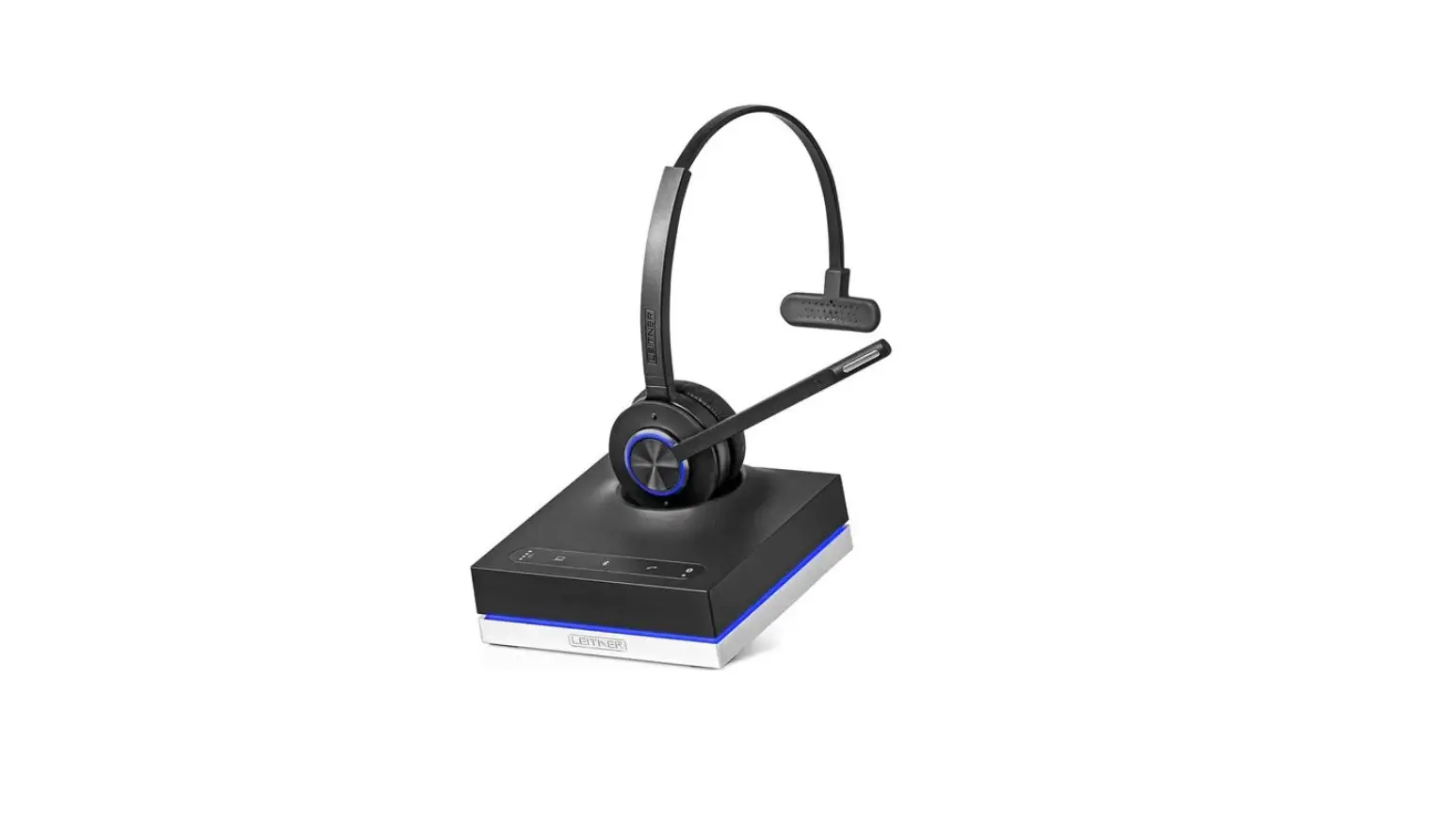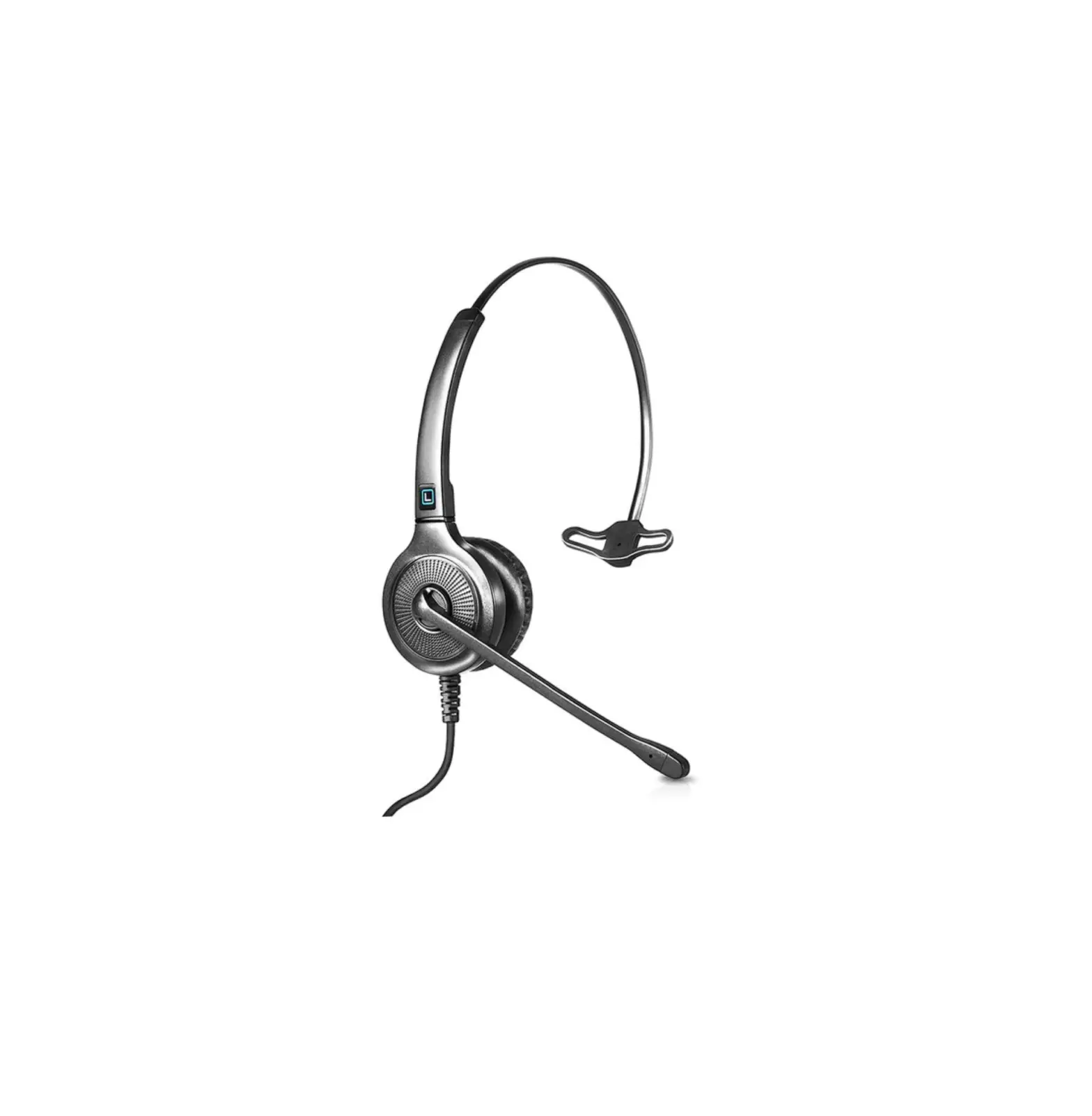
LEITNER LH240 Office Hero Corded Headset
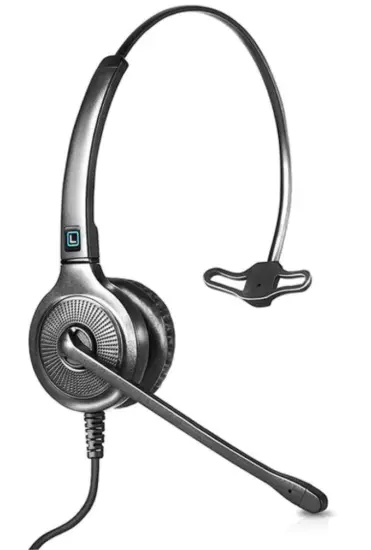
LH240 Office Hero Corded Headset
Setting up your new Leitner headset with your phone is a piece of cake! (Cake not included)
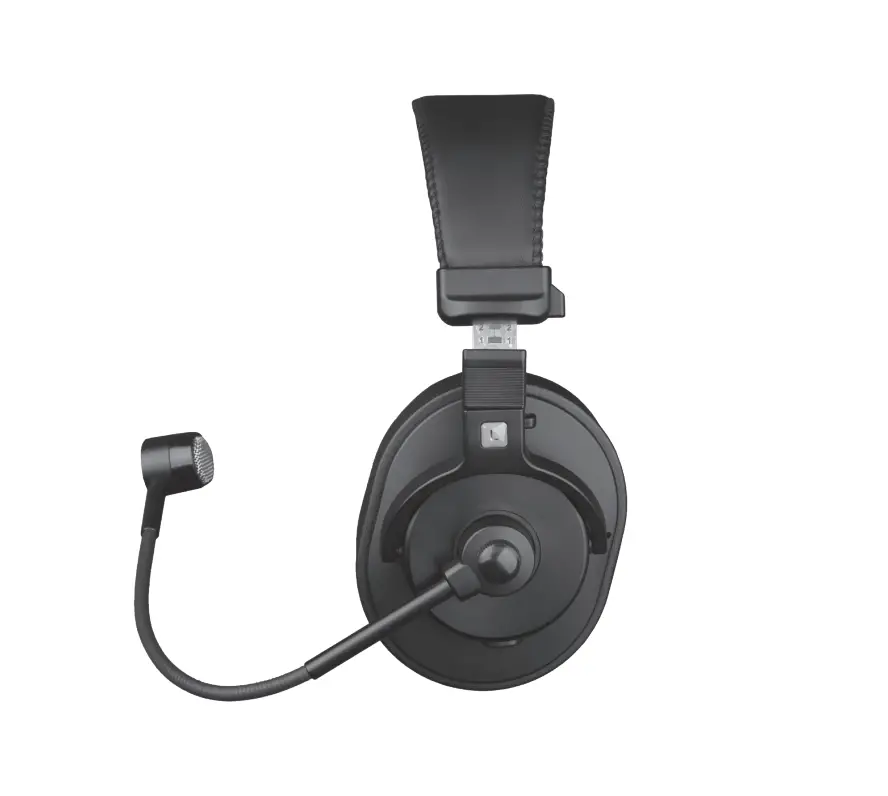
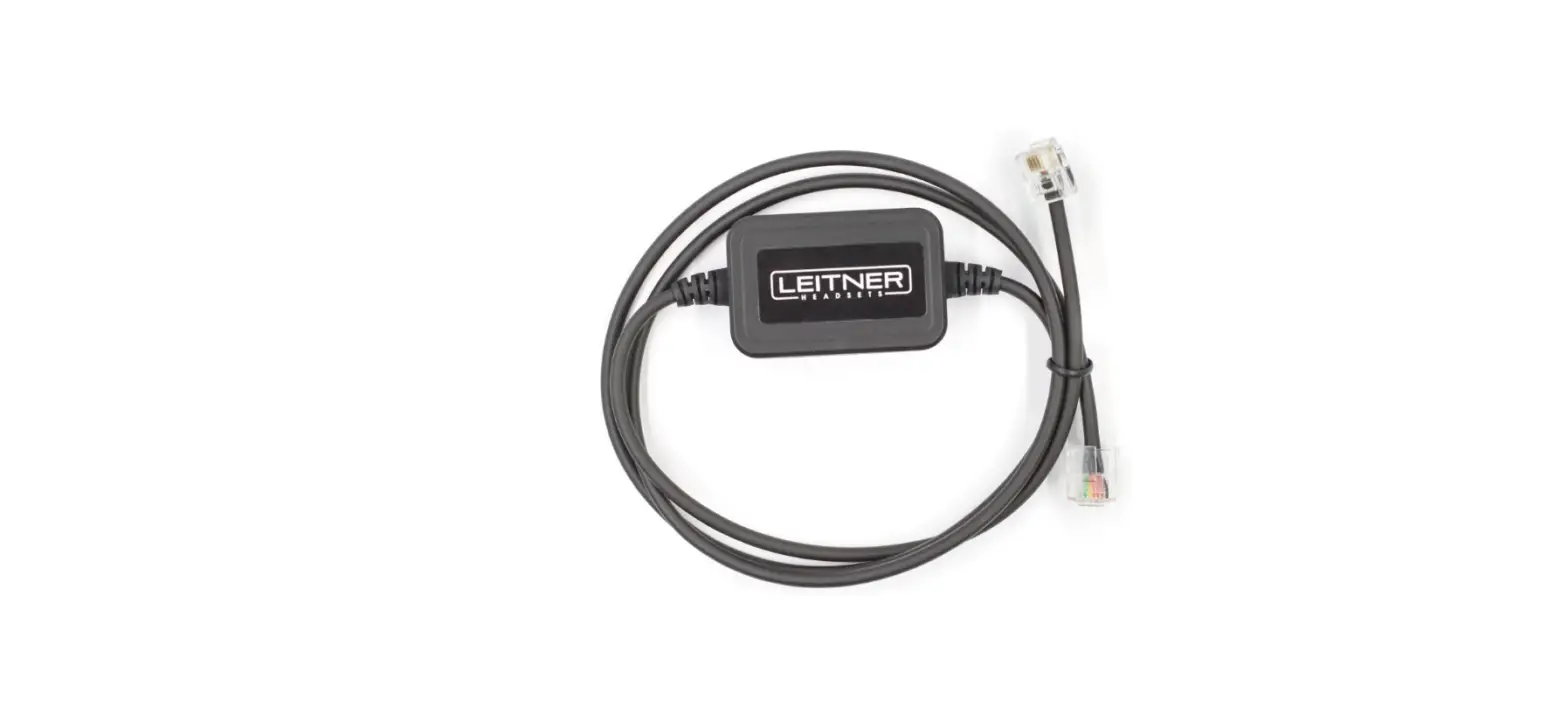
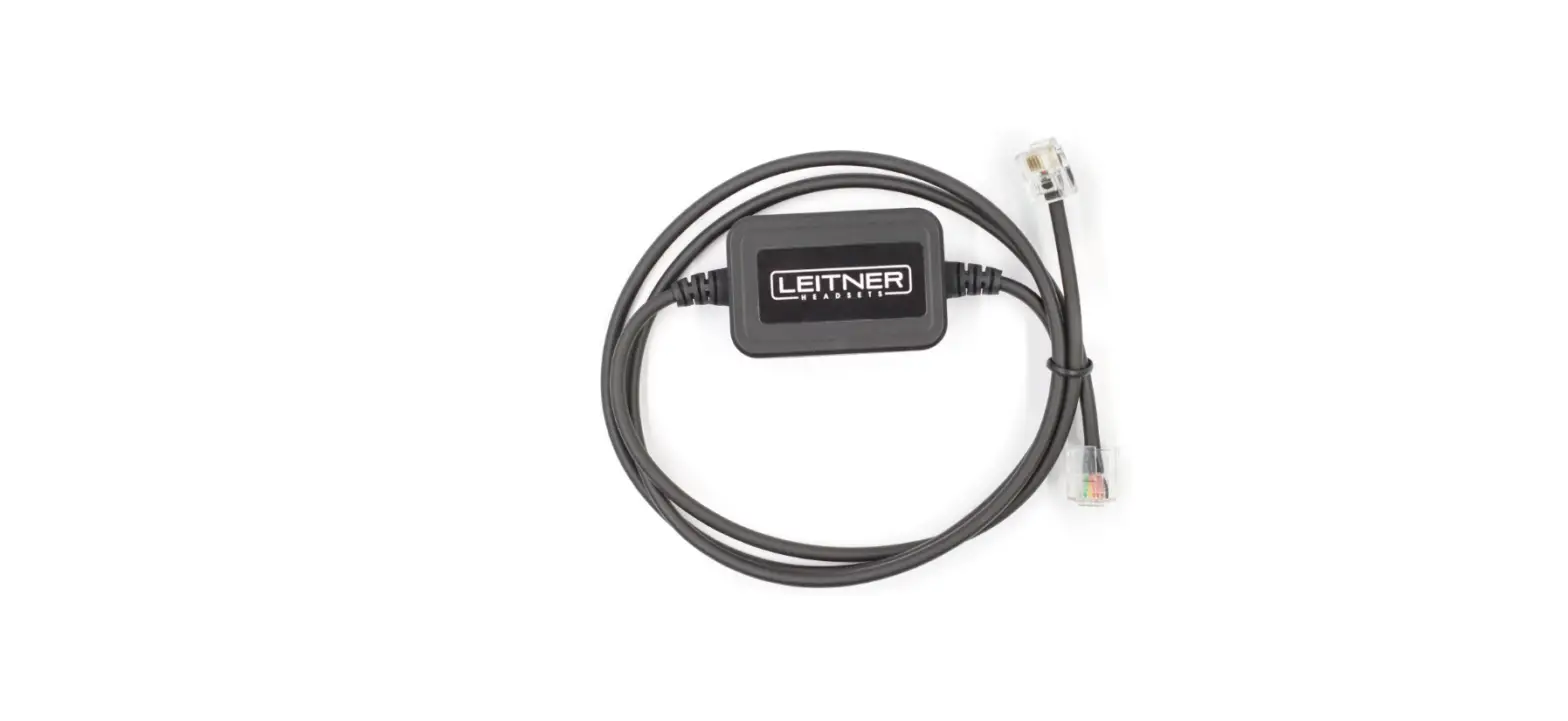
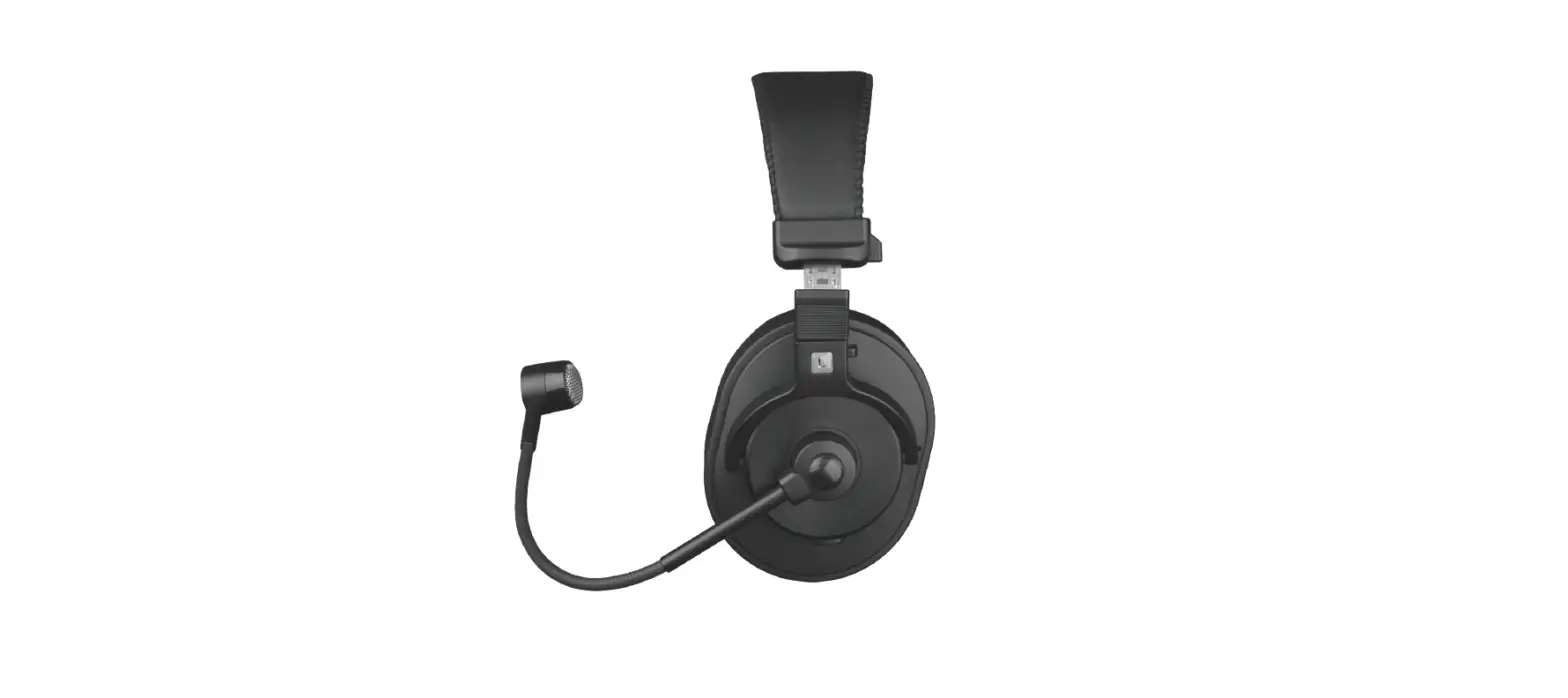
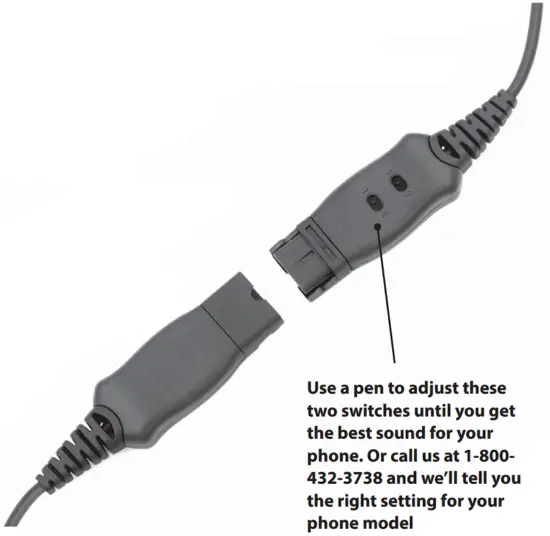
- Plug your Leitner Corded Headset into your Quick Disconnect Cord (sold separately). The ends should snap together
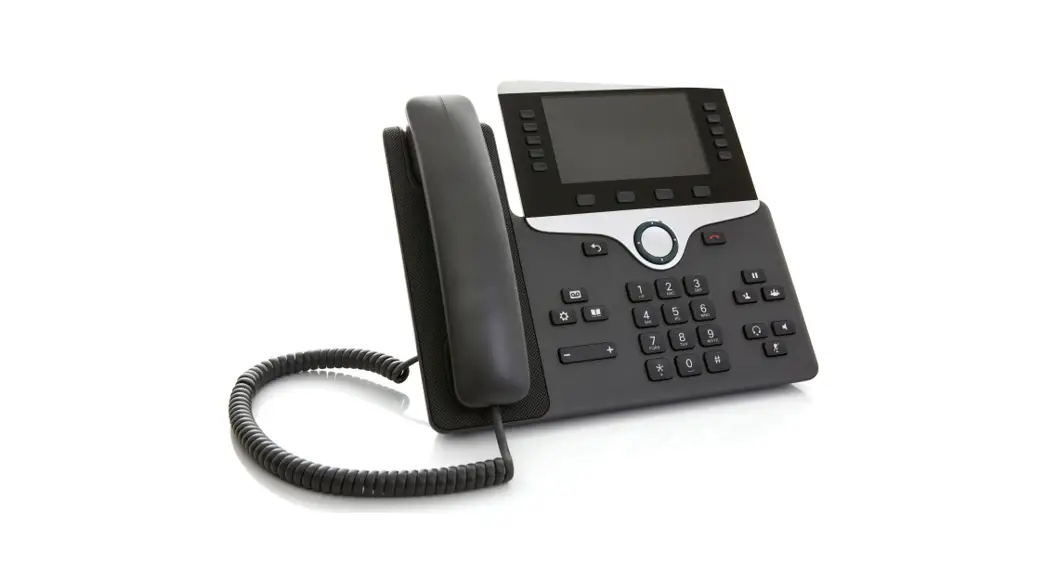
- Plug the Quick Disconnect Cord into your phone or computer
- Use a pen to adjust the compatibility setting switches on your Leitner headset until you get clear 2-way sound. Check out the photo to the right. Want to get the right compatibility setting for your particular phone
Want more help? Call 1-800-432-3738 Mon-Fri 9:00-7:30 Eastern Time for free support