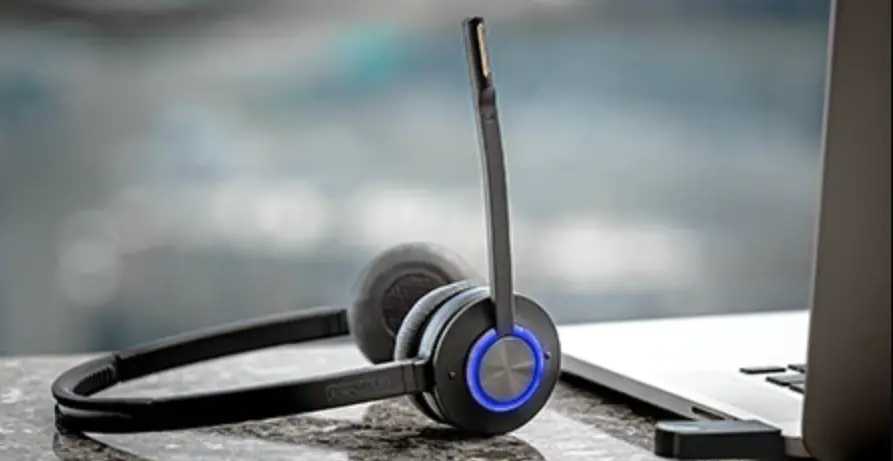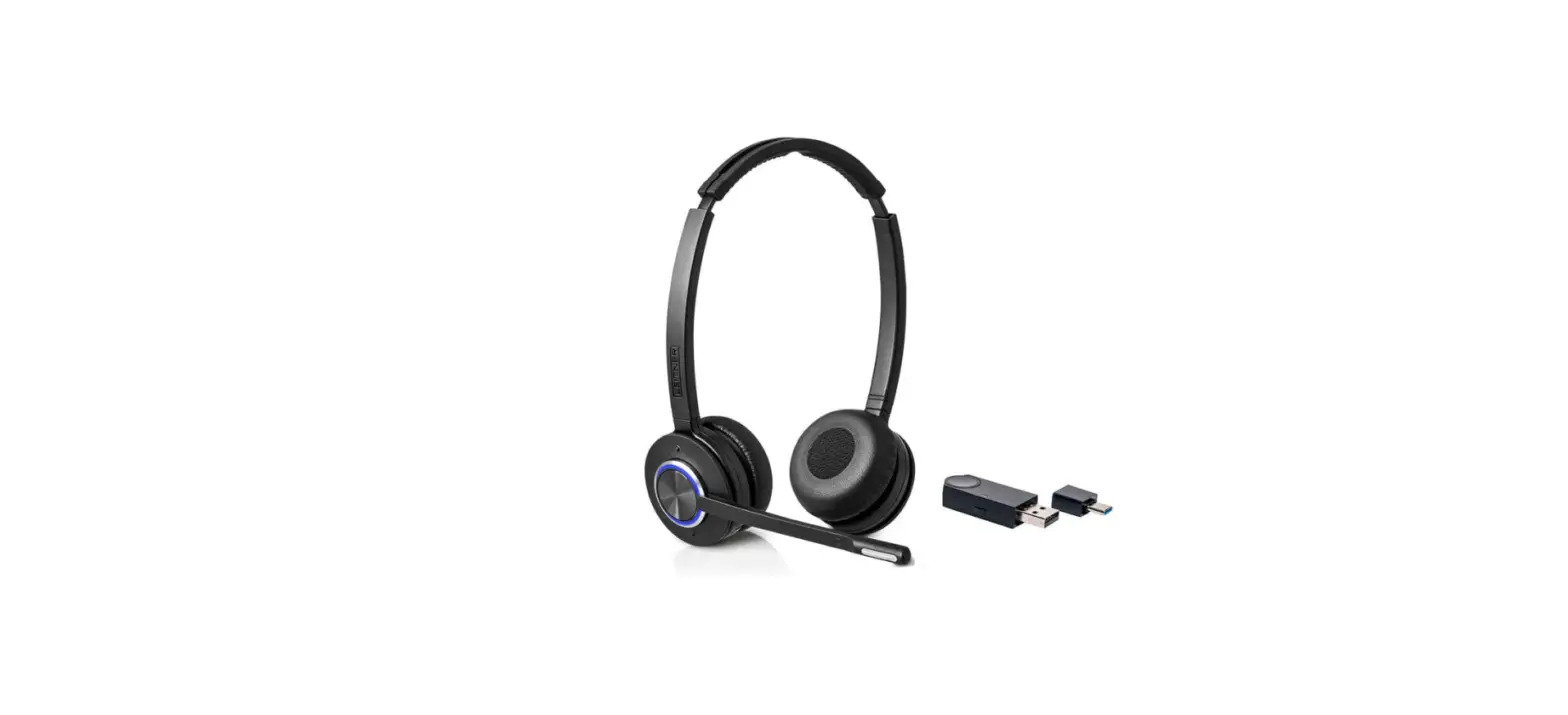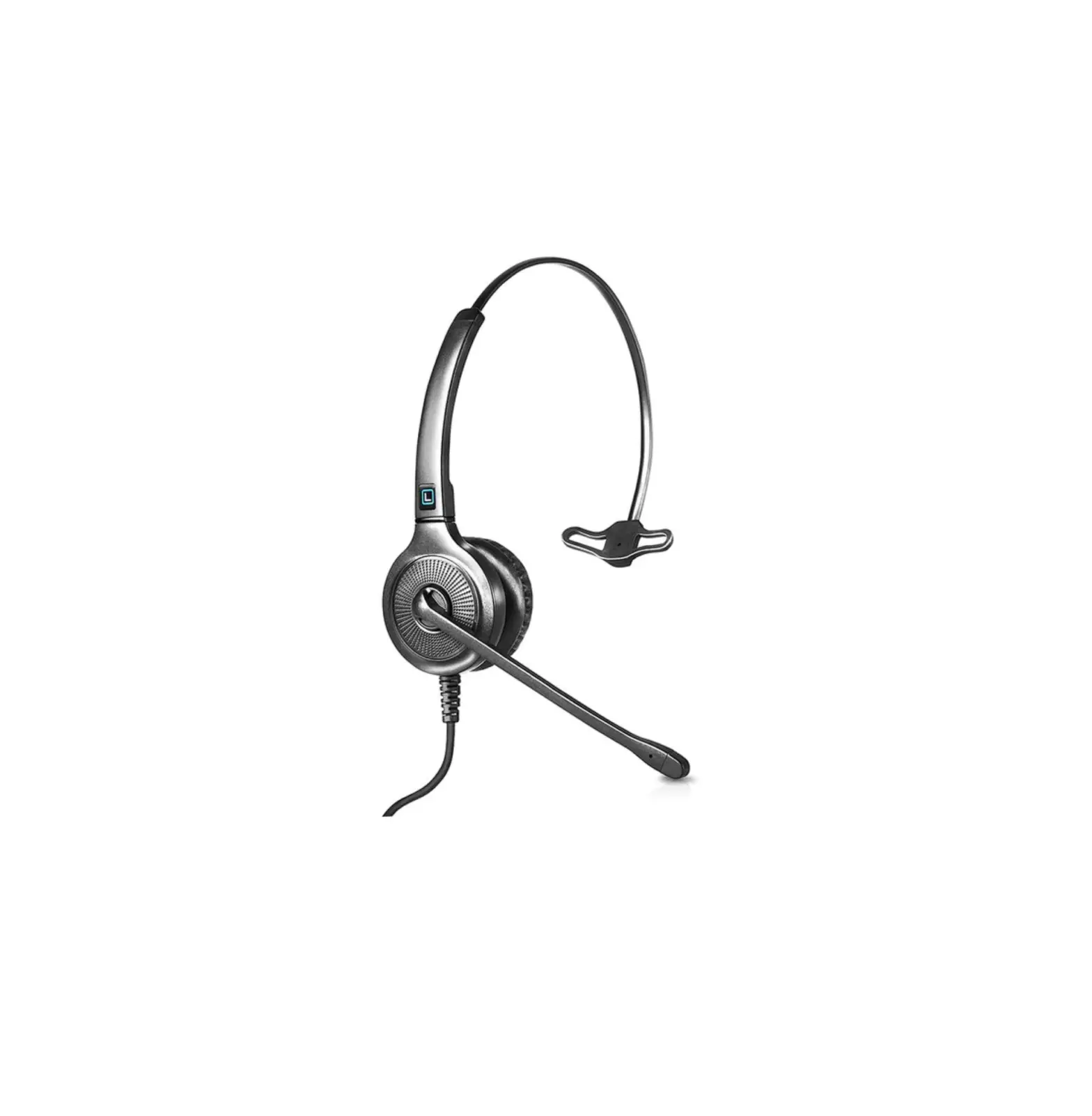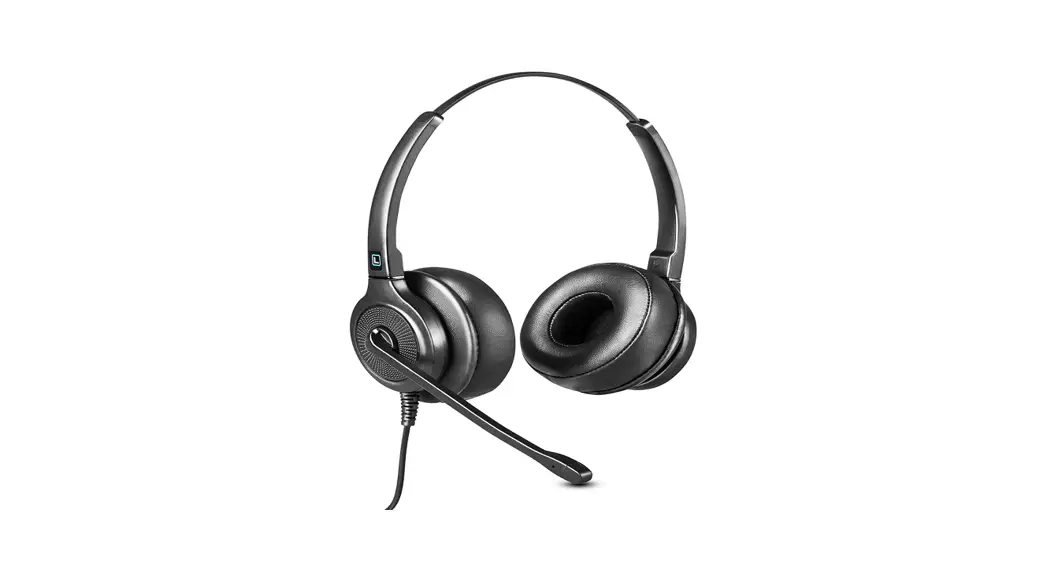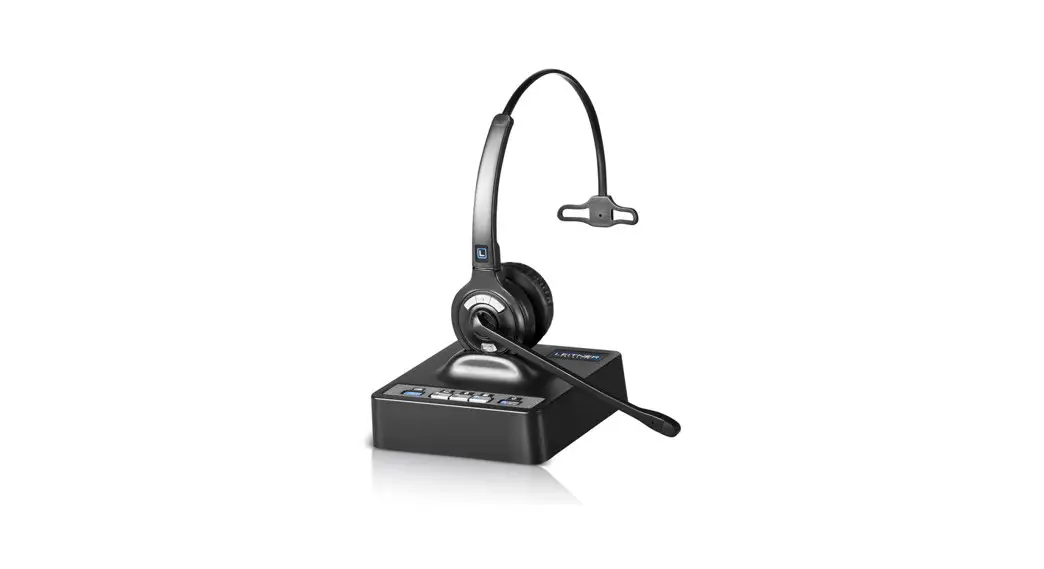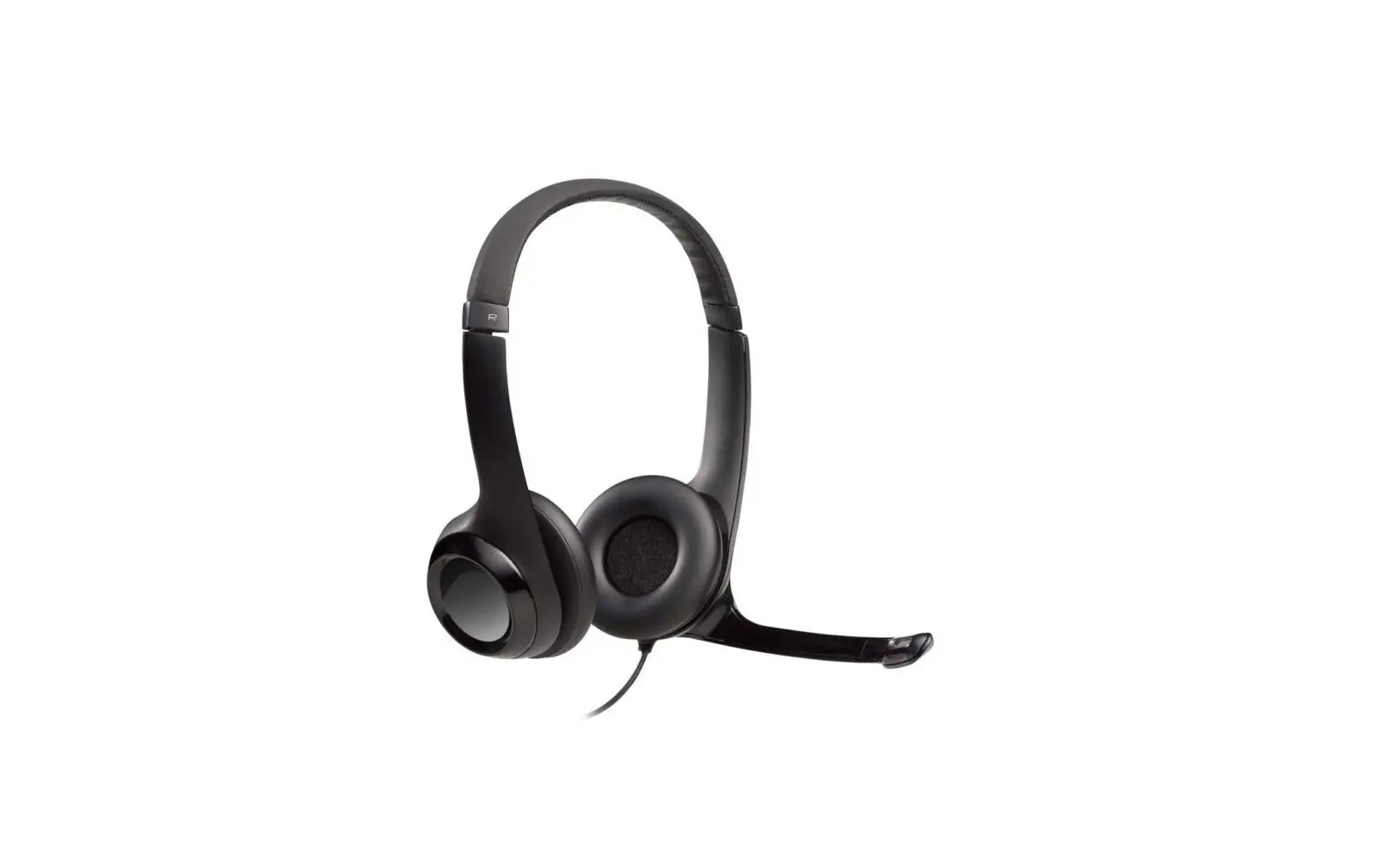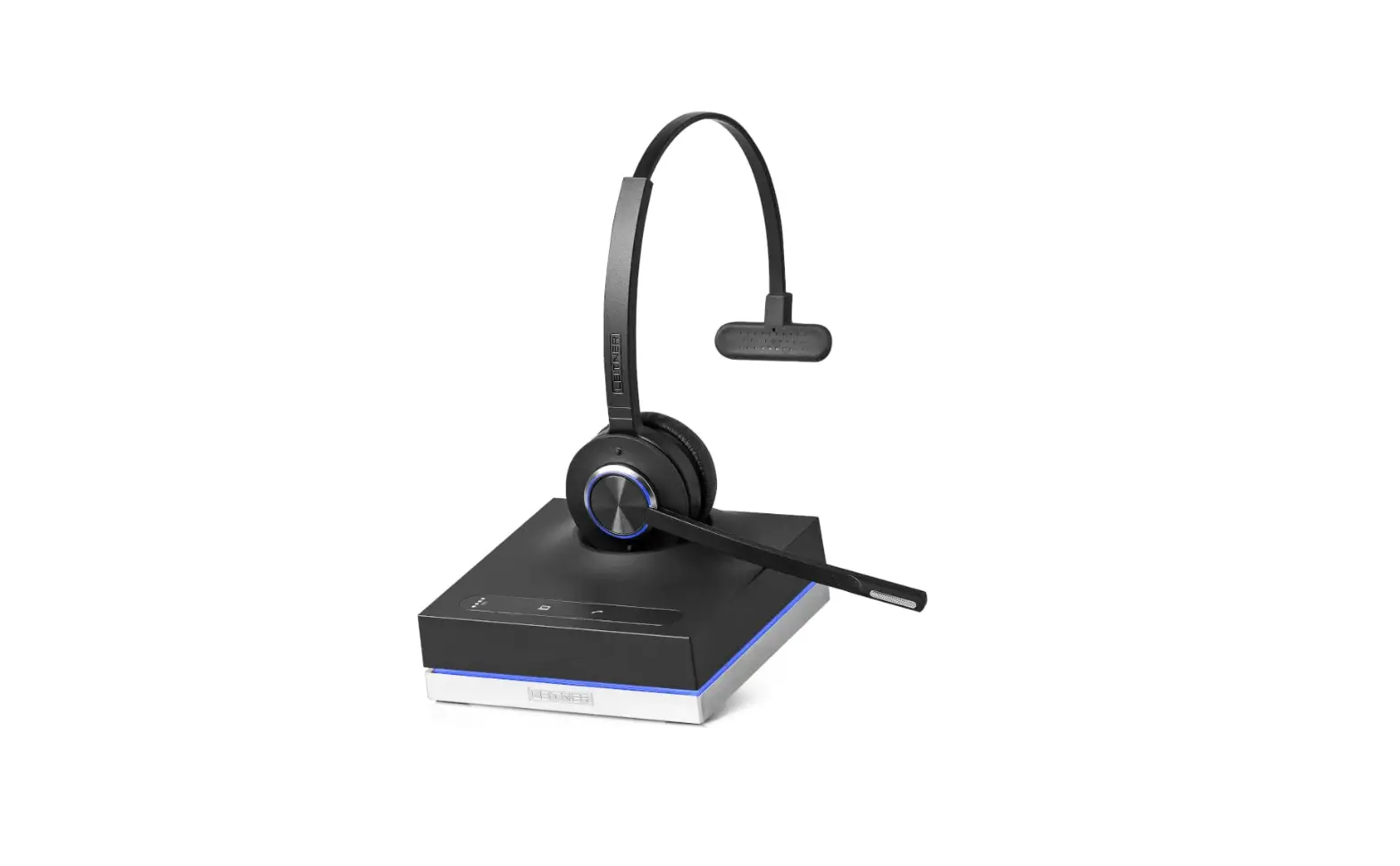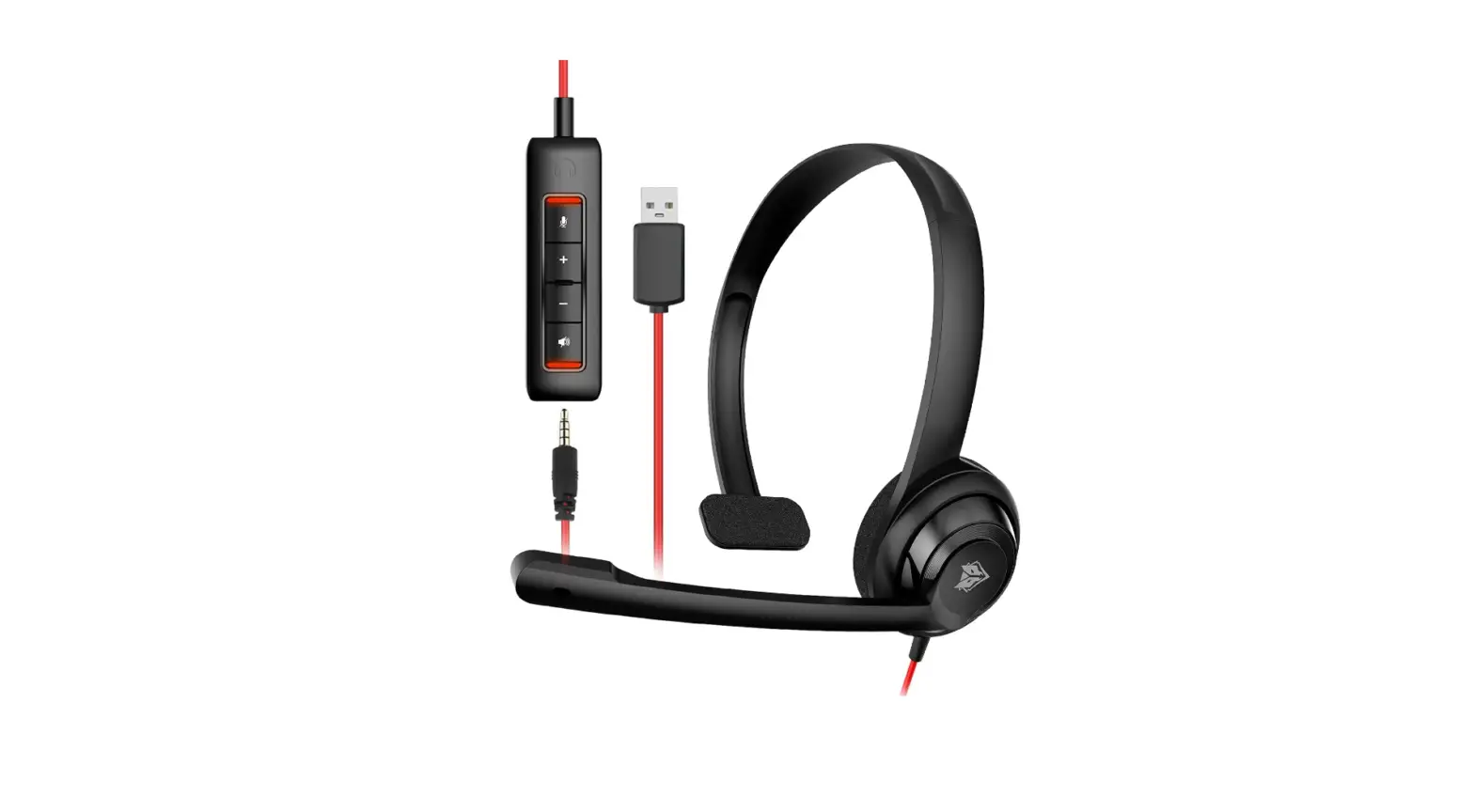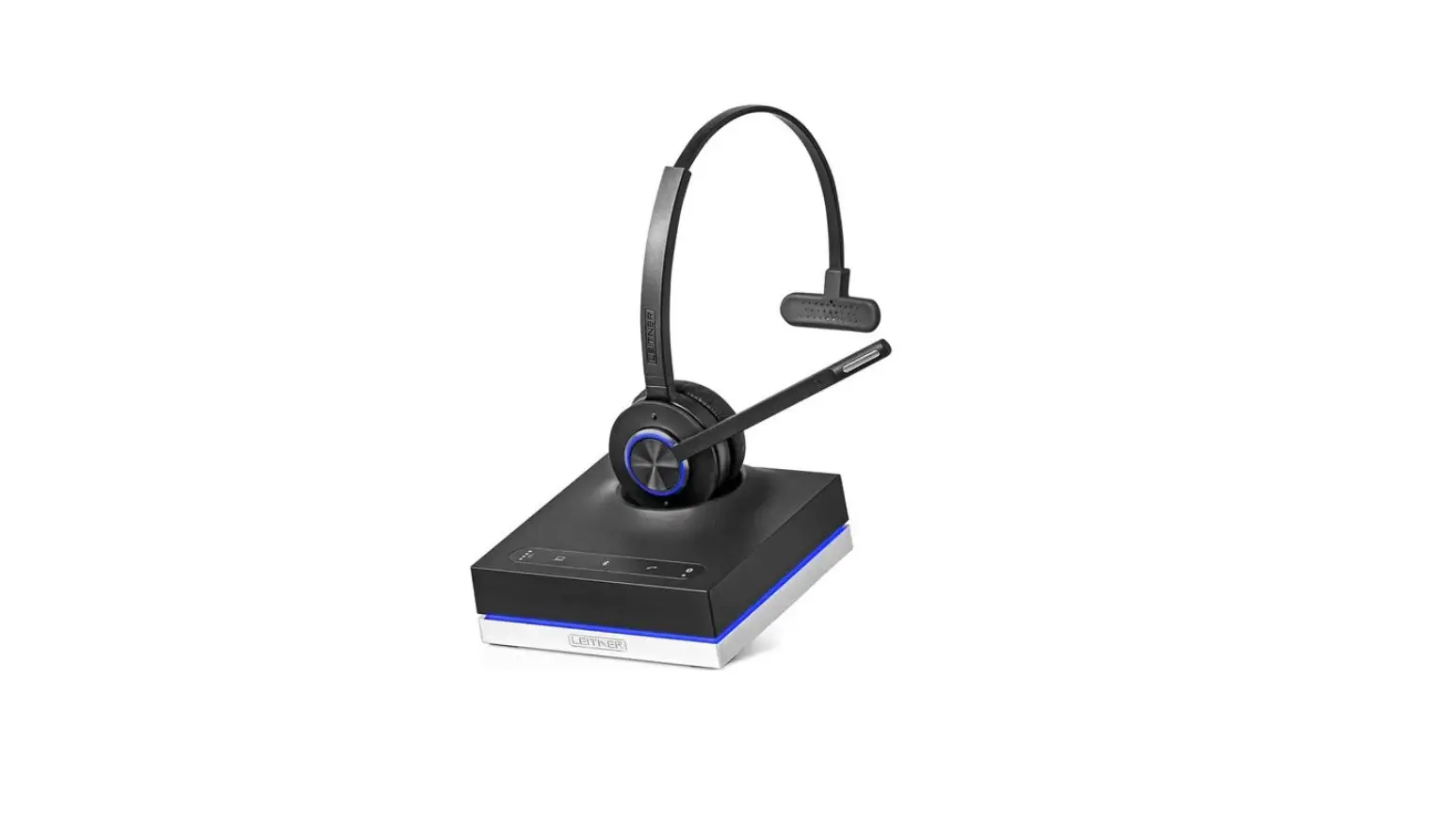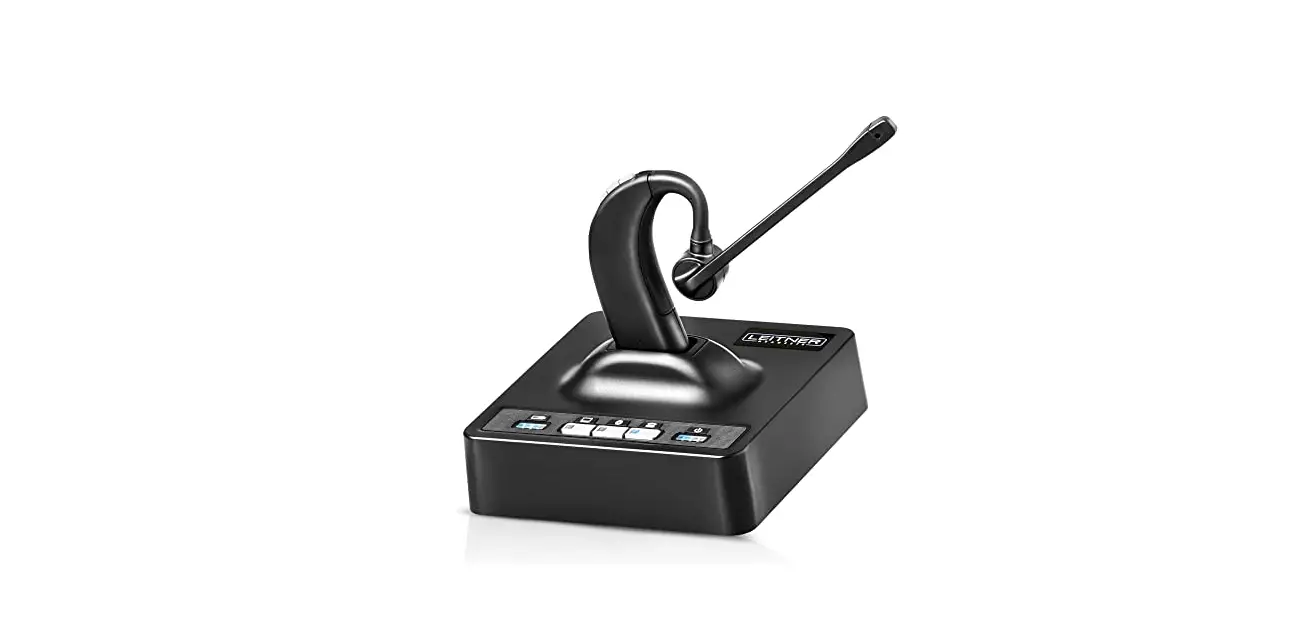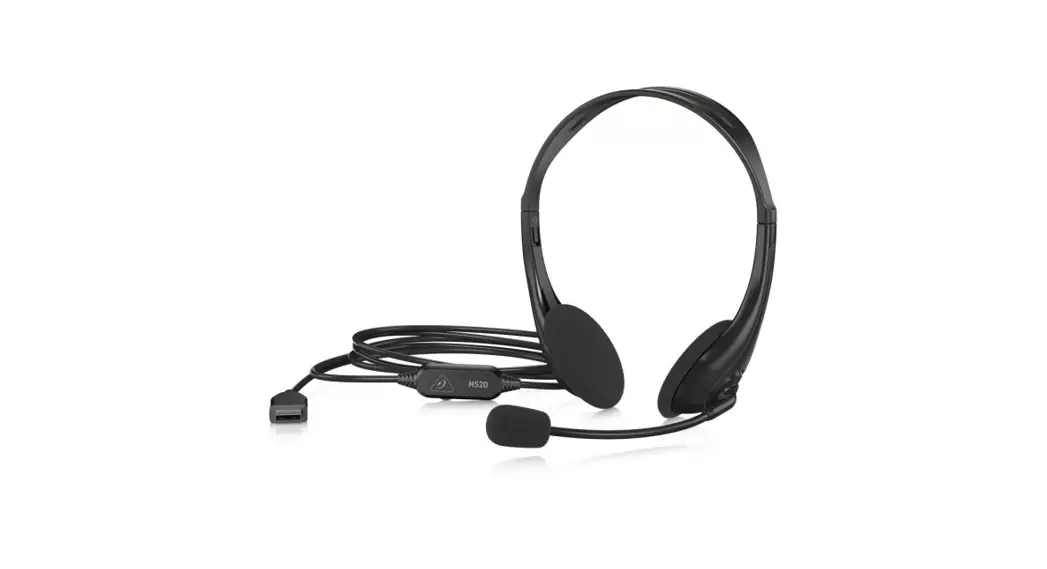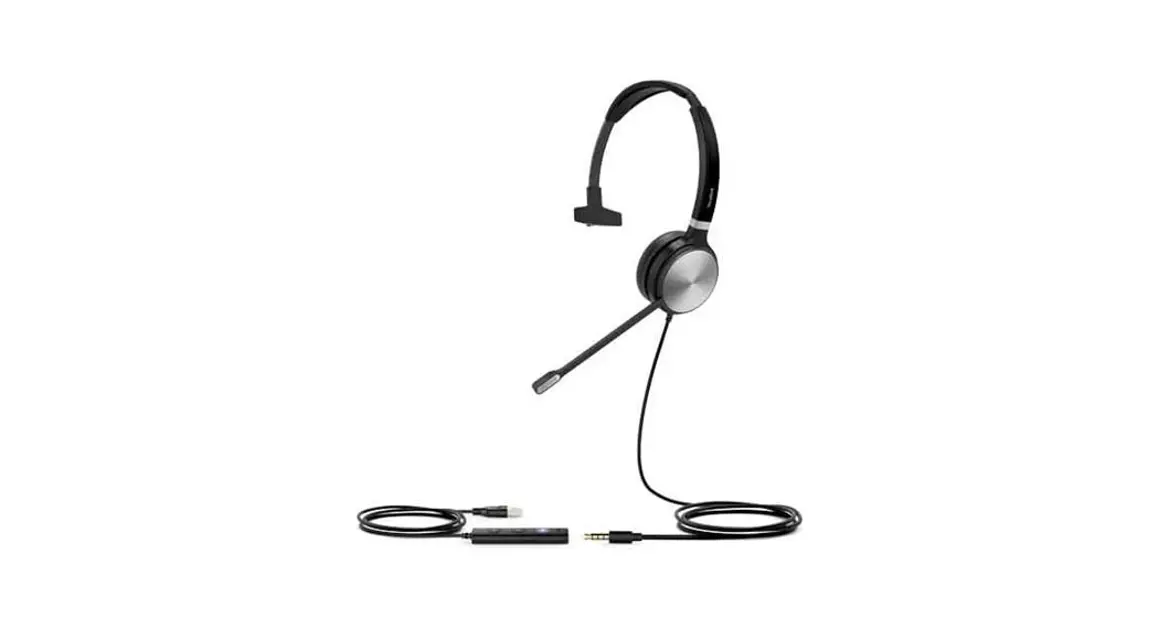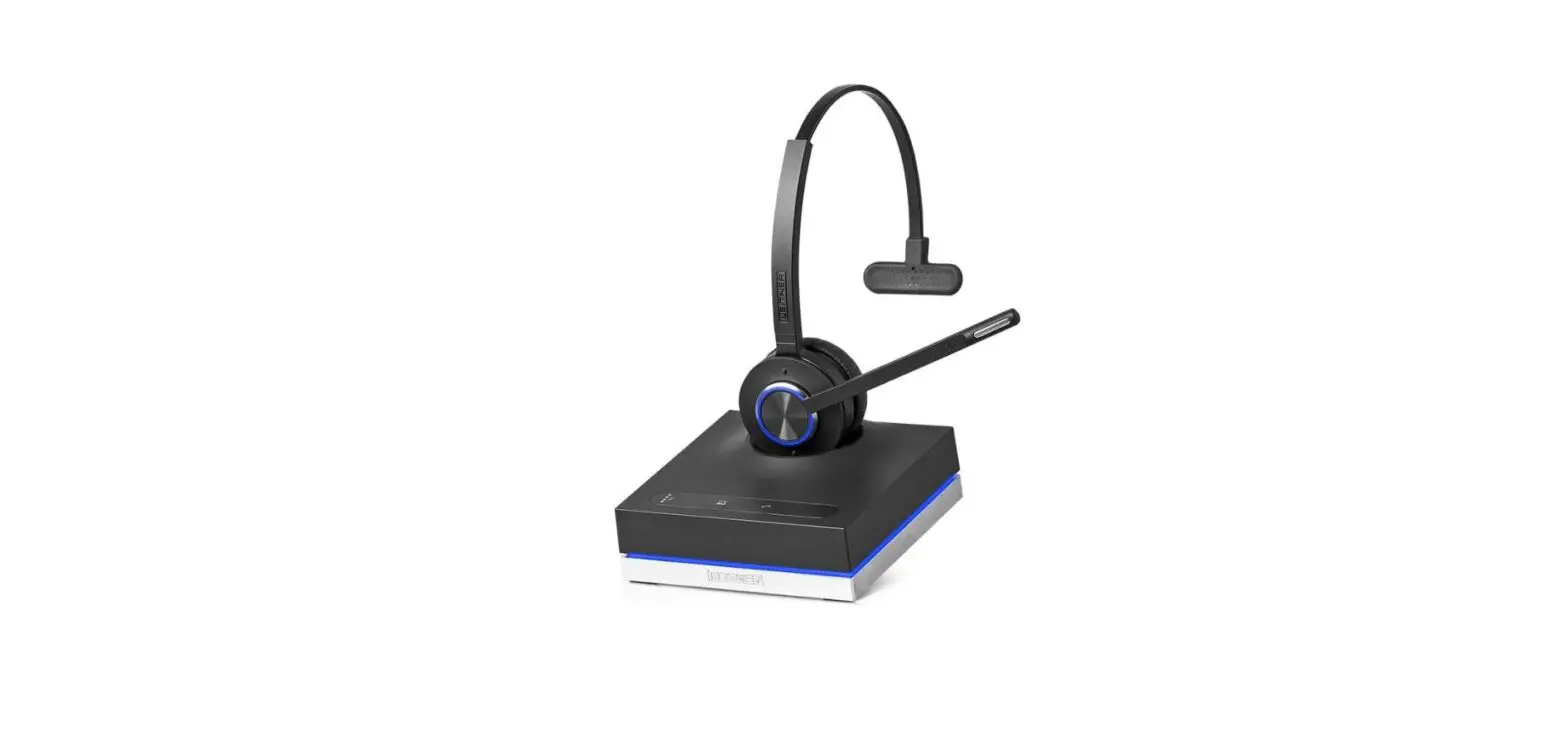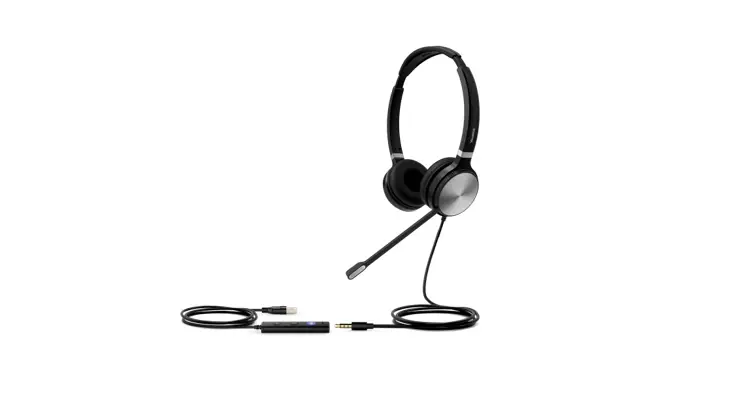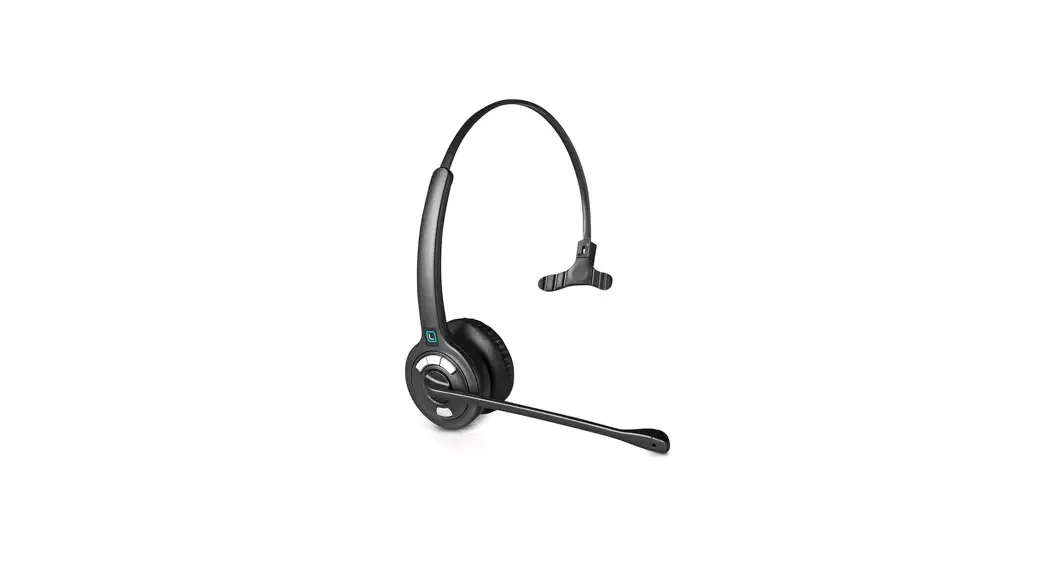
 LH250 USB Headset with Microphone
User Guide
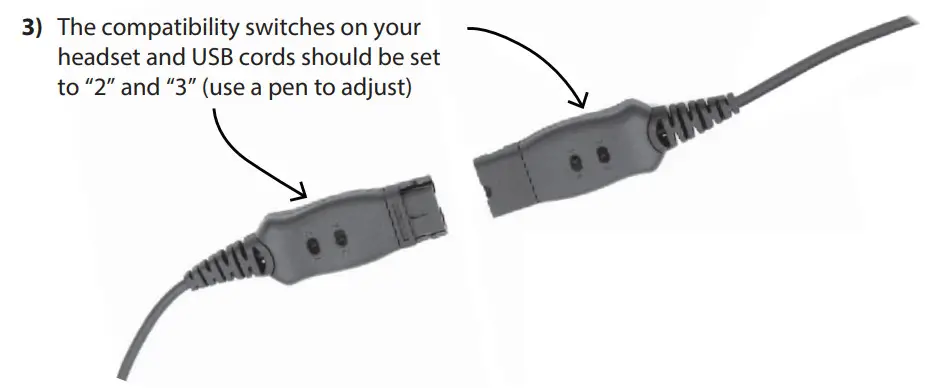
- Connect your Leitner Headset to the Quick Disconnect Cord
- Plug the USB end into an available port on your computer

Windows Users
Right click the Volume icon in the taskbar of your computer and select “Open Sound settings” or “Playback devices”
Select “USB Headset” as your Input & Output Devices
Want more help? Call 1-800-432-3738 Mon-Fri 9am-7pm Eastern Time for free support!