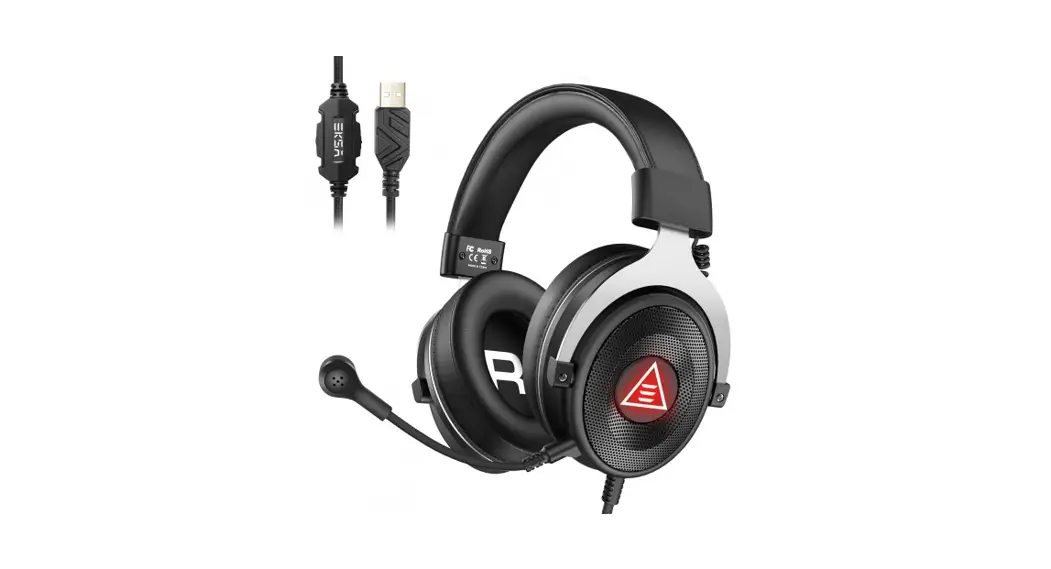
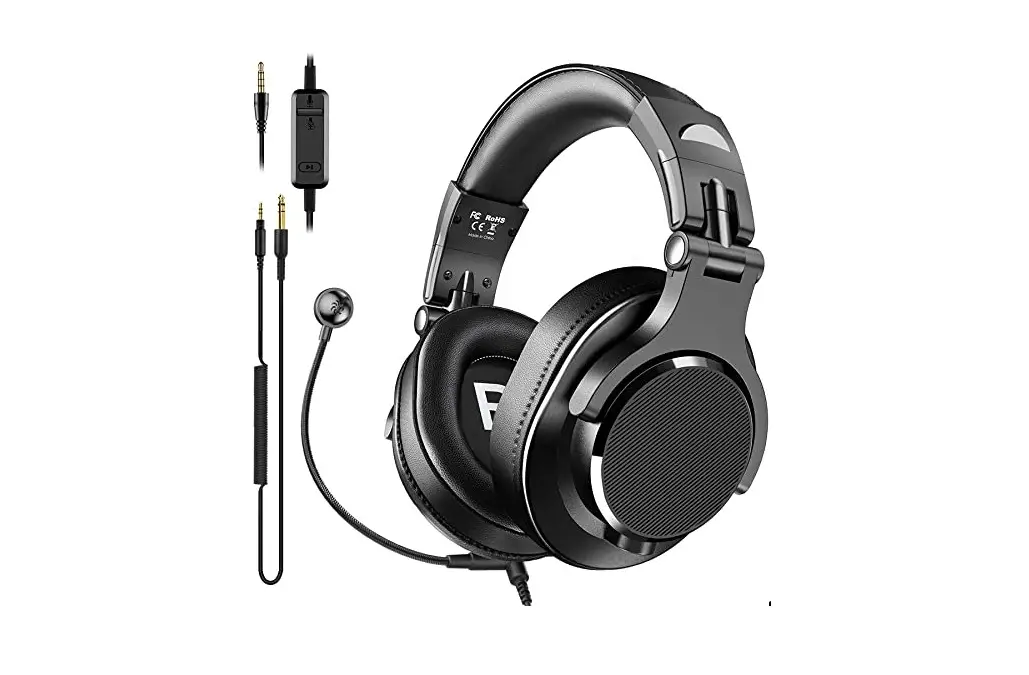
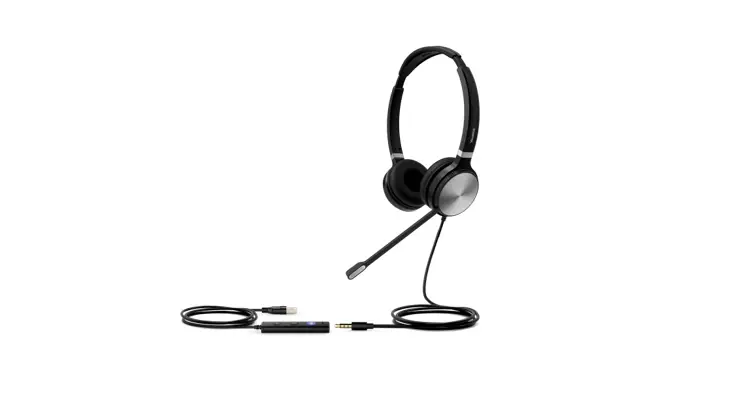
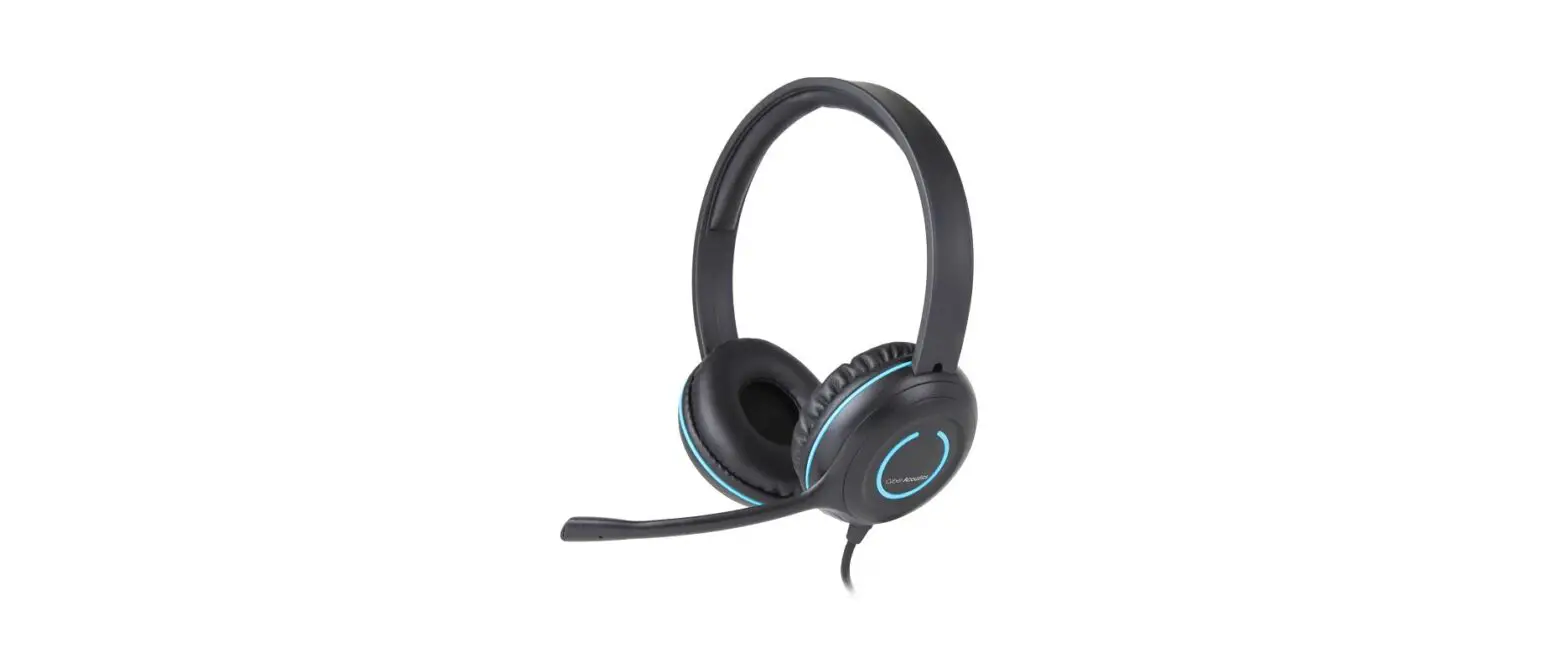
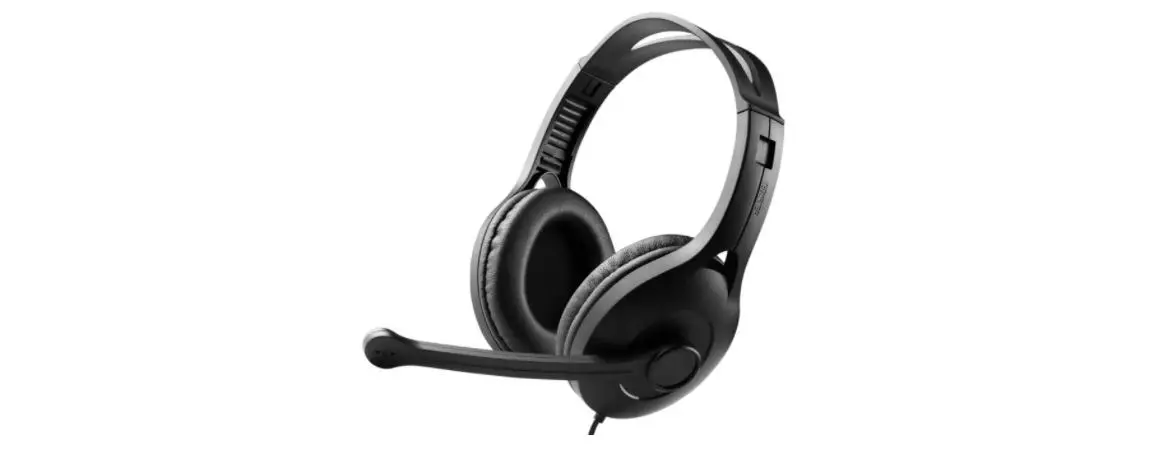
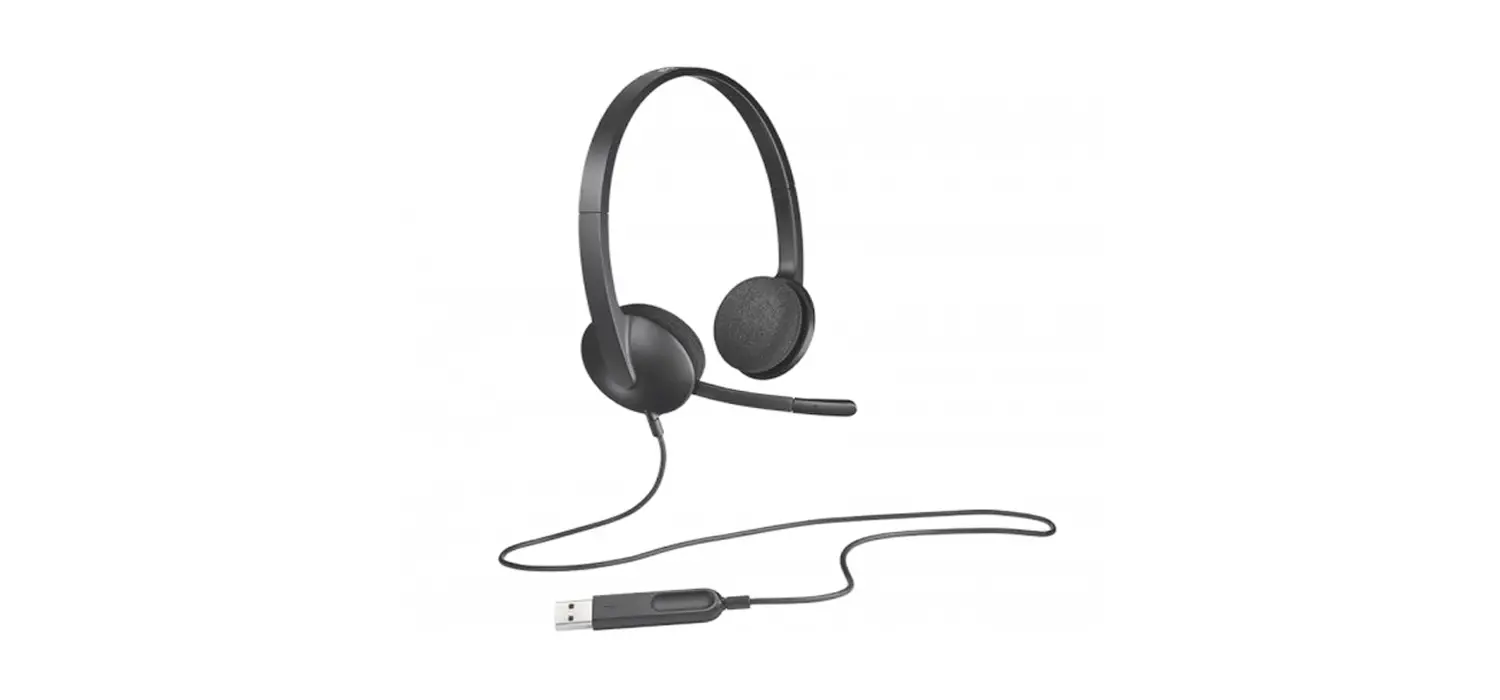
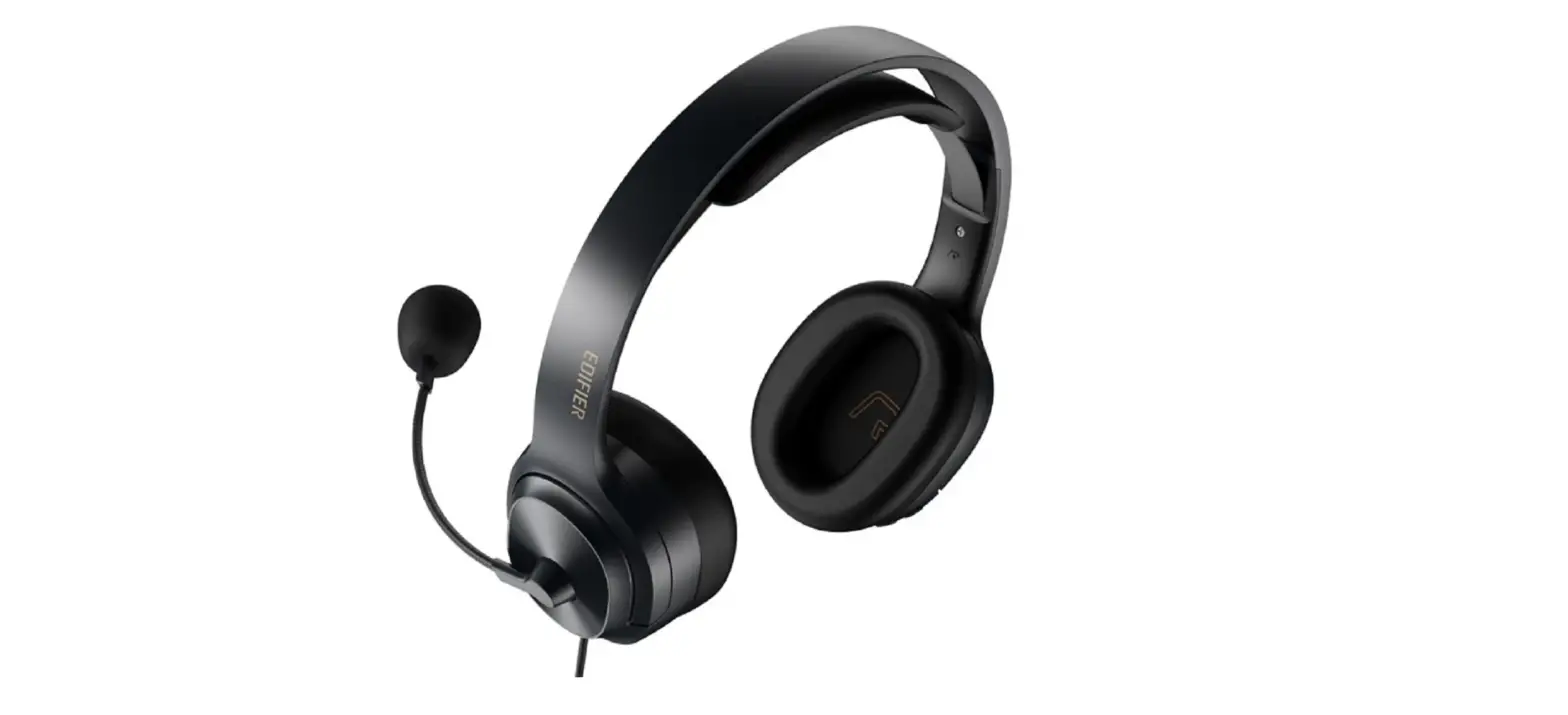
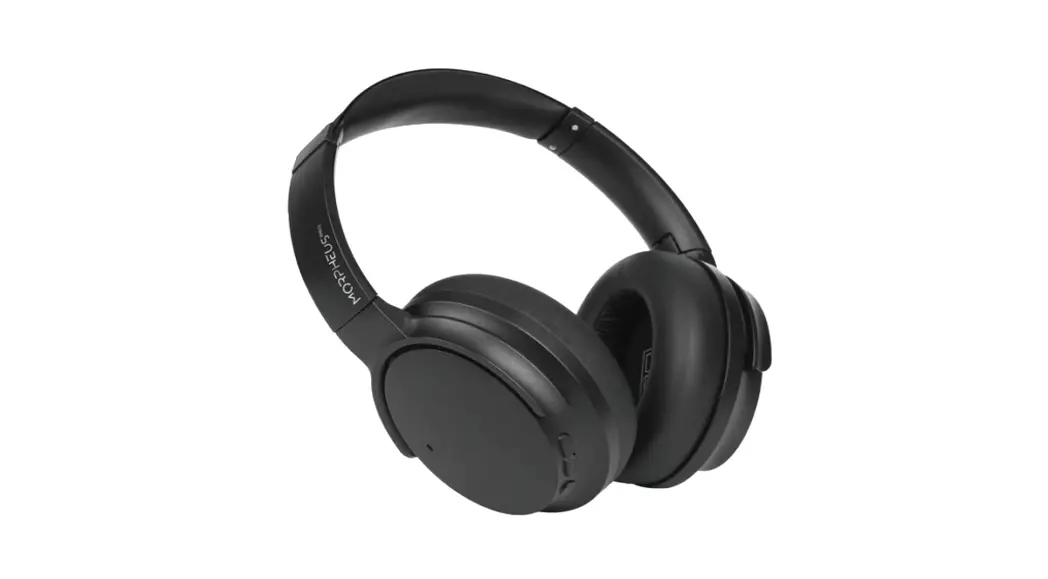
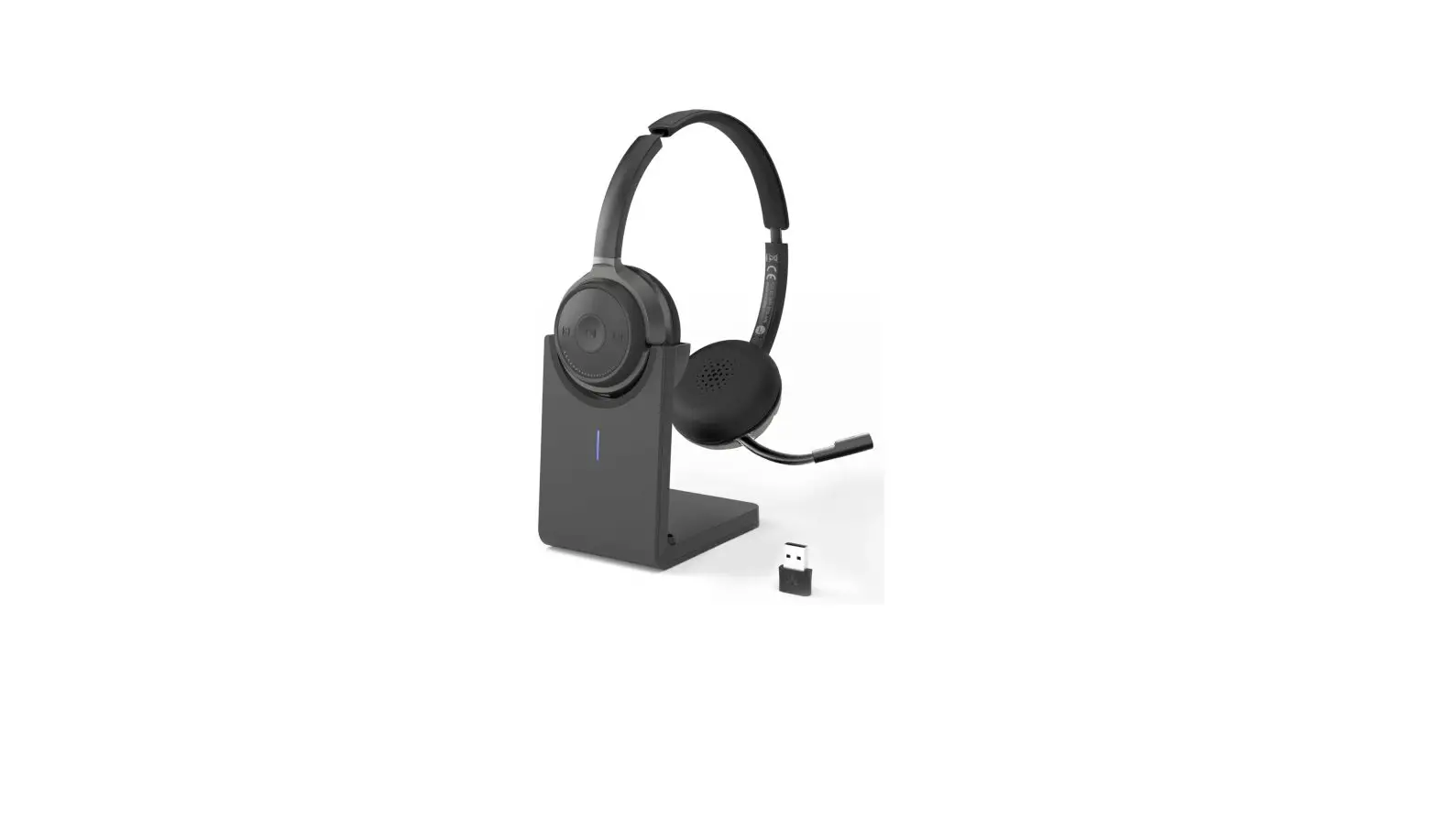
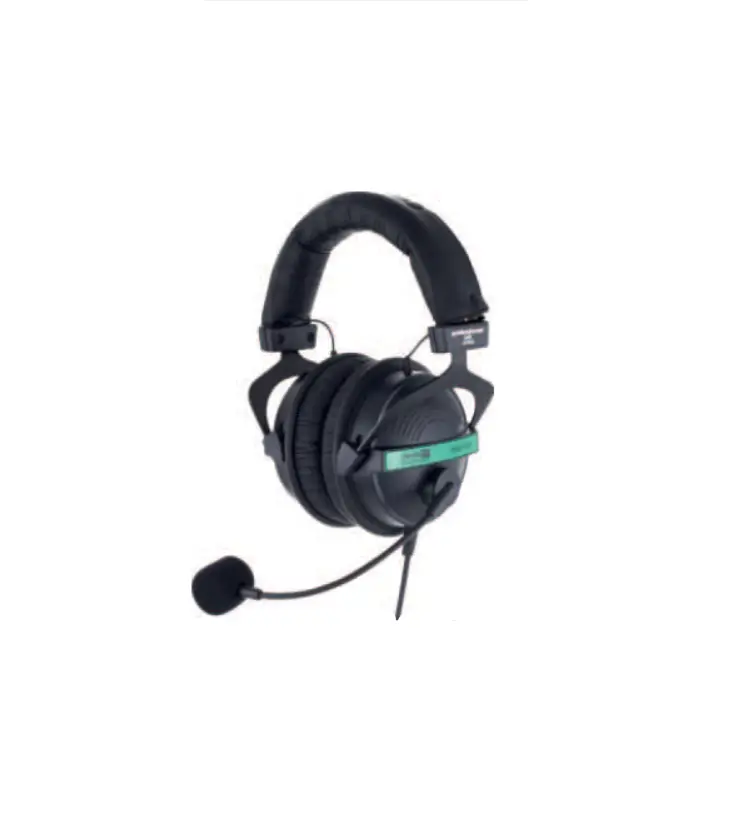
EH07 USB Headset with Microphone
Product Information:
| Model | EH |
|---|---|
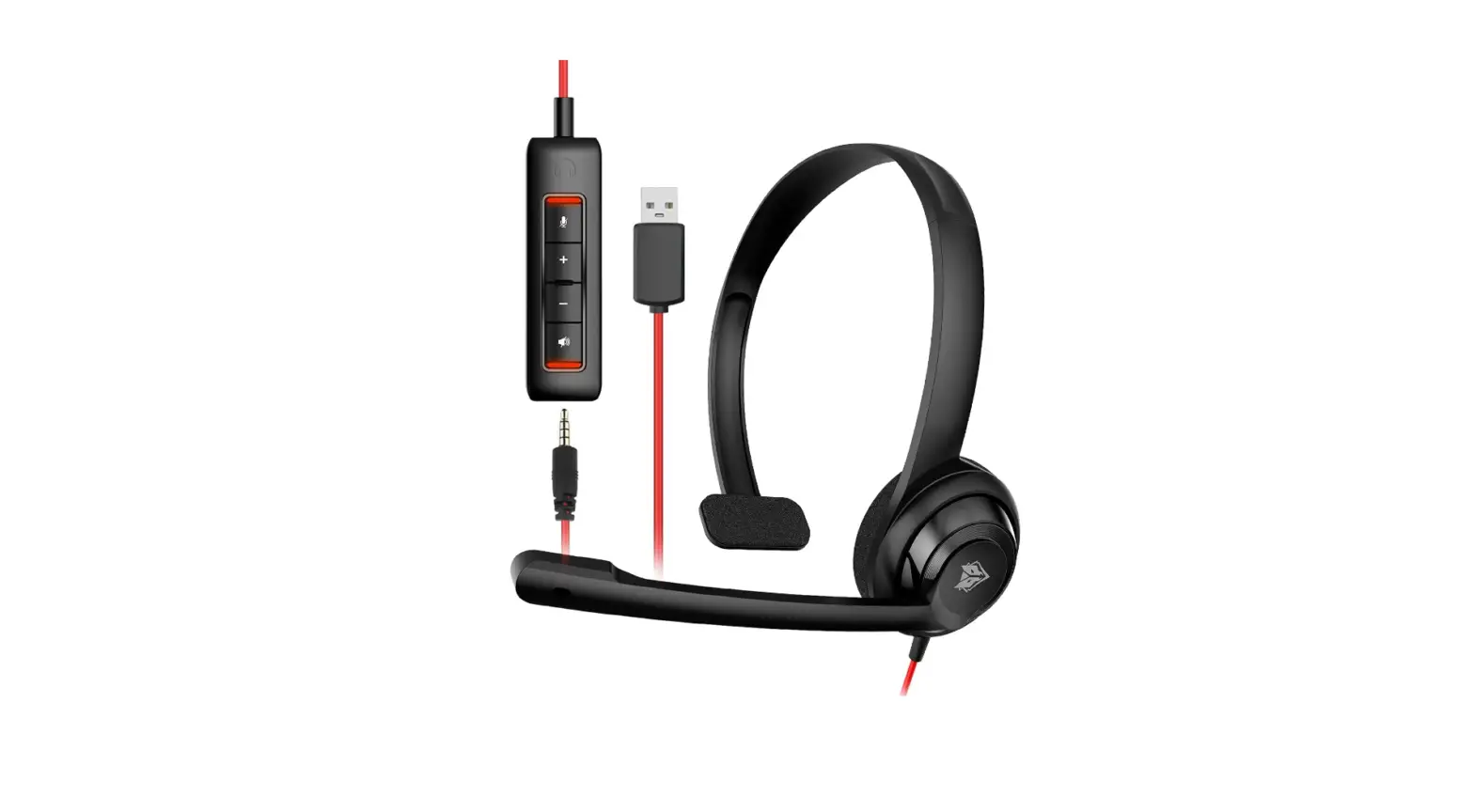
| Package Contents | Use Manual, Leather earmuffs, USB Sound Card, Adjustable headband |
| Controls | 1. Microphone mute switch 2. Headphone volume + 3. Headphone volume 4. Silence switch |
| Mac Setup | Apple Menu > System Preferences > Sound > Set default output and input to USB Audio Device |
| PC Setup | Control Panel > Sound > Set Default Playback and Recording to USB Audio Device |
| 3.5mm Jack Plug and Play | Work with all .mm devices simply Solo hay que usar todos los dispositivos de , mm |
| How to get help when you have a problem | Q: How can I hear my own voice in the headphone when I talk? A: Operate on the computer through the following steps: Setting – Control Panel – Hardware and Sound – Sound – Recording (Select connected headset, and then click the mouse on the right) – Listen (Check listen to this device) Q: How long is the cord? Q: What should I do if the headset has an |
| Troubleshooting | Headset not working – Los auriculares no funcionan |
| Manufacturer | Dongguan Pengsheng Electronic Technology Co., Ltd |
| Address | No. , Haizi Road, Shipai Town, Dongguan City, Guangdong Province |
| Customer Service | -month warranty Lifetime technical support Respond within 24 hours to exclusive after-sales service |
FEABASK
Use Guide
Model:EH
Package Contents
Use Manual Instrucciones de uso
Leather earmuffs Orejeras de cuero
USB Sound Card Tarjeta de sonido USB
Adjustable headband Cabezal ajustable
Microphone Micrófono
.mm jack Enchufe de . mm
Controls
1 Microphone mute switch 2 Headphone volume + 3 Headphone volume 4 Silence switch
12
34
Interruptor de silencio del micrófono 1
2 3 4
Mac Setup
PC Setup
Apple Menu>System Preferences>Sound>Set default output and input to “USB Audio Device”
Menú Apple > Preferencias del sistema > sonido > establecer valores predeterminados Salida e entrada a “USB Audio Device”
Control Panel>Sound>Set Default Playback and Recording to “USB Audio Device”
Panel de Control > sonido > establece la reproducción predeterminada y Grabado en “USB Audio Device”
3.5mm Jack Plug and Play
Work with all .mm devices simply Solo hay que usar todos los dispositivos de , mm
NOTE: An Headset Splitter Cable connection is required for the microphone to work with the computer when only using a .mm jack; Connecting a USB sound card to a computer microphone can work properly without the need Headset Splitter Cable NOTA: se requiere una conexión por cable del divisor de auriculares Micrófono que se puede usar con la computadora cuando solo se utiliza un enchufe de , mm; Conectar la tarjeta de sonido USB al micrófono del ordenador funciona correctamente sin necesidad de un cable divisor de auriculares
How to get help when you have a problem
QHow can I hear my own voice in the headphone when I talk
AOperate on the computer through the following steps: Setting -Control Panel -Hardware and Sound-Sound-Recording (Select connected headset, and then click the mouse on the right )-Listen (Check listen to this device)
QHow long is the cord?
AAbout .Feet
QWhat should I do if the headset has an echo
AIf the headset has an echo, please don’t worry, this can be solved. Please enhance the strength of the microphone in the settings on the computer and cancel the monitoring function on the computer
P¿Cómo puedo oír mi propia voz en el auricular cuando hablo?
AOperar en la computadora a través de los siguientes pasos: Configuración – panel de control – grabación de hardware y sonido (seleccione los auriculares conectados y luego haga clic en el ratón a la derecha) – escuchar (seleccione escuchar este dispositivo)
P¿¿ cuánto tiempo tiene la cuerda?
AUnos , pies
P¿Si los auriculares tienen eco, ¿ qué debo hacer?
ASi los auriculares tienen eco, no se preocupe, esto se puede resolver. Aumentar la intensidad del micrófono en la configuración de la computadora y cancelar la función de monitoreo en la computadora
Troubleshooting
Headset not working Los auriculares no funcionan
·Confirm that the Headset is plugged firmly into the Audio Control Unit ·Check the connection between the headset and the device interface, connect
directly to the device, do not use an adapter cable. ·In your application and operating system, check the volume and microphone
settings. ·Restart your application
Verifique la conexión entre los auriculares y la interfaz del dispositivo, conéctese directamente al dispositivo, no use un cable adaptador.
Maufacturer
Address:
No. , Haizi Road, Shipai Town, Dongguan City, Guangdong Province Dongguan Pengsheng Electronic Technology Co., Ltd
Dirección:
No. , Haizi Road, Shipai Town, Dongguan City, Guangdong Province Dongguan Pengsheng Electronic Technology Co., Ltd
Customer Service
-month warranty Lifetime technical support Respond within hours to exclusive after-sales service