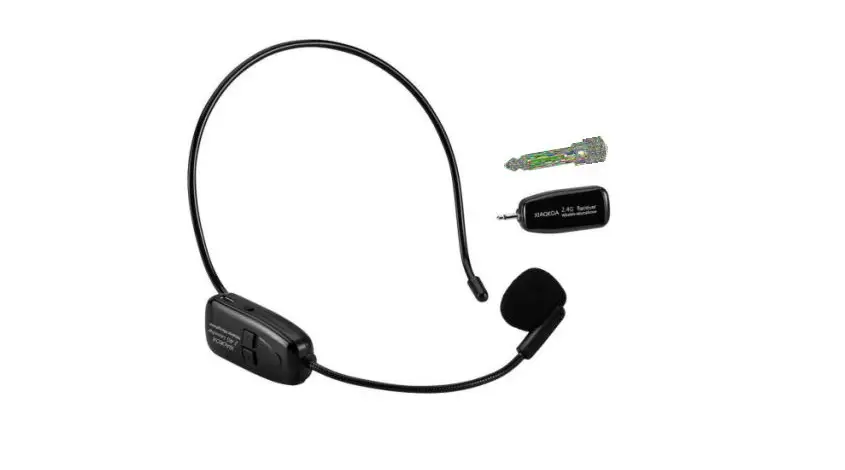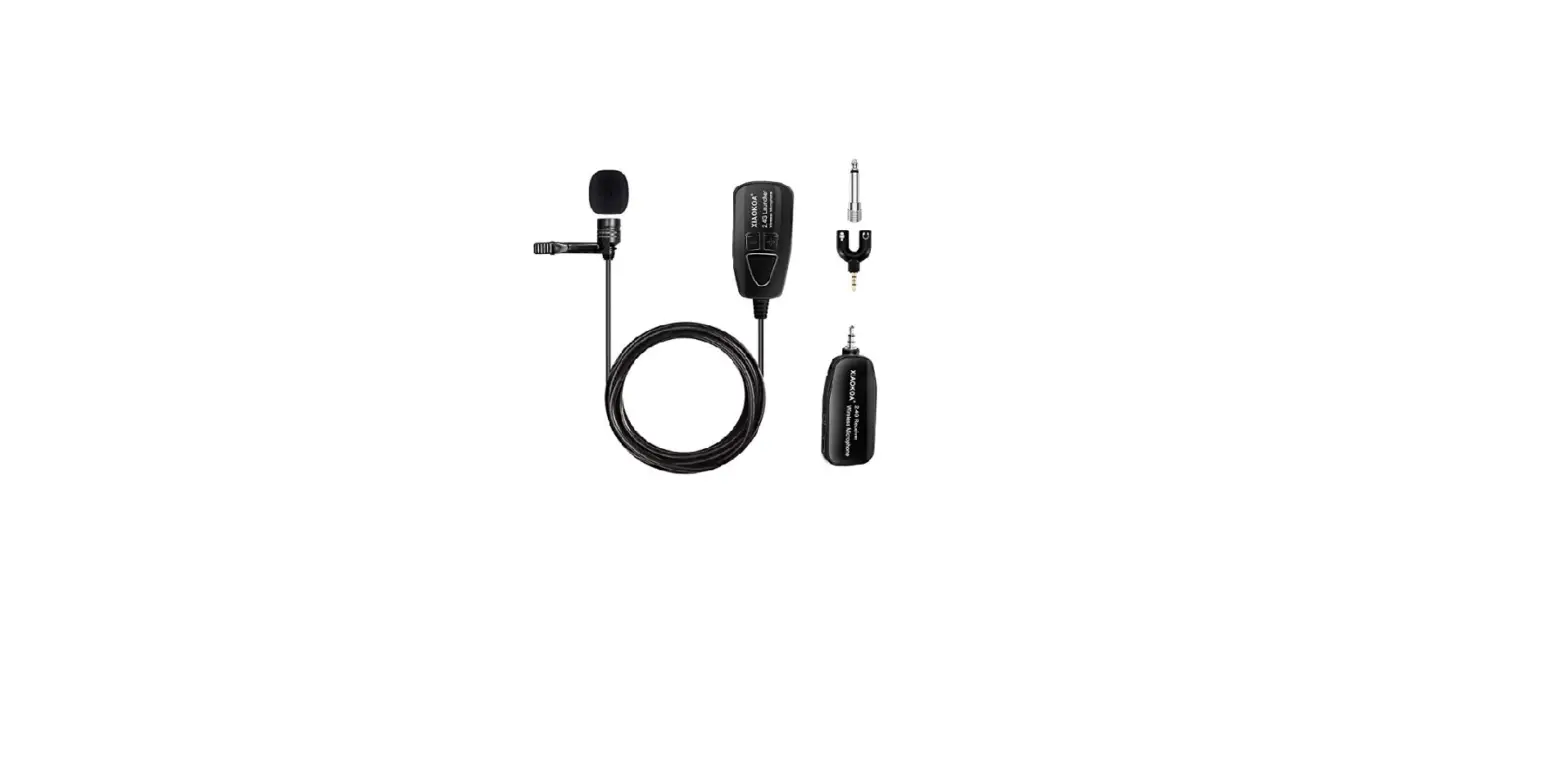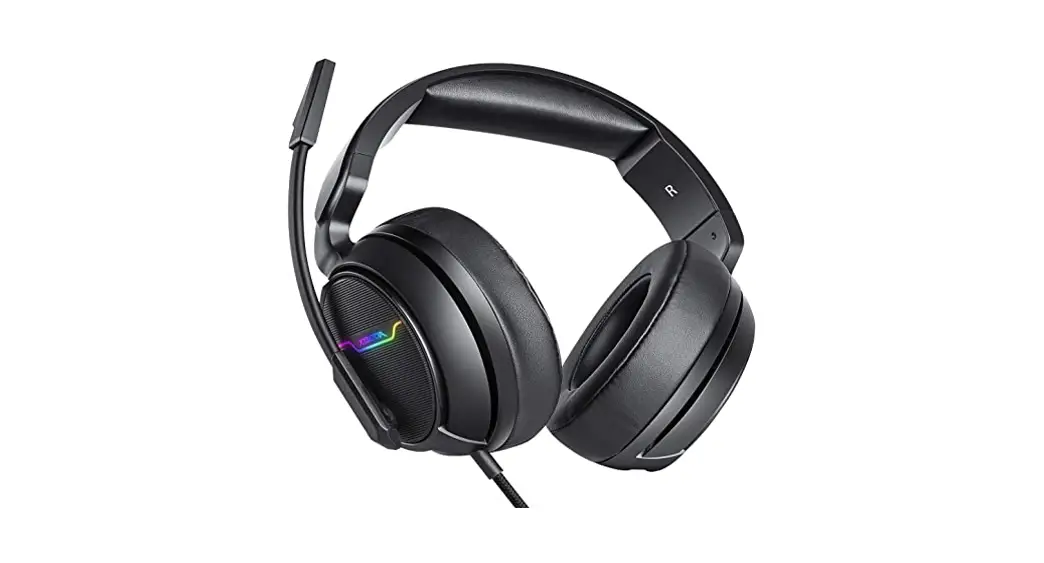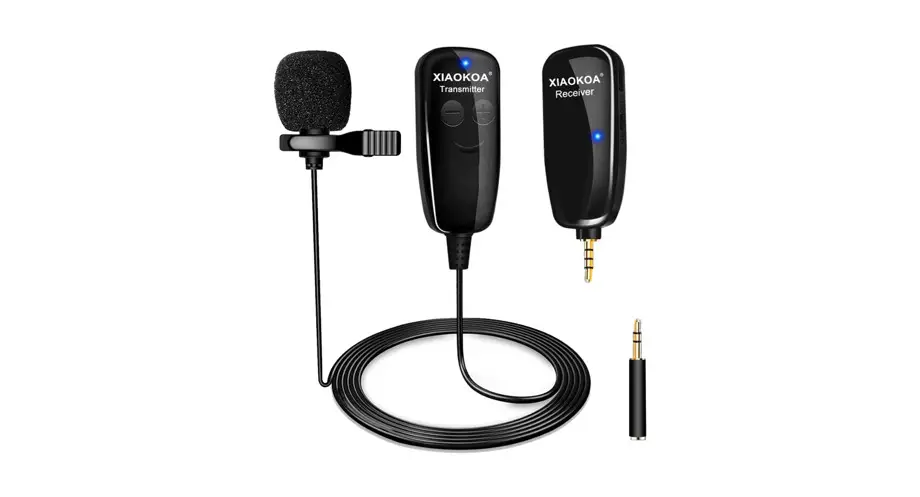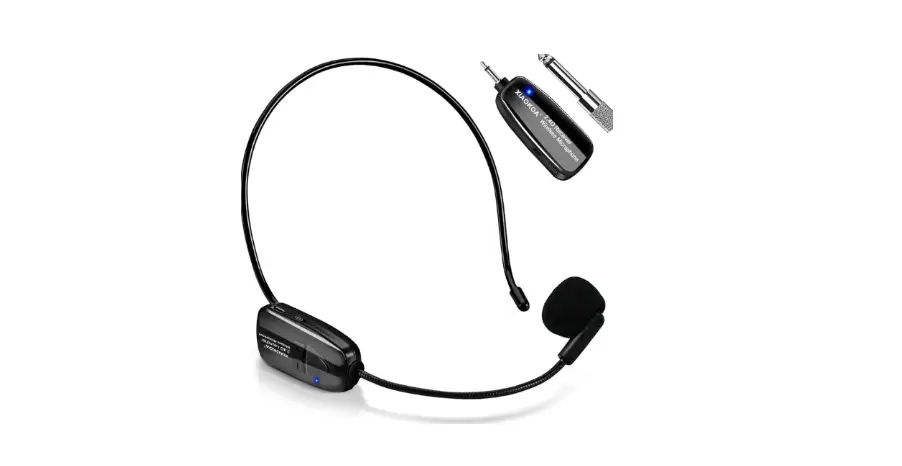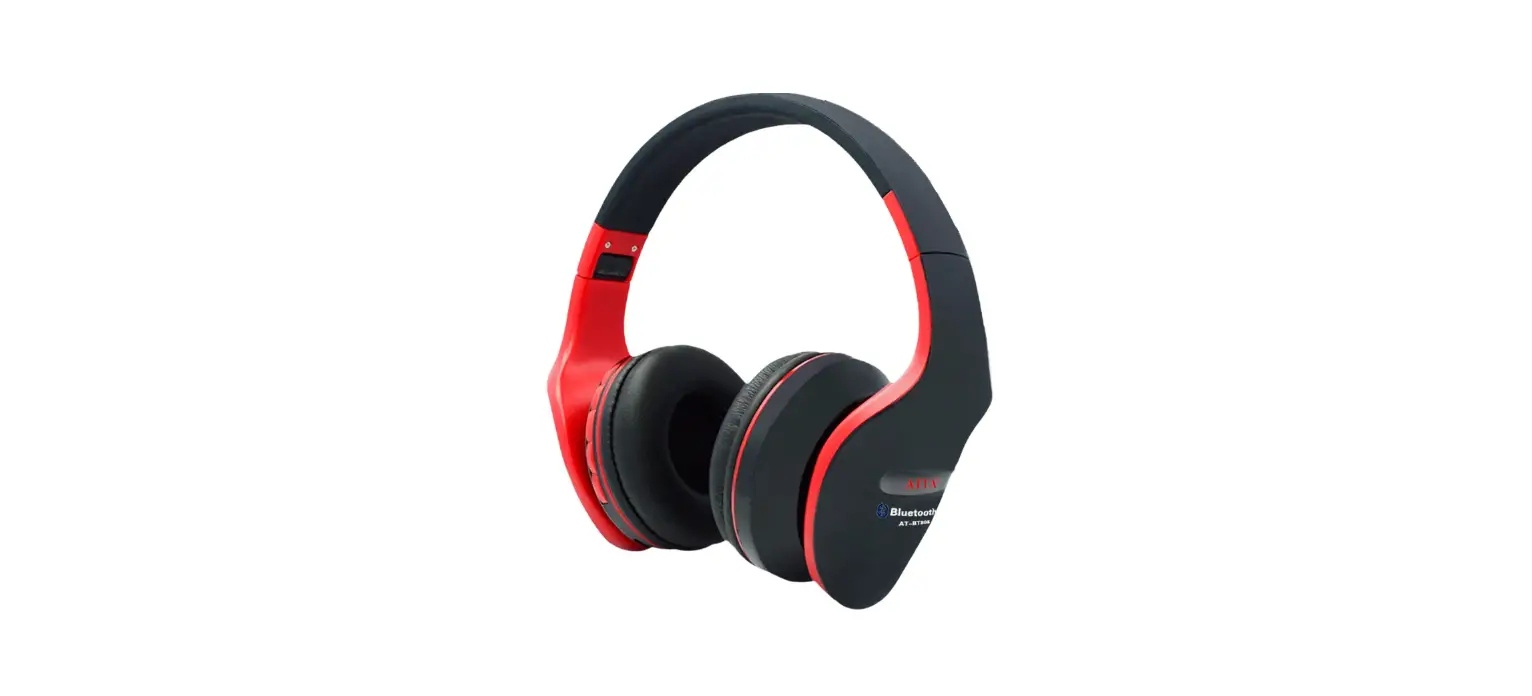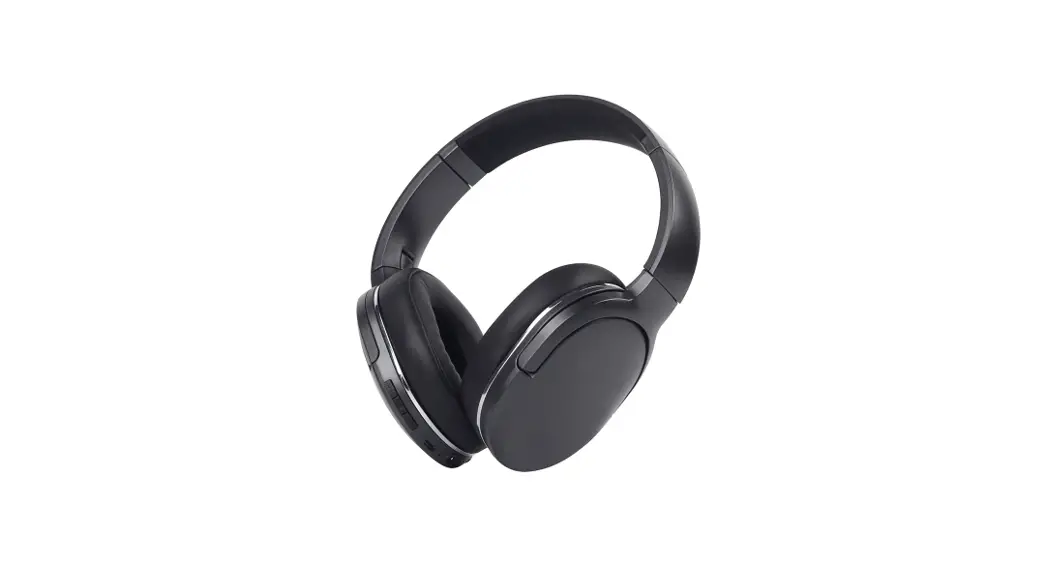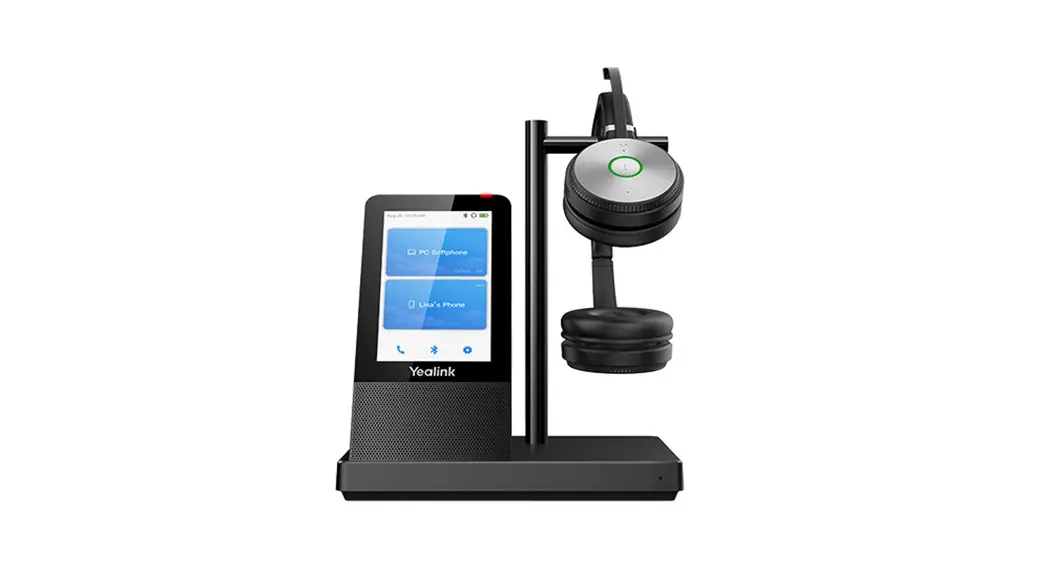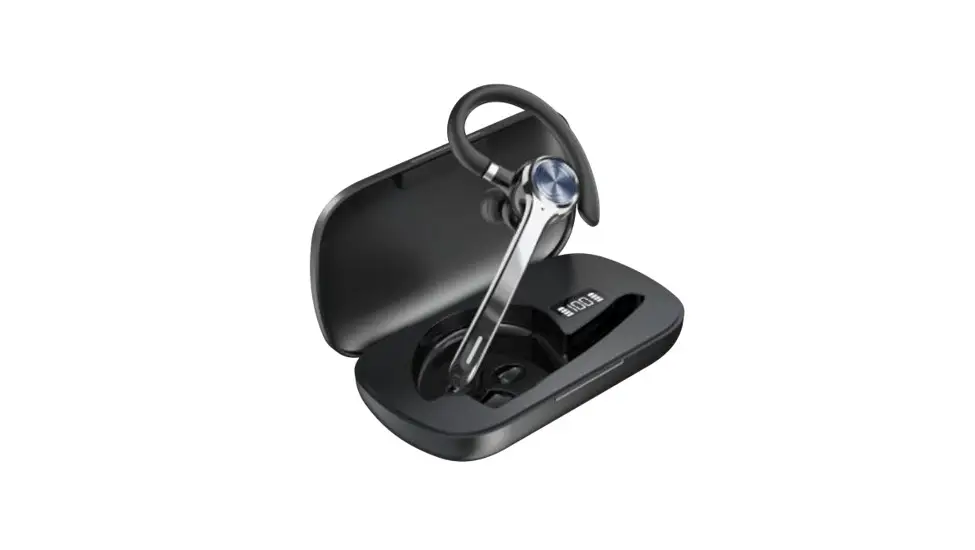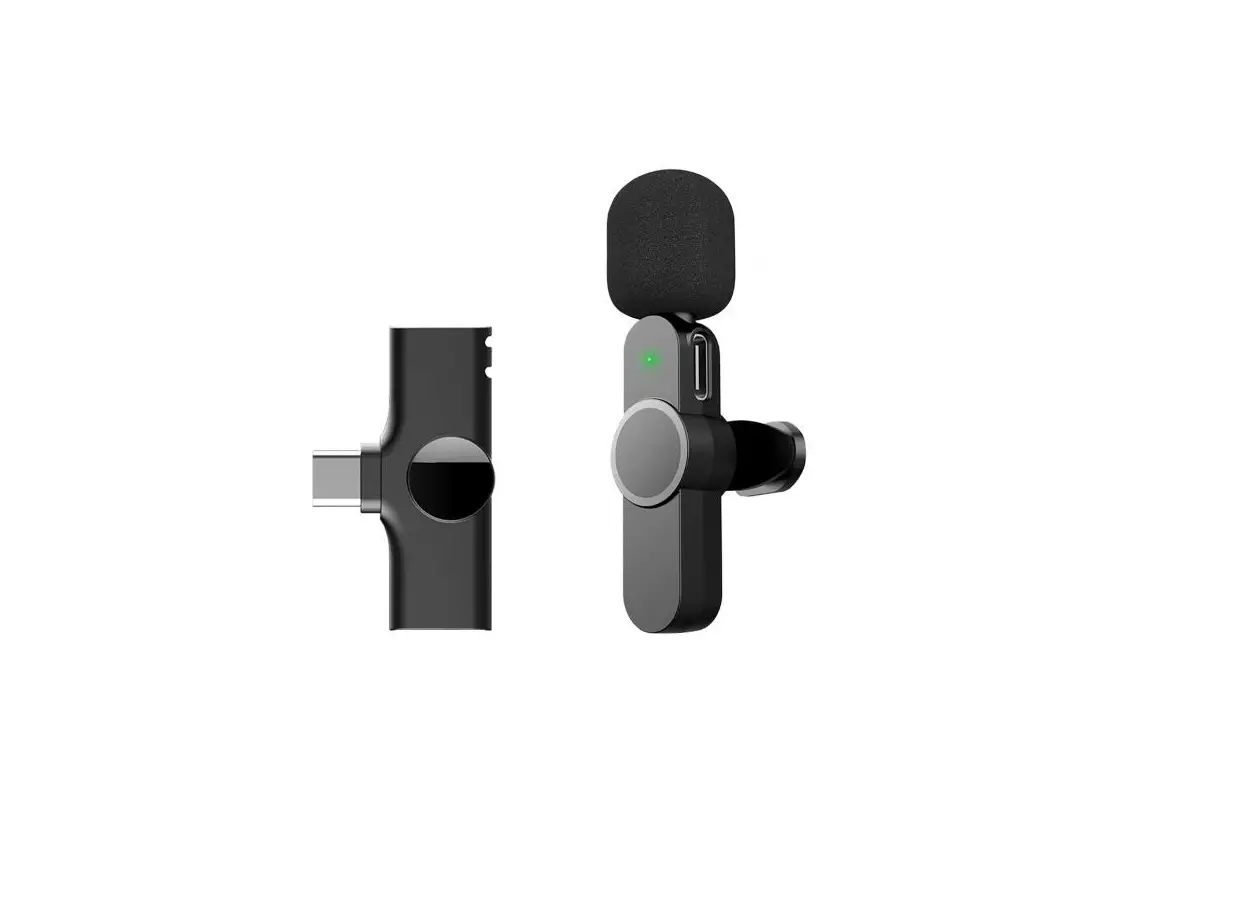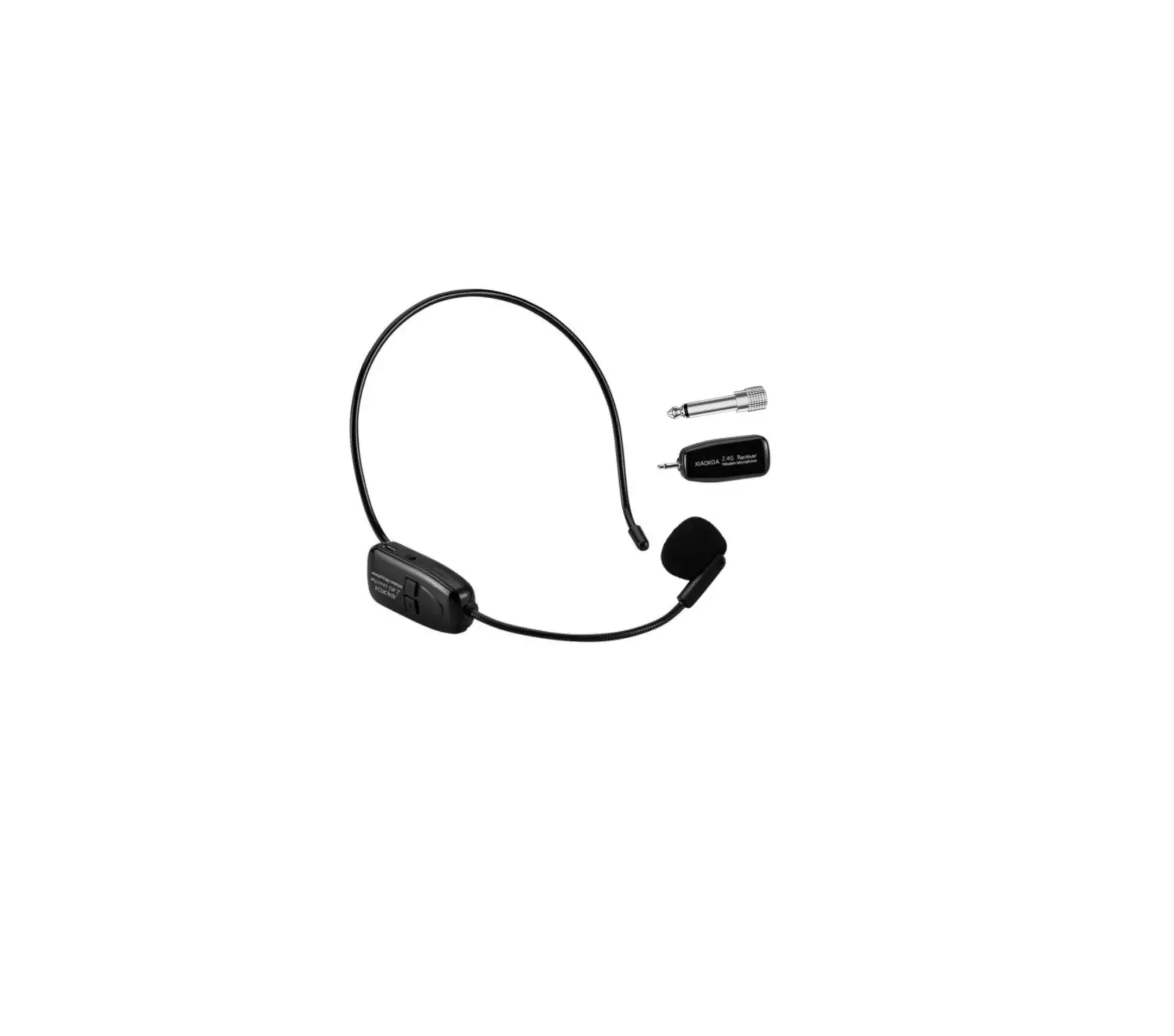
XIAOKOA N-80 Wireless Microphone Headset
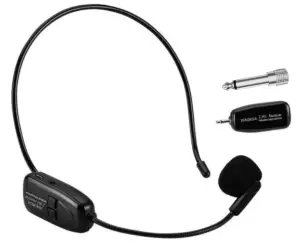
Features
The wireless microphone uses 2.4g technology, which features signal stability, plug and play, long distance amplification etc. It is compatible with a variety of loudspeakers, amplifier equipment, outdoor audio equipment, etc.
Product Overview
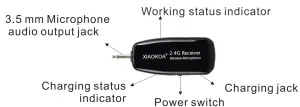
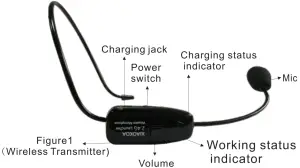
How to set up on amplifier
Headset and receiver connection method
- Turn on the transmitter, the blue light will flashing.

- Turn on the receiver, After the blue light stops flashing, successfully paired.

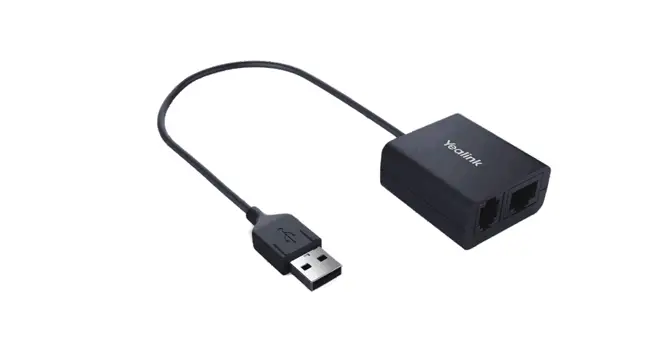
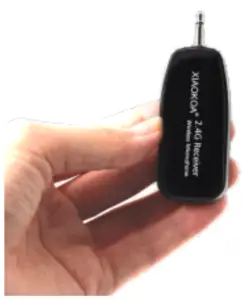
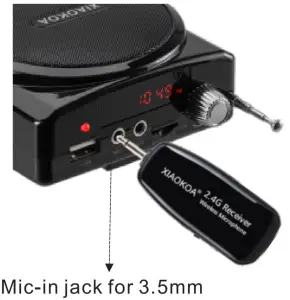
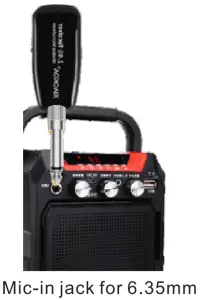
- Insert the receiver into the MIC port of amplifier. when used on a PA device with 6.35mm, first plug the receiver into the 6.35 converter and then plug it into Mic-in jack on the PA device.


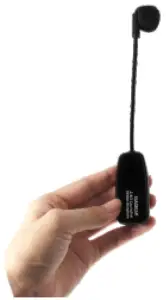
How to dissemble
Step 1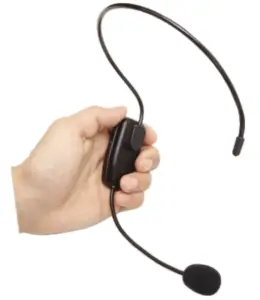
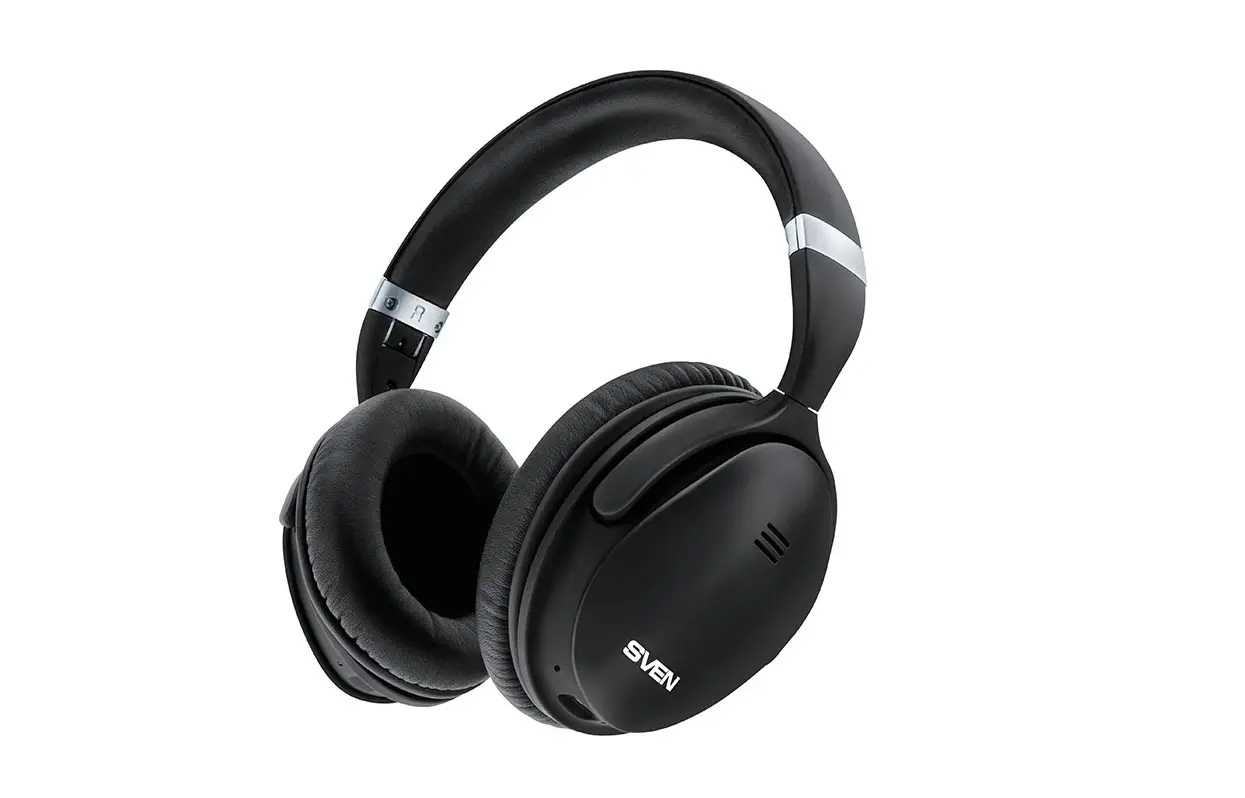
Step 2: Use 2 thumb to press down the Headset holder at the same time.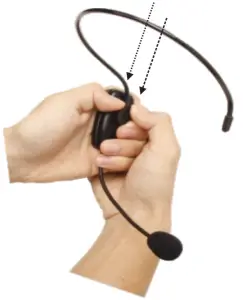
Step 3 After remove it, the headphone will separate out.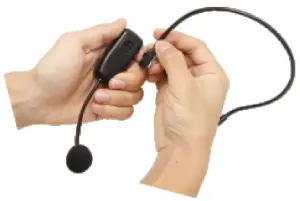
Step 4 When wan to assemble, there will be a joint and allign it by using 2 thumb to push it up.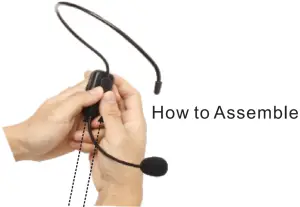
Product Parameter
| Model: N-80 | Sampling Frequency: 16KS /s |
| Input Voltage Range: DC3.5V-5.5V | Modulation Method : GFSK |
| Maximum Current: 40mA | The speaker size: 3 inch |
| Battery Type: Built in 400mah | RF Transmission Power : 10dBm |
| Charging Time: <4hours | Transmission Distance: 40m |
| Working Time: 1 0hours | RX Sensitivity: -88d8m |
| Frequency Band: 2400-2483Mhz | S/N Ratio : 65d8 |
Question & Answer
| Question | Answer |
| Low voice | 1. Check the connection of transmitter and receiver whether is successful. (If successful, the blue lamp stops flashing.) |
| 2. Pressing the “+” button on the transmitter increases the volume. | |
| 3. Adjust the volume of playback equipment such as amplifier etc. | |
| Why can’t the microphone be connected to the loudspeaker? | Check that the receiver and transmitter power switches are turned on. |
| Can’t work or the blue light flashes rapidlywhile the microphone working. | Low battery of transmitter or receiver. Charging it as soon as possible. |
Introduction
Thank you for purchasing this wireless microphone, please read this user manual carefully.
Tips
The product must be set up on windows first and secondly turning on the recording software.
Specification
Sampling Frequency | 16KS/s |
Modulation Method | GFSK |
| The Speaker size | 3 inch |
RF Transmission power | 10dbm |
| Transmission Distance | 40m |
RX Sensitivity | -88dbm |
| S/N Ratio | ≥65db |
Warranty
At XIAOKOA we believe in our products. That’s why we back them all with 1 years warranty and provide friendly, easy-to-reach support.
Please feel free to contact us if you encounter any problem that you cannot solve!
Customer Service
@XIAOKOA
[email protected]
http://www.xiaokoa.com
PLS CONTACT US DIRECTLY WITH ANY QUESTION OR ISSUE WE ARE ALWAYS HERE TO ASSIST YOU, THANKS